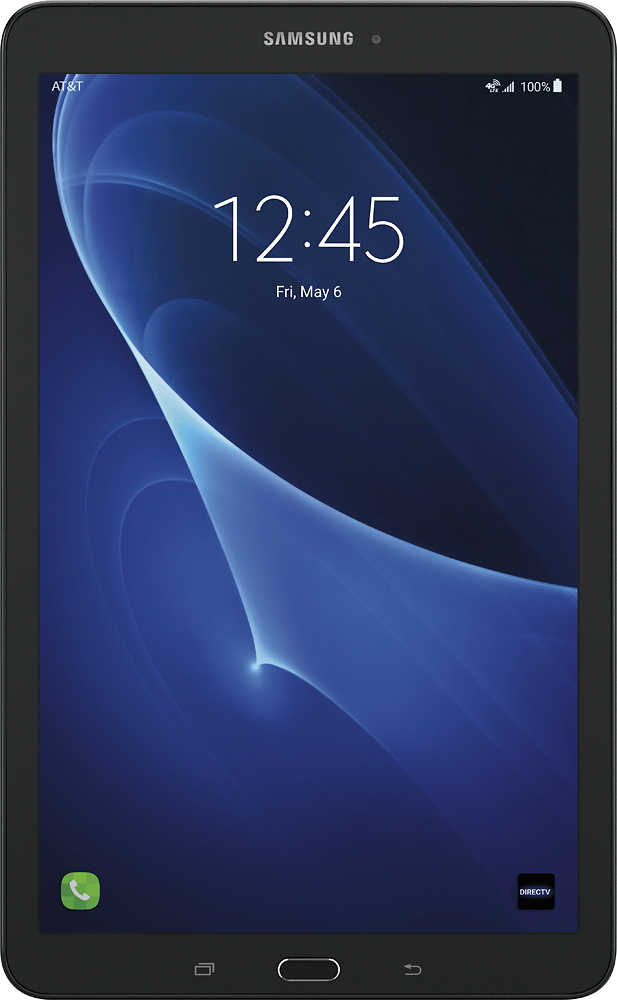
A:AnswerYes, you can just use WiFi, but if you never want to use a cellular connection you should get a WiFi only model. With the contract you would have to pay monthly for the cellular connection.
A:AnswerThe functionality is there, and you may need to pay your wireless provider more depending on whether or not, wireless hotspot or tethering is included in your plan.
A:AnswerBlackboard definitely works, just as on a laptop. I don't know the other program but if you can run it on a windows laptop, it will run on a Surface. I use Blackboard for work every day and it is perfect, with no glitches.
A:AnswerFrom the Home screen, tap Apps. Tap Kids Mode. If not yet opened, the icon will appear as Dragon. Tap OK on the Install application notice to allow download. Tap INSTALL to begin installation.