Black Friday is hereShop new DoorbustersShop now

Skip to content
Gift Ideas
26 Cypress St
Williston, VT 05495
Open until 10 pm
Find Another Store
Main Content

Questions & Answers

Your price for this item is $429.99
The comparable value price is $569.99
Page Showing 1-16 of 16 questions
  • QuestionWill I be able to do word documents and edit transferred word documents from my PC with Windows 10 on the Samsung Galaxy Tab S10 FE? Is that Samsung Tab compatible with the use of my HP Jet Pro 8600 printer?

    Asked by Jmay.

    • Answer Hey there Jmay, thank you for taking the time to ask us your question about the Samsung Galaxy Tab S10 FE. Yes, you can work with Word documents and edit transferred Word documents from your PC on your Samsung Galaxy Tab S10 FE. You can easily pair your tablet via Bluetooth to your printer for wireless printing. Feel free to contact Support if you think of additional questions for us. Thank you for being a devoted Samsung customer. - Debra

      Answered by Samsung

  • QuestionWould this tablet be able to handle quickbooks online? Would it be good for business use?

    Asked by sheshe.

    • Answer Good day Sheshe, thank you for taking the time to ask us your question about the Samsung Galaxy Tab S10 FE. The advertised Galaxy Tab S10 FE is capable of running QuickBooks Online for your business use. If you have any other questions or if you would like any further assistance, please do not hesitate to reach out to Support. Thank you for being a valued Samsung customer. - Debra

      Answered by Samsung

  • Questioncan i download movies to watch on an airplane??

    Asked by Nick.

    • Answer Greetings Nick, thank you for asking us your question about the Samsung Galaxy Tab S10 FE. Downloading movies to watch on an airplane with a Galaxy Tab S10 FE can be accomplished by using apps like Netflix or Google Play Movies & TV that have a download feature. This tablet also offers expandable storage capabilities when a microSD card is added. If you have any other questions for us, please feel free to reach out to Support. Thanks for being a loyal Samsung customer. - Debra

      Answered by Samsung

  • QuestionDoes it have a SD card reader?

    Asked by Anonymous.

    • Answer Yes

      Answered by HryhoriiP

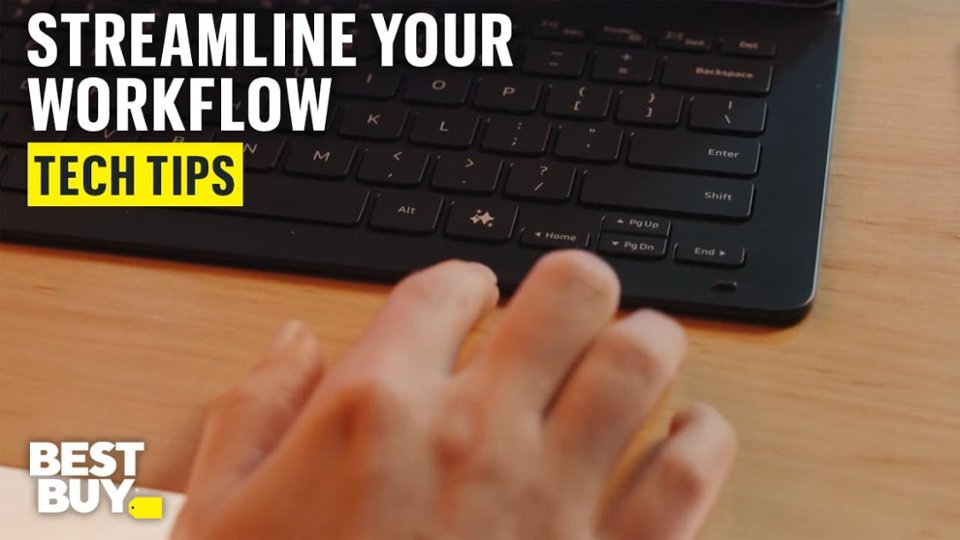
  • QuestionDoes this product come with the keyboard accessory?

    Asked by Aiden.

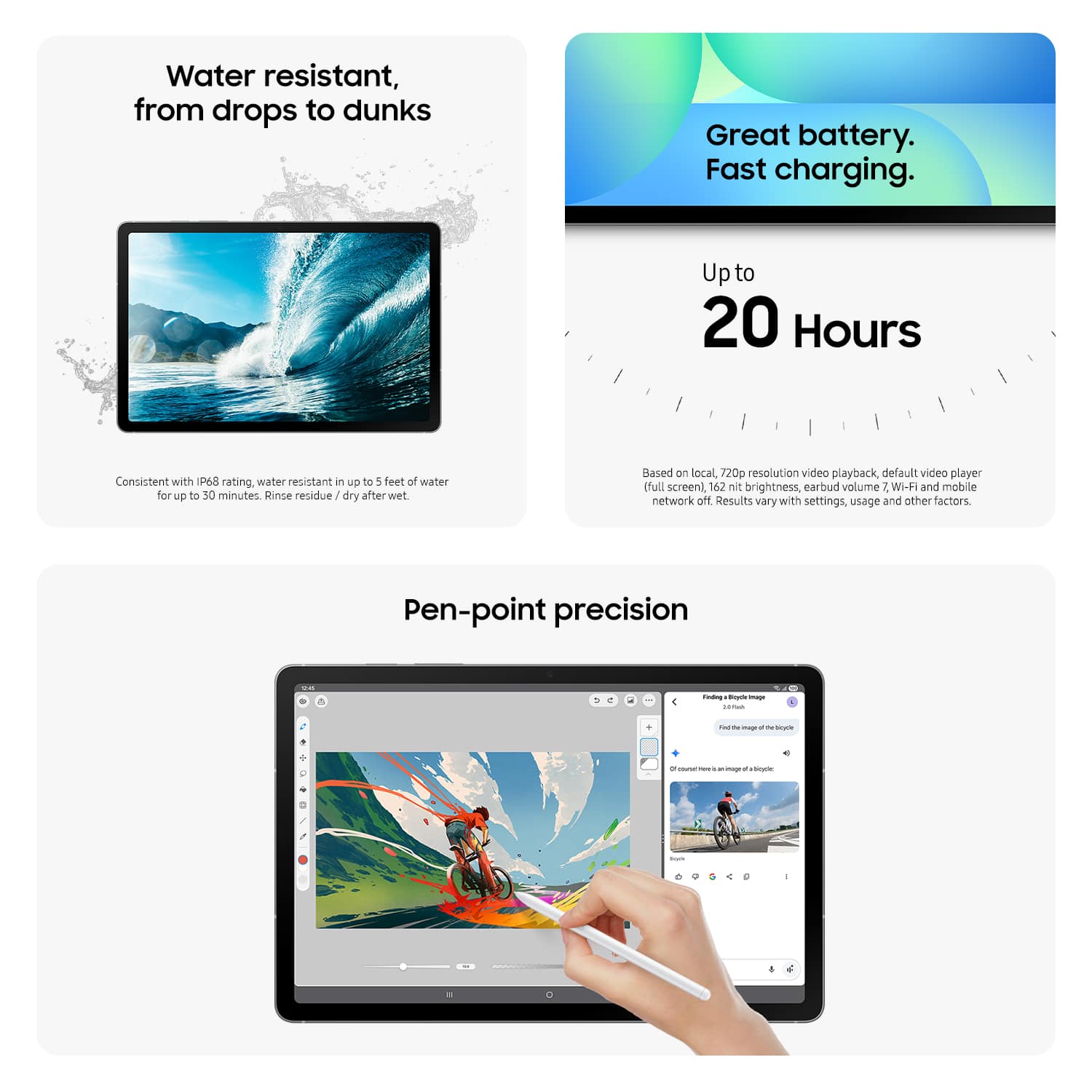
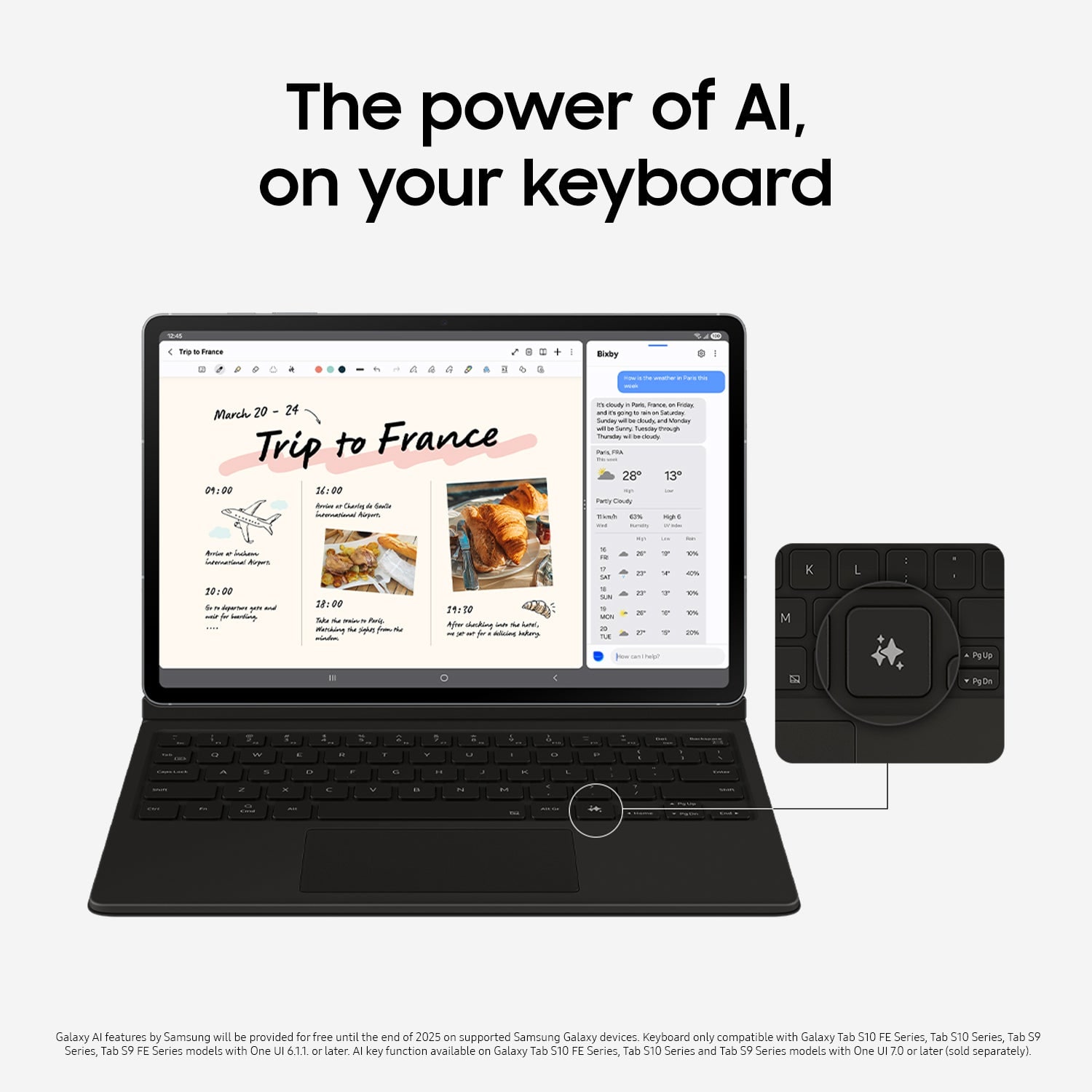
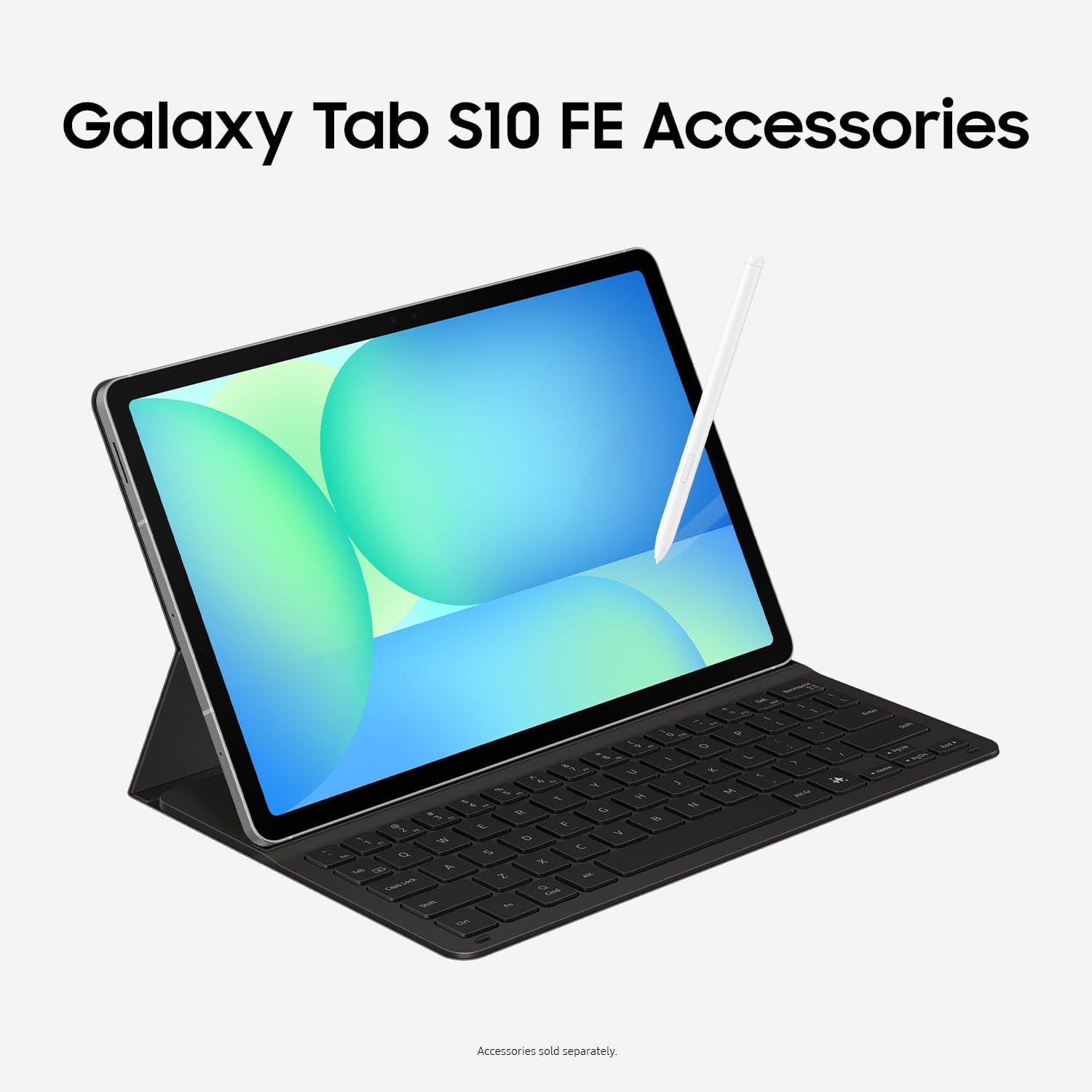
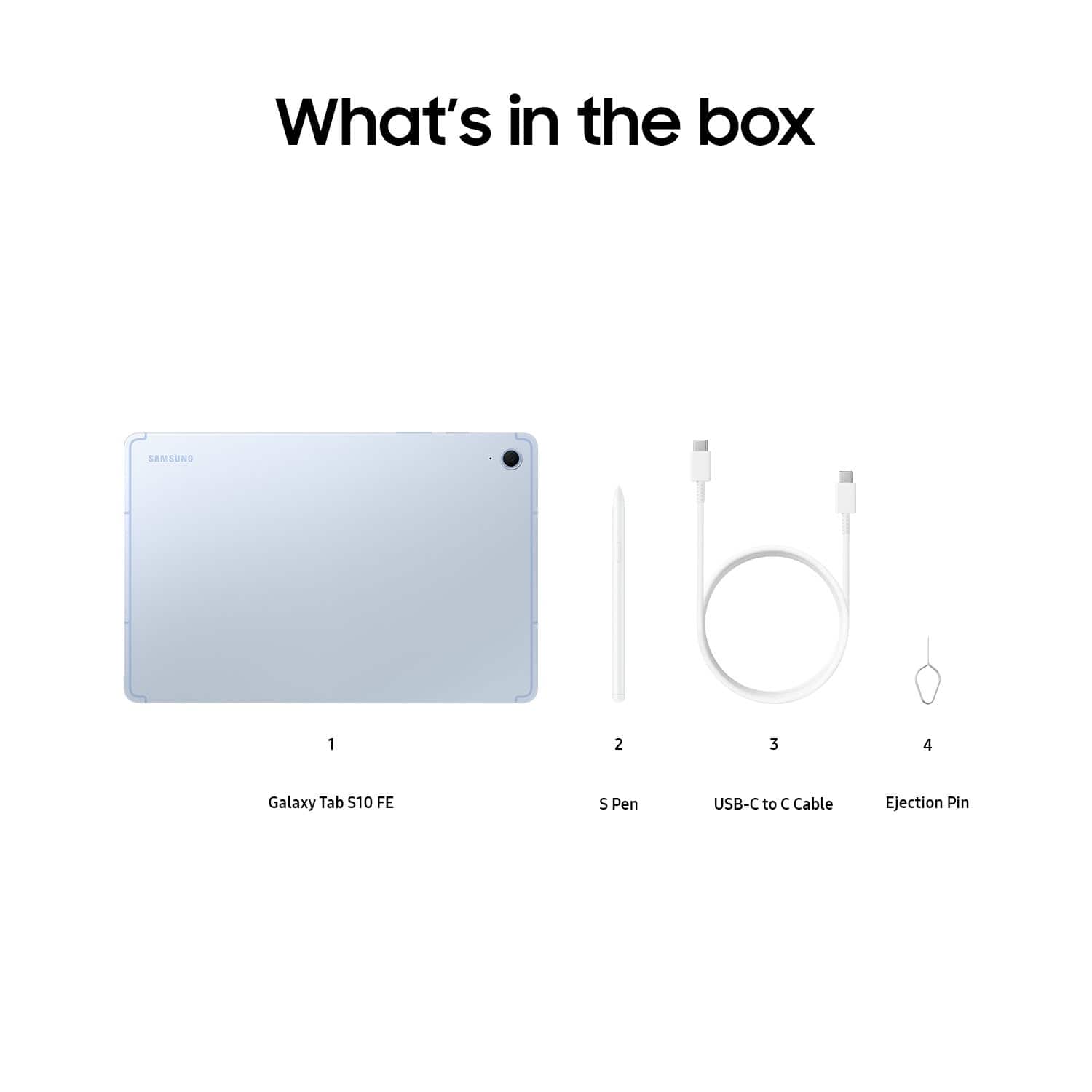
    • Answer Good day Aiden, thank you for asking us your question about the Samsung Galaxy Tab S10 FE. Here's what's included in the box when you purchase this tablet: S-Pen, Data Cable, Ejection Pin, Quick Start Guide. You can absolutely add a keyboard to your order, if you choose. If you have any other questions for us, feel free to reach out to Support. Thanks for being a valued Samsung customer. - Debra

      Answered by Samsung

  • Questiondoes samsung S10 FE support e sim

    Asked by Anonymous.

    • Answer Greetings, thank you for asking us your question about the Samsung Galaxy Tab S10 FE. The advertised Galaxy Tab S10 FE is a Wi-Fi/Bluetooth capable device. It does not have cellular connectivity so no SIM card is necessary for this tablet to be fully functional. If you have additional questions, feel free to contact Support. Thank you for being a faithful Samsung customer. - Debra

      Answered by Samsung

  • QuestionDoes the charger come with this tablet?

    Asked by Vj.

    • Answer No. It uses a USB-C connection to charge.

      Answered by Anonymous

  • Questionwhat is the version operating system?

    Asked by ed.

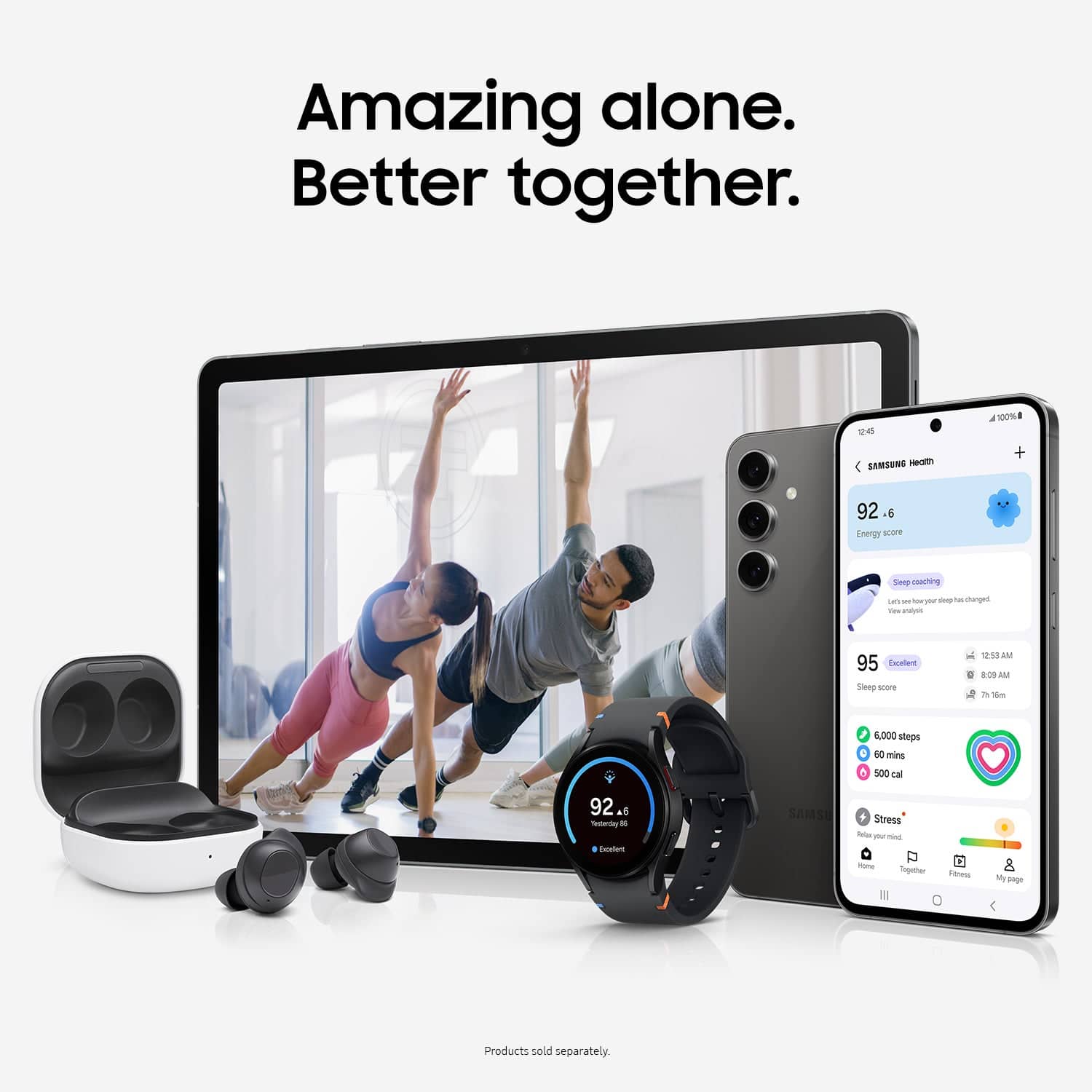
  • Questiondoes this sync with my samsung watch? and laptop?

    Asked by Bren.

    • Answer Greetings Bren, thanks for asking us your questions about the Samsung Galaxy Tab S10 FE. The Galaxy Tab S10 FE is unable to sync directly with the Galaxy Watch as these devices have been optimized to work with Galaxy phones. However, the Galaxy Tab S10 FE can sync with a Windows computer using the Samsung Flow app and the built-in Second Screen feature to transfer files, share clipboards, make calls and texts from the tablet, and use the tablet as a second display for your PC. Feel free to review, "How to connect, sync or link Galaxy Tablet to your phone" to learn more about this process. Feel free to contact Support afterward if you have additional questions. Thanks for being a staunch Samsung customer. - Debra

      Answered by Samsung

  • QuestionI'd like the geek squad to set up my tablet, transfer files from my current laptop, set up my email and show me how to use my Bluetooth to pair with my printer.What is the process of hiring them once I buy the tablet, keyboard and any necessary adapters

    Asked by Anonymous.

    • Answer If you have Total Tech Support, for free you can schedule an appointment online, take your tablets to the Best Buy where you have your appointment and this will be done for free. However, if you do not have Total Tech Support, you will have to pay a fee. I believe I was quoted $40 (I am in AZ) until they found out I have Total Tech Support.

      Answered by Lnwyt11

  • QuestionDoes it work with a Hotspot connection?

    Asked by Trizah.

    • Answer Aloha Trizah, thank you for finding the opportunity to ask us your question about the Samsung Galaxy Tab S10 FE. Yes, the Galaxy Tab S10 FE has hotspot capability. It can share its mobile data connection with up to 10 other devices. You can enable and manage the hotspot settings through the device's settings, specifically under Connections > Mobile Hotspot and Tethering. If you have any other questions, feel free to contact Support. Thank you for being a staunch Samsung customer. - Debra

      Answered by Samsung

  • QuestionDoes Verizon cover insurance when I buy it from Best Buy?

    Asked by Den.

  • QuestionIs there a sim card capability?

    Asked by Gildz.

    • Answer Hi there Gildz, thanks for taking the time to ask us your question about the Samsung Galaxy Tab S10 FE. No, the advertised Galaxy Tab S10 FE does not offer a SIM card slot. This device is fully functional while in the presence of a steady Wi-Fi signal. If you have any other questions, do not hesitate to reach out to Support. Thank you for being a valued Samsung customer. - Debra

      Answered by Samsung

  • QuestionIs it has international warranty?

    Asked by Sai.

    • Answer Yes

      Answered by HamiltonnB

  • QuestionMy tablet arrived needing a micro SD card. What size of micro SD card should I get for my tablet?

    Asked by Felinefool.

    • Answer Greetings Felinefool, thank you for finding the opportunity to ask us your question about the Samsung Galaxy Tab S10 FE. You do not need a microSD card for your Galaxy Tab S10 FE to work right out of the box. It is fully functional with its internal storage that you chose. You can skip any prompts to insert an SD card during setup and proceed to use the tablet's built-in memory. A microSD card is an optional accessory. If you would like to learn more about microSD cards, check out "MicroSD cards and your Galaxy phone or tablet." Let us know if you have additional questions for us by reaching out to Support at your leisure. Thank you for being a loyal Samsung customer. - Debra

      Answered by Samsung

  • QuestionHi! Can the S-Pen be stored inside the tablet? Thanks for your time!

    Asked by TRPR.

    • Answer Hello there TRPR, thank you for asking us your question about the Samsung Galaxy Tab S10 FE. For tablets that support Bluetooth Low Energy (BLE), the S Pen will automatically pair with the tablet and charge when attached to the back of the tablet. However, the Tab S9 FE and Tab S10 FE S Pens do not support BLE. As a result, these S Pens do not support features such as pairing, charging, battery level display, or Air actions. To ensure optimal performance and access to all S Pen functionalities, please use only the S Pen specifically designed for your tablet model. Please feel free to check out "Master the S Pen of your Galaxy Tablet" if you would like to learn more. Feel free to reach out to Support if you think of additional questions for us. Thank you for being a faithful Samsung customer. - Debra

      Answered by Samsung