A:AnswerAloha NPJ, thank you for asking us your question about the Samsung Galaxy Tab S10 Lite. No, the advertised Galaxy Tab S10 Lite does not have the DeX feature for connecting to an external monitor or TV. If you have any other questions, please feel free to reach out to Support. Thanks for choosing Samsung! - Debra
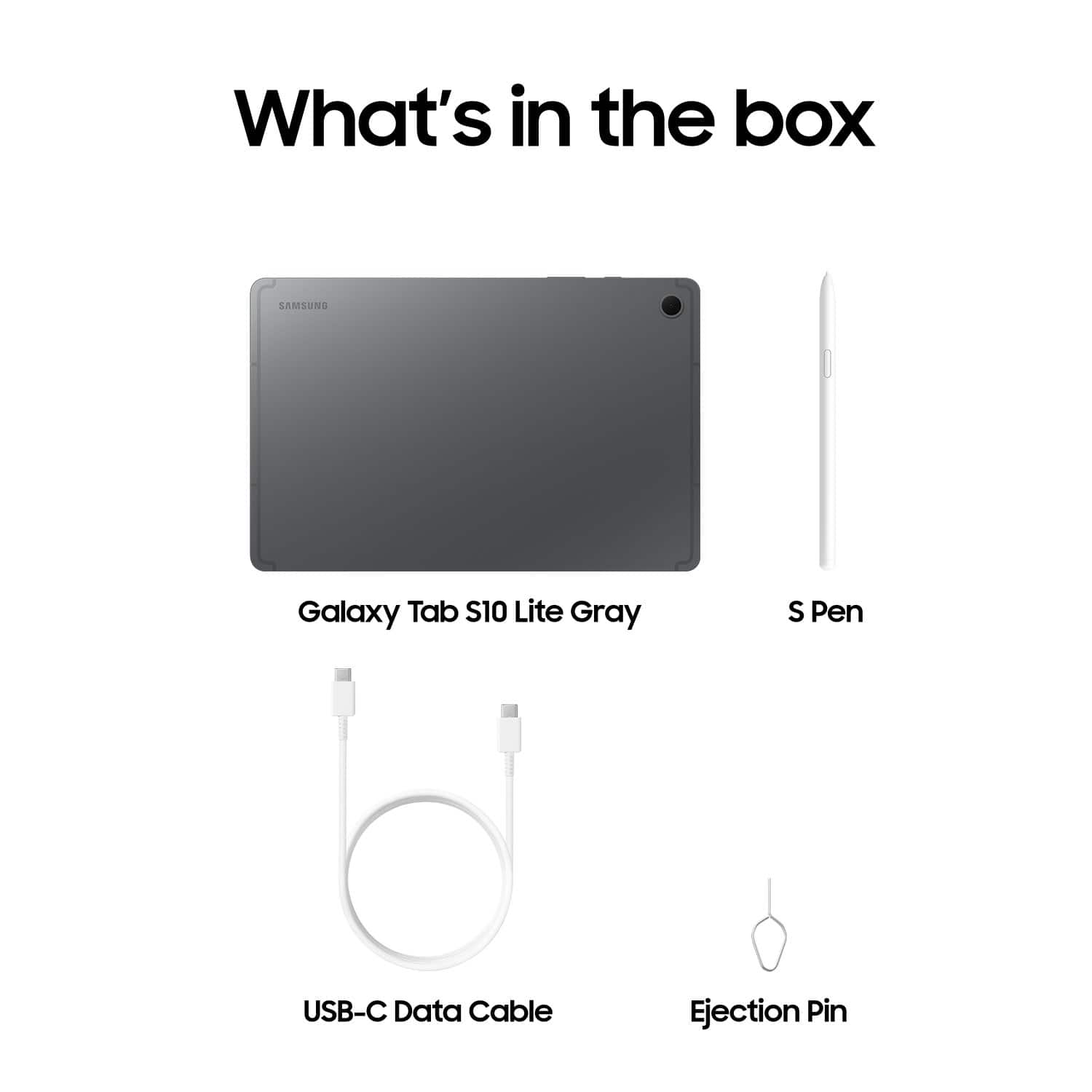
A:AnswerU would need a C USB Cable cover and if u like keyboard u can buy that too and memory depends on what size it is and if you want on the tablet or not
A:AnswerHey there Carl, thank you for asking us your question about the Samsung Galaxy Tab S10 Lite. No, the advertised Galaxy Tab S10 Lite does not offer a SIM card tray and is not capable of having data services rendered to it via wireless carrier. This tablet is fully functional while in the presence of a steady Wi-Fi signal. If you have additional questions or if you would like any further assistance, please do not hesitate to contact Support. Thanks for being a staunch Samsung customer. - Debra
A:AnswerAloha Kelly, thank you for taking the time to ask us your question about the Samsung Galaxy Tab S10 Lite. The advertised Galaxy Tab S10 Lite is a Wi-Fi enabled device. It lacks cellular connectivity needed in order to have service rendered by wireless carriers. Just log in to your steady Wi-fi connection to enjoy the full functionality of this device. If you have additional questions or if you would like any further assistance, please let us know by contacting Support. Thanks for choosing Samsung! - Debra
A:AnswerAloha DJay, thank you for asking us your question about the Samsung Galaxy Tab S10 Lite. Yes, the Galaxy Tab S10 Lite can be used to read books with the Barnes & Noble NOOK system by downloading the free NOOK app from the Google Play Store. If you have any other questions, please do not hesitate to contact Support. Thanks for choosing Samsung! - Debra
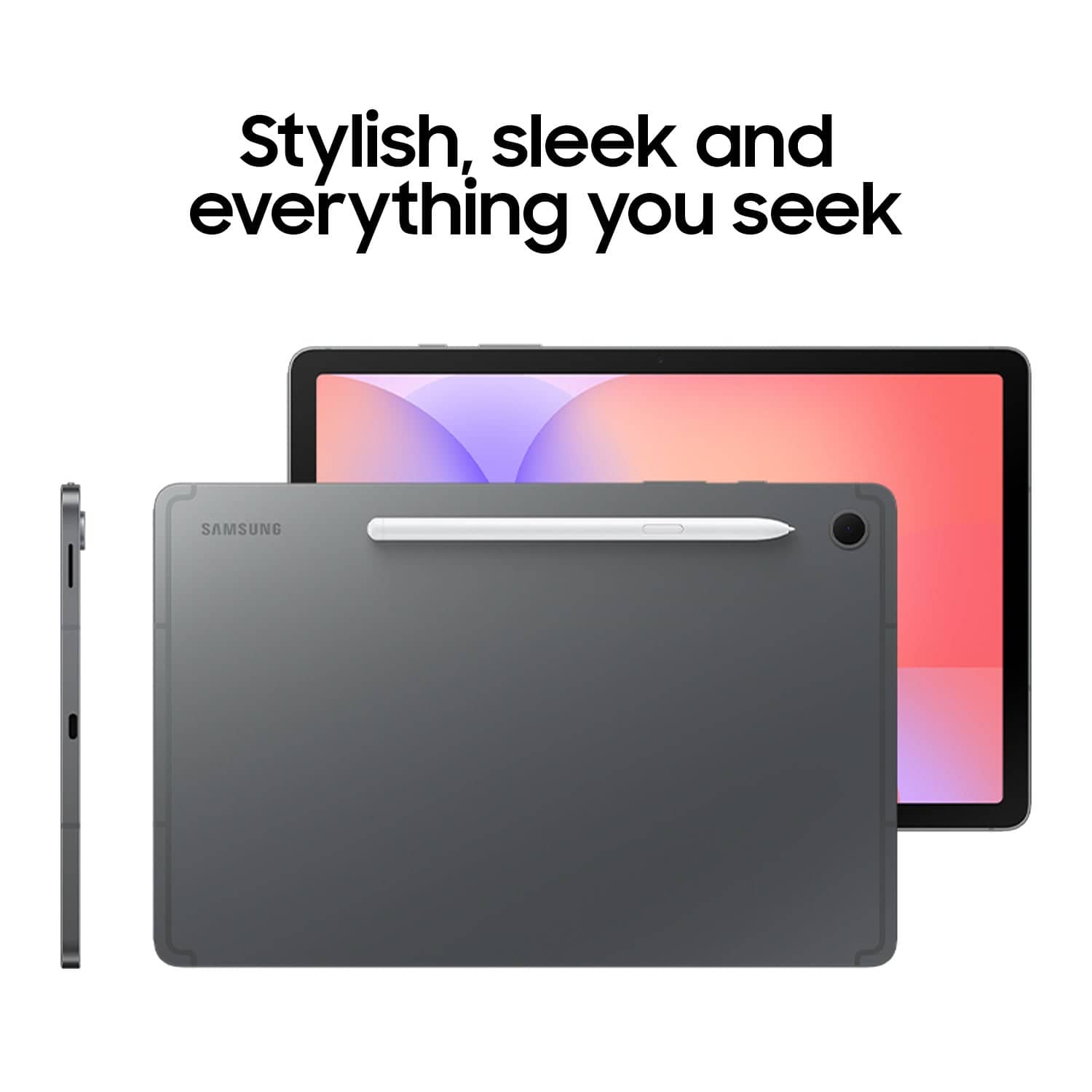
A:AnswerHowdy Jenn, thank you for taking the opportunity to ask us your question about the Samsung Galaxy Tab S10 Lite. Yes, the advertised Galaxy Tab S10 Lite offers a front and rear facing camera as well as a built-in microphone. If you have any other questions, do not hesitate to contact Support at your leisure. Thanks for being a valued Samsung customer. - Debra
A:AnswerHey there Shellu, thank you for asking us your question about the Samsung Galaxy Tab S10 Lite. No, the advertised Galaxy Tab S10 Lite is unable to natively run Windows apps because it is an Android device. The two operating systems are not compatible with one another, however, there may be alternative methods that may allow you to access and use Windows applications for school. For instance, some Microsoft apps have Android compatible version available in the Google Play Store. Or, you may be able to access the web-based suite of Microsoft 365 apps. If you have any other questions for us or if you would like any further assistance, please let us know by contacting Support. Thanks for being a valued Samsung customer. - Debra
A:AnswerGood day Friz, thank you for asking us your question about the Samsung Galaxy Tab S10 Lite. No, the Galaxy Tab S10 Lite does not have a standard 3.5mm headphone jack available. To use your wired headphones with this tablet, you must use a USB-C wired headphone or a USB-C to 3.5mm adapter. You can also choose to connect wireless headphones via Bluetooth. If you have any other questions for us or if you would like any further assistance, please feel free to reach out to Support. Thanks for being a cherished Samsung customer. - Debra
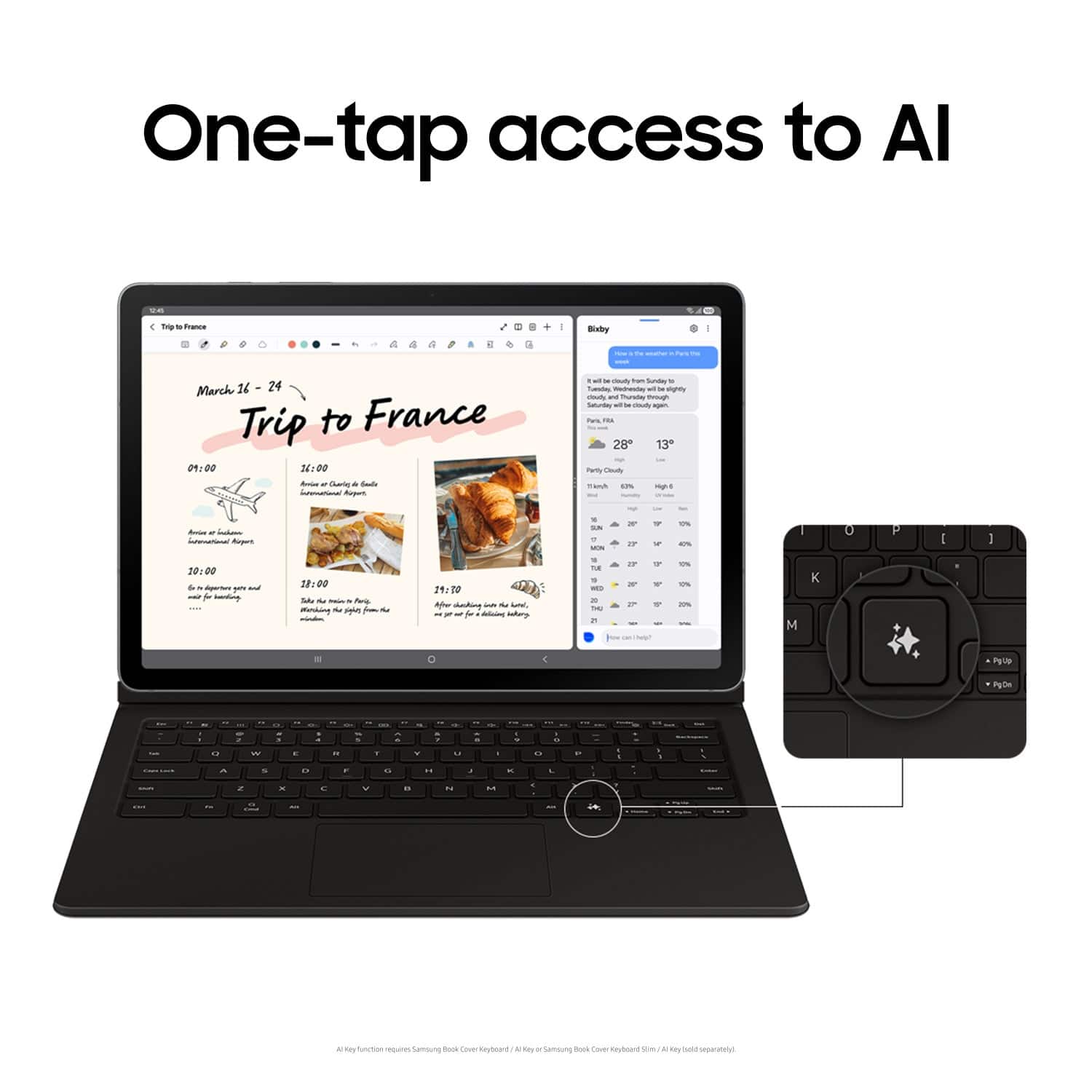
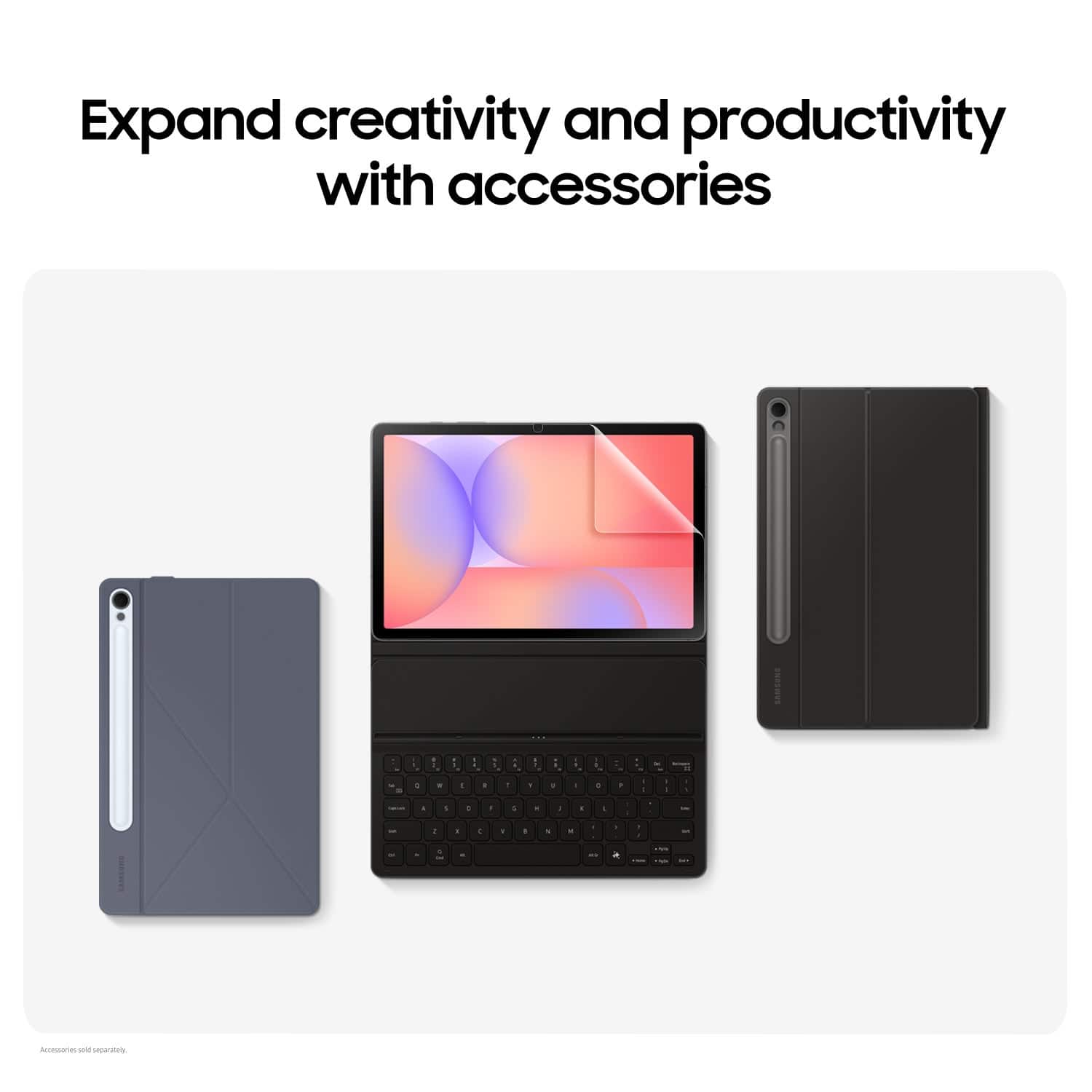
A:AnswerAloha, thanks for asking us your question about the Samsung Galaxy Tab S10 Lite. The purchase of the advertised Galaxy Tab S10 Lite does not include a book cover, however, you can easily add your favorite accessories to your purchase for prompt delivery or pickup. If you have any other questions for us, feel free to reach out to Support. Thanks for being a cherished Samsung customer. - Debra
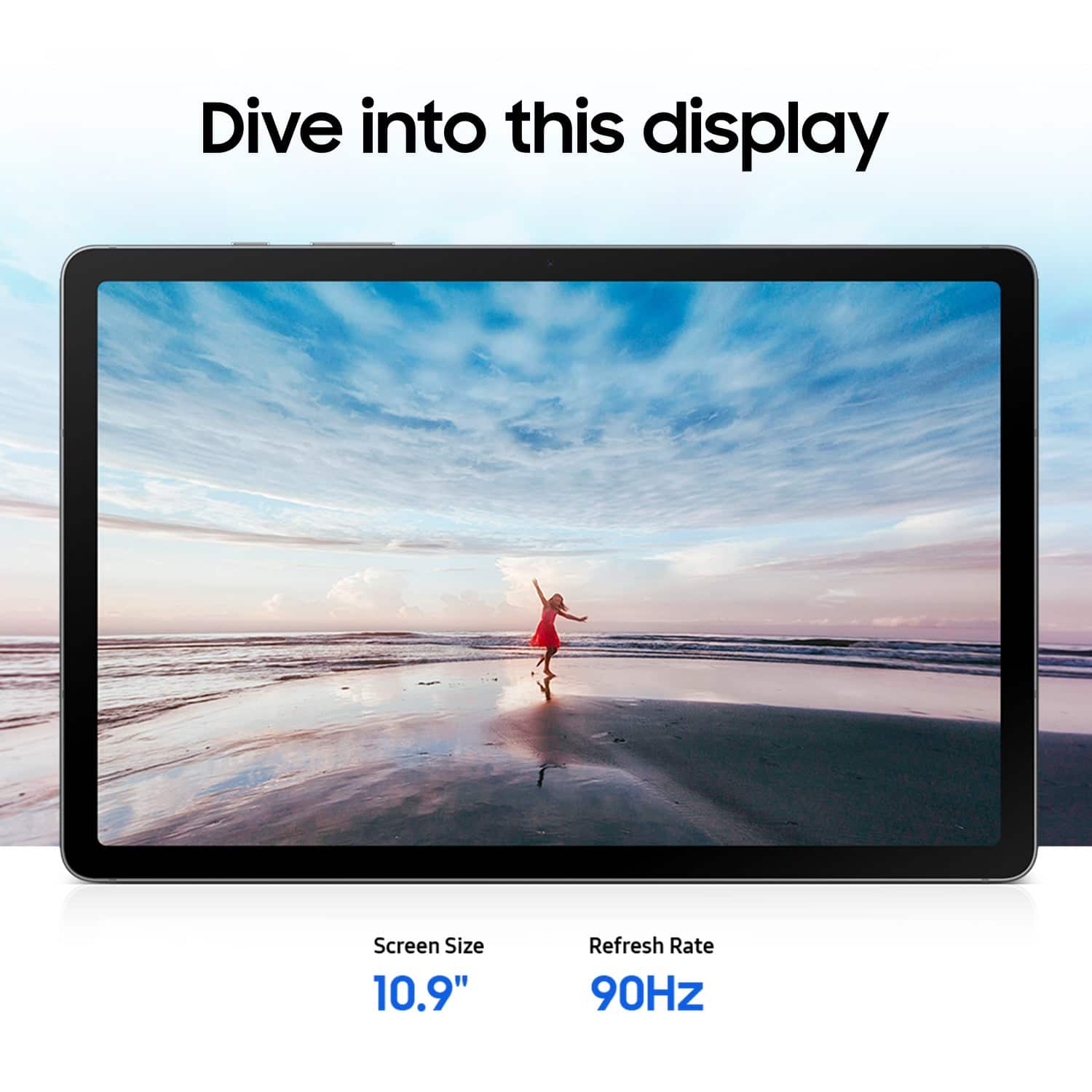
A:AnswerGood day Jim, thanks for asking us your question about the Samsung Galaxy Tab S10 Lite. Yes, the Tab S10 Lite offers two stereo speakers that support Dolby Atmos. If you have any other questions for us, let us know by contacting Support. Thanks for being a steadfast Samsung customer. - Debra
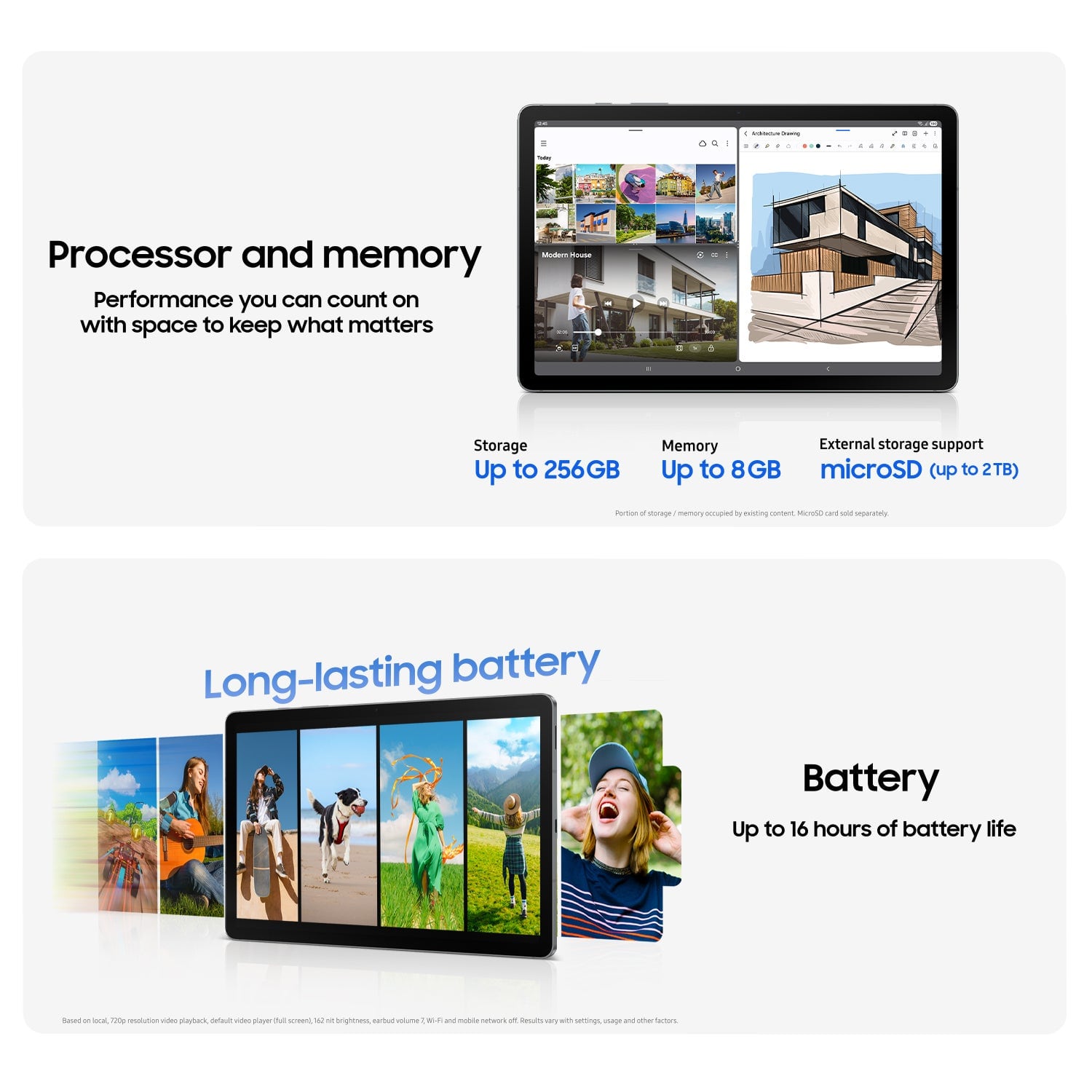
A:AnswerAloha Beth, thank you for taking the time to ask us your questions about the Samsung Galaxy Tab S10 Lite. The Galaxy Tab S10 Lite launched with Android 15 and One UI 7.0. You cannot completely disable system updates, but you can disable automatic app updates through the Google Play Store and change the system update setting to prevent them from automatically downloading and installing. If you have additional questions or if you would like any further assistance, please let us know by reaching out to Support. Thanks for being a valued Samsung customer. - Debra
A:AnswerAloha SaulC94, thank you for taking the time to ask us your question about the Samsung Galaxy Tab S10 Lite. Yes, the Galaxy Tab S10 Lite supports HDR10+. If you have any other questions, please do not hesitate to reach out to Support. Thanks for being a steadfast Samsung customer. - Debra
A:AnswerAloha Patrick, thank you for asking us your question about the Samsung Galaxy Tab S10 Lite. As of January 2024, we are extending our security update support for Samsung Galaxy devices by up to 7 years, to help our users enjoy the latest Galaxy experiences longer and securely. If you have additional questions for us, please do not hesitate to reach out to Support. Thanks for being a valued Samsung customer. - Debra
A:AnswerHowdy, thanks for taking the time to ask us your question about the Samsung Galaxy Tab S10 Lite. No, the Galaxy Tab S10 Lite does not offer a built-in glare-free display, however, we do offer anti-reflecting screen protectors. If you have any other questions, please feel free to contact Support. Thanks for being a valued Samsung customer. - Debra
A:AnswerGood day, thank you for taking the opportunity to ask us your question about the Samsung Galaxy S10 Lite. The advertised Galaxy Tab S10 Lite does not offer cellular connectivity, however, it does offer Bluetooth and Wi-Fi that allows this device to be fully functional. If you think of any other questions, please do not hesitate to contact Support. Thank you for being a faithful Samsung customer. - Debra
A:AnswerHi Mary, thank you for taking the time to ask us your question about the Samsung Galaxy Tab S10 Lite. Yes, the Galaxy Tab S10 Lite can connect to an HP printer using several methods. If you have additional questions, please feel free to contact Support. Thanks for choosing Samsung! - Debra
A:AnswerHi there SaulC94, we appreciate you reaching out to us with your question about the Samsung Galaxy Tab S10 Lite. This device comes with the option to use facial recognition for biometric security. Please, reach out to us again in the future if you have additional questions. We also have the complete manuals available for all devices online to help you determine what features are available, and what device can best align to your preferences. Thank you for being a Samsung customer. -Elizabeth