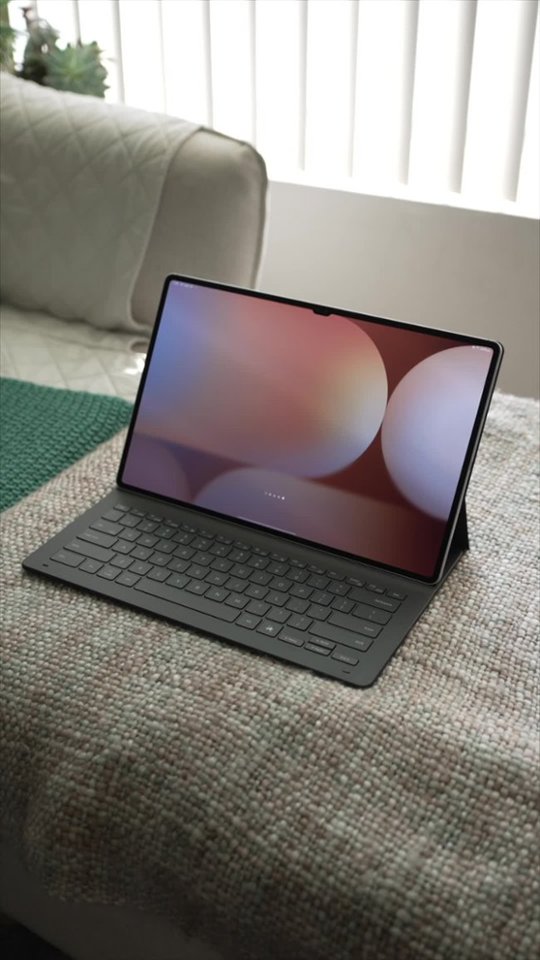
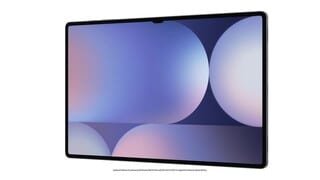
A:AnswerHeythere Tony, thank you for asking us your question about the Samsung Galaxy Tab S10 Ultra. The Galaxy Tab S10 Ultra support Wi-Fi7. If you have any other questions, please feel free to contact Support. Thanks for being a dedicated Samsung customer. - Debra
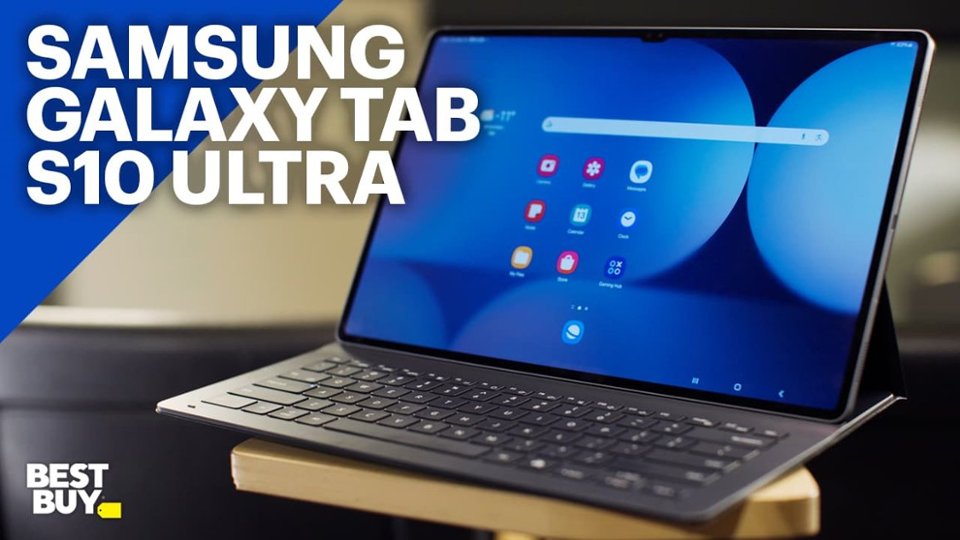
A:AnswerSalutations TheGrillfather, thanks for asking us your question about the Samsung Galaxy Tab S10 Ultra. When adding a microSD card, it is automatically formatted as portable storage. If you have any other questions, please feel free to reach out to Support. Thanks for being a loyal Samsung customer. - Debra
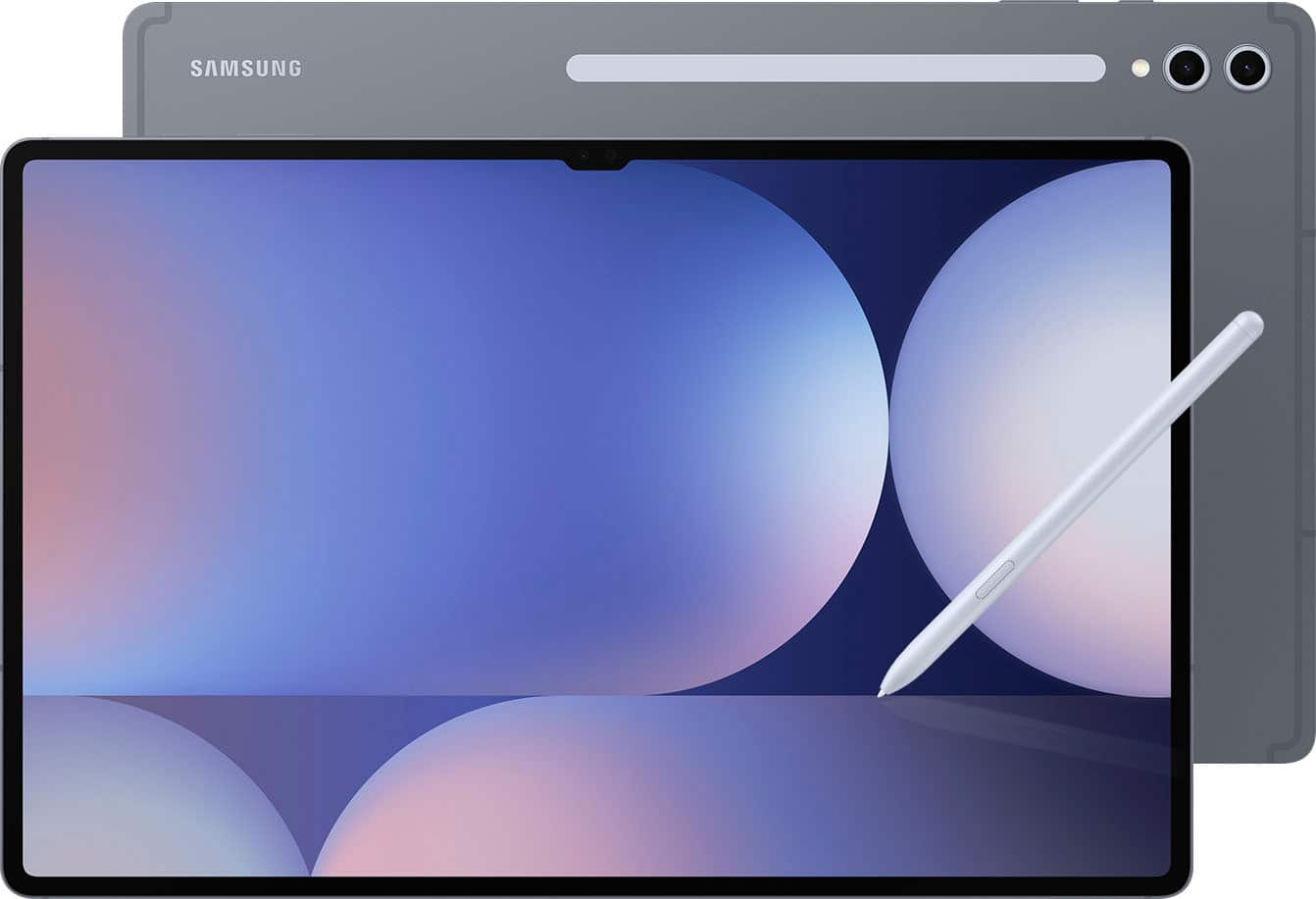
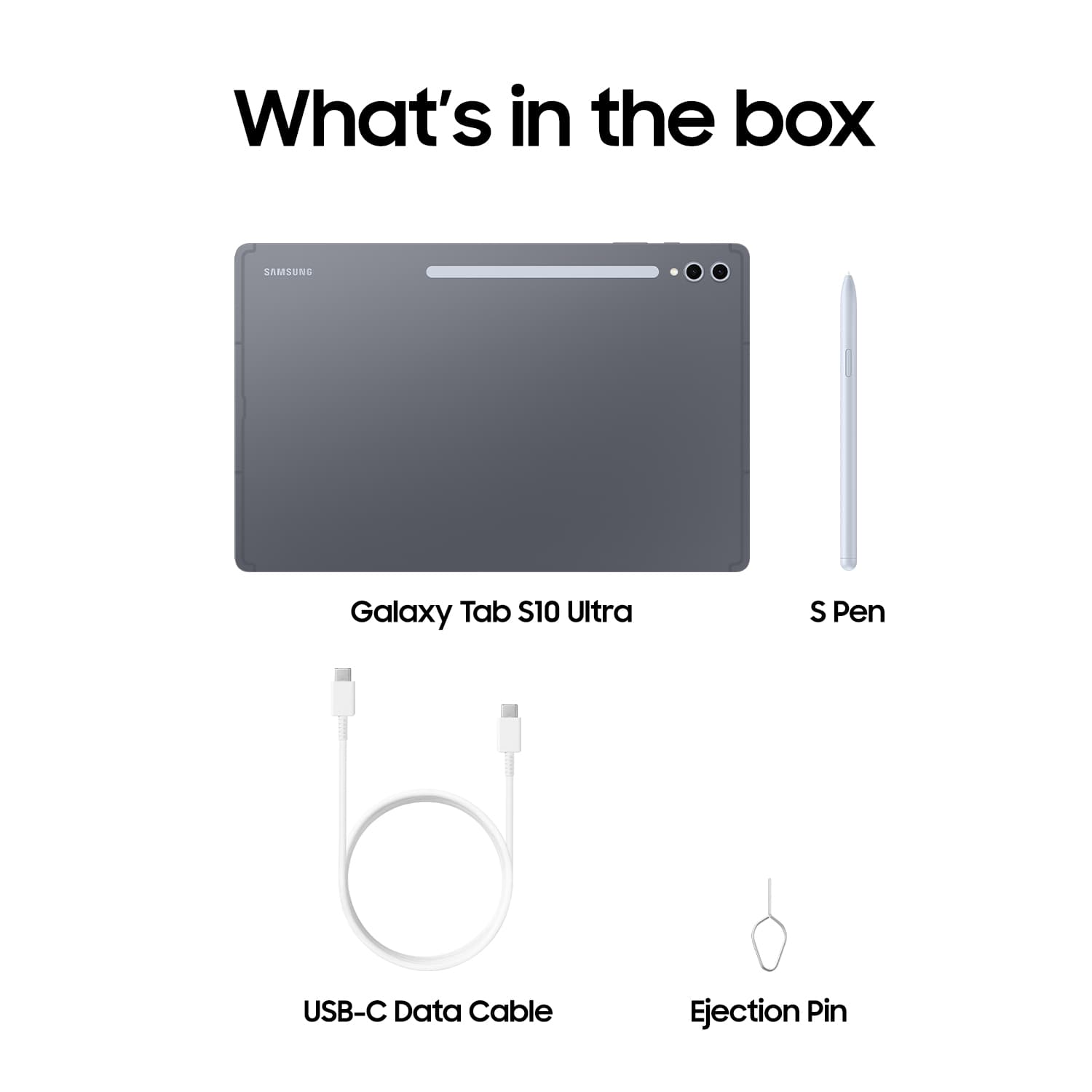
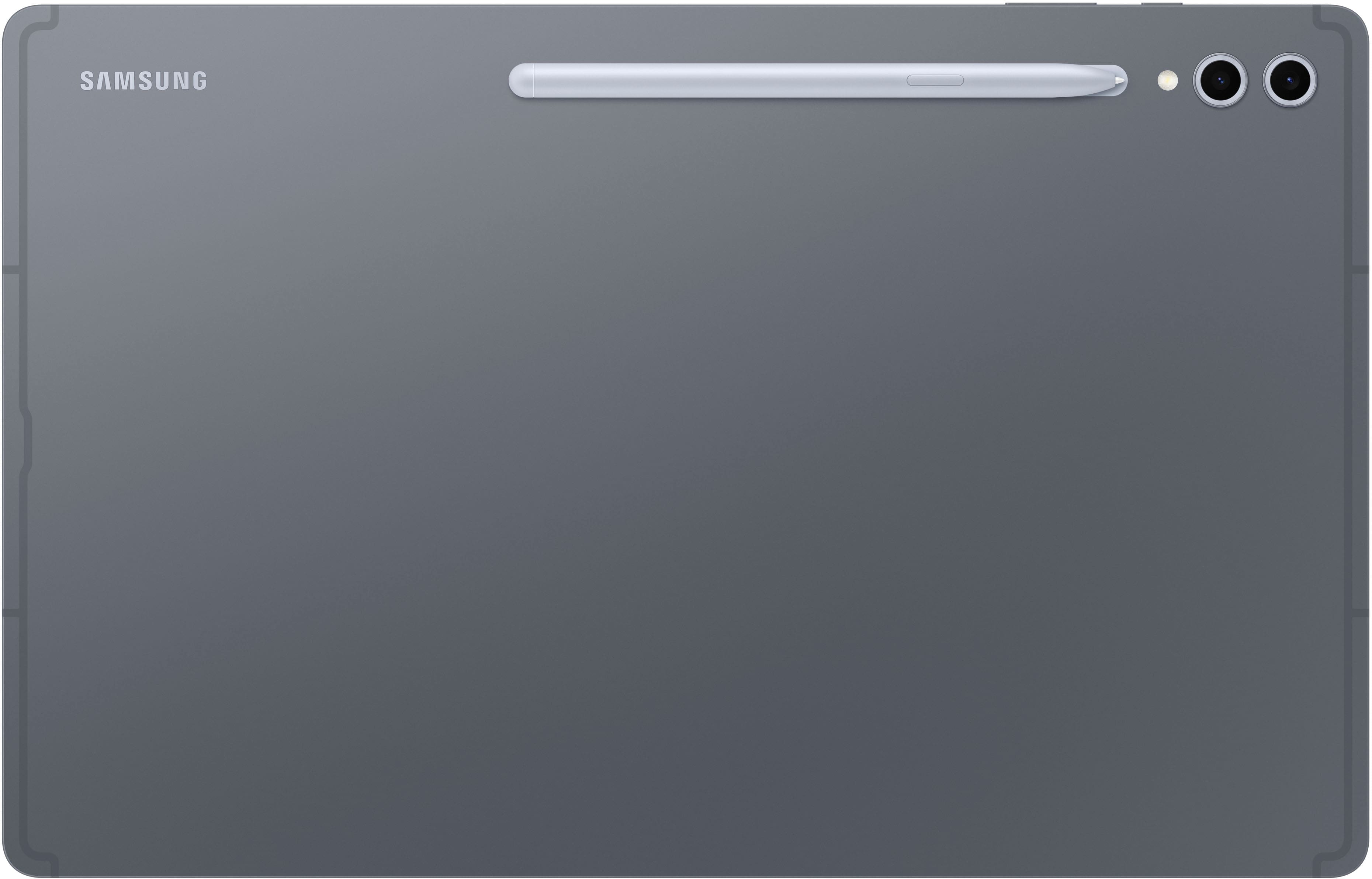
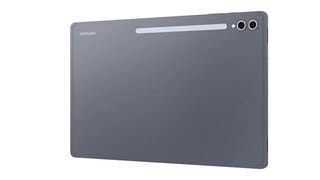
A:AnswerHey there Mya, thank you for asking us your question about the Samsung Galaxy Tab S10 Ultra. To charge the Galaxy Tab S10 Ultra S Pen, attach it magnetically to the designated spot on the back of the tablet. The pen will begin to charge wirelessly. You can confirm it's charging by looking for a battery percentage indicator on the top of the screen or by checking the Air command menu settings. Feel free to check out, "Pair and charge the S Pen with your Galaxy tablet" if you would like more information. If you have any other questions or if you would like further assistance, let us know by reaching out to Support. Thanks for being a cherished Samsung customer. - Debra
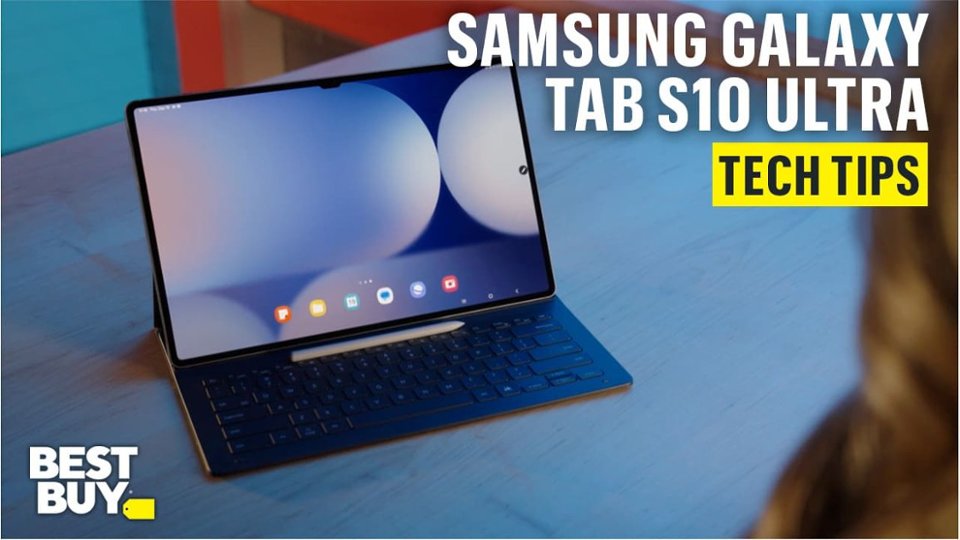
A:AnswerHey Daniela, thank you for asking us your question about the Samsung Galaxy Tab S10 Ultra. Yes, the advertised Galaxy Tab S10 Ultra is a new device. If you have any other questions for us or if you would like further assistance, please let us know by contacting Support. Thanks for choosing Samsung! - Debra
A:AnswerGood day, thank you for asking us your question about the Samsung Galaxy S10 Ultra. No, the advertised Galaxy Tab S10 Ultra does not offer a SIM card tray thus it is unable to be added to your wireless service provider. This Wi-Fi version is fully functional while in the presence of a steady Wi-Fi signal. An LTE version tablet is what you're looking for, if you would like to add it to your wireless carrier's network. If you have additional questions for us, please feel free to reach out to Support. Thanks for being a faithful Samsung customer. - Debra

A:AnswerHello Cameras, thank you for finding the time out of your day to ask us your question about the Samsung Galaxy Tab S10 Ultra. Yes, the Galaxy Tab S10 Ultra does indeed offer Samsung DeX to accomplish you multi-tasking goals. Check out, "Set up and use Samsung DeX on your Galaxy phone or tablet" if you would like to learn more about using this feature. Feel free to contact Support afterward if you would like any further assistance. Thank you for being a treasured Samsung customer. - Debra
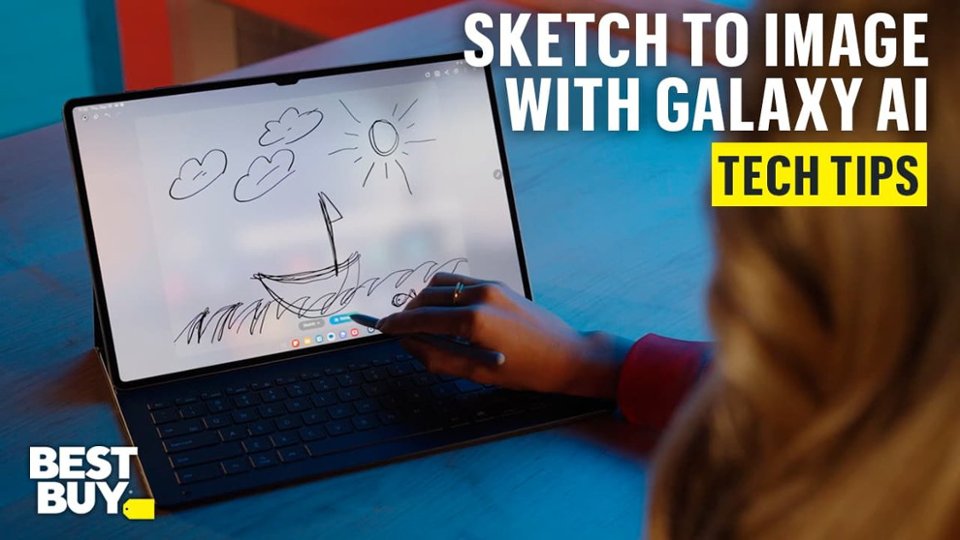
A:AnswerHey there Bman346, thank you for finding the free time out of your busy day to ask us your question about the Samsung Galaxy Tab S10 Ultra. The timing can vary depending on the type of charger you are using to charge you device. Please take a moment to review, "Wall chargers and charging your Galaxy phone or tablet" and "Galaxy phone or tablet will not charge" to help resolve what you may be experiencing with your tablet. If you have any other questions for us, feel free to reach out to Support. Thank you for being a valued Samsung customer. - Debra