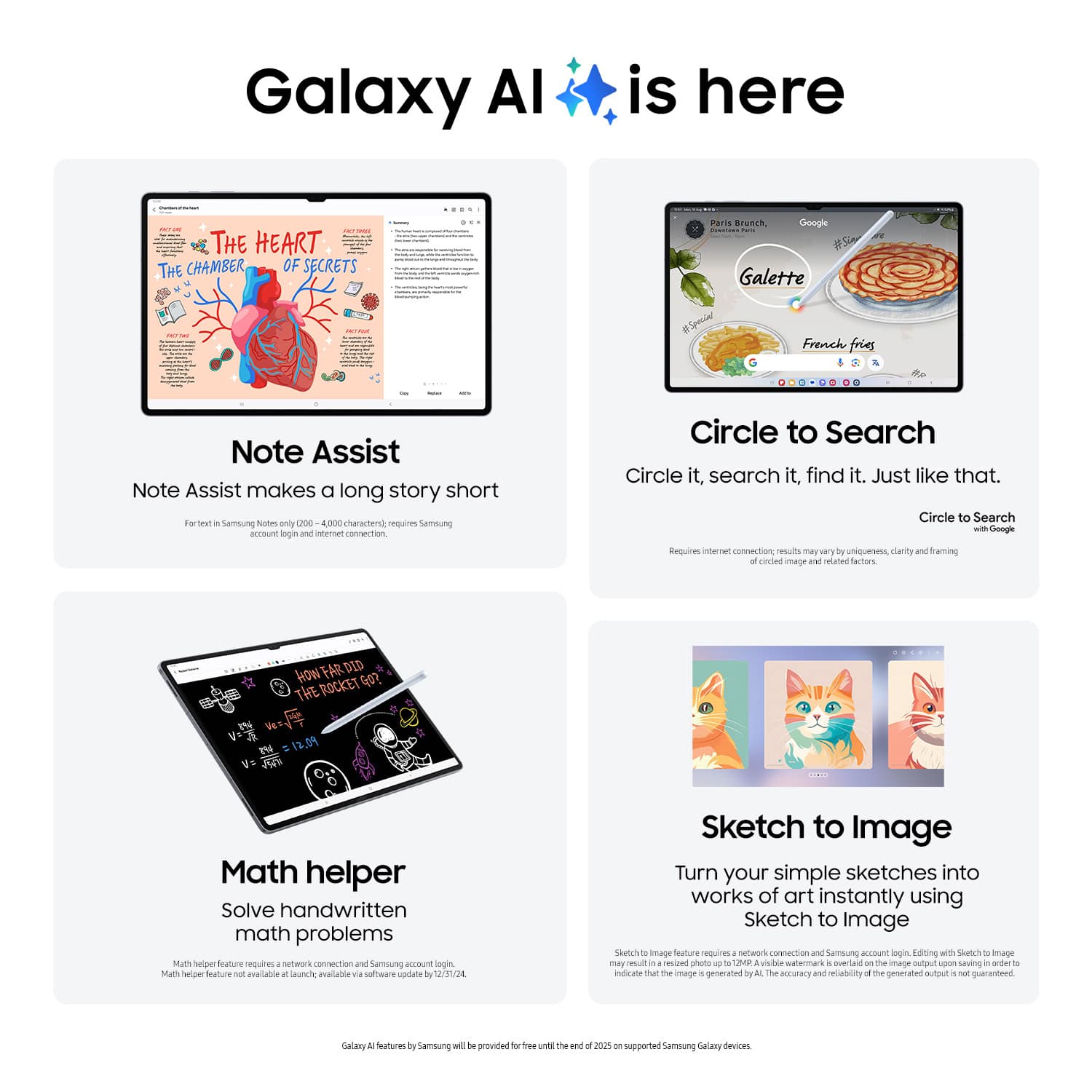
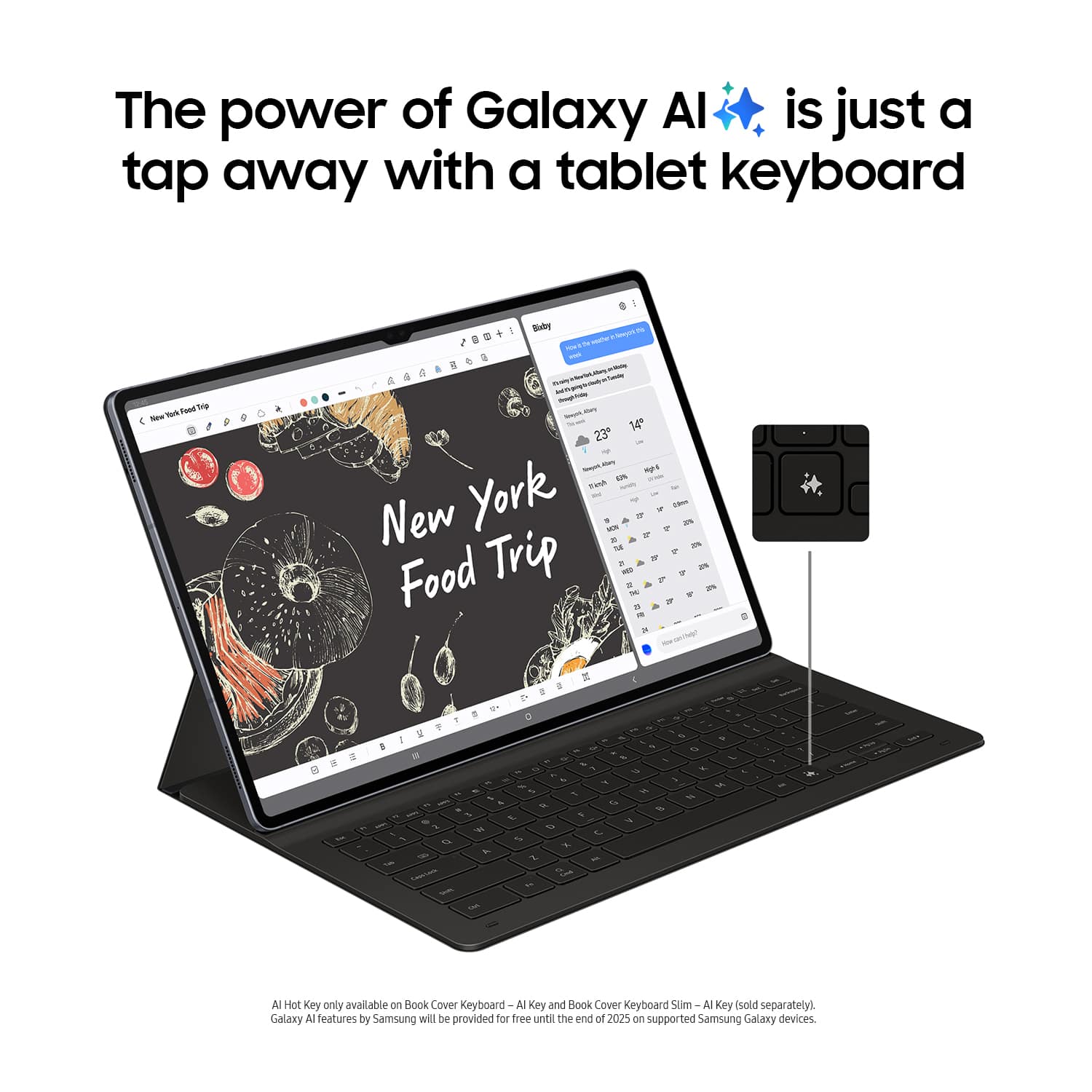
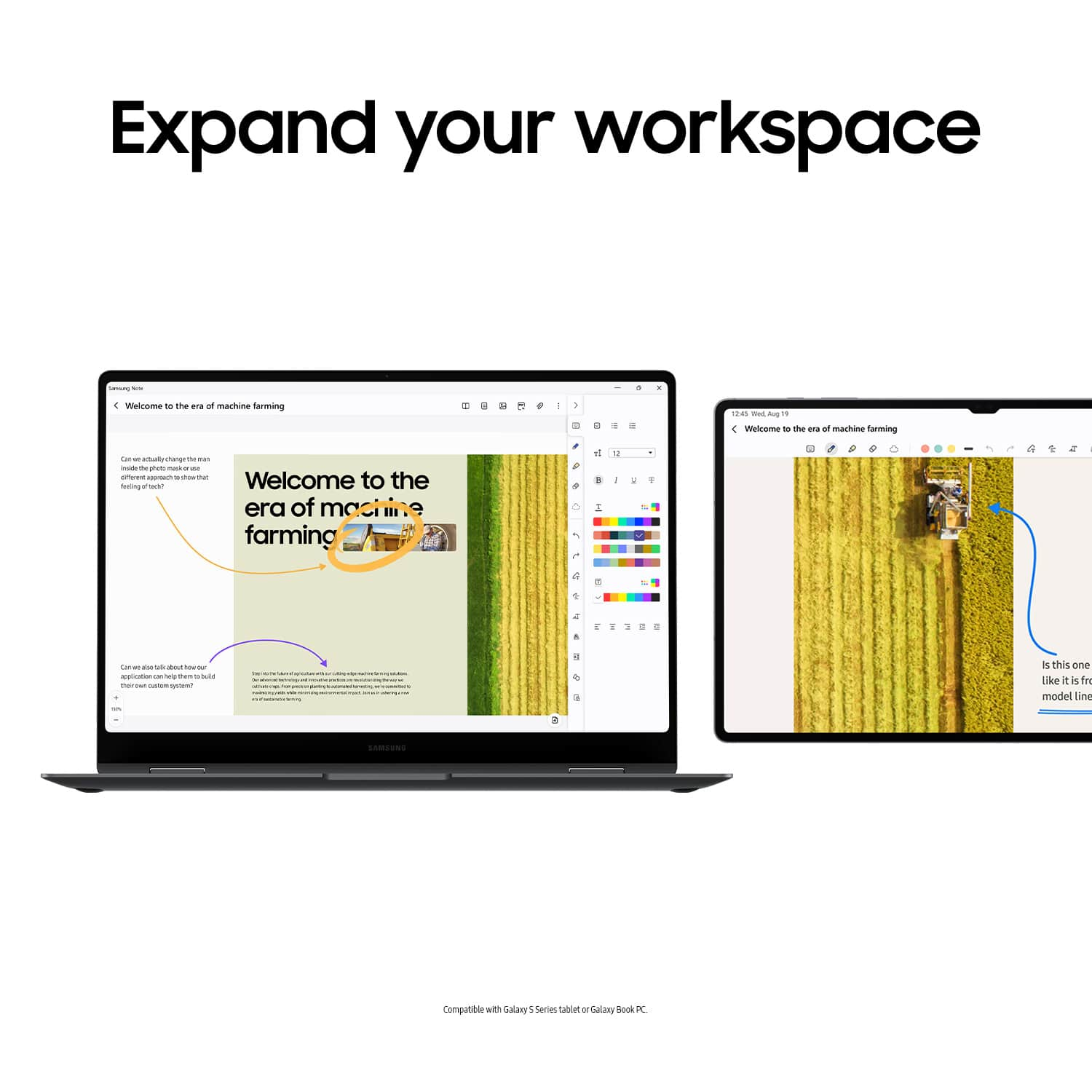
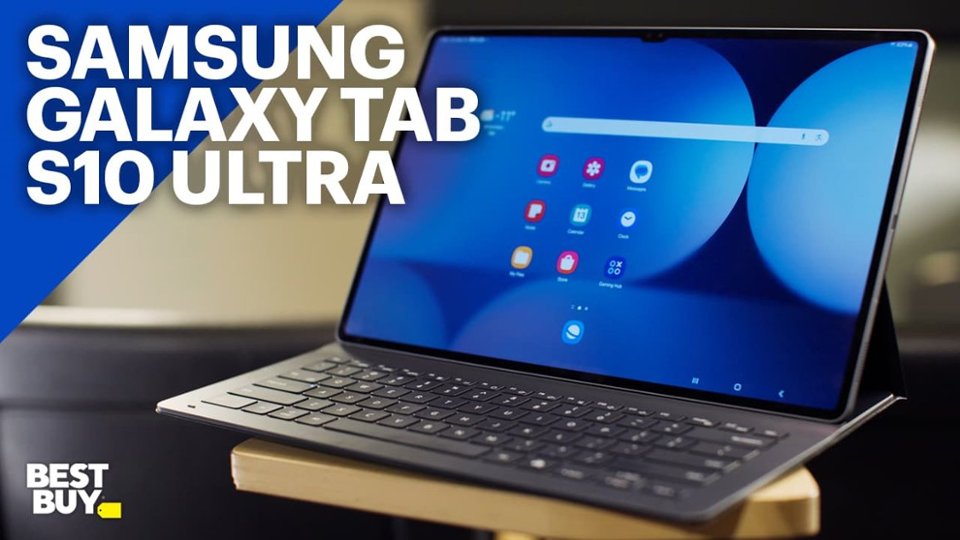
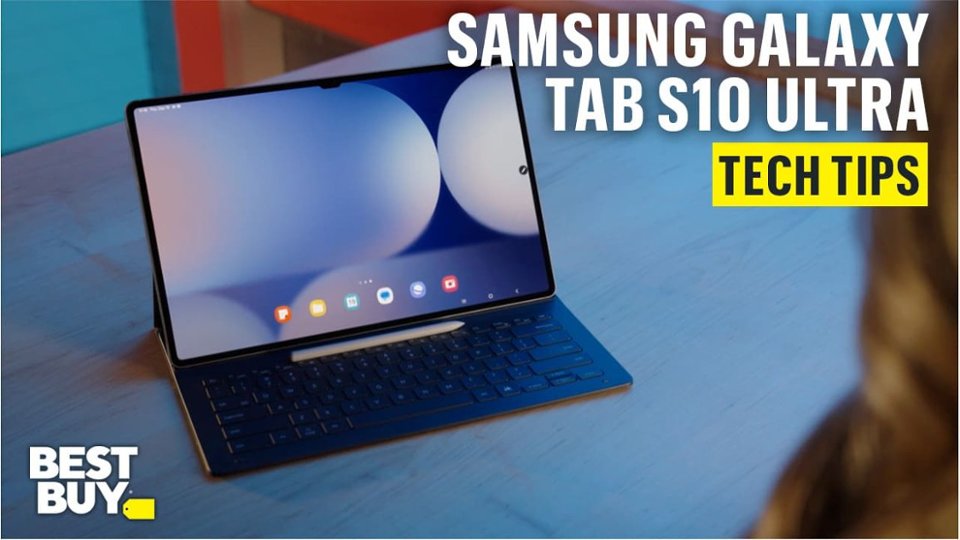
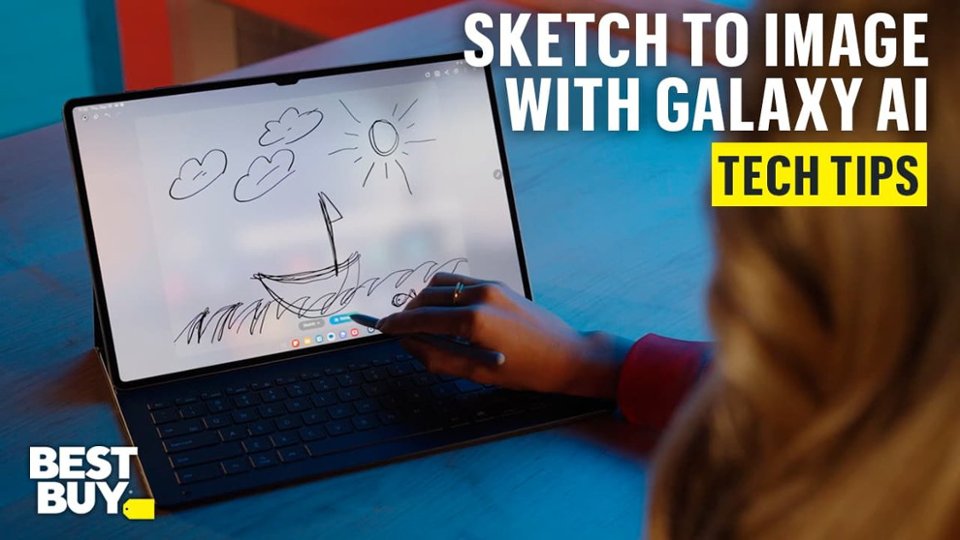
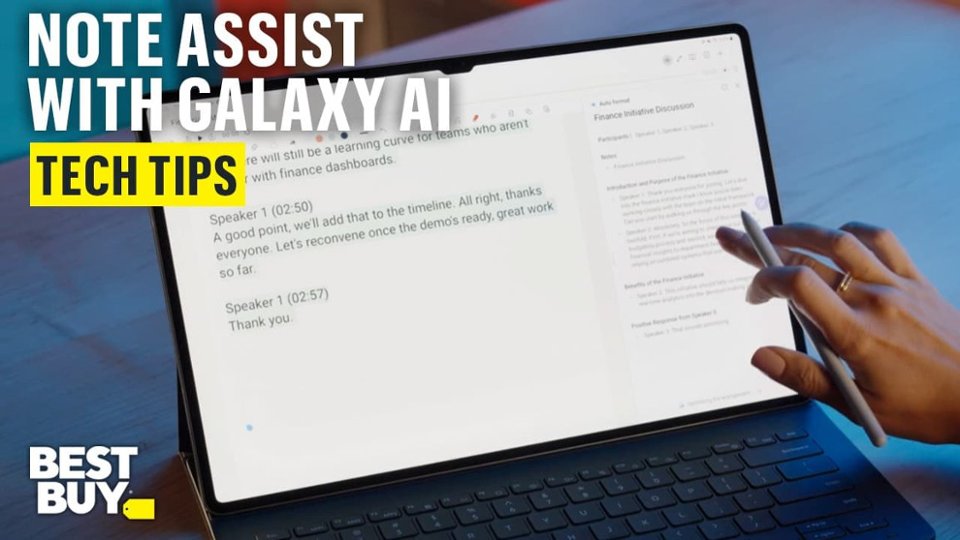
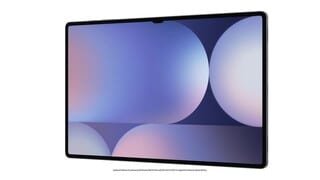
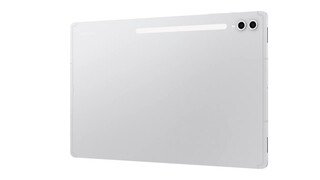
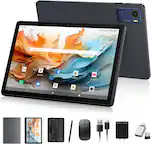
A:Answer Hello, thank you for asking us your question about the Samsung Galaxy Tab S10 Ultra. The advertised Galaxy Tab S10 Ultra ships with Android 14 and One UI 6.1.1. It features built-in Galaxy AI for productivity, including Note Assist (audio transcriptions and summaries), Circle to Search, Sketch to Image, and Google Gemini integrated via the side button. Please feel free to contact Support if you have additional questions. Thank you for being a valued Samsung customer. - Debra