A:AnswerI did yes. There are several instructions on various sites for how to get the skin. the key is to download the app from the samsung store and not from the epic games website. You need to place 3 or 4 games, i don't remember for sure. Once you play the games then it takes up to 48 hours to get the skin.
A:AnswerThere are 5 security set up options: Password, PIN, Face Recognition, Iris Scan, or both Face Recognition AND Iris Scan. I chose the PIN option.
A:AnswerIf your looking to use your Wireless access like mine is AT&T, you would need to buy a SIM card and of course a plan from your carrier. However i have in the past with my old Galaxy S2 tablet use hotspots or businesses that offer free Wifi successfully thus limiting the need for another wireless line bill. Have not taking this out just yet but it should work in the same fashion as the S2 tablets wifi connection did.
A:AnswerRead the return policy on Best Buy's website to know for certain but as long as you are within the return period I believe there is no restocking fee. Best Buy has great customer service.
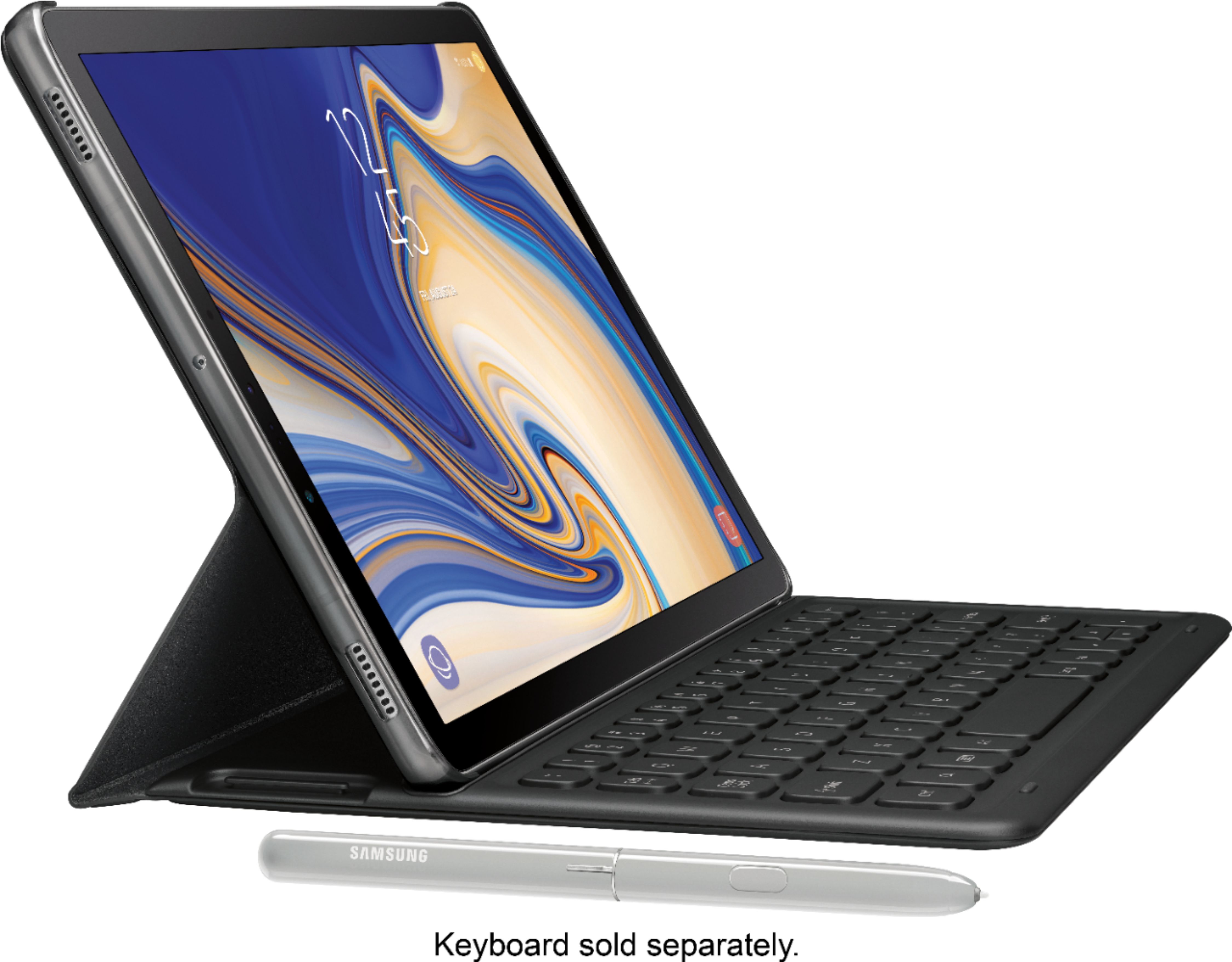
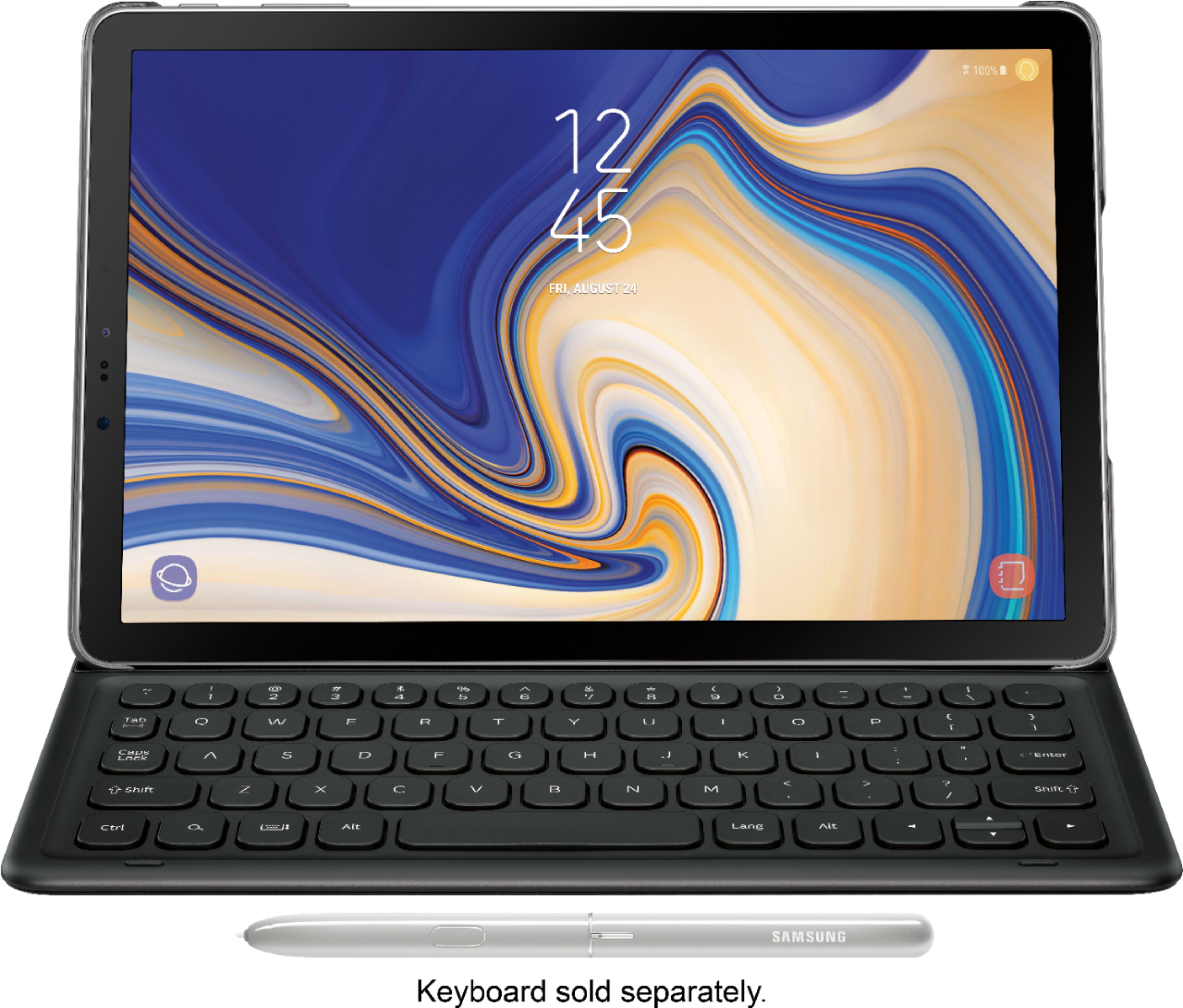
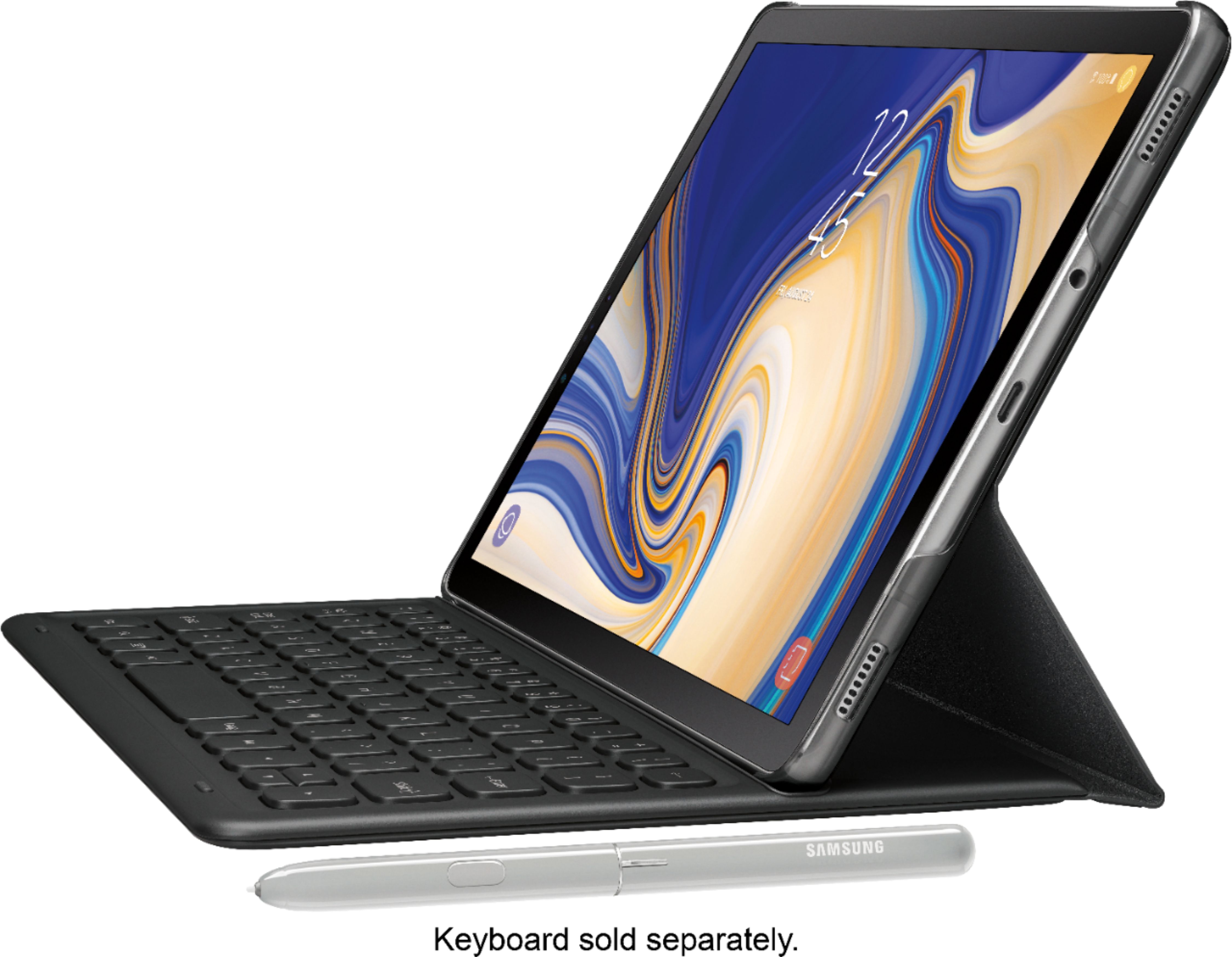
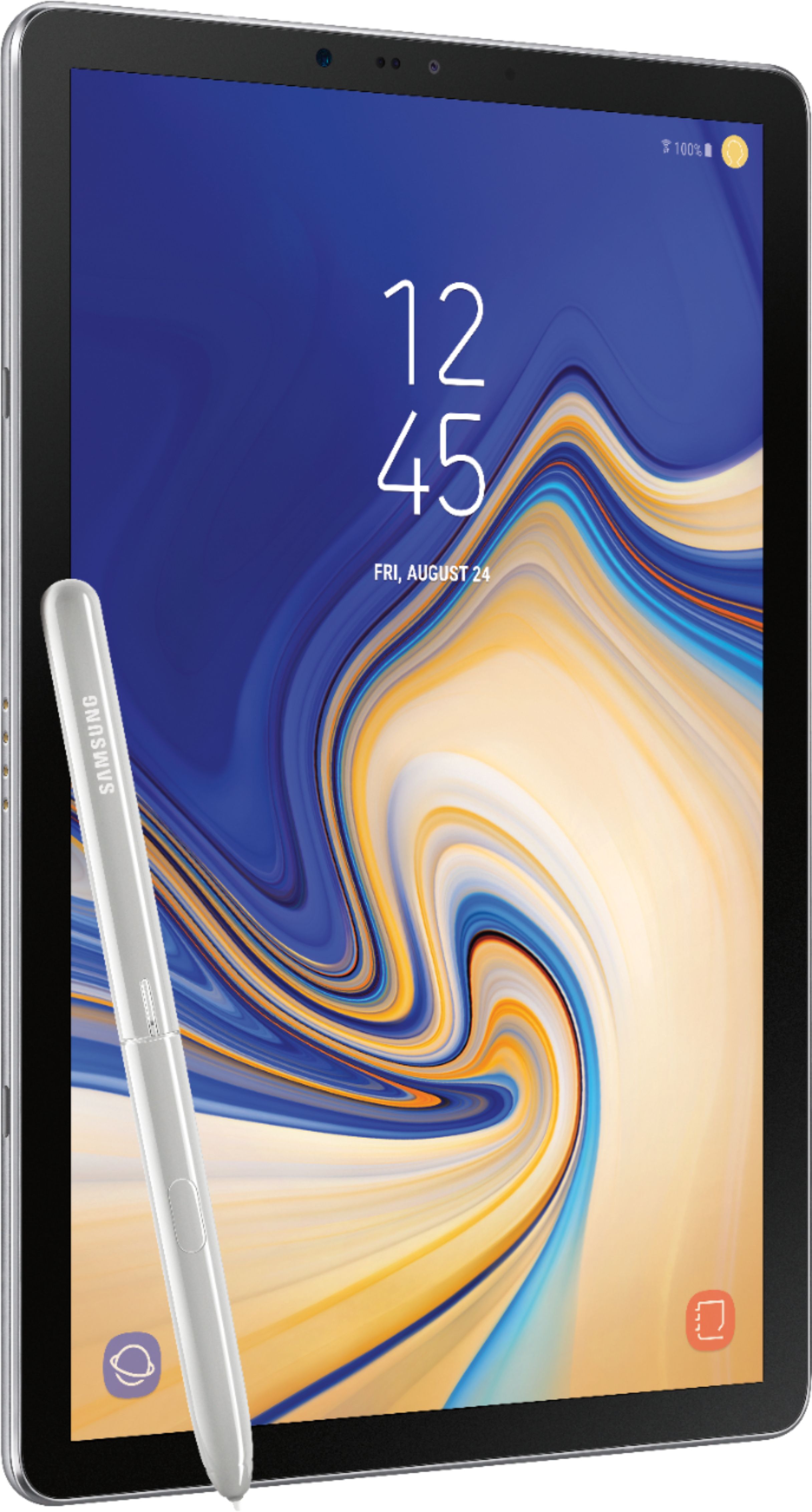
A:AnswerIt does not come with a physical keyboard like in the picture but does have a digital one much like you find on a cell phone. You can purchase a case with a built in keyboard, but it is pricey... and thus far I have not seen a use for it... the on-screen works just as well.
A:AnswerYes, the applications are preloaded.
If you have an Office 365 membership on another device already, all you need to do is input your credentials and the apps on the Galaxy are activated.
You even find the last files you modified on another device once you open the Galaxy app for the first time.