A:AnswerHighest priorities are:
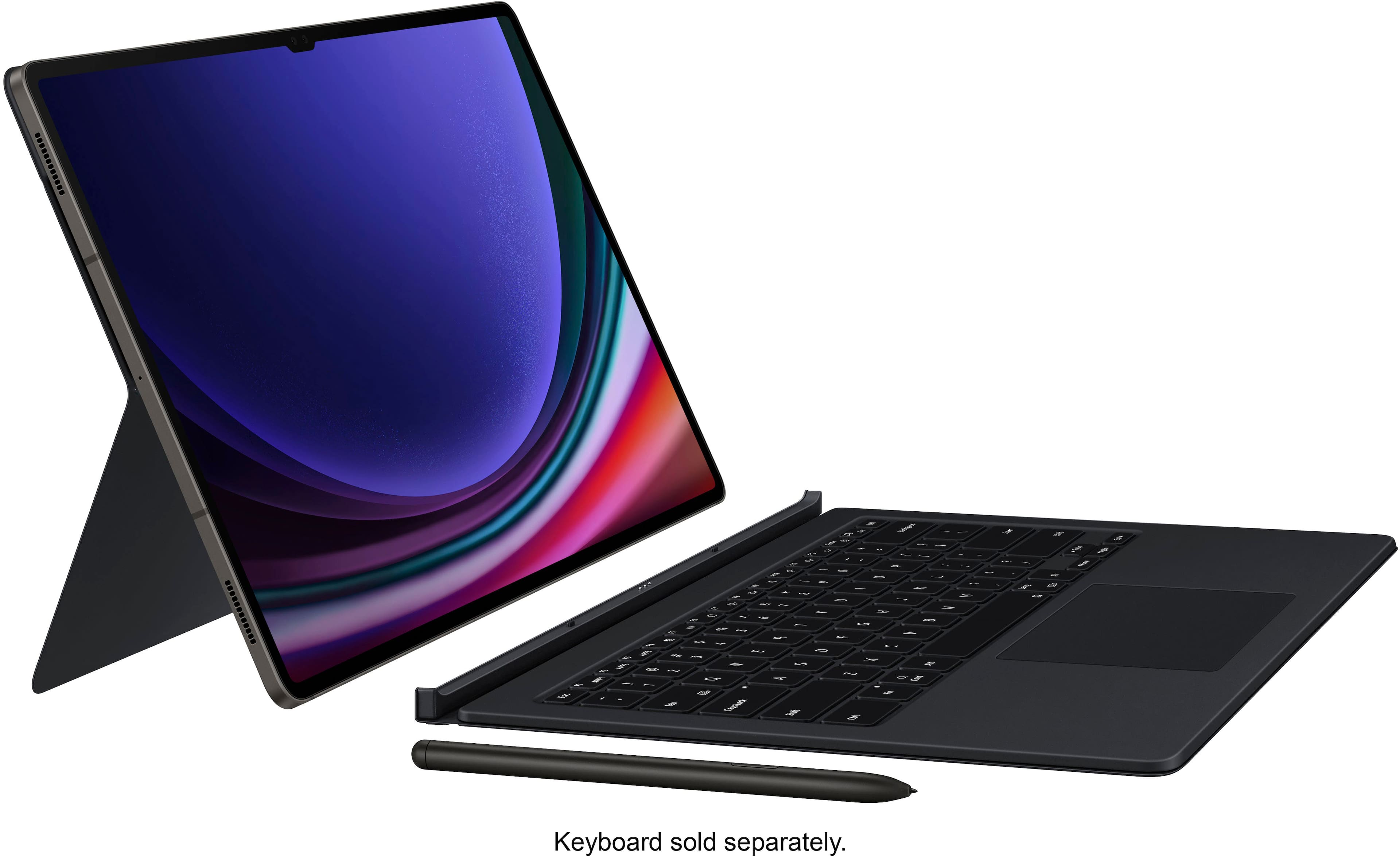
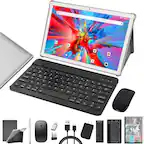
1. A case (Spigen Rugged Armor Pro on Amazon is great for protection and usability. The Samsung Smart Cover is good for general coverage of your screen and S-Pen, and the Smart Book case is good if you want a keyboard for productivity.
2. Glass Screen Protector - I use the Super Shieldz 9H Glass Scree Protector which goes on easy and has worked great so far. No issue with tough or finger prints, but even then, the tablet has the ability to increase sensitivity so that there's no disruptions to usability.
3. (If you don't get a keyboard case) A bluetooth keyboard, especially one with a track pad. It will come in handy if you want to use the tablet like a laptop and type.
Best place to look is Amazon or Samsung for specific Samsung accesories.
A:AnswerYes, I use a wireless mouse with mine all the time. Just make sure the mouse is bluetooth compatible as there is no USB slot to plug in receiver.
A:AnswerHello there, thank you for reaching out to ask us your question about the Samsung Galaxy Tab S9+. The Workday app can be downloaded to your device by visiting the Google Play Store. If you have any other questions for us or if you would like any further assistance, please let us know by contacting Support. Thank you for being a steadfast Samsung customer. - Debra
A:AnswerAloha 4Bart25, thank you for taking the time to ask us your question about the Samsung Galaxy Tab S9+. Yes, the Galaxy Tab S9+ offers GPS, Glonass, Beidou, Galileo, and QZSS as its location technology. If you have additional questions, please feel free to reach out to Support. Thank you for choosing Samsung! - Debra
A:AnswerHDTVTest on youtube Channel on Vizio Oled Video talks about using and naming the store. Crediting employees at a Best Buy Store in Eastern USA delivers to him in the UK.That would be your best bet to get that info.He did get that Vizio sent and talks about in video.And i have that Vizio Oled .Hope I've helped.Cheers.
A:AnswerHello Ez, thanks for taking the time to ask us your questions about the Samsung Galaxy Tab S9+. Yes, the Galaxy Tab S9+ is a powerhouse tablet when it comes to photo editing, thanks to its vibrant display, S Pen support, and access to powerful photo editing apps. If you have any other questions, feel free to reach back out. Thanks for choosing Samsung! - Debra
A:AnswerHey ENGINEERMAN, thanks for asking us your question about the Samsung Galaxy Tab S9+. It looks like AutoCAD is available on the Google Play Store for download. The Tab S9+ meets the minimum requirements for compatibility with the app. If you have any other questions, do not hesitate to each out to Support. Thanks for choosing Samsung! - Debra
A:AnswerWe appreciate your inquiry! We welcome the opportunity to assist you at all times. We see that you reached out regarding the Galaxy Tab S9+. This tablet is only compatible with Wi-Fi connections. If you have any other questions, please be sure to reach out to us at Support. -Kelvin
A:AnswerThanks for the outreach, Amber. We see that you reached out to inquire about the Galaxy Tab S9+. To answer your question, yes. Reading your emails, creating documents, and sharing photos is even easier when you use Microsoft apps on your Galaxy phone or tablet. For instance, you can create spreadsheets with Microsoft Office, store documents with OneDrive, and transfer content from your Galaxy to a PC with Link to Windows. As far as the split screen, with Split Screen view, you can do that with just a single tablet. This feature lets you open two apps on your tablet and use them simultaneously, so you can multitask more easily and faster than ever. Please note that not all apps support split screen view. If you have any further questions or concerns, we're always ready to assist you at Support. -Kelvin
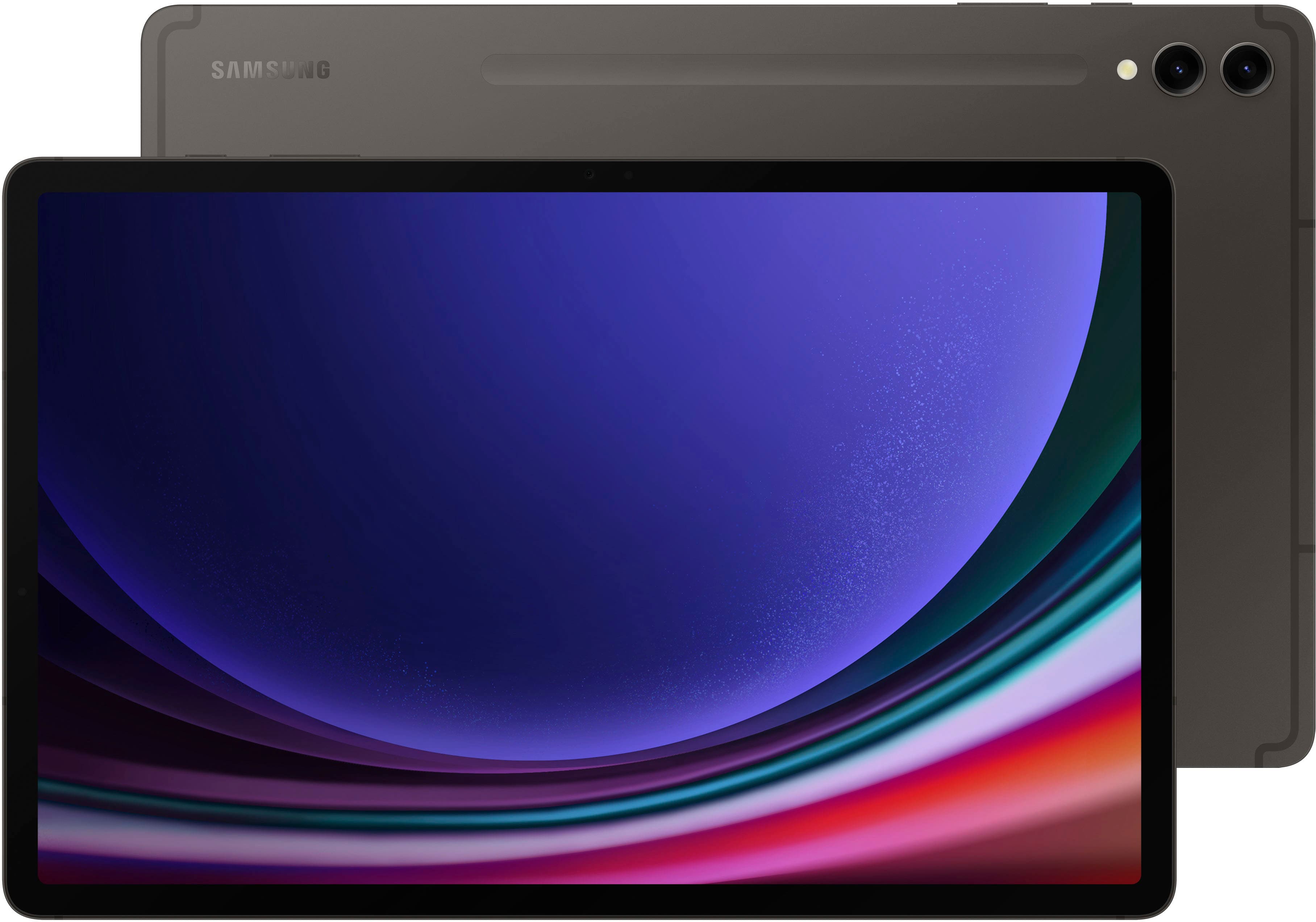
A:AnswerWe love hearing from you! Our goal is to help you get the most out of your device. We recommend checking out the developer's website to see what operating system is compatible with their application. If it is compatible with the Android version, you are running. If you have any follow-up questions, please reach out to us at Support for more assistance. -Kelvin
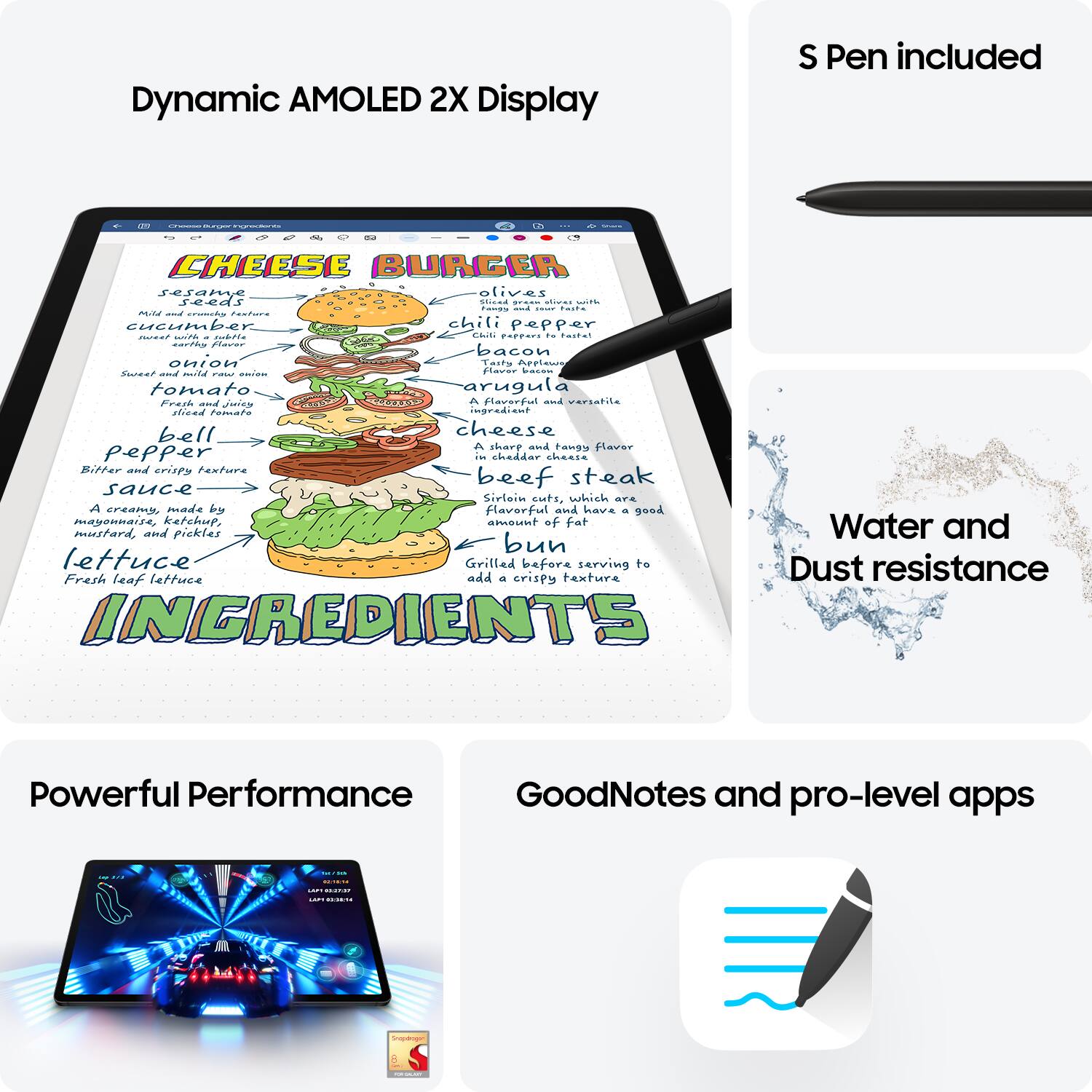
A:AnswerWe appreciate you reaching out to us. We noticed that you are interested in using the Tab S9+. The S Pen that comes with every Tab S9 Series device simulates a real pen, providing you with a fun and innovative way to capture ideas on the go. If the app is available on the Play Store, then it should be compatible with your device. However, to confirm compatibility, you will need to check if the application's developer has made it compatible with your device. If you have any more questions, feel free to contact our support team. - Kelvin