Questions & Answers
- Model:
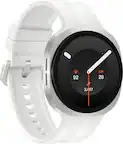
- SM-R861NZKAXAA
- |
- SKU:
- 6584970
Highly rated by customers for: Overall Performance, Ease of Use, Features
$169.99Your price for this item is $169.99
Clearance
Comp. Value: $199.99
The comparable value price is $199.99
Page Showing 21-40 of 60 questions
Q: Questionis this phone compatible with Galaxy 23
Asked by psj.
- A:Answer Yes
Answered by FirestardudeP
Q: QuestionWhich screen protector do I need? Is a special charger/block?
Asked by DebraF.
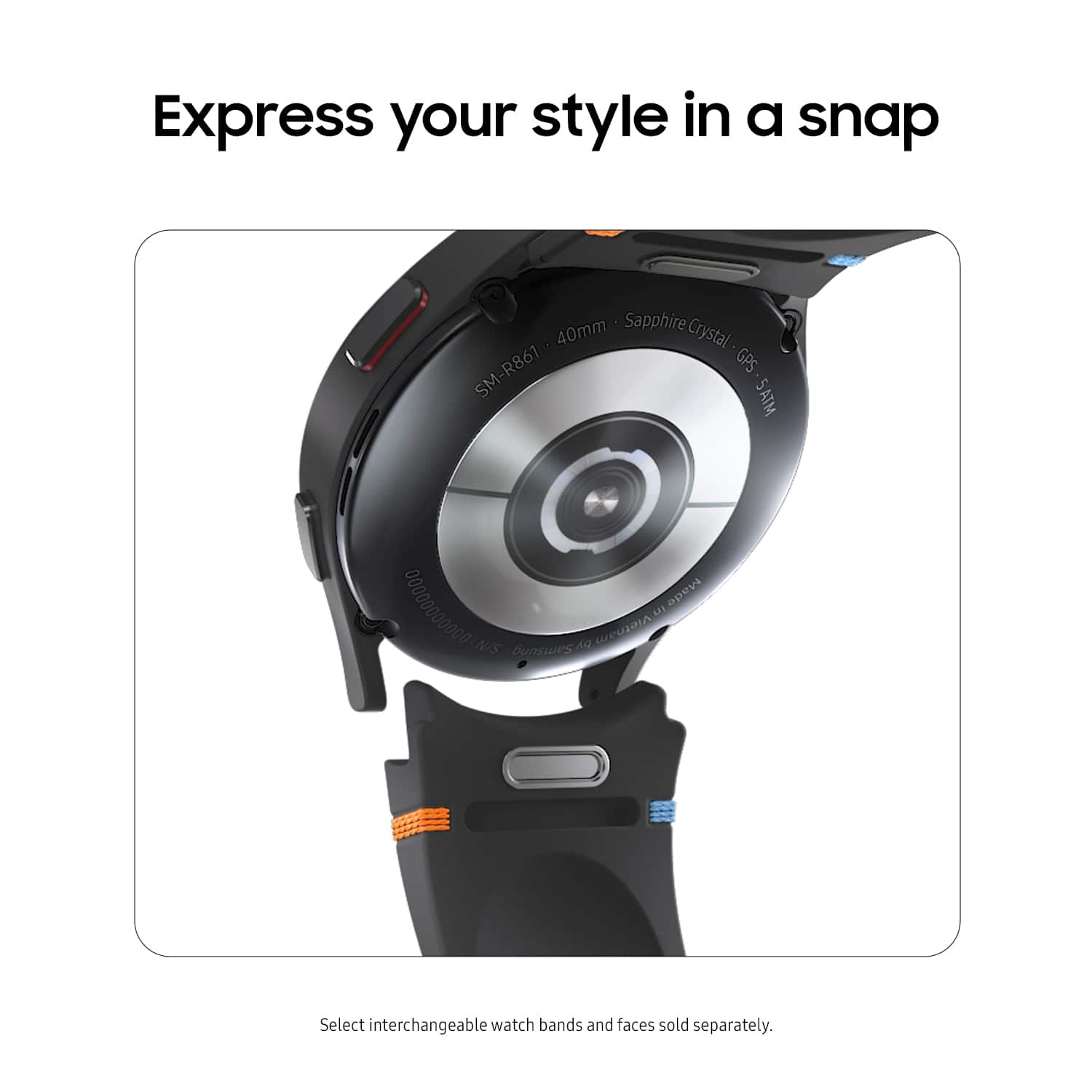
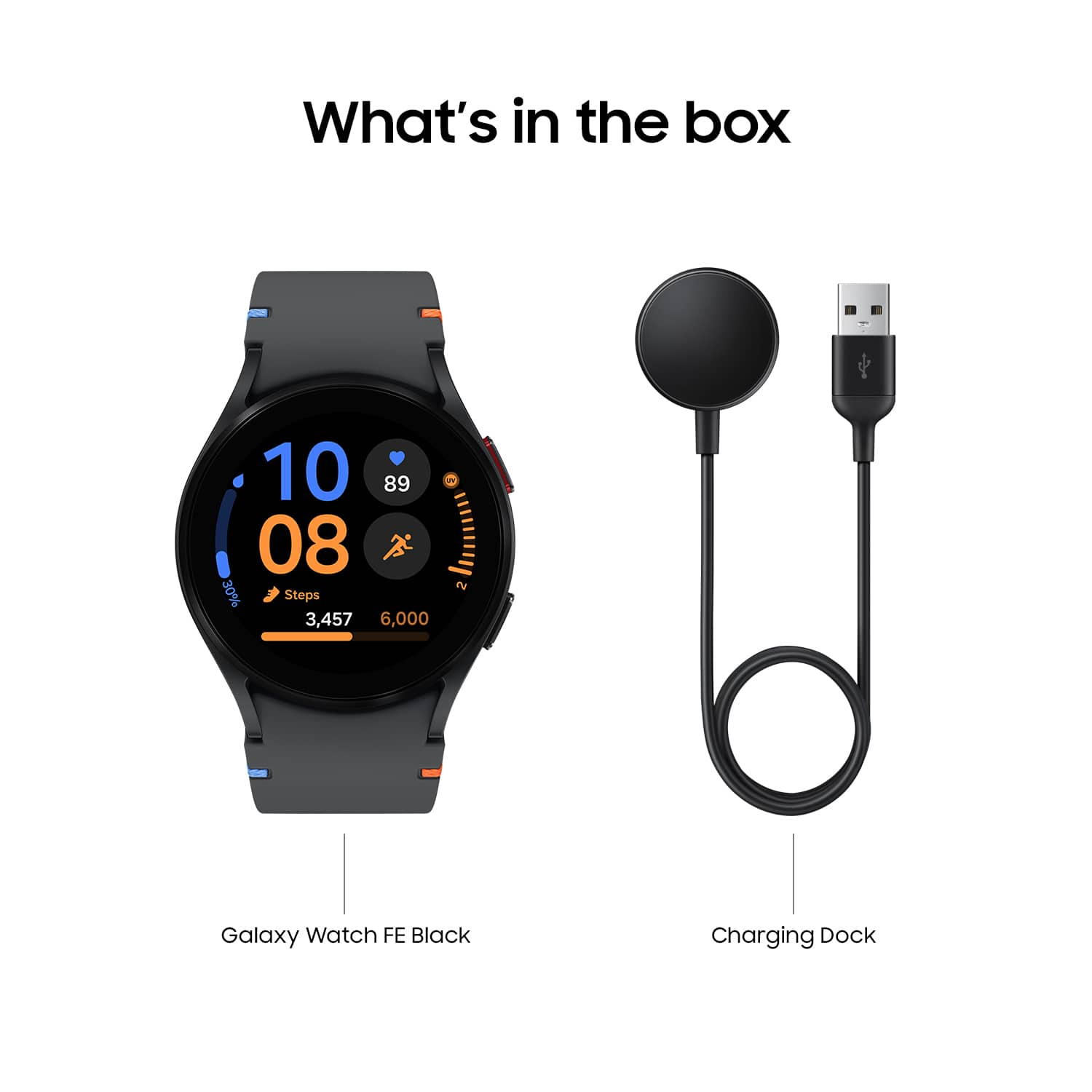
- A:Answer In most scenarios you won't need a screen protector. The screen is made of sapphire glass since its constantly on your wrist. Unless itd constantly be grinding against metal, youre fine. The charger that comes with the box charges to full it a few hours, it should suffice unless you need something more.
Answered by FirestardudeP
Q: QuestionIs this watch compatible with the Dexcom glucose monitor app?
Asked by JIM.
- A:Answer Aloha Jim, thank you for asking us your question about the Samsung Galaxy Watch FE. It looks like the official Dexcom app does not have a watch-specific version available on the Wear OS Play Store, however, the Google Play Store may have it available. The Galaxy Watch FE uses Wear OS, and compatibility relies on the watch being connected to a compatible smartphone that runs the Dexcom app. If you have additional questions, feel free to contact Support. Thank you for being a faithful Samsung customer. - Debra
Answered by Samsung

Q: QuestionHow do you clean the smartwatch
Asked by Mo.
- A:Answer Hi there Mo, thank you for taking the time to ask us your question about the Samsung Galaxy Watch FE. If you experience some discomfort or skin irritation when you wear your Samsung smart watch, it's probably time to clean it. Some residue or foreign material probably built up on the watch and is aggravating your skin. It's also possible that you aren't wearing the watch correctly. Make sure to clean and adjust your watch for a more comfortable fit. Feel free to review, "Properly wear and clean your Samsung smart watch" to learn how you can keep your device in pristine condition. Feel free to reach out to Support if you think of any other questions for us. Thanks for being a steadfast Samsung customer. - Debra
Answered by Samsung

Q: QuestionWill the provide distance to hole when playing golf
Asked by LL.
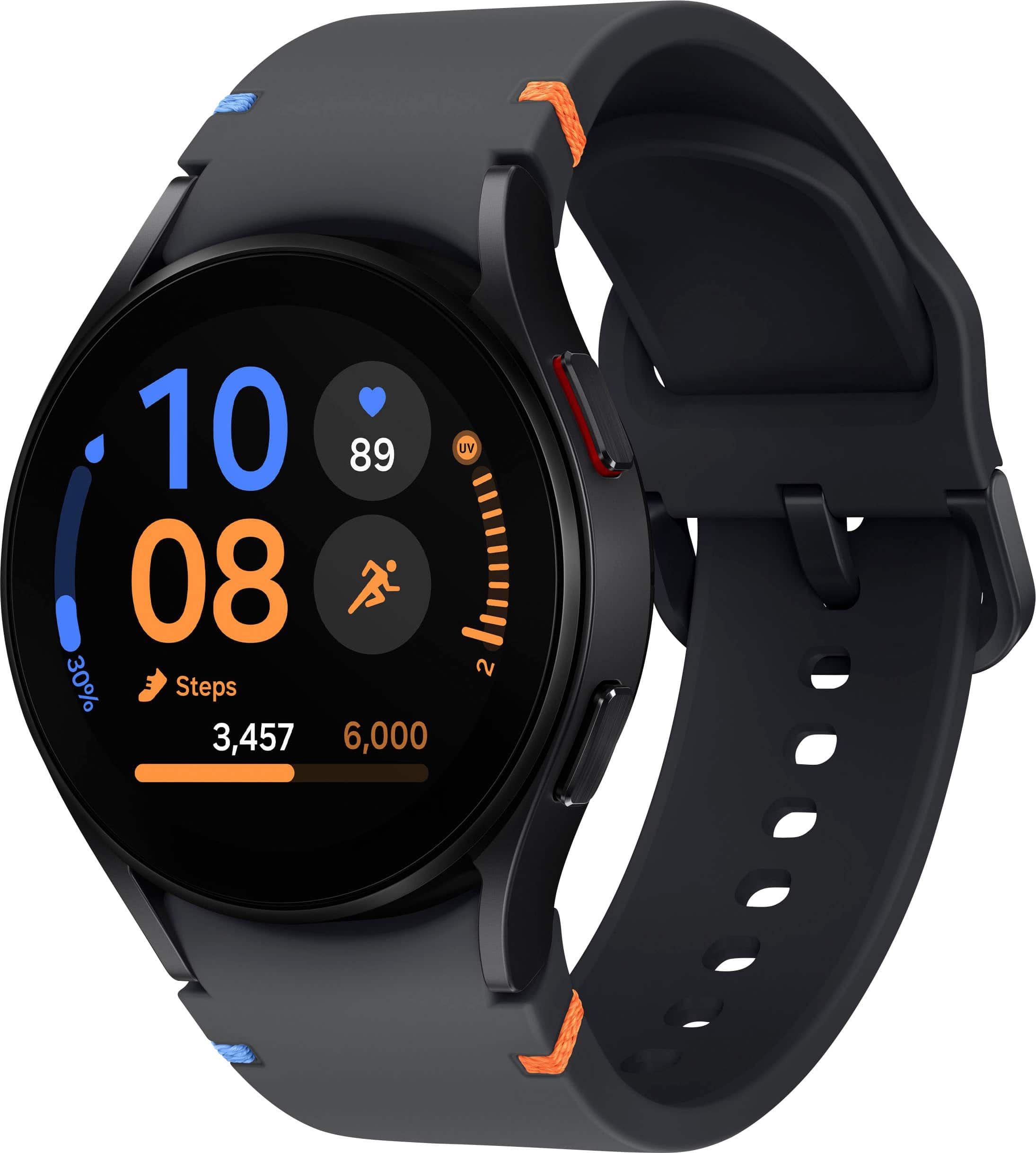
- A:Answer Salutations LL, thank you for asking us your question about the Samsung Galaxy Watch FE. Utilizing the built-in GPS of the Galaxy Watch FE in tandem with apps like Smart Caddie allow the device to provide distance to a hole when playing golf. If you have any other questions, please let us know by reaching out to Support. Thanks for choosing Samsung! - Debra
Answered by Samsung

Q: QuestionIs this watch compatible with the other galaxy watch chargers or can you only use the one that came with the watch?
Asked by GoldenMomma.
- A:Answer Salutations GoldenMomma, thanks for taking the opportunity to ask us your question about the Samsung Galaxy Watch FE. Yes, the included Galaxy Watch FE charger is compatible with other Galaxy Watches that also support wireless charging. If you have any other questions, do not hesitate to reach out to Support. Thanks for being a steadfast Samsung customer. - Debra
Answered by Samsung

Q: QuestionWill this watch work with Strava and stream Apple Music via Bluetooth without my cell phone?
Asked by Strava.
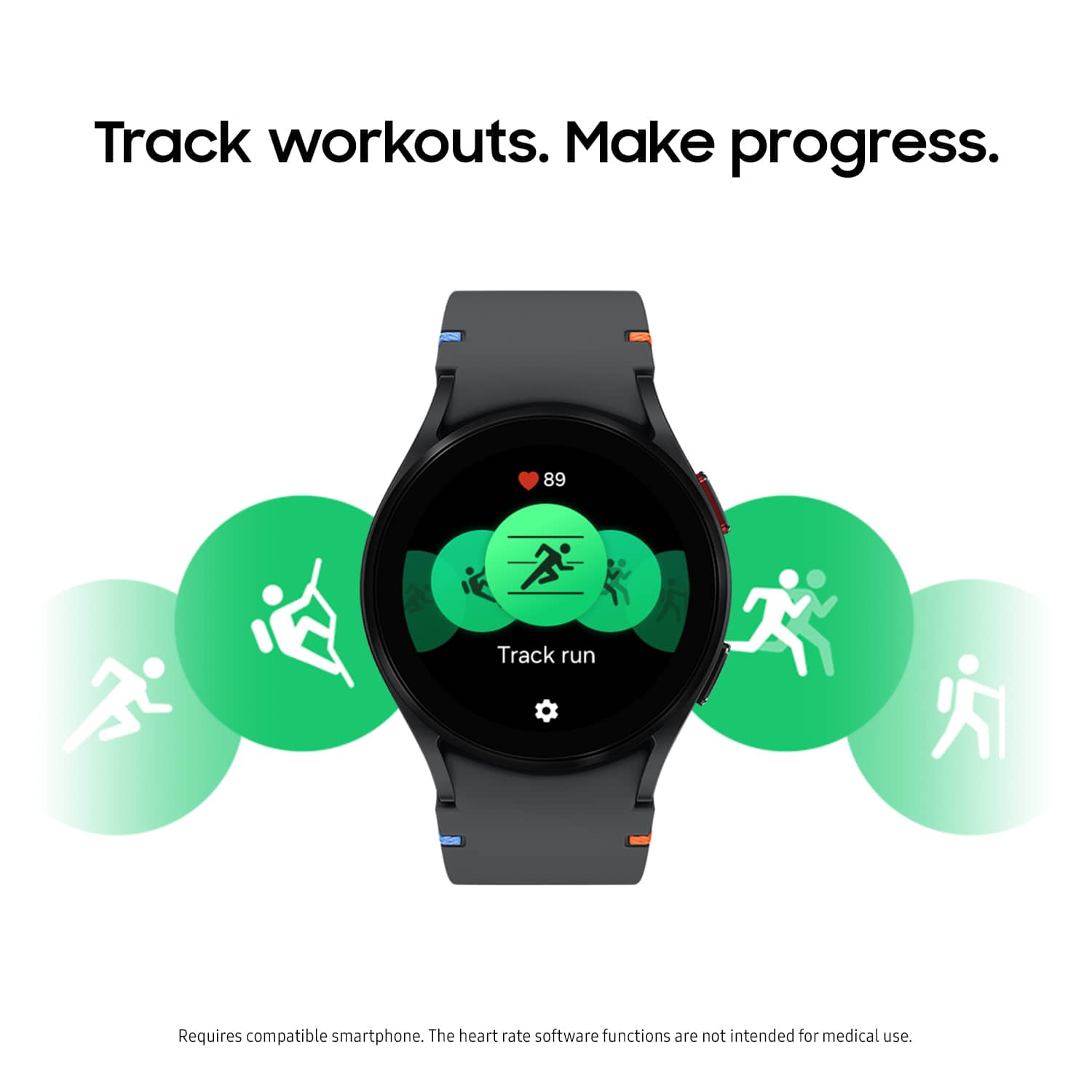
- A:Answer Hey Strava, thanks for asking us your question about the Samsung Galaxy Watch FE. The Galaxy Watch FE can track your fitness activities using Strava and stream music directly, meaning you don't need to have your phone connected to your watch or even carry it with you. If you have any other questions, please feel free to contact Support. Thanks for choosing Samsung! - Debra
Answered by Samsung

Q: QuestionWill the black color fit a womens wrist? I have very small hands and wrists! Size please
Asked by Cher.
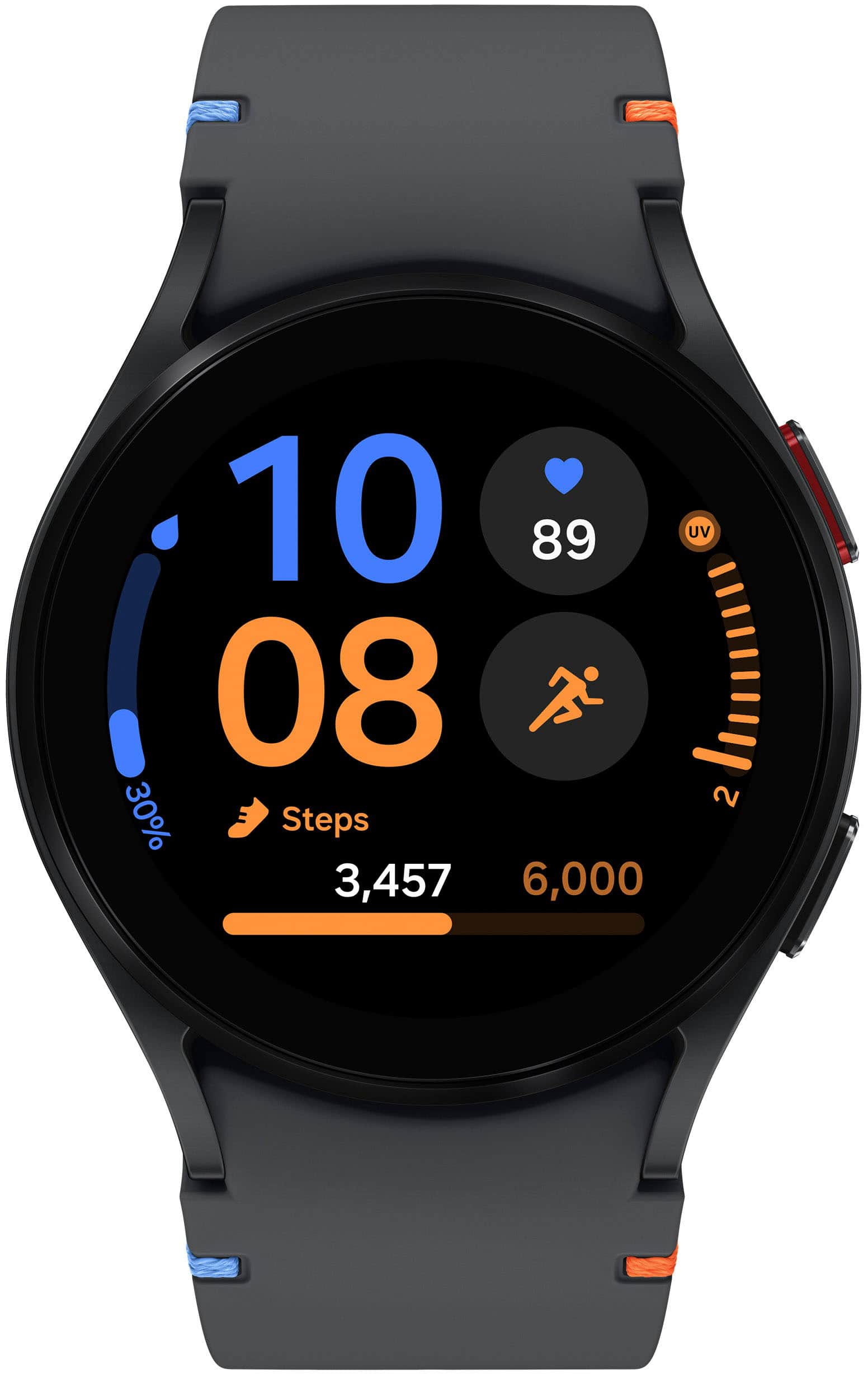
- A:Answer Howdy Cher, thanks for taking the time out of your hectic day to ask us your question about the Samsung Galaxy Fit3. Possibly. Here are the dimensions for the watch band: Dimension (Hole Band, WxHxD) - 22 x 122 x 9.5 mm and Dimension (Buckle Band, WxHxD) - 24 x 93 x 9.5 mm. Feel free to check out, "Find the right band size for your Samsung smart watch" if you would like to learn more. Thanks for being a faithful Samsung customer. - Debra
Answered by Samsung

Q: QuestionCan this or any of the other Samsung watches sync w a Samsung tablet rather than a Samsung phone?
Asked by Bethie.
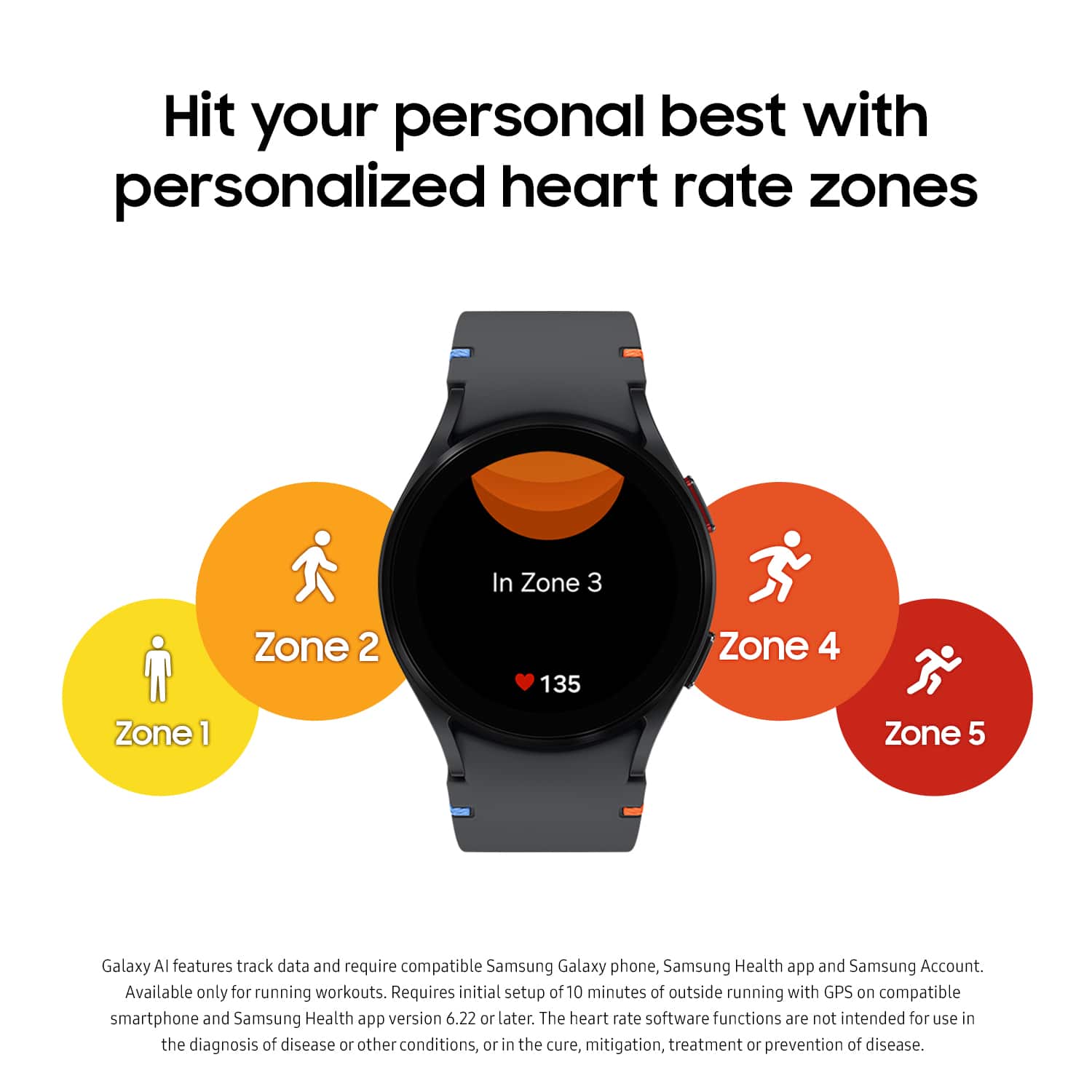
- A:Answer Good day Bethie, thanks for asking us your question about the Samsung Galaxy Watch FE. No, the Galaxy Watch FE cannot be paired with a tablet. A compatible smartphone is required to connect and utilize most of the features offered. Also, the Galaxy Watch FE requires the Galaxy Wearable app to be downloaded to your device and this app is only available on smartphones. If you have additional questions, please feel free to contact Support. Thanks for choosing Samsung! - Debra
Answered by Samsung

Q: QuestionIs this compatible with Note 25 Ultra?
Asked by Levi.
- A:Answer Greetings Levi, thanks for asking us your question about the Samsung Galaxy Watch FE. Yes, the Galaxy Watch FE is compatible with phones that have Android 10 or above. Feel free to check out, "Samsung Galaxy smart watch and phone compatibility" if you would like to learn more. Reach back out if you have additional questions! Thanks for being a devoted Samsung customer. - Debra
Answered by Samsung

Q: Questionso if I have an iphone se I would not be able to set this watch up correct?
Asked by Guys.
- A:Answer Hello Guys, thanks for taking the time to ask us your question about the Samsung Galaxy Watch FE. That's a great question! No, the Galaxy Watch FE relies on Google Play Services which is not supported on iOS. If you would like to learn more, feel free to review "Samsung Galaxy smart watch and phone compatibility." If you have additional questions or if you would like any further assistance, please feel free to contact Support. Thank you for being a staunch Samsung customer. - Debra
Answered by Samsung

Q: Questionso if I have an iphone se I would not be able to set this watch up is that correcr?
Asked by Guys.
- A:Answer Good day Guys, thank you for asking us your question about the Samsung Galaxy Watch FE. No, the Galaxy Watch FE relies on Google Play Services which is not supported on iOS. To learn more, check out "Samsung Galaxy smart watch and phone compatibility." Let us know if you have any other questions or if you would like any further assistance by contacting Support. Thank you for being a steadfast Samsung customer. - Debra
Answered by Samsung

Q: QuestionA green led on the bottim of the watch came on by itself. How do I turn that off?
Asked by LesLV.
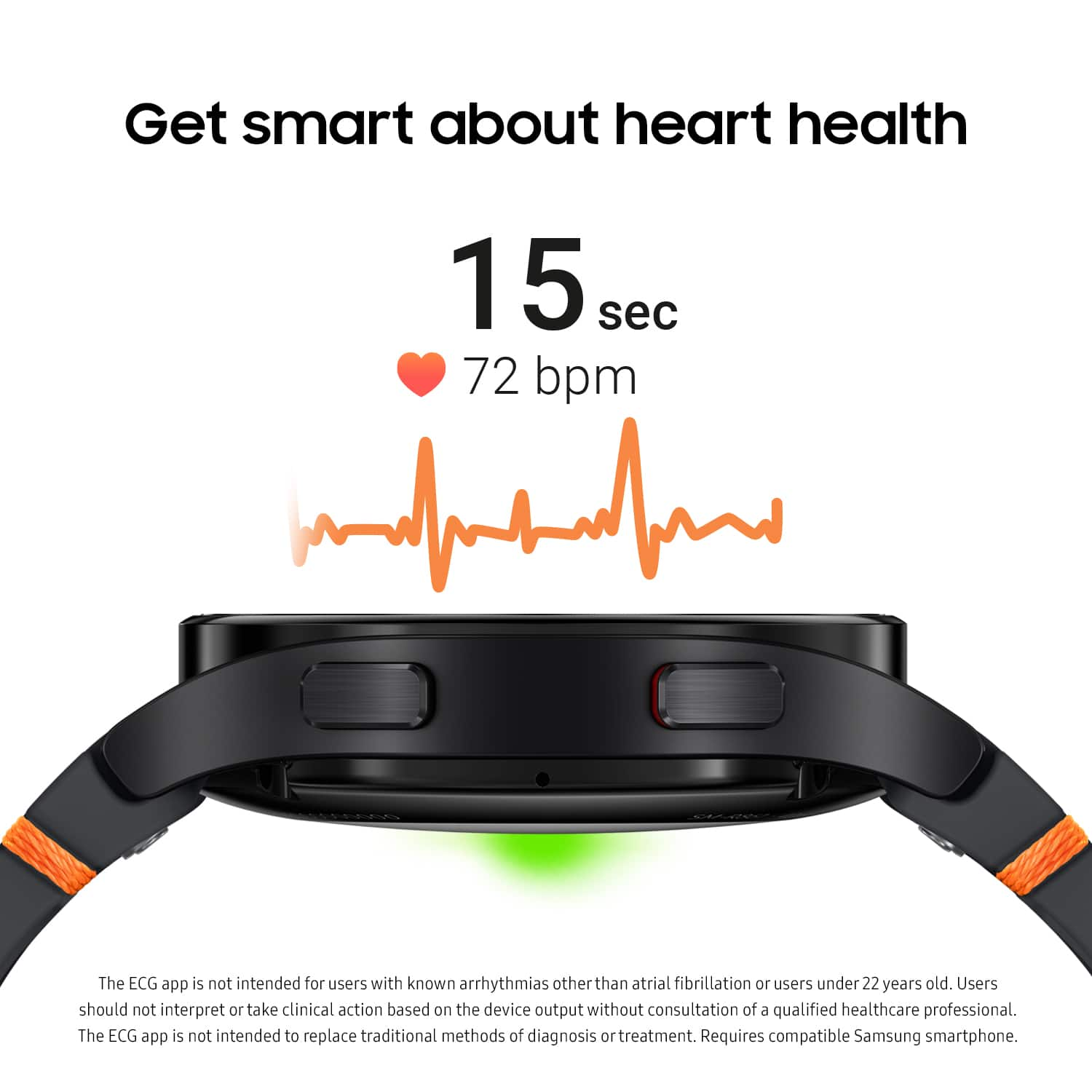
- A:Answer Hey LesLV, thank you for finding the time out to ask us your question about the Samsung Galaxy Watch FE. The green light sensor on your Galaxy Watch FE is essential for your heart rate monitor as well as wrist detection. Although we are unable to turn this off completely, you are able to disable the continuous heart rate monitoring feature, or you can set it to measure at your designated interval. If you have any other questions or if you would like any further assistance, please feel free to reach out to Support. Thank you for being a valued Samsung customer. - Debra
Answered by Samsung

Q: QuestionDoes this watch need a SIM card to take or make calls? If yes, does it come with the SIM card?
Asked by PawanSagar.
- A:Answer Good day PawanSagar, thanks for taking the time to ask us your question about the Samsung Galaxy Watch FE. No, the Galaxy Watch FE, Bluetooth version, relies on a connection to your phone to make/receive calls. If you have any other questions, do not hesitate to contact Support. Thank you for being a valued Samsung customer. - Debra
Answered by Samsung

Q: QuestionHow do I find my phone from my smart watch
Asked by Alice.
- A:Answer Good day Alice, thanks for taking the opportunity to ask us your question about the Samsung Galaxy Watch FE. If you misplace your smartphone, your watch can help you find it. Here's how: 1. From Apps, tap Find My Phone. 2. Tap Ring. The smartphone vibrates and the screen turns on. 3. Drag Dismiss on your smartphone or tap Stop on the watch. If you have any other questions for us, do not hesitate to reach out to Support. Thank you for being a valued Samsung customer. - Debra
Answered by Samsung

Q: QuestionDoes this watch have fall detection? Is it compatible with Android One plus Nord N200 5g?
Asked by Joyce.
- A:Answer Hey there Joyce, thanks for taking the time to ask us your questions about the Samsung Galaxy Watch FE. Yes, the Galaxy Watch FE does indeed offer Hard Fall Detection, and it is compatible with phones that have Android 11.0 or higher and that are equipped with at least 2.0 GB of RAM. If you think of any other questions or if you would like further assistance, please feel free to contact Support. Thank you for choosing Samsung! - Debra
Answered by Samsung

Q: QuestionIs it waterproof?
Asked by H.
- A:Answer Aloha H, thanks for asking us your question about the Samsung Galaxy Watch FE. No, the Galaxy Watch FE is not waterproof, however, it is water and dust resistant, in up to 5 feet of water for up to 30 minutes based on an IP68 rating. If you have additional questions, please feel free to contact Support. Thanks for being a faithful Samsung customer. - Debra
Answered by Samsung

Q: QuestionIs the watch compatible with Apple Watches?
Asked by Teefy.
- A:Answer Good day Teefy, thank you for finding the free time out of your busy day to ask us your question about the Samsung Galaxy Watch FE. No, the Galaxy Watch FE is not compatible with iOS. If you have any other questions, please feel free to reach out to Samsung Support. Thank you for being an unwavering Samsung customer. - Debra
Answered by Samsung

Q: QuestionHow do I get my watch to appear the numbers. It is black now.
Asked by Anonymous.
- A:Answer Good day, thanks for asking us your question about the Samsung Galaxy Watch FE. You can keep the screen of your Galaxy Watch FE on without unlocking your device using Always On Display (AOD). Here's how: From Settings, tap Display, and tap Always on Display to enable the feature. You can also use a gesture to turn on the watch screen. Here's how you'd do that: From Settings, tap Display, and tap an option under Screen wake-up to enable. > Raise wrist to wake: Lift your wrist to turn on the watch screen. > Touch screen to wake: Touch the watch screen to turn it on. > Show media controls: Show controls on your screen when you start playing audio or video on your mobile device. You can also set the screen timeout on your device. This is where you can set the length of time the watch waits before turning off the display’s backlight. From Settings, tap Display > Screen timeout, and select a timeout value. If you would like further assistance or if you have any other questions for us, do not hesitate to reach out to Support. Thanks for being a valued Samsung customer. - Debra
Answered by Samsung

Page 2, Showing 21-40 of 60 questions
Most-viewed items
- $273.16Your price for this item is $273.16
- Doorbuster$599.00Your price for this item is $599.00
- $429.00Your price for this item is $429.00
- $249.00Your price for this item is $249.00
- $399.00Your price for this item is $399.00
- $69.99Your price for this item is $69.99$449.99The comparable value for this item is $449.99
- Black Friday Deal$159.99Your price for this item is $159.99
- $799.00Your price for this item is $799.00
- Black Friday Deal$299.99Your price for this item is $299.99
- Black Friday Deal$949.99Your price for this item is $949.99
- Doorbuster$599.00Your price for this item is $599.00
- $199.95Your price for this item is $199.95$249.00The comparable value for this item is $249.00
- $279.00Your price for this item is $279.00
- Black Friday Deal$299.99Your price for this item is $299.99
- Black Friday Deal$119.95Your price for this item is $119.95
- Clearance$339.99Your price for this item is $339.99
- Doorbuster$599.00Your price for this item is $599.00
- $399.99Your price for this item is $399.99$499.99The comparable value for this item is $499.99
- Black Friday Deal$199.99Your price for this item is $199.99
- $279.99Your price for this item is $279.99$349.99The comparable value for this item is $349.99