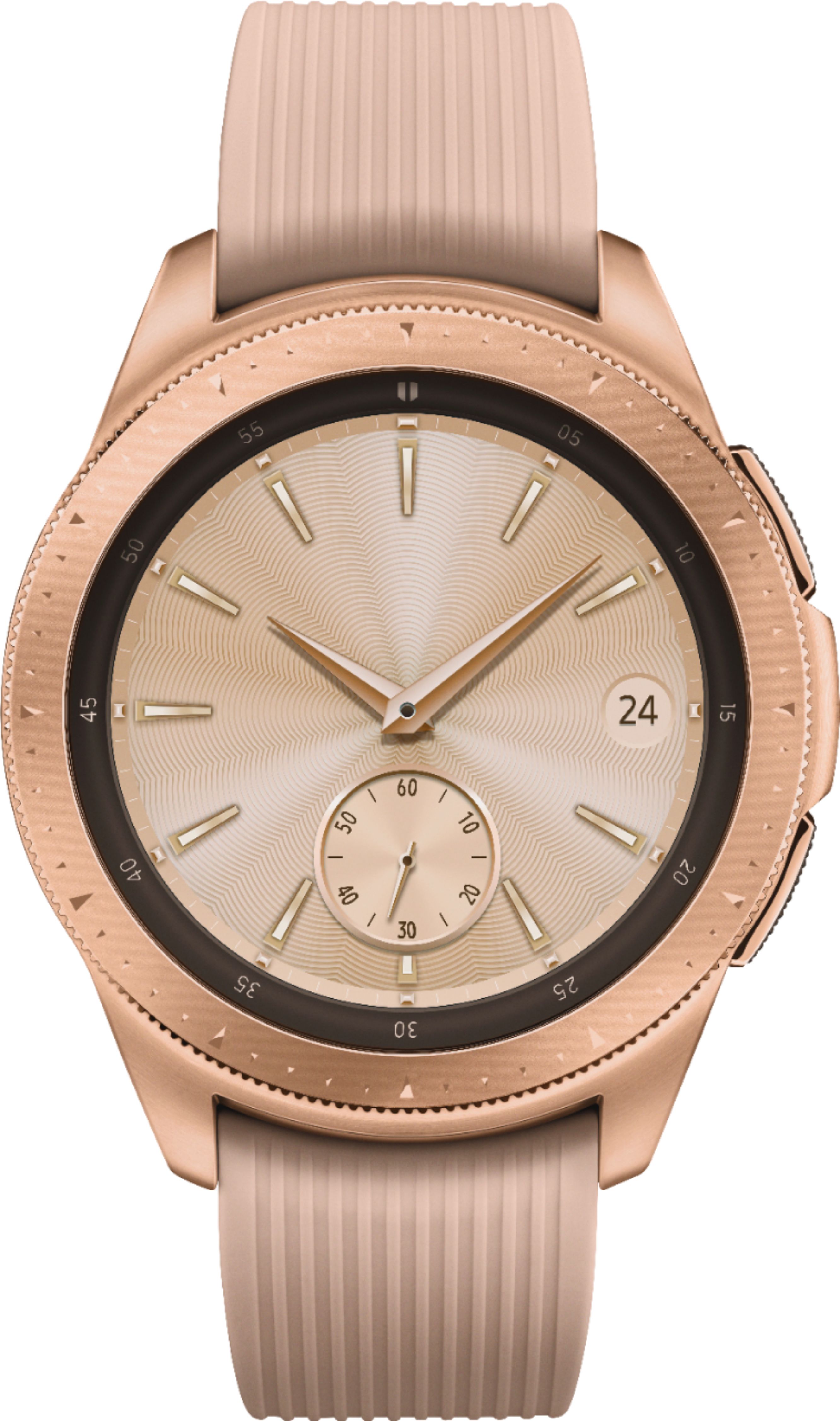
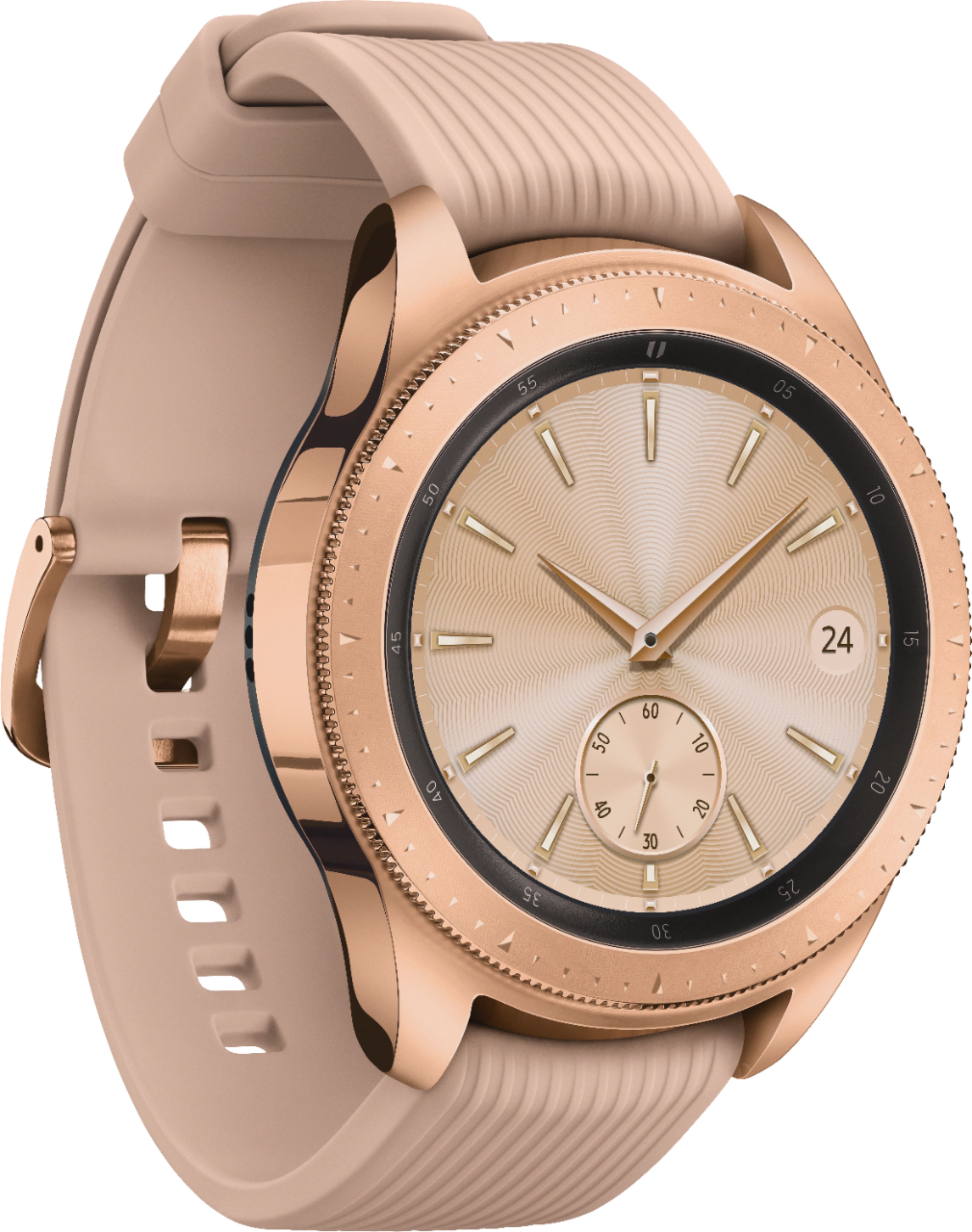
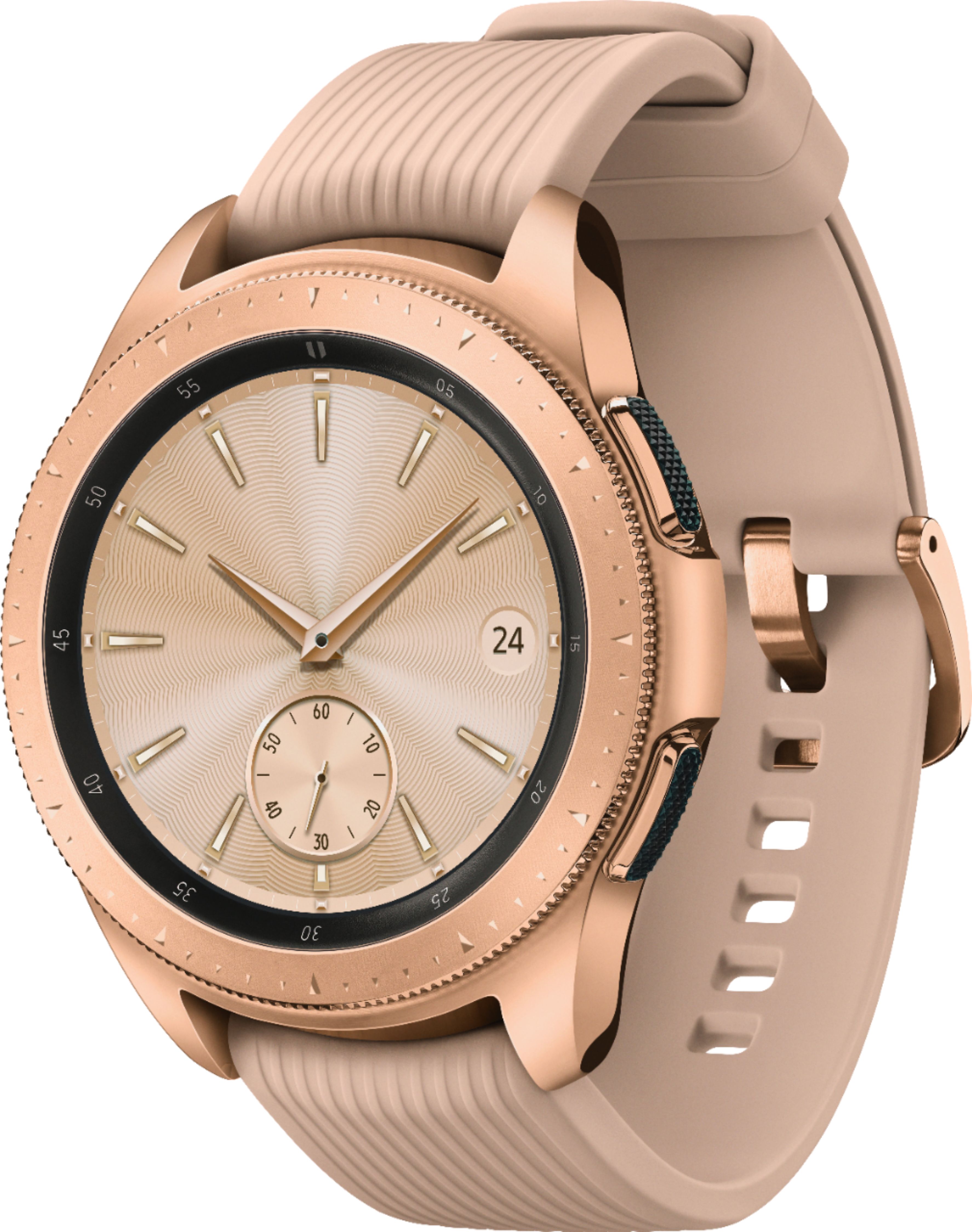
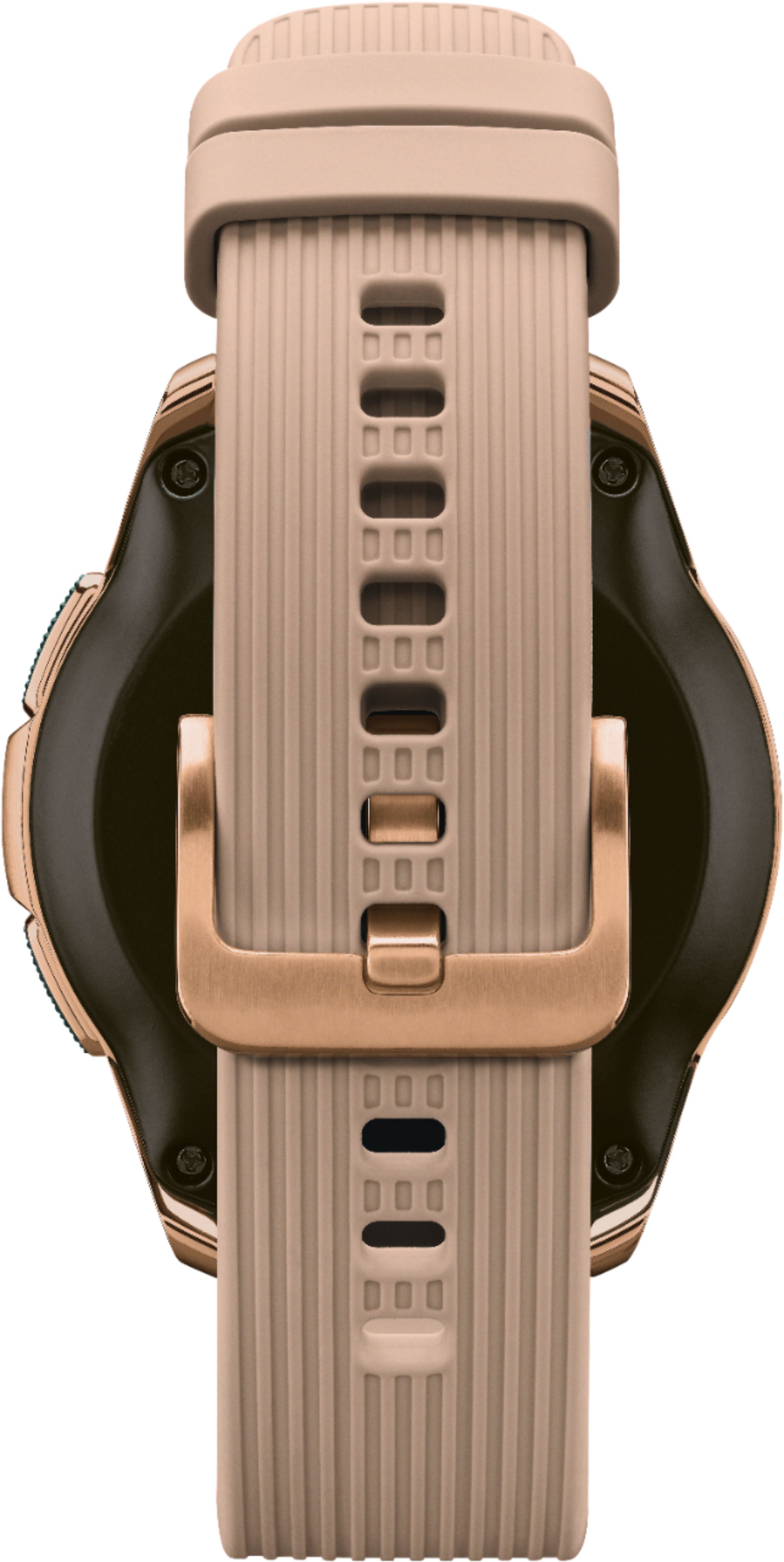
A:AnswerYou can play your music and track your run all at once when exercising. All you need to do is transfer your music to this Galaxy Watch and then play it right from your wrist. Check out this link (https://bit.ly/2VJkDTd) to see how to export music from the phone to watch. The watch will monitor and track your step count. I also invite you to check out this link (https://bit.ly/2FqXb8j) to set up the steps widget and learn how to access the multi-exercise widget. Thank you for choosing Samsung Bri. ^Ash
A:AnswerYes but only if you purchase the LTE version of the phone. It would then be an additional charge per month. The Bluetooth/wifi version does not require cell service because it's paired to your phone but you have to be within the phones Bluetooth range for full functionality.
A:AnswerI absolutely Love my rose watch I do not sleep with it though so my watch has lasted 3 days before I had to get it on the base to charge up again I use it mainly for exercising and talking on the watch for driving when needed. Love all the extra features on the watch so happy I did buy it.
A:AnswerThe range of the wireless Bluetooth connection between your phone and your smartwatch can vary greatly depending on the environment. In general, you should have at least 10 meters (or 30 feet) of connectivity, the same with most bluetooth devices.
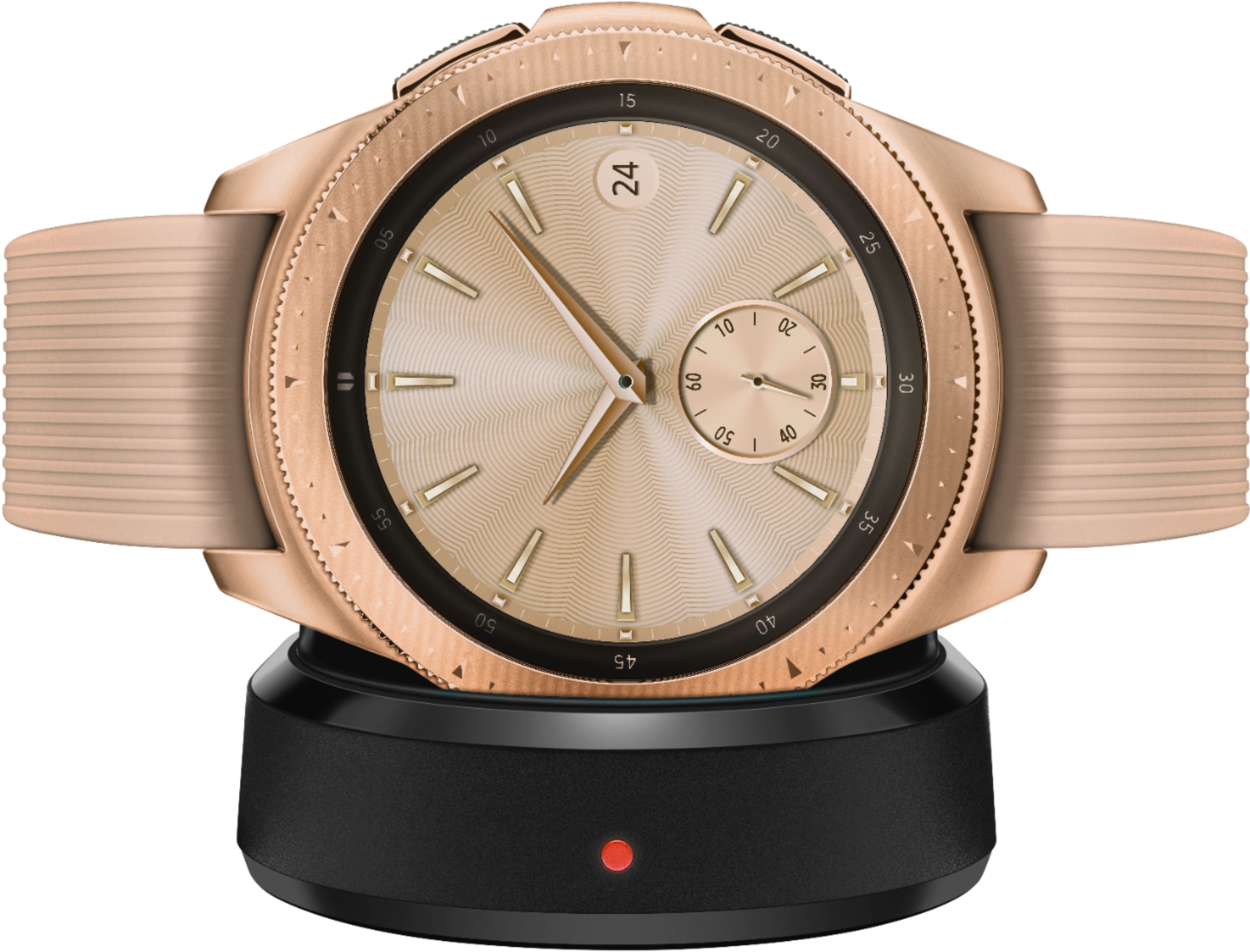
A:AnswerIf you are referring to the accessories that come with this item, this comes with Additional Straps Large and Small, Wireless charging Dock, Travel Adaptor, Quick Start Guide and a User Manual.