A:AnswerYou will need to restore your phone and the watch to it's original factory settings. Back up your phone and do it. Your phone is a bit older but will still work fine with the watch. You'll need to reset the watch, too.
A:AnswerOrder the watch and relax. BB will tell you a week or so but it depends what they have in the warehouse. It can take 10 days to 3 weeks. Who cares? Just order it and be happy when it arrives.
A:AnswerKeep calling and checking online, that's what we did..or call around to several Best Buy stores and if they have it ask them to hold it for you
A:AnswerAccording to a Samsung rep at the Best Buy store, I visited the watch is unlocked but it can't be used on other networks until Samsung send an update to the device to allow it to be used on all the other networks. This is why Best Buy label the watch unlocked. The Samsung rep also stated that they were told in training that the watch would be unlocked at the release date, but he wasn't sure why it was released with T-Mobile LTE only. The update to allow all carrier LTE service is supposed to come by the end September or sometime in October.
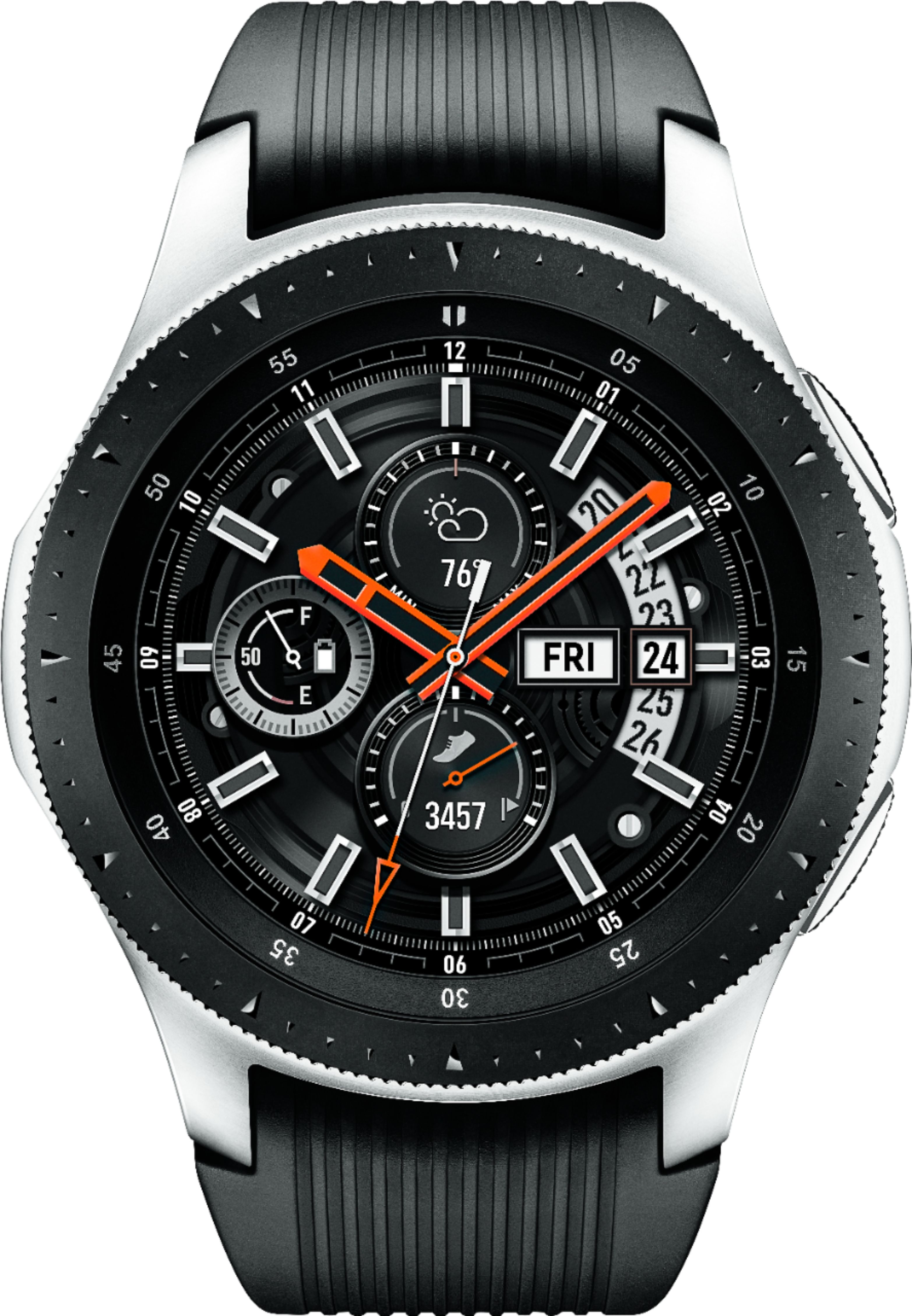
A:AnswerNot sure about other carriers, but with Tmobile, the LTE version of the watch will have its own number. Any calls to your phone's number will also ring on the watch via Tmobile Digits I believe.
A:AnswerNo. I believe you will have to wait until each carrier sells their own watch. It sounds like that should happen before the new year.
That is my theory.
A:AnswerFor the LTE version, the watch once paired with the phone asks to add an additional line with TMobile. I suspect even though your network is piggybacked on Tmobile, you may still need a tmobile#.
Why not check out a demo piece at the store and ask them to help you out? That's the beauty of having a physical store rather than an online only retailer.
A:AnswerIt's been out from day one. I purchase mine on line and picked it up at the local Best Buy store. Just like the Gear S3, you have to buy it online.