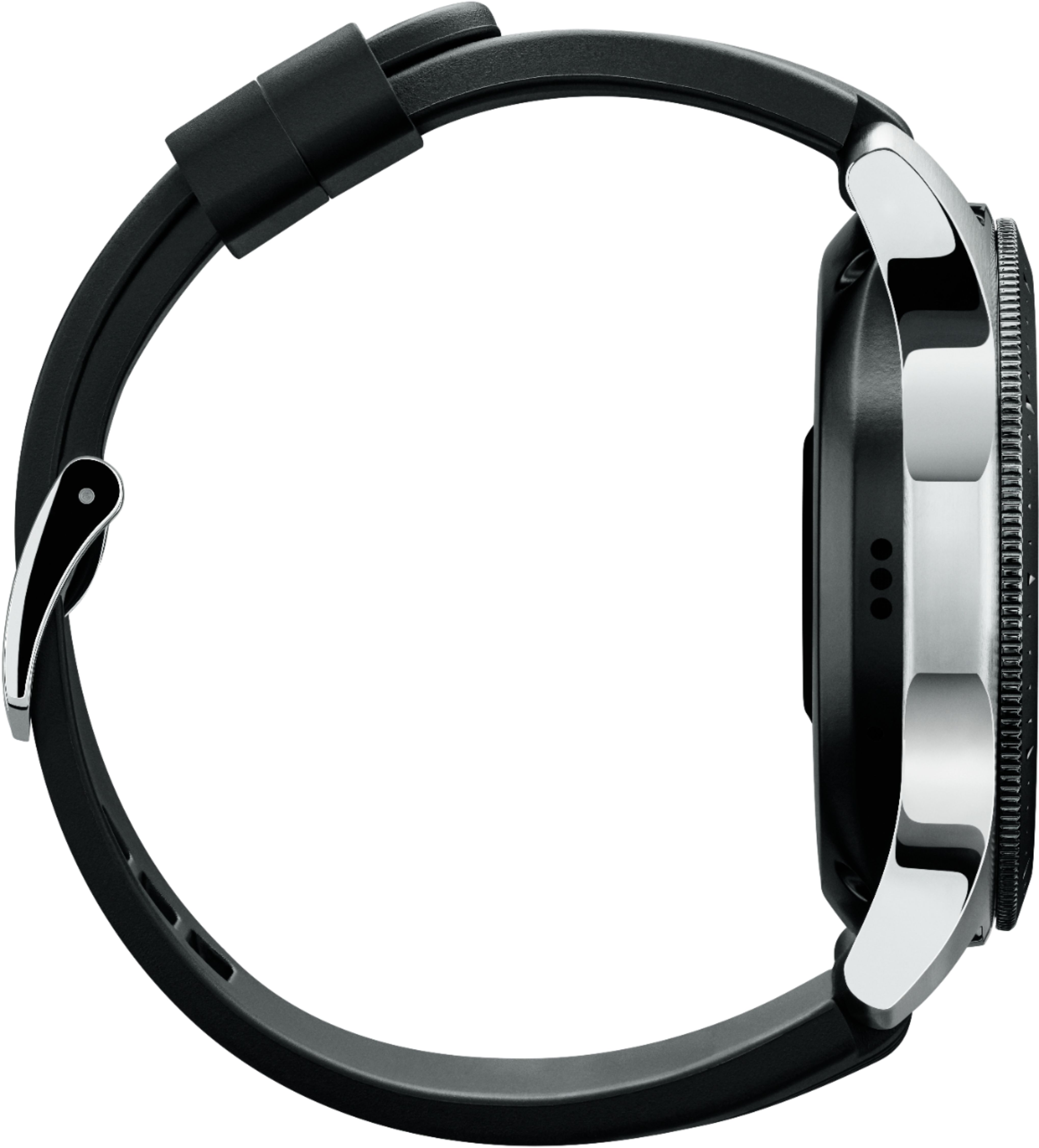
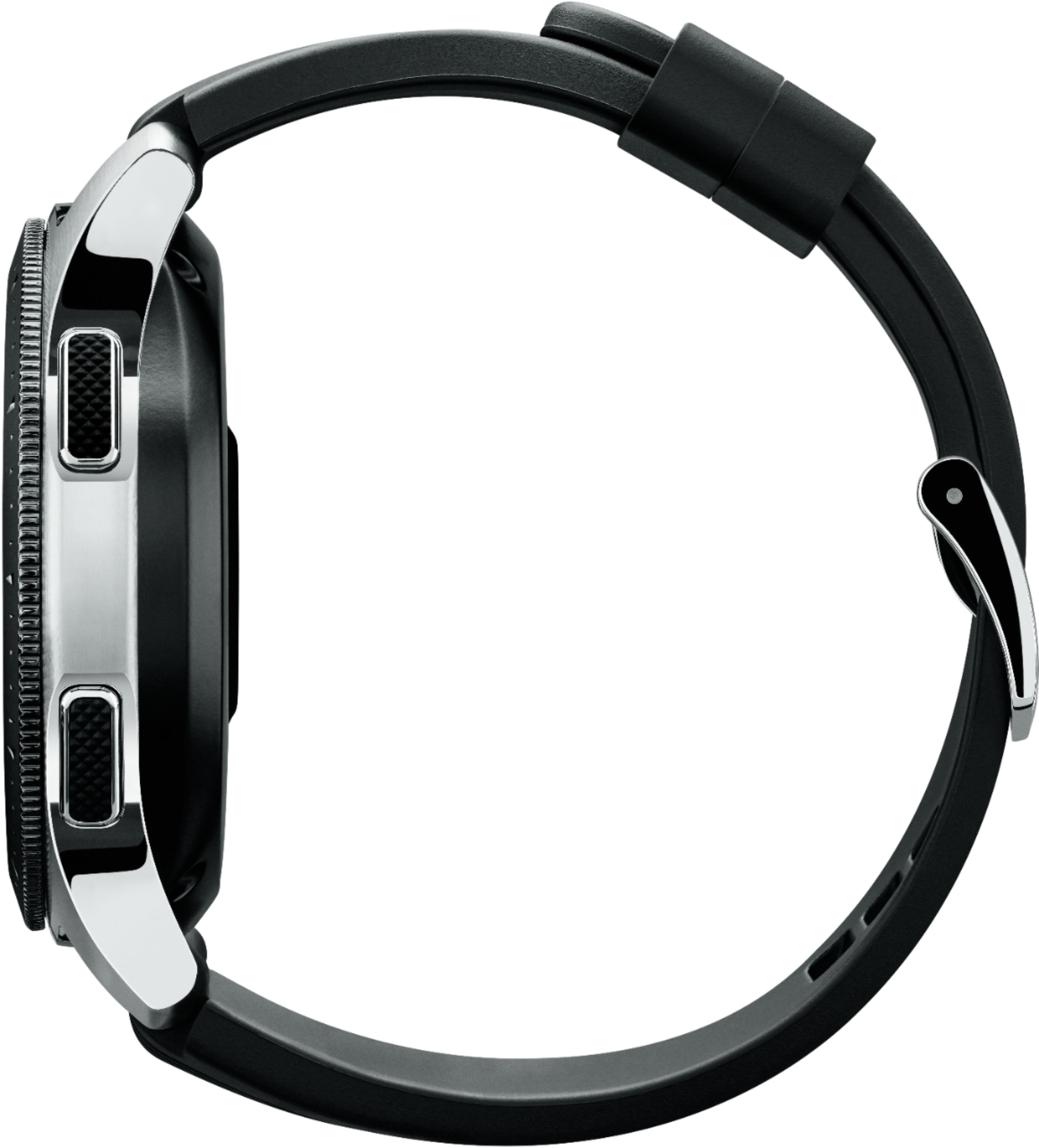
A:AnswerYou have to check with providers to see if they support. Most major providers will support LTE version. Honestly just get the Bluetooth version and use it through your phone because you will most likely have your phone on you anyway, plus providers charge more for the watch LTE connectivity.
A:AnswerHello MWB, thank you for bringing this to our attention. We would love the opportunity to assist you further with this matter. Please give us a call at 1-800-SAMSUNG. We're here to help! ^Elizabeth
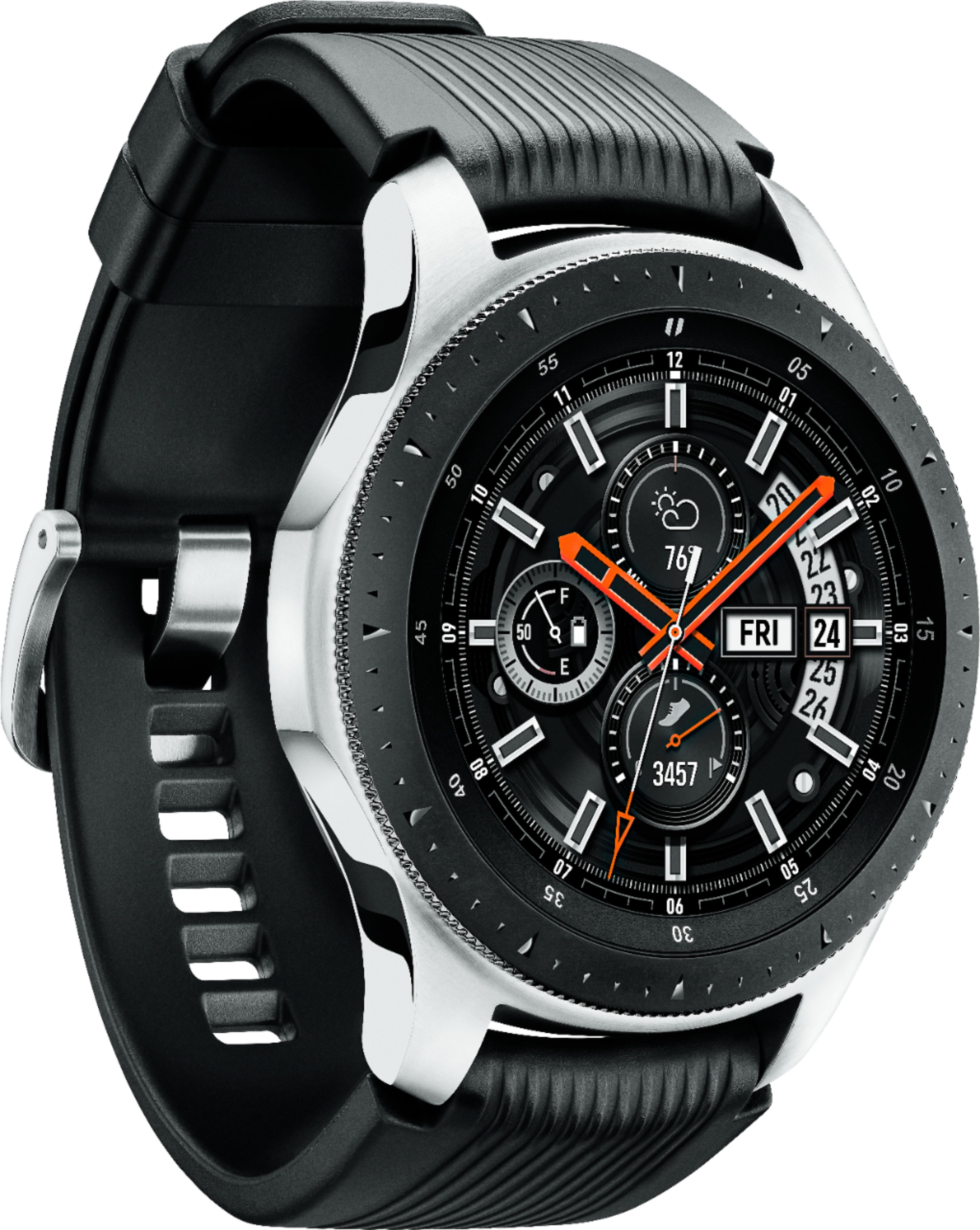
A:AnswerHello Kameleon95, great question! Samsung has Bluetooth and LTE smart watches. The LTE version can receive calls and messages without being connected to a phone. However, this watch model only has Bluetooth connectivity. ^Elizabeth
A:AnswerIts tried to get the most accurate distance but the only way to try and help your issue is to power the watch off and on at night/when charging to let it cool off.
A:AnswerIt should work with any phone, Samsung or iPhone because it connects through bluetooth. And since it's a bluetooth connection, you can also answer calls through it. The only draw back is you have to have your phone near you or on you. Unless you buy the more expensive one that utilizes a sim card and you add a line on your plan for it, then it should work with Metro PCS.
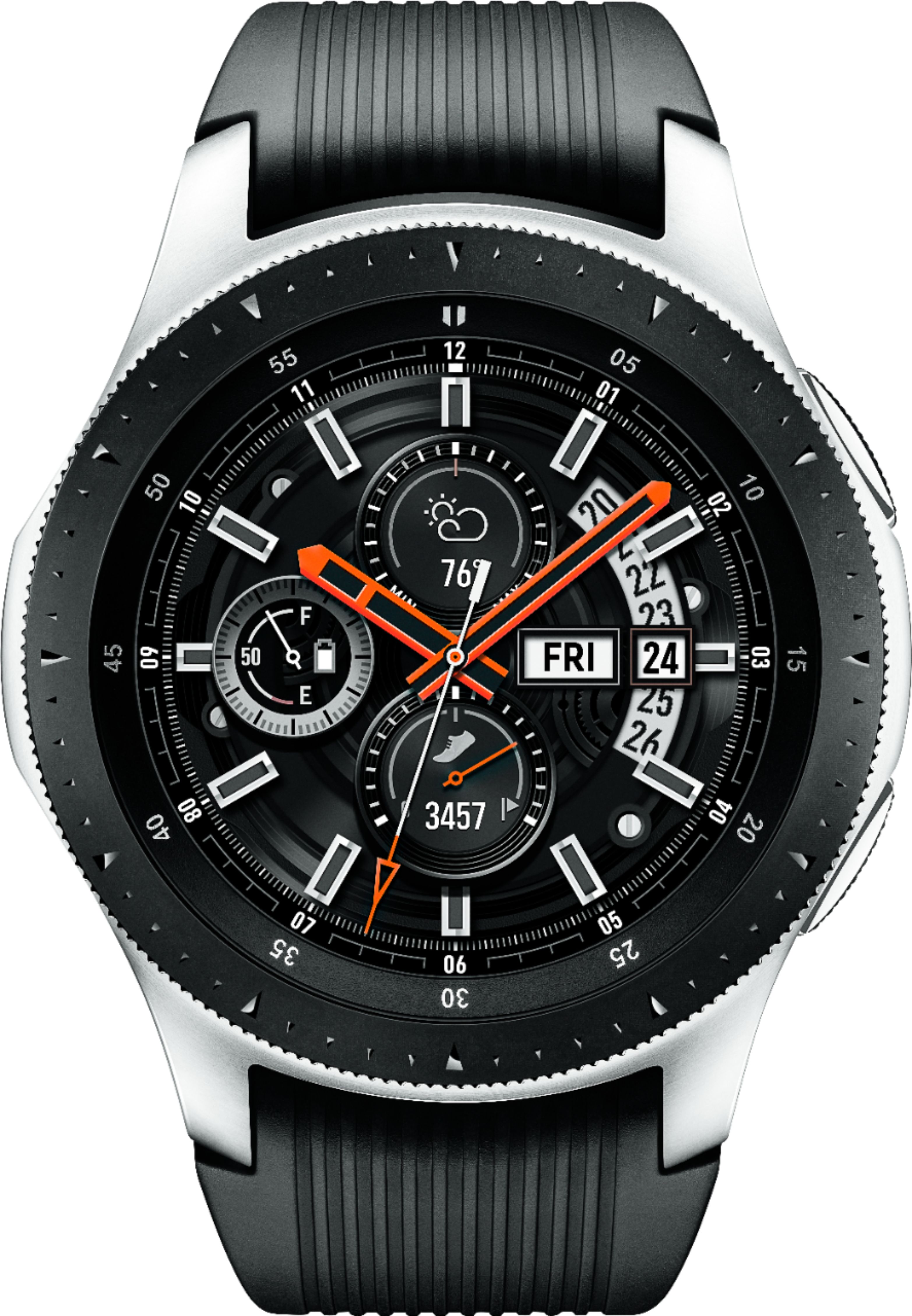
A:AnswerHey there, that's a really good question. Here is a link (http://www.samsung.com/us/support/troubleshooting/TSG01003100/) to an article that will help you troubleshoot the issue. If you are still experiencing difficulties, please give us a call to set up service at 1-800-SAMSUNG. We're here to help! ^Elizabeth
A:AnswerHello Brian, that's a really good question! Samsung has Bluetooth and LTE smart watches. The LTE version can receive calls and messages without being connected to a phone once service has been activated for the watch through the same carrier as your mobile phone. However, this watch model only has Bluetooth connectivity. ^Elizabeth
A:AnswerIf you set it right... nobody. If you leave it open like one could do with a WIFI signal... then everybody. Follow the instructions carefully that's all!
A:AnswerHello Goose, thanks for asking! This watch is compatible with iOS 9.0 and above / iPhone 5 and above. Supported features may vary by carrier and compatible device. For the best results, connect with compatible Samsung Galaxy smartphones. ^Elizabeth
A:AnswerHello GalaxyLuke, thanks for asking! There are many response methods to choose from on this watch, including the microphone. Just speak into the watch, and then tap SEND. Please follow this link (https://www.samsung.com/us/support/answer/ANS00078022/) to learn more about sending messages. ^Elizabeth
A:AnswerHey there, good question! This watch is water resistant. This means there are limitations of exposure; your device is able to resist the penetration of water to a certain degree, but not entirely. ^Elizabeth
A:AnswerHello Blankz, thanks for asking! With the trackers on this watch you can take charge of your fitness and wellness. For example, you can track your workouts or your sleeping habits. There's even a breathing program to manage stress. ^Elizabeth
A:AnswerHey Bob!
The watch links with your Google Calendars. You can also set up notifications and your Morning and Evening briefing notification will list calendar items.