A:AnswerThis watch works without a cellure plan. I have Verizon and bought the watch months after switching from Apple to Android. It picks up your phone if you have the bluetooth connection on. You dont need a phone plan to enjoy.
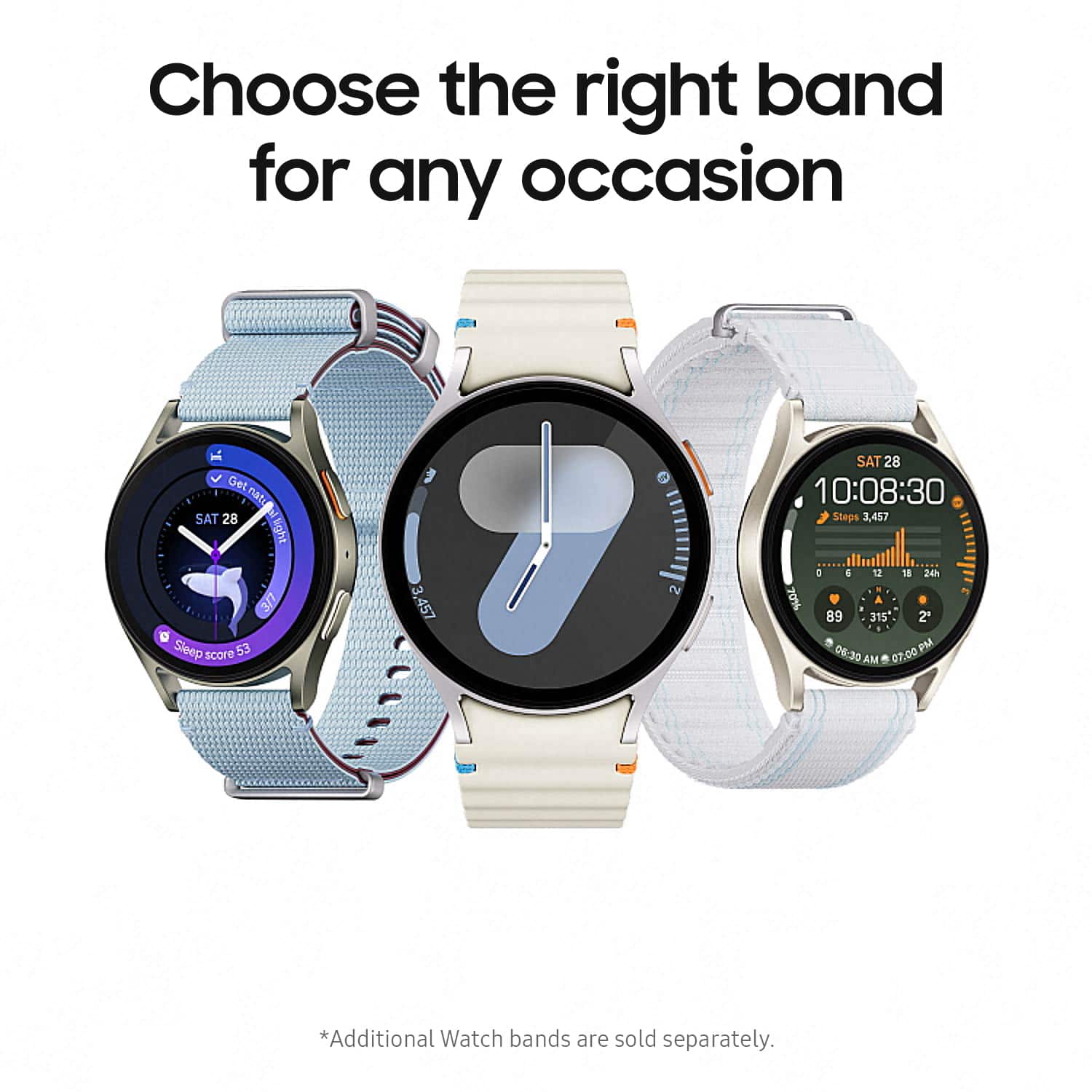
A:AnswerIt does not not come with one but I found a cheap one on amazon that works well and looks nice. It is worth noting that the watch does have a feature that when you move a finger circularly around the outside edge of the watch, it scrolls the screen. I wish I was still able to use this feature with the bezel cover on, but you can still swipe to scroll so it's not a deal breaker.
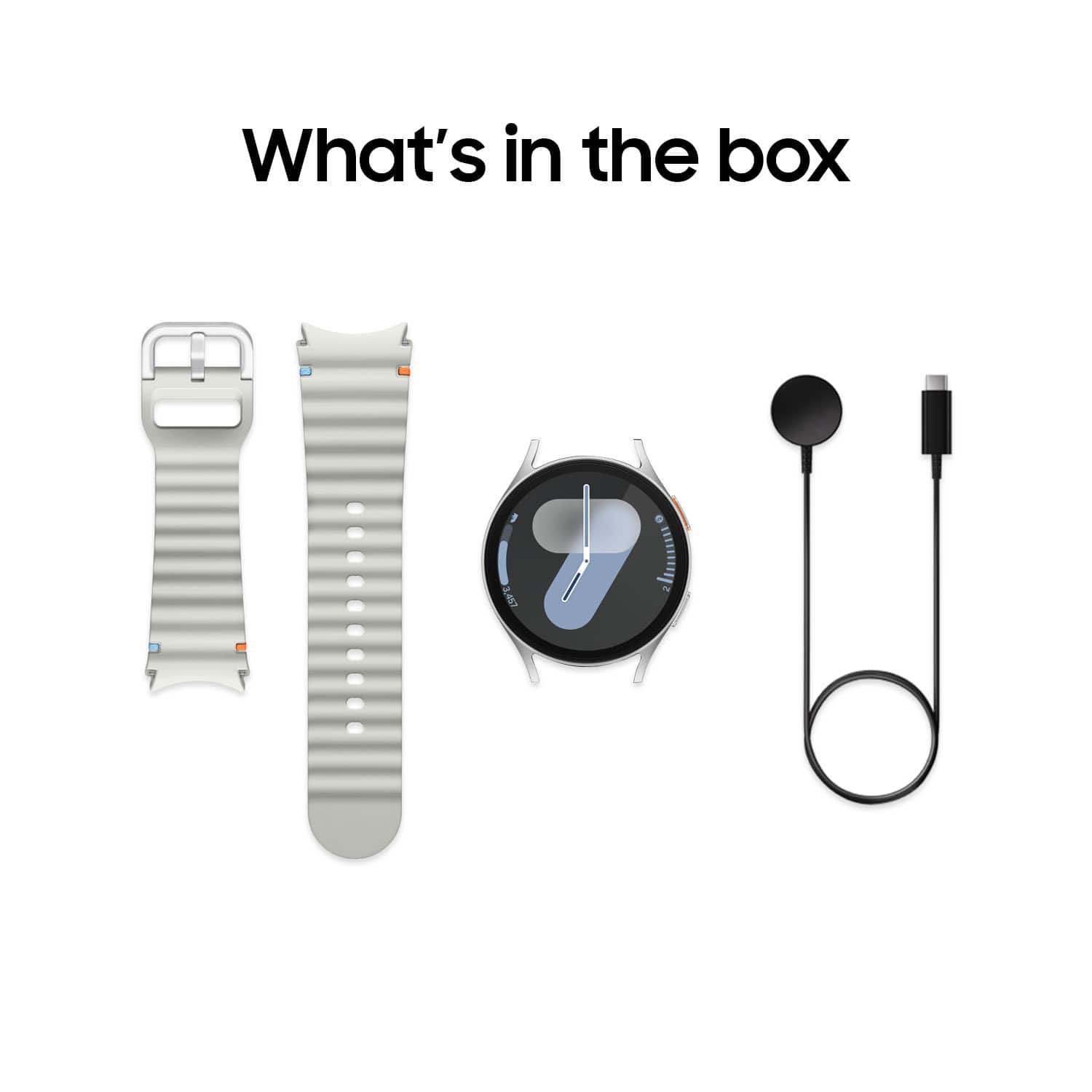
A:AnswerThe charger for the watch is a magnetic disk that connects to the back of the watch wirelessly. The charger disk itself connects to a USB-C charging block, that is not provided, but are pretty readily available these days.
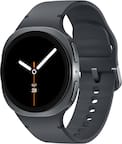
A:AnswerHowdy Thomas, thanks for asking us your question about the Samsung Galaxy Watch7. The advertised Galaxy Watch7 is the U.S. version of this device. If you have any other questions, please do not hesitate to contact Support. Thanks for choosing Samsung! - Debra
A:Answeri think it could be safe. but it says not to submerge the watch alot in water. or have it be sprayed directly to the watch. im sure it would be ok but if u think of it, it is still a watch and it could ruin. just saying. cause i forget sometimes to take it off when i bathe or when i wash dishes and so far its been good.
A:AnswerHello, thank you for finding the time out of your day to ask us your question about your Samsung Galaxy Watch7. Samsung provides a 12-month warranty on our products for manufacturing defects in materials and workmanship. Please feel free to reach out to Support for further assistance and/or help with troubleshooting your device. Thank you for being a treasured Samsung customer. - Debra
A:AnswerI don't think so I found one of my charges that charges it but it charges really slow so the best bet is to charge it with the charger in the box that it came with or purchase a authentic Samsung wireless charger from Samsung itself which will charge it no problem I have one and it works.