
Black Friday is hereNew Doorbusters added. Ends 11/29.Shop now

Main Content

Questions & Answers

Your price for this item is $159.99
The comparable value price is $279.99
Page Showing 1-20 of 47 questions
  • QuestionCan you respond to text messages thought the watch?? Thank-you

    Asked by Reb.

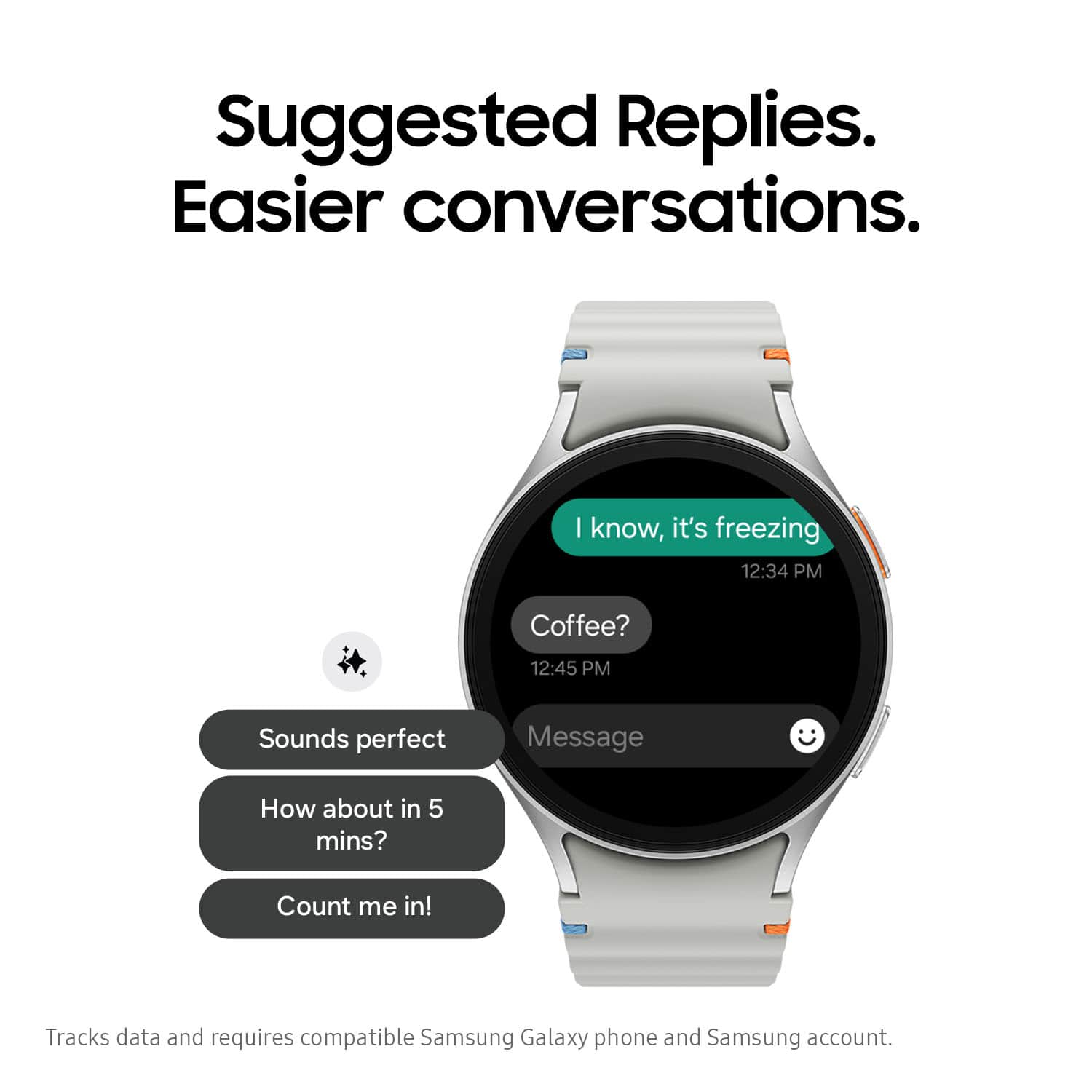
    • Answer Good day Reb, thanks for taking the available time out of your day to ask us your question about the Samsung Galaxy Watch7. Yes, the advertised Galaxy Watch (Bluetooth) does allow you to make/receive calls and text messages when your paired device is within the allotted proximity of functionality. If you have any other questions for us, feel free to contact Samsung Support at your leisure. Thanks for being a valued Samsung customer. - Debra

      Answered by Samsung

  • QuestionIs this watch compatible with a pacemaker? I wear a pcemaker.

    Asked by Butch.

    • Answer I've heard that it cause problems I wouldn't suggest it you might have to go with a regular watch. Due to the signal and sensors on the watch itself.

      Answered by StaceyR

  • QuestionBattery life

    Asked by Jen.

    • Answer Two to three days on a single charge and that depends on usage and adjustments on the watch to apps or features that you're not using.

      Answered by StaceyR

  • QuestionDoes this watch have fall detection?

    Asked by Anonymous.

    • Answer It's great to hear from you! We see that you are interested in the Galaxy Watch7. Whether you're adventurous and accident-prone or just cautious and safety-conscious, you can get some peace of mind with a Samsung Galaxy watch. The Galaxy Watch7 and all Wear OS models include a hard fall detection feature that will send out an SOS if it ever detects a hard fall. With this setting enabled, your emergency contacts can be notified immediately if you fall and need a little help. For any other questions, please be sure to reach out to us at Support. -Kelvin

      Answered by Samsung

  • QuestionCan you receive calls with out having to pay for a line?

    Asked by Watchcalls.

    • Answer Hey there Watchcalls, thank you for finding the free time out of your busy day to ask us your question about the Samsung Galaxy Watch7. The advertised Galaxy Watch7 is Bluetooth/Wi-Fi enabled. Yes, you can make/receive calls on the Watch7 as long as your paired smartphone is close by. If you have any other questions for us, do not hesitate to contact Samsung Support. Thank you for being a valued Samsung customer. - Debra

      Answered by Samsung

  • QuestionThe Galaxy S7 watch specs indicate it fits wrist sizes between 210 and 231 millimeters. Those numbers make no sense for either circumference or diameter. What are they measuring?

    Asked by Spring.

    • Answer Circumference. 210 mm is about 8 inches.

      Answered by Anonymous

  • QuestionIs this watch compatible with Iphones??

    Asked by CarolAnn.

    • Answer I mean, it can be paired, but you won't have all the features or full use of the watch-phone duo. You are better off getting an Apple watch for an Apple product

      Answered by Anonymous

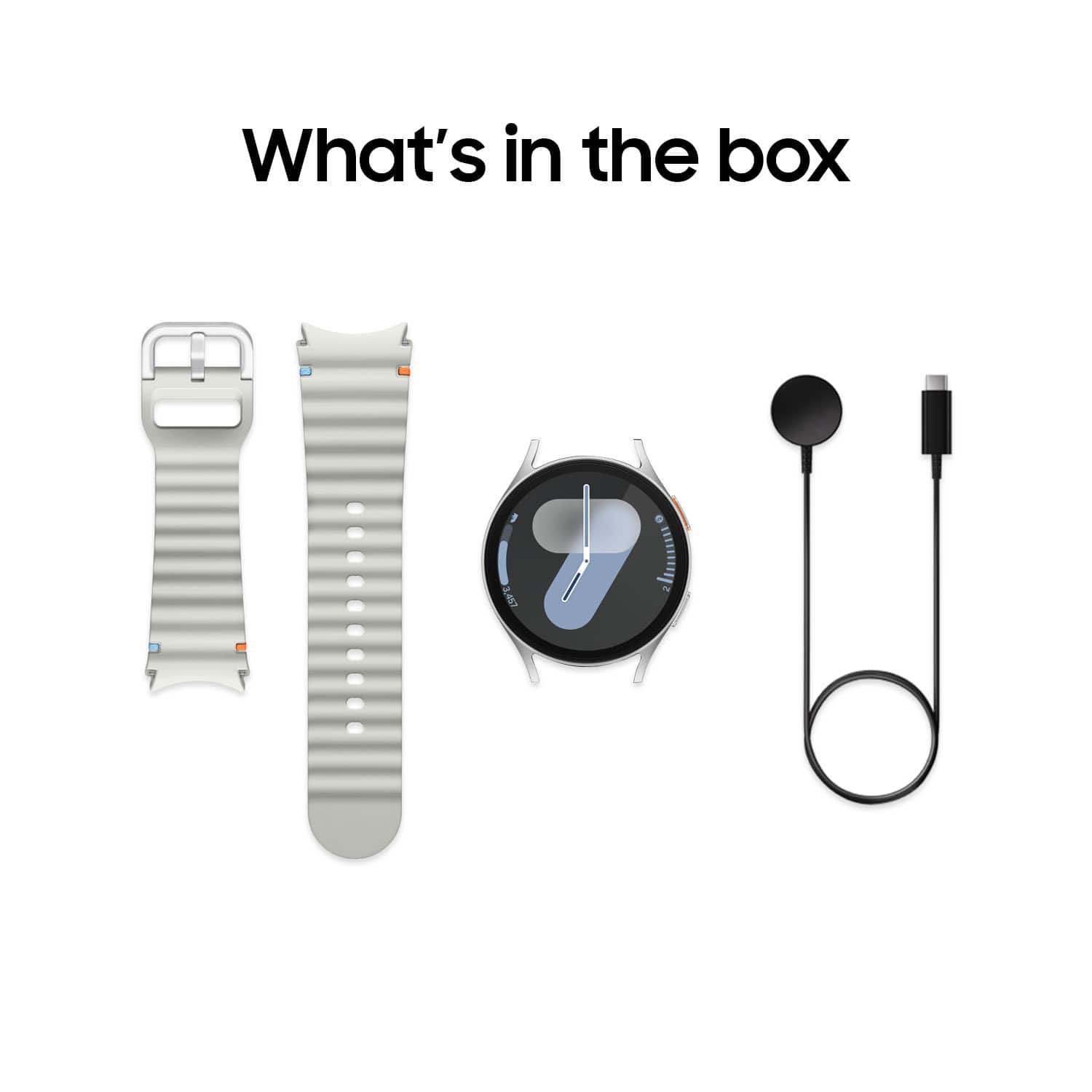
  • QuestionIs charger included?

    Asked by Tech.

  • QuestionIn the samsung galaxy watch 7 description, it has the letters: BT What do those two letters describe, stand for or indicate? Thank you.

    Asked by Mike.

    • Answer The two letters BT in the Samsung Galaxy Watch7 name stand for "Bluetooth" — meaning that this version connects to your phone via Bluetooth and Wi-Fi, but does not include direct cellular connectivity (LTE/4G).

      Answered by HugoF

  • QuestionDoes the samsung galaxy watch 7 bluetooth version have a battery level indicator? Meaning some type of indication that will show how much battery is left as the watch is being used?

    Asked by Mike.

    • Answer Aloha Mike, thanks for reaching out with your questions about the Samsung Galaxy Watch7. Great question! Yes, the advertised Galaxy Watch7 has a battery level indicator, which is visible as a percentage and icon on the watch face and also in the Galaxy Wearable app on your paired smartphone. You can also check the battery by adding a battery widget to your watch face or checking the status bar. If you think of additional questions, please let us know by reaching out to Support at your earliest convenience. Thanks for being a staunch Samsung customer. - Debra

      Answered by Samsung

  • QuestionWhich wrist should it be worn on. My partner gets more accurate results on right wrist. Mine works on left. He is a heart transplant. Not sure if it make difference.

    Asked by MaryC.

    • Answer Hey PTXM, thank you for asking us your question about the Samsung Galaxy Watch7. Great question! You can wear your Galaxy Watch on either wrist! Although many people are right-handed, you may want to wear your Galaxy Watch on your right wrist instead, or perhaps you'd prefer to have the buttons facing the other way. Whether it’s for comfort or if you just prefer it that way, you can change the orientation on your Wear OS Galaxy smart watch to suit your dominant hand. The accuracy of your tracking features is typically dependent upon properly wearing your device. Feel free to check out, "Change the screen orientation on your Galaxy watch with Wear OS" and "Properly wear and clean your Samsung smart watch" if you would like to learn more about your device and its features. Feel free to reach out to Support afterward if you have additional questions or if you would like any further assistance. Thanks for being a faithful Samsung customer. - Debra

      Answered by Samsung

  • QuestionWill this Bluetooth connect to my Phonak hearing aids?

    Asked by Blue2025.

    • Answer It does connect to my Jabra hearing aids. Check with the maker of yours to find out how to pair them.

      Answered by CharlayneD

  • QuestionDoes this watch count steps

    Asked by Tony.

    • Answer Yes!

      Answered by MaryKate

  • QuestionDoes this watch work with Amazon Alexa?

    Asked by Alexa.

    • Answer Hello Alexa, thanks for asking us your question about the Samsung Galaxy Watch7. Wear OS on your Galaxy watch gives you access to your choice of virtual assistants! Bixby comes preinstalled, but you can also use Google's Assistant or Alexa by installing them from the Play Store. You can use them to help you with controlling your phone, smart devices, and even your daily tasks, such as setting alarms, timers, or reminders. Check out, "Use an AI assistant like Gemini, Alexa, or Bixby on your Galaxy watch" to learn more. Feel free to reach out to Support if you think of additional questions. Thank you for being a loyal Samsung customer. - Debra

      Answered by Samsung

  • QuestionCan the samsung galaxy watch 7 be used to make payment using samsung pay?

    Asked by maheep.

    • Answer Yes, The Watch 7 can be used with Samsung Pay to make purchases

      Answered by GaryB82

  • QuestionCan the face of the watch be changed to a more conventional, easy to read since I am color blind?

    Asked by Ray77.

    • Answer Hi there Ray77, thanks for taking the time out of your day to ask us your question about the Samsung Galaxy Watch7. Yes, you can choose a watch face with different colors, styles, and displayed information. If you have any other questions or if you would like any further assistance, please let us know by contacting Support. Thank you for being a faithful Samsung customer. - Debra

      Answered by Samsung

  • QuestionDoes it have glucose monitoring?

    Asked by Nbg.

    • Answer Doesn't have

      Answered by EdgarL

  • QuestionIs this compatible with one plus ..

    Asked by Darshan.

    • Answer Salutations Darshan, thanks for taking the time out of your busy schedule to ask us your question about the Samsung Galaxy Watch7. The Galaxy Watch7 is compatible with phones running Android 11.0 or higher and equipped with at least 2.0 GB of RAM. If you have additional questions for us, please do not hesitate to contact Support. Thank you for being a faithful Samsung customer. - Debra

      Answered by Samsung

  • QuestionDoes this smart watch measure and give my blood pressure?

    Asked by Senniebum1.

    • Answer Currently the FDA hasn't approved Blood Pressure monitoring on any Samsung Watches. But once they finally approve BPM then it will work.

      Answered by GaryB82