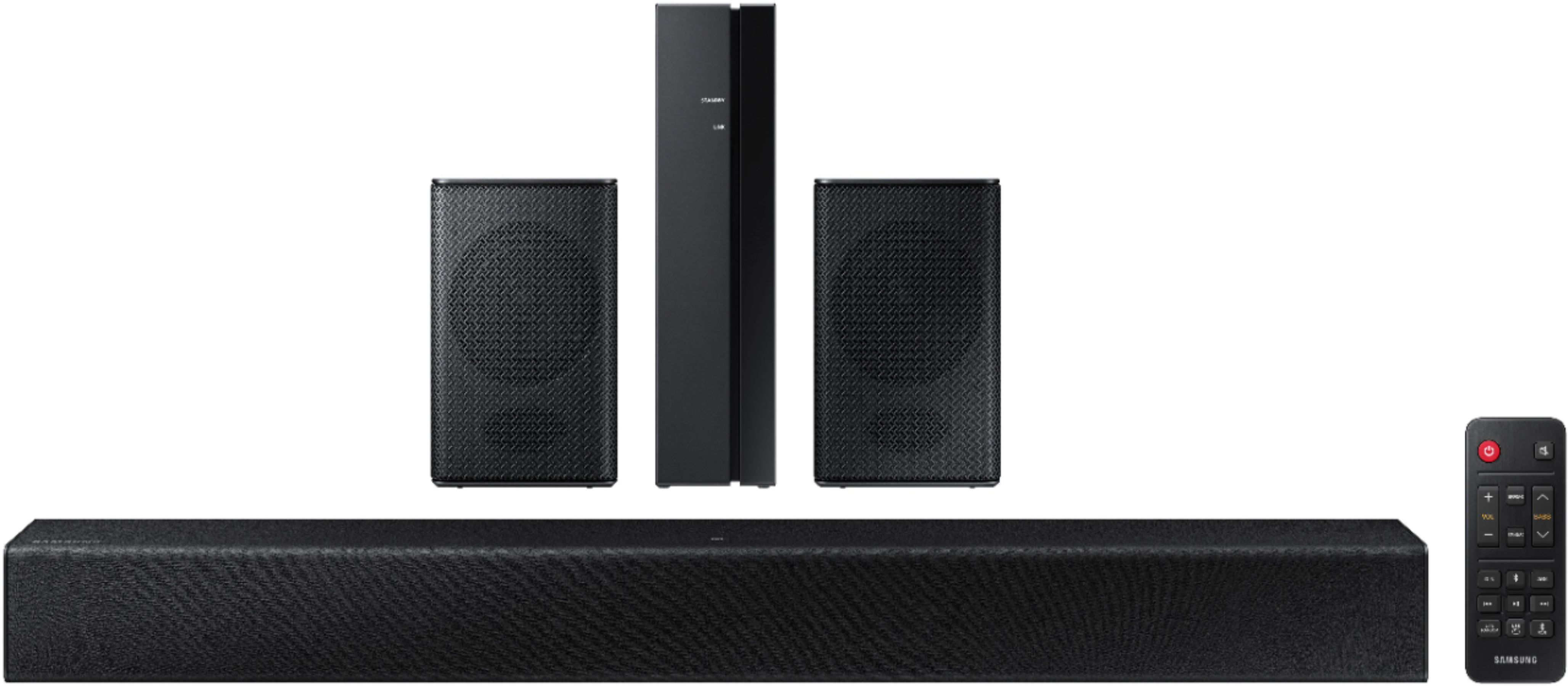
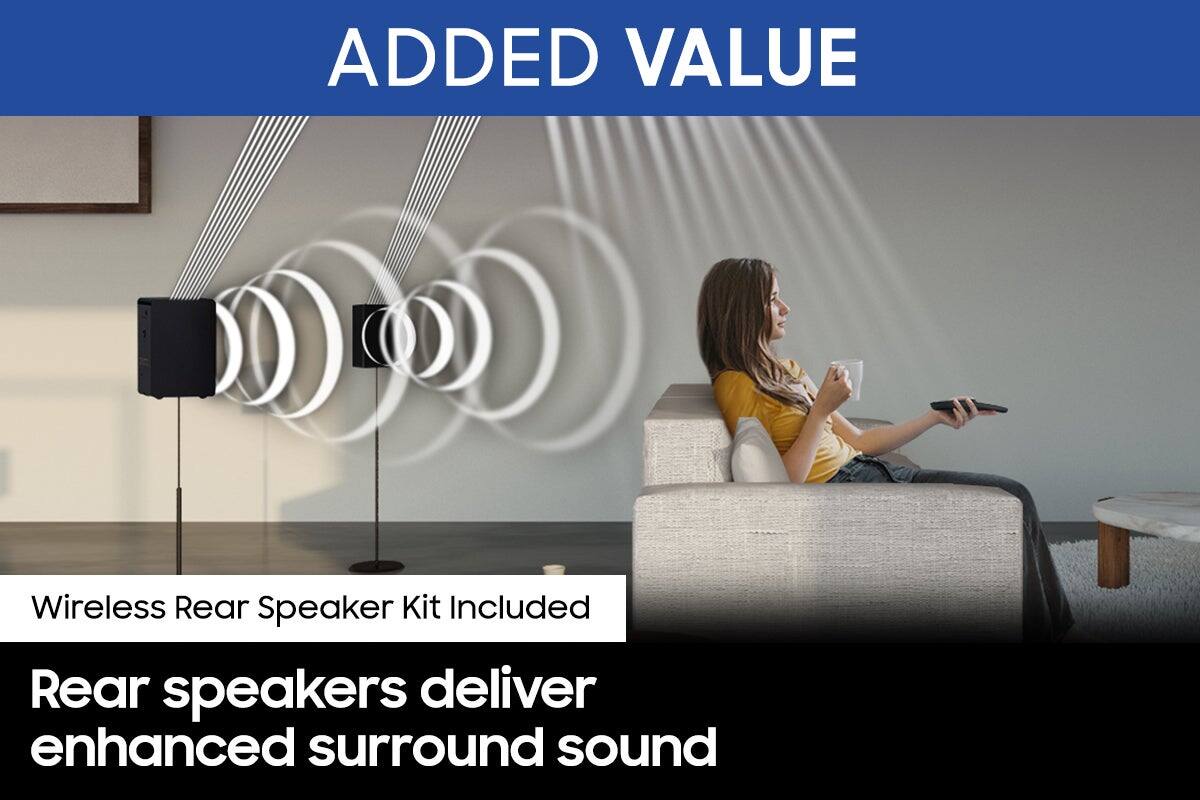
A:Answer Hi Chamba! There are a few settings you can change to adjust the surround effect to your preference: 1) Download and install the latest firmware version found on the Samsung websites support page.
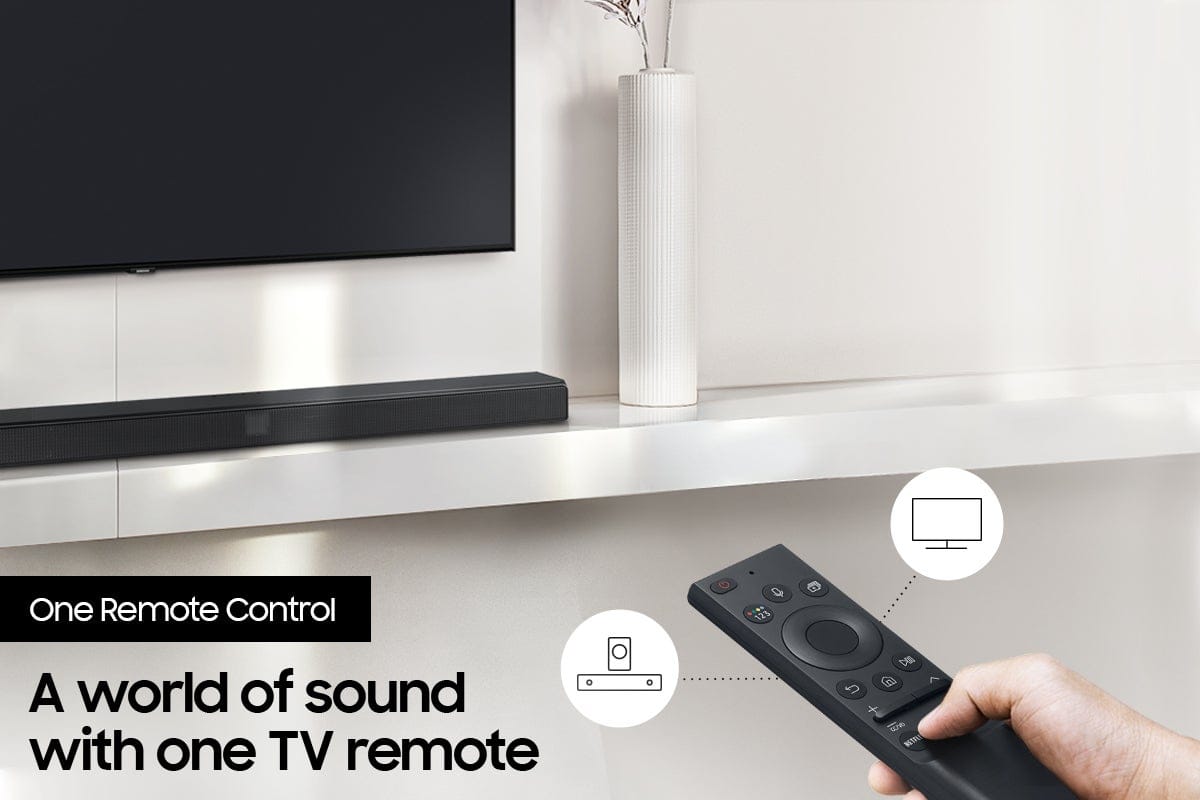
2) Once installed, with the Soundbar on, press and hold the STANDARD button on the remote control for about 6 seconds
3) The LEDs will blink to indicate you are in adjustment mode
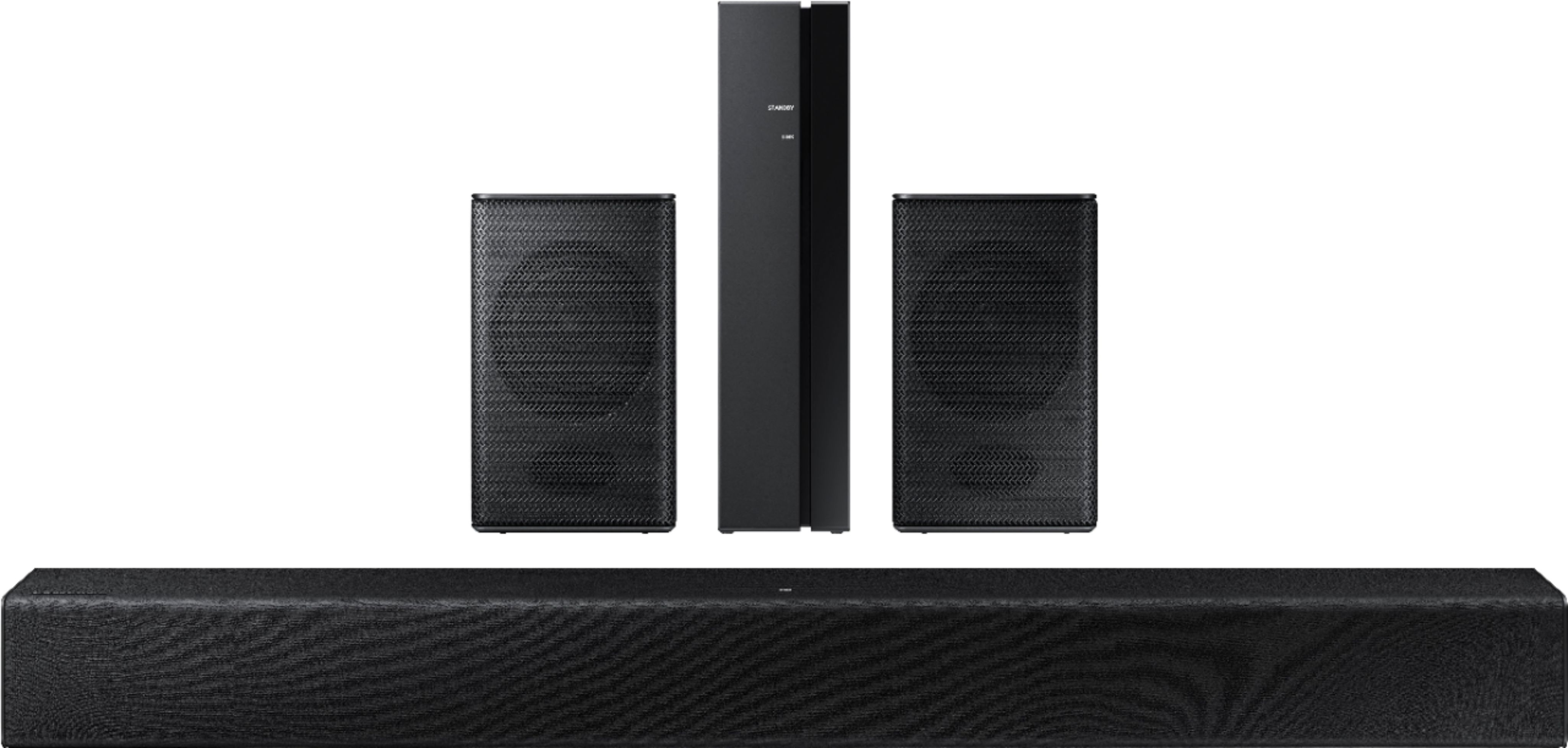
4) Use the BASS Up/Down buttons to adjust the level of the REAR speakers between -6 to +6.
5) The adjustment mode will exit if the surround button is pressed, or if no button is pressed for 10 seconds
Should you need additional assistance, please reach out to Samsung Support at: 1-800-SAMSUNG (ask for Soundbars), available 8AM -12AM EST. 7 days a week. Or text “SUPPORT” to 800-726-7864, LiveChat on Samsung.com, or Email: https://www.samsung.com/us/support/#contact_us_for_support
^Tim