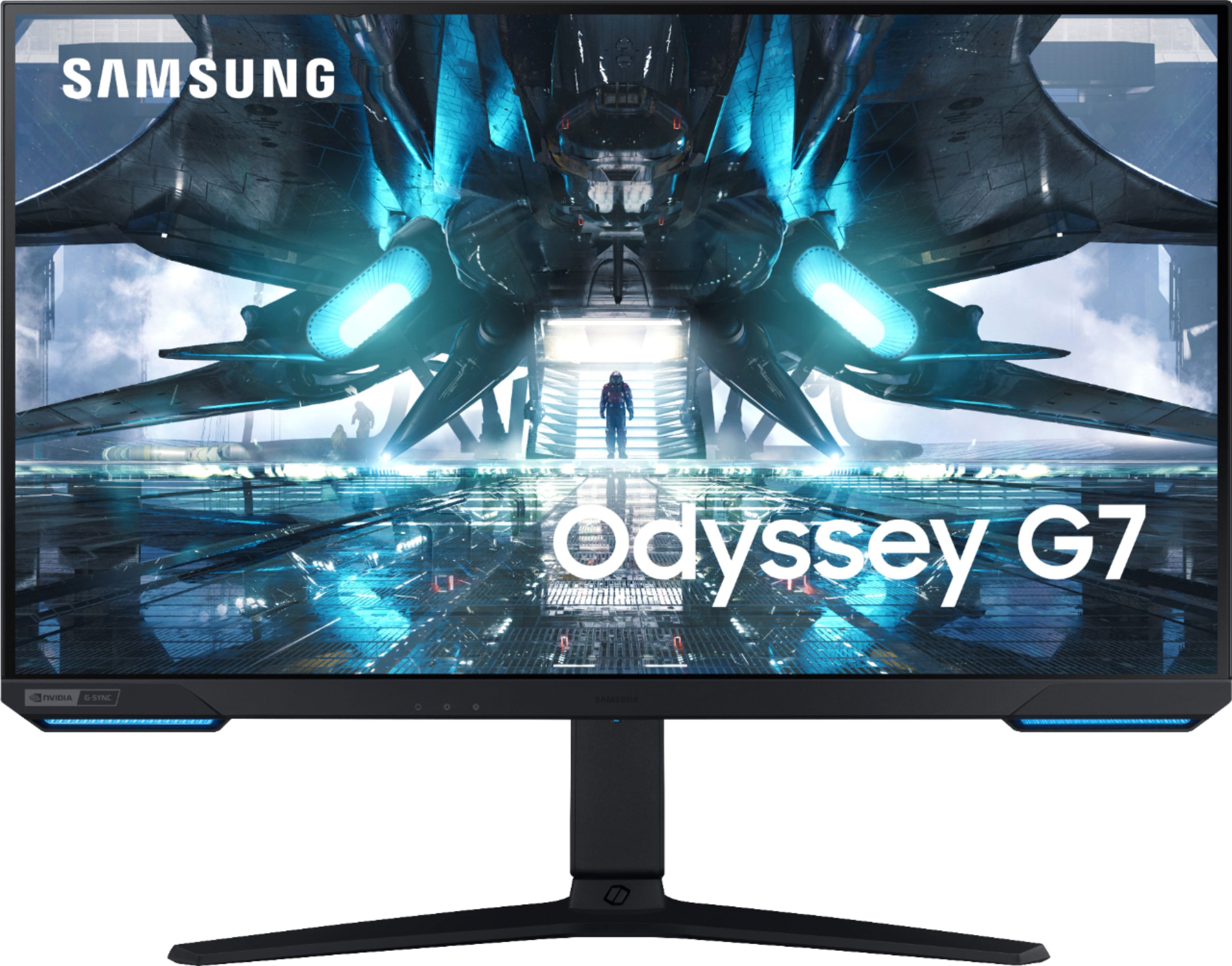
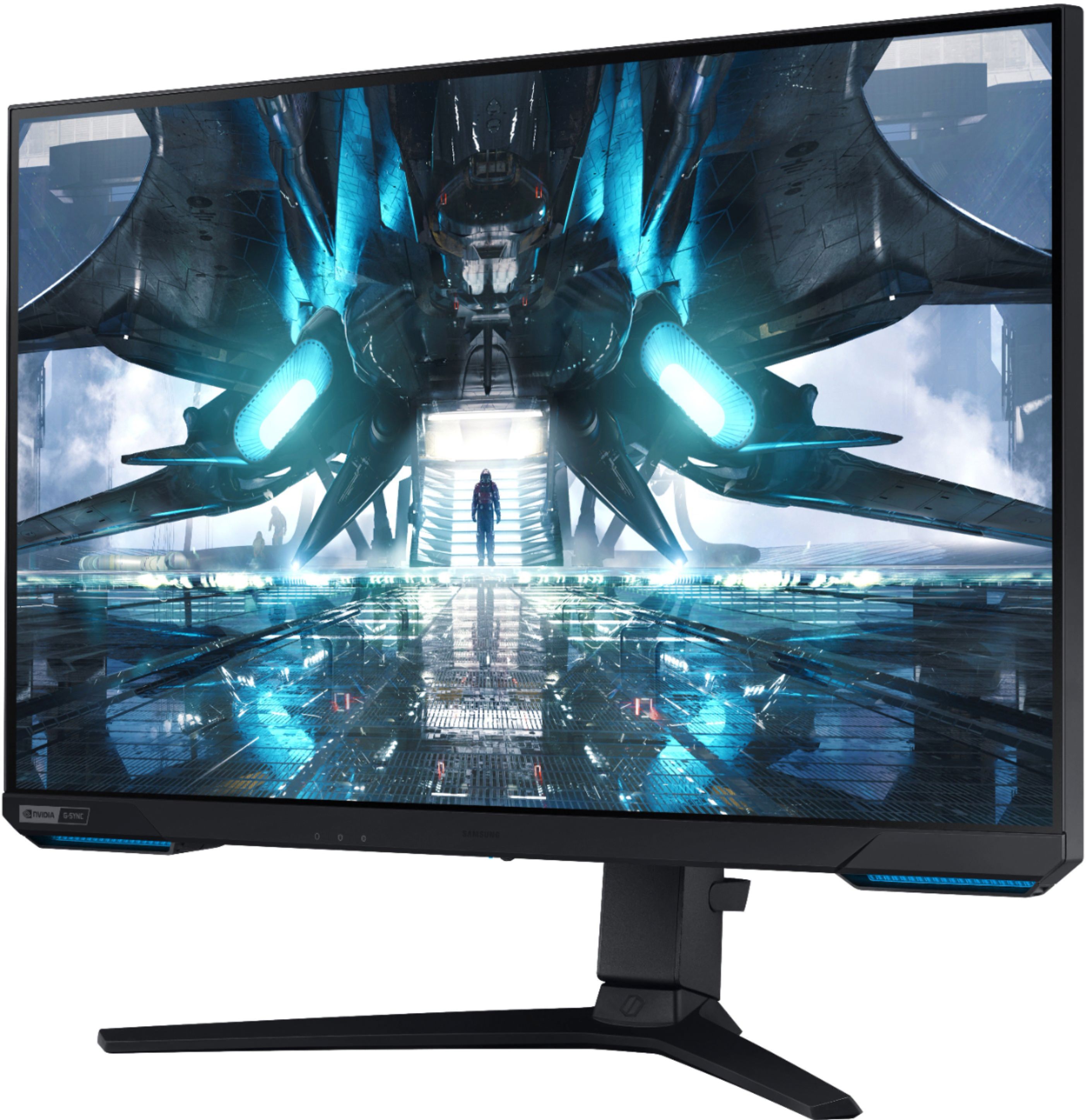
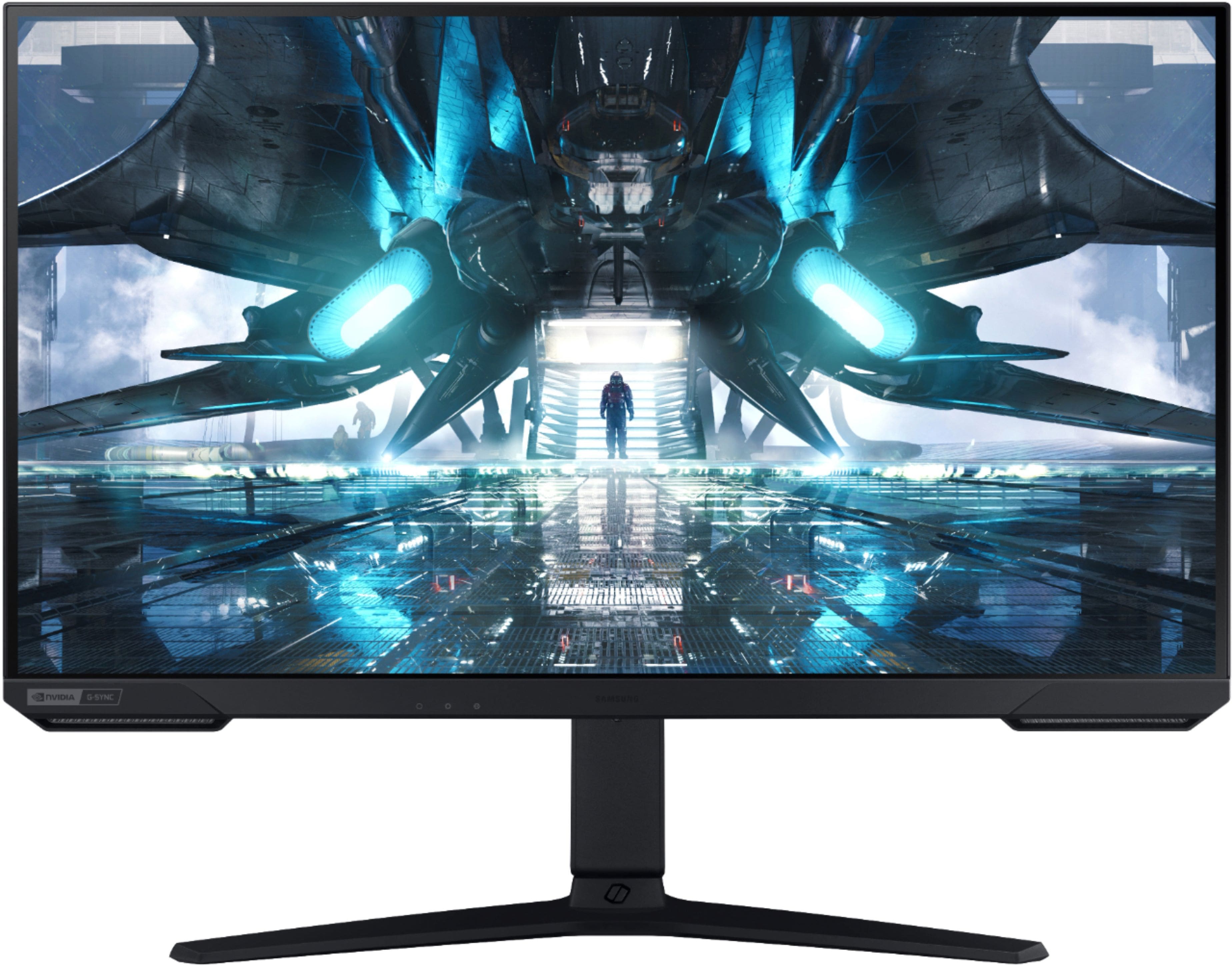
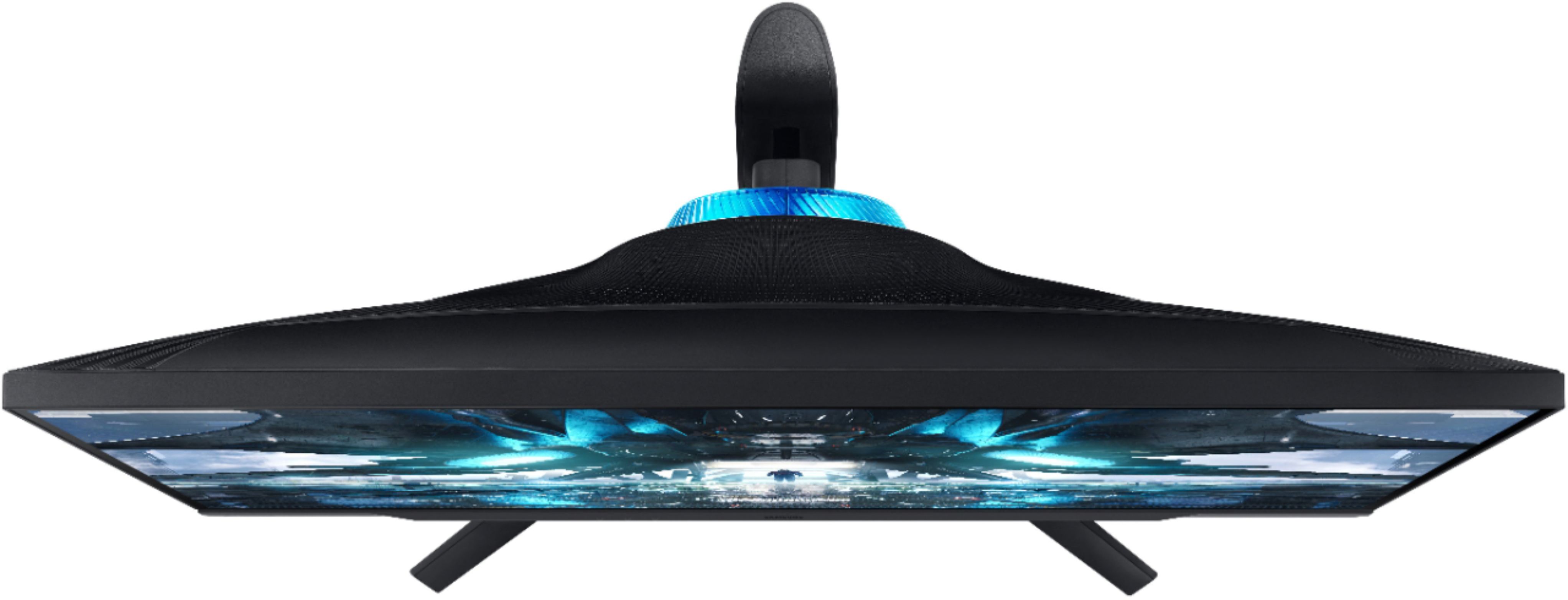
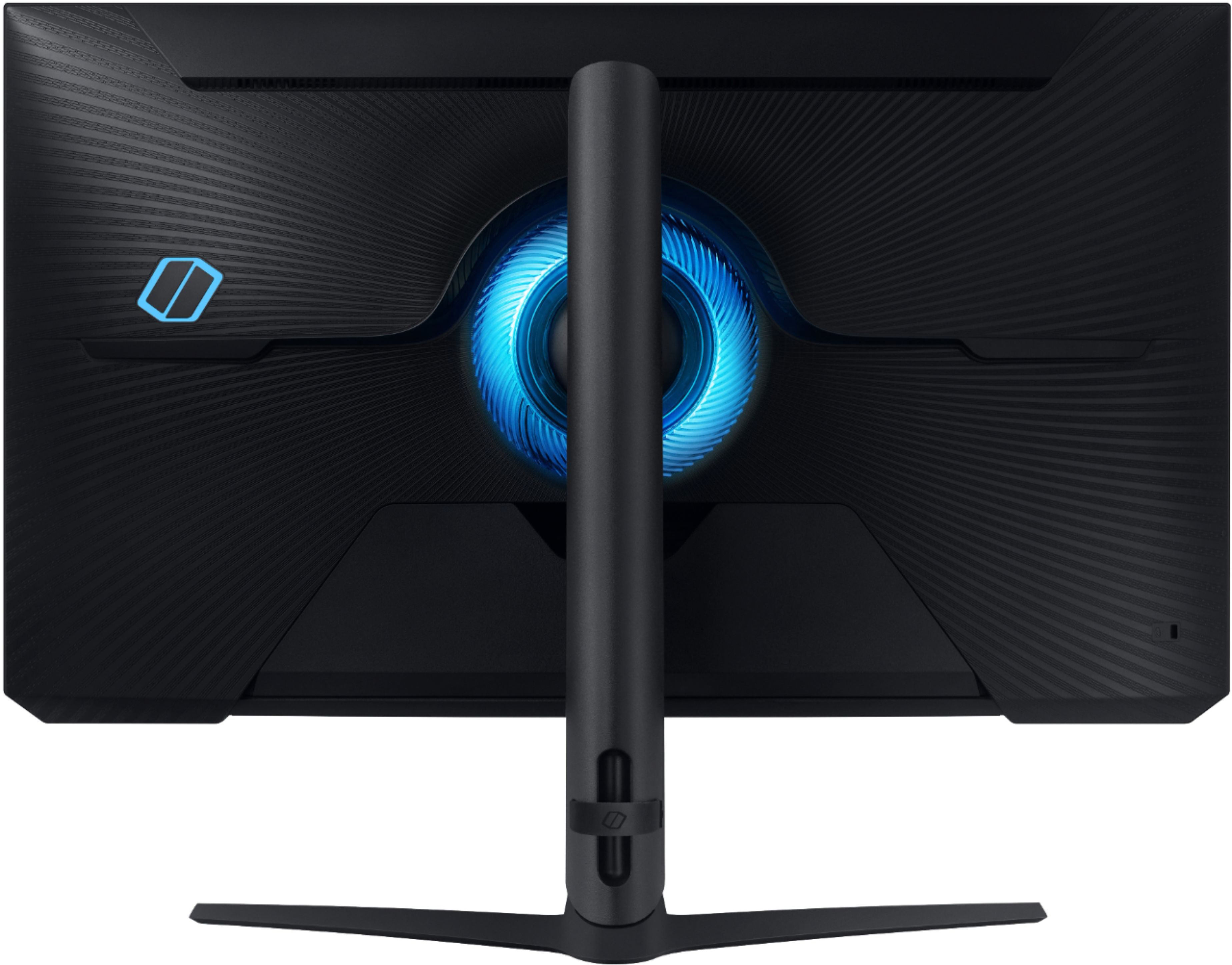
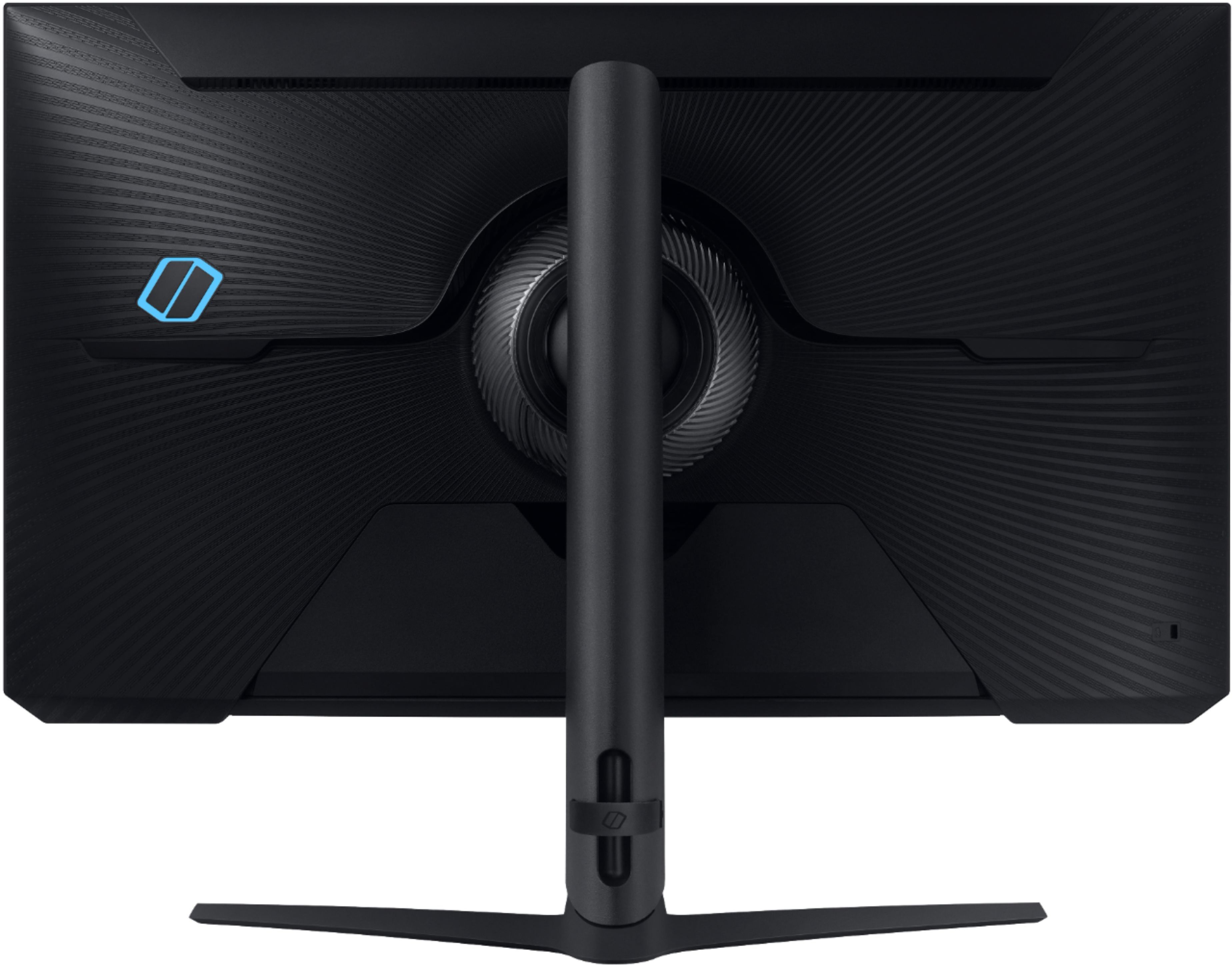
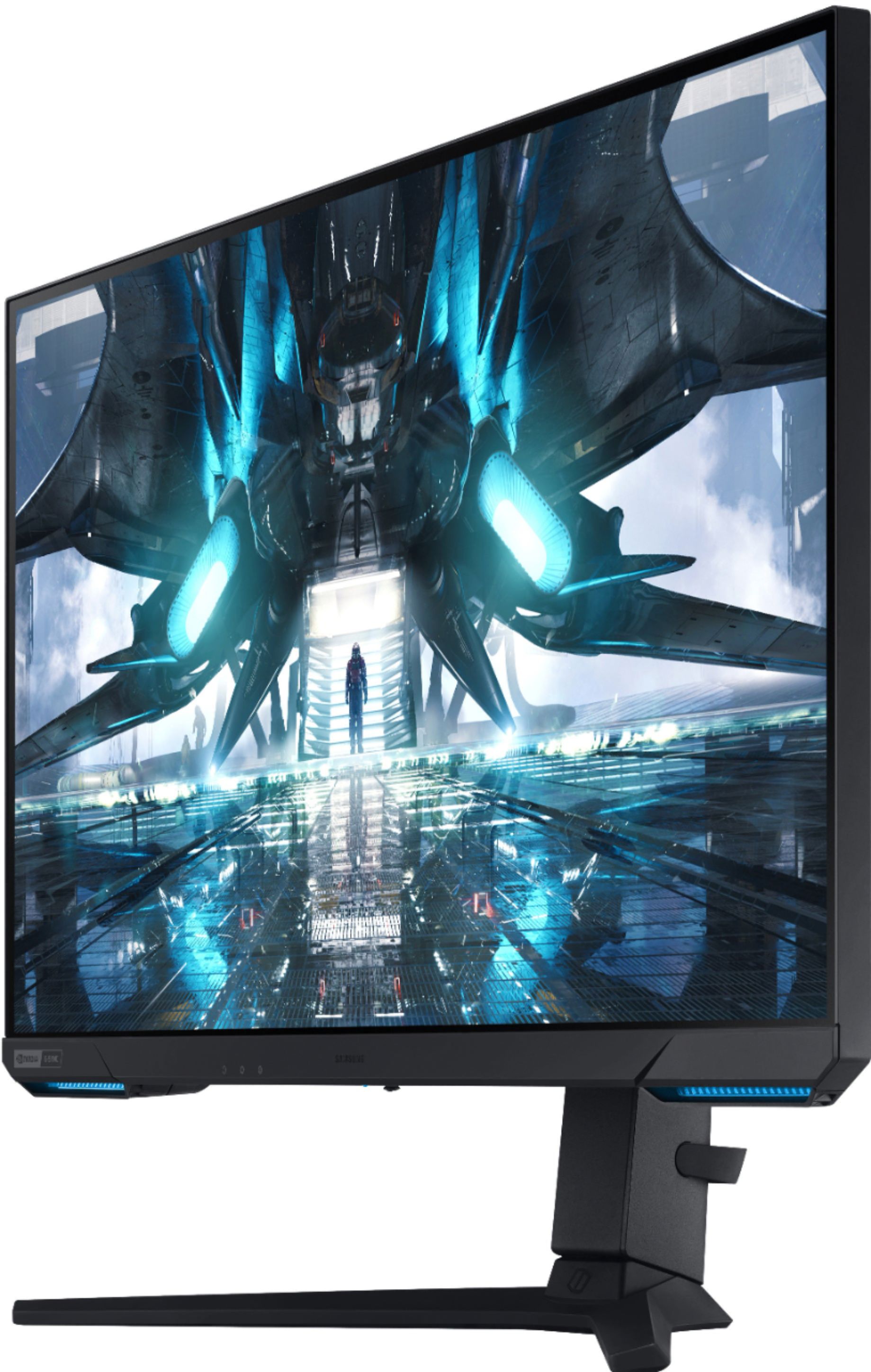
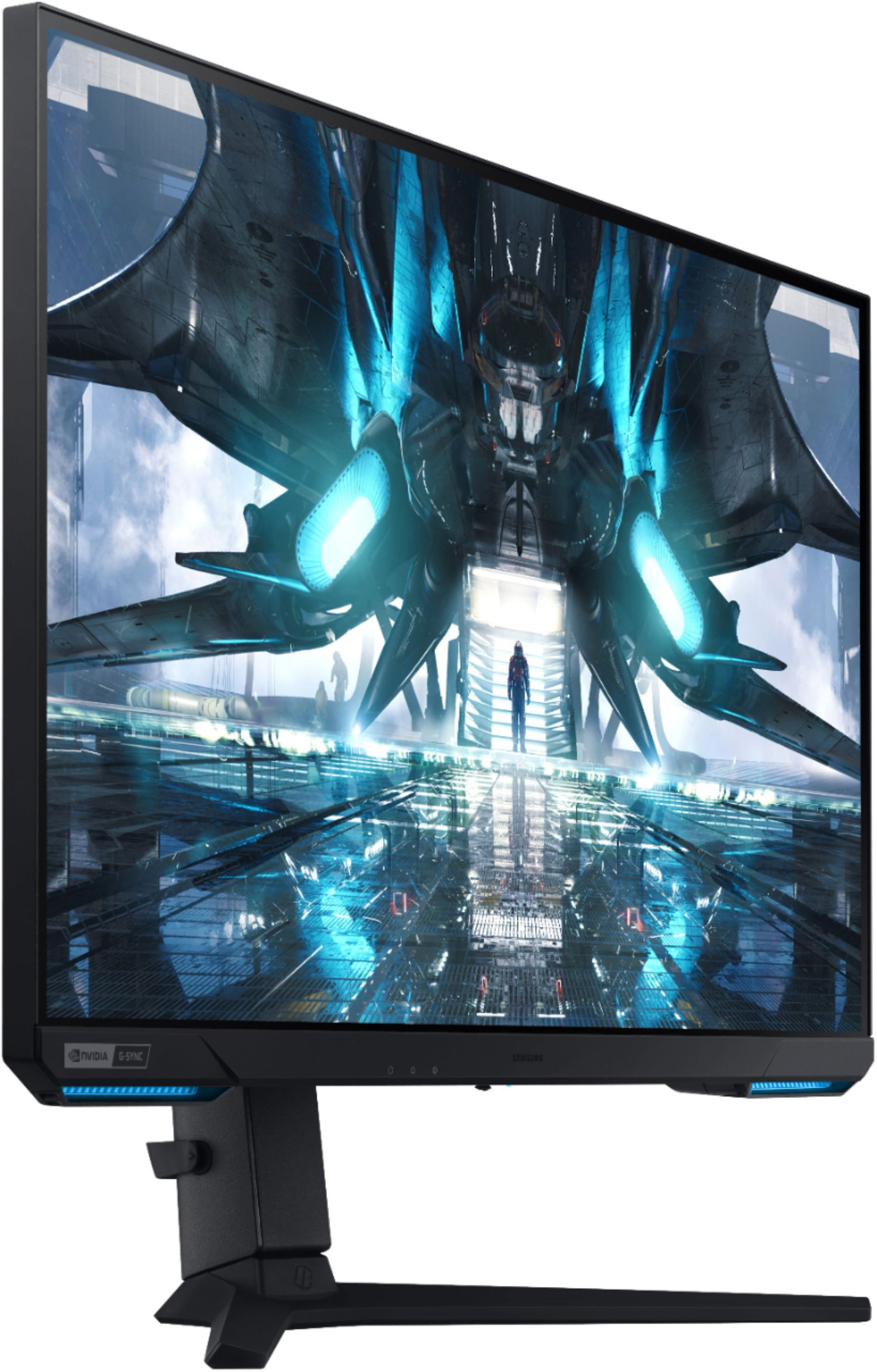
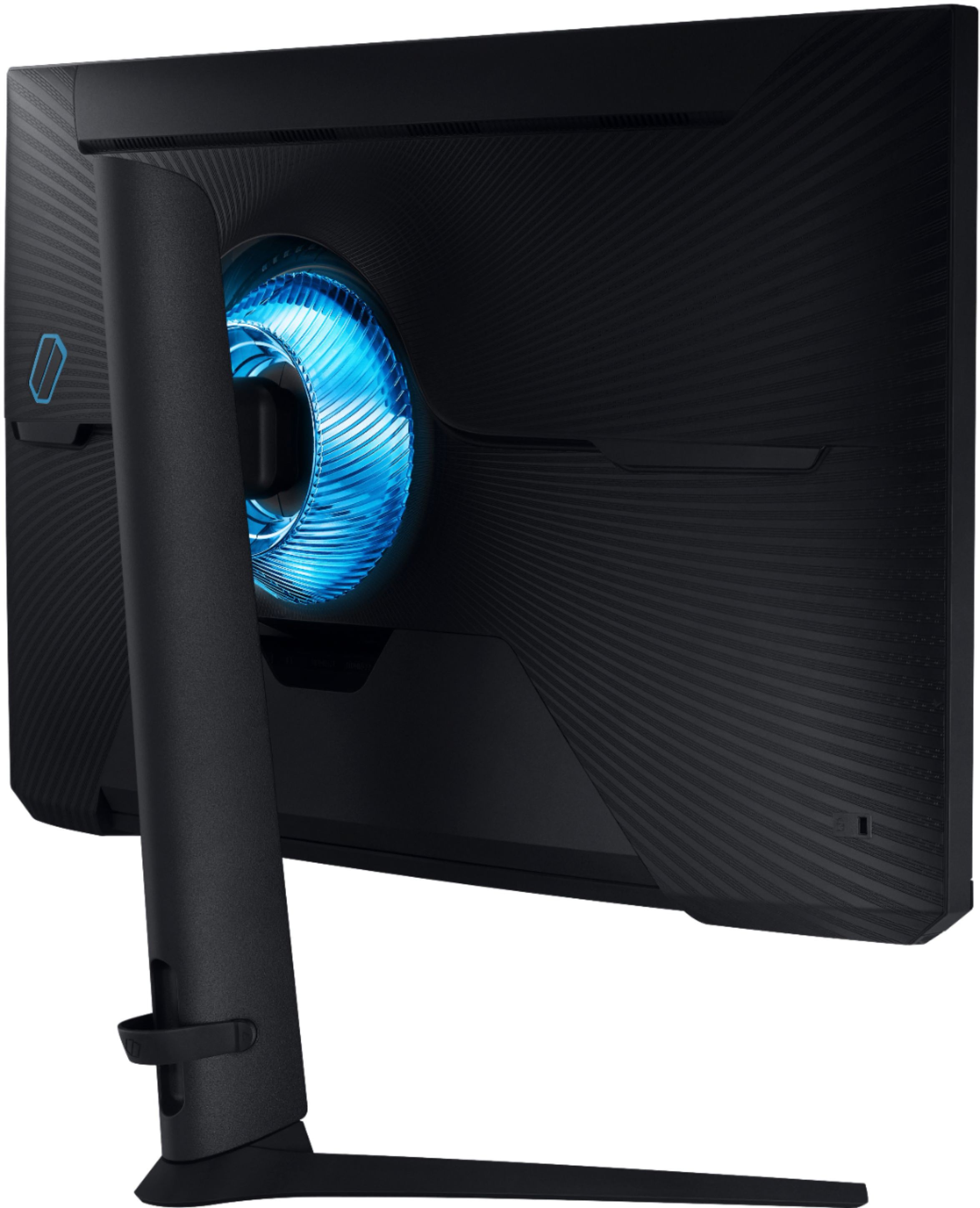
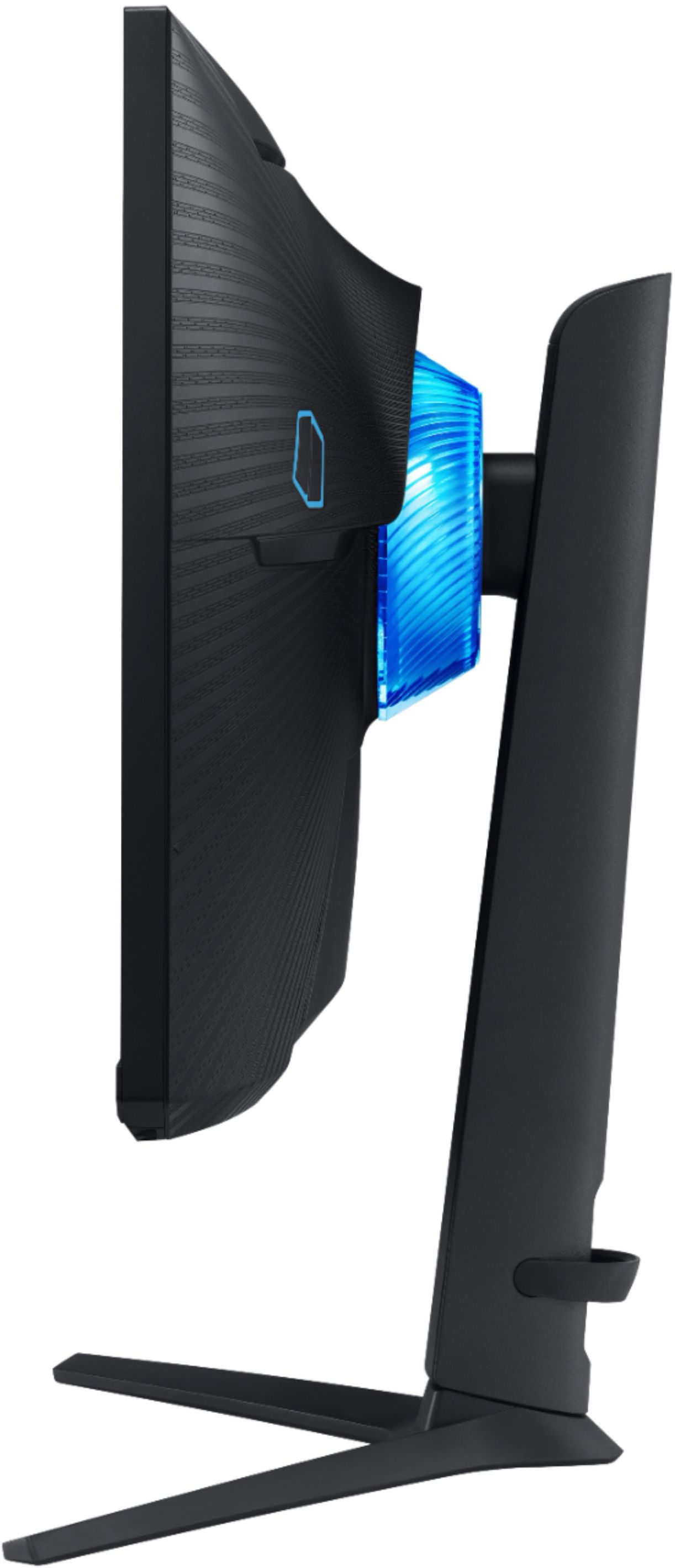
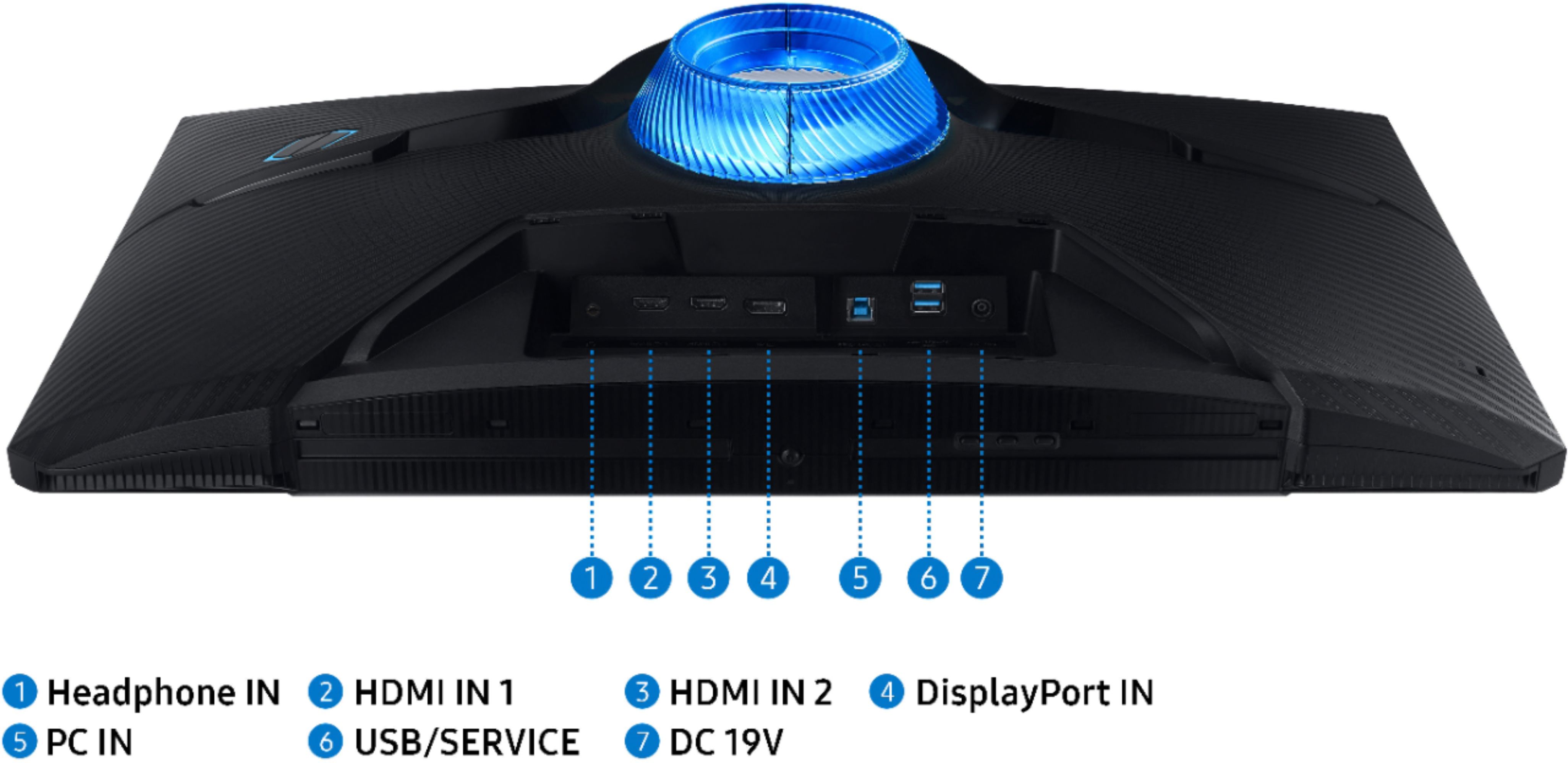
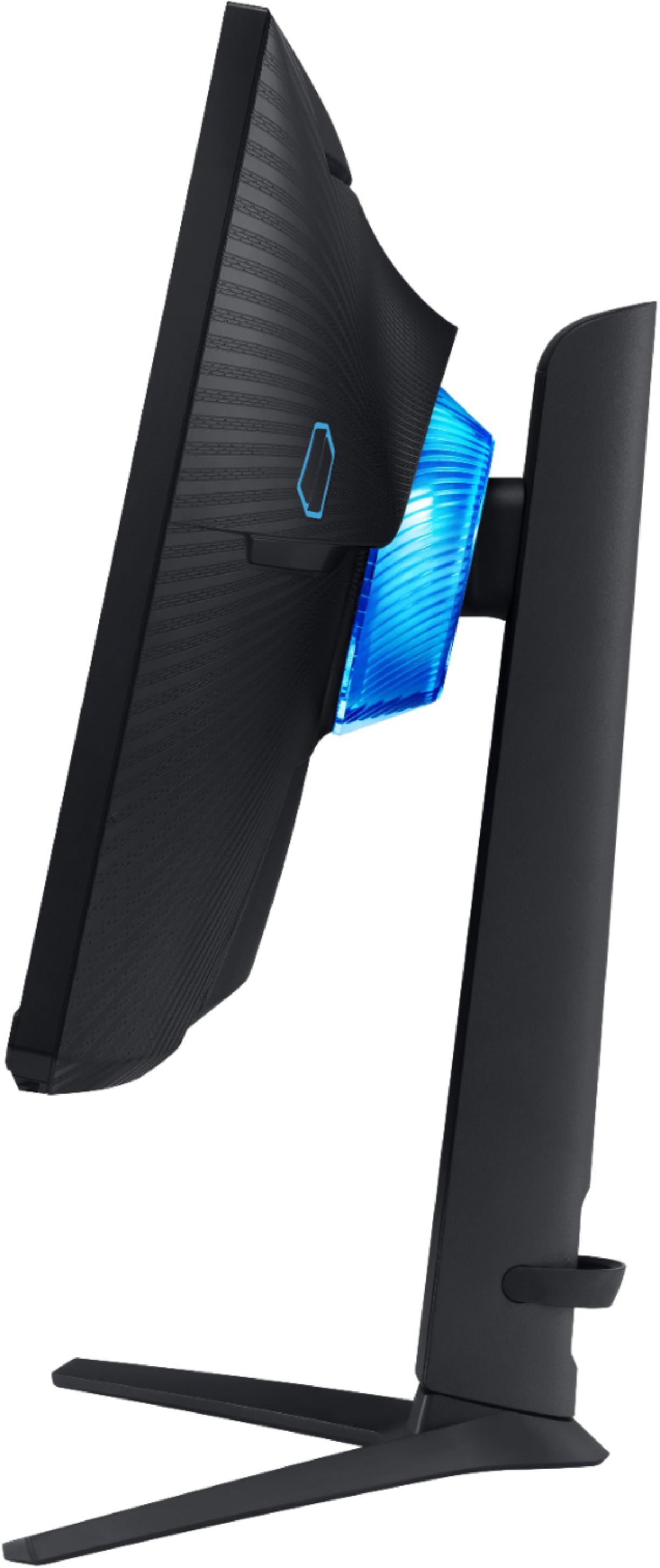
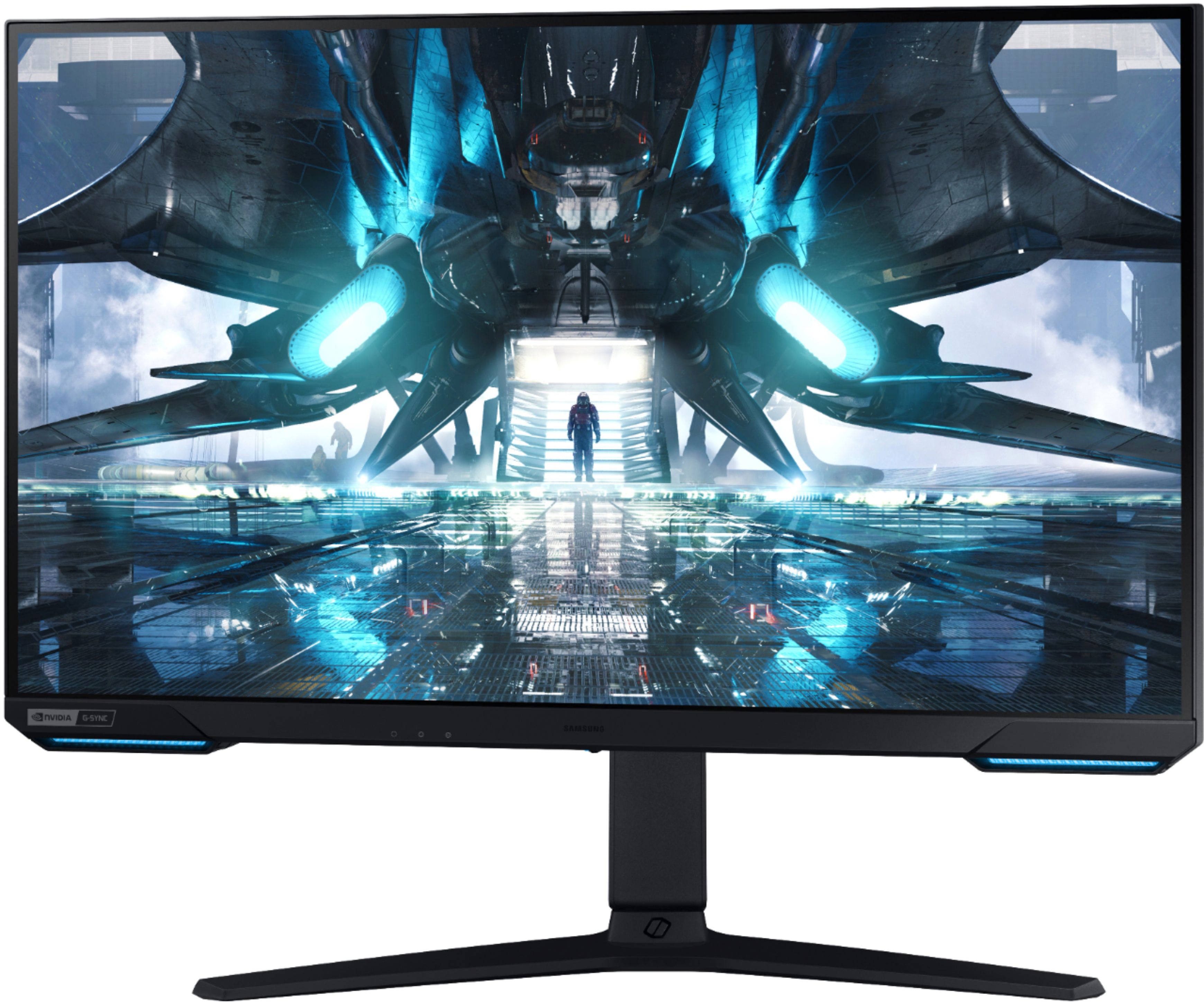
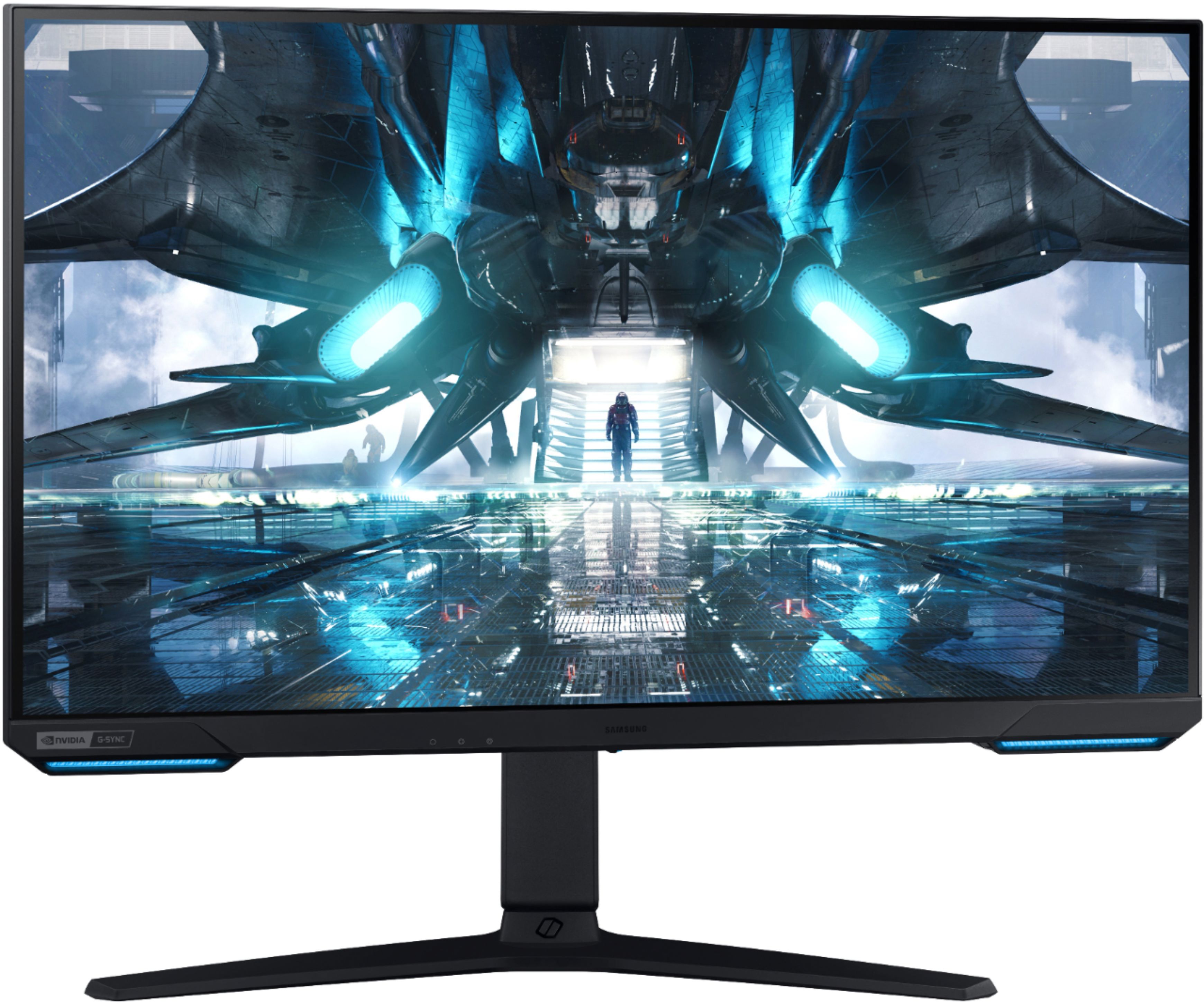
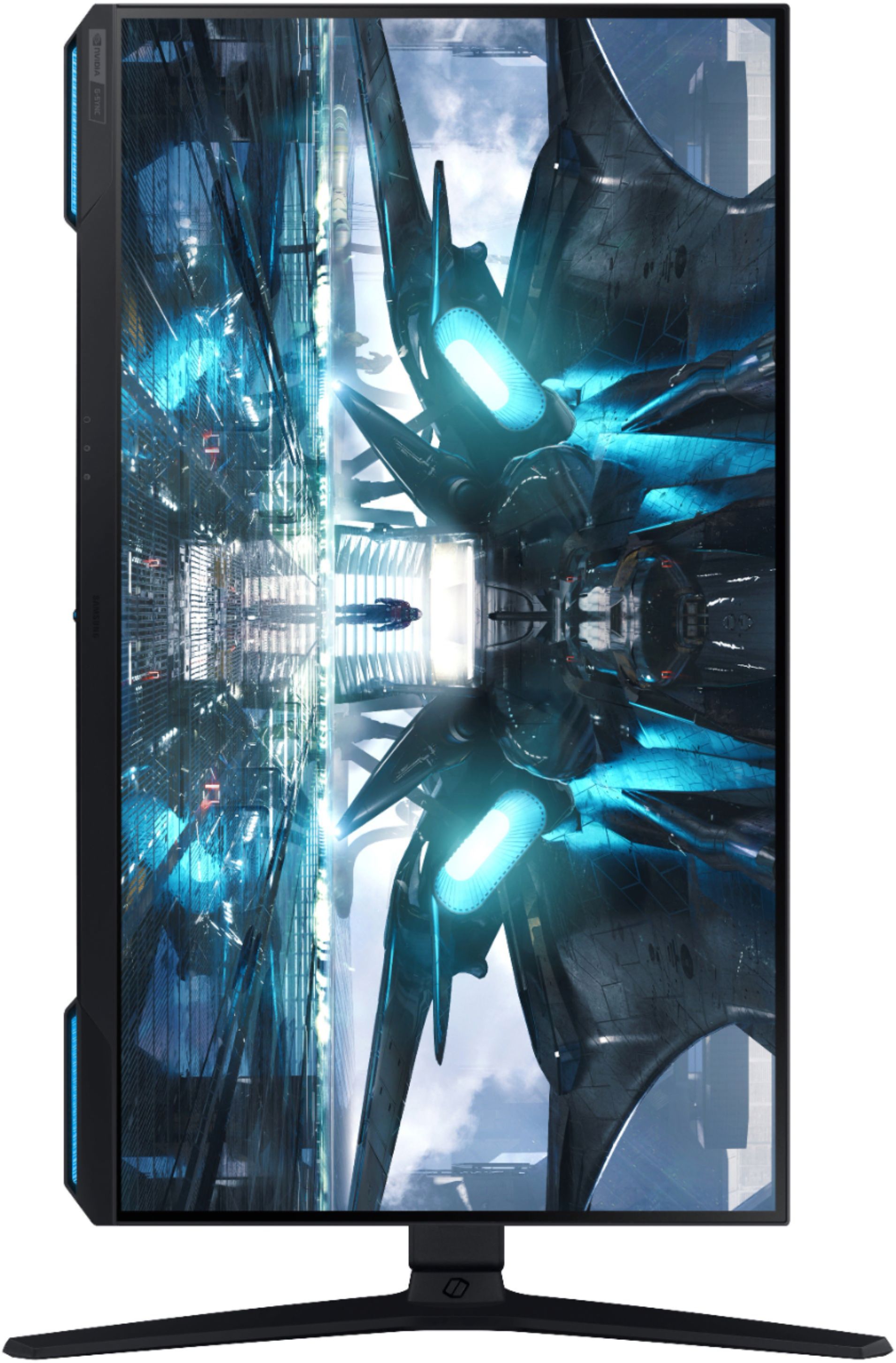
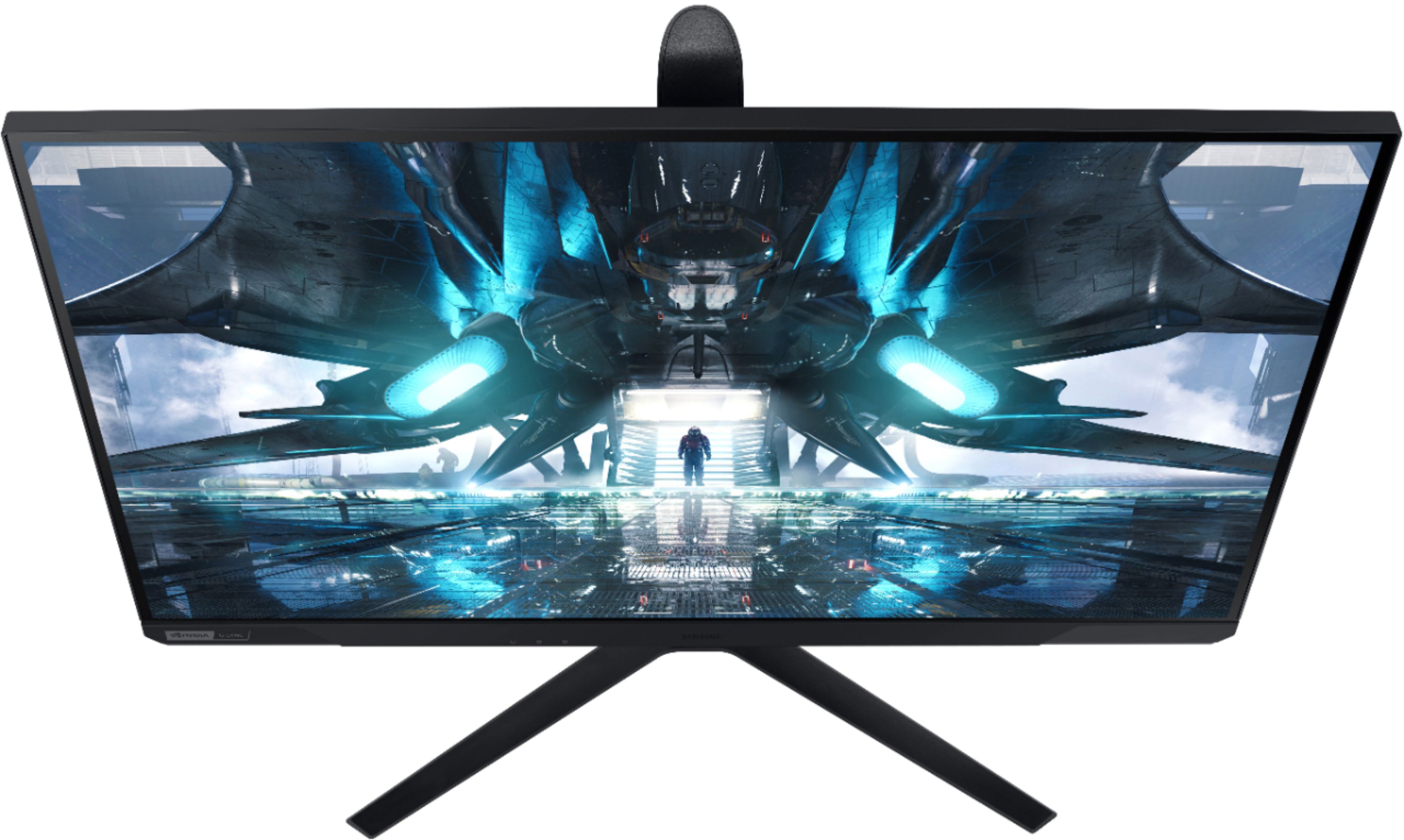
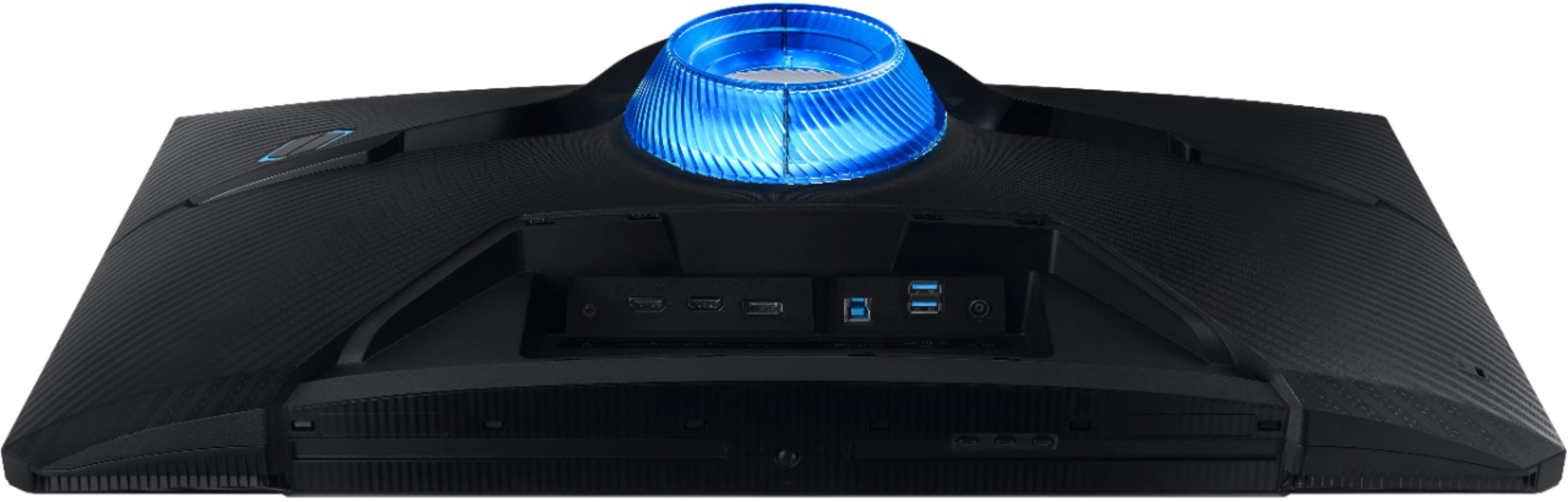
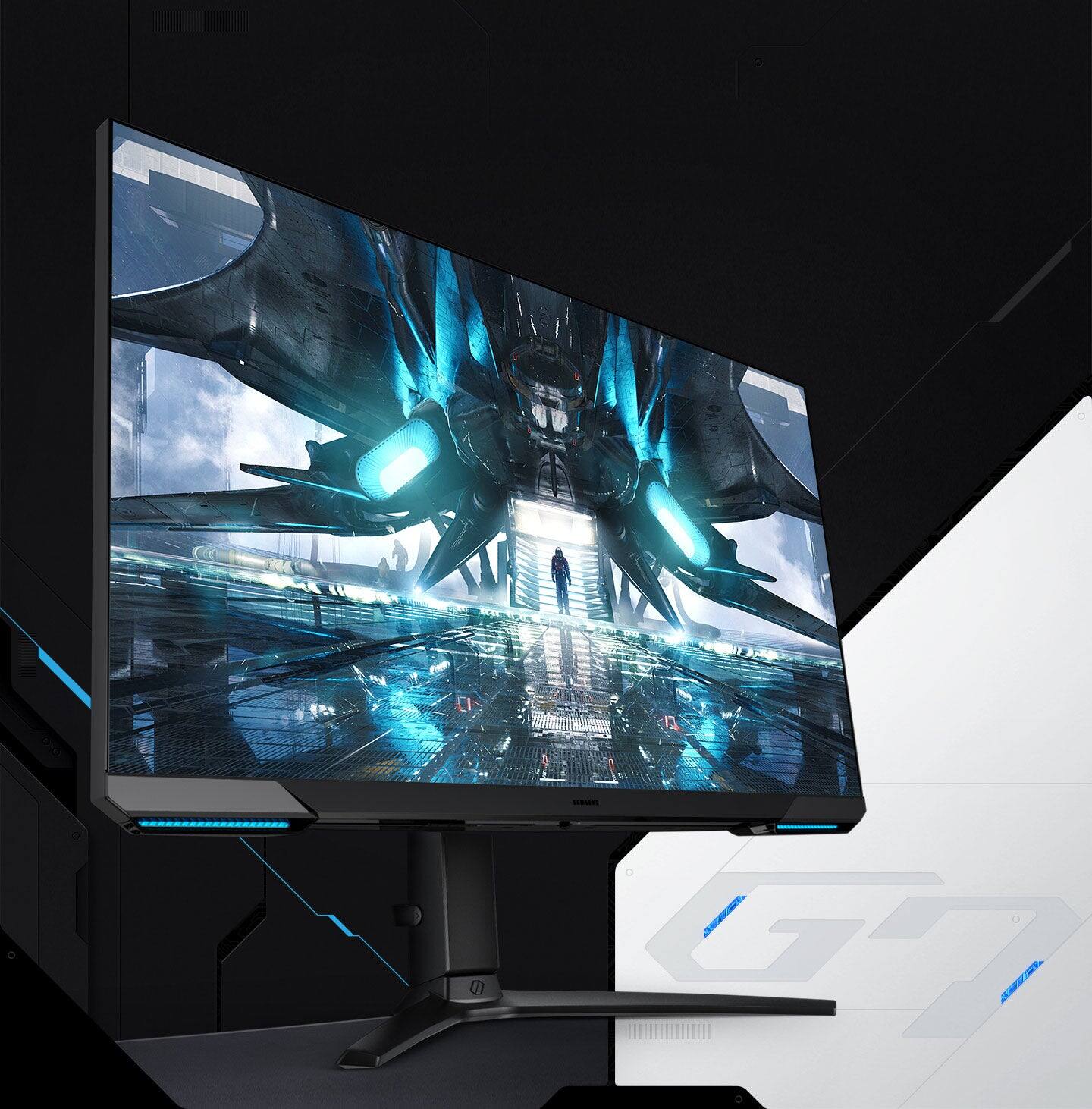
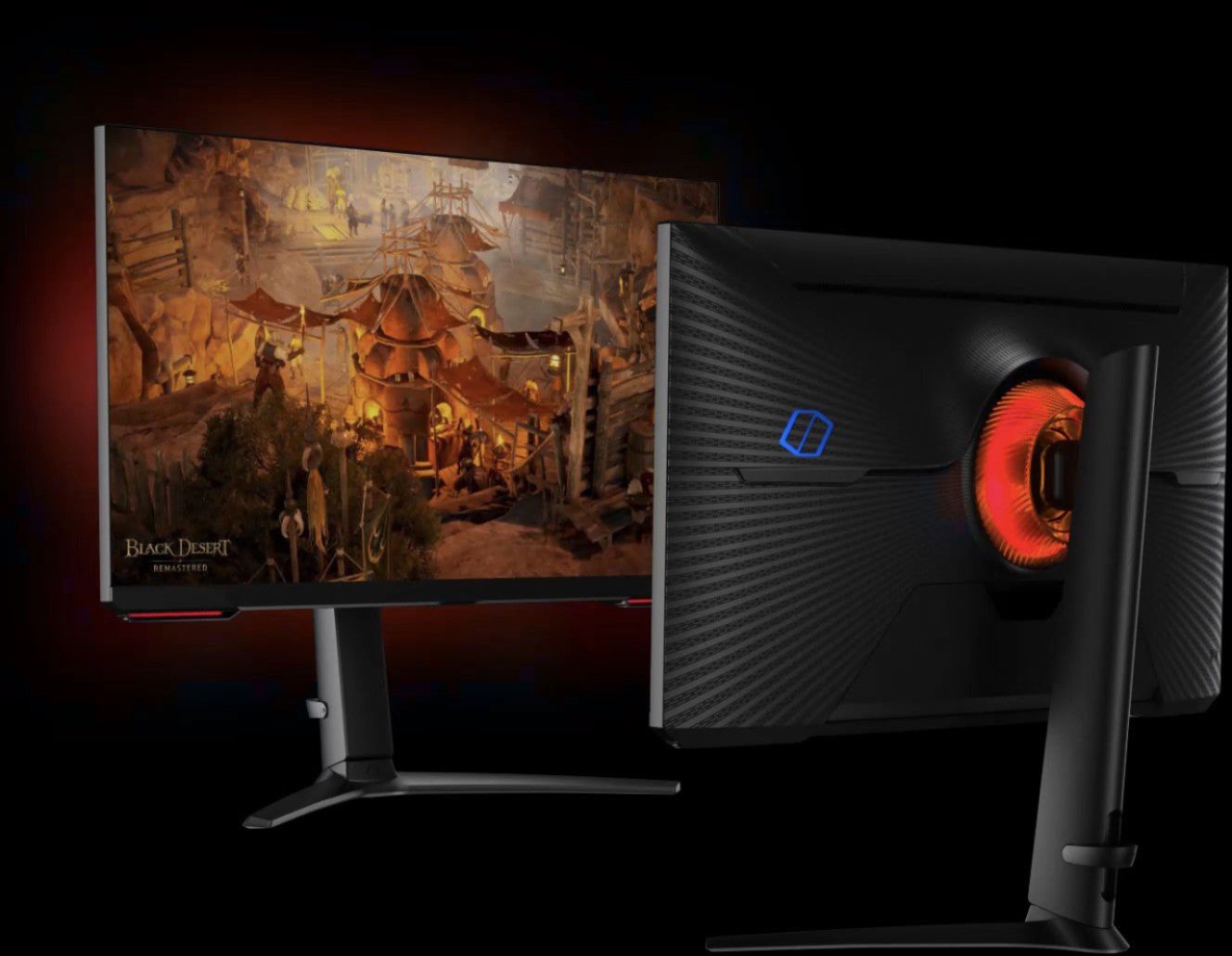
A:Answer Press the power button to pull up the menu. Next click menu. When you click on it, go to the game category and in the game category there should be an option that says core lighting. Once you click on core lighting, you can enable whether you want the colors you see on display to show on the front, back or both. This also has other options to choose from.