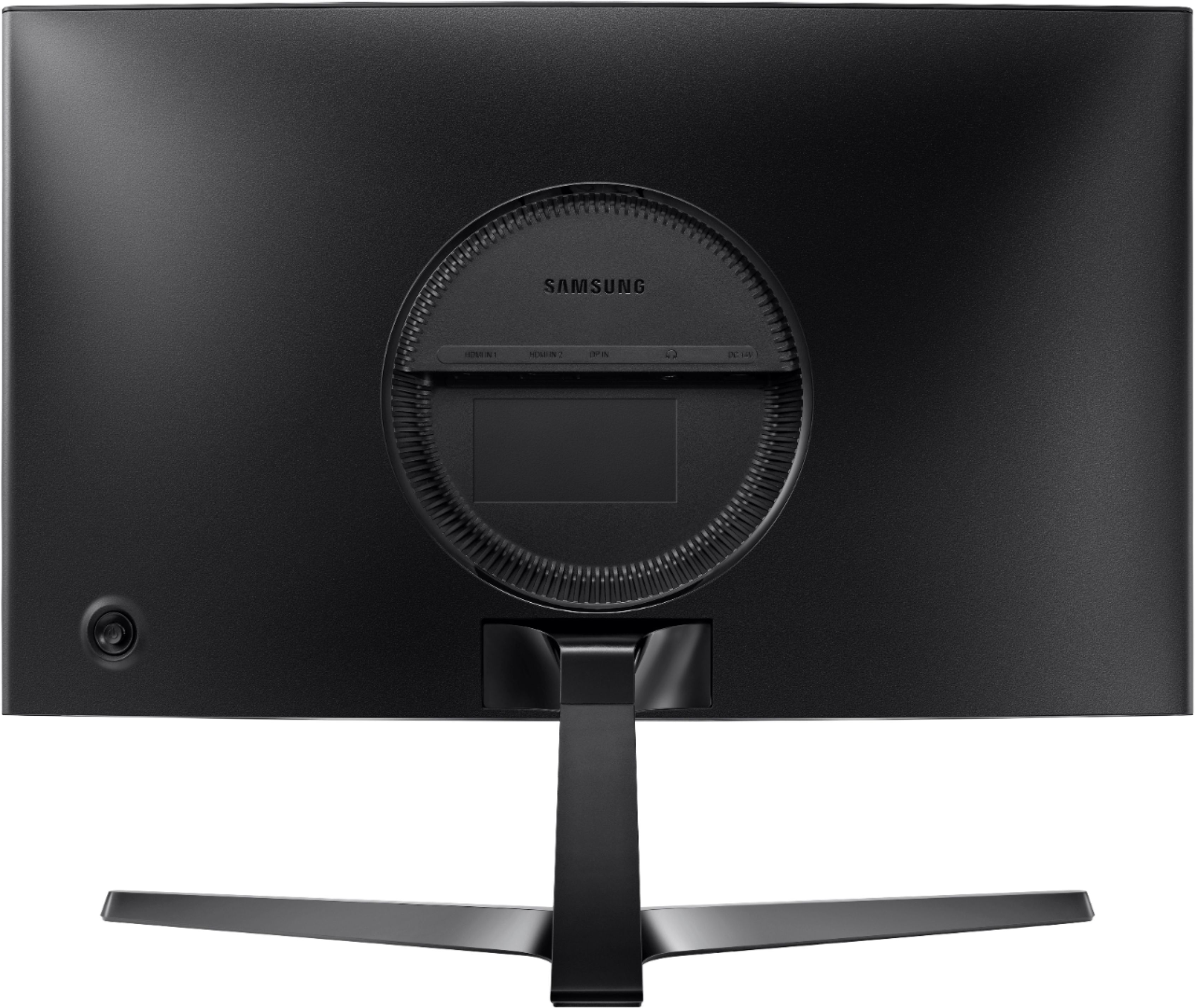
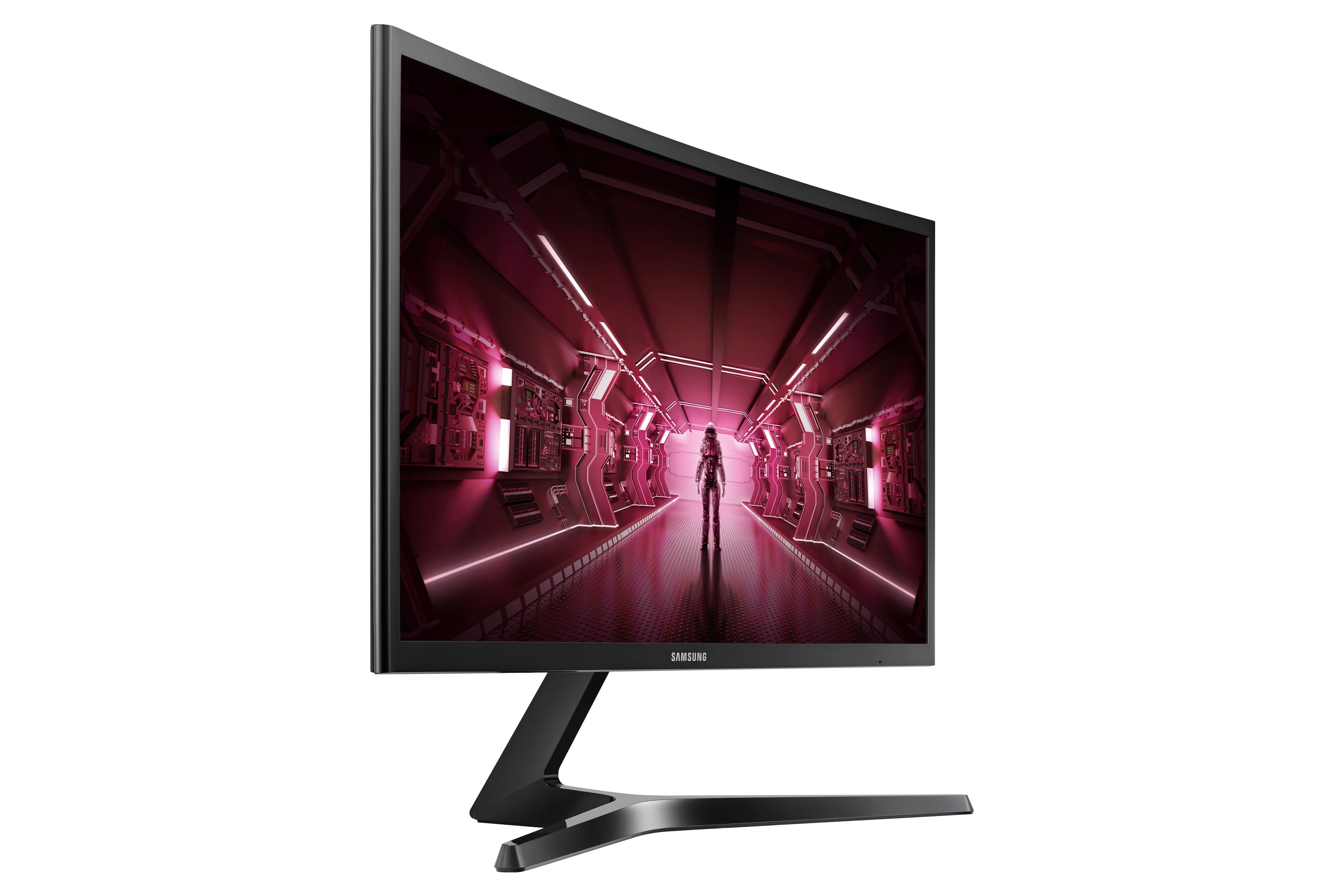
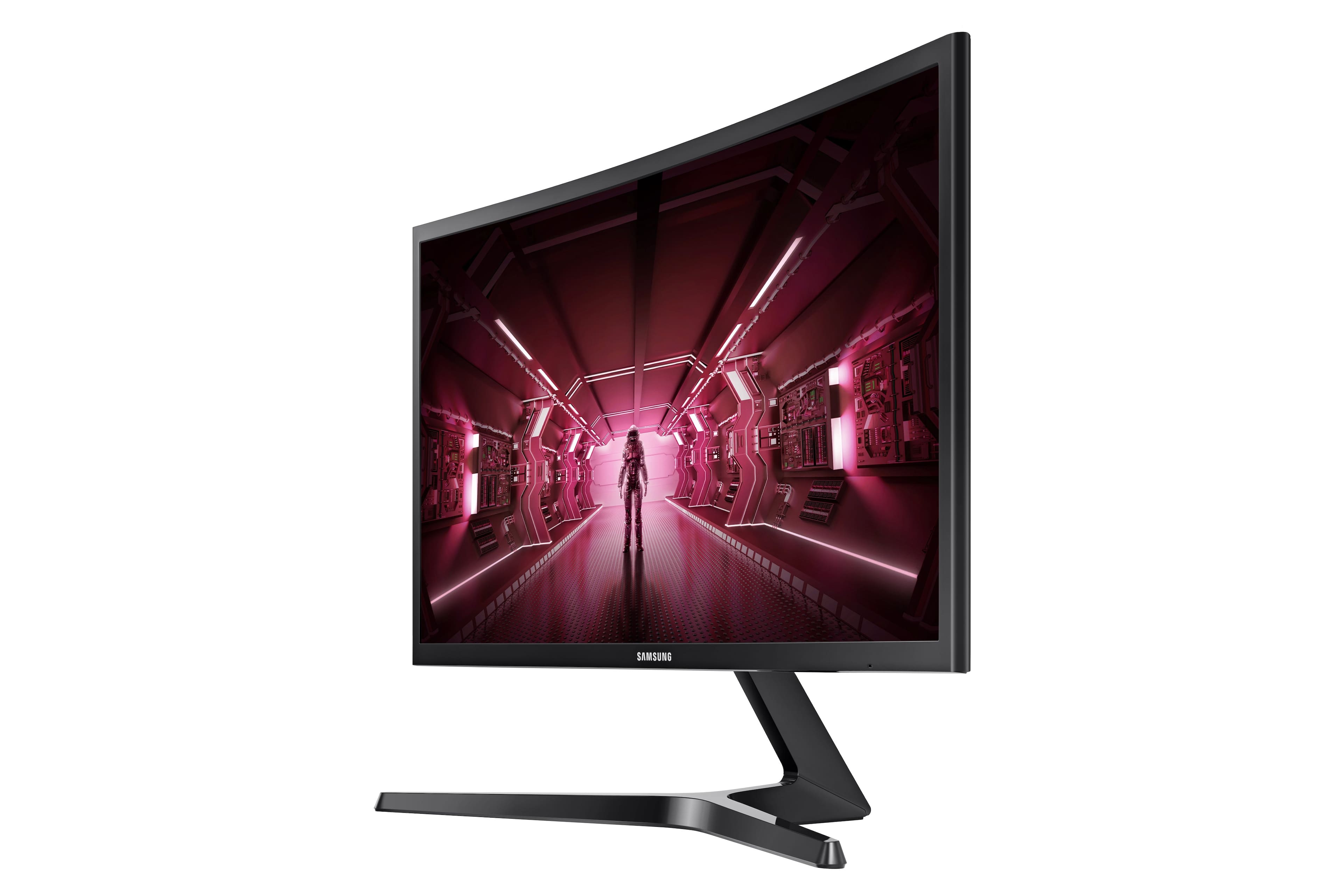
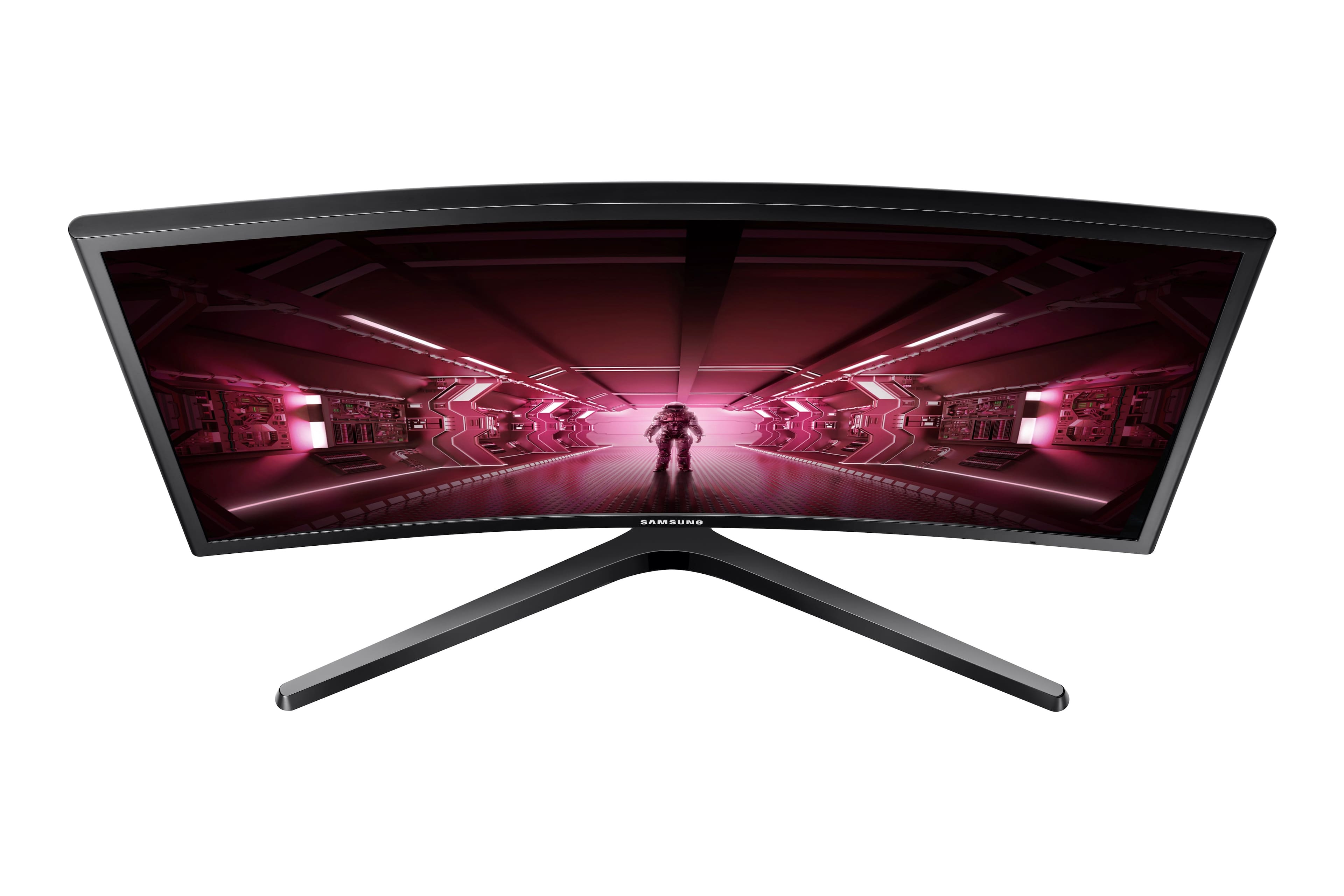
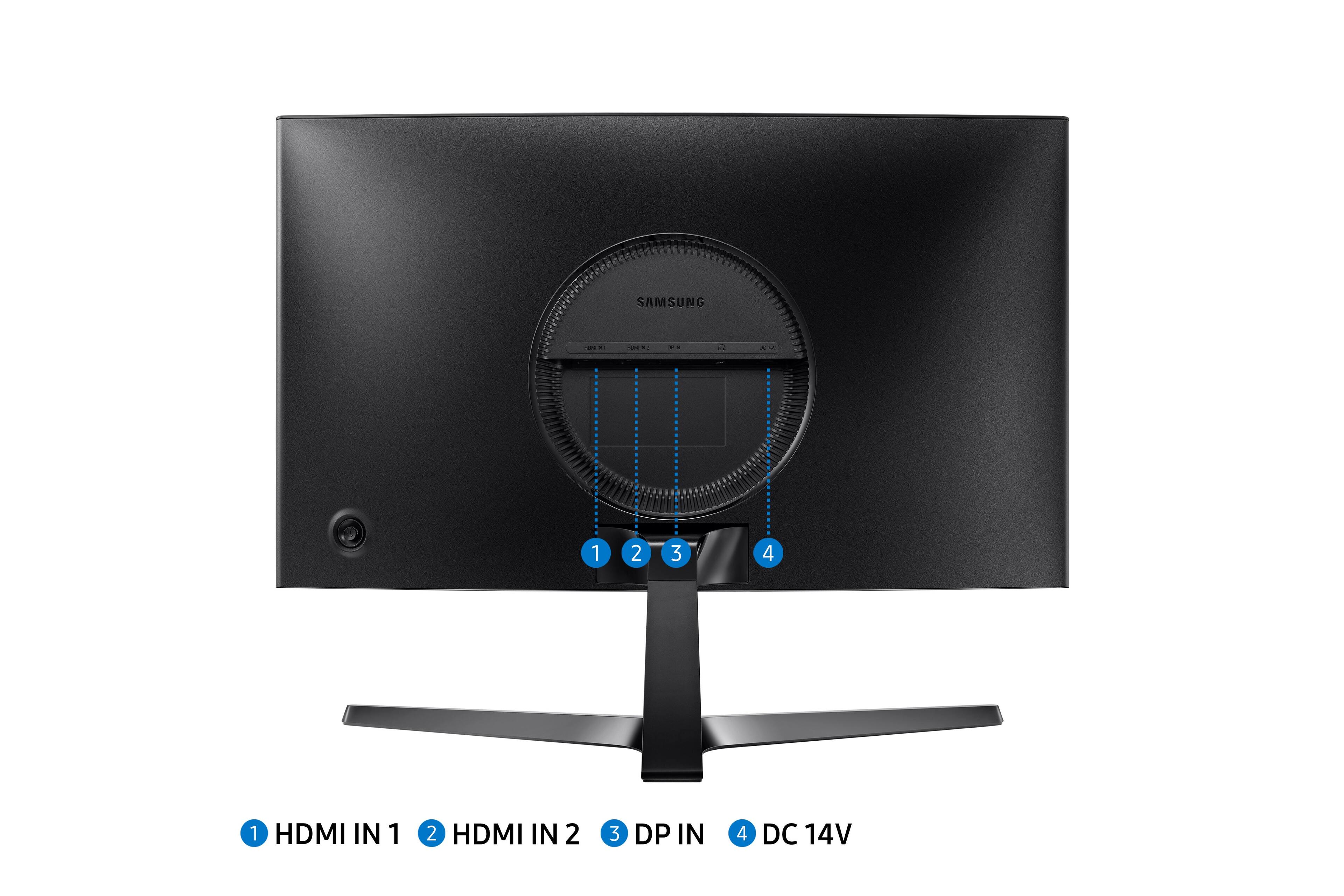
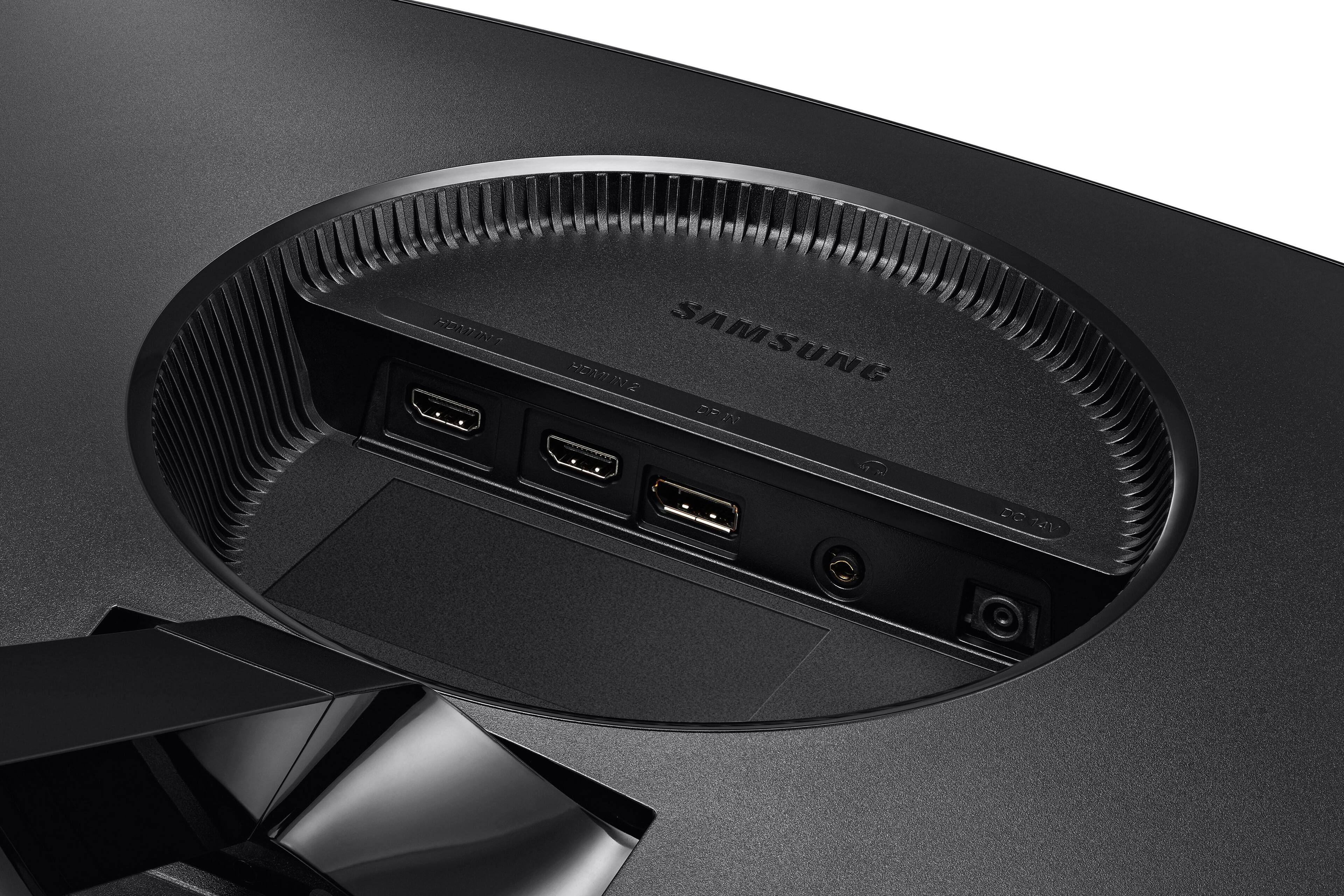
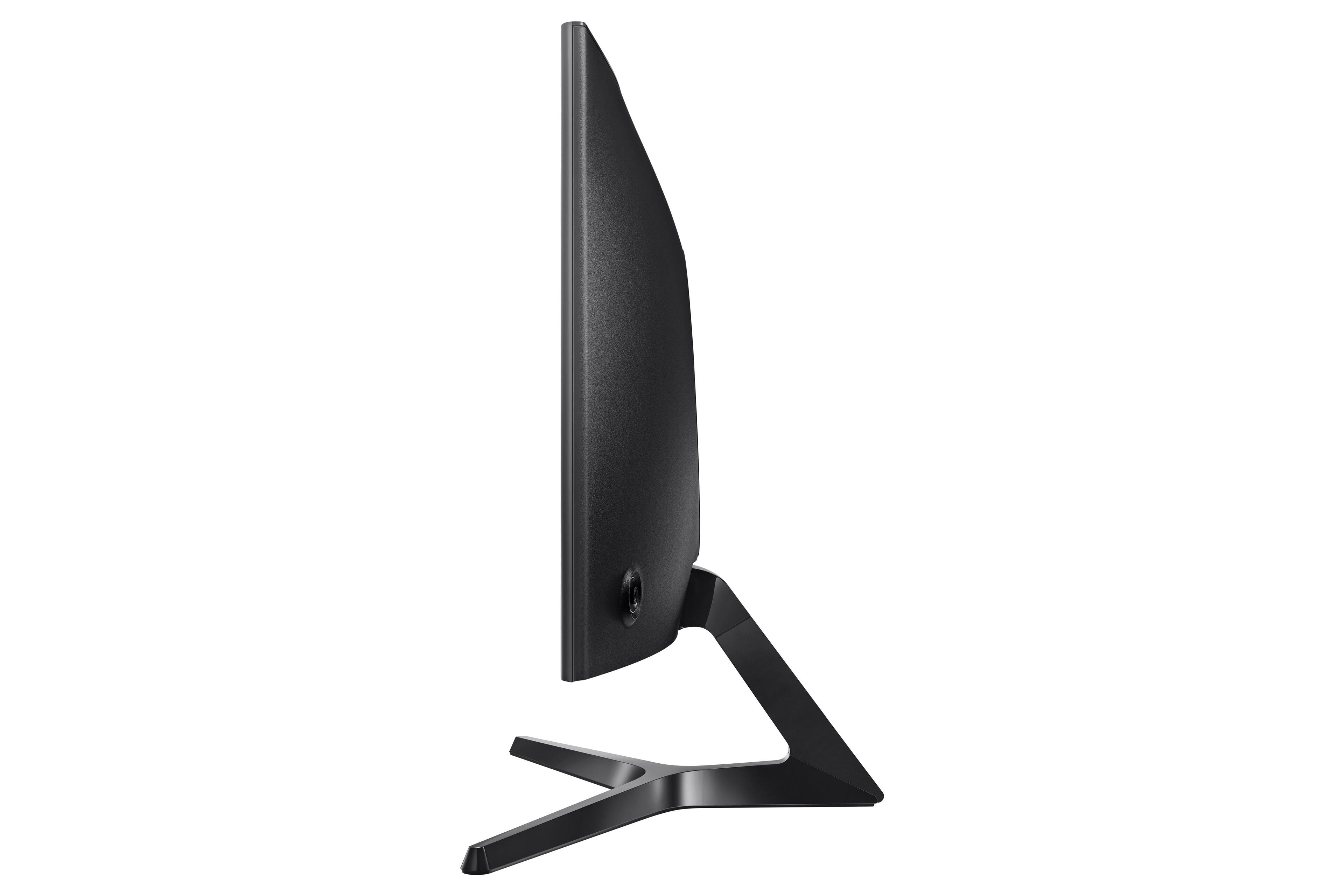
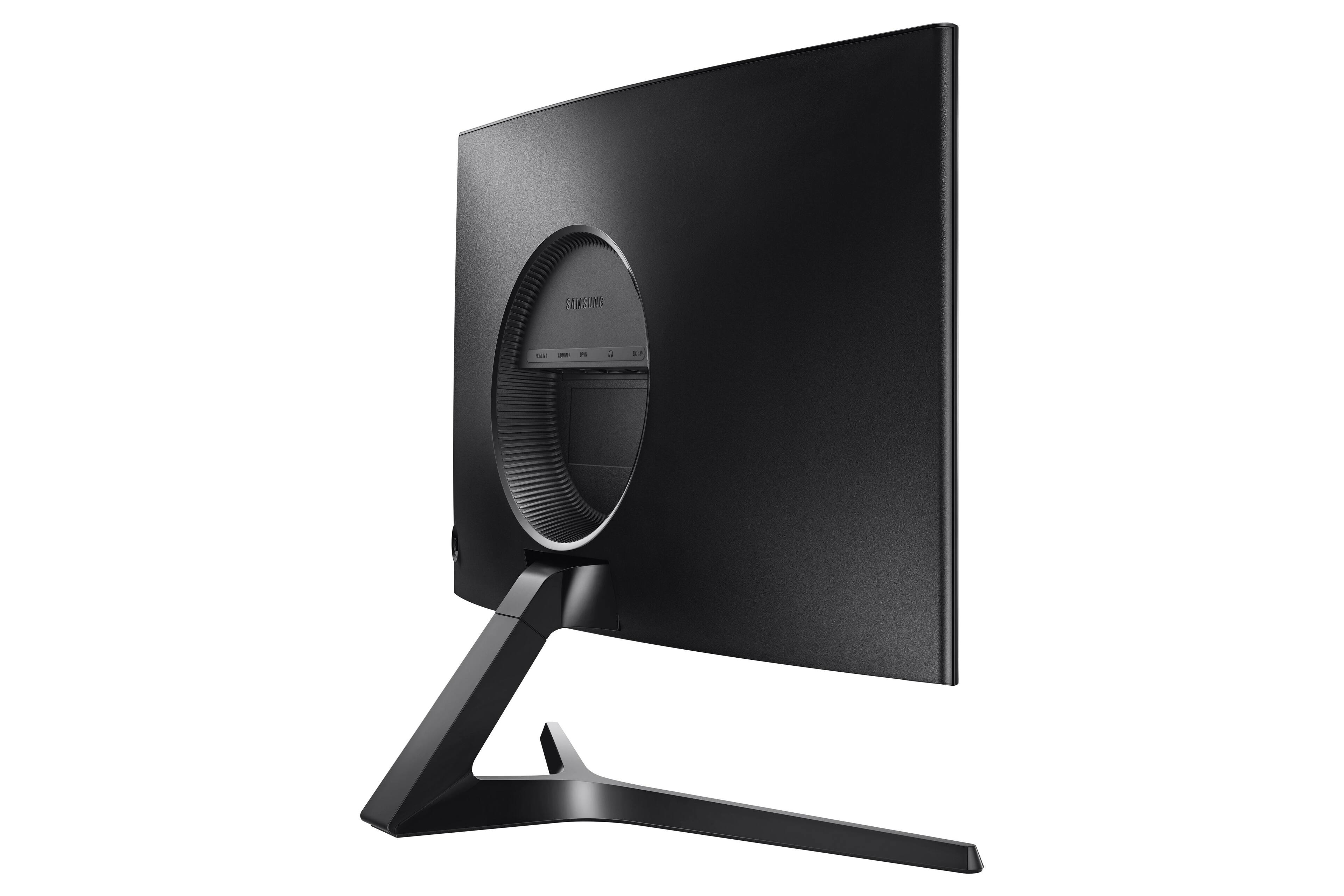
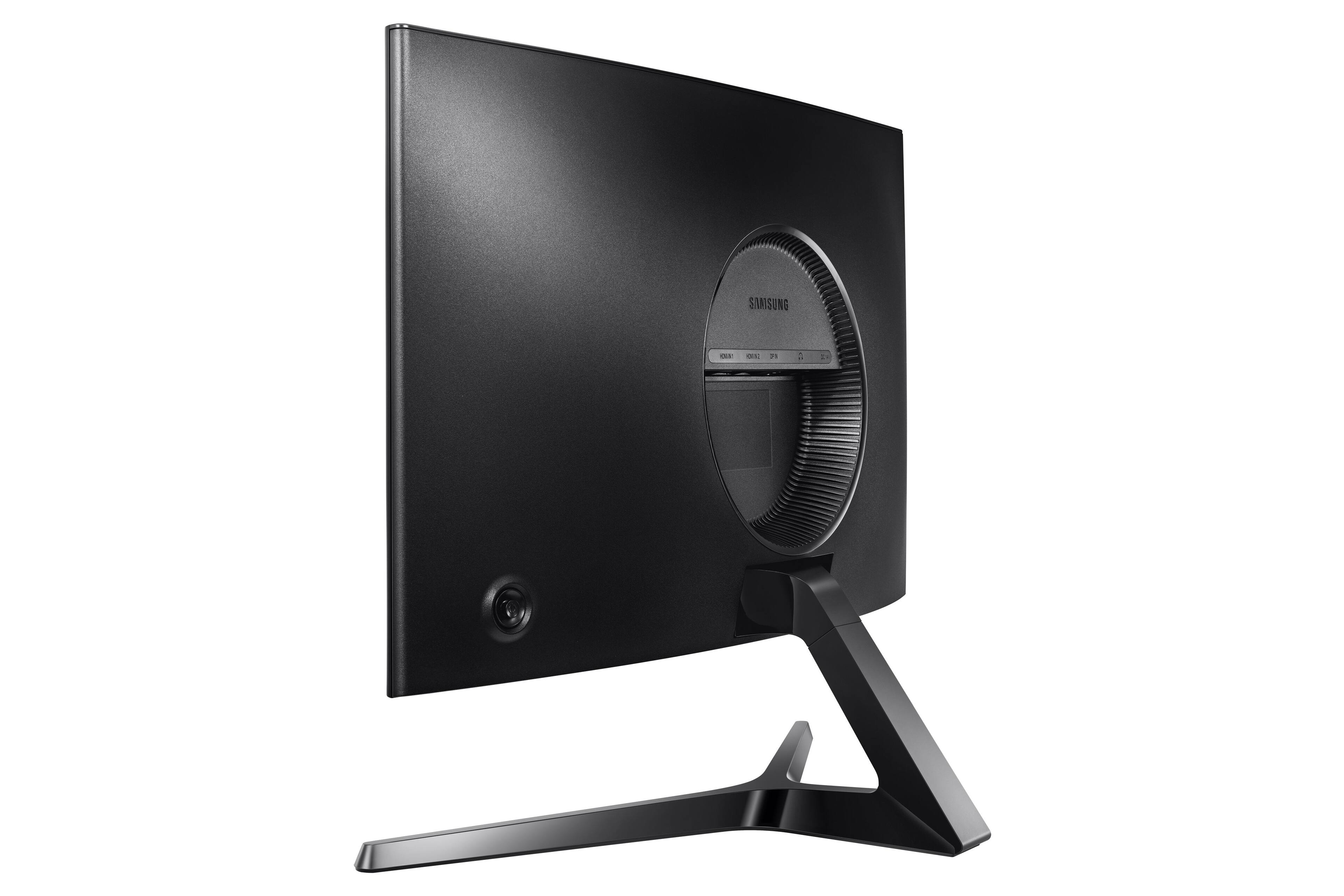
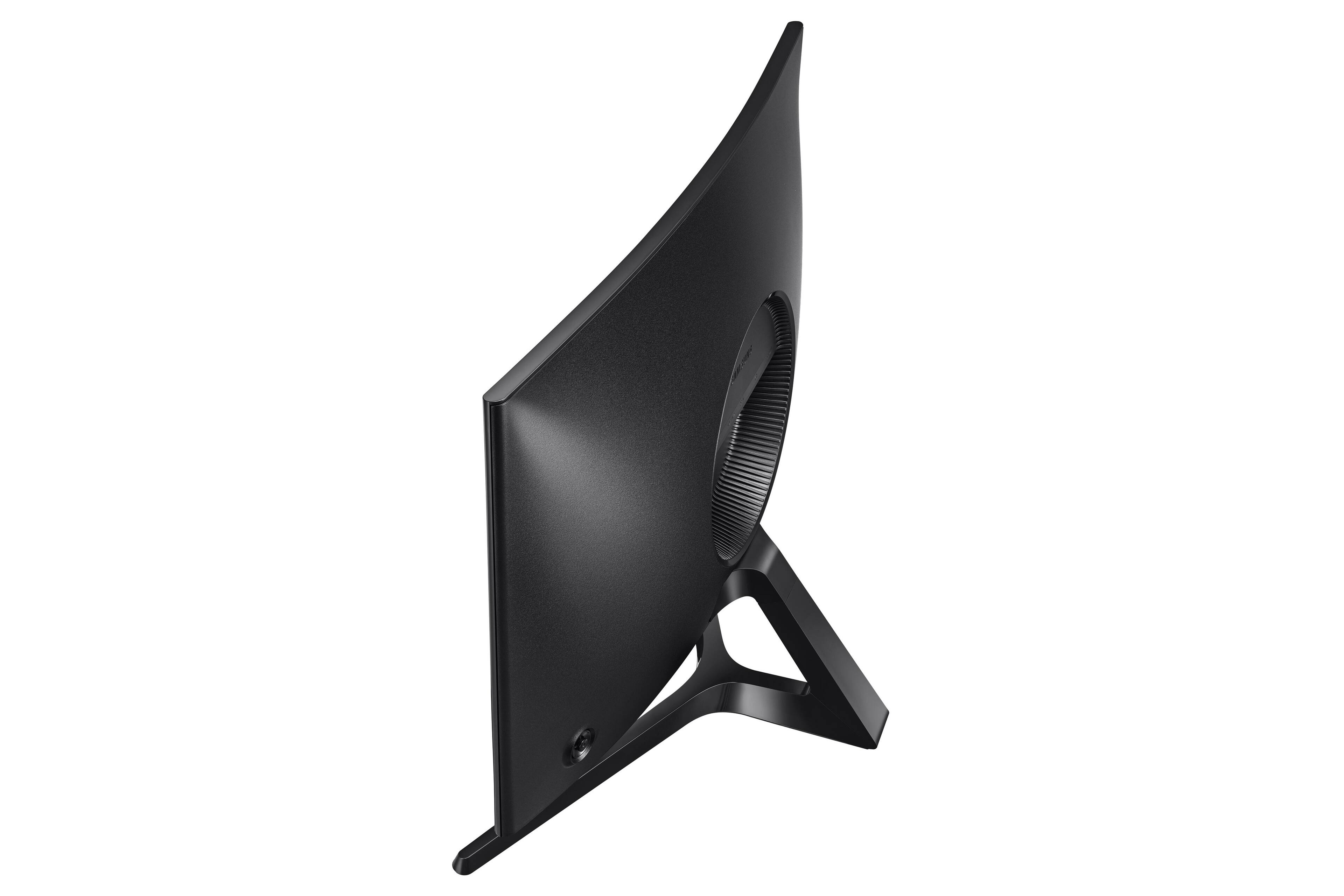
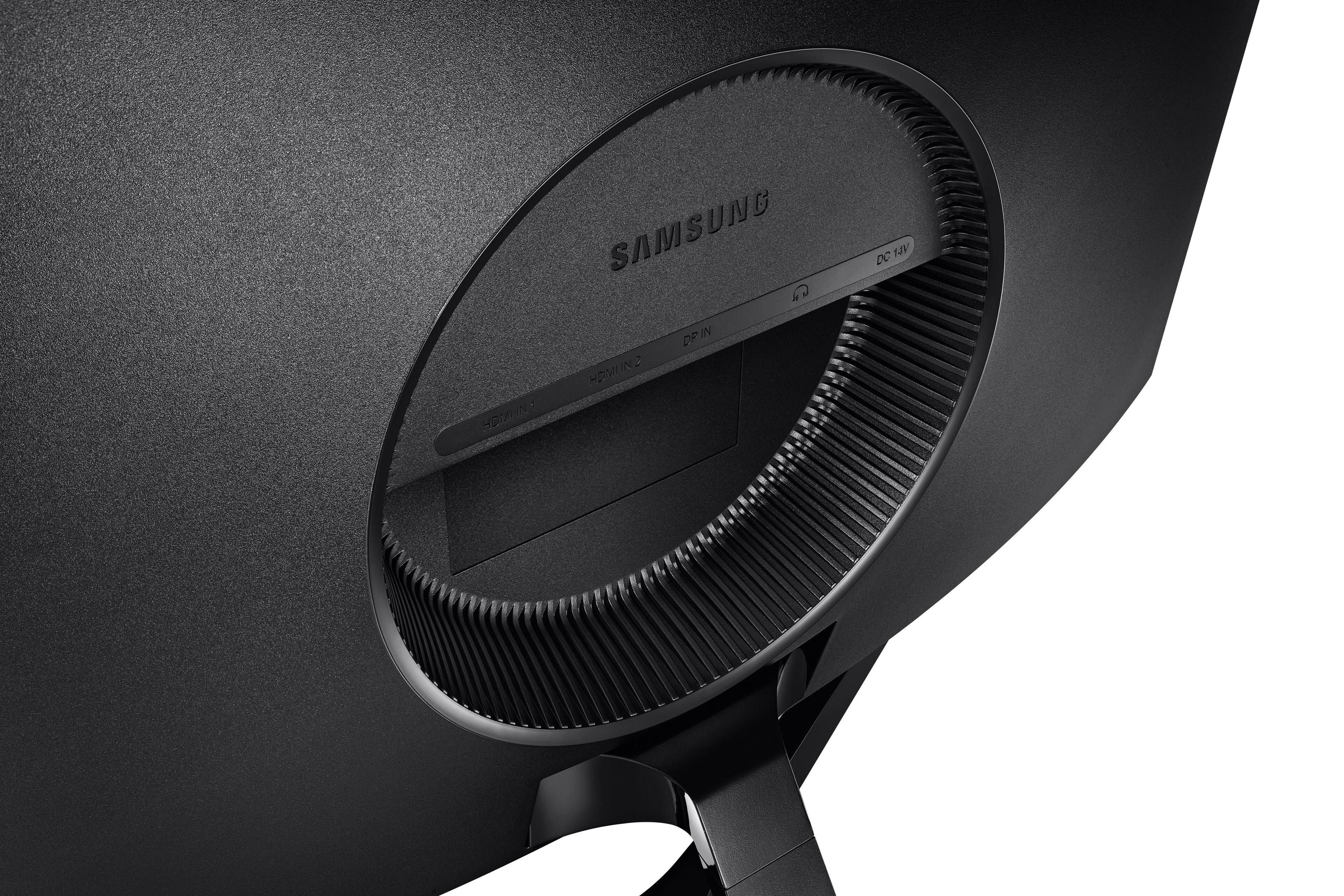
A:Answer Yes, a USB-C to HDMI adapter will work with Chromebook and it should automatically detect it as a second screen, so you can work off both the Chromebook screen and the monitor. I use the adapters on my kids Chromebooks for school and plug them into TVs. You'll want to make sure you have another audio option (headphones or speakers), or can choose the Chromebook's speakers, because this monitor does not have speakers. It will transmit audio through the HDMI and there is a 3.5mm audio output on the back of the monitor so you can connect speakers to there.