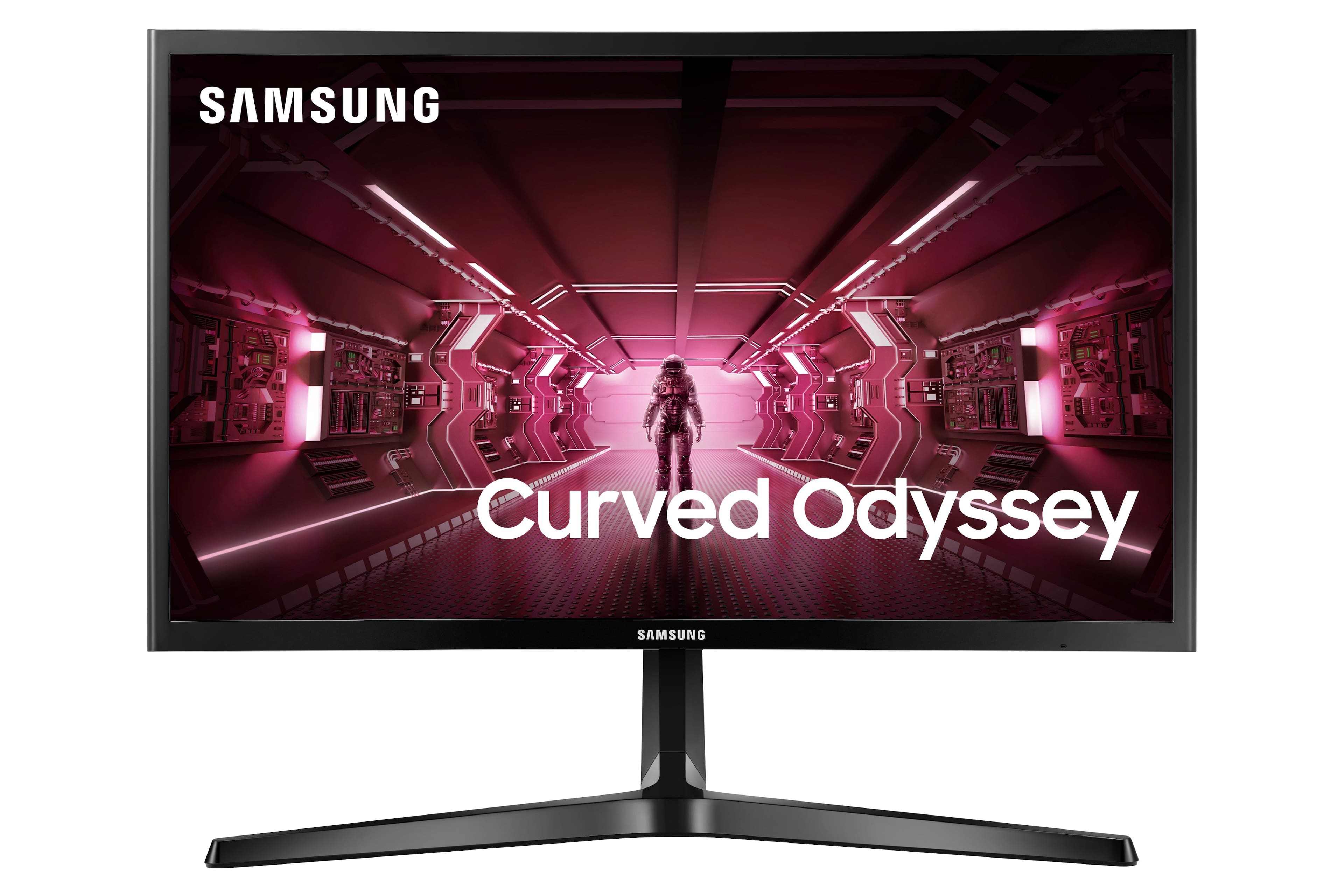
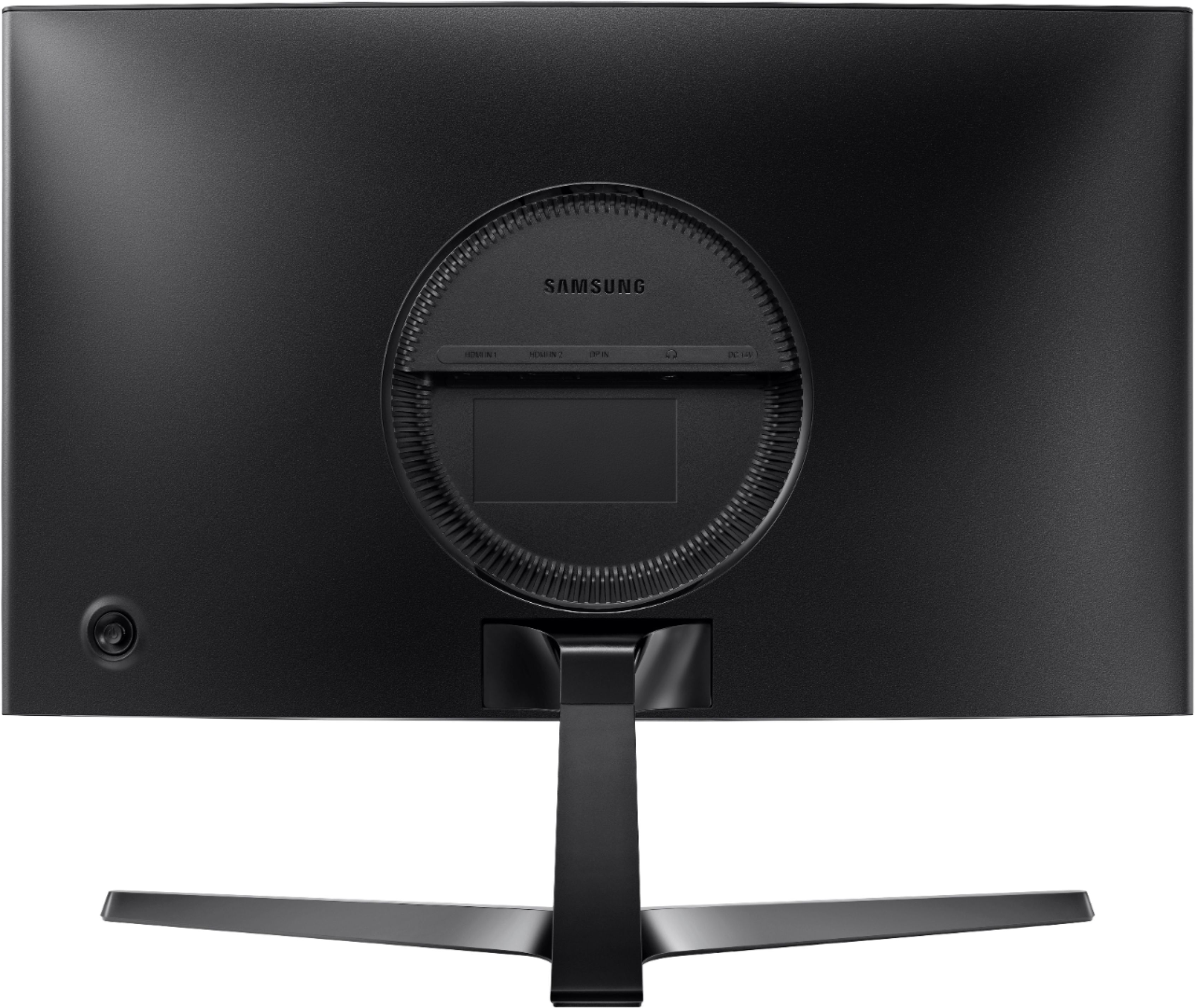
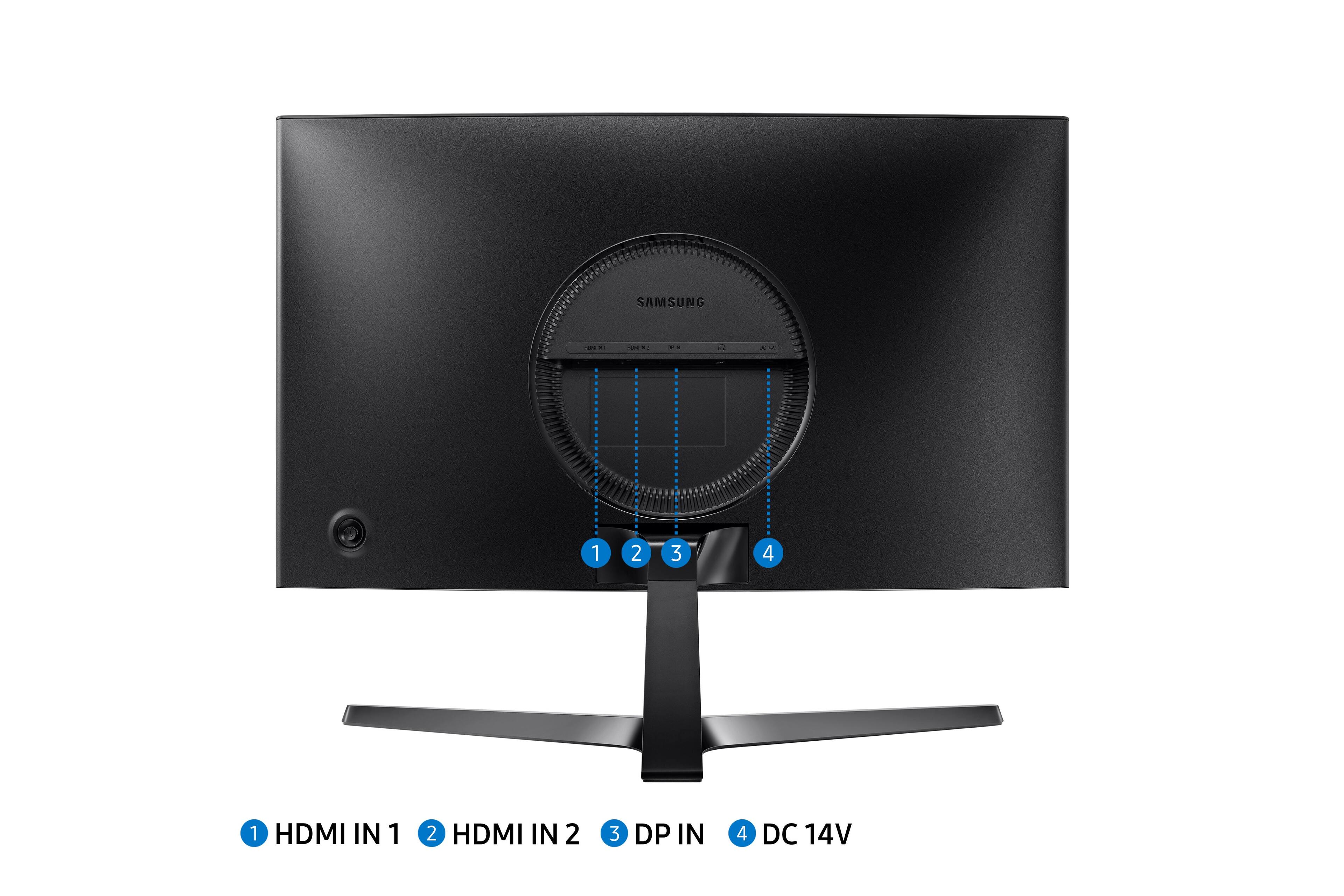
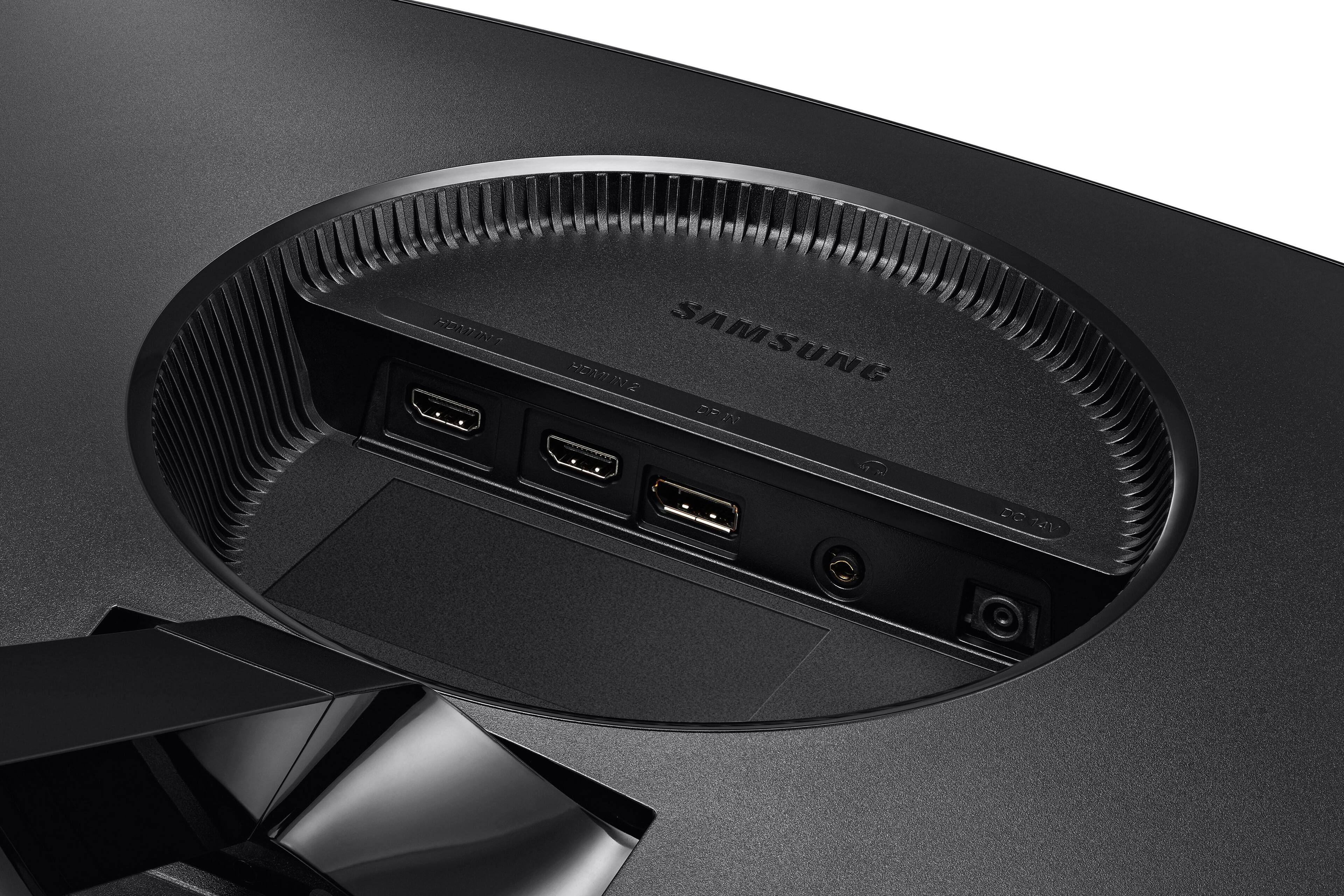
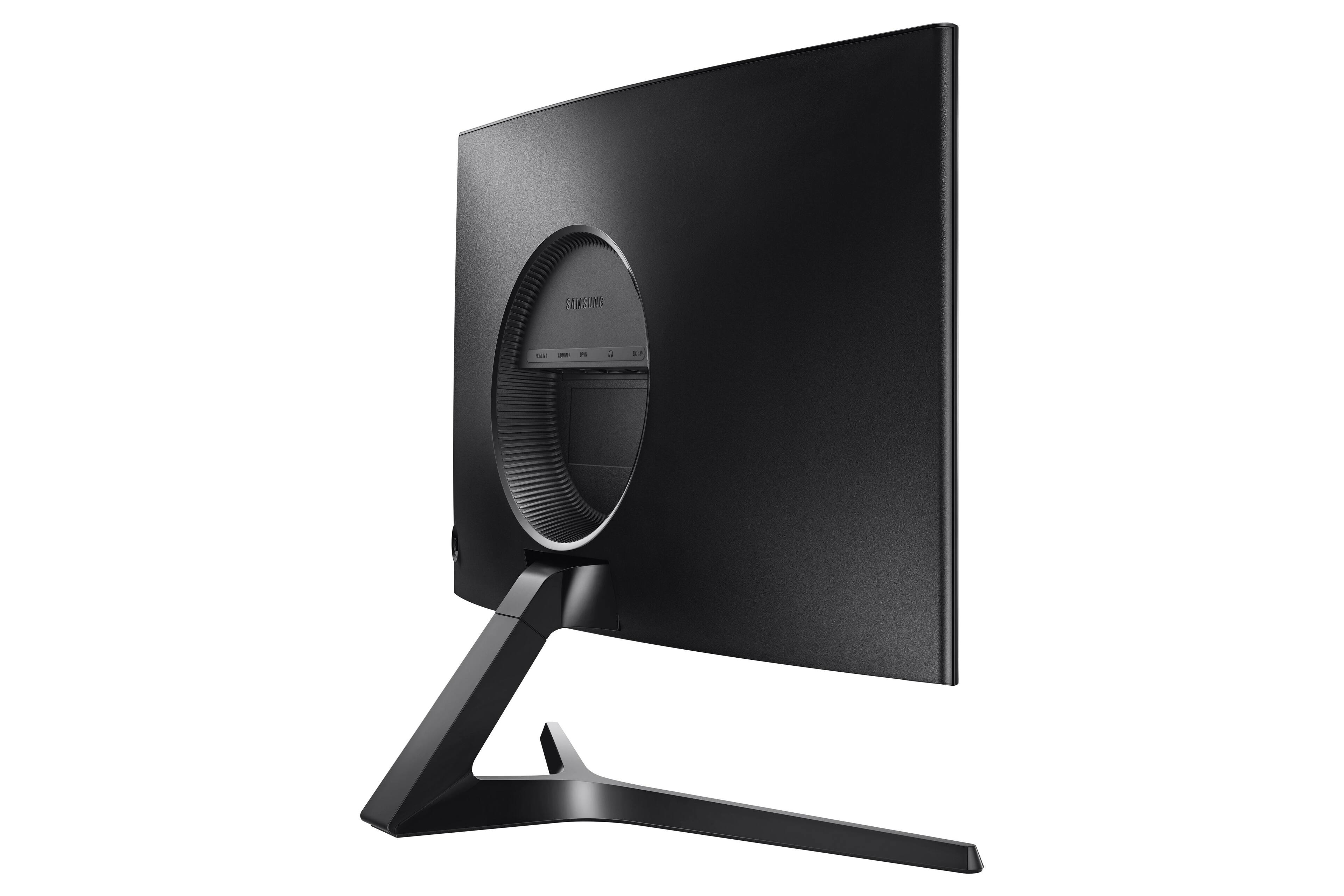
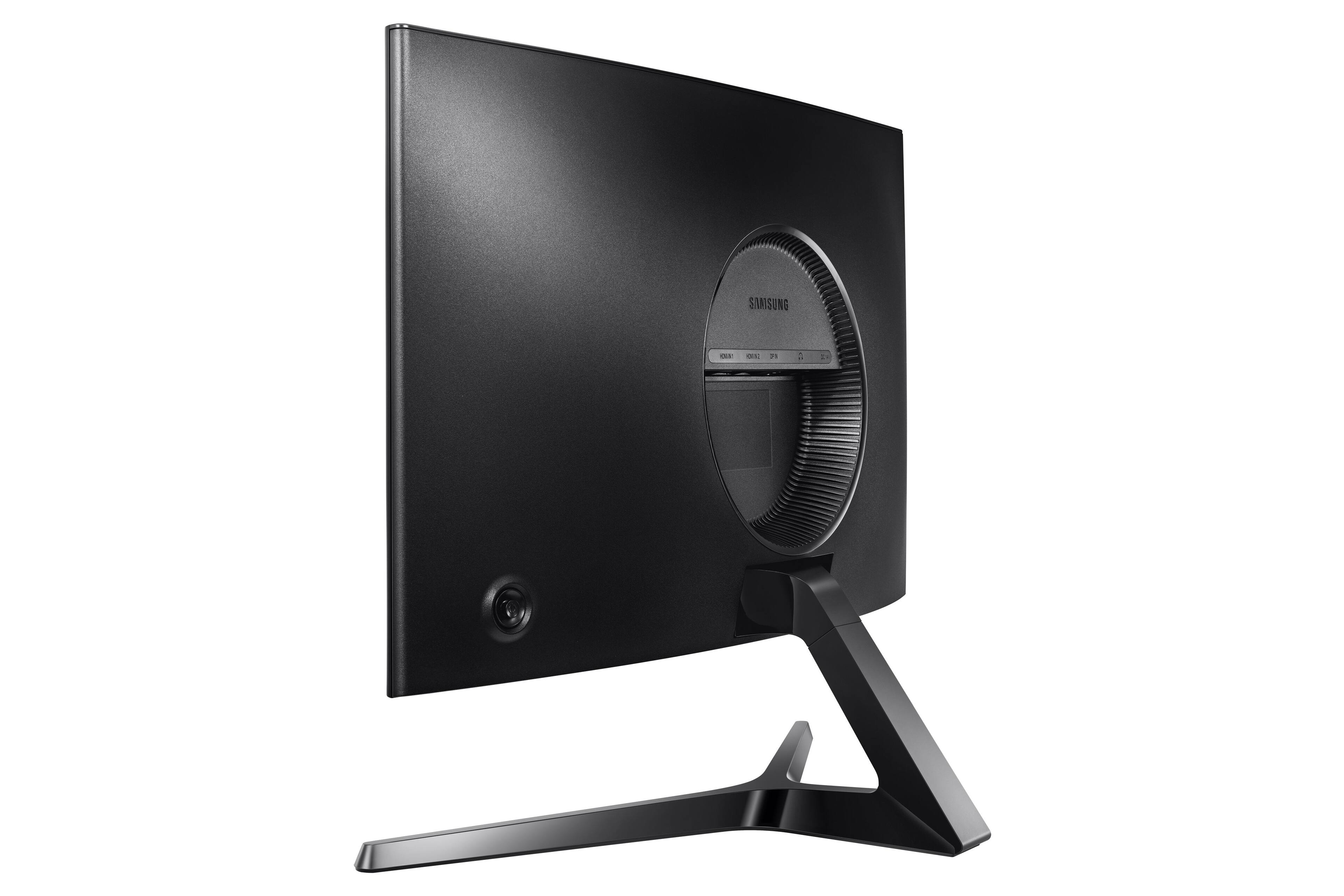
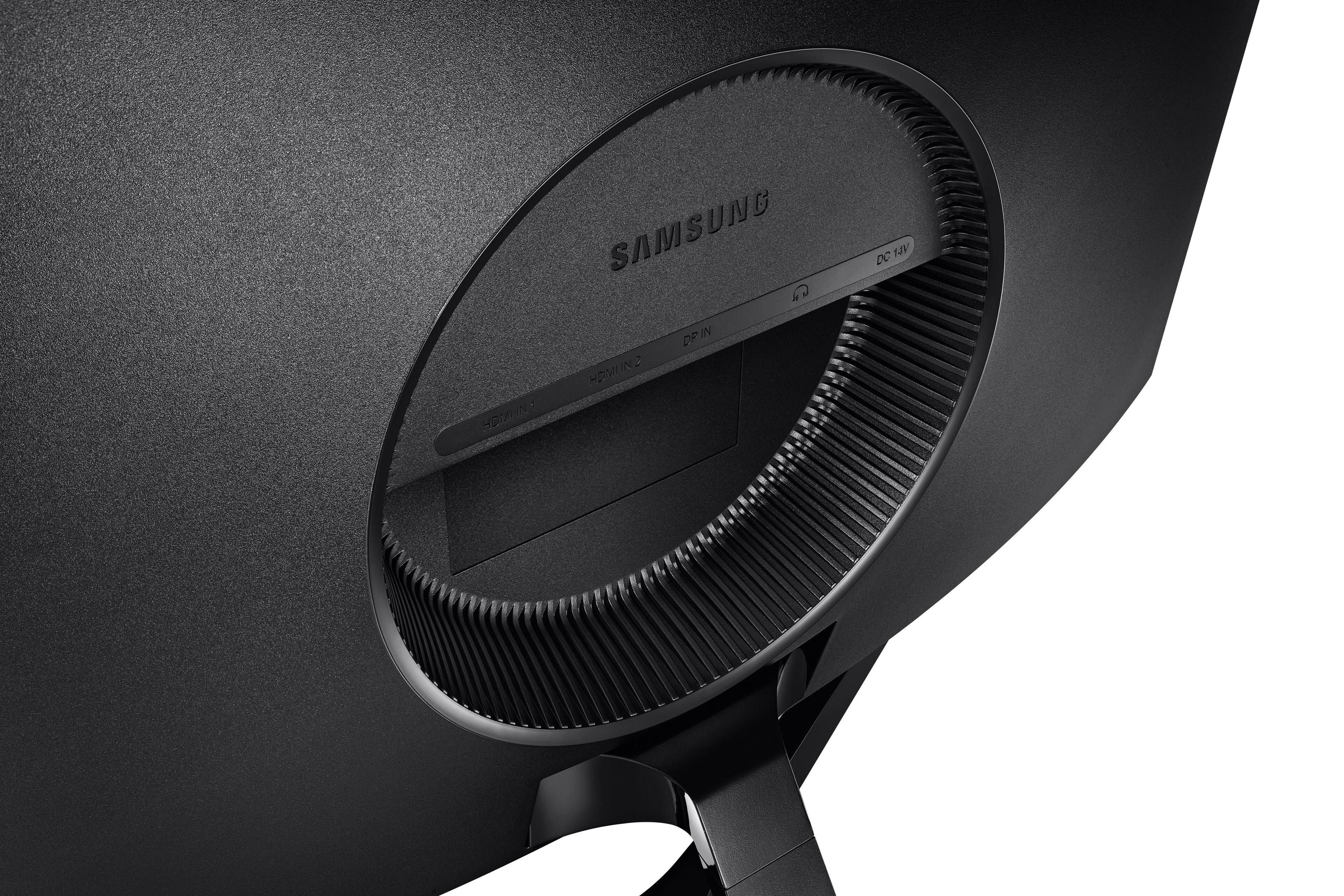
A:AnswerWel it’s not a monitor built in with games ready to play, however if you have a pc or console to connect it to it works fine with a hdmi input on my case I used a hdmi input and it works just fine.
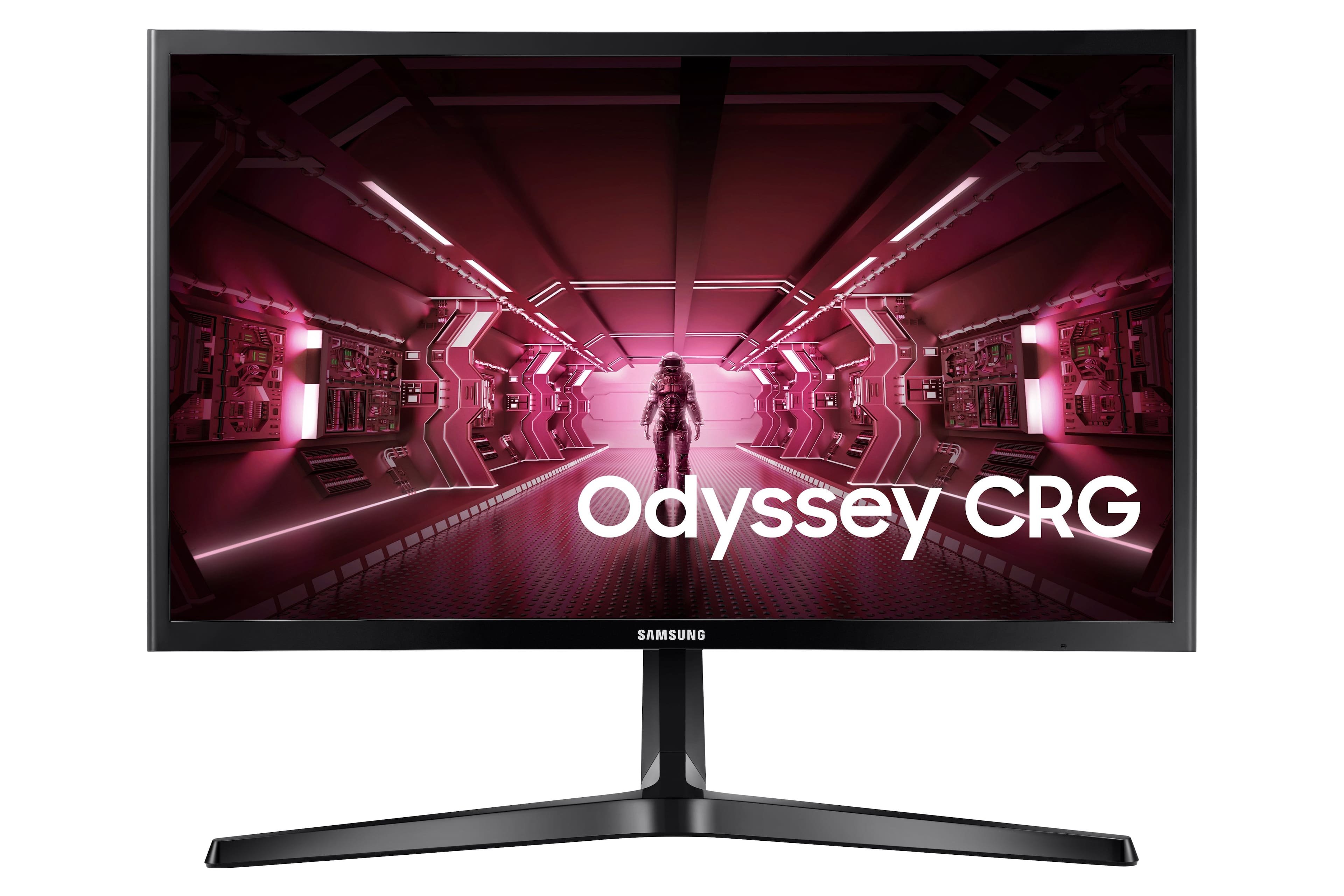
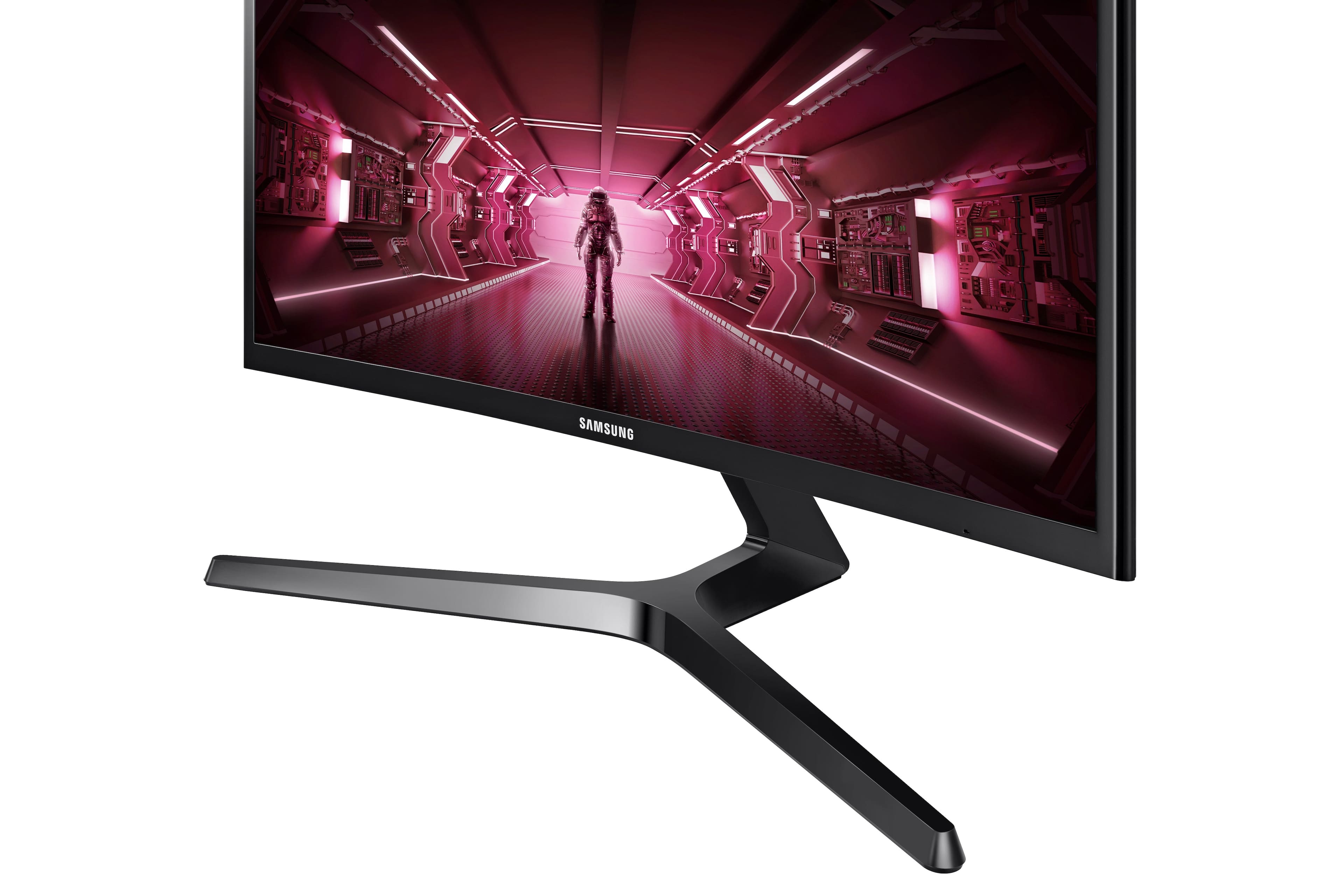
A:AnswerYes it does it comes with a power cable and a HDMI cable just keep in mind you have to built the stand for it but other than that it’s very goodp
A:AnswerMonitors are relatively universally compatible these days. If your laptop has an output that matches the monitor's input, then you're good. If you're using it for FPS gaming, would avoid buying any type of adaptor to make your output match your monitor input as this can generate visual lag
A:AnswerYes... if your PC uses/has an HDMI or Display Port then it will work with the monitor. There's no such thing as manufacturer specific or exclusive monitors.
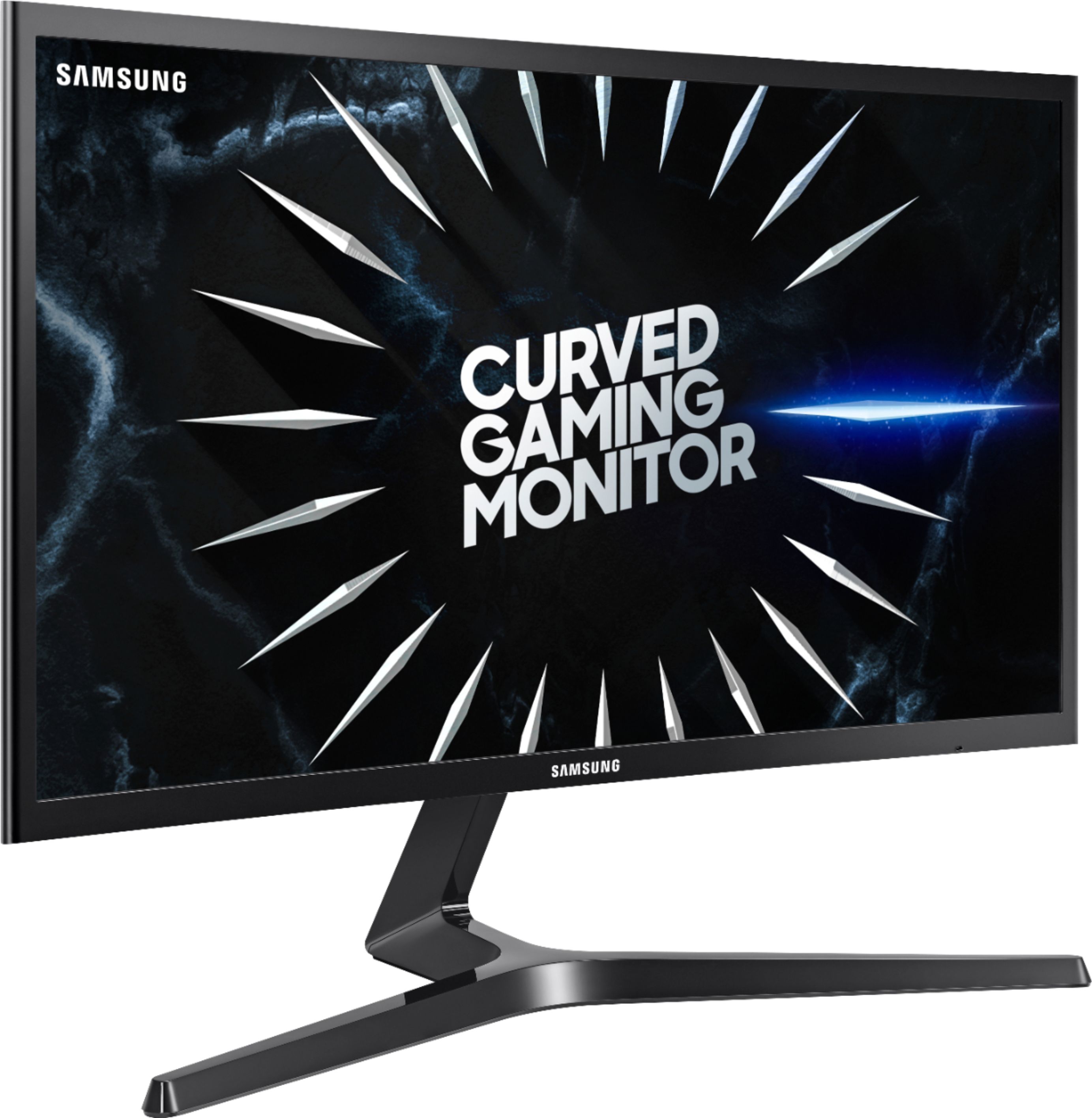
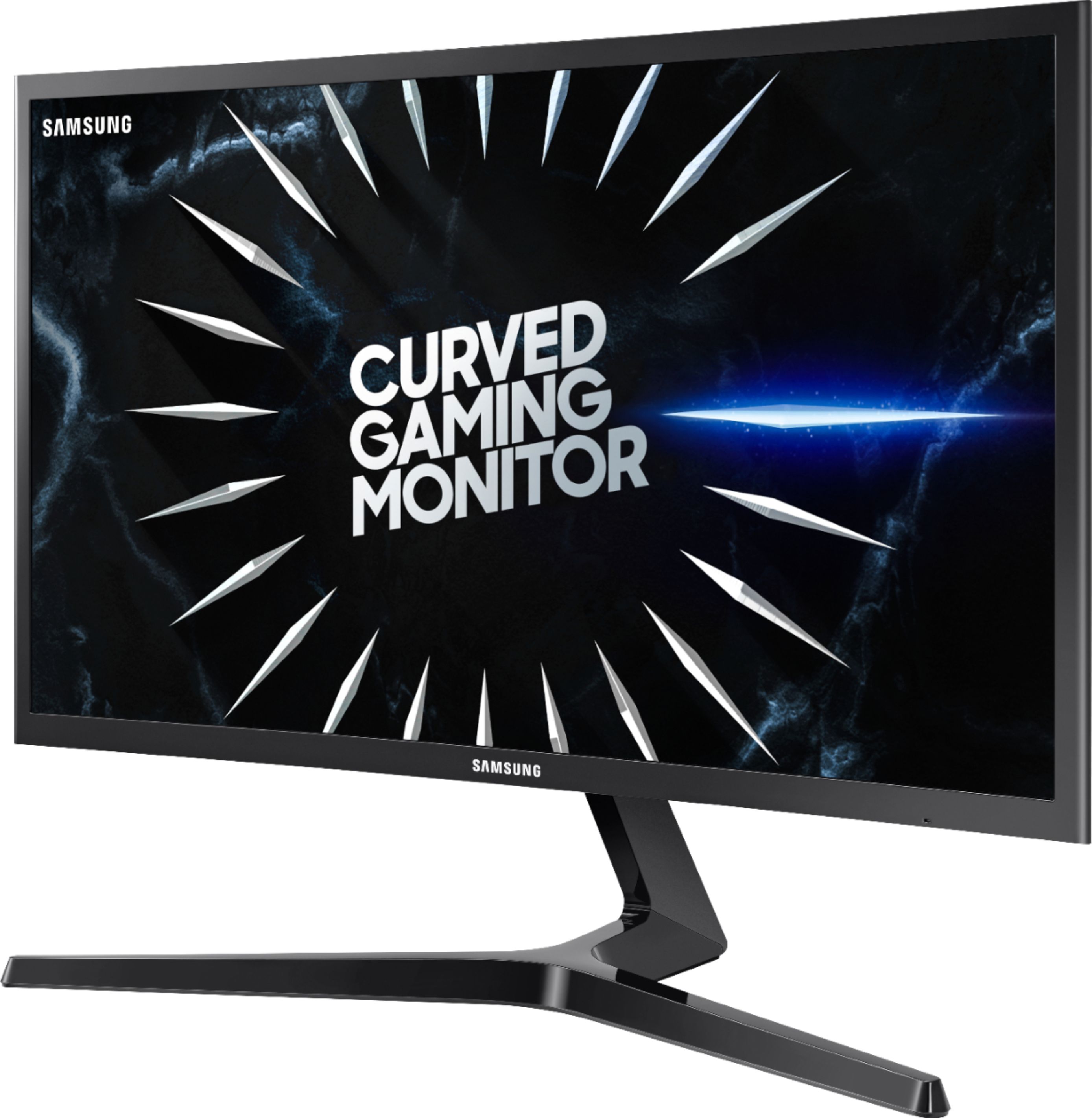
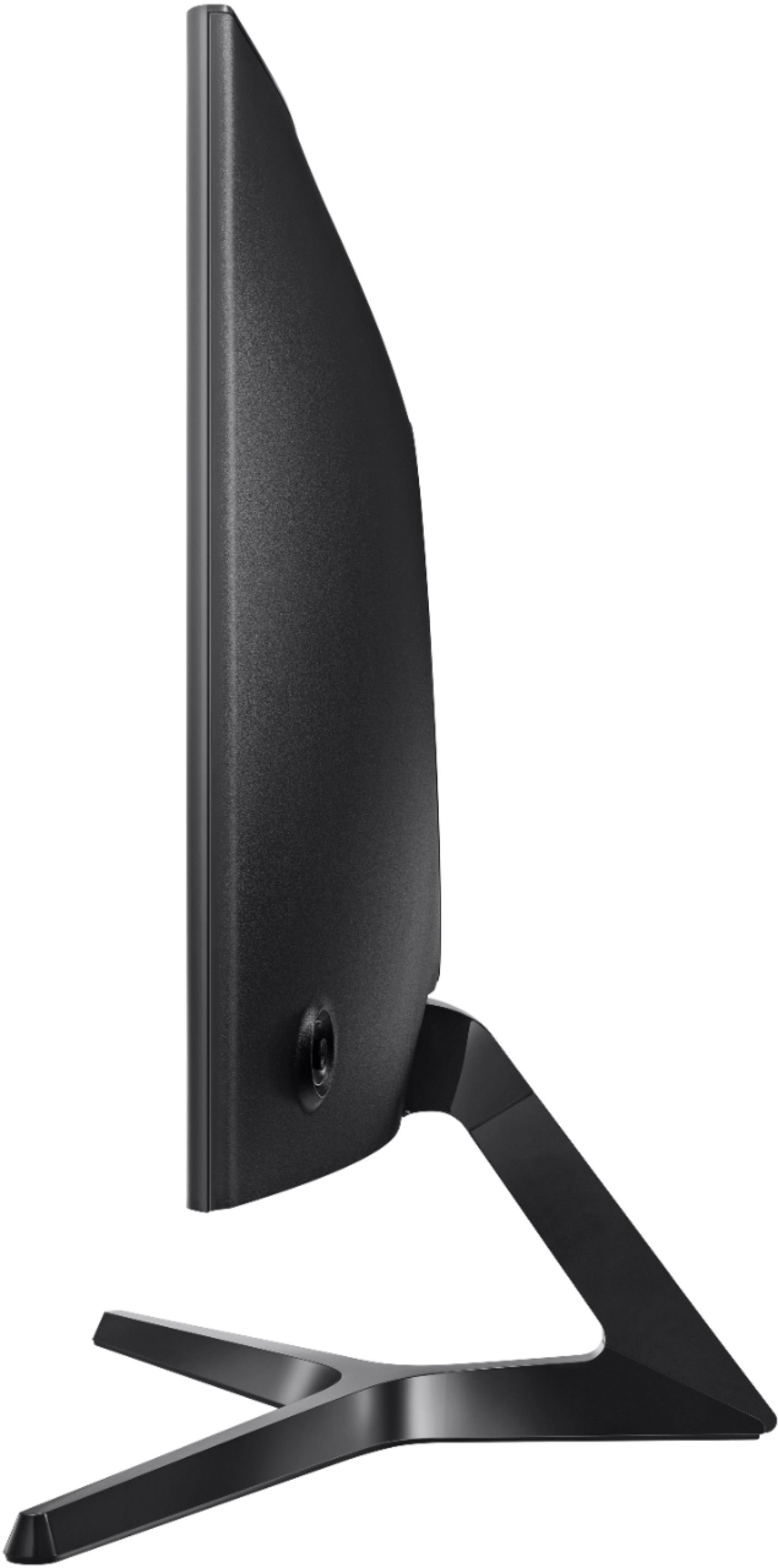
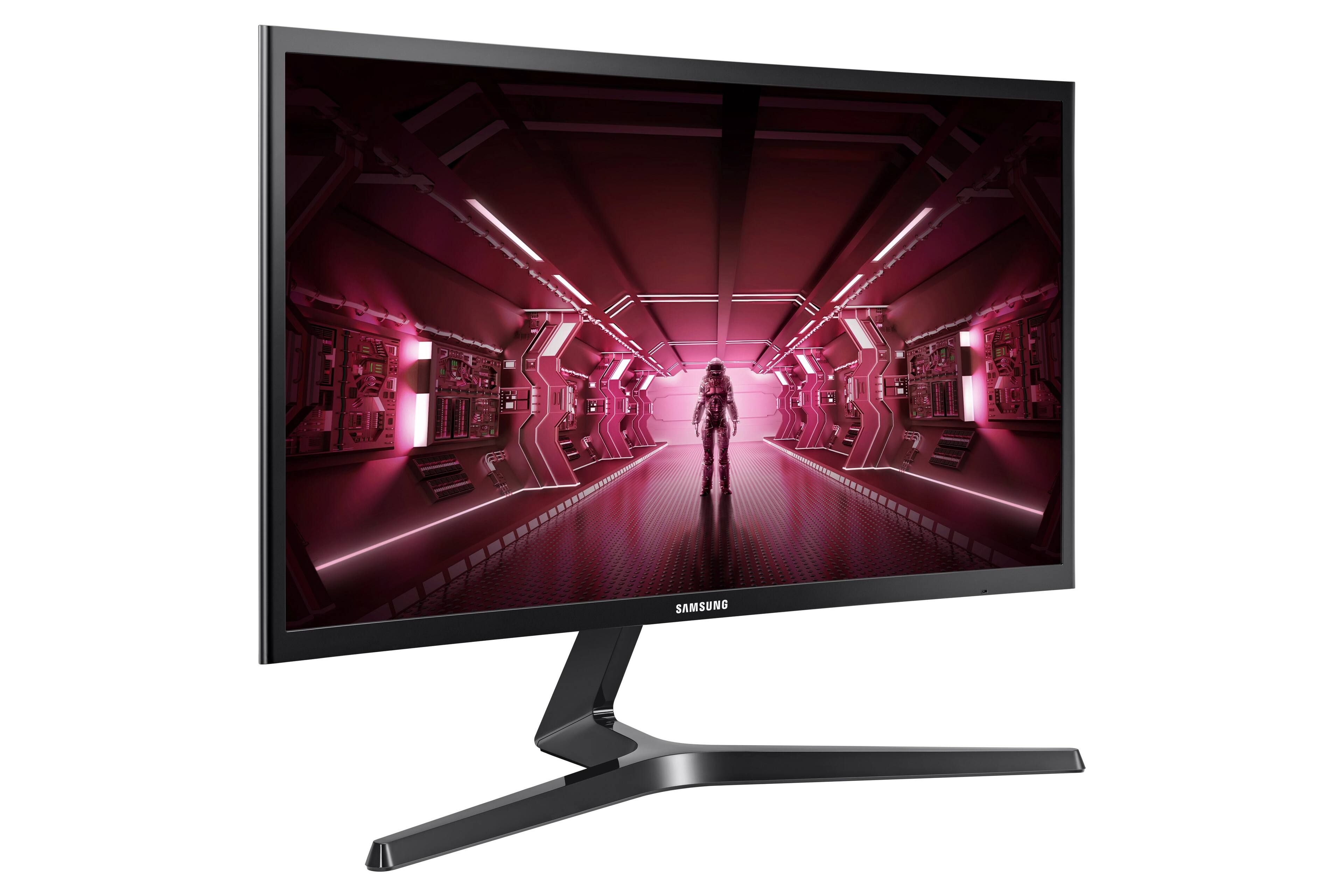
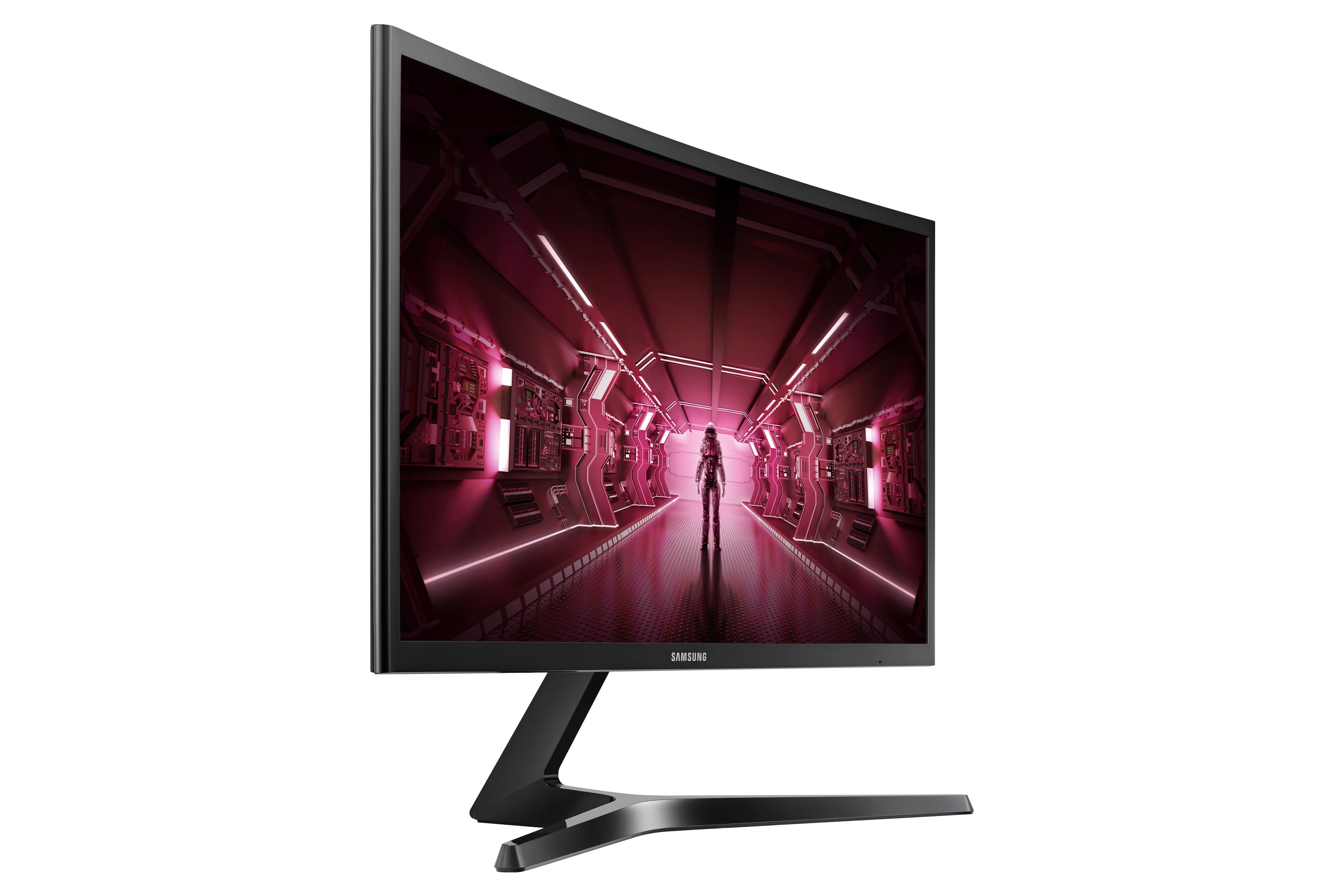
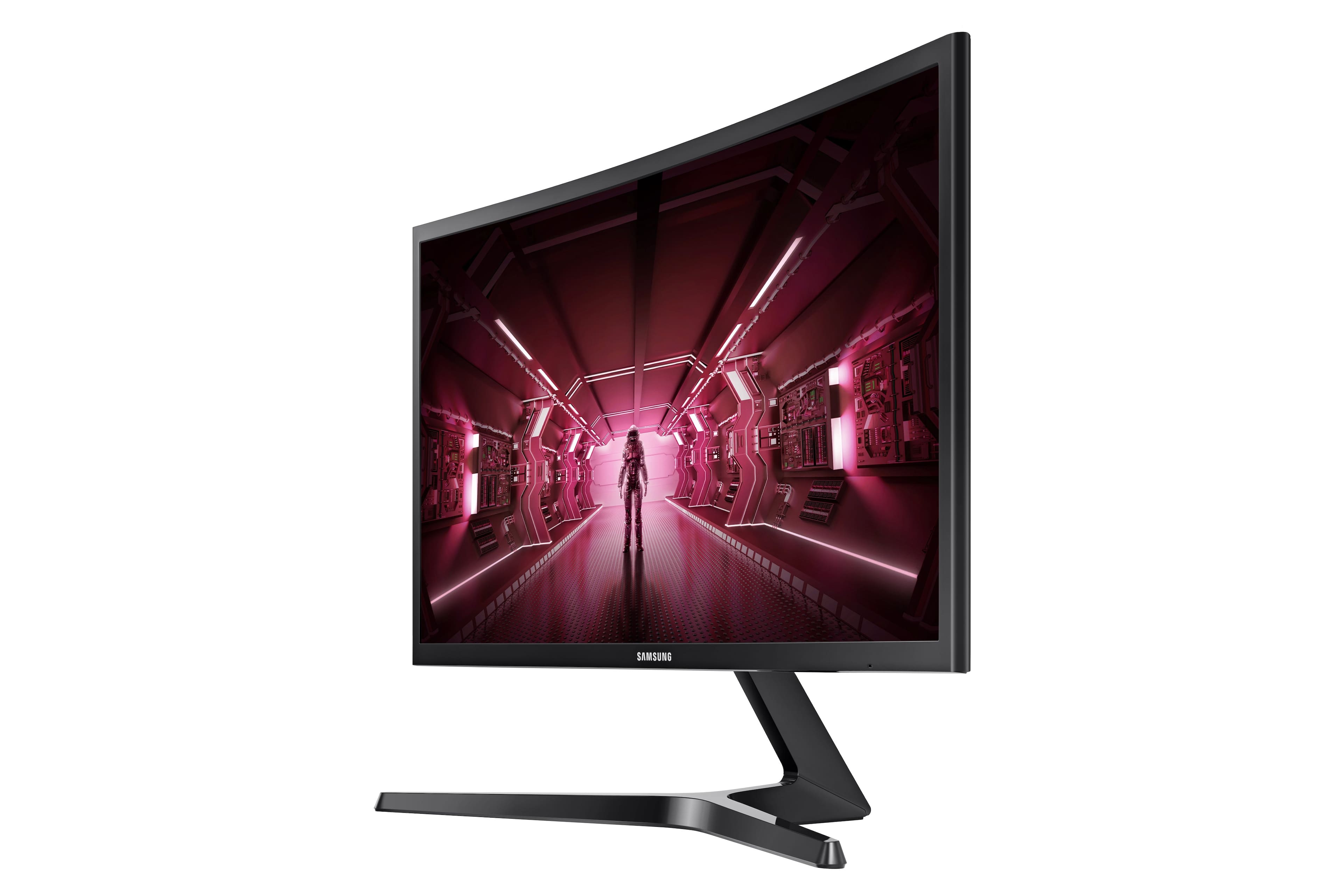
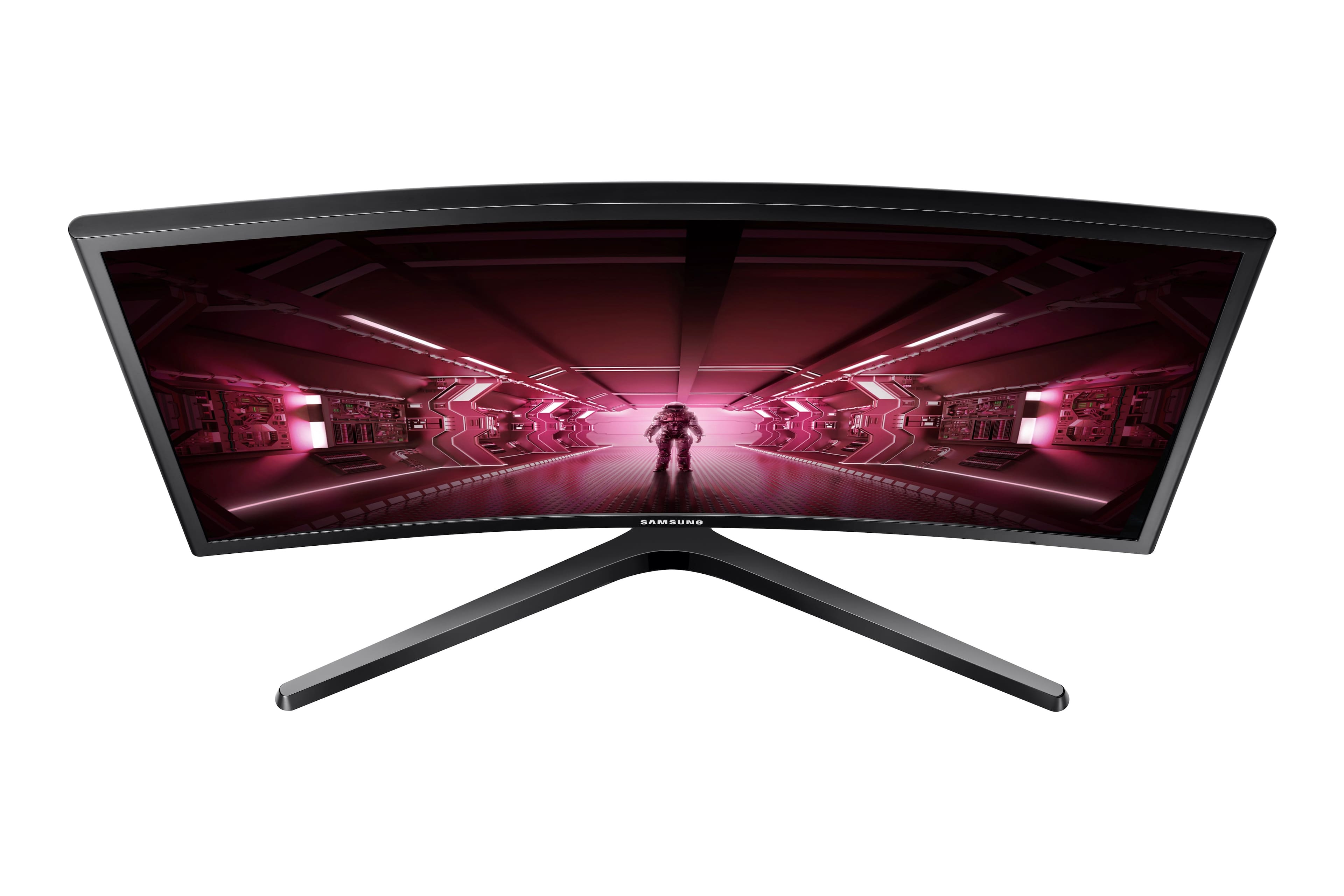
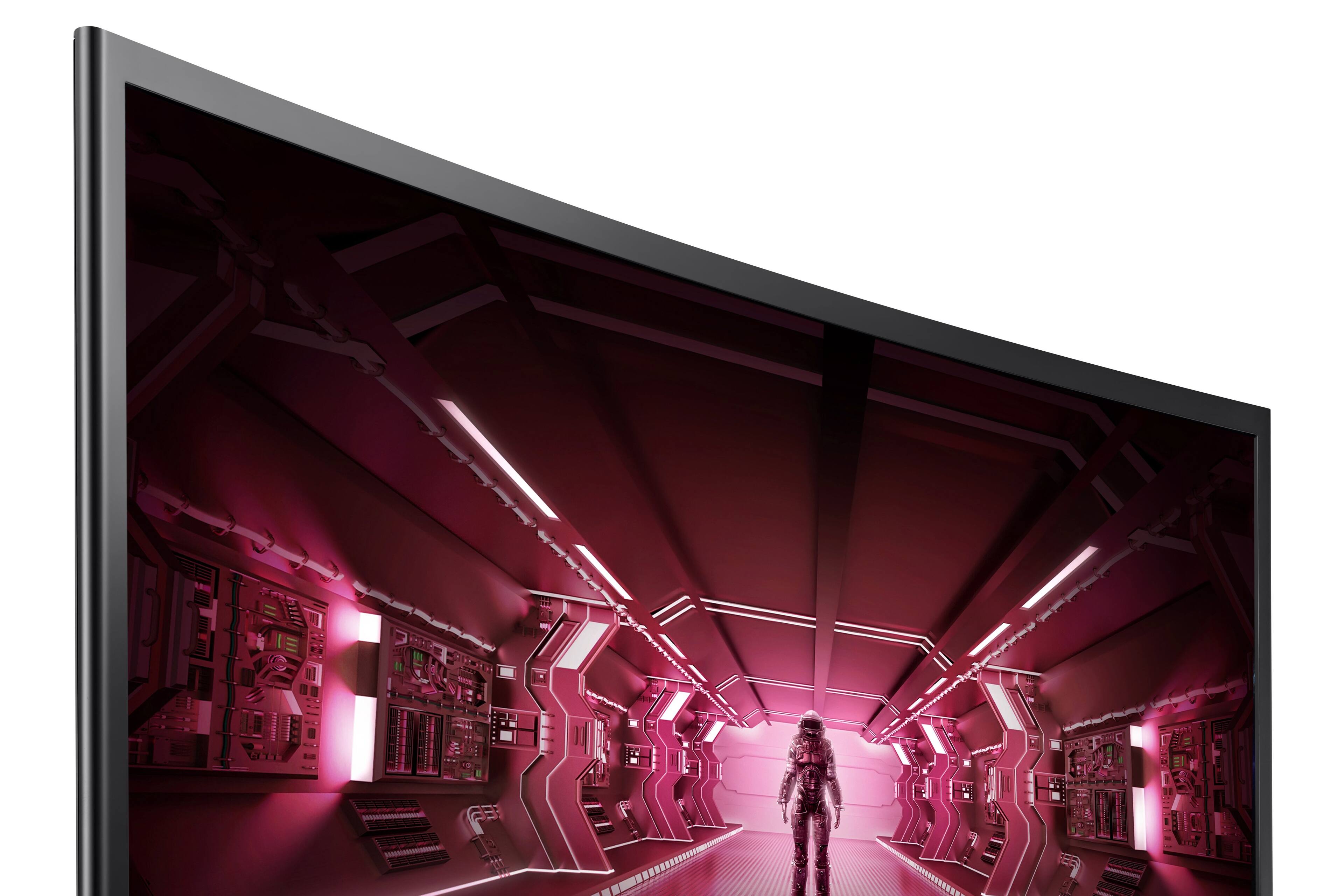
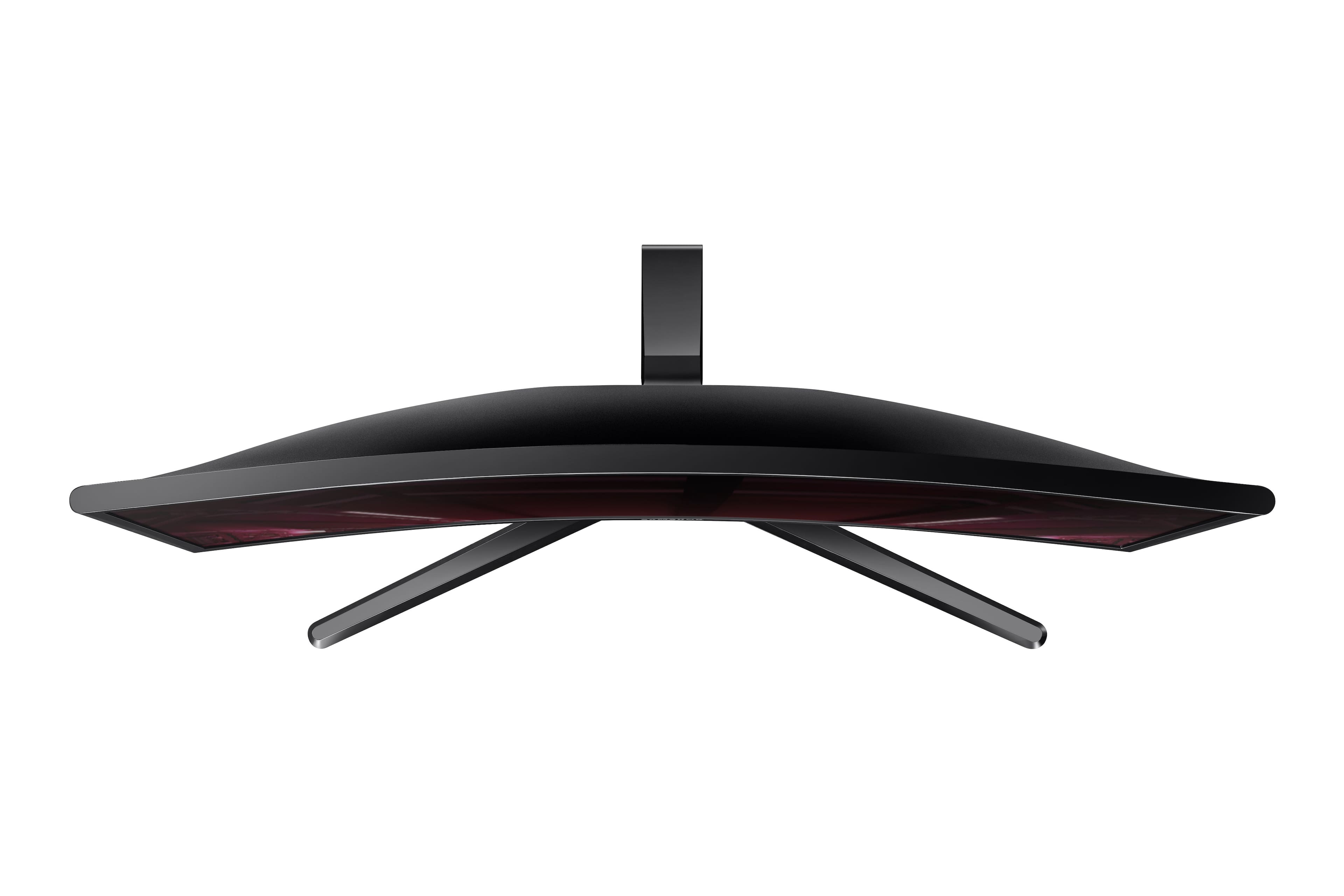
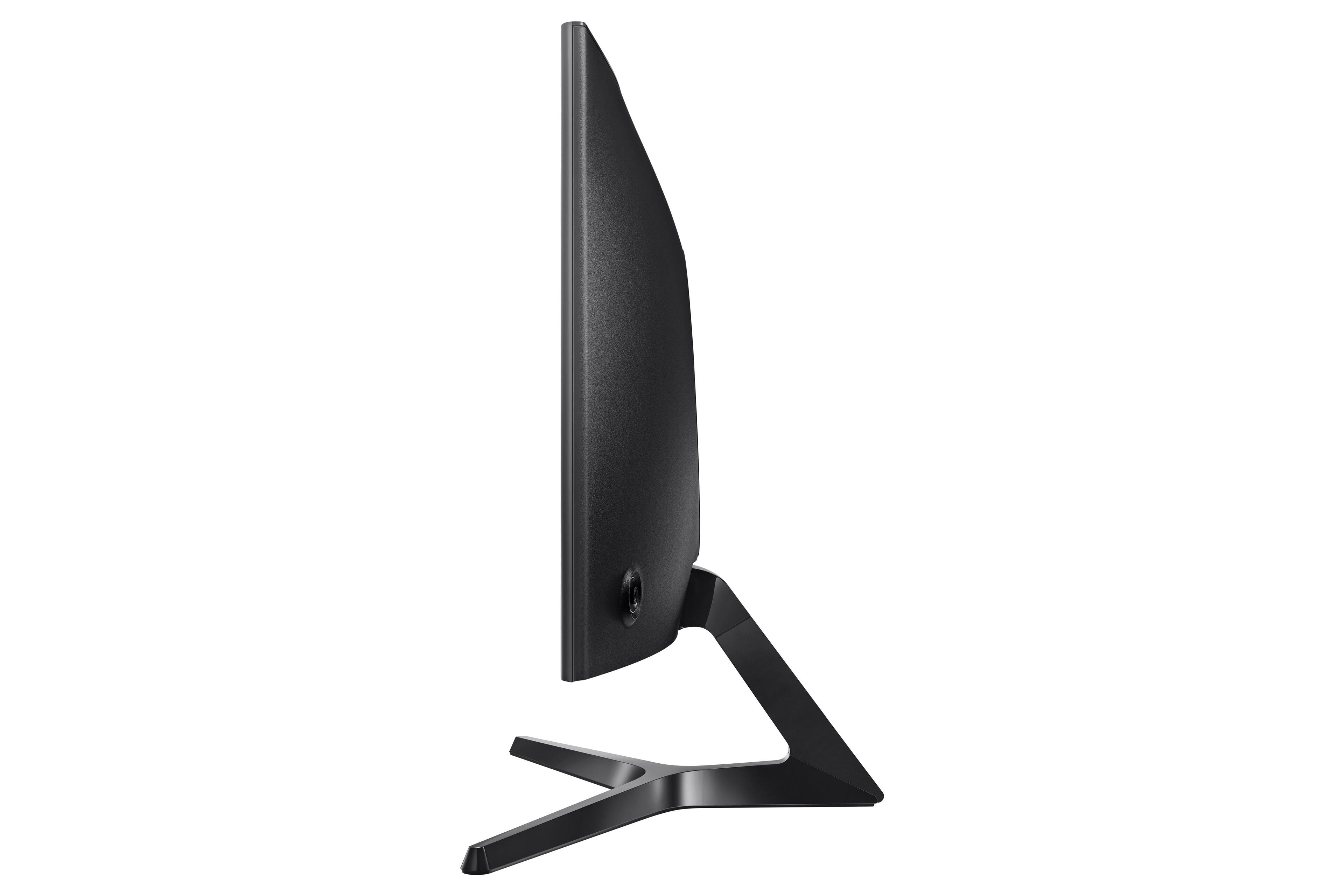
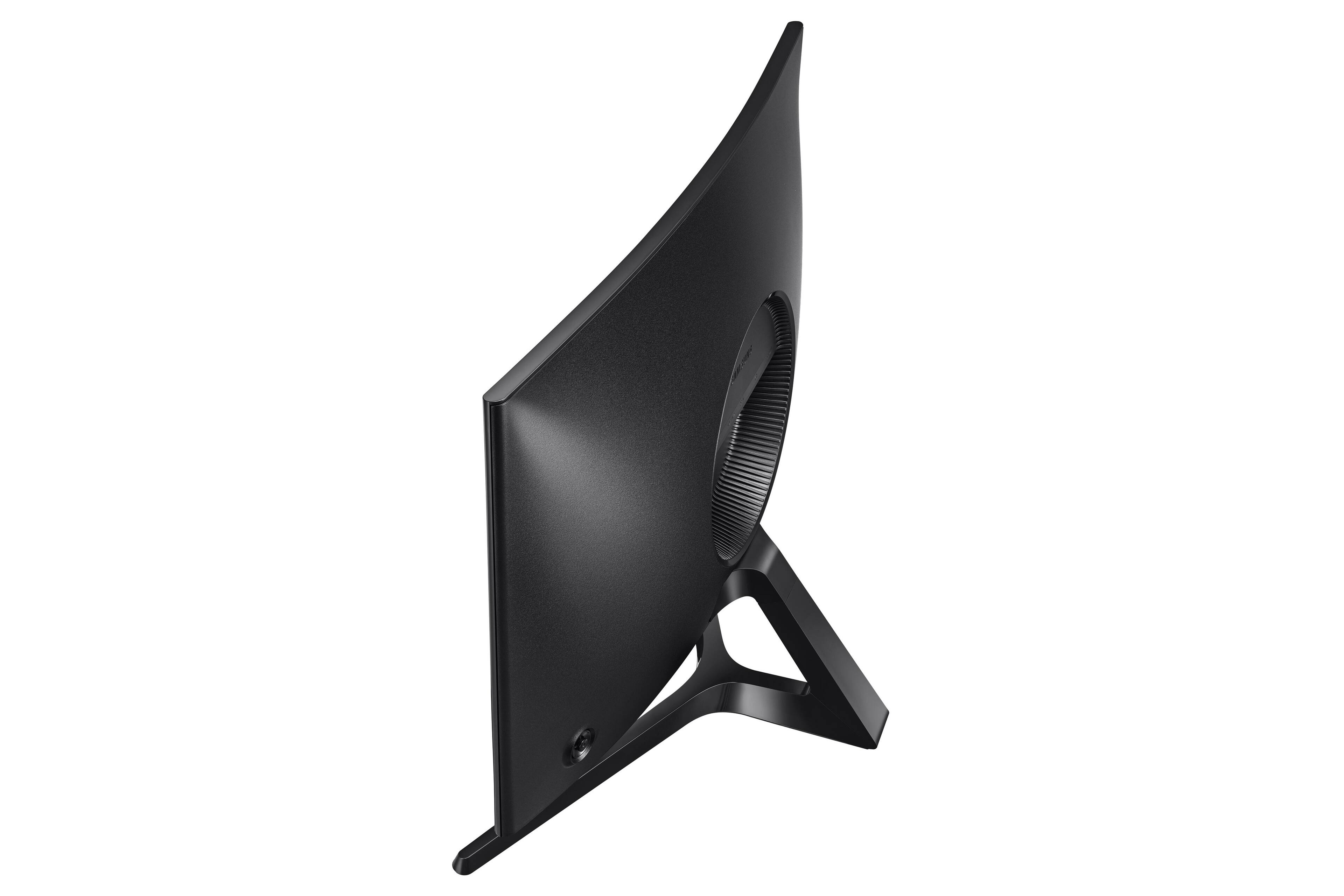
A:AnswerI got this for my brother and had the same concerns actually. The curve of the screen is very very slight but it's really nice after using it for a while. I don't think you would have any complaints. And text is fine also.
A:AnswerThe stand doesn't work if you wanted to use the monitor vertically. You'd have to get a mount/arm or just turn it onto its side on the desk I suppose. Doesn't rotate.
But any monitor can technically be made vertical through the windows display settings, if that's what you mean. Takes like 5 seconds.