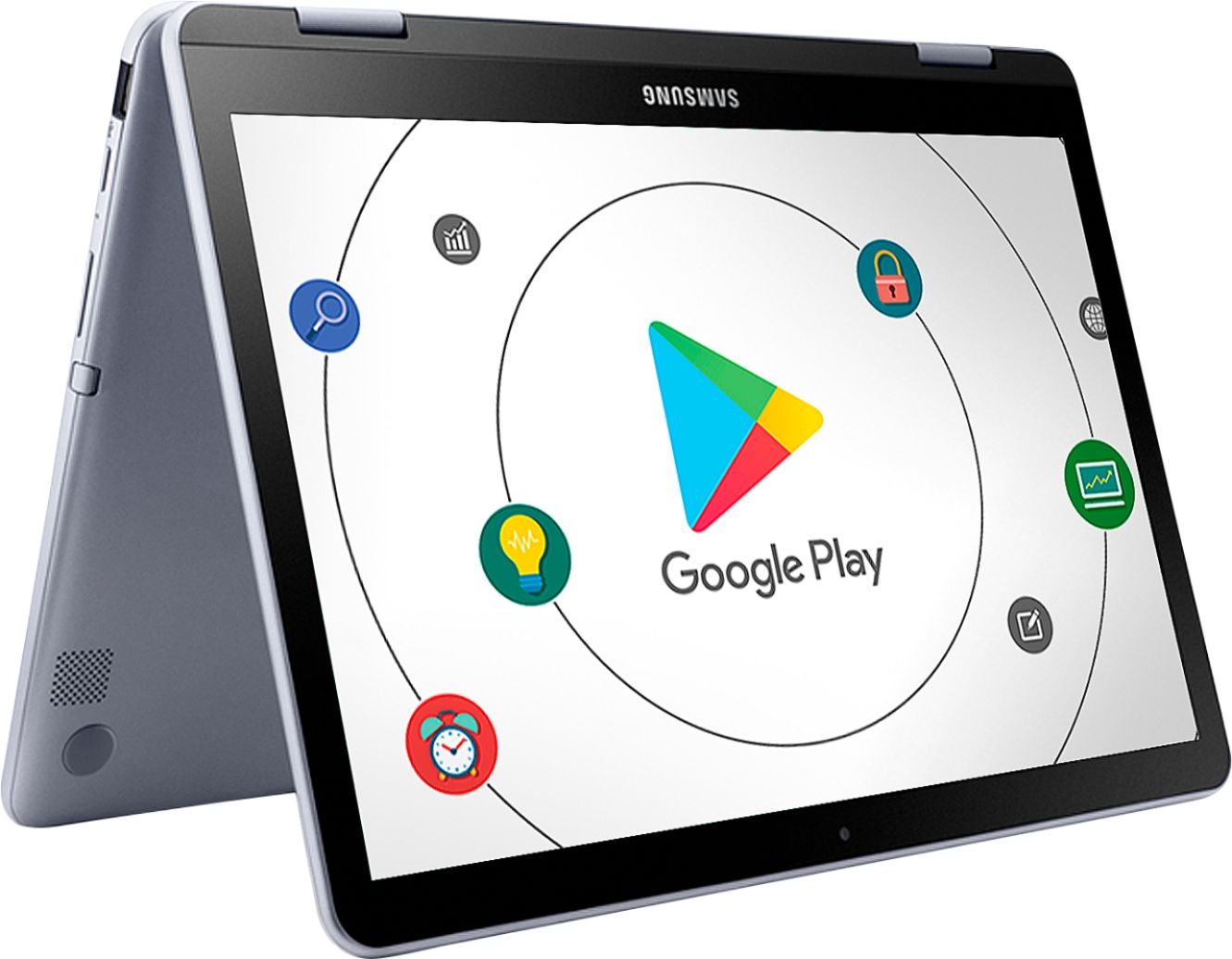
A:AnswerDepends on the app that you're trying to use. I haven't had any issues with apps manipulating photos or videos but I did have a game app that wasn't compatible.
A:AnswerHi Kayla, we understand your concerns with the Chromebook. Please fill out the form below and one of our social media specialists would be happy to assist you. http://smsn.us/SamsungSupportUSA and we will respond accordingly. ^Britt
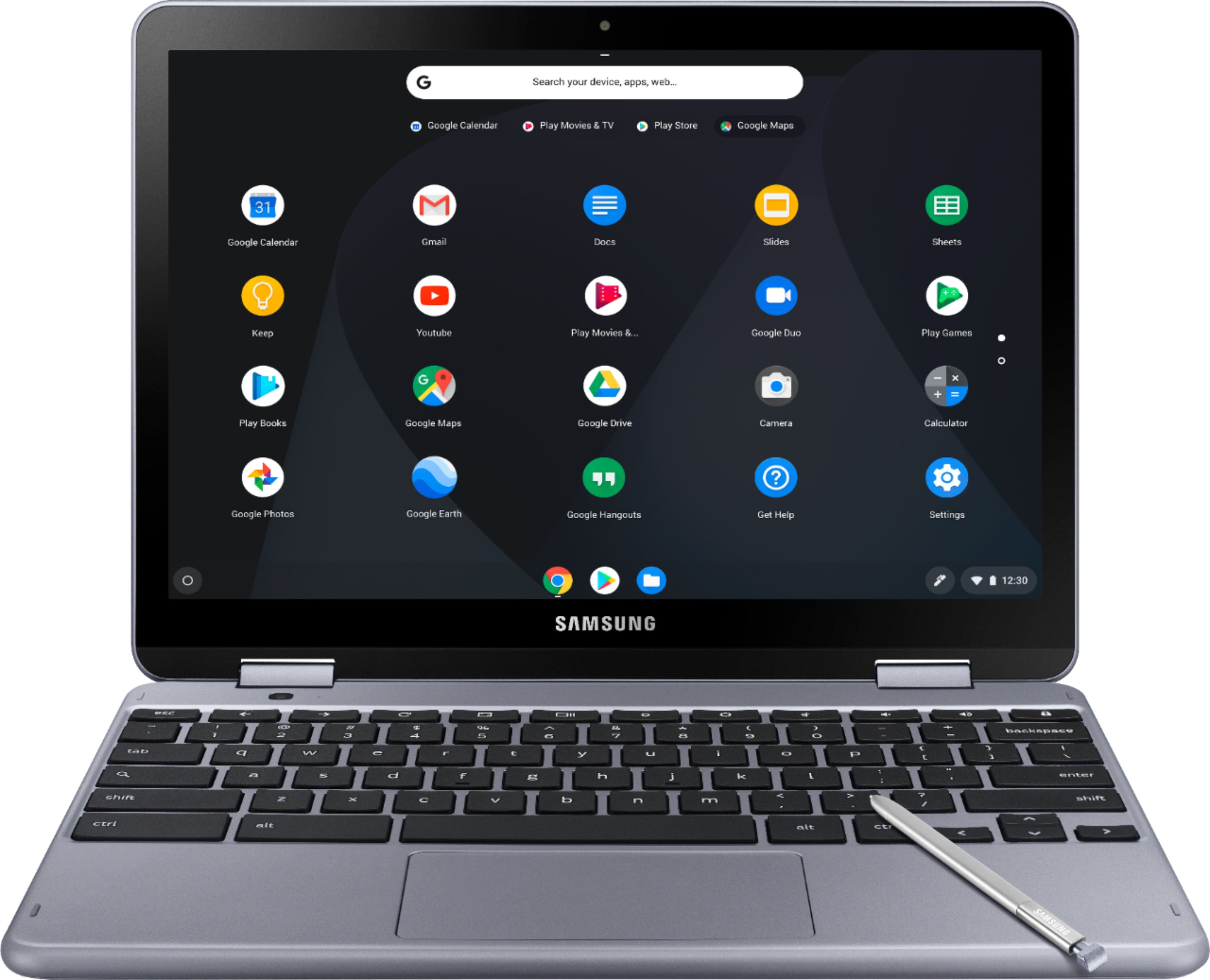
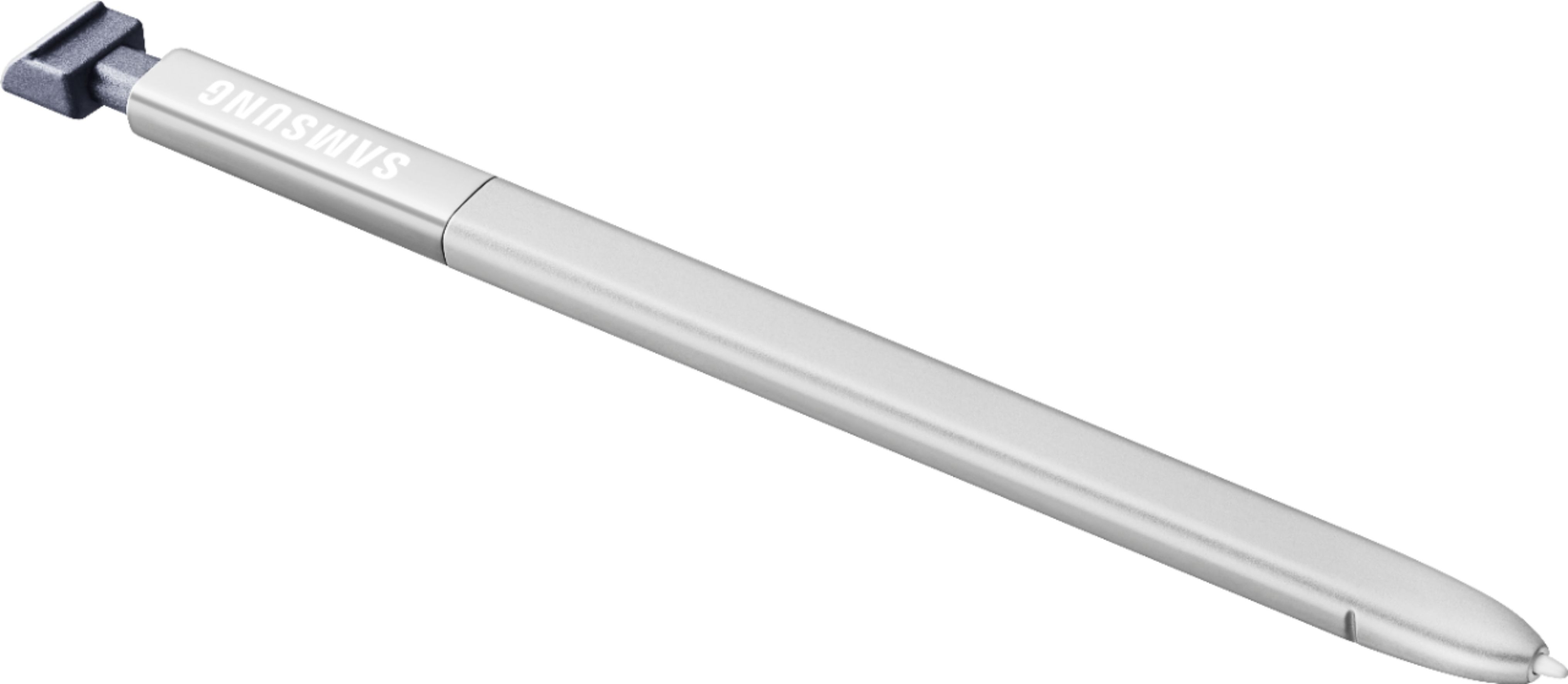
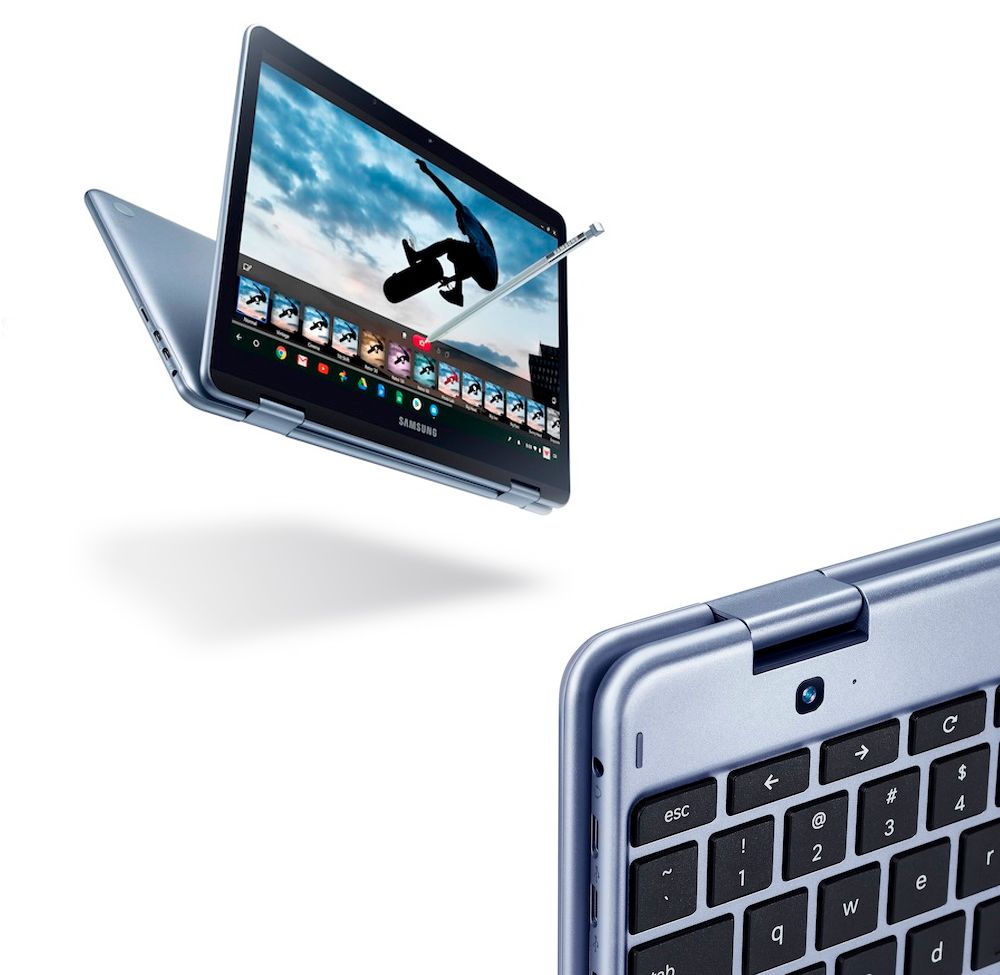
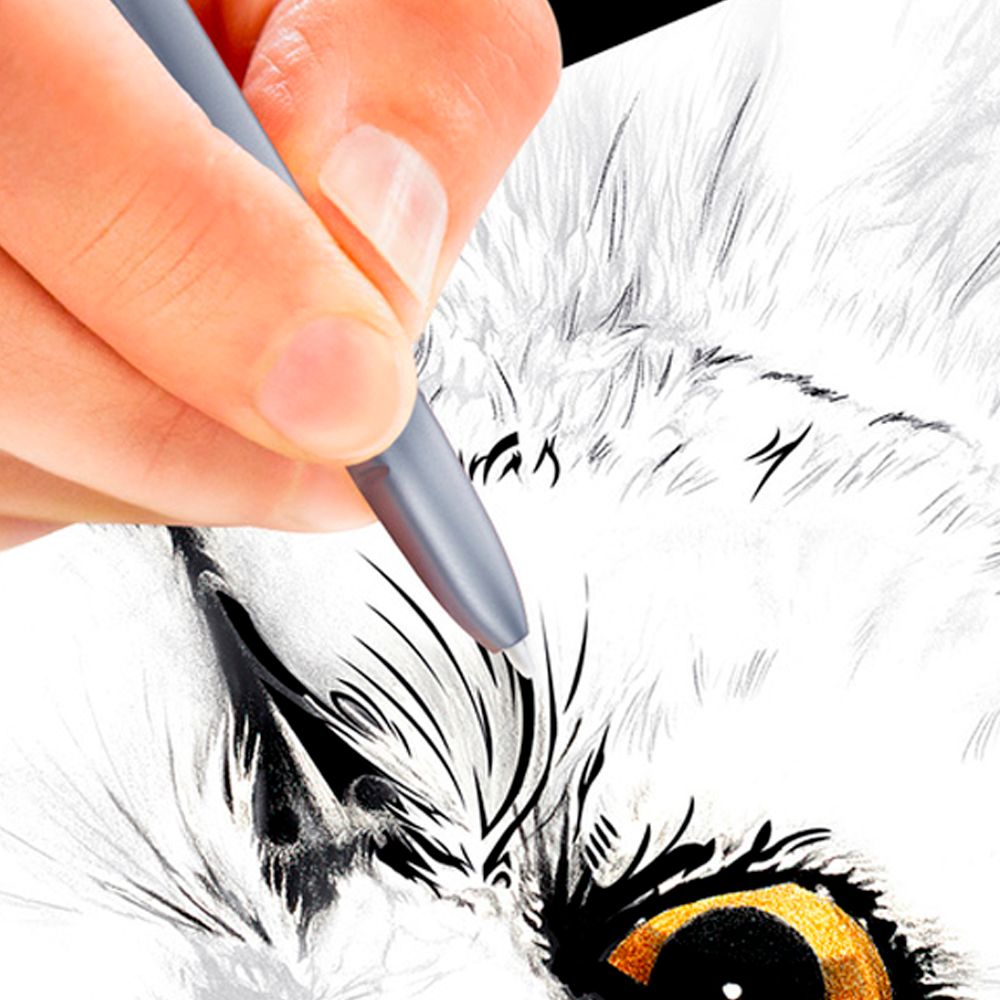
A:AnswerThis version does support a stylus, but the actual stylus is an option. Not included with the purchase at the time I bought it. I do not believe there is a docking port, but I'm not sure what that is.
A:AnswerYou should be able to. With most of your information being stored on the cloud, it is just a matter of registering the device under your email account and yourself as user. Then you should be able to access your information. I was able to access all of the information from my previous Chromebook. Additionally, I have a Pixel smartphone and Google Play imported all the apps from my phone and I was able to install the apps I wanted on the Chromebook.
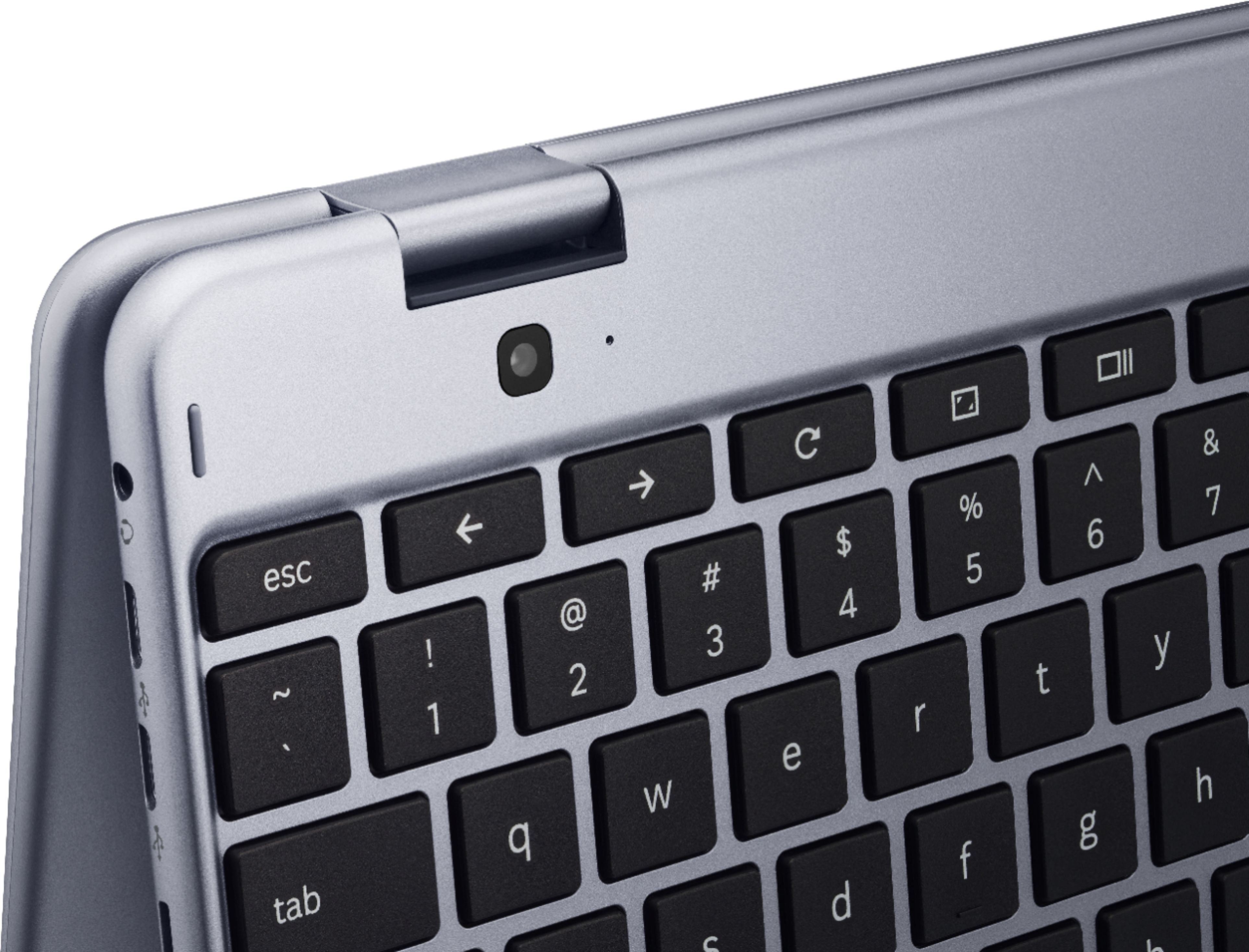
A:AnswerAvoid this defective product. Research online to see that the hinge breaks and SAMSUNG nor BESTBUY will honor warranty or stand behind product.
A:AnswerAvoid this defective product. Research online to see that the hinge breaks and SAMSUNG nor BESTBUY will honor warranty or stand behind product.
A:AnswerAvoid this defective product. Research online to see that the hinge breaks and SAMSUNG nor BESTBUY will honor warranty or stand behind product.