A:AnswerJimm,
In the event you do experience issues with delay, the settings can be adjusted on the soundbar itself using the SOUND CONTROL button on the soundbar remote, until you see AUDIO SYNC on the display. You can then set the audio delay between 0~300 milliseconds by using the Up/Down buttons.. Additionally, 2020/2021/2022 Samsung TVs have a feature called Audio Pass-Through. If connected to a Samsung TV, you can utilize this feature to correct your audio-sync issue. Please also be aware both your soundbar and TV may have available firmware updates with improvements to audio sync and delay.
~ Samsung Solutions
A:AnswerHello Jimm,
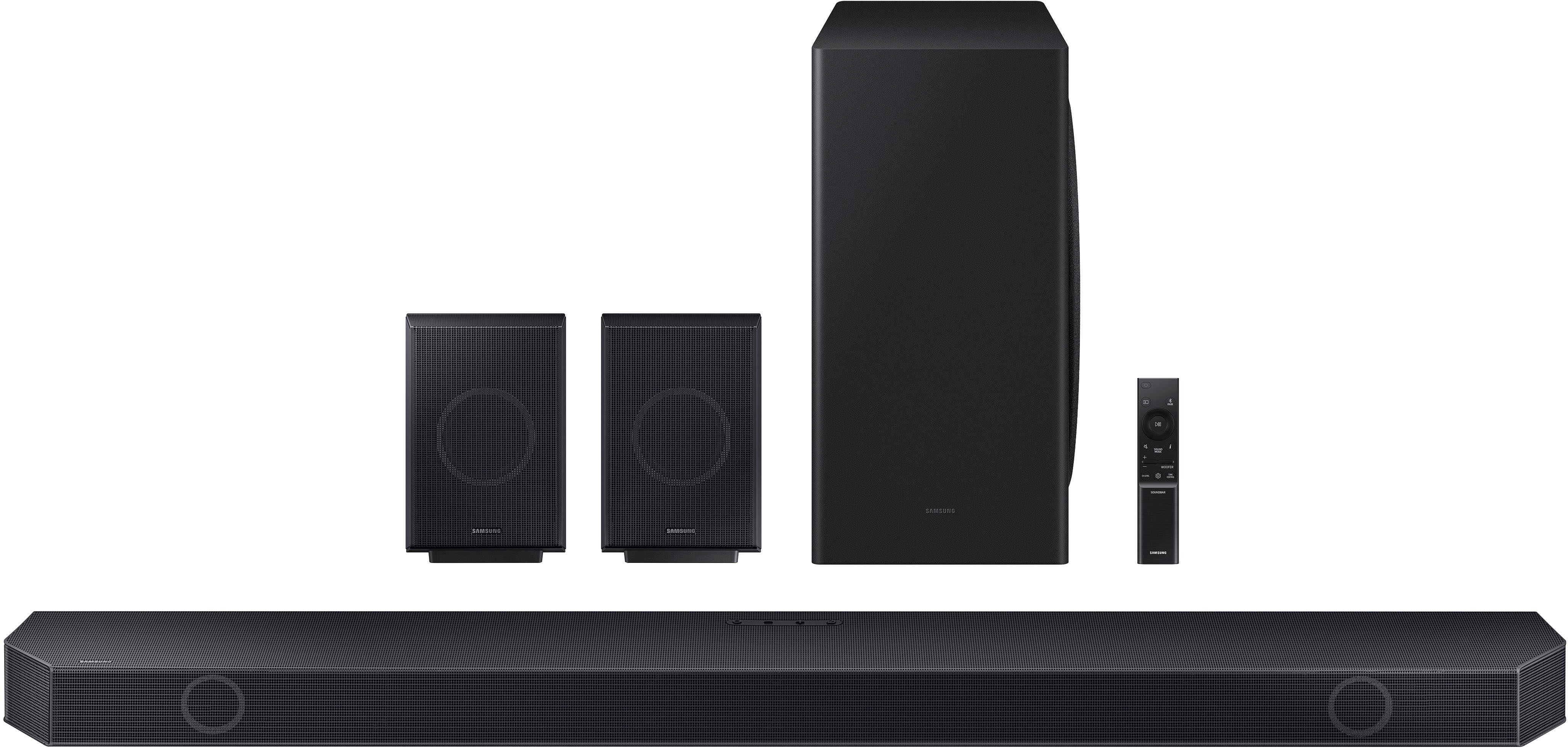
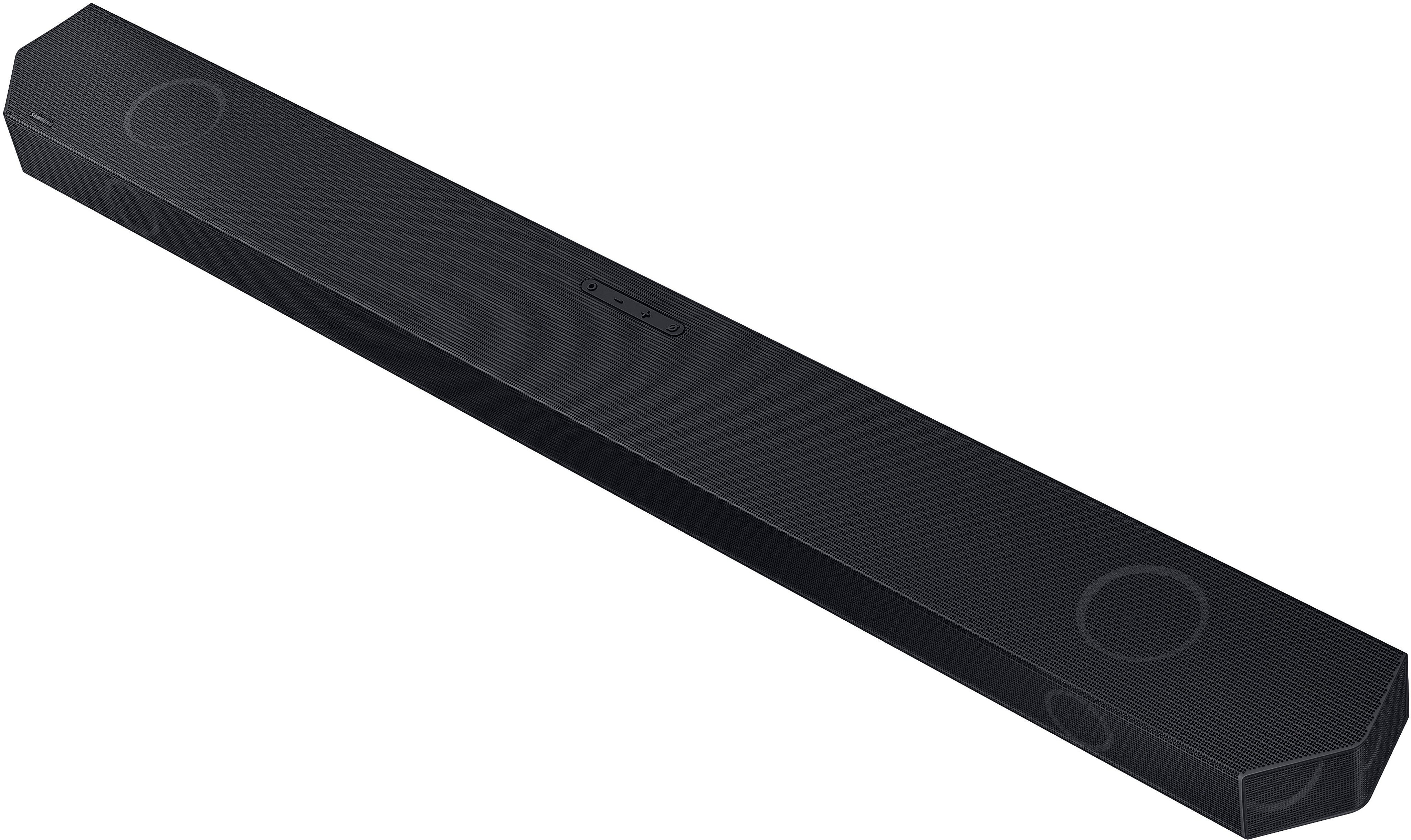
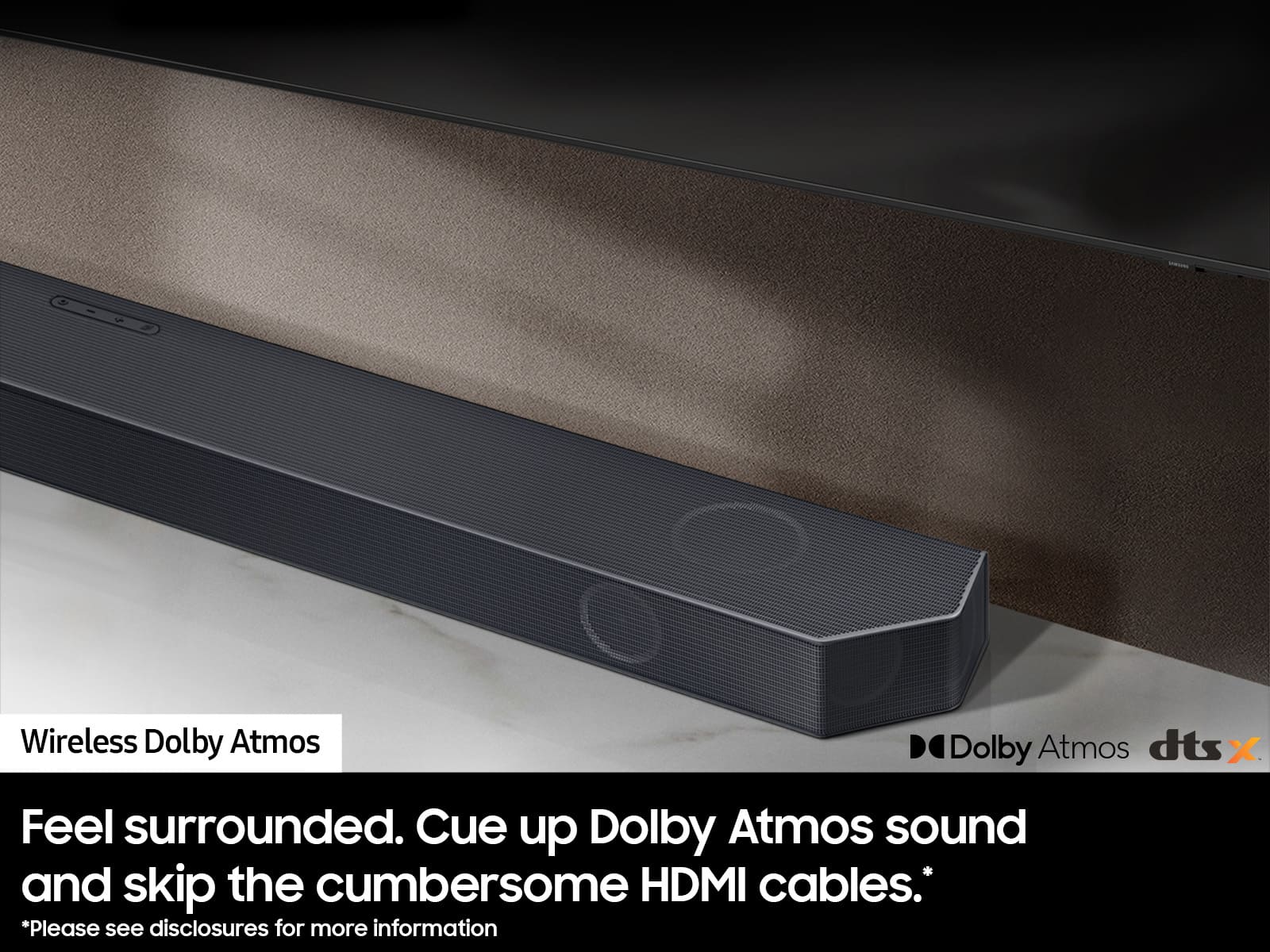
Yes, the HW-Q930C will work great with the QN90B! The Samsung 9.1.4ch HW-Q930C with Wireless Dolby Atmos and DTS:X. The best audio cuts straight to the core, with dense layers of dimension and crystal clarity surrounding you with a true Dolby Atmos experience. You’ll know it when you hear it. can cue up Dolby Atmos sound and skip the cumbersome HDMI cables when pairing the HW-Q930C Soundbar with your QN90B Samsung TV. Feel free to arrange your space exactly how you want without compromising the audio experience.
Activate hands-free navigation of your soundbar and TV using built-in Alexa. Play your favorite songs or tune in to your favorite shows and sporting events.
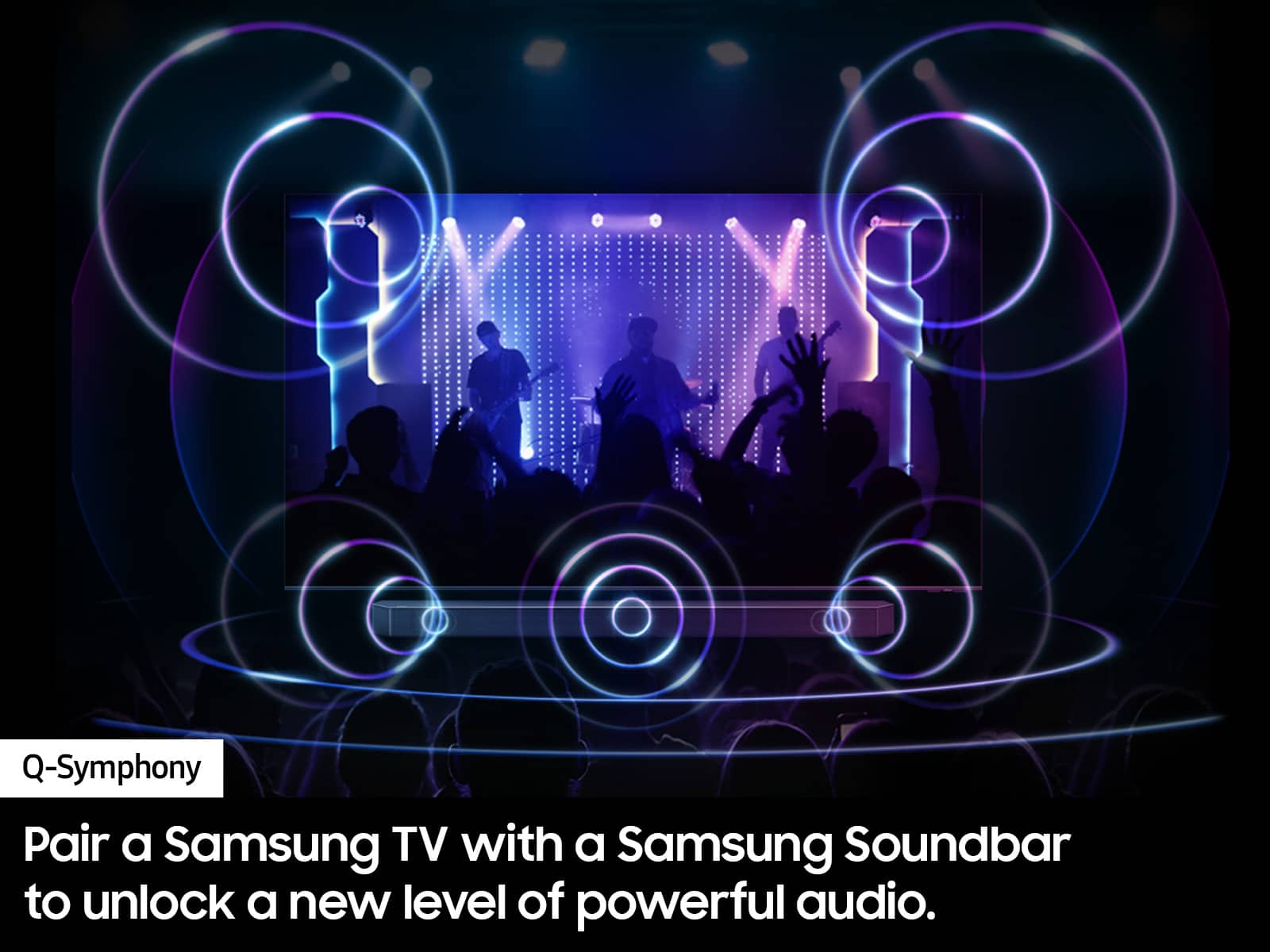
Amp up your audio with the greatest duo of all time when connecting the QN90B paired with Samsung soundbars. Q-Symphony, the Q-Series soundbars pair with your TV speakers to operate as one. Together, they can optimize all the channels to bring you a masterfully orchestrated sound experience. Q-Symphony is compatible with the QN90B.
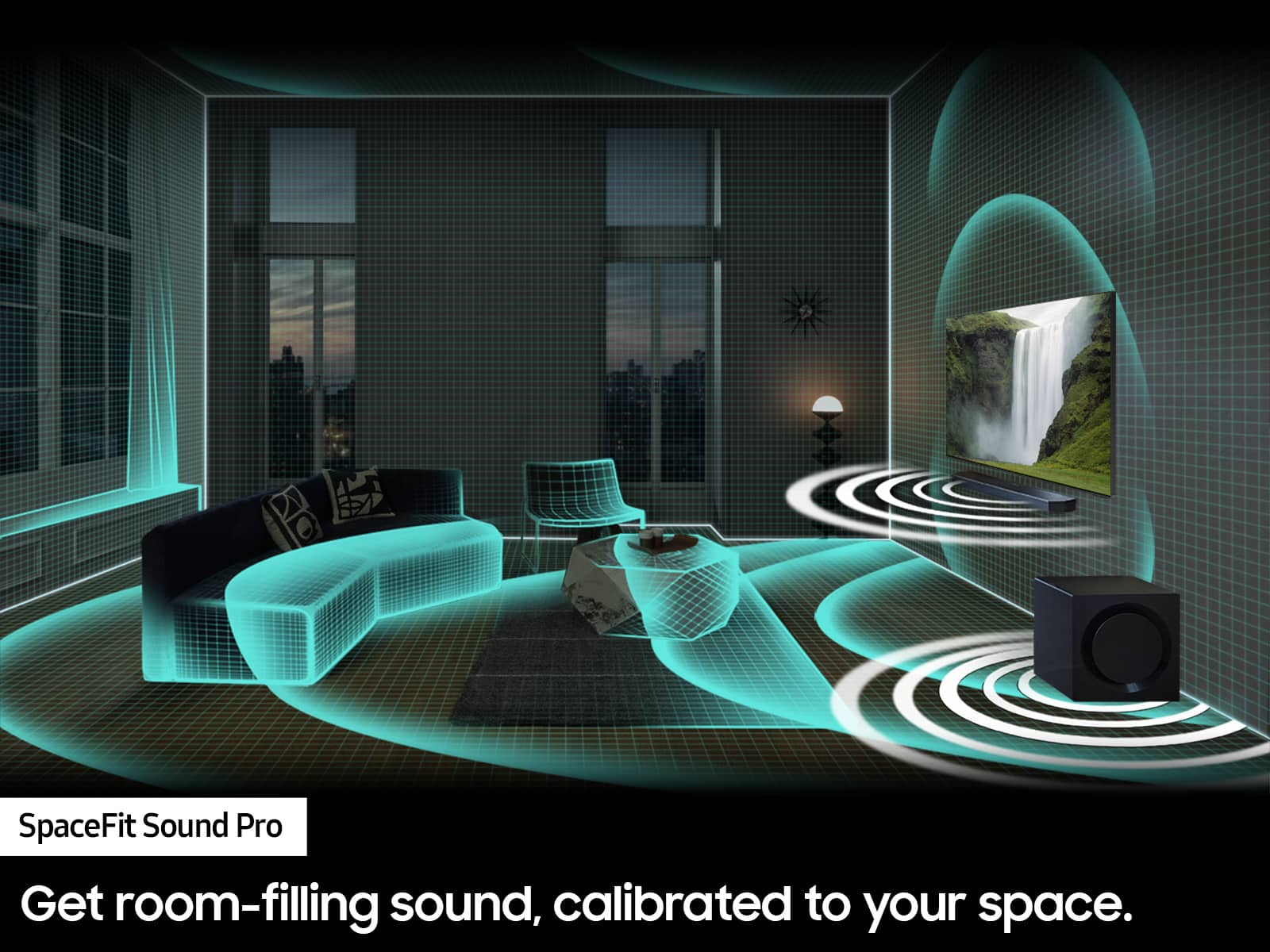
With SpaceFit Sound Pro this soundbar reacts accordingly. Get room-filling sound, calibrated to your space, with a soundbar that analyzes your environment and automatically.
Ensure dialogue and commentary are not drowned out so you never miss an important moment. Active Voice Amplifier breaks down room noise so that onscreen voices are always optimized, making movies, shows and sports more enjoyable.
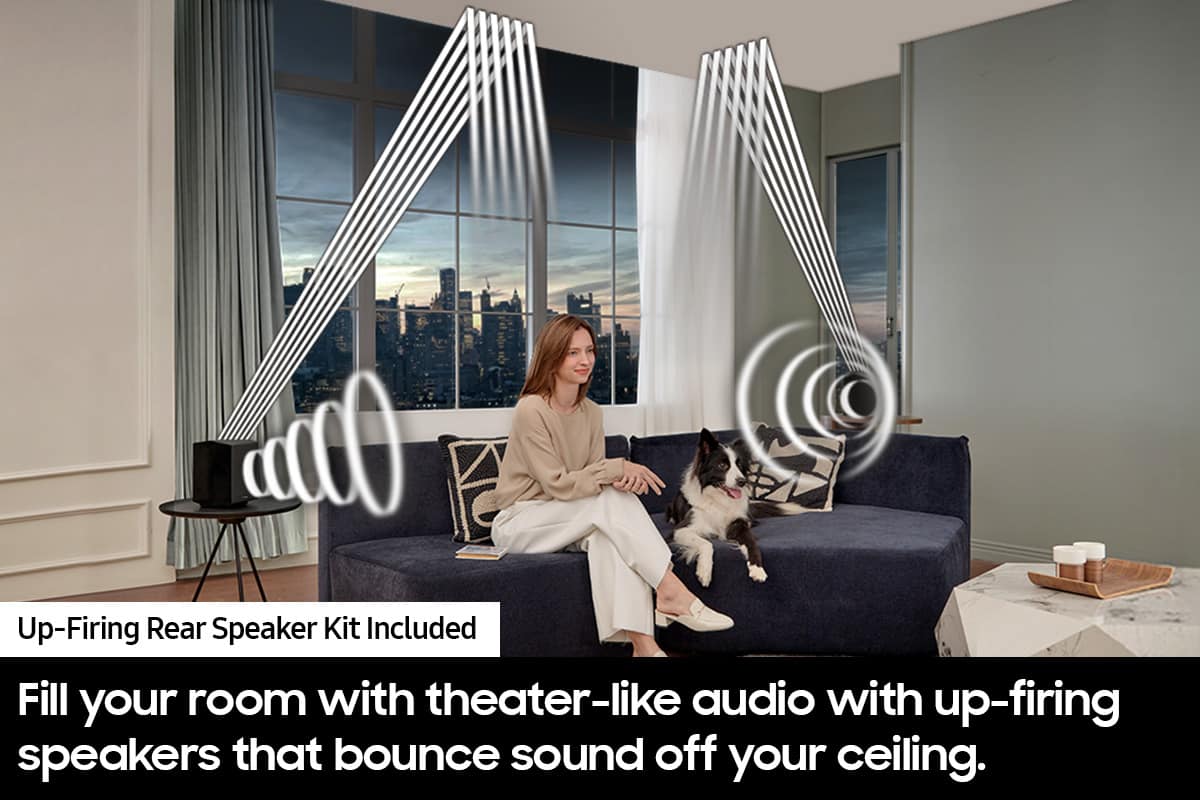
Game Pro Mode boosts your gaming experience with up-firing speakers and 3D audio that moves all around you.
Sick of missing dialogue? With Adaptive Sound you’ll hear voices better, even at low volume, with intelligently optimized audio. Scenes are analyzed in real time to pull out the most important audio based on the type of content.
Easily listen to your podcasts, music and more by pairing the soundbar with a compatible iPhone or other Apple device using AirPlay 2. Easy as pie.
~ Samsung Solutions
A:AnswerHi Hoss,
There are two different ways to adjust the channels and subwoofer on your Soundbar.
First, you can use the provided Soundbar remote. When you press the CH LEVEL button, the display will show the different channels you can adjust between -6 to +6 using the UP/DOWN buttons. You can also use the WOOFER toggle to increase the bass levels, or TONE CONTROL to control bass and treble.
All of these same settings can be adjusted using the SmartThings app as well. After opening the app and finding your Soundbar, press the three stacked buttons in the top right corner. You will see a menu pop up saying DEVICE SETTINGS, ALEXA SETTINGS, SPOTIFY SETTINGS, and INFORMATION. Tap DEVICE SETTTINGS then top CHANNEL LEVEL, this will allow you easily adjust every channel right from your smart device.
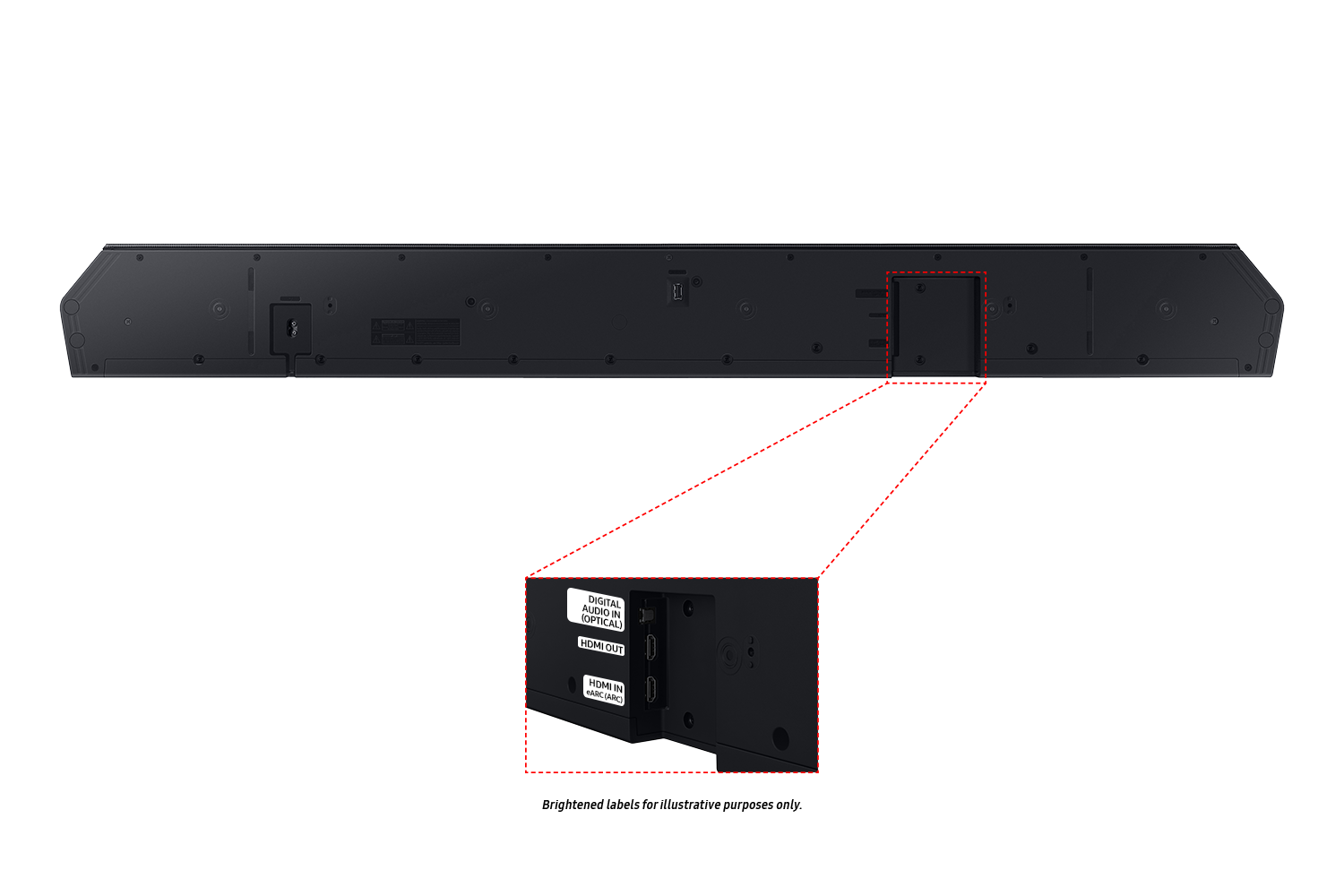
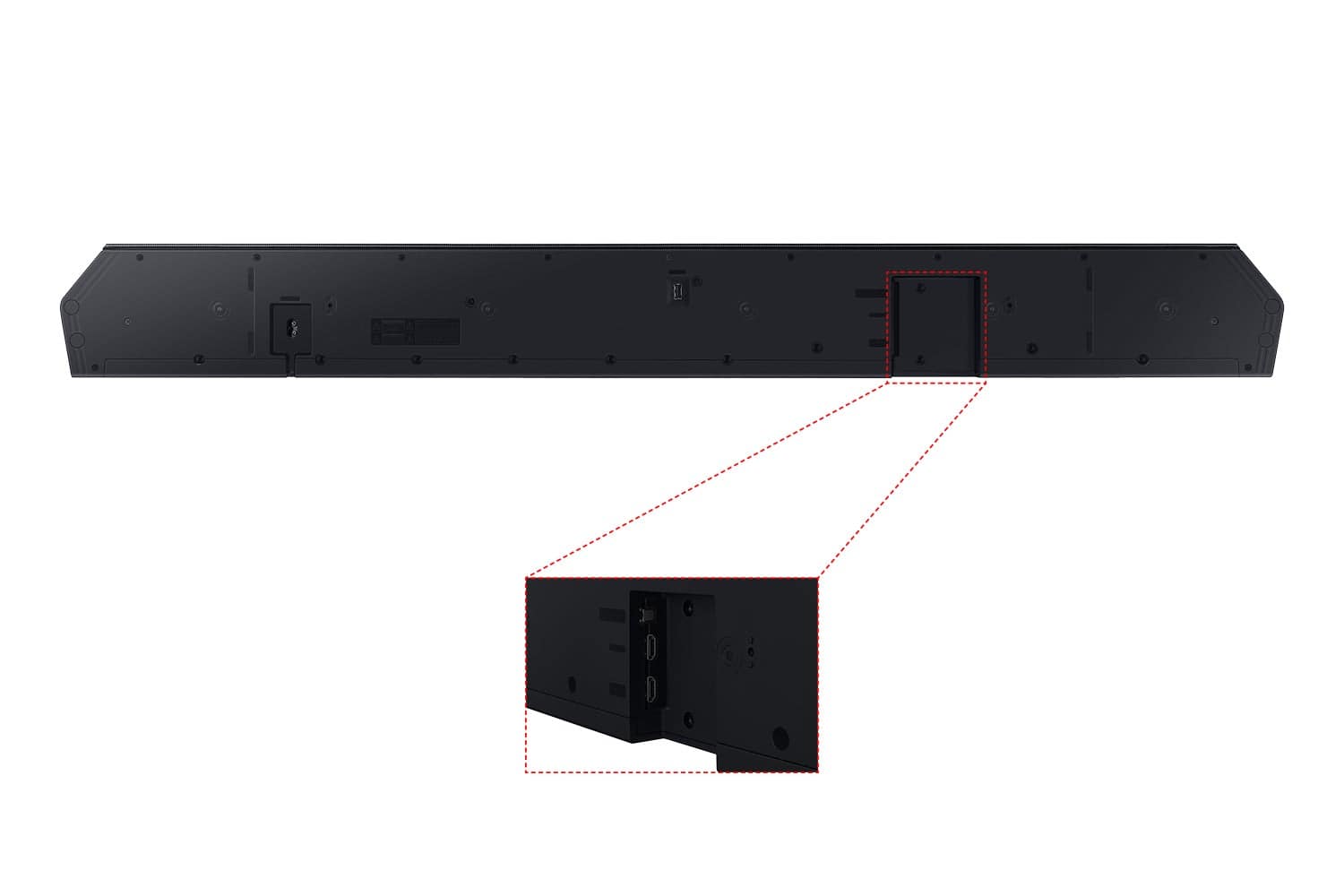
Keep in mind you also adjusting the Sound Mode as well. If you have your Soundbar set to STANDARD you will have a reduced rear speaker quality when watching any content as the channels may not send correctly to the rears. Make sure that you have connected your Soundbar using a HDMI cable, as this will offer the best audio and user experience available to you.
~Samsung Solutions
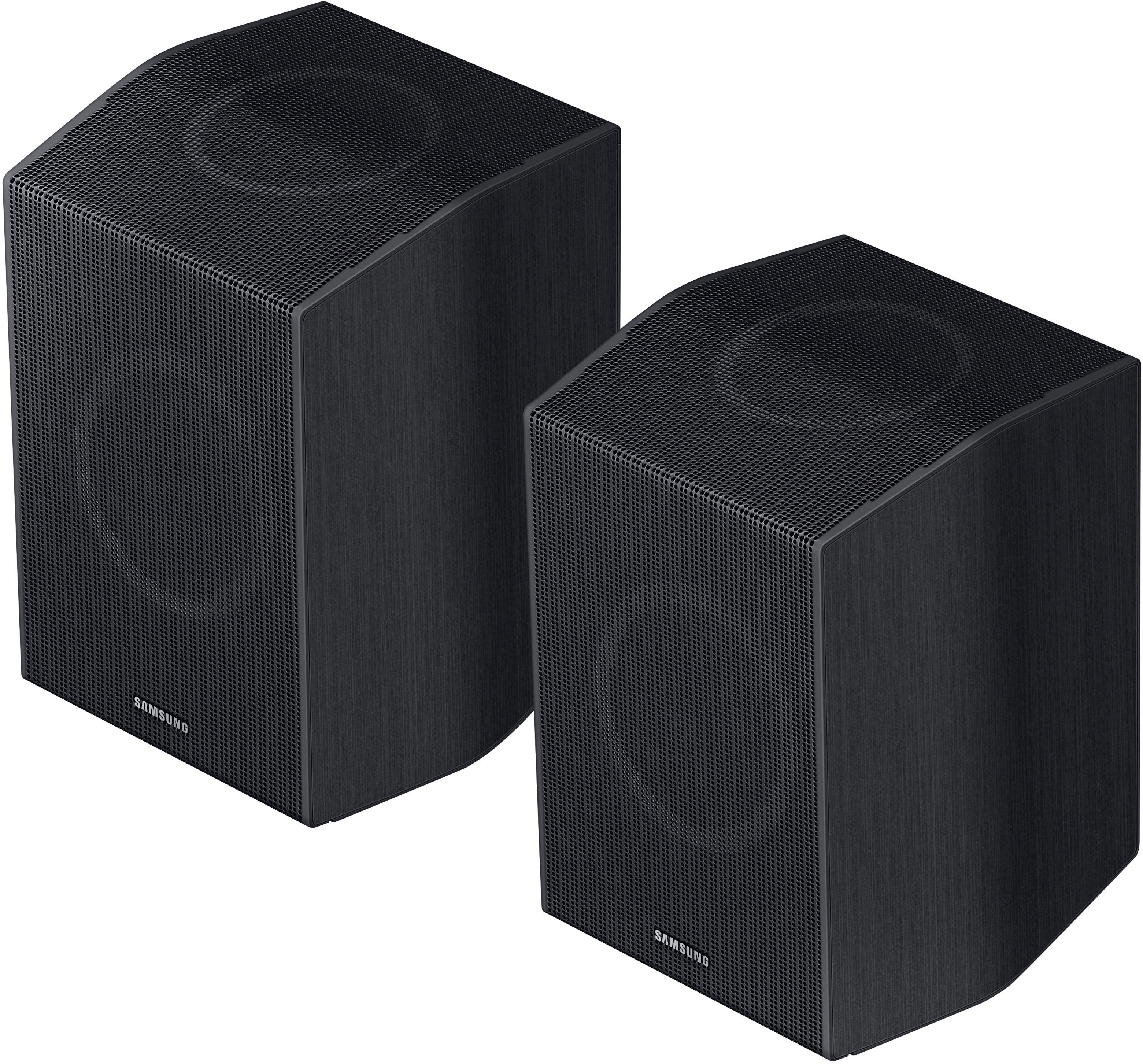
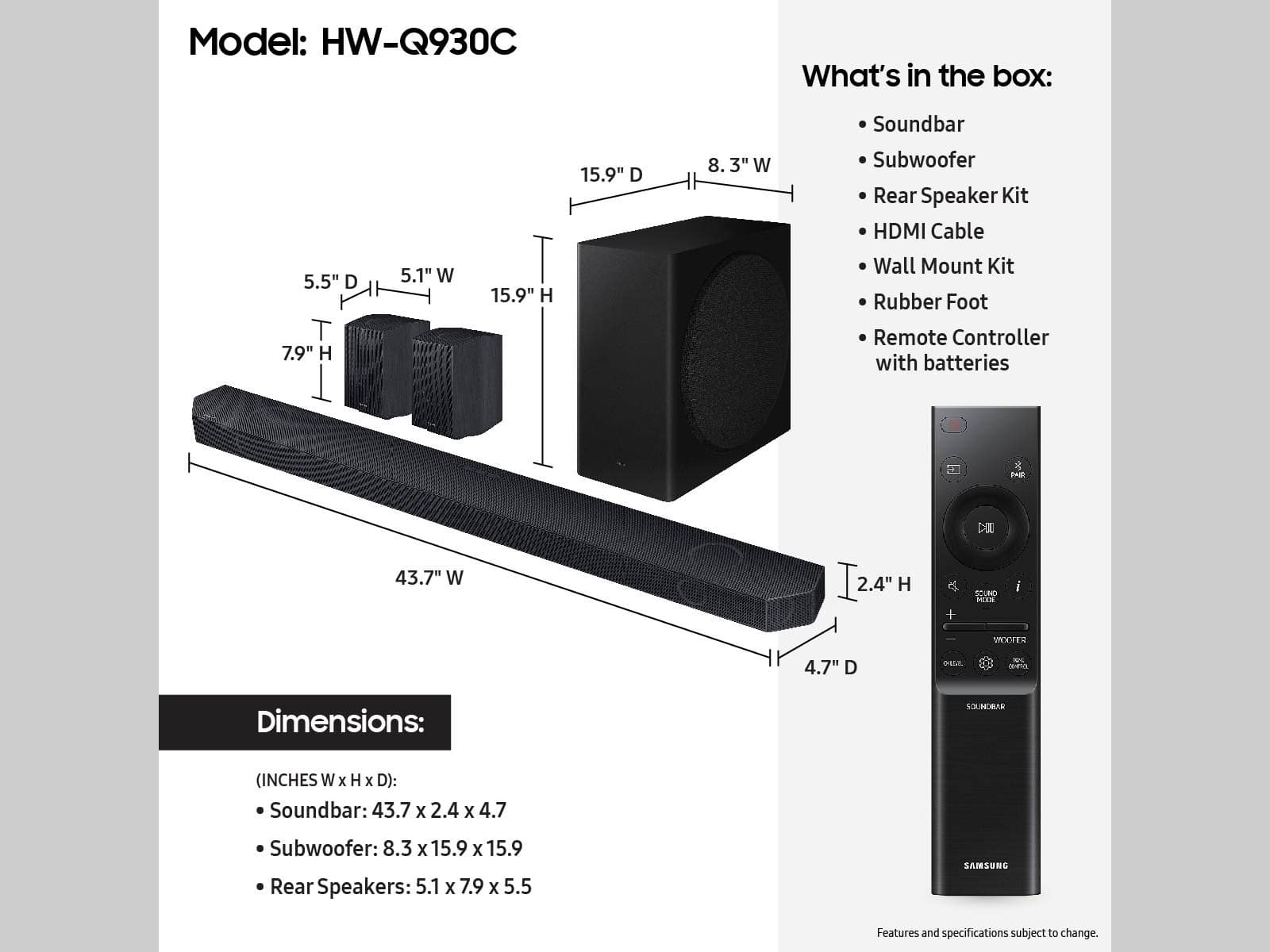
A:AnswerThe rear speakers connect through the sound bar with Bluetooth. As long as you have a wall outlet near the speakers to plug them in, should be good to go!
A:AnswerHello Javi,
The wireless rear speakers are not required to be used with this Soundbar, but you will be losing 2.0.2 channels.
~Samsung Solutions