Ultimate Upgrade SaleEnds Sunday. Limited quantities. No rainchecks.Shop now

Main Content

Questions & Answers

Ultimate Deal
Loading...
$799.99
Save $100
The comparable value is $899.99
Page Showing 21-40 of 61 questions
  • QuestionAre the rear speakers wireless also?

    Asked by helderpac.

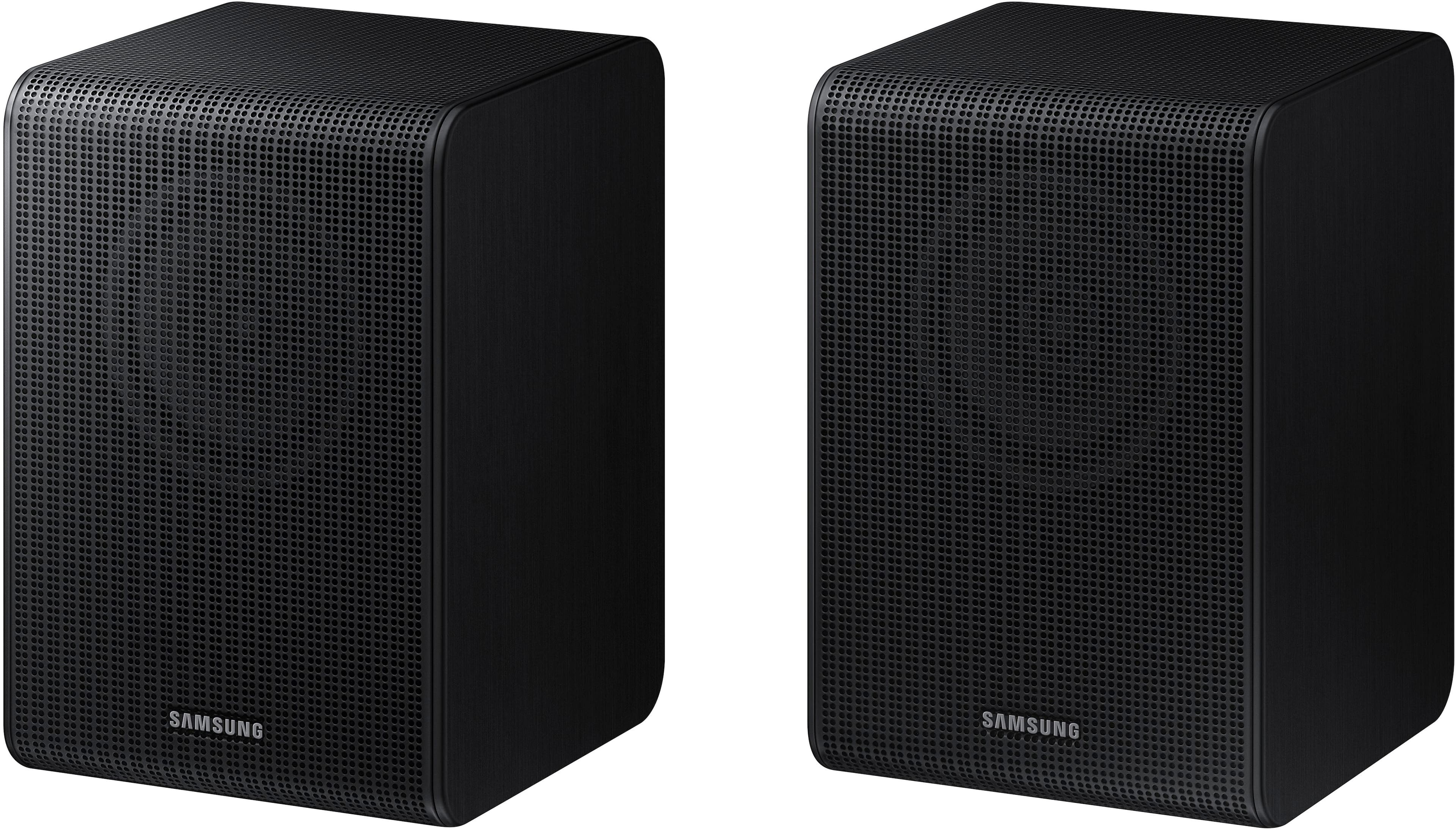
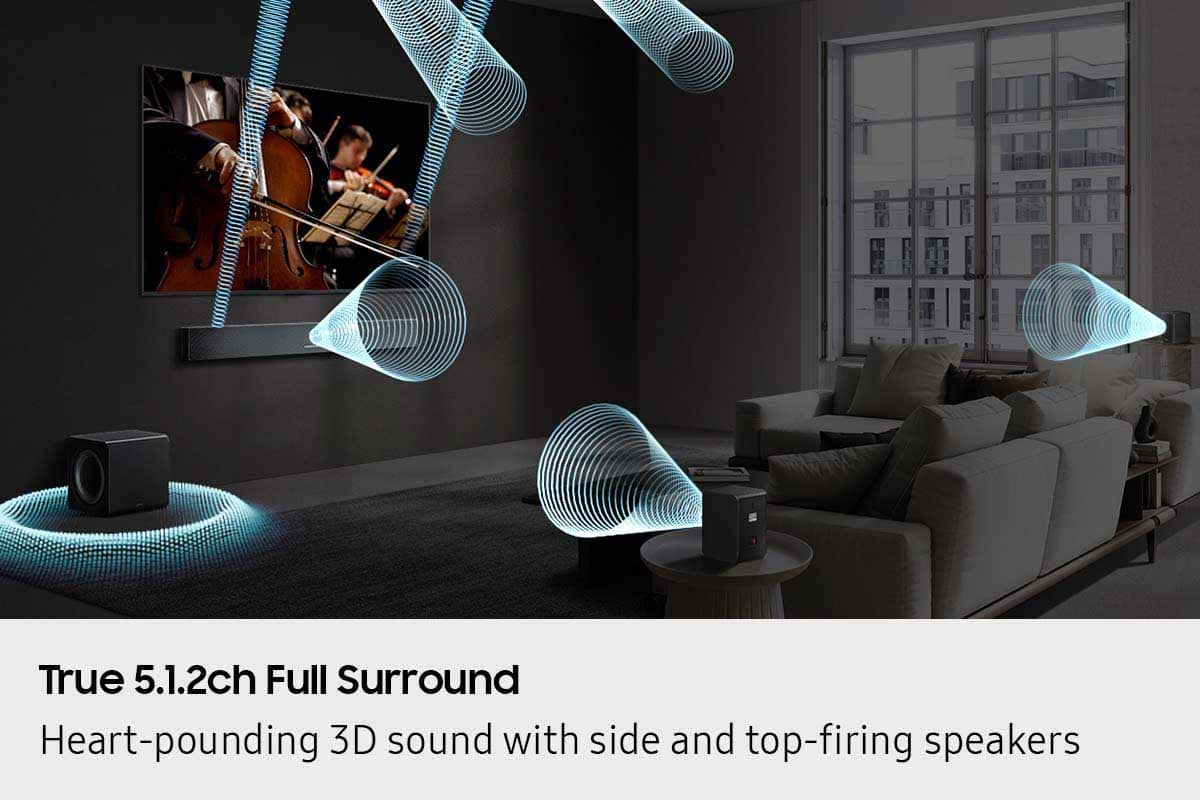
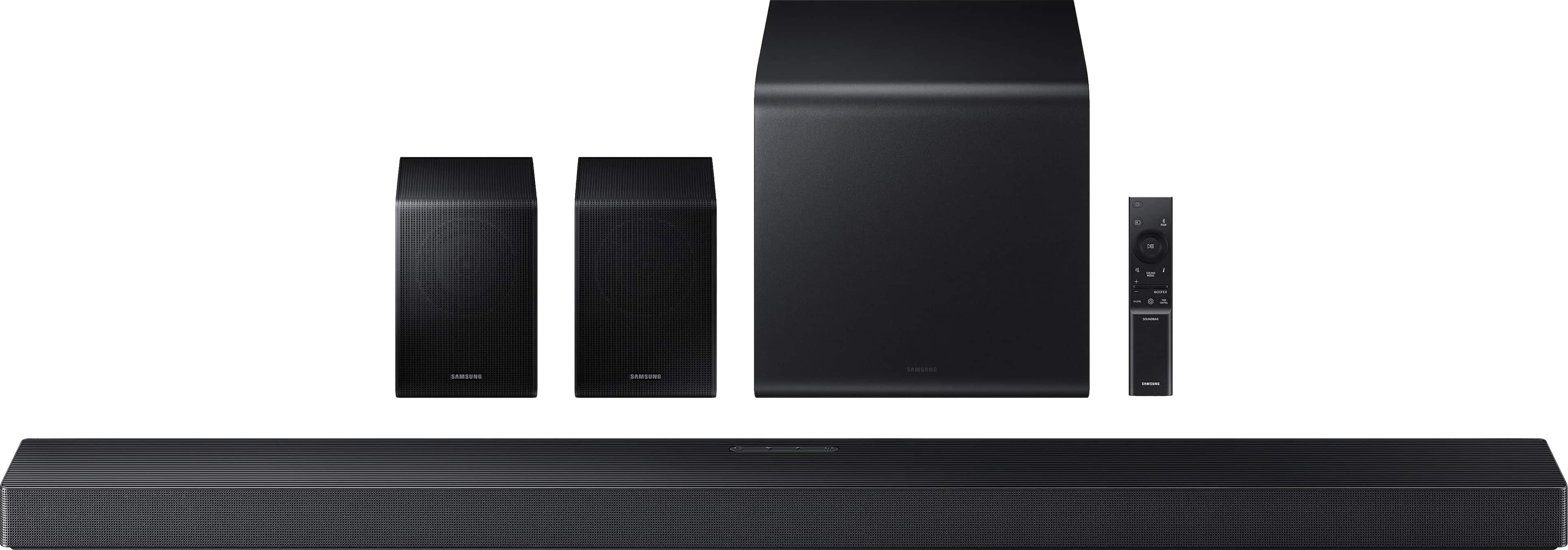
    • Answer Hello helderpac! Occasionally, customers run into challenges when trying to hide and route speaker wires from the front of the room (where the soundbar is located) to the back of the room for rear speaker placement. A Rear Speaker Kit helps eliminate that hassle by reducing the amount of wiring needed across the room. You’ll only need to connect the wireless receiver module to power, then use the included speaker wire to connect each rear speaker to the module. This makes the setup much cleaner and more convenient. The “wireless” convenience is in connecting your soundbar and any other speakers at the front of the room to the rear speakers, eliminating any clutter of long wires running the length of your room. ~ Samsung Solutions

      Answered by Samsung

  • QuestionIs this sound system loud? Looking for something to drive me out of my 1,000 square foot house.

    Asked by Falkor.

    • Answer Hi Falkor! Yes, the Samsung HW-QS750F will provide great audio to fill your 1,000 sq. ft. home. However, if you're looking for even more powerful, room-filling sound, I recommend the Samsung HW-Q990F. It features 11.1.4 channels, delivering a more immersive and dynamic soundstage. ~ Samsung Solutions

      Answered by Samsung

  • QuestionIs this compatible with Samsung - 82" Class Q60T Series LED 4K UHD Smart Tizen TV

    Asked by Anonymous.

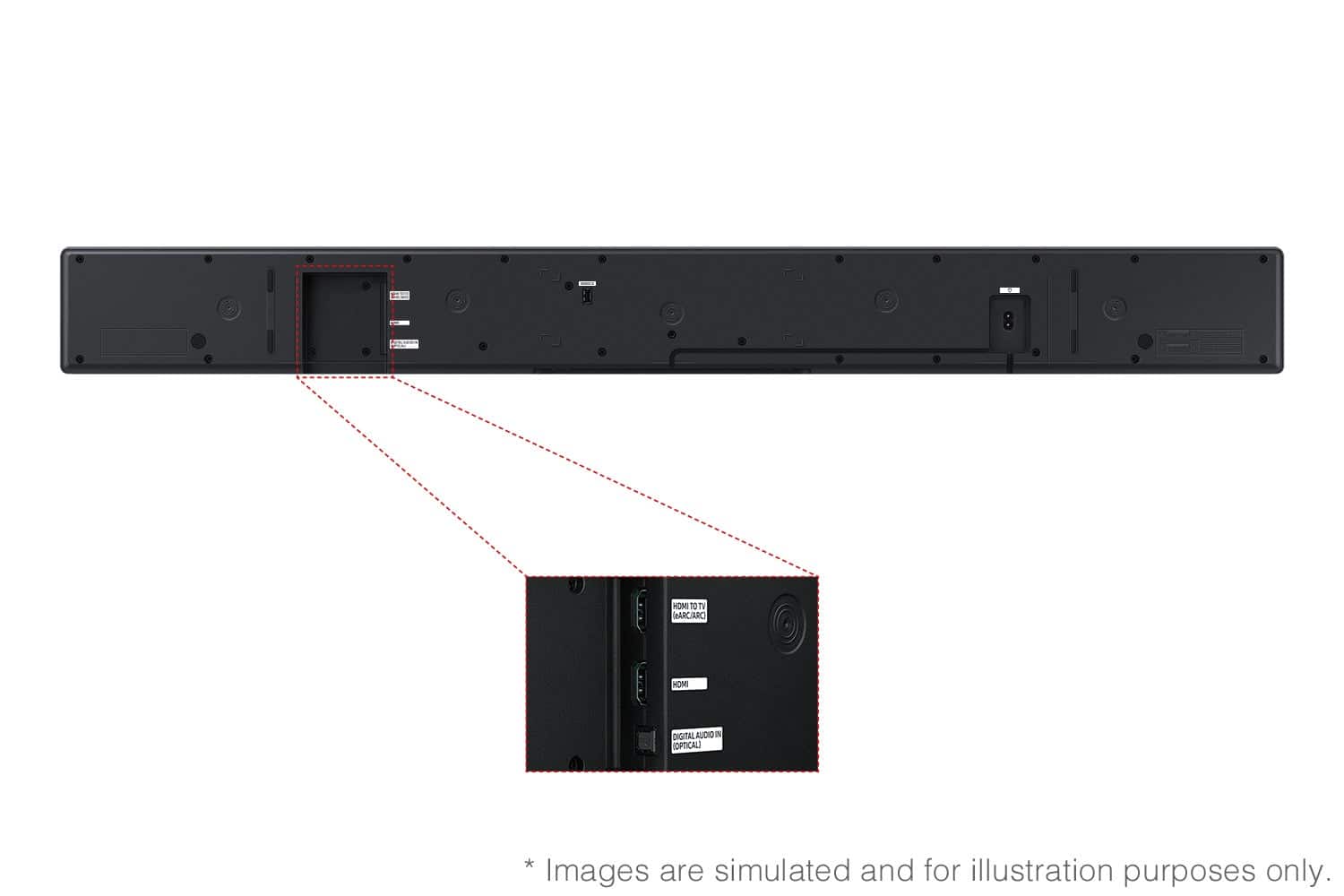
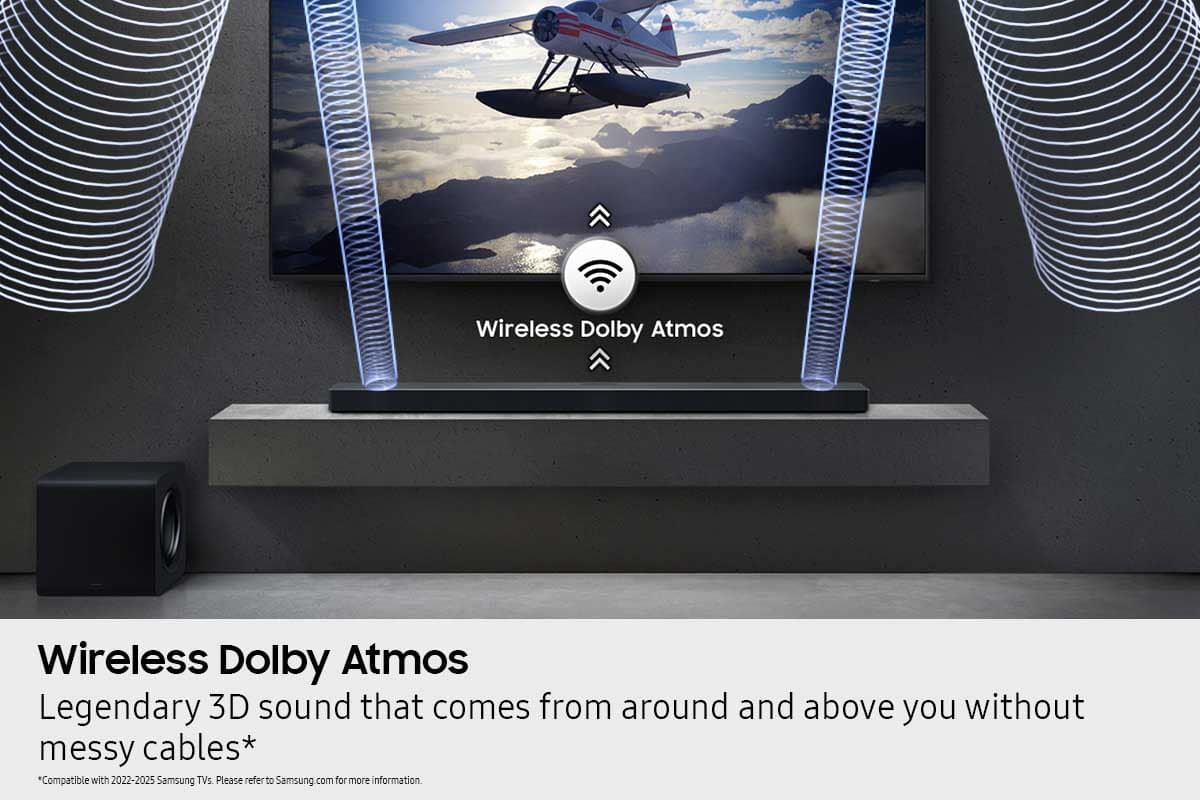
    • Answer Hi there! Yes, the HW-Q750F features four ways to connect to an external device: Wi-Fi, HDMI (eARC), digital optical audio, and Bluetooth wireless audio technology. You should have no issue connecting the soundbar to your TV. ~Samsung Solutions

      Answered by Samsung

  • QuestionWill this system work without the app

    Asked by Rich.

    • Answer Hello Rich! Yes, this system does not require the App to function. The HW-QS750F features four ways to connect to an external device: Wi-Fi, HDMI (eARC), digital optical audio, and Bluetooth wireless audio technology. If your TV is compatible with one of these four audio connections, you should have no issue connecting the soundbar to your TV. ~Samsung Solutions

      Answered by Samsung

  • QuestionHow many watts is this soundbar and subwoofer

    Asked by Scott.

  • QuestionCan you recommend speaker stands for the rear speakers? We are considering a Sanus universal stand.

    Asked by Gank.

    • Answer Hello Gank! Yes, the Sanus universal speaker stands should work with the HW-QS750F's included rear speakers. ~ Samsung Solutions

      Answered by Samsung

  • Questionare the rear speakers wireless?

    Asked by ccel22597.

    • Answer Yet they are wireless but the rear speakers connect to each other with a wire.

      Answered by Robert

  • QuestionWill this soundbar work with a Samsung 77" Class S90 Series OLED 4K 2025 TV? Soundbar Q Series HW-QS750F

    Asked by Chas.

    • Answer Hi Chase! The HW-QS750F features four ways to connect to an external device: Wi-Fi, HDMI (eARC), digital optical audio, and Bluetooth wireless audio technology. If your TV is compatible with one of these four audio connections, you should have no issue connecting the soundbar to your TV. ~Samsung Solutions

      Answered by Samsung

  • QuestionMy soundbar just stopped. Did it die? I tried everything. At least I think I did. Any suggestions.

    Asked by Empire50.

    • Answer Hello Empire50, First, try doing a soft reset, unplug the soundbar from the outlet for roughly 30 seconds and then plug it back in. If this still does not correct your issue, then do a hard reset. With the Soundbar on, press the + & - Volume buttons on the body of the soundbar at the same time for at least 5 seconds. INIT OK” appears on the display and then the Soundbar is reset. While the Soundbar is On, press both the Vol+ and Vol- buttons on the unit simultaneously until the display shows "INIT", then release. If this doesn’t work, then try using the remote control: While the Soundbar is ON, press and hold the SOUND CONTROL ("Gear") button on the Soundbar remote for 10 seconds. You will see "150HZ" on the display. Keep pressing until you see "INIT" on the display, then release. If you need more help, Samsung is here for you. Please call us at 1-800-SAMSUNG, 8AM - 12AM EST (Ask for Soundbars), 7 days a week. Live Chat with an agent as well as manuals, software, creating a service ticket, and warranty info can be found at the ‘Support’ link on our Samsung website. ~ Samsung Solutions
      Answered by Samsung

  • Questionwhat is the power output

    Asked by mikewalter.

  • QuestionCan to of these units operate in the home on seperate TV without interfering with each other wireless connections.

    Asked by 2ofthesame.

    • Answer Hello 2ofthesame! Yes, two HW-QS750F soundbars can operate in the same home on separate TVs without interfering with each other’s wireless connections, as long as each soundbar is paired to its own TV. Each unit maintains its own Bluetooth/Wi-Fi connection and functions independently. ~ Samsung Solutions

      Answered by Samsung

  • QuestionIs this compatible with Toshiba fire smart TVs

    Asked by SusanJ.

    • Answer Hi Susanj20! The HW-B550 features three ways you can connect to your Toshiba TV: HDMI (ARC), digital optical audio, and Bluetooth wireless audio technology. If your TV is compatible with one of these three audio connections, you should have no issue connecting the soundbar to your TV. ~Samsung Solutions

      Answered by Samsung

  • QuestionWhat are soundbar dimensions

    Asked by Anonymous.

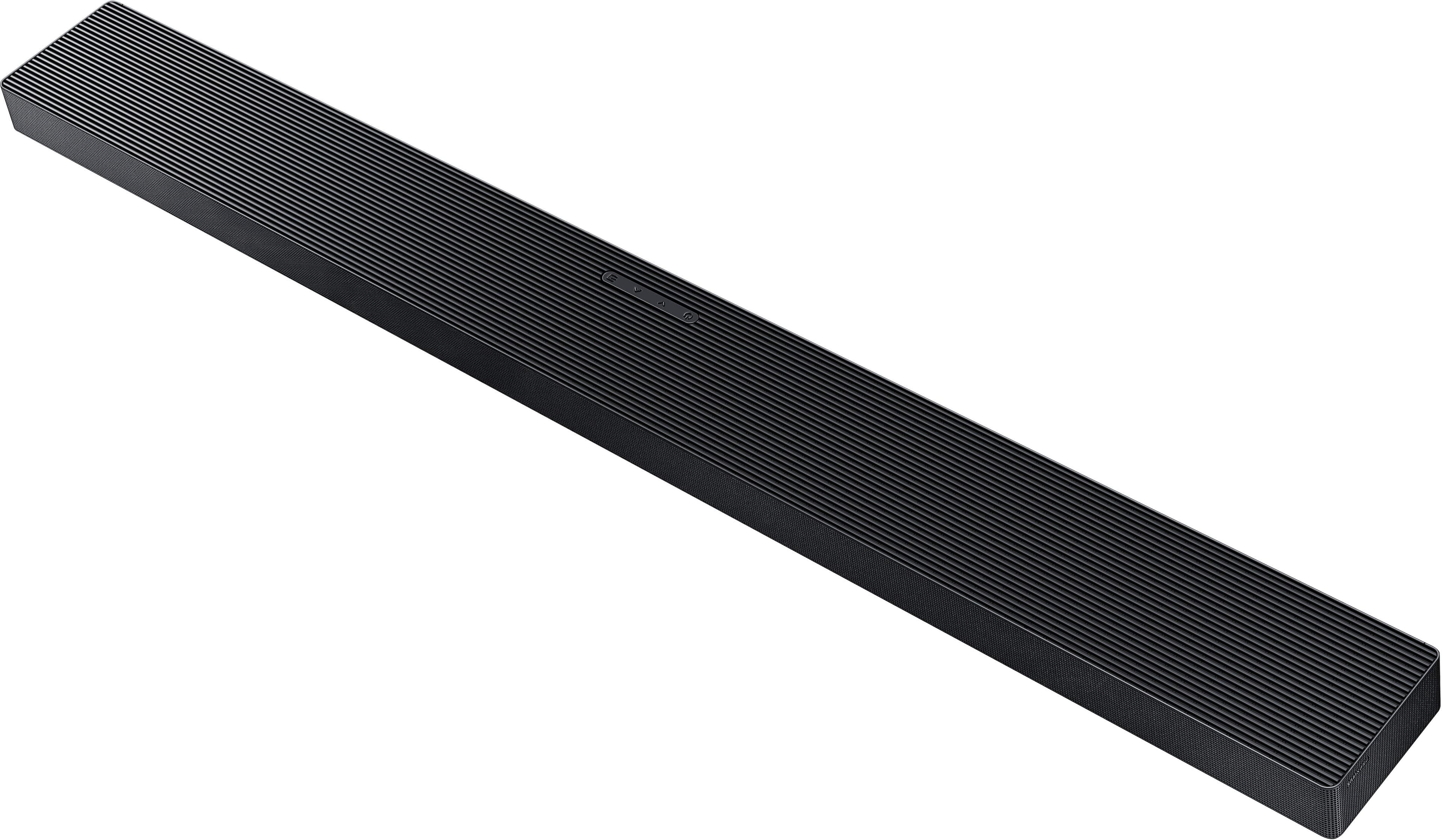
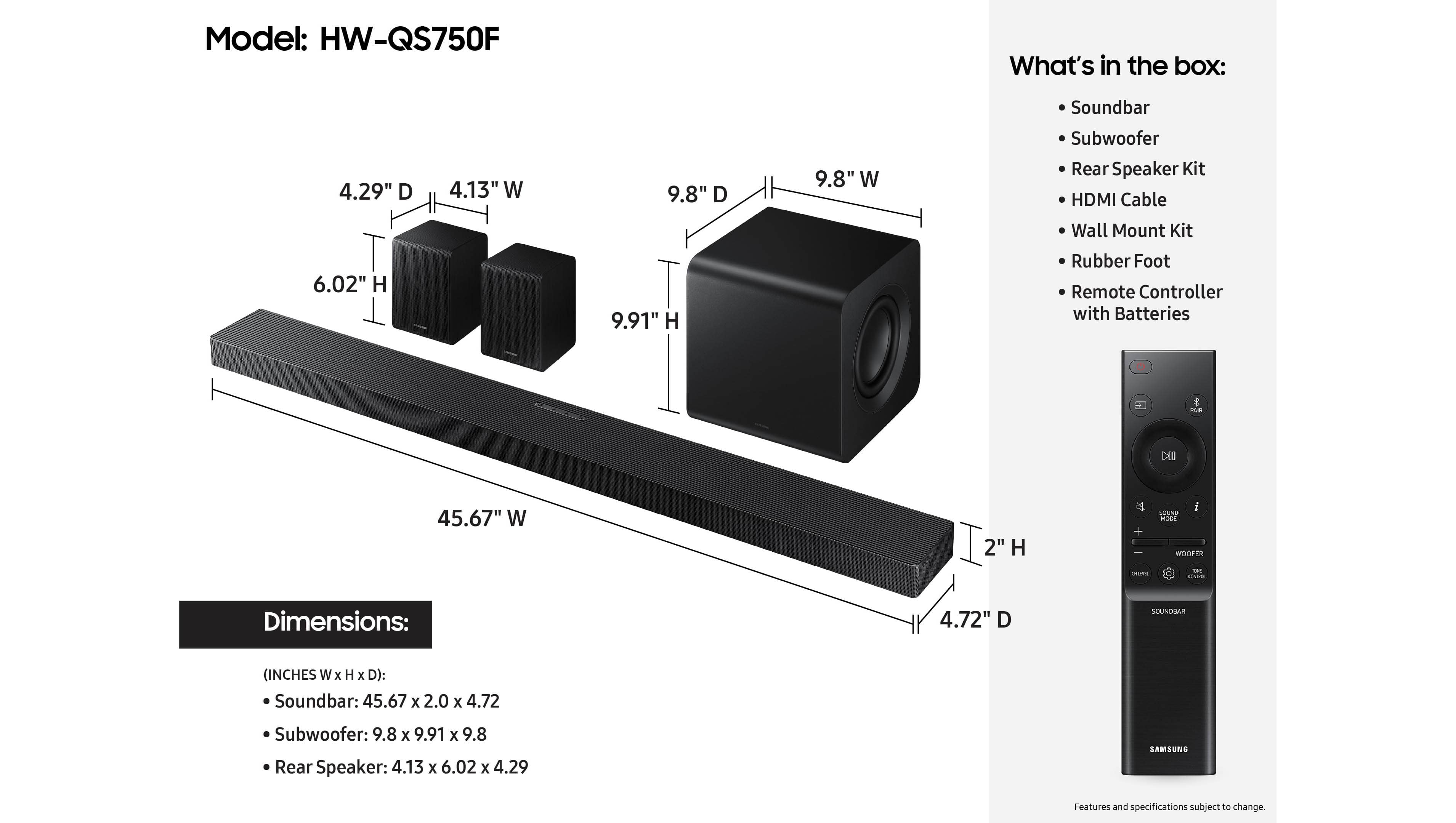
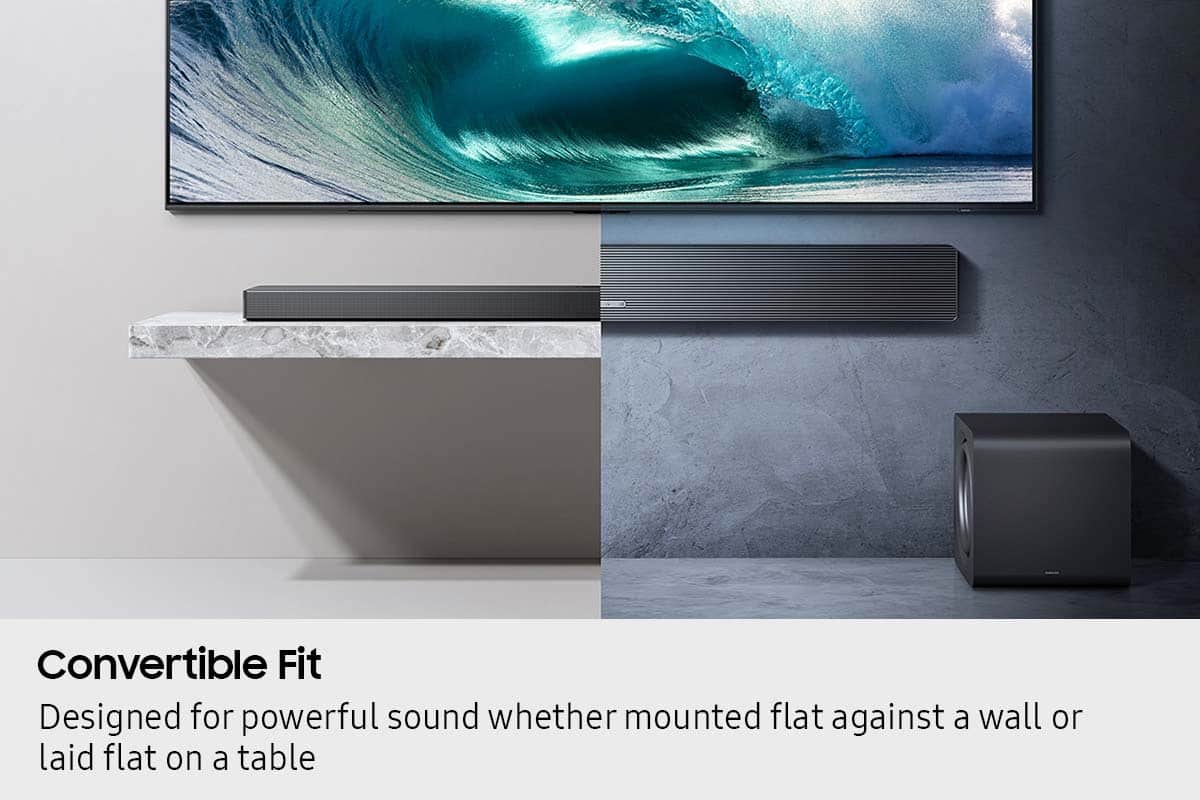
    • Answer Hi there! The HW-QS750F soundbar measures approximately 45.7″ W × 2.0″ H × 4.7″ D. ~ Samsung Solutions

      Answered by Samsung

  • QuestionWill this soundbar support a record player?

    Asked by Meg.

    • Answer Hi Meg! The HW-QS750F can be connected to your device using three ways: HDMI (ARC), digital optical audio, and Bluetooth wireless audio technology. If your device is compatible with one of these three audio connections, you should have no issue connecting the soundbar to it. ~Samsung Solutions

      Answered by Samsung

  • QuestionHow do the rear speakers connect?

    Asked by Samsung.

    • Answer The rear speakers connect to the main sound bar via Bluetooth. They do have a wire connecting the left and right speaker together.

      Answered by RodM

  • QuestionCan you drop the Back Channels down low in order to greatly reduce background noise and isolate voice dialogue? I had a 3 channel Samsung Soundbar that would only allow me to raise the Center Channel, but I was not able to lower the Back Channels.

    Asked by Amirakt.

    • Answer Look at the instructions for the remote, push the Channel button repeatedly to select rear speakers then lower the volume

      Answered by BadApple

  • QuestionCan I connect it to my samsung smart things app?

    Asked by Antman.

    • Answer I had this problem before and you just have to factory reset it but I’m sure you can find the YouTube video I seen

      Answered by BraydenG

  • QuestionDoes this sound system work with an LG brand tv?

    Asked by BChap.

    • Answer Hi BChap! You can connect the HW-QS750F with an HDMI (ARC), digital optical audio, and Bluetooth wireless audio technology. If the LG TV is compatible with one of these three audio connections, you should have no issue connecting the soundbar to your TV. ~Samsung Solutions

      Answered by Samsung

  • QuestionDo the rear speakers need stands? If so, recommendations?

    Asked by SDC2025.

    • Answer Depends on where you place them. Usually they are mounted on something. I bought a stand set on Amazon to place them behind my theater seating. Works fine

      Answered by Todski

  • QuestionDo you need a traditional receiver to use system

    Asked by T.

    • Answer No, all you need is the TV

      Answered by BadApple