A:AnswerIt's usually stays on, make sure you are utilizing the app once you connect you will hear "bluetooth ready" or "wi-fi ready" the you can start streaming. Hope this helps.
A:AnswerI think if you contact Samsung Customer Service, they would be able to supply you with the power cord and transformer if that's what you are missing.
A:AnswerI had a pair. Key word HAD. Took mine back and bought the Sony's. Much better and the sound is too. Main thing is that they are so simple to use and connect and switch from tv surround sound to blue tooth or wifi it is unreal. I kept having problems with connectivity and switching is I took the R1's back.
A:AnswerI have the hw j650 samsung soundbar. It does pair up with these speakers using the samsung multiroom app. If your soundbar connects to a network they should pair up. Get the samsung multiroom app. If it finds your speaker on the network your in luck
A:AnswerYou need to have a compatible Samsung sound bar either the K or J series. Run the free Samsung app and thru you wifi you be able to get surround sound for your tv
A:AnswerNo, I'm afraid not. The only way to get a signal into this unit is to use Blu-Tooth or your home WiFi. There is no place to connect an external signal cable.
It's not hard to connect it to the WiFi in your home and in my experience the quality of the sound is MUCH better and your sound source does not have to be close to the speaker, they just both have to be within range of the WiFi signal.
A:Answeruse and download the Samsung Multiroom app. also to pair with your tv you will have to go into your speaker settings for wireless speakers and accept them. the r1 have a tvconnect mode that you will put them in while pairing to your tv.
A:AnswerHi Bob,
You have probably already learned the answer to this question, but yes, you can use this speaker to broadcast sound from your Samsung smart tv. The only problem I had that I couldn't figure out was how to broadcast the sound when the tv was streaming through the Internet. I couldn't get the sound to work with the speaker when I was trying to watch Hulu.
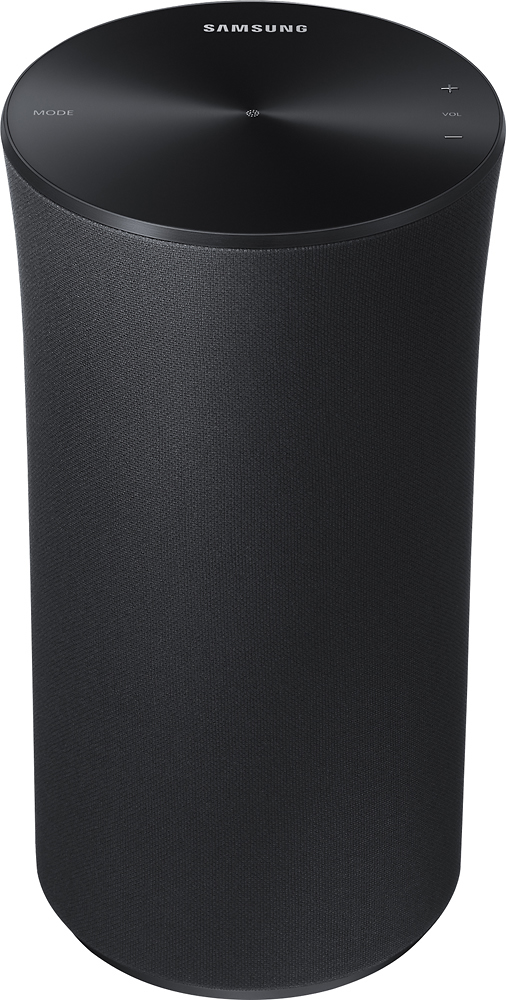
A:AnswerBe certain you have entered the correct password to your WiFi router. You need to download the Samsung Multiroom App to register and enable the speaker to function. Once you have connected to your network, the speaker can be connected to the Internet to check for software updates.