A:AnswerHi Santy,
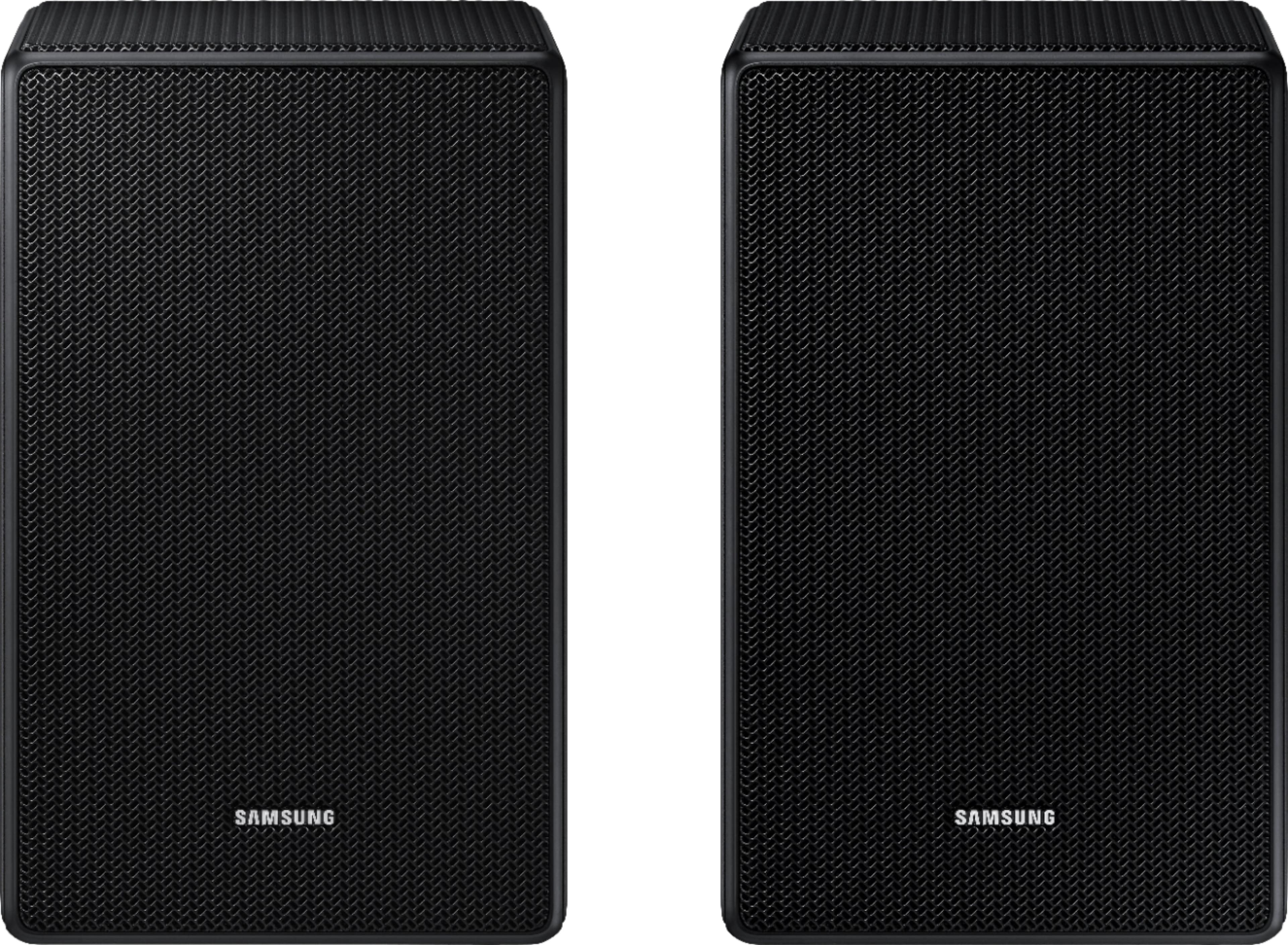
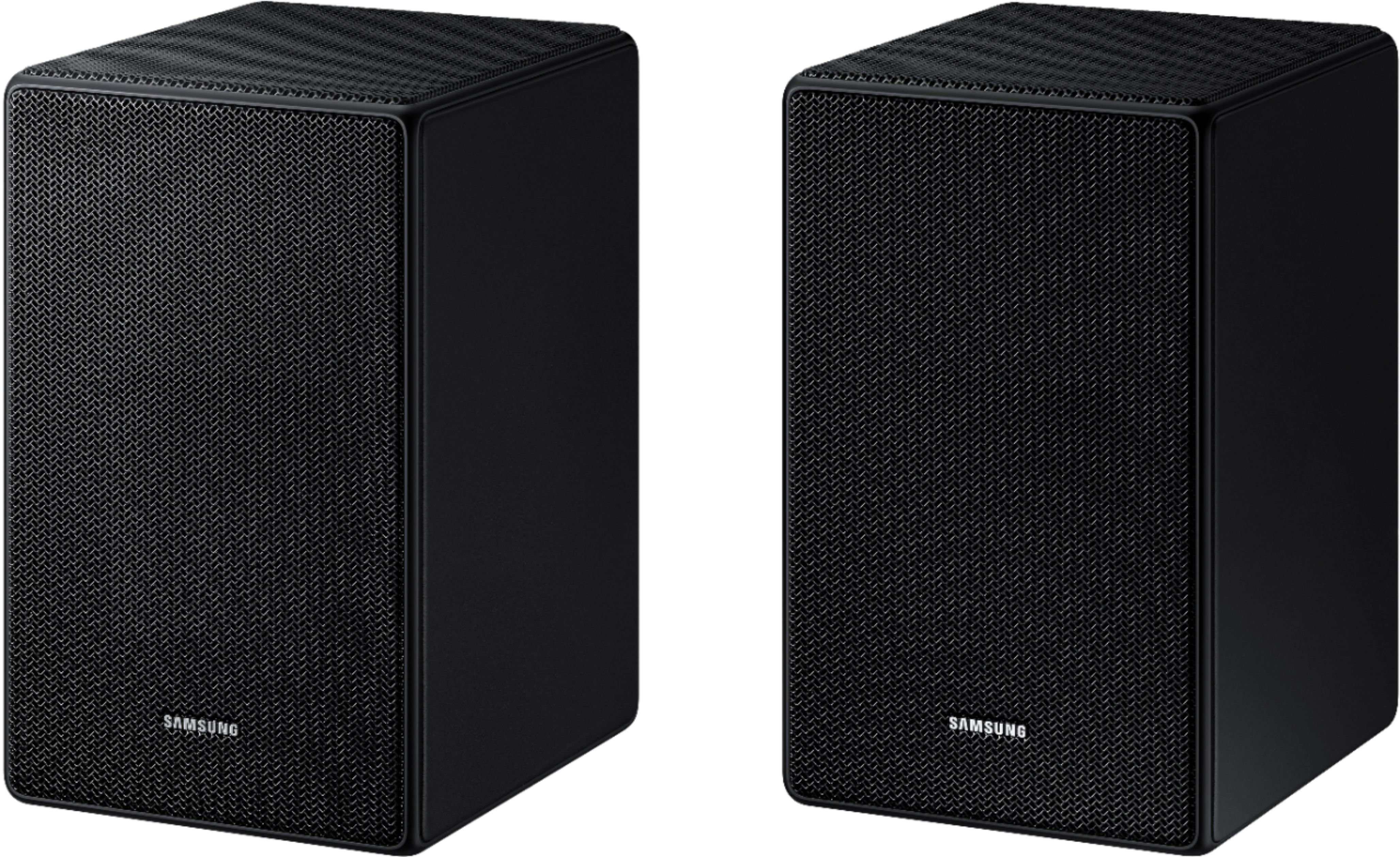
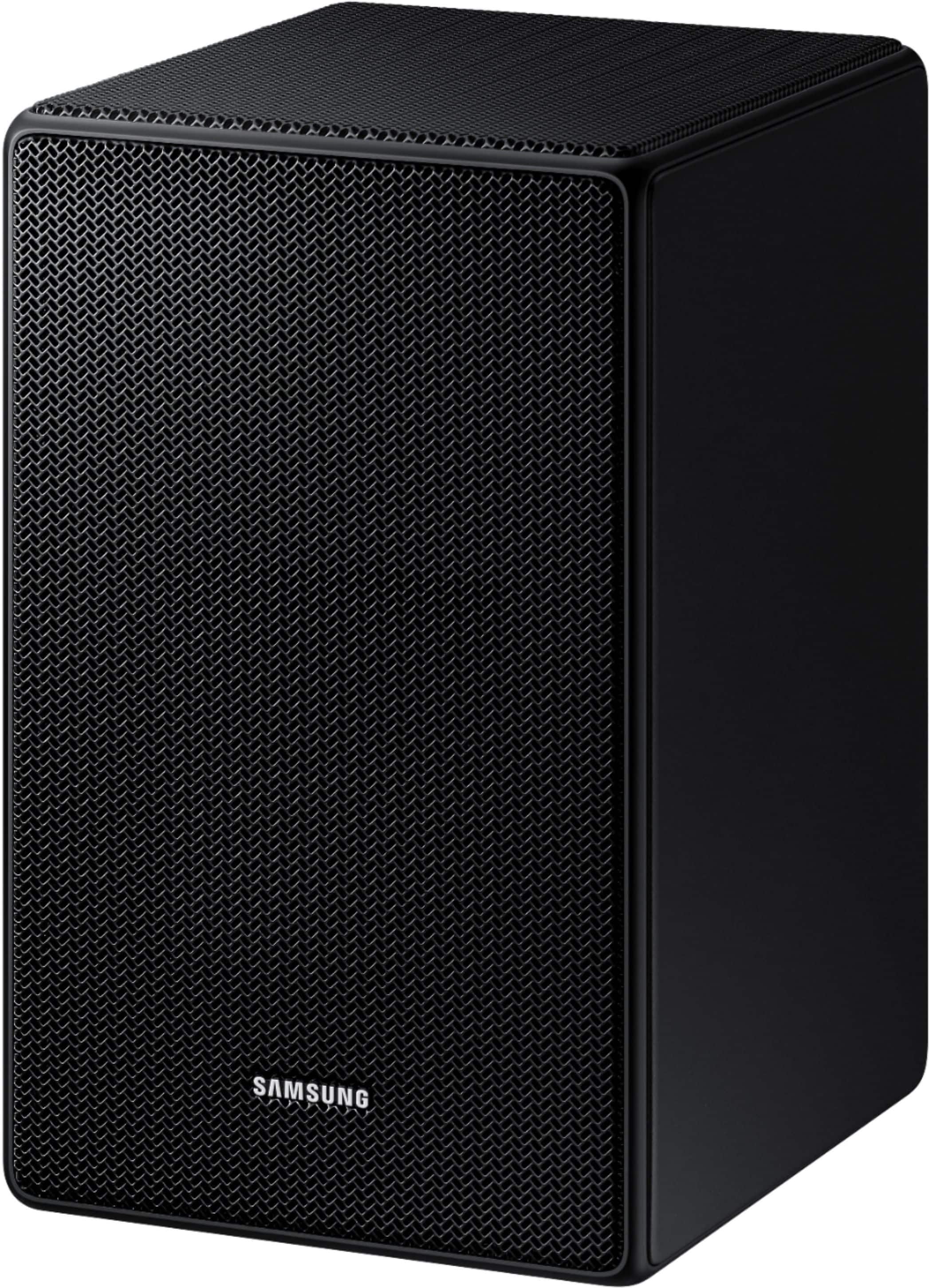
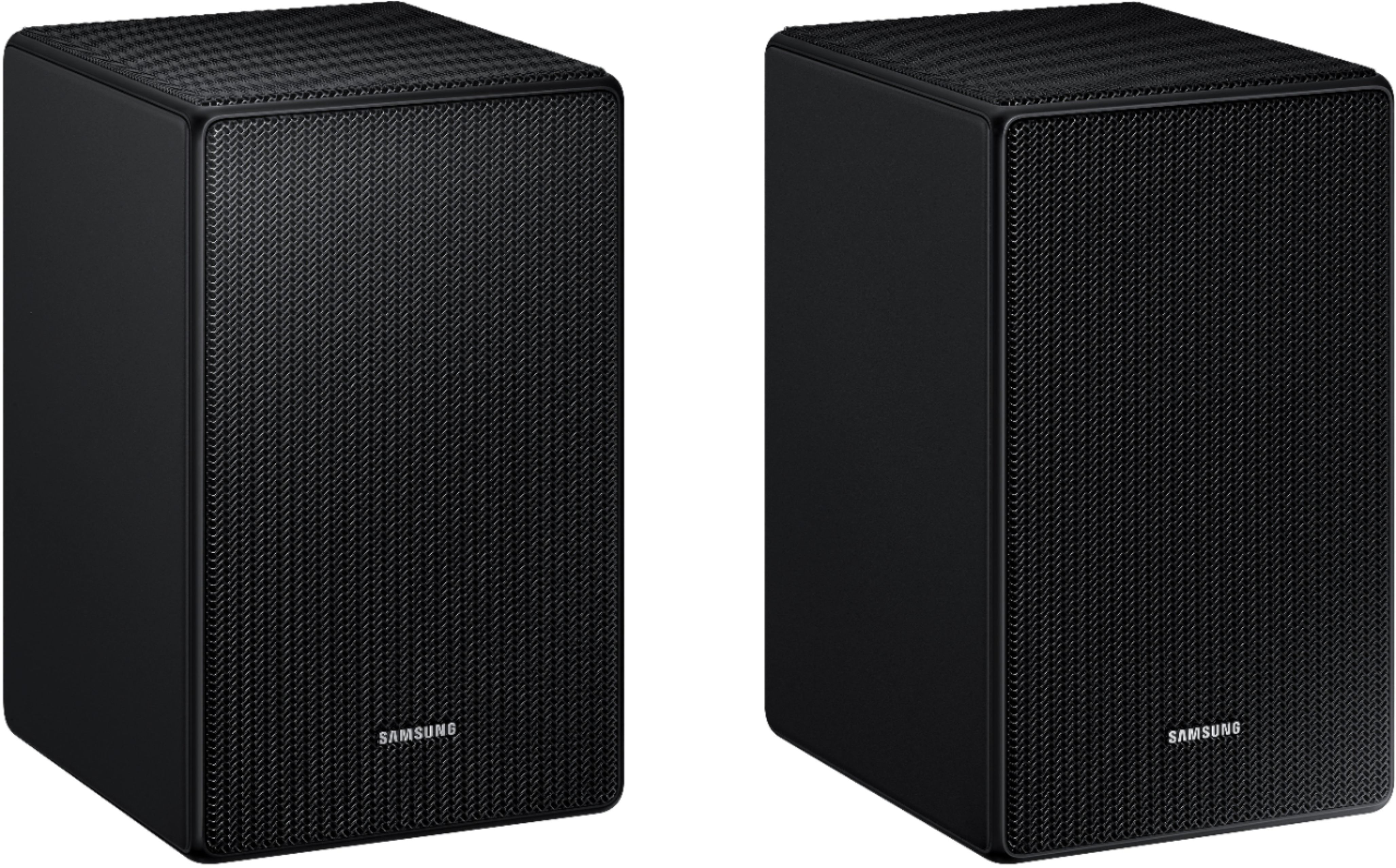
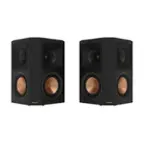
The HW-B650 Soundbar is not compatible with the SWA-9500S Wireless Rear Speakers.
You will need to purchase the SWA-9200S Wireless Rear Speaker Kit.
~Samsung Solutions
A:AnswerHello Jair,
To adjust the volume of the rear speakers, press the CH LEVEL button on the provided Soundbar remote until you see REAR LEVEL or REAR TOP LEVEL. From there you will press the UP/DOWN buttons to adjust the volume between -6 to +6.
To place the speakers correctly, put the LEFT speaker over your LEFT shoulder as if you are looking at the TV infront of you, and similarly for the RIGHT speaker over your RIGHT shoulder.
~Samsung Solutions
A:AnswerHi Joe,
The SWA-9500S Wireless Rear Speakers are not compatible with the HW-B650 Soundbar.
You will need to purchase the SWA-9200S Wireless Rear Speaker Kit.
~Samsung Solutions
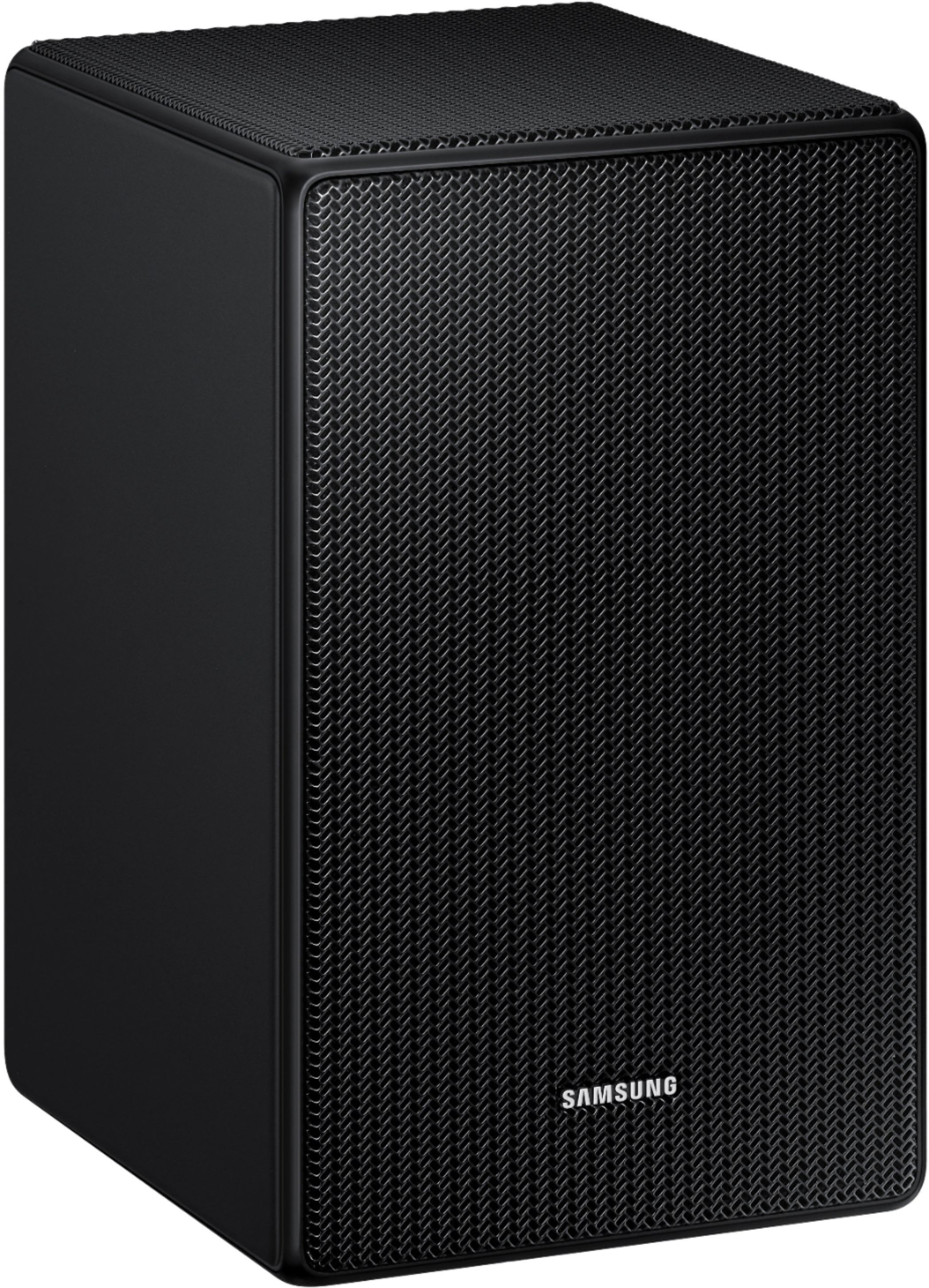
A:AnswerHello Travis, sorry for the late response but I believe BestBuy is attempting to set a trend of customers helping customers so that the money saved on employees can be saved on customer purchases! If you're still searching for a compatible stand set, I've gone ahead and attached 3 compatible stands, that are essentially identical with the main difference falling onto the price tag. They have subtle differences in appearance, and the more expensive unit out of the three has a higher weight capability of 10lbs which is not necessary for this rear speaker set. These speakers weigh 3.8lbs making any one of these three stands a great choice for this speaker set. They come with all the necessary hardware and step by step instructions, so I leave it up to you to decide. I personally purchased wall mount stands as they were less expensive and simply to install. I found a great set of wall mounted stands in the jungles of Amazon, South America... Just remember whatever you purchase must be able to hold 4lbs, and either use a rear mounted m8 bolt that fits directly into the back of this speaker set, or there are ones such as mine, that compress and hold the speakers by the sides with no necessary screws or bolts. Best of luck with the search.
A:AnswerHi Ravi,
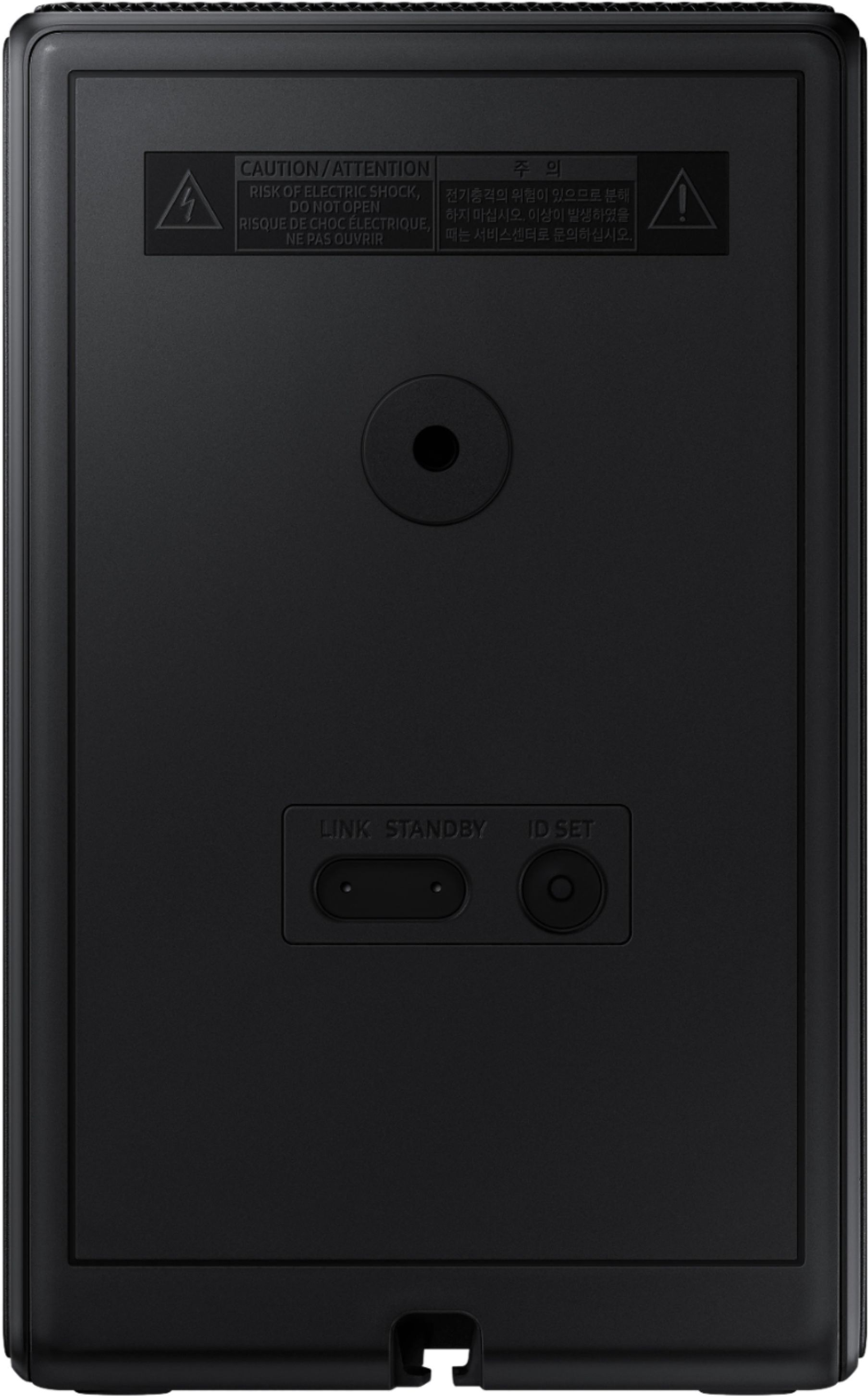
You will need to use either a Samsung Soundbar remote or you can use SmartThings to set up the rear speakers to your Soundbar. Using either an Android or iOS device you can pair the Soundbar to SmartThings, all without having to use the remote.
~Samsung Solutions
A:AnswerHi CRST,
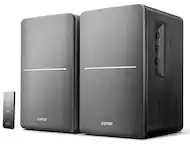
The SWA-9500S Wireless Rear Speakers have a maximum range of roughly 32 feet from the Soundbar. They will not work correctly in placed in another room as the wall will also cause interference to the Soundbar.
The rear speakers will not play the same audio that the Soundbar does, so placing these in another room will not act as another Soundbar for your TV.
~Samsung Solutions
A:AnswerHi Acek9,
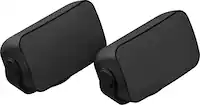
The SWA-9500S Wireless Rear Speakers are not compatible with the HW-Q60B Soundbar.
You will need to purchase the SWA-9200S Wireless Rear Speaker Kit.
~Samsung Solutions
A:AnswerHi Bestguy,
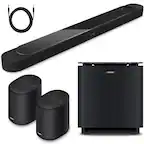
The HW-Q950A cannot have an extra set of rear speakers connected. The included wireless rears are exclusively compatible with that Soundbar.
~Samsung Solutions
A:AnswerHi Acek9,
The maximum distance is roughly 32ft. You will need to be within 8ft to pair the rear speakers for the first time to your Soundbar, afterwards you can move them.
~Samsung Solutions
A:AnswerHi Gregory,
The HW-Q910B Soundbar is exclusively compatible with the included Wireless Rear Speaker Kit and cannot have more rears added on.
~Samsung Solutions
A:AnswerHi Estie,
The SWA-9500S Wireless Rear Speakers are indeed compatible with the HW-Q800B Soundbar. You will have a total of 7.1.4 channels after connecting the wireless rear speakers.
~Samsung Solutions
A:AnswerHi there,
The SWA-9500S Wireless Rear Speakers will not work with the HW-B650 Soundbar.
You will need to pair the SWA-9200S Wireless Rear Speaker Kit.
~Samsung Solutions
A:AnswerHello Fresh,
The HW-T510 is not compatible with the SWA-9500S Wireless Rear Speakers.
You'll need to purchase the SWA-8500S Wireless Rear Speaker Kit.
~Samsung Solutions