A:AnswerI copied a large number of files of all varieties, maybe 2 or 3 gigs, but not games. I went to get a cup of coffee and it was done when I came back. I would think that games files would copy just as fast. My files included audio books and photos. What ever that's worth.
A:AnswerI could be wrong, but even with the new iPad OS, I am not sure that device supports external storage. HOWEVER, if I am wrong, there is a lightning to USB 3 dongle that you can connect to the USB 3 to USB C cable that came with the SSD. I have not researched whether there is a shorter route of Lighting to USB C dongle that isn’t just a pass-through charge adapter (IOW, charge only, no data transfer capability).
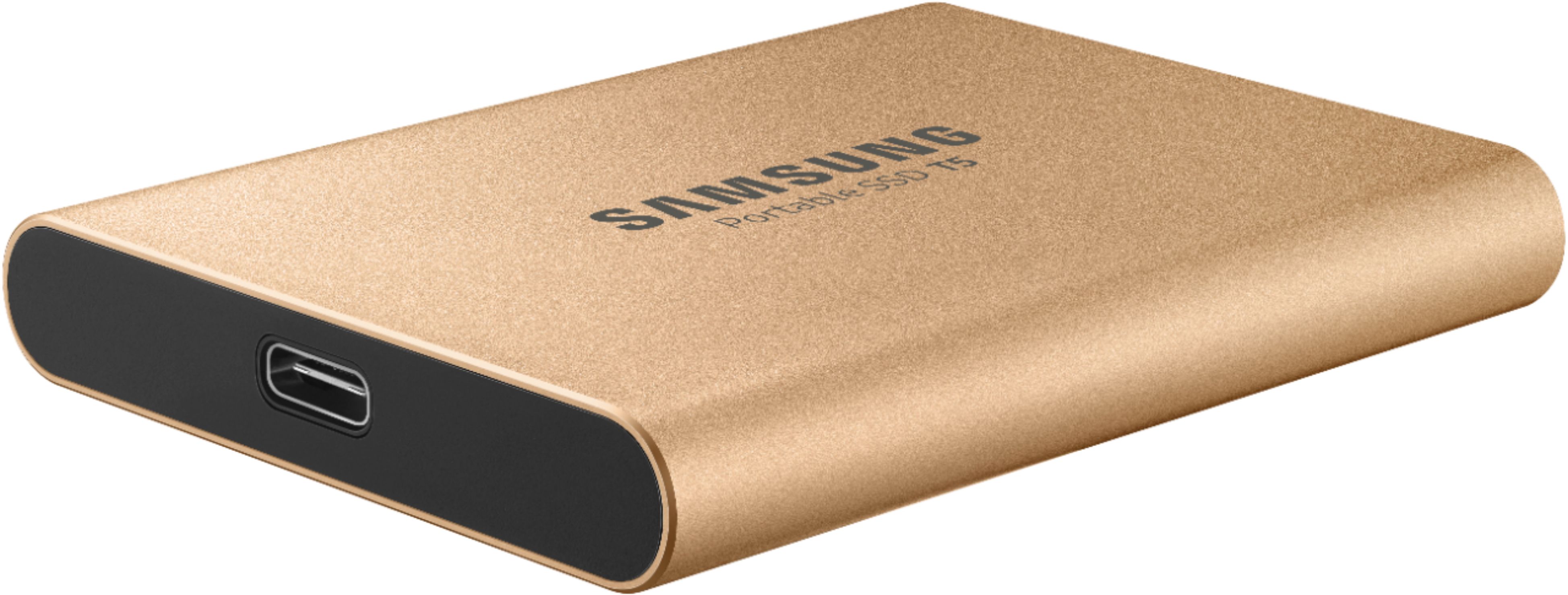
A:AnswerThis Samsung T5 drive has a USB-C port. The current iPad Pros have a USB-C port. Their inability to talk to each other is ENTIRELY because iOS 12 didn’t support external drives. The highly anticipated iOS 13 rolling out fall of 2019 changes this. YouTubers who have installed the iOS 13 BETA on the iPad Pro have demonstrated that external drives are recognized. I believe the drives were formatted as exFAT.