A:AnswerYes, just plug it in, click on your storage settings in steam, click add storage device and then click the device once its plugged in after downloading samsung magician. That can be downloaded with an easy google search.
A:AnswerDavid:
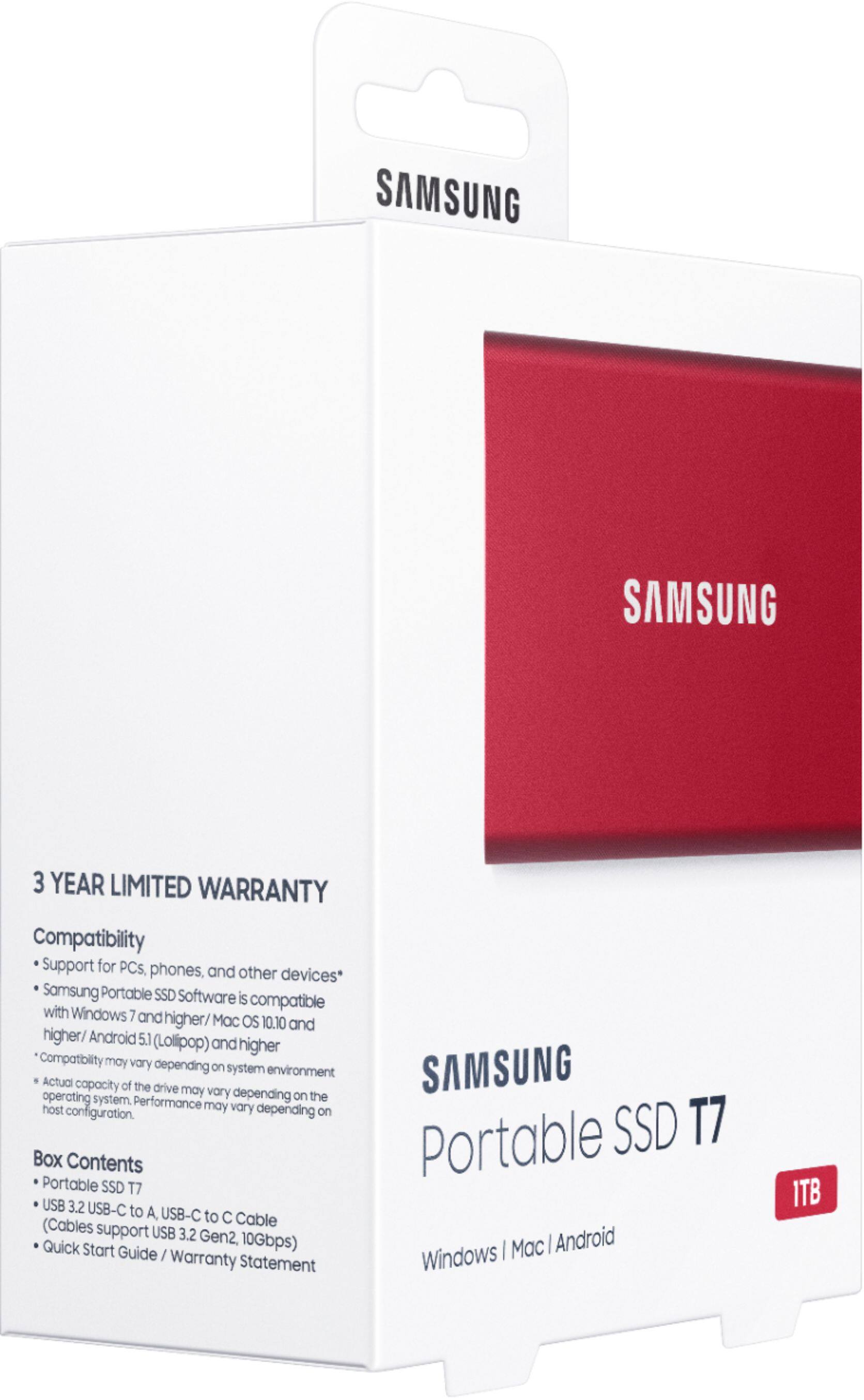
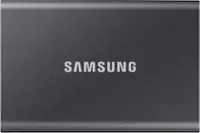
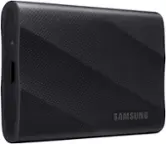
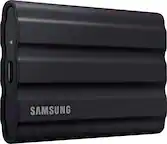
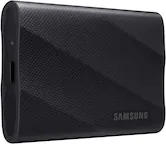
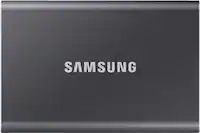
Yes. The T7 is pre-formatted in using exFAT file system which is supported by Windows OS, MAC OS, and Android operating systems. You will be able to store your images from your MacBook.
- Samsung Memory
A:AnswerYes you can, and I don't see it taking anything close to along time. that is a relative question. you would not only need to have billons & billons of photos to slow this down. even then it would take some being lost in your pc or broken photos. to slow things down. And that would be you devises software trying to find it or fix it. Not the mighty SAMSUNG. if that was to happen just tell it to skip that one. you can likly put all you photos one this one for the rest of your Life. LOVE mine .olny thing that scares me is if was lost. so easy fix just hook it up to a safe device you keep put away & copy them to it. I copy just do to had a backup not work once.happy shooting!!!
A:AnswerI use the Samsung SSD T7 and T5 (1 and 2 TB models) drives to store and transfer data between a Mac Book Pro and ASUS and HP windows 10 laptops. I have had no issue. However, I do NOT encrypt the data.