A:AnswerBee:
You can store PS5 games onto the drive. To play PS5 games, you need to copy game data from your USB extended storage drive back to your PS5 console's internal SSD storage. It’s much quicker to copy a PS5 game from USB extended storage than to re-download it.
Should you have any questions or need assistance using this product, know we are always here to help.
Call: 1-800-SAMSUNG (ask for Memory or press #, then 6 for Memory products)
Available 9AM – 9PM EST (Mon-Fri)
- Samsung Memory
A:AnswerYes! This will work with Time Machine!
It will come formatted for Windows, but when you connect it to your iMac and choose it from the Select Disk button in the Time Machine utility, it will offer to reformat the drive for Time Machine backups. (Make sure you pick the correct drive and that it doesn’t contain any valuable data before you reformat).
A:AnswerYes. Format the drive from Disk Utility and accept the defaults. It will show up as a separate drive in Finder. Remember to eject the drive in Finder before unplugging it.
A:AnswerWhat you state isn't on the package because it isn't true. Having said that I think you are misinterpreting some online info in that Samsung does not provide any backup software on the drive. There are plenty of 3rd party backup software programs that work well with the T7 Shield and other "T" series drive by Samsung. You can even use a simple batch file should you desire.
A:AnswerCurious:
Your PC's USB Type C Port must support USB 3.2 Gen 2 (10Gbps) in order to fully utilize the speed of the T7 Shield. USB 3.0 Gen.1, USB 3.1 Gen 1. USB 3.2 Gen.1 are restricted to 5Gbs speeds any may be the bottleneck to the performance of your drive.
- Samsung Memory
A:AnswerWilliam:
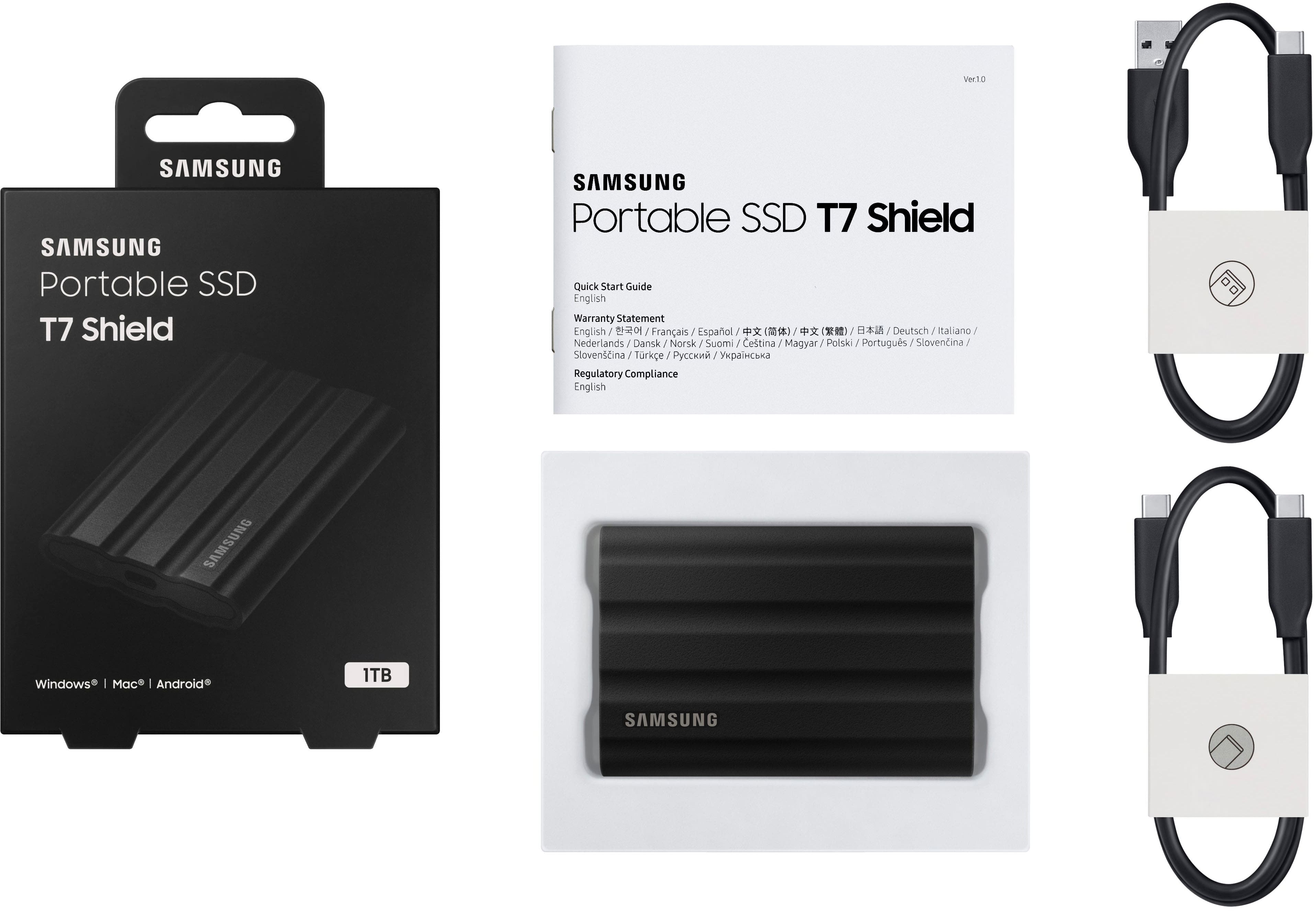
Yes. The T7 Shield begins to operate as soon as you plug the drive to a device using one of the included USB 3.2 Type C-to-C and Type C-to-A cables. Should you need assistance, please know we are always here to help.
Call: 1-800-SAMSUNG (ask for Memory) Available 9AM – 12AM EST (Mon-Fri)
- Samsung Memory
A:AnswerSome drives used to come with backup software pre-loaded on the drive. This one doesn't. You'll have to either purchase a backup utility or use the built-in backup functionality of Windows 10. I believe that's in "Update and Security" - there should be a backup option there.
A:AnswerJimBob:
Yes, the T7 is compatible with Mac Time Machine. Time Machine can back up to an external drive connected to a USB, Thunderbolt or FireWire port on your Mac.
- Samsung Memory
A:AnswerMatt:
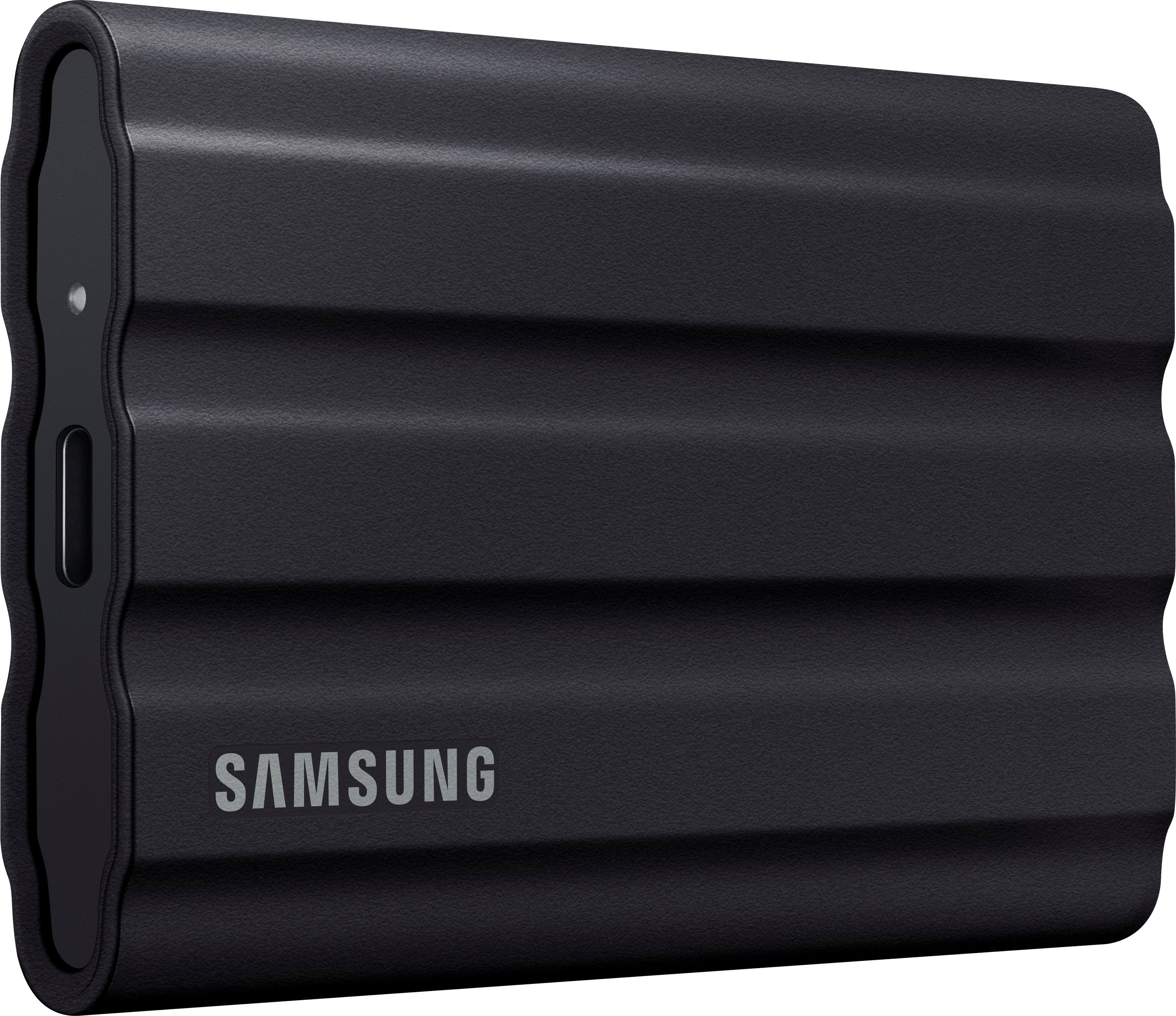
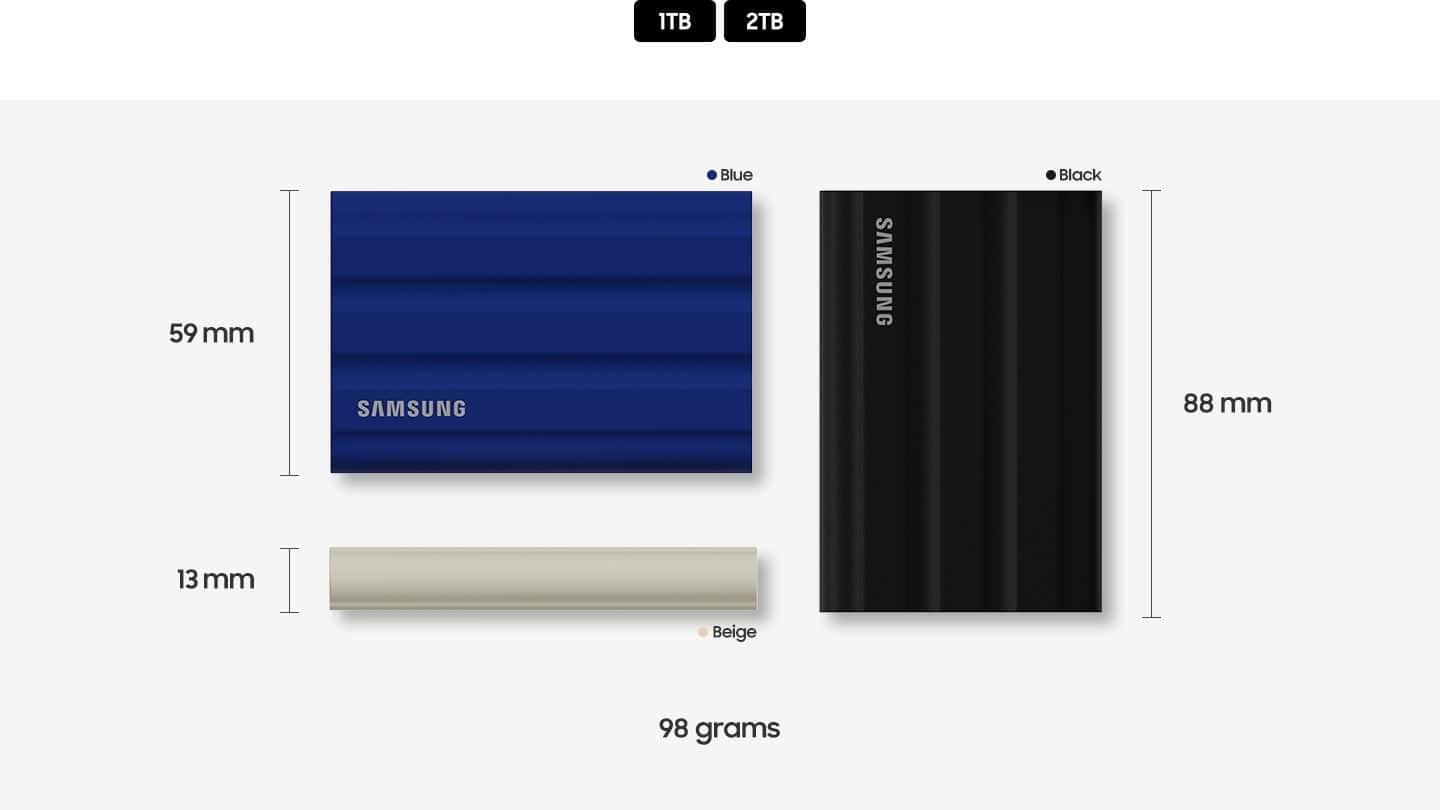
The Samsung T7 Shield is a rugged version of the T7 SSD, designed to offer extra protection against physical damage. It features a durable rubberized exterior that provides better resistance to drops, water, and dust. This makes it ideal for users who need a more robust portable SSD for outdoor or rough environments.
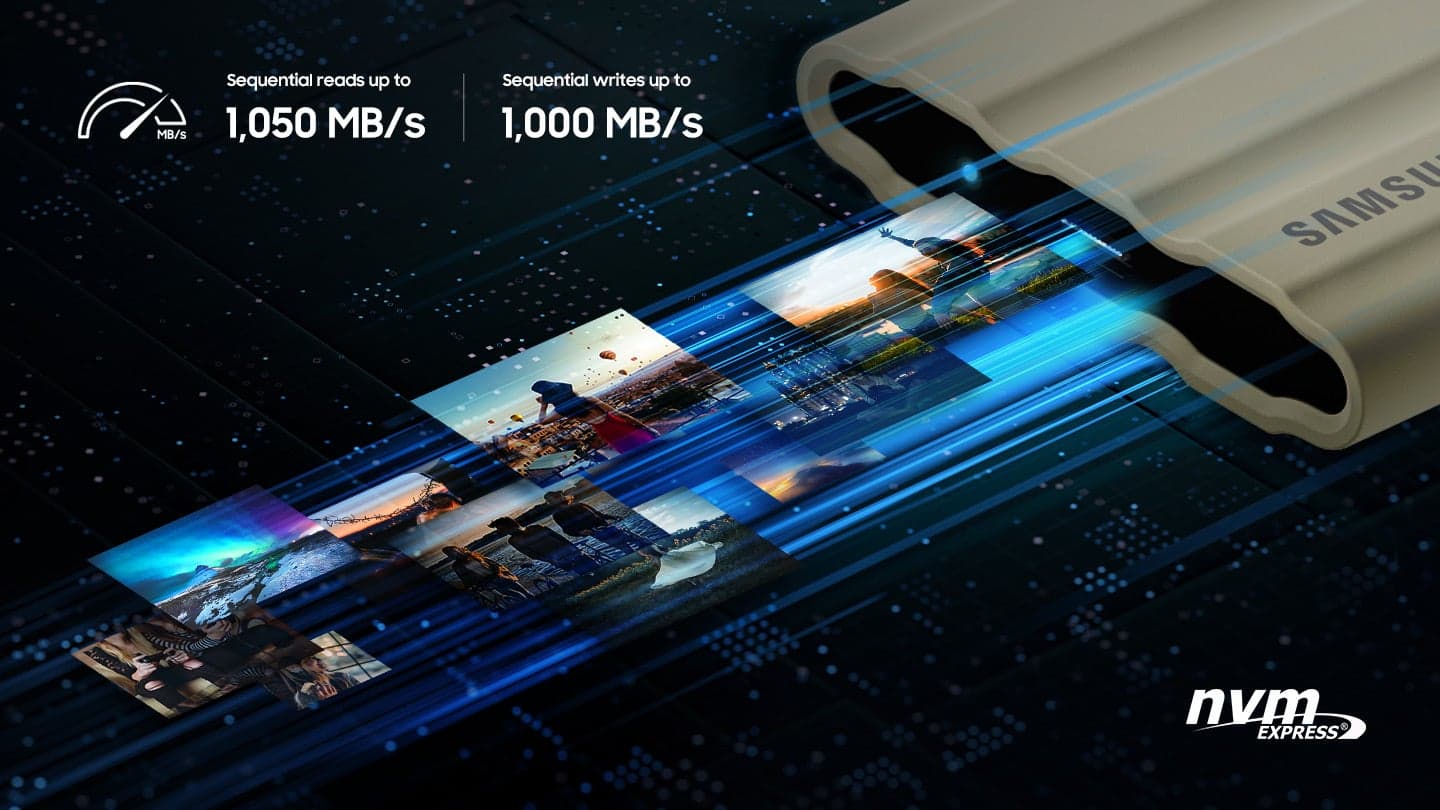
On the other hand, SATA (Serial ATA) is an interface used for connecting storage devices like SSDs and hard drives to a computer. SATA SSDs are typically used internally in computers. In contrast, the T7 Shield uses a USB 3.2 Gen 2 interface, which allows for much higher transfer speeds, up to 1,050 MB/s.
Regarding formatting, SATA SSDs can indeed be formatted to FAT32, which is a file system compatible with many operating systems and devices. However, FAT32 has limitations, such as a maximum file size of 4GB and a maximum partition size of 32GB. If you need to store larger files, you might consider using exFAT or NTFS instead.
- Samsung Memory
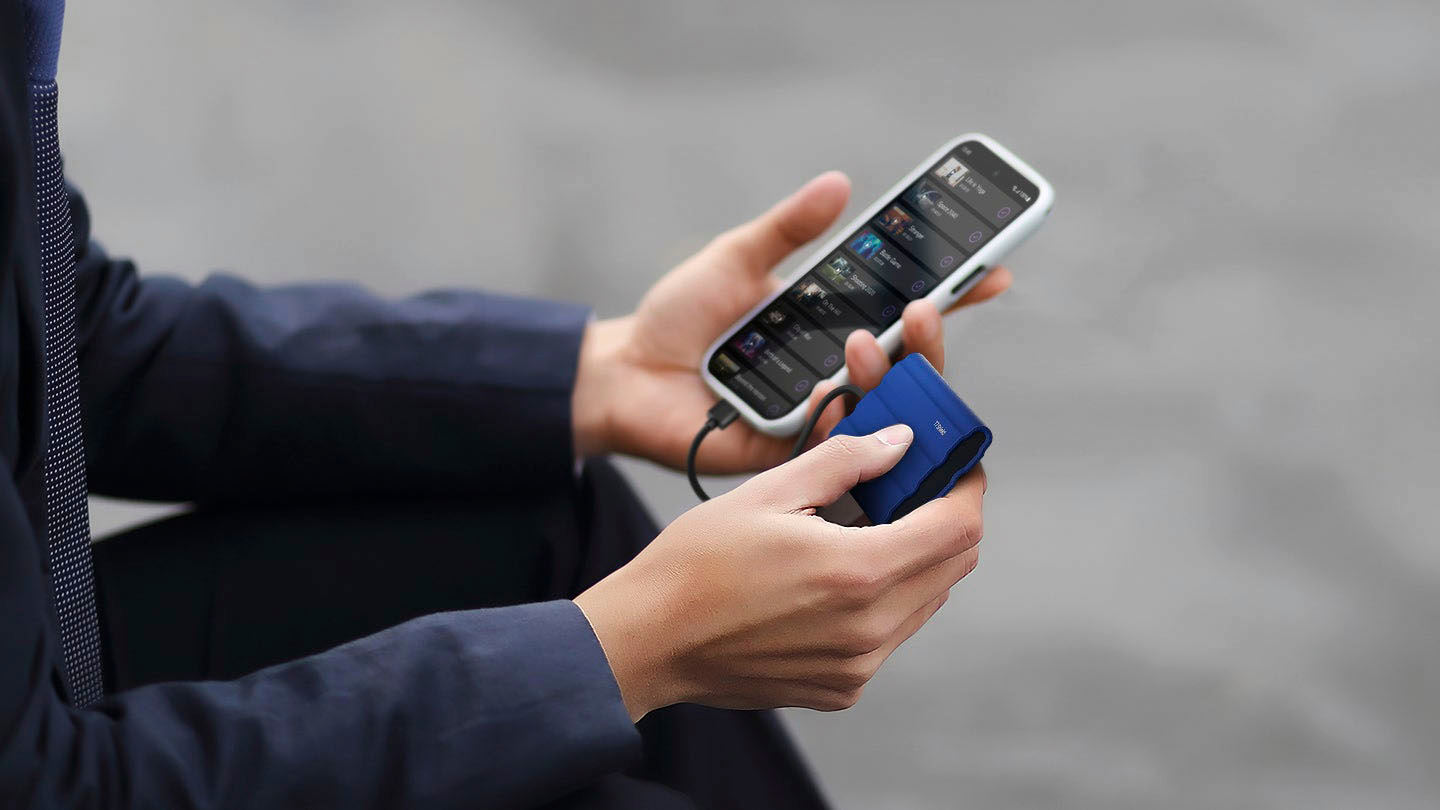
A:AnswerThe Samsung T5 drive worked for me on my iPhone 15 Pro. It can use the included cable, the only real issue was if you have a case on your iPhone that might block the USBC port.
Recording in ProRes Log to the drive worked for me. The file sizes are huge though. The drive gets a good transfer rate as well.