Questions & Answers
- Model:
- SP-LFF3CLAXXZA
- |
- SKU:
- 10100683
$699.99Your price for this item is $699.99
Comp. Value: $799.99
The comparable value price is $799.99
Page Showing 41-59 of 59 questions
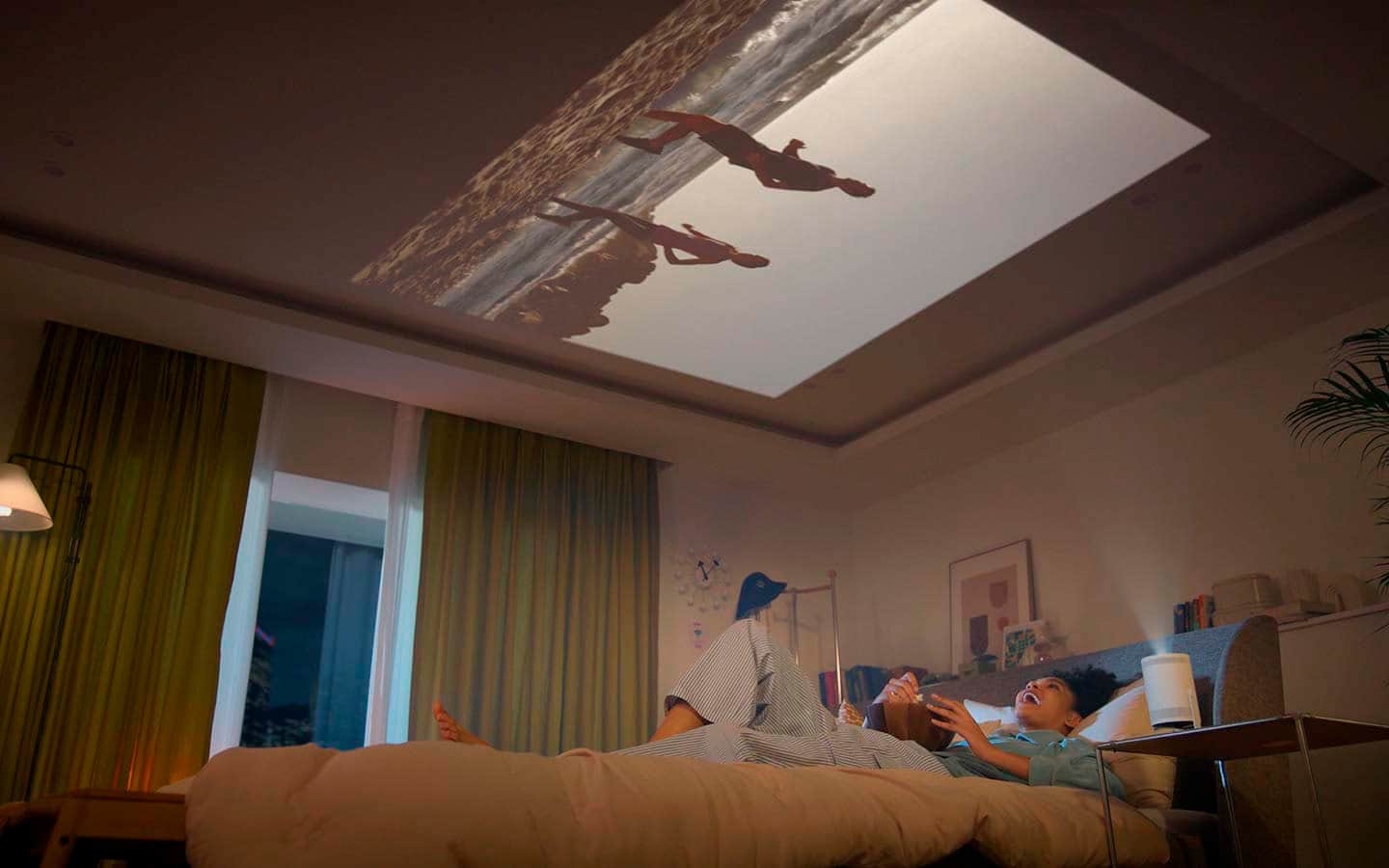
Q: QuestionCan it be hung from a ceiling?
Asked by Steamboat.
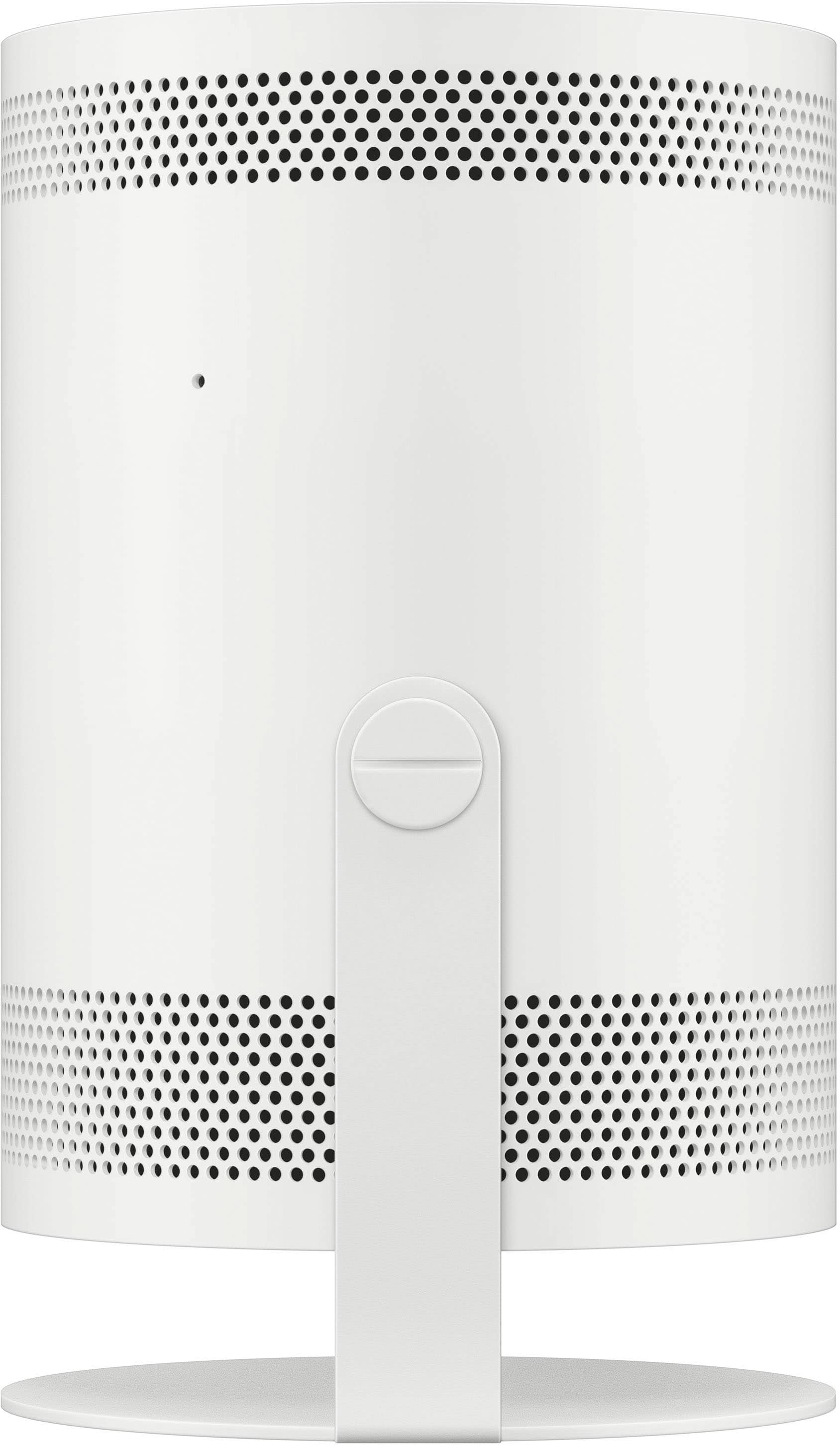
- A:Answer The **Samsung The Freestyle 2nd Gen projector** is not specifically designed to be mounted on a ceiling. It’s a portable, lightweight projector that is typically meant to be placed on a flat surface. While it doesn't come with a built-in ceiling mount, you can use third-party ceiling mounts or adjustable brackets if you want to hang it. However, it’s important to make sure the mount is compatible with the projector's design and weight for safety and optimal viewing.
Answered by Vino
Q: QuestionCan I connect my surround system to it too
Asked by Dadoo.
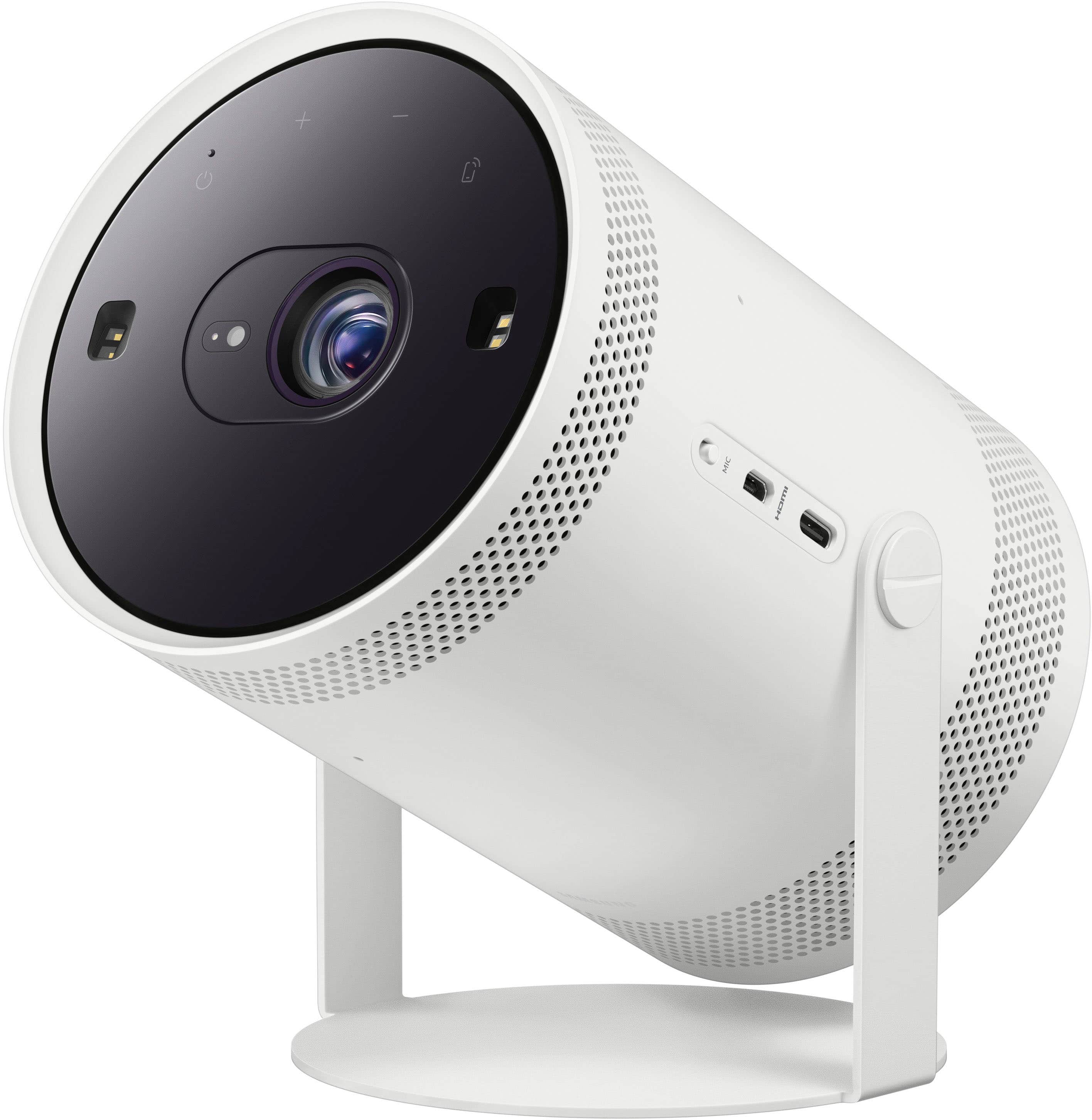
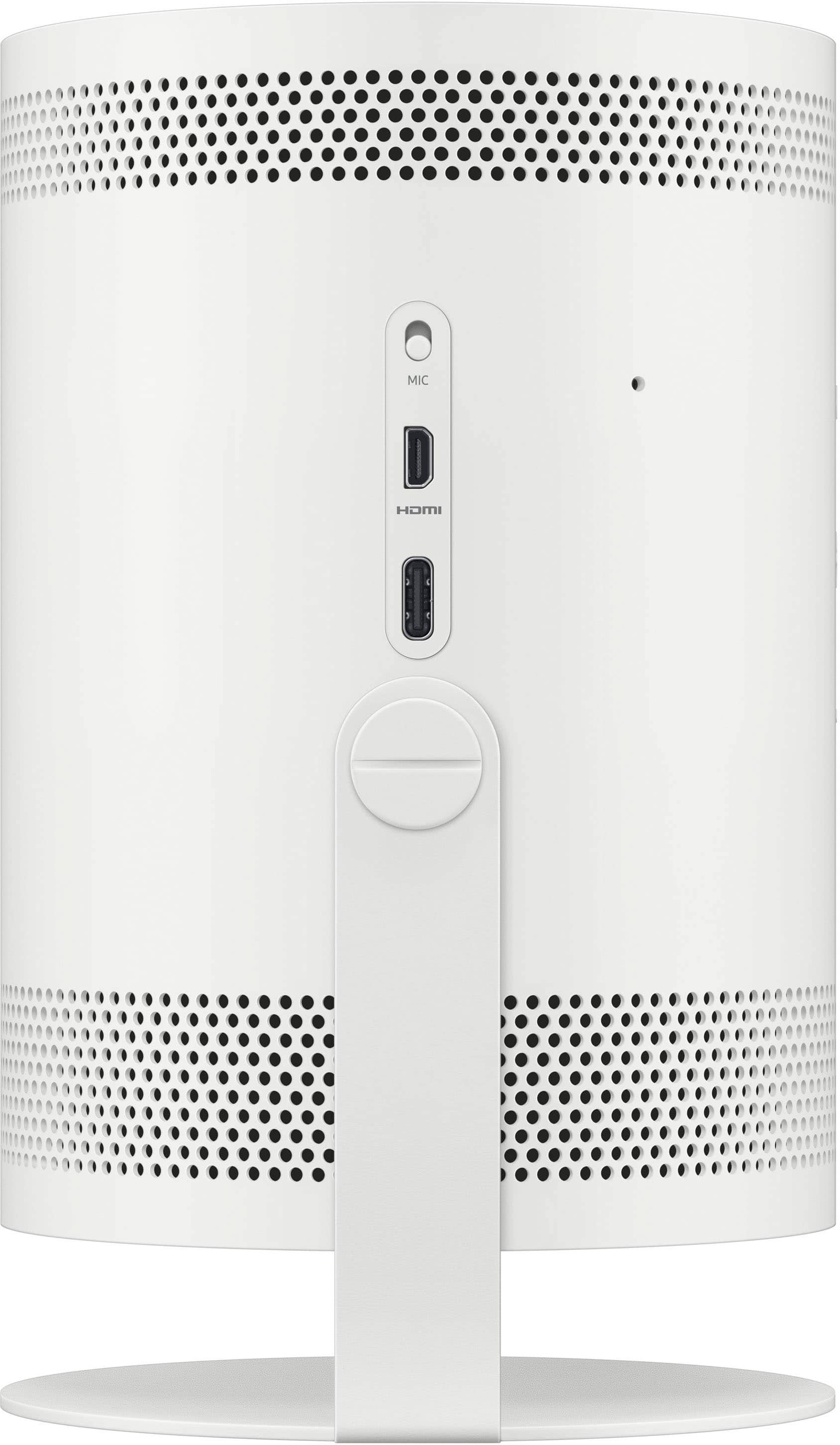
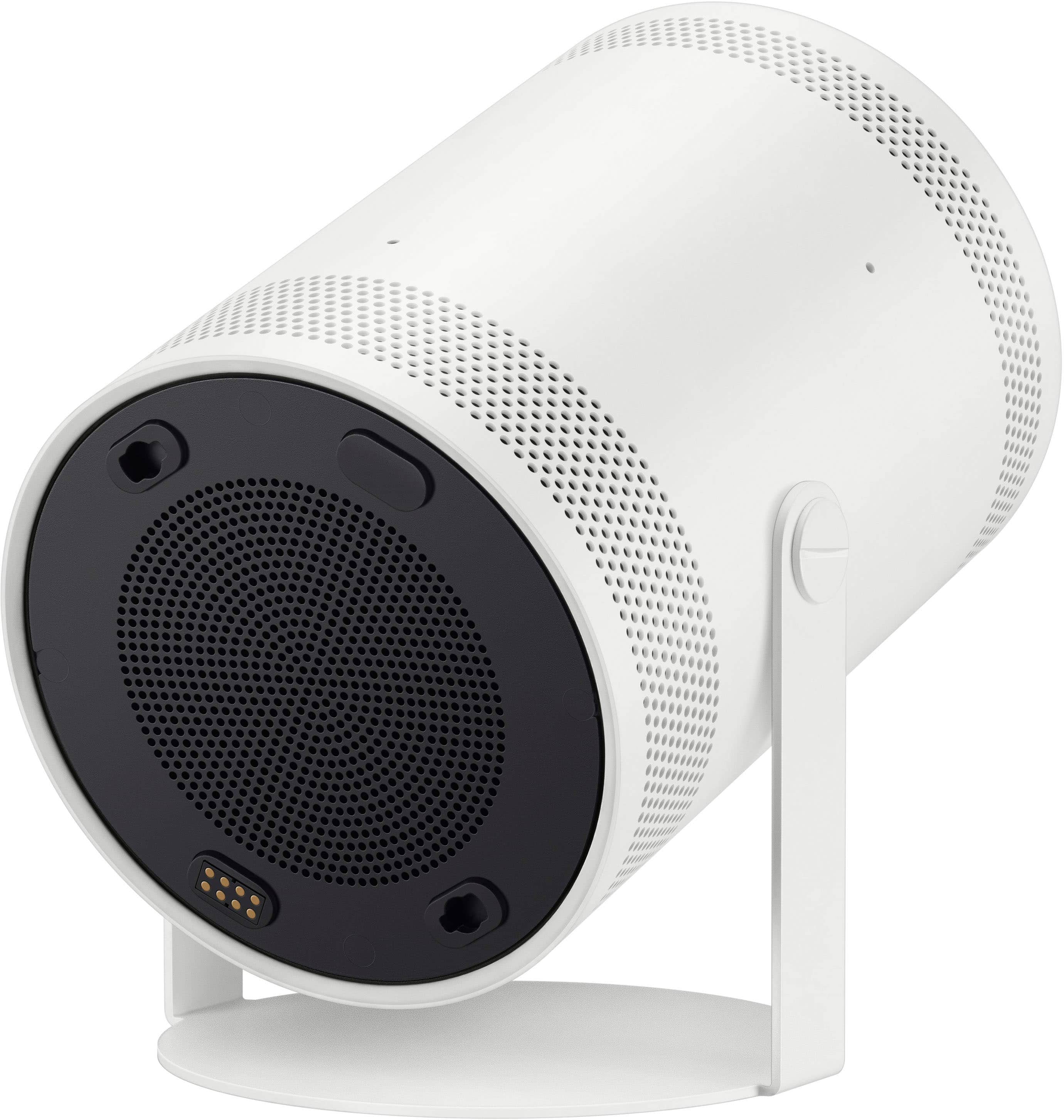
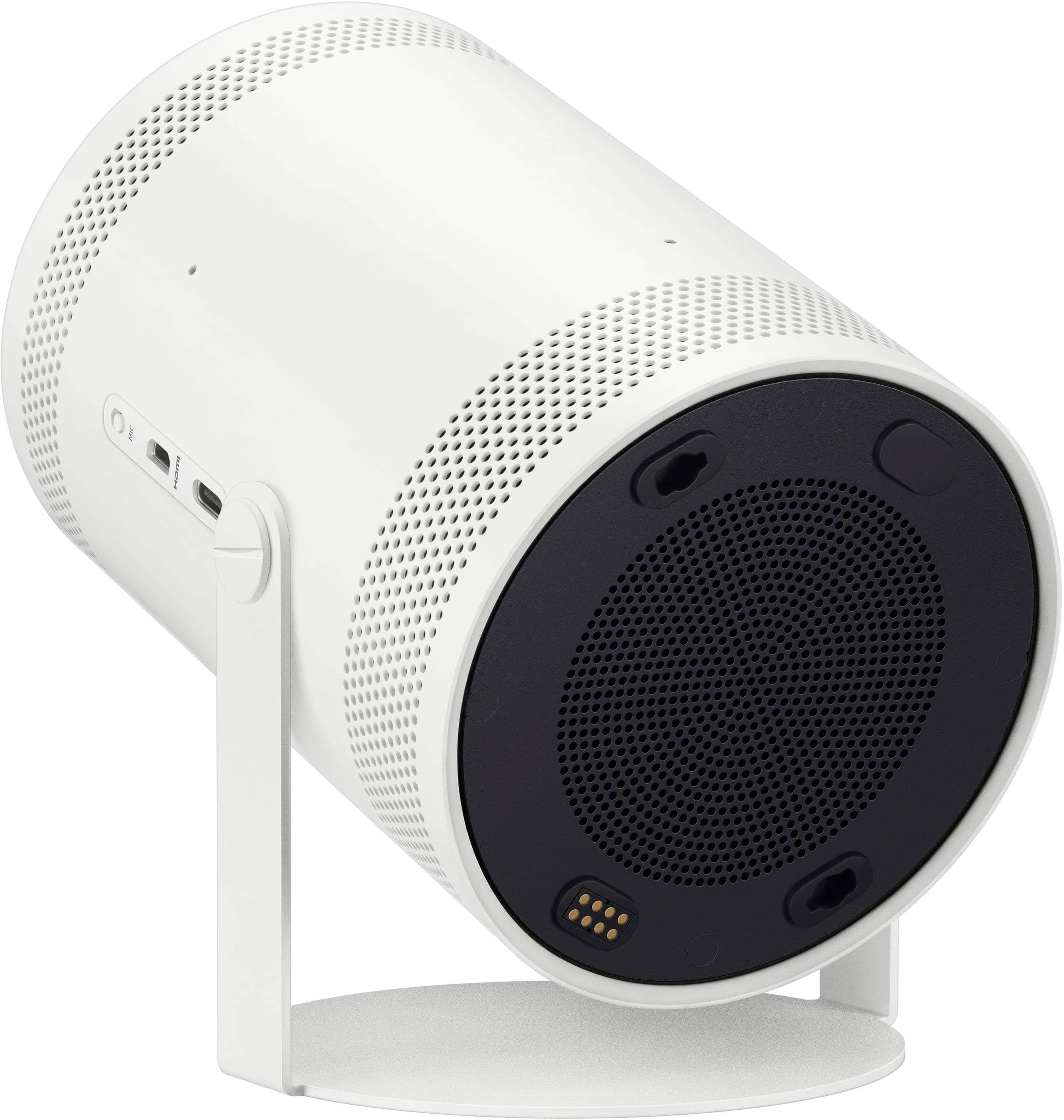
- A:Answer Dadoo - You can connect an external audio device via Micro HDMI cable, or wirelessly with Bluetooth or Wi-Fi connectivity. ~ Samsung Specialist
Answered by Samsung

Q: QuestionIf my screen is 120 inches is that too large for this projector image?
Asked by Chaosmom1.
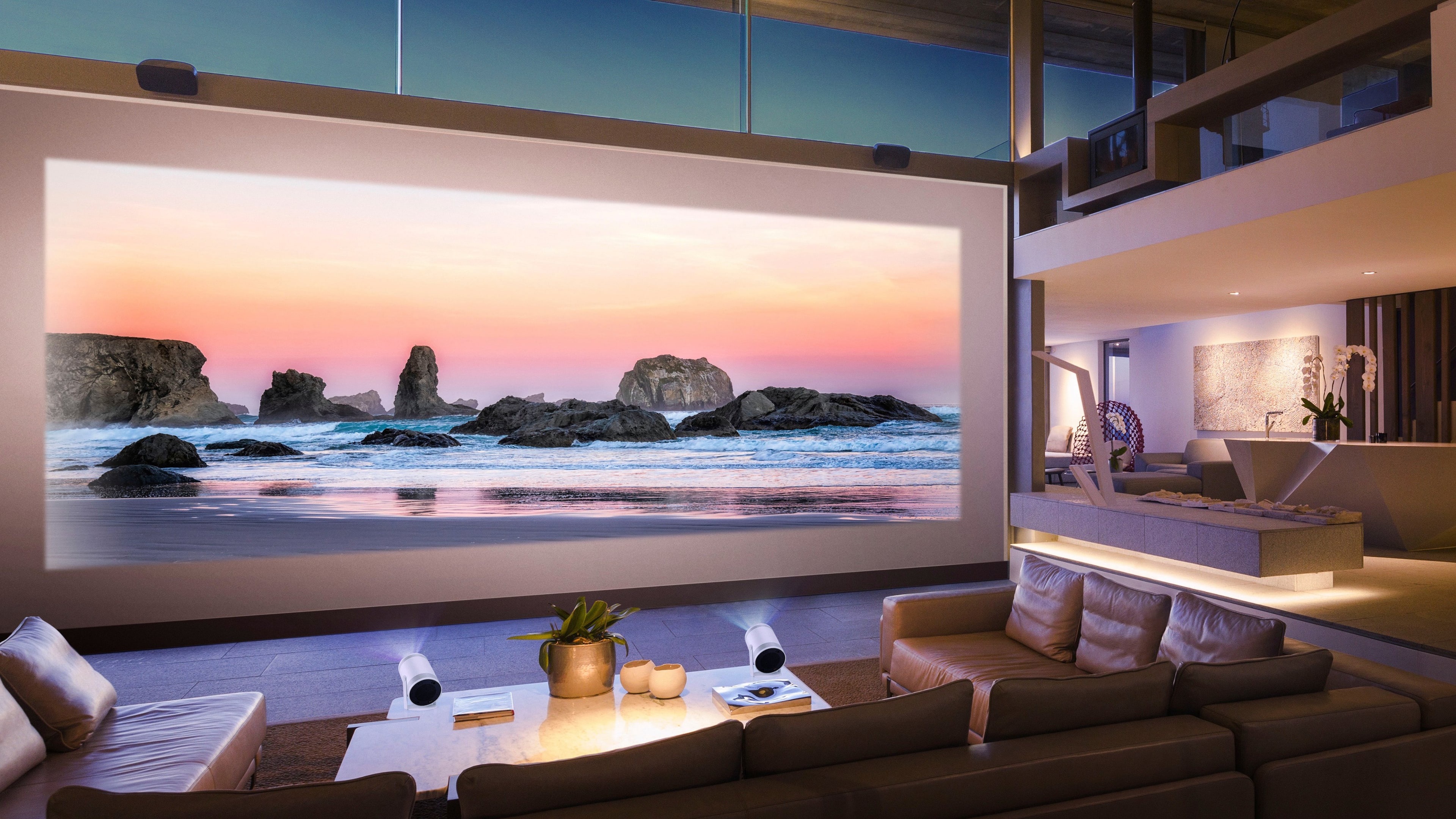
- A:Answer A **120-inch screen** may be a bit large for the **Samsung The Freestyle 2nd Gen projector** to deliver optimal image quality. The projector is designed for smaller to medium-sized screens, typically up to around 100 inches for the best results. While it can project an image on a 120-inch screen, the image quality may decrease as the size increases, with possible loss of sharpness or brightness. For the clearest picture, it's recommended to use a screen size closer to 100 inches, but it can still work for larger screens if you're okay with a potential reduction in image quality.
Answered by Vino
Q: QuestionWhat should the exact distance be between the projector and the screen to get a 100inches image?
Asked by Musti.
- A:Answer I have it like 8ft from.the screen and it displays 100 inches
Answered by jguerra
Q: QuestionCan you use samsung smart view with this?
Asked by Anonymous.
- A:Answer Yes you can do smart view.
Answered by jguerra
Q: QuestionIs it compatible with Apple phones and iOS?
Asked by KnightsX.
- A:Answer Yes, You must Cast a video through the same internet that the device is on though
Answered by Mseedorf
Q: QuestionCan I mirror the image of the projector so that I can see the video back wards? Like inverted image? So instead of AHM8O it is O8MHA.
Asked by ssc.
- A:Answer Yes, you can mirror the image on the Samsung The Freestyle 2nd Gen projector to show it backwards. The projector has a setting that lets you flip the image horizontally. This can be useful if you want to project onto a mirror or transparent screen. Just go to the settings and find the option to mirror the image.
Answered by Vino
Q: QuestionHow can I hook up to dish tv, I attempted it several times and nothing yet, I even purchased a hdmi to mini hdmi cable, does not work with either this cable or another adapter I bought, I have tried to change the settings on freestyle and still no nada???
Asked by LilianaC.
- A:Answer I’m not sure how to connect it but probably contact customer service and see what they have to say
Answered by JohanW
Q: QuestionCan you connect this to an Apple TV?
Asked by madhattr123.
- A:Answer Samsung- keep getting a check device power message. I have the micro HDMI cable plugged into the Apple TV and it’s on. The Apple TV will turn the projector on but wont go to the standard Apple TV Home Screen.
Answered by Anonymous
Q: QuestionCan I project this on to a wall that is approx. 15 feet away? Do I lose picture quality with that distance?
Asked by RayJ.
- A:Answer You can but the quality isn’t that good
Answered by JohanW
Q: QuestionHow long does the battery last before it needs a recharge? Can I use the device while it is charging?
Asked by amber.
- A:Answer amber - The Freestyle 2nd Gen requires a power source as it doesn't include a built-in battery. ~ Samsung Specialist
Answered by Samsung

Q: QuestionDoes this work for rear projection?
Asked by Whynot.
- A:Answer The **Samsung The Freestyle 2nd Gen projector** is not specifically designed for rear projection. It's mainly intended for front projection. However, you might be able to use it for rear projection if you set it up behind a translucent screen, but it would require some adjustments and may not give the best results compared to a projector built for rear projection.
Answered by Vino
Q: QuestionCan it connect to a PlayStation
Asked by Desrae.
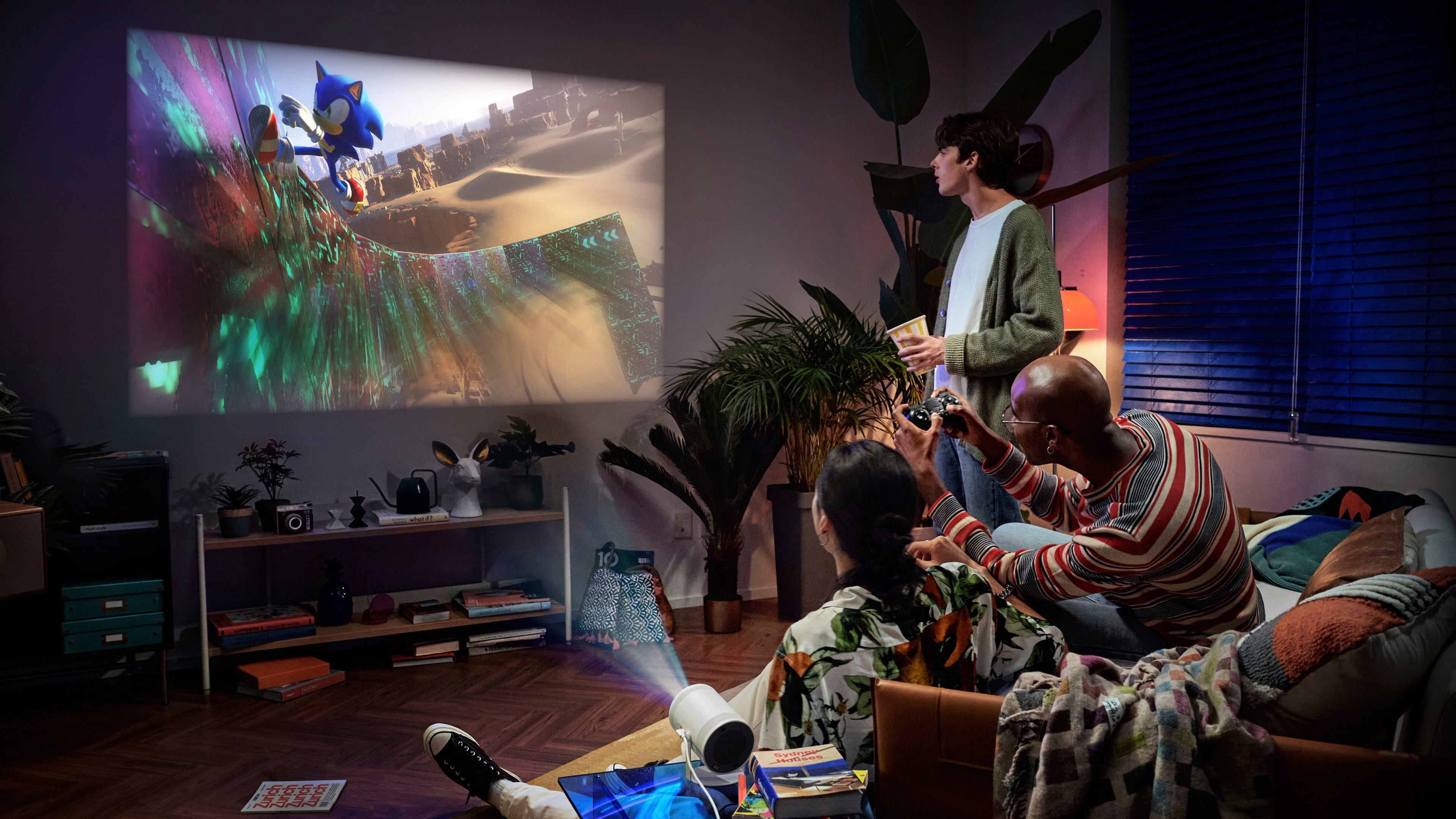
- A:Answer Need hdmi adapter for gaming
Answered by TashawnM
Q: QuestionIf I have an adapter, can I connect the projector to an Ethernet cable for internet connection instead of using wireless internet connection? I don’t see anything in the manual about a wired internet connection
Asked by Boo.
- A:Answer Boo - Please give us the opportunity to better assist with this by reaching Samsung Support at: 1-800-SAMSUNG, 8AM - 12AM EST, 7 days a week, or Chat with us on Samsung.com: https://www.samsung.com/us/support/contact/ ~ Samsung Specialist
Answered by Samsung

Q: QuestionCan I download different apps on it like direct tv stream
Asked by Danny.
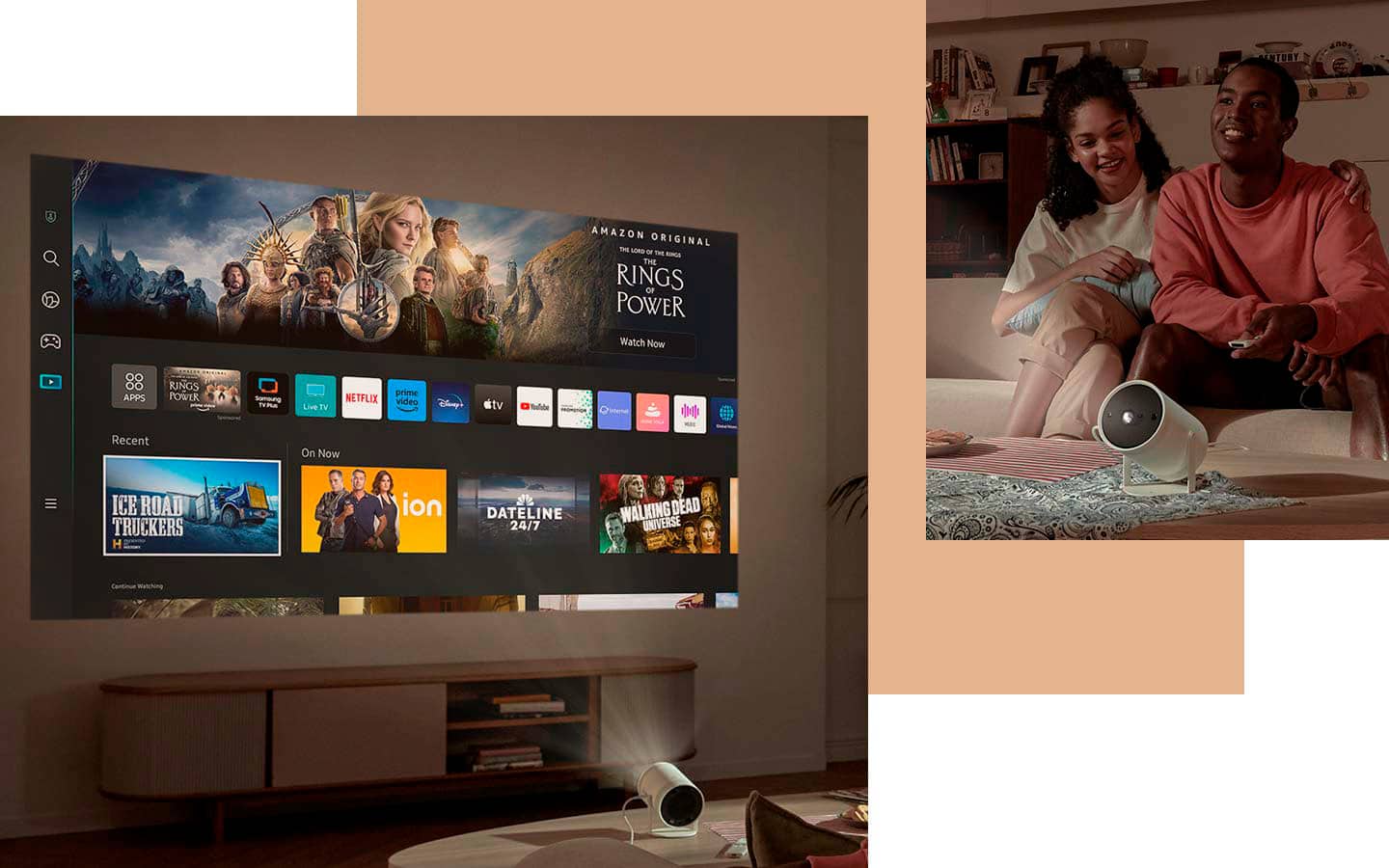
- A:Answer You can download some apps
Answered by JohanW
Q: QuestionAre you able to use an HDMI splitter? To where I can connect multiple consoles, or will I have to disconnect every time?
Asked by LINGO.
- A:Answer Yes, you can use an **HDMI splitter** with the **Samsung The Freestyle 2nd Gen projector** to connect multiple consoles at once. The HDMI splitter will allow you to connect multiple devices (like gaming consoles) to the projector without having to disconnect and reconnect them each time. Just make sure the splitter is compatible with the resolution and HDMI version supported by the projector for the best performance.
Answered by Vino
Q: QuestionHello! Can I Chromecast to this? Or just Apple?
Asked by Hejsiakal637.
- A:Answer Yes, you can **Chromecast** to the **Samsung The Freestyle 2nd Gen projector**. The projector has built-in support for **Google Chromecast** as well as **AirPlay**, so you can cast content from both Android devices and Apple devices. Simply connect your device to the same Wi-Fi network as the projector, and you can easily cast or mirror your screen.
Answered by Vino
Page 3, Showing 41-59 of 59 questions
Top Rated
- $259.99Your price for this item is $259.99$449.99The comparable value for this item is $449.99
- $1,599.99Your price for this item is $1,599.99$1,799.99The comparable value for this item is $1,799.99
- $199.99Your price for this item is $199.99$349.99The comparable value for this item is $349.99
- $189.99Your price for this item is $189.99$259.99The comparable value for this item is $259.99
- $1,399.99Your price for this item is $1,399.99
- $549.99Your price for this item is $549.99$599.99The comparable value for this item is $599.99
- $2,499.99Your price for this item is $2,499.99
- $5,999.99Your price for this item is $5,999.99
- $2,999.99Your price for this item is $2,999.99$3,799.99The comparable value for this item is $3,799.99
- $3,499.99Your price for this item is $3,499.99
- $5,999.99Your price for this item is $5,999.99
- $3,999.99Your price for this item is $3,999.99$4,499.99The comparable value for this item is $4,499.99
- $2,199.99Your price for this item is $2,199.99$2,699.99The comparable value for this item is $2,699.99
- $3,799.99Your price for this item is $3,799.99
- $2,851.73Your price for this item is $2,851.73$2,999.99The comparable value for this item is $2,999.99