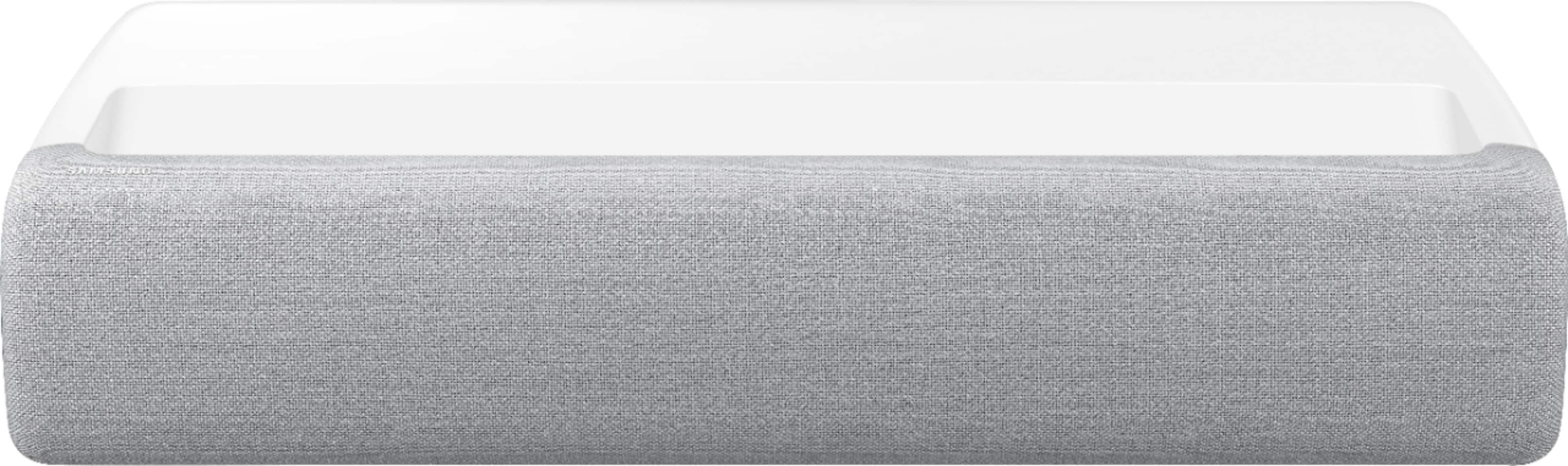
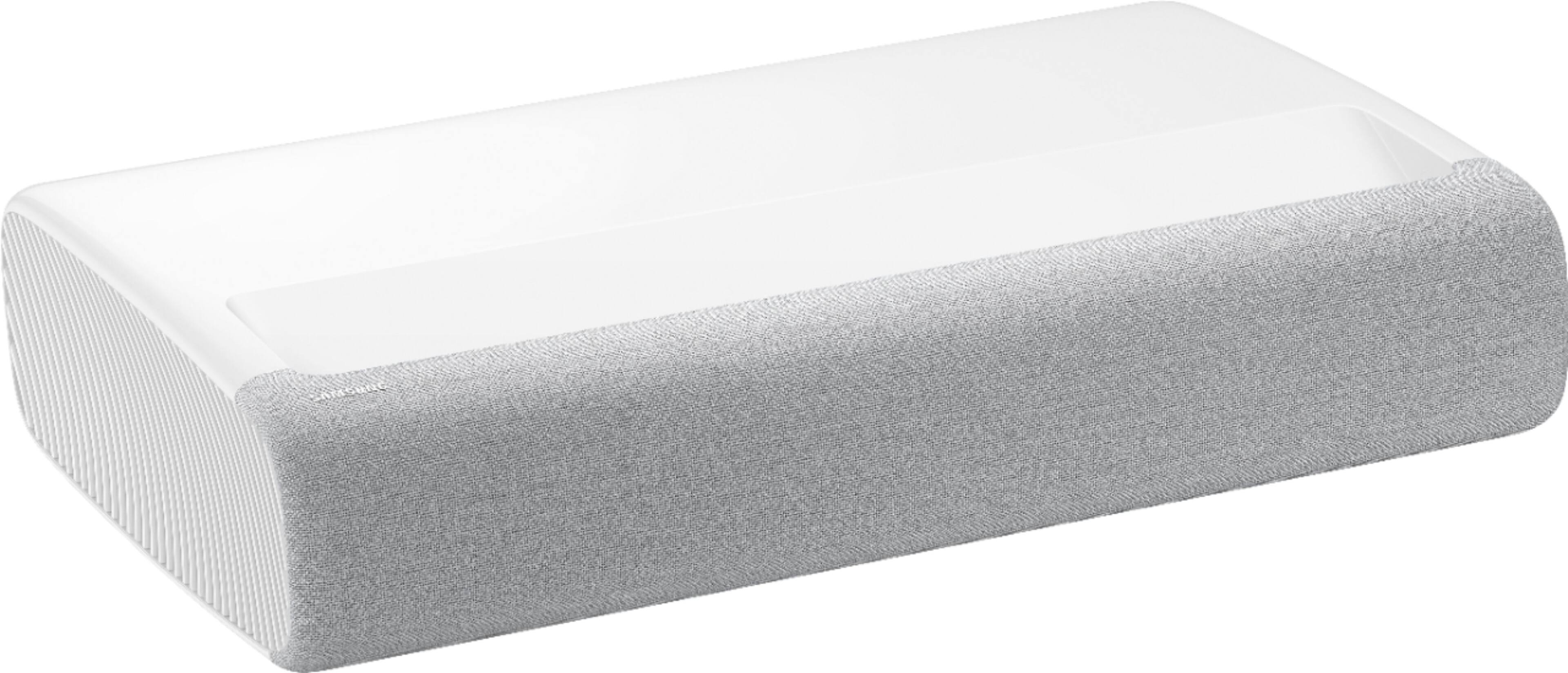
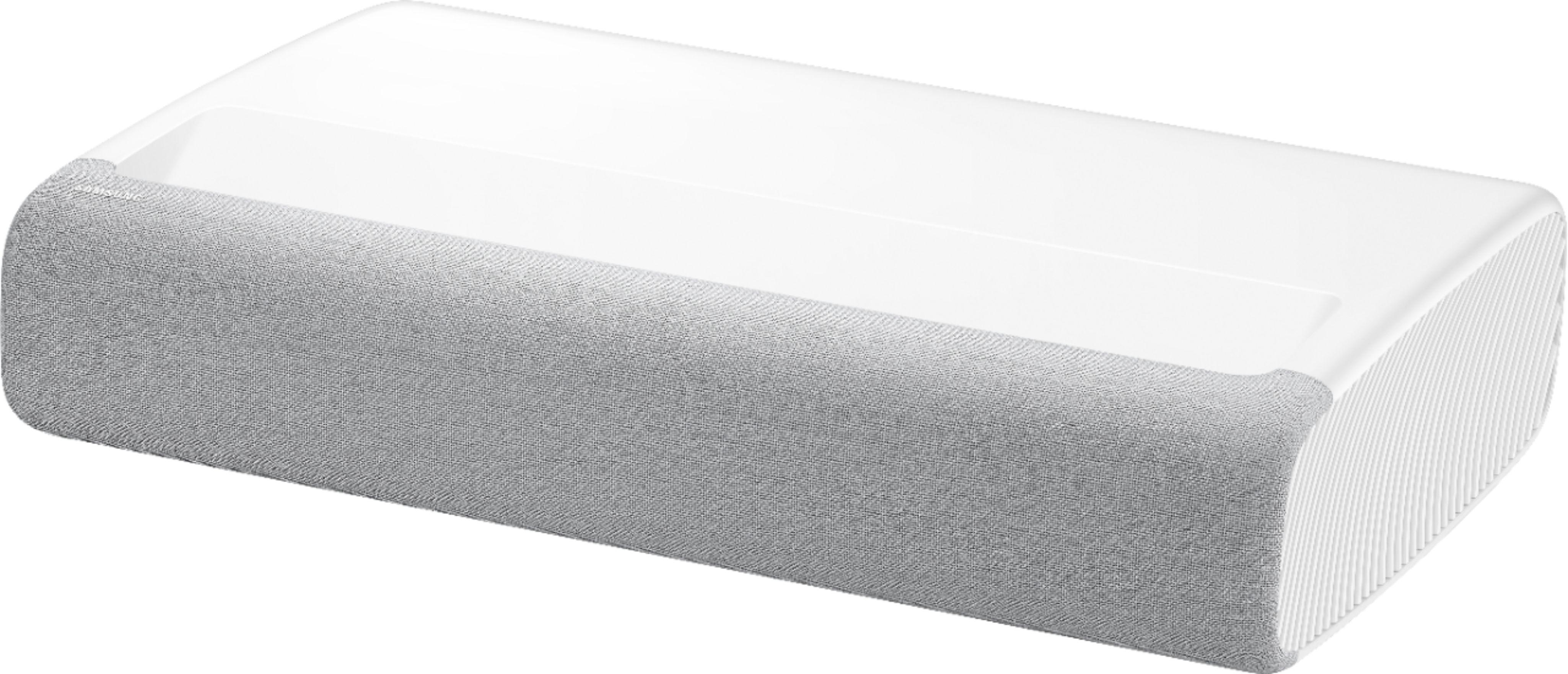
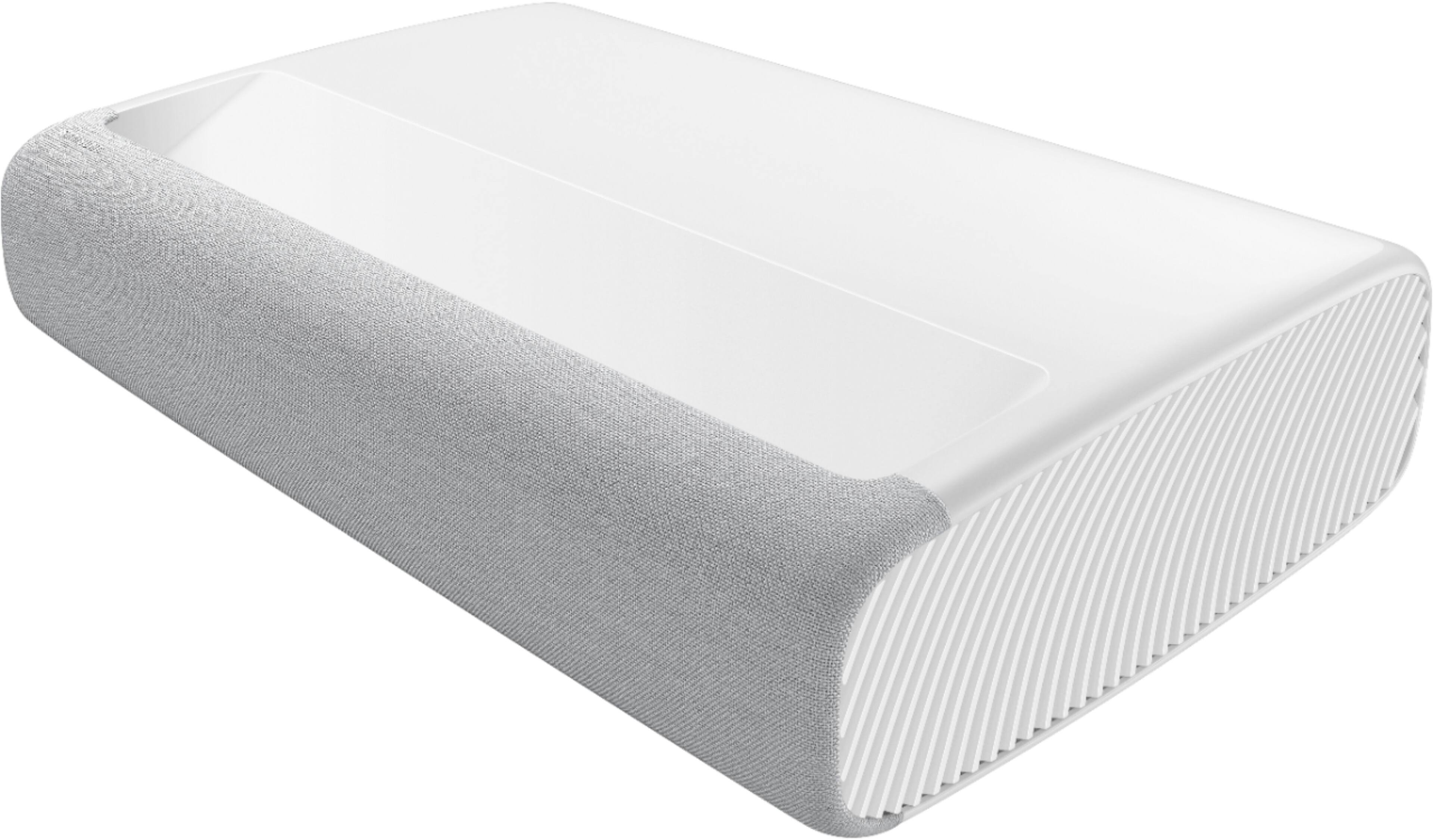
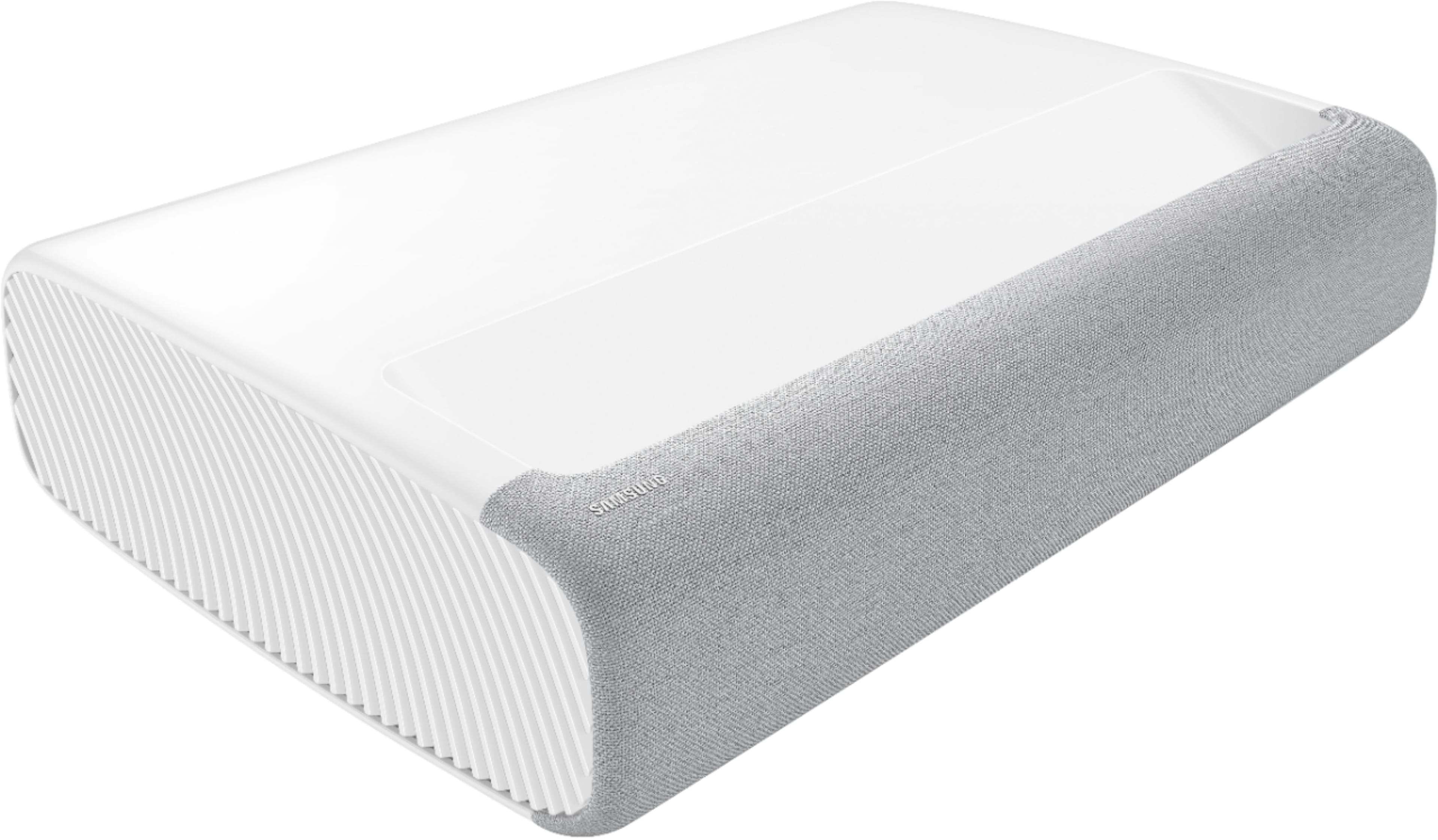
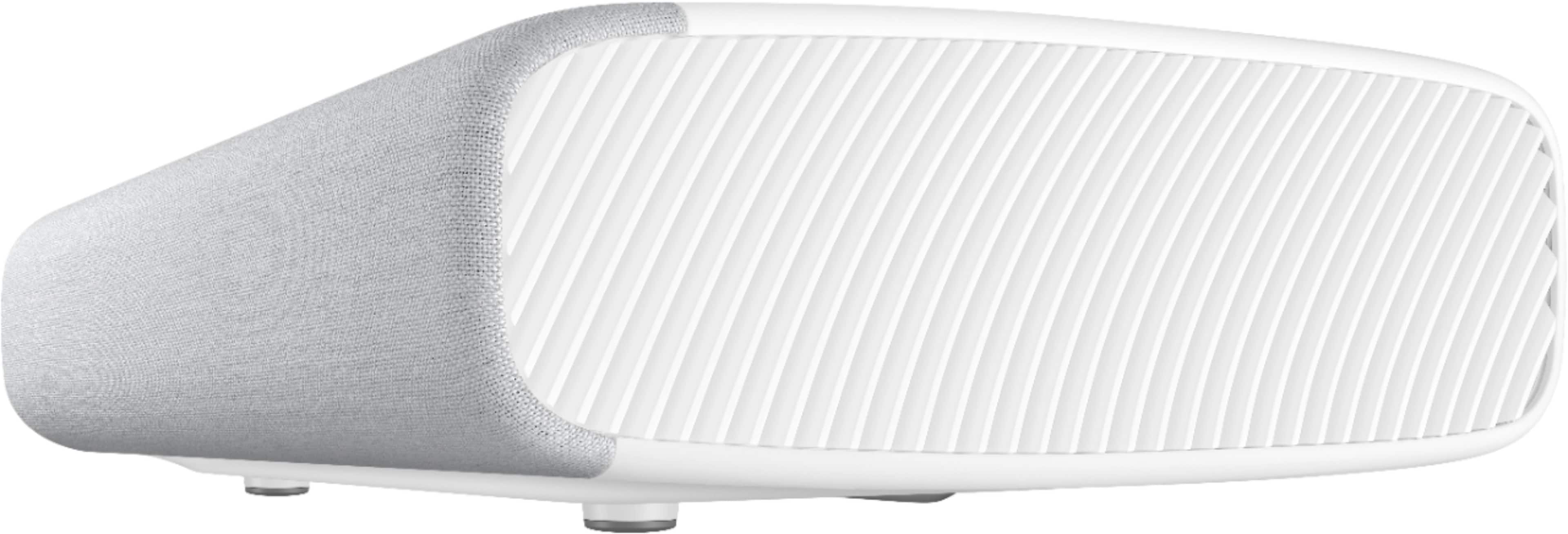
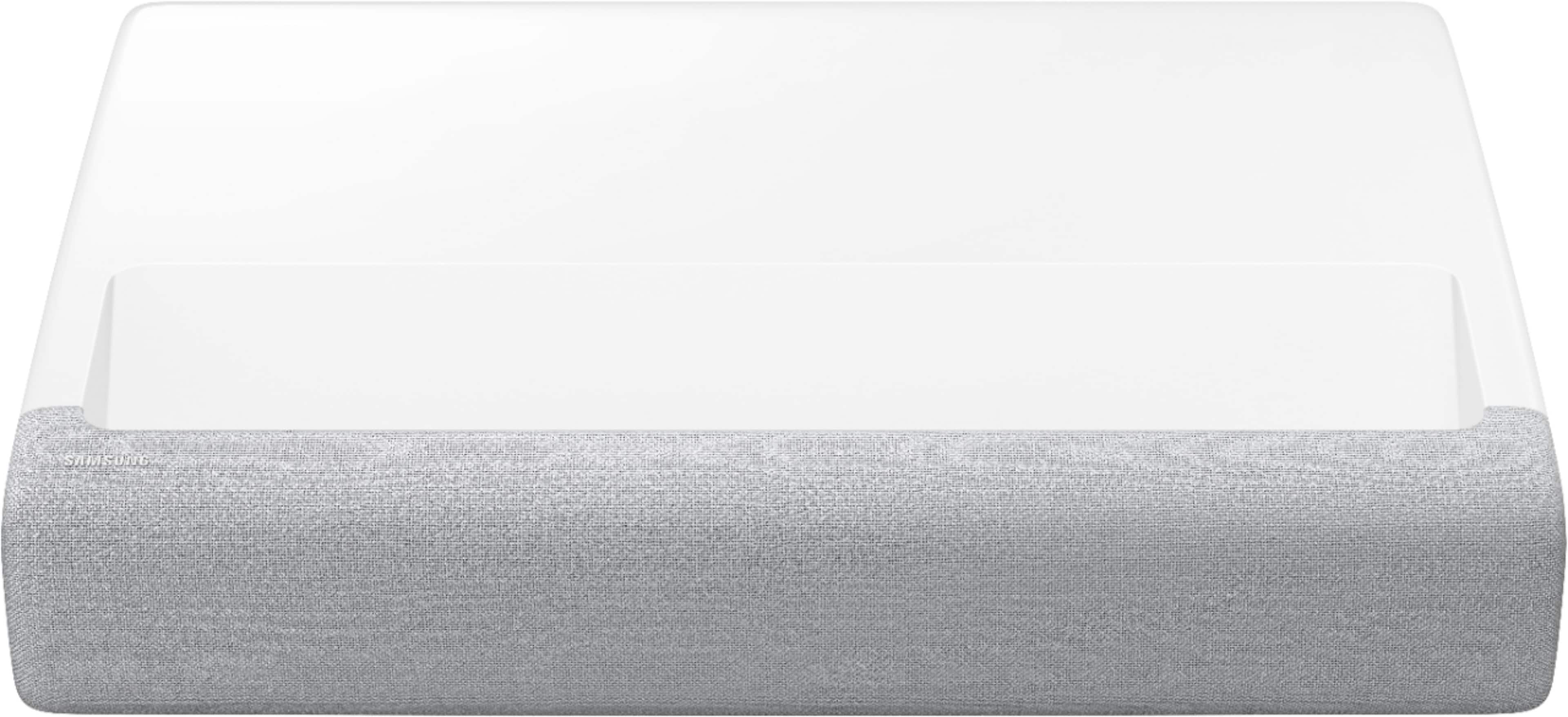
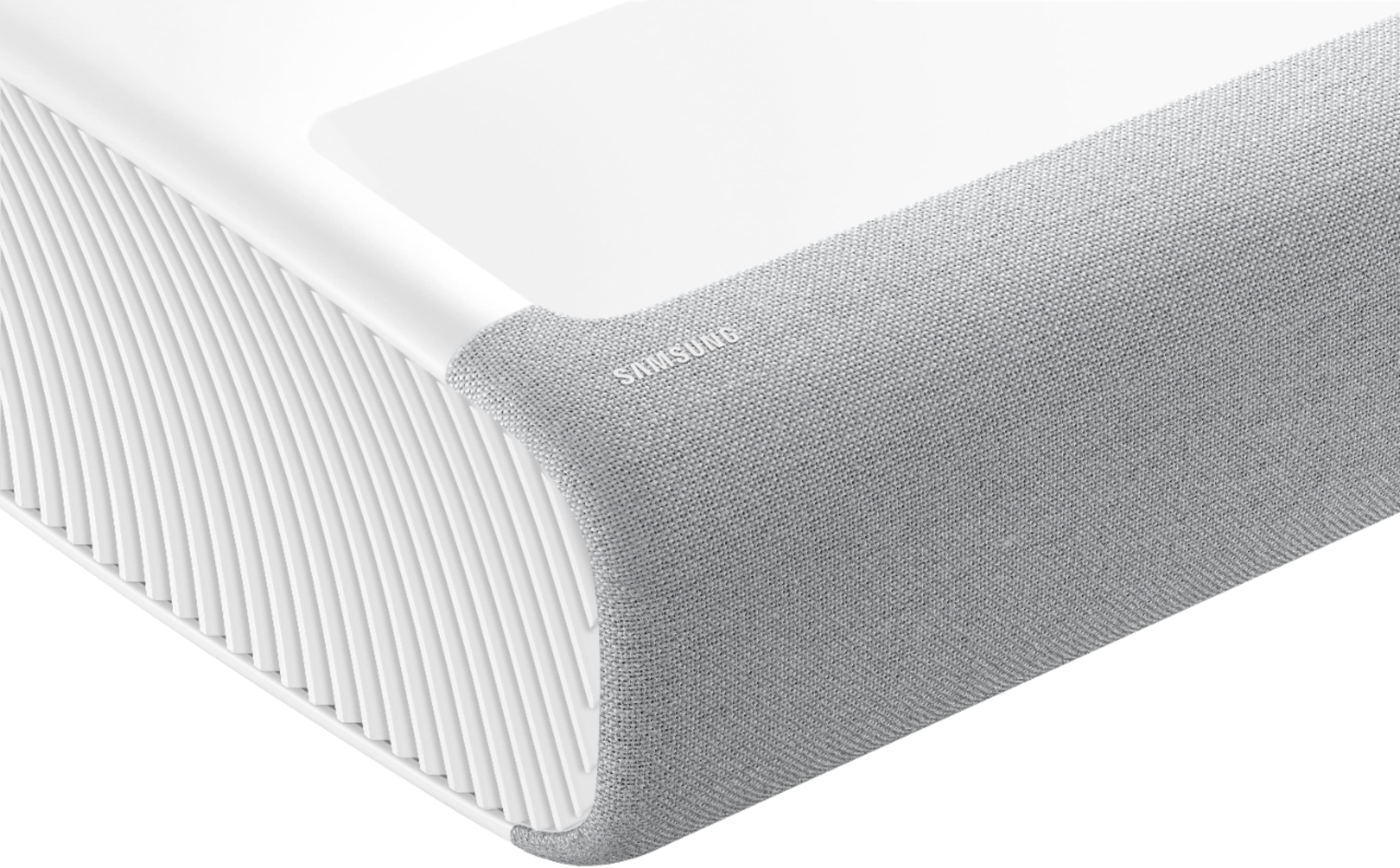
A:AnswerHi Curiosity, the Premiere Projector can be adjusted when the image is not a perfect right angle. However, it is designed to be used on a flat, vertical surface. ^Val
A:AnswerHello Setup,
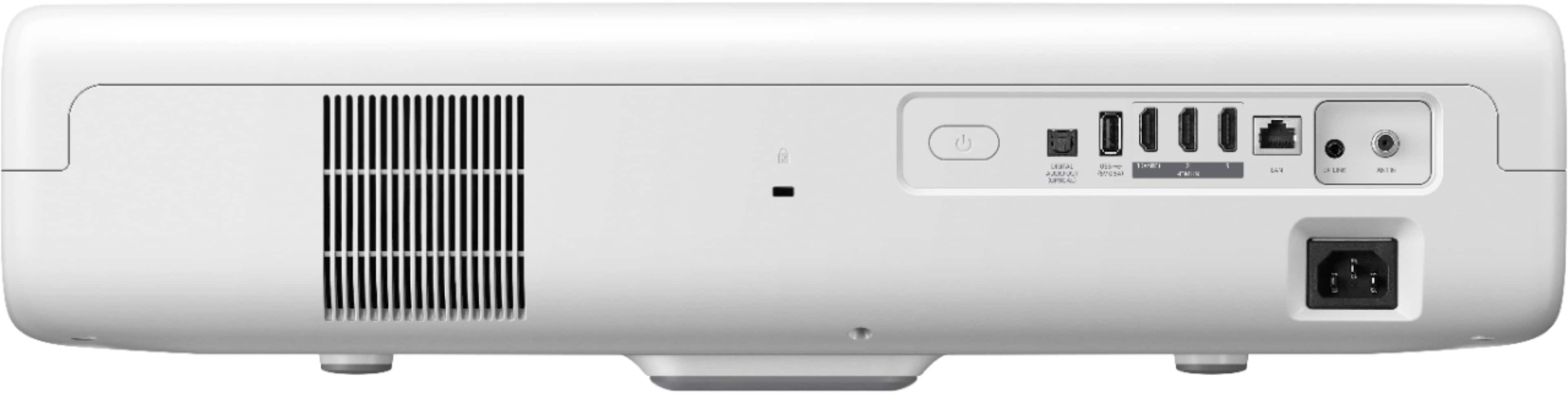
Yes, you can connect your receiver to one of the three HDMI ports available. Please check out premium HDMI cables at Best Buy for the best experience. https://www.bestbuy.com/site/searchpage.jsp?st=HDMI+cables&_dyncharset=UTF-8&_dynSessConf=&id=pcat17071&type=page&sc=Global&cp=1&nrp=&sp=&qp=&list=n&af=true&iht=y&usc=All+Categories&ks=960&keys=keys
^Cristian
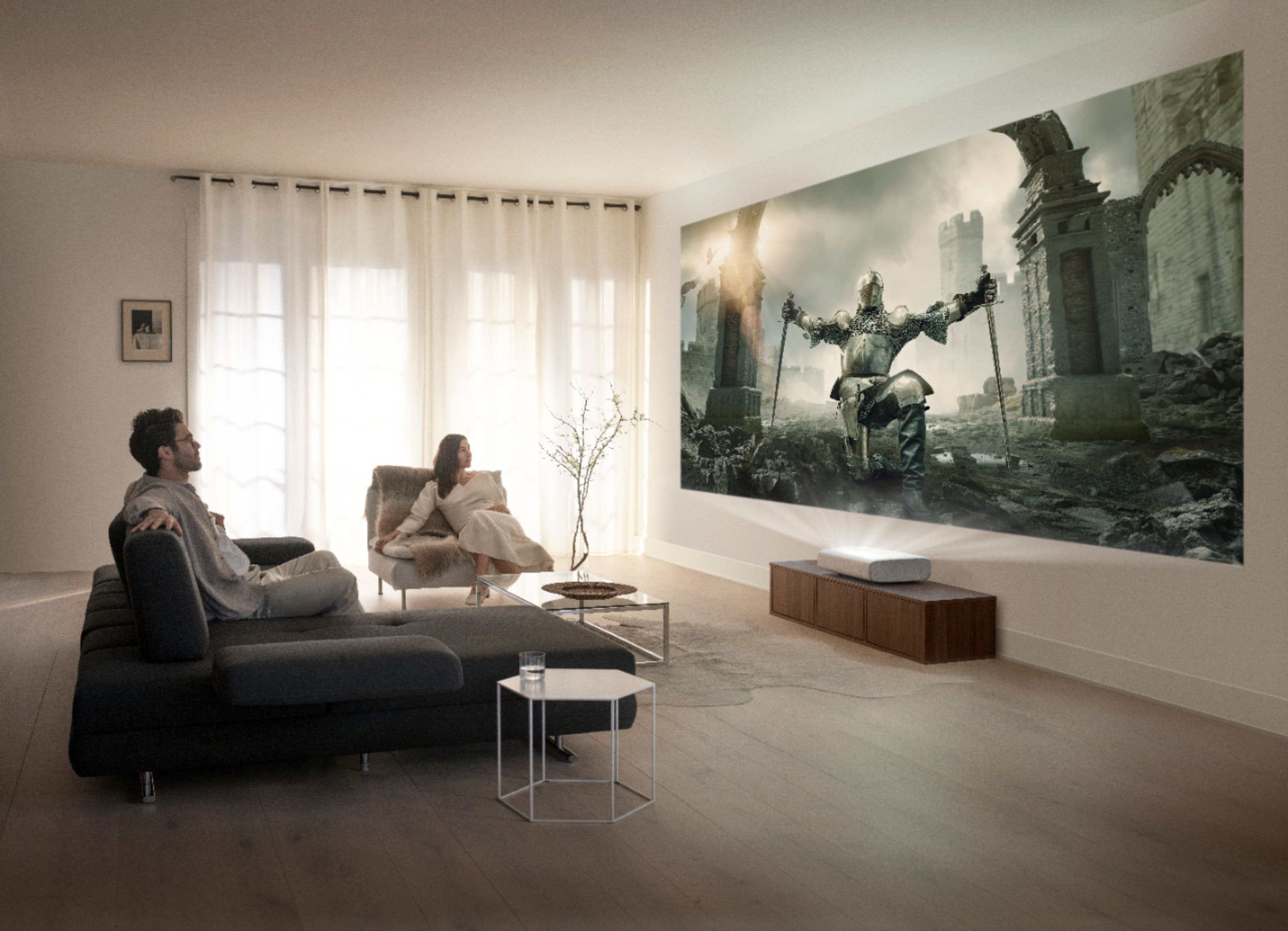
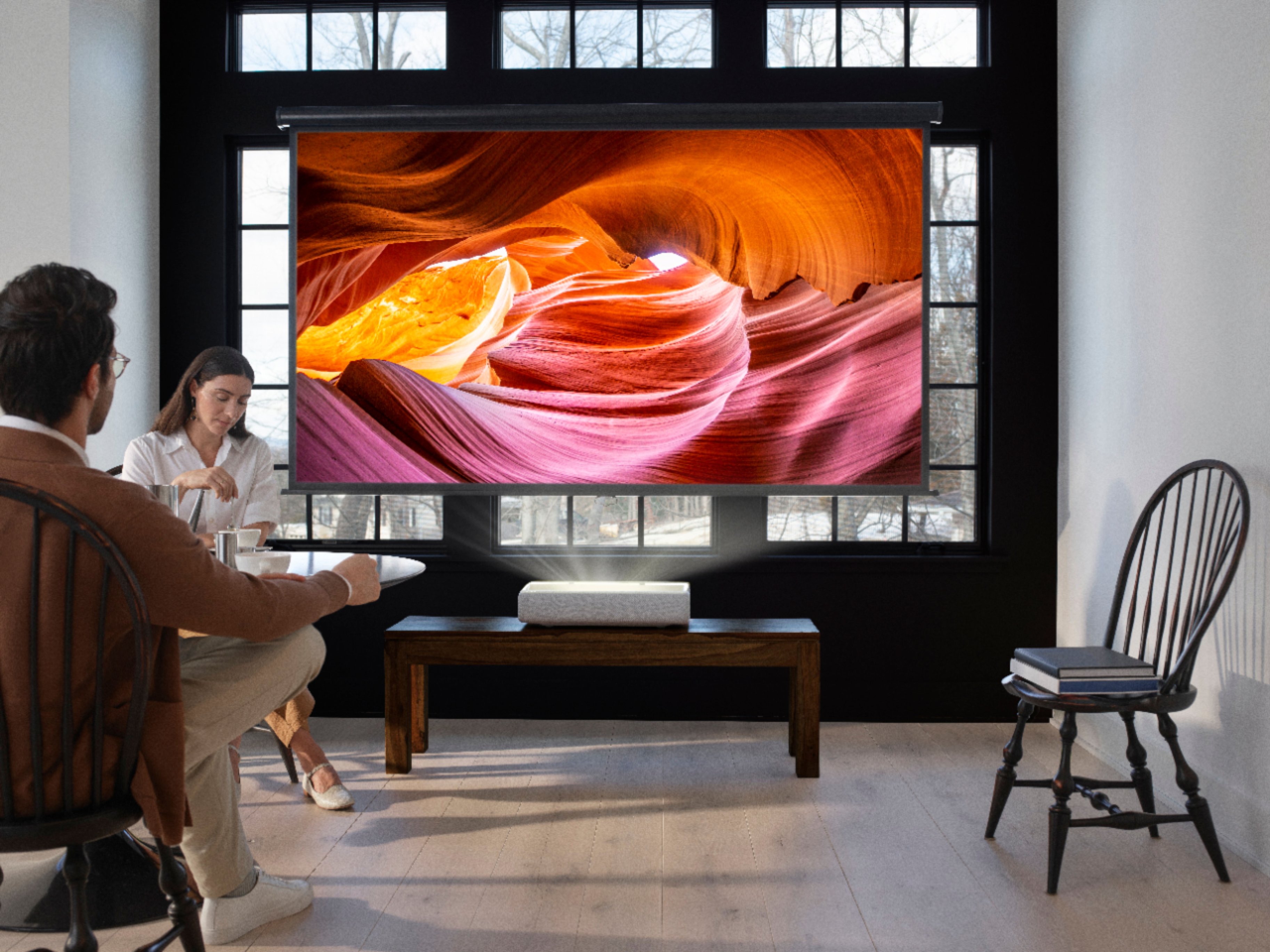
A:AnswerHi Rayland, great question. The distance to the screen base will vary depending on the size of the screen you would like. A 90" screen for example needs to be installed 13.7" above the LPS7T, while a 120" screen needs to be mounted 17.3" above the projector. I hope this helped, thanks. ^Scott
90” 13.7”
95” 14.3”
100” 14.9”
105” 15.5”
110” 16.1”
115 “16.7”
120” 17.3”
A:AnswerHi! Yes, the Premiere short throw projector is designed to work in any environment, a white wall is all you need. With 2200 lumens of brightness you can see excellent detail at any time of day. To improve the experience, a screen can help. We recommend screen with ALR (Ambient Light Reflecting) surfaces to further enhance the benefits of short throw projectors. ^Tim
A:AnswerIndustrialradio, thank you for your interest in The Premiere, the world’s first HDR10+ projector. With 2200 lumens and 4K UHD ultra bright laser technology, the LSP7T delivers crisp, vivid imagery during the day. ^Alex
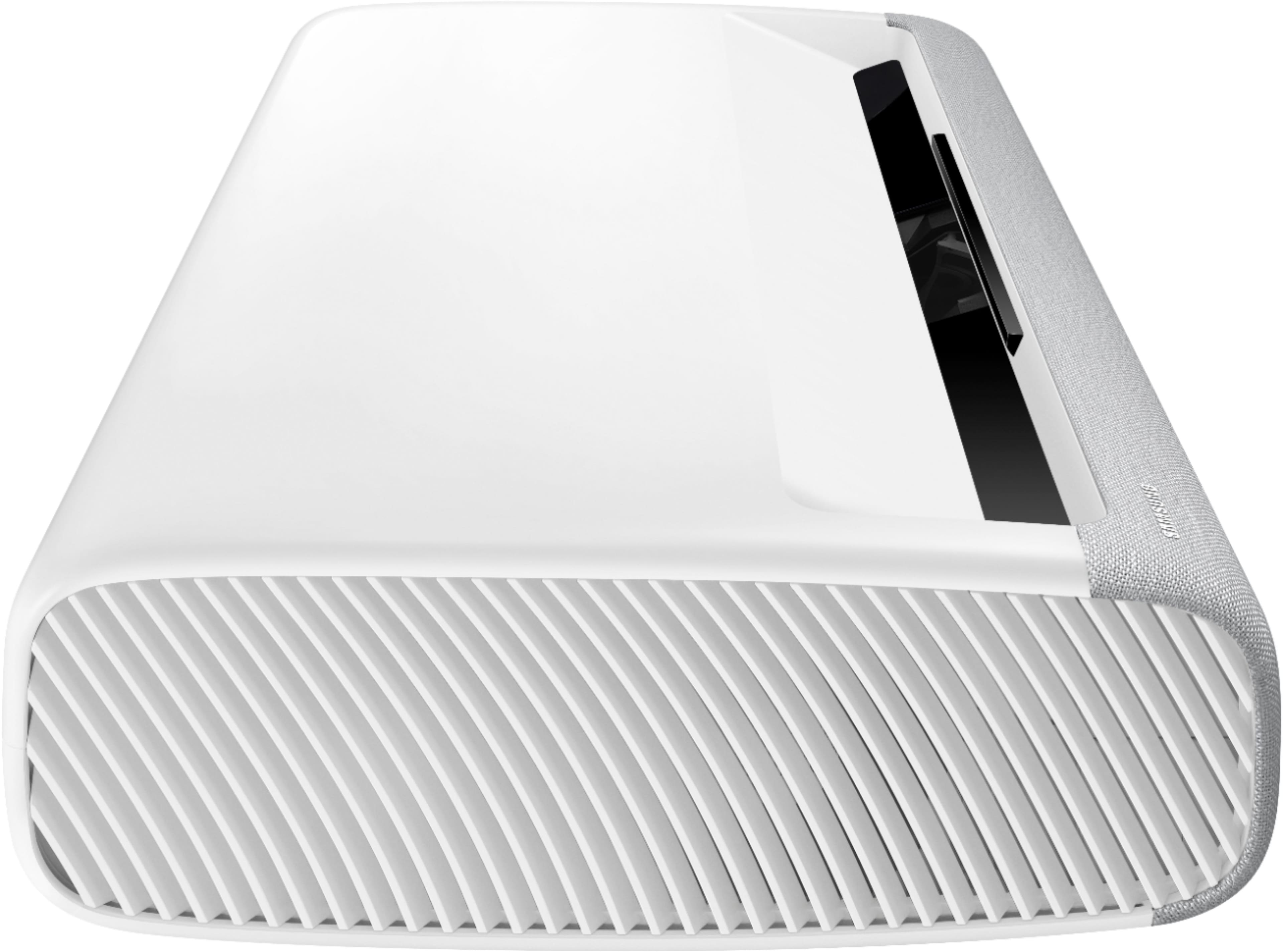
A:AnswerHi Tony - The Premiere has 3 HDMI ports, all of which support Auto Low Latency Mode (ALLM) and Dynamic Metadata (HDR10+). “HDMI In 3” port further supports eARC. To improve motion for fast motion content like sports and action movies, Samsung uses Motion Estimation & Motion Compensation (MEMC) with The Premiere. This feature allows the motion to be smoother by adding frames to low-speed sources. ^Gina
A:AnswerHello VicPR123,
The LSP9T has an input lag of roughly 53ms in Game Mode. Keep in mind that projectors typically have much higher input lag than regular TVs, and this number reflects fairly high performance for a projector. ^Cristian
A:AnswerMark1961 - To best assist you with projector mounting options which best fit your needs, we recommend directly contacting or visiting your local Best Buy store. ^Gina
A:AnswerHi Vladimore77! To take advantage of the maximum, 120" screen size the LSP7T projector is capable of, you should position the screen 16.3" away from the projector, and 17.3" above the projector. The user manual at the following link features a chart showing optimal distance and height of the projector and screen. https://www.samsung.com/us/support/owners/product/4k-smart-laser-projector-lsp7t-2020
^Tim
A:AnswerNo lag. It has game mode which switches it to real-time. I play Call of Duty and Apex. I can’t complain of lag between it and the Xbox and displaying the video.