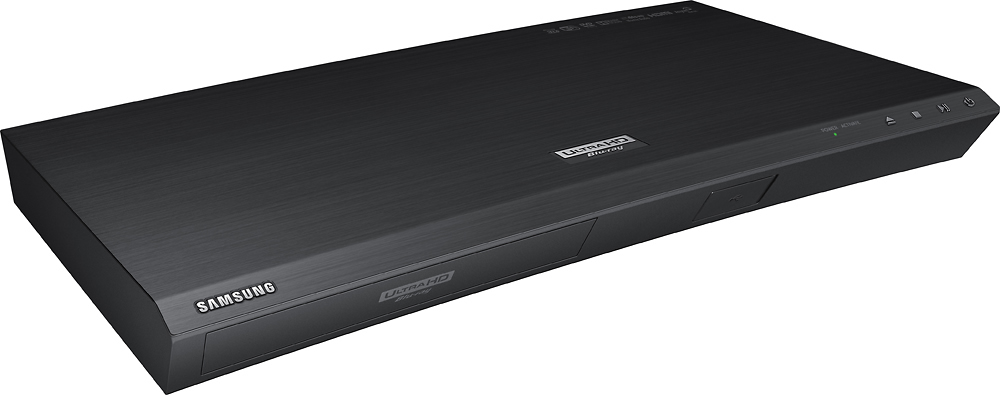
A:AnswerUsing a HDMI cable plug it directly into one of the HDMI inputs on your tv.( If you go through a receiver your receiver has to have UHD pass through). You can then use your tv sound if your happy with that. If you have a receiver use a digital optical cable. Go from the digital optical out on the back of your tv into the digital optical in on your receiver.
A:AnswerThe front of this player has a USB port. I hooked up a wireless USB Logitech keyboard that I also used to use with a Playstation 3, however it doesn't let me type when searching in apps like Youtube or Netflix. I can navigate using the keyboard's directional arrow keys and the enter and delete buttons work but nothing shows up when I type. It's annoying. I really want to be able to type in the search box when using the Youtube app with this player.
A:AnswerGood luck with Sam song trying to talk to them. As far as Bose goes it depends on the age of the remote. If it is an old remote the small one I do not think it will work.
A:AnswerThere should be an option on your TV to enable HDR.
You have to look it up.
You don't have to buy anything. Those boxes recommended here by someone are just for UI, nothing to do with HDR.
A:AnswerThe answer unfortunately is no you have to purchase a separate evolution kit special order from Bestbuy $399.99 it will play them but the picture is not good it can get wavy very dark but you do need the evolution kit to play at the pixelate it was made to play . I have the same TV and I had to buy the evolution kit. It's a little tiny box 6" x 3" 1 1/2 inch
A:AnswerNo not without a special HDMI adapter which I believe is available at Best Buy by special order online or at the store. I was asked this question earlier