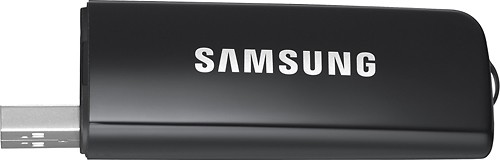
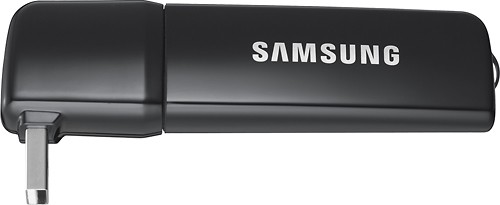
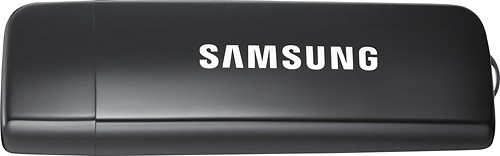
A:AnswerFor all models that support the WIS09ABGN LinkStick, the new WIS12ABGNX LinkStick will be the compatible (and readily available) replacement model.
Here's the link for that product if you'd like to purchase it online:
http://www.bestbuy.com/site/Wireless+Adapter/4860965.p?id=1218555765191&skuId=4860965&st=wis12abgnx&cp=1&lp=1
Thanks for your interest in Samsung products.
--Mr.Samsung
A:AnswerWe can't determine specifically for the LA40C650L1F model, since it's not a U.S. model.
However, if the unit requires the WIS09ABGN, the WIS12ABGNX will be a compatible replacement part for use in the U.S. It would seem to make sense that it would also replace other overseas models, but again, we cannot confirm. We encourage you to reach out to the Samsung customer service center in your region to confirm for the LA40C650L1F model to confirm before purchasing.
Thanks for your interest in Samsung wireless adapters.
--Mr.Samsung
A:AnswerAs long as the wireless device you are using acts as a wireless router that will allow other devices to connect to it to access the internet, the Linkstick should allow your compatible Samsung TV to access the internet through the wireless device you mentioned.
-MrSamsung
A:AnswerAlthough the LN46C630 does not have direct access to Samsung Apps (like Netflix, Pandora or YouTube), it can display App content from the HT-E4500 (the blu-ray player will handle the Internet content processing, while the TV displays the content. Similar to how a monitor will display the PC’s video signal). And to access App content from the BD Player, you will need to use the WIS12ABGN Linkstick to connect to your home network. Please note, the Samsung Linkstick can only facilitate a network connection to Samsung Devices that already offers either network connectivity or Internet@TV and Samsung Apps. Since the Linkstick cannot add additional features, it will not be compatible with the LN46C630.
Thank you for the opportunity to assist you,
-MrSamsung
A:AnswerActually, it would be your TV or BD Player that will have the networking software needed to enter all of your network's information. The Linkstick only facilitates the WiFi connection, but it will not offer any of the options that are required for you to properly connect to the home network. That job is done by your TV's or BD player's internal software. That said, if your TV/BD Player does not support any sort of networking functionality, the Linkstick will not be able to add additional functionality. Again, the Linkstick can only facilitate a network connection to your network capable device.
However, if your device does offer network features, then you should be able to type in your non-broadcasted SSID into the TV/BD Player, which will then allow the TV/BD Player to connect to your home network through the Linkstick. If you have any further questions, please feel free to write back in or contact a Geek Squad member or contact Samsung Support directly.
-MrSamsung