A:AnswerNo, that was issue I had with the same model I purchased from Walmart. The "K" in your model # is the model year of 2017. The wireless rear speakers are vintage 2018. Not backward compatible. So, I purchased the HW-M450 the next day.
A:AnswerWith respect to the product details posted with these Samsung loud speakers, only certain Samsung M series soundbars can be connected, while your soundbar is a K series. In a nut shell, from the information given, your soundbar is not compatible with this item.
A:AnswerIf you go to the Samsung web site http://www.samsung.com/us/support/answer/ANS00077500/ and look at compatible soundbars the HW-J8500R isn't listed. But maybe it was written before there was a HW-J8500R. I would ask if you could return it if it doesn't work and give it a try. If they have it in the store the box should have a list of compatible soundbars on it. Possibly you could ask them to link it with a display model of your soundbar.
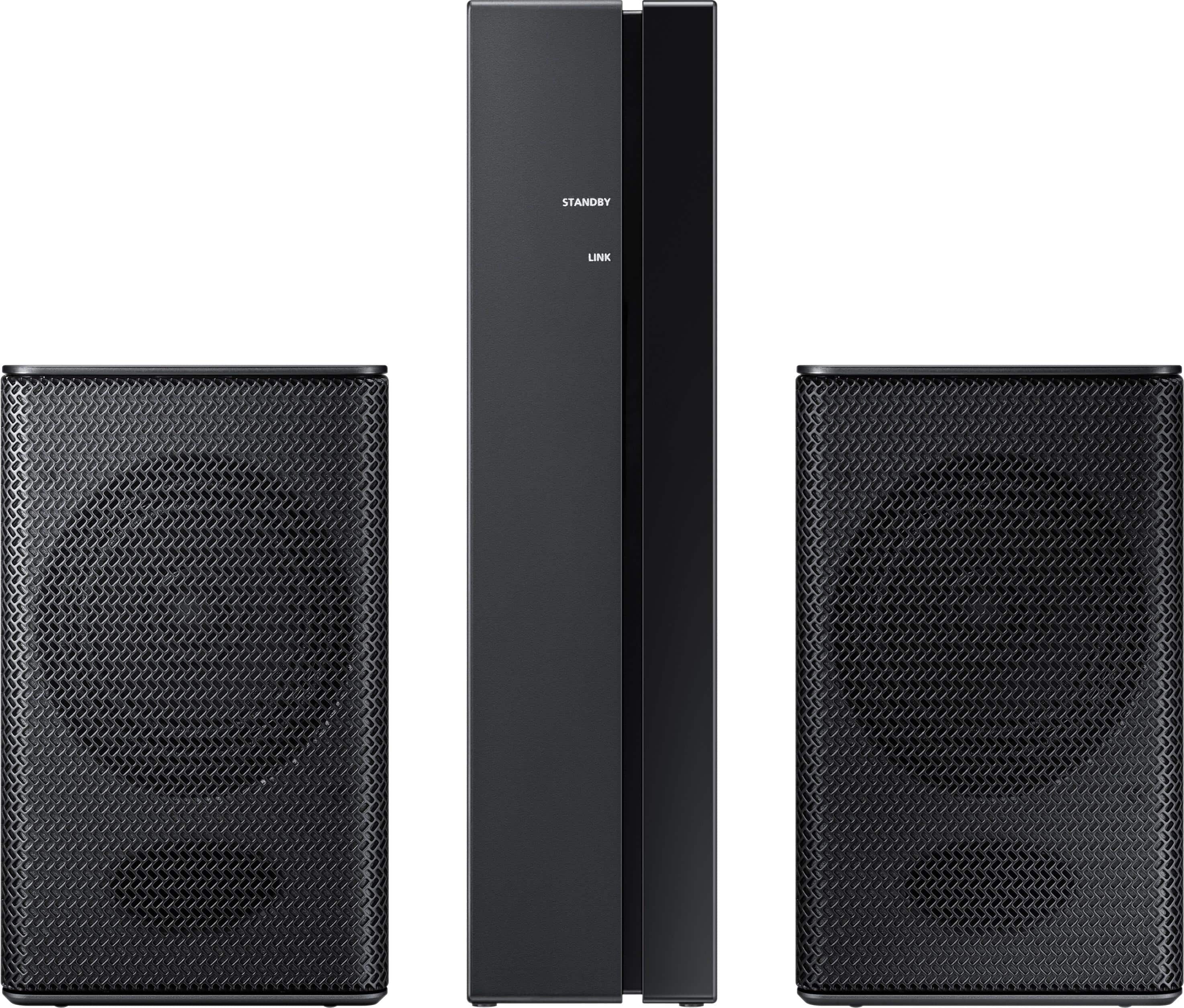
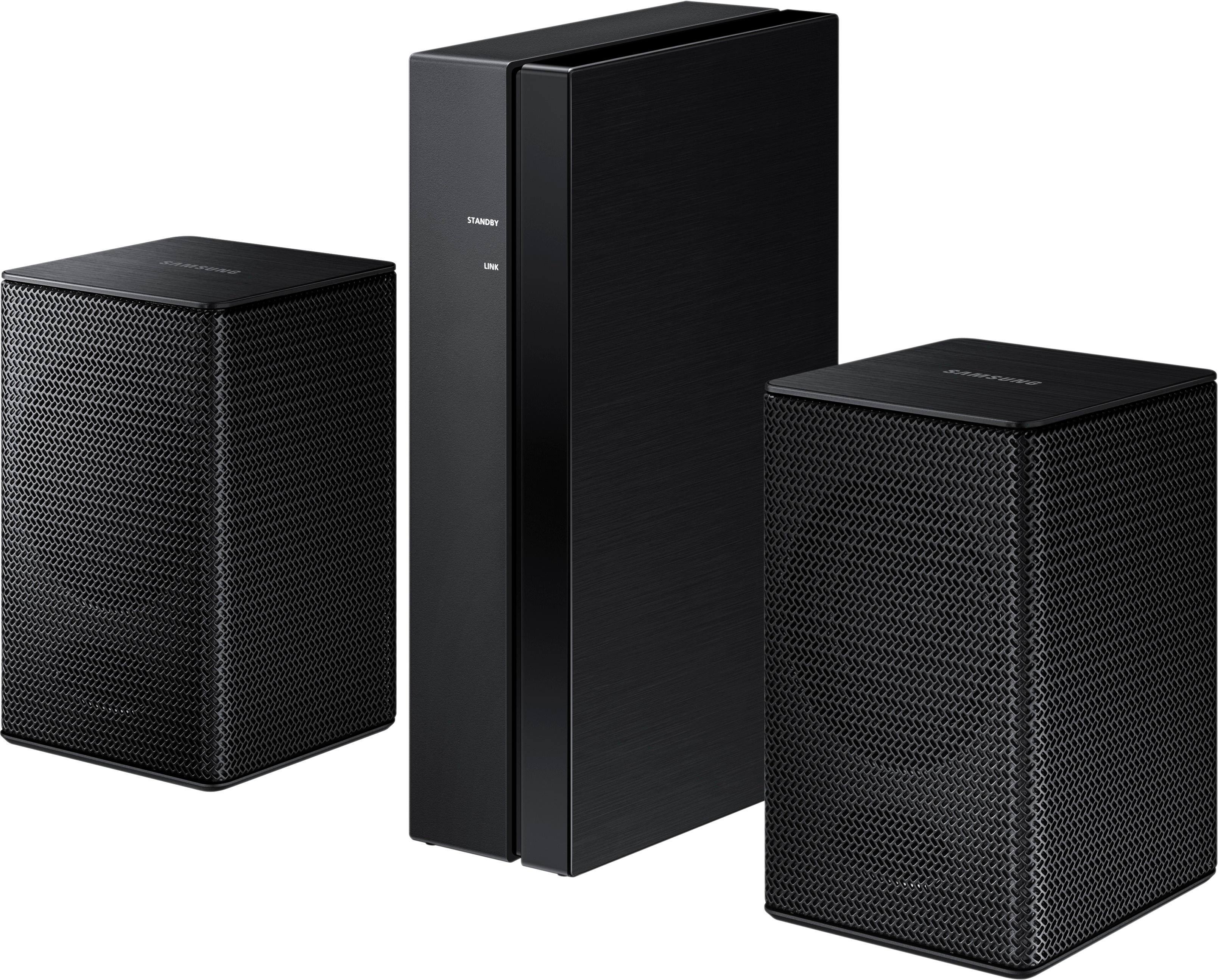
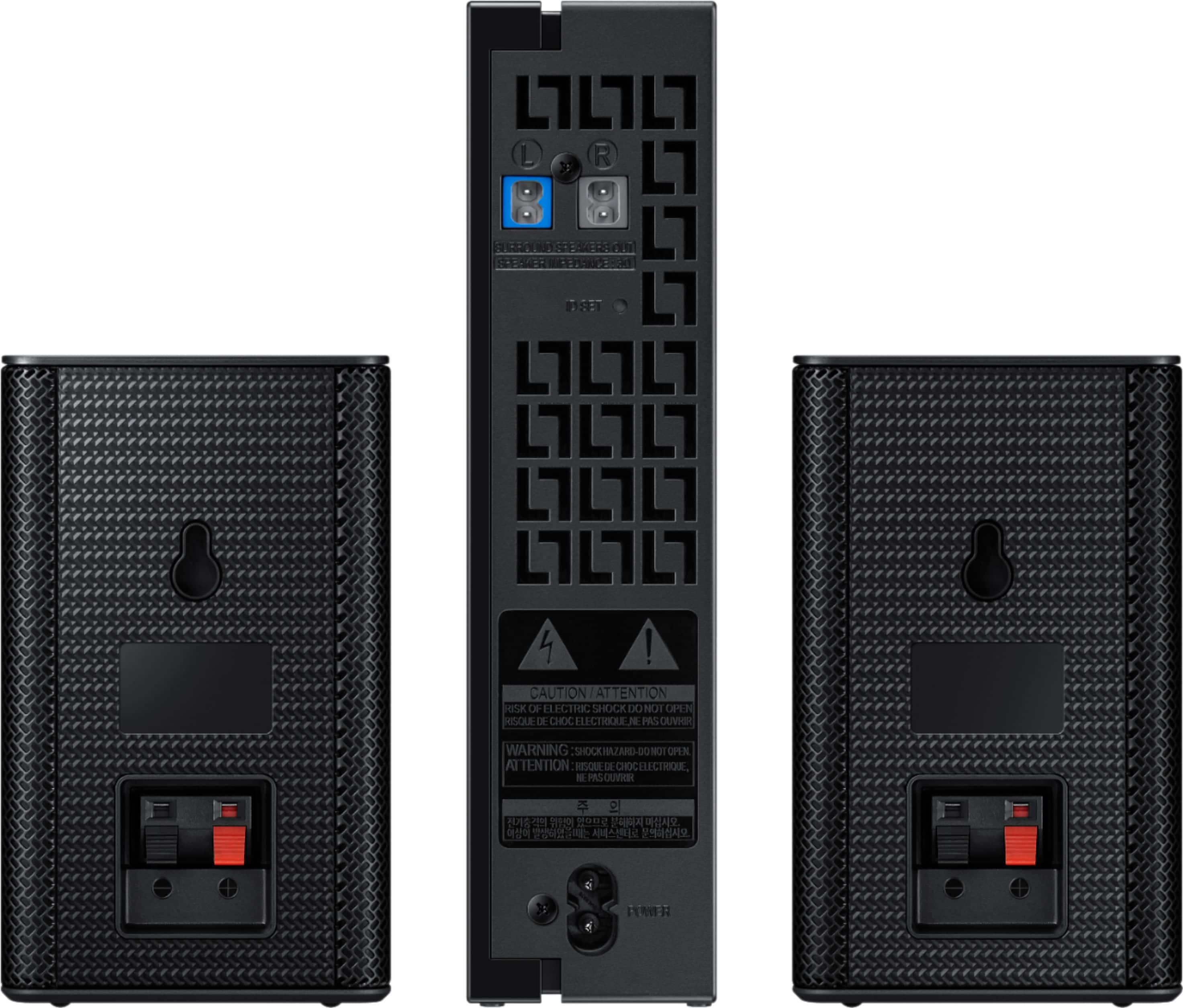
A:AnswerNo you cannot connect extra speakers to the sound bar. You will need to purchase the speaker kit that is compatible with the sound bar. That kit contains two speakers which does not allow you to add additional speakers other than those that come with the additional speaker kit.
A:AnswerThere's no need for any other speakers. Just power the Bit speaker on, pair it with your phone, and listen to your music or make calls through the speaker.
A:AnswerHi Madfresh86! Samsung soundbars will only connect to one wireless rear speaker kit at a time. If using multiple rear speaker kits for different viewing locations, you would need to disconnect and pair the wireless rear speaker kit each time you change receivers. ^Tim
A:AnswerHi Ed! The current generation speaker kits are not compatible with the HW-KM36/ZA soundbar. Refer to the soundbar manual for compatible accessories. ^Tim