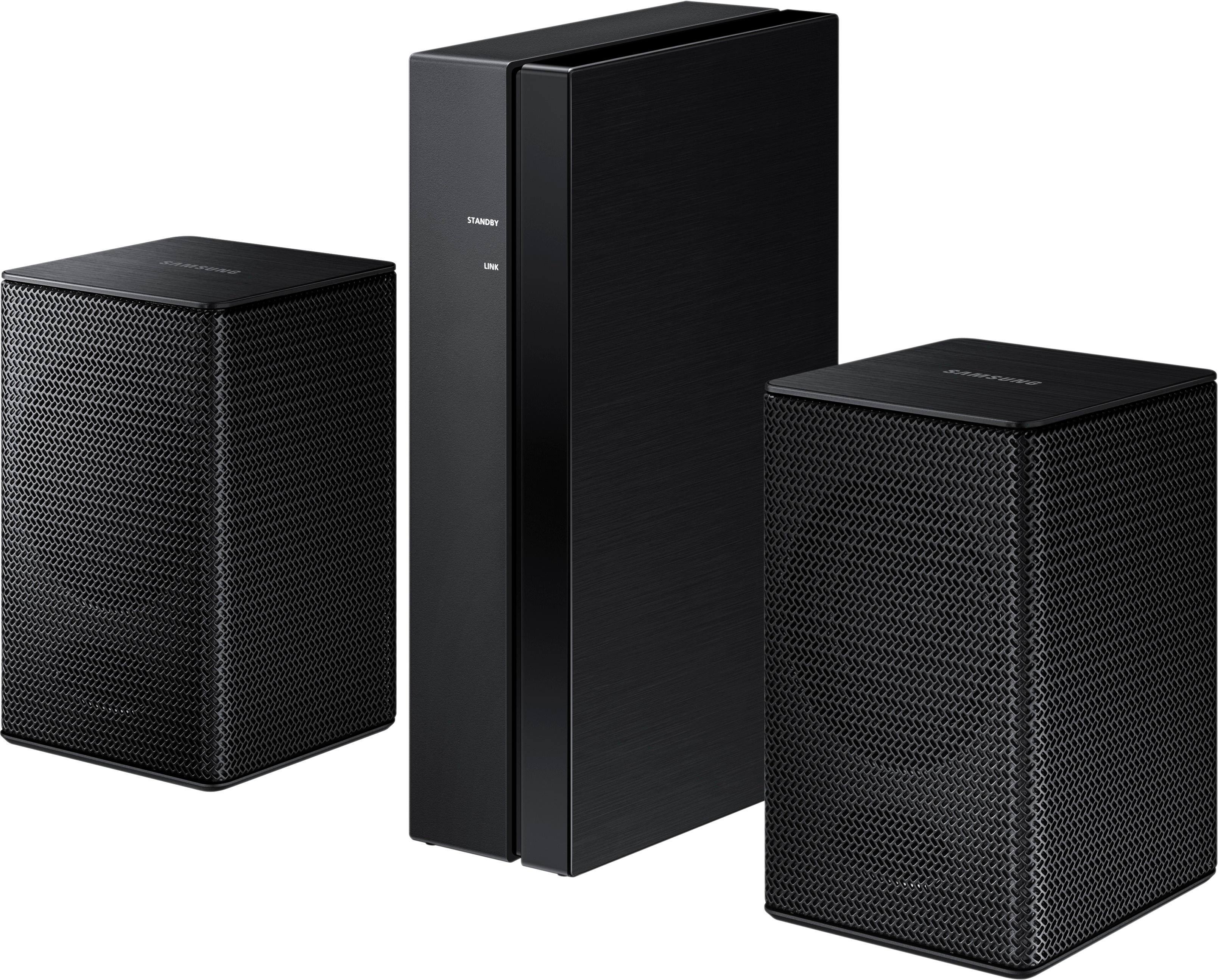
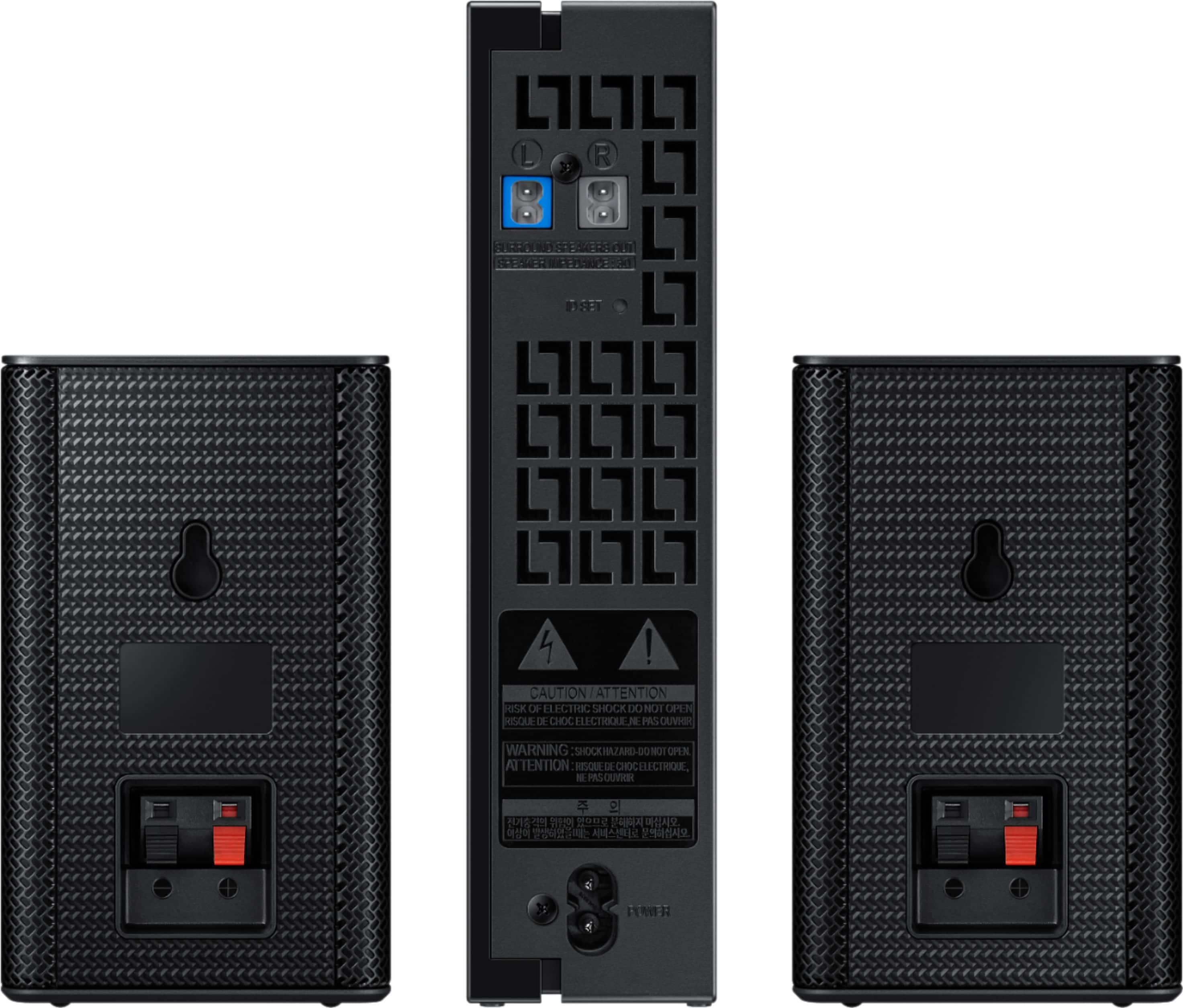
A:AnswerNot sure, I just connect the optical cable from tv to sound bar and it all connected just fine. there is a rear speaker volume that will come up on the sound bar as you click through the settings, just make sure that the tv is set to surround sound and ext speakers. You can connect the optical cable to your cable or satellite box also and get a bit better volume, but, no sound for dvd or blue ray players, must connect to tv for that. If tv is on the sound bar will auto come out of standby (blue lights), could take 1 to 5 minutes to go into standby (red light). Red lights = stand by, blue lights = power on. I hope this helps.
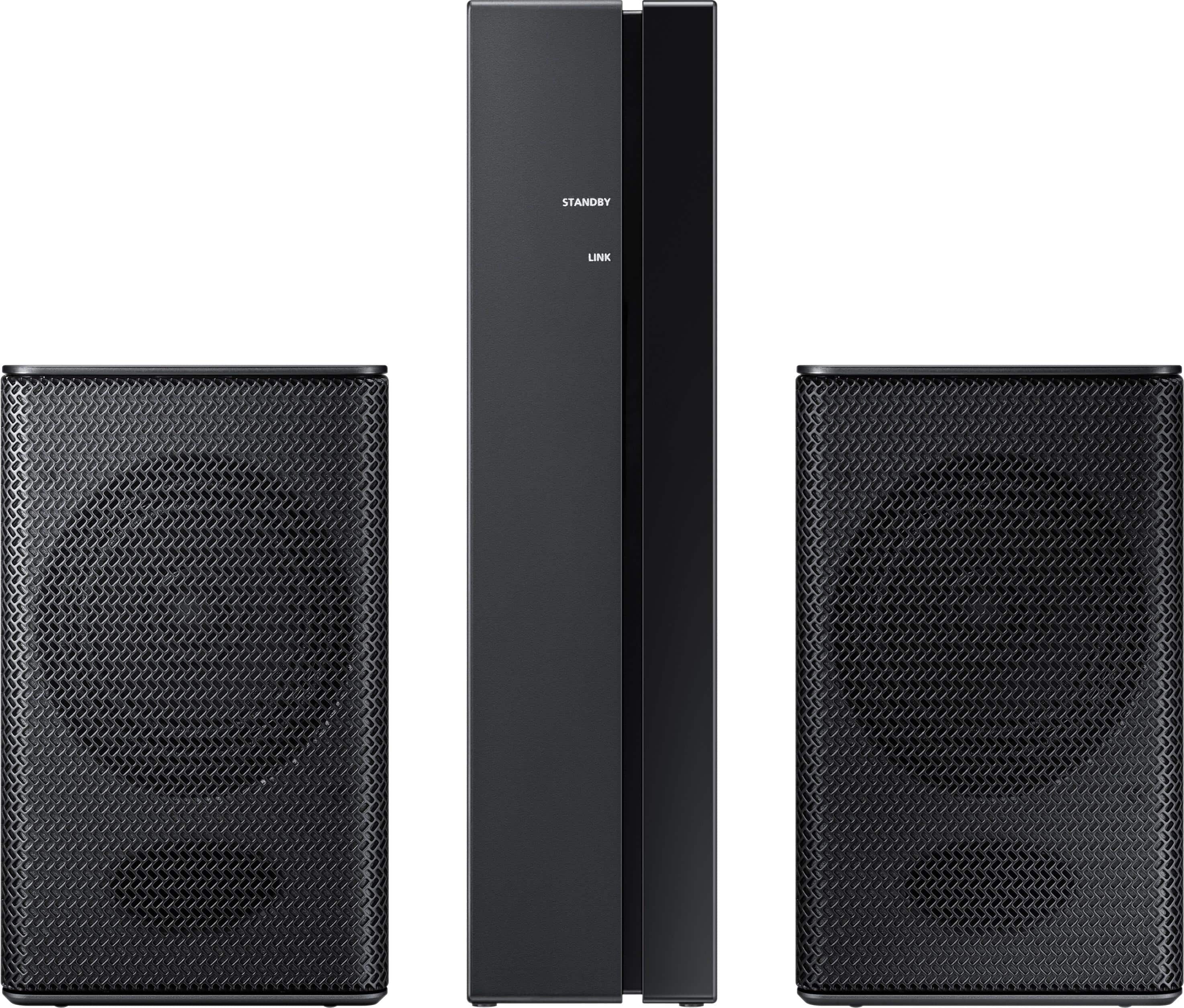
A:AnswerHello Kbrown24, I have attached a link below to compatible products.
https://www.samsung.com/us/televisions-home-theater/television-home-theater-accessories/home-theater/swa-8500s-za-swa-8500s-za-compatible
^Britt
A:AnswerHello Warren, I have attached a link below to compatible products.
https://www.samsung.com/us/televisions-home-theater/television-home-theater-accessories/home-theater/swa-8500s-za-swa-8500s-za-compatible
^Britt
A:AnswerHello richard, I have attached a link below to compatible products.
https://www.samsung.com/us/televisions-home-theater/television-home-theater-accessories/home-theater/swa-8500s-za-swa-8500s-za-compatible
^Britt
A:AnswerHello Miguelp, I have attached a link below to compatible products.
https://www.samsung.com/us/televisions-home-theater/television-home-theater-accessories/home-theater/swa-8500s-za-swa-8500s-za-compatible
^Britt
A:AnswerHello SLC, I have attached a link below to compatible products.
https://www.samsung.com/us/televisions-home-theater/television-home-theater-accessories/home-theater/swa-8500s-za-swa-8500s-za-compatible
^Britt
A:AnswerHello Terrence, I have attached a link below to all compatible products.
https://www.samsung.com/us/televisions-home-theater/television-home-theater-accessories/home-theater/swa-8500s-za-swa-8500s-za-compatible
^Britt
A:AnswerNo, they will not. I purchased SWA-8500s, tried and could not connect. Contacted Samsung and they told me ONLY SWA-8000S will work. Even updating firmware will not allow to connect. SWA-8000s are discontinued, so good luck finding.
A:AnswerI had the same problem so i had to call Samsung twice to get a person that was somewhat knowledgeable she woud not give up it took about 30 mins and we finally got it to work. It's getting to the ID set is the problem. Works great now so just set aside 30 mins or so and give tech a call. Hope that works for you question.. Good luck!!
A:AnswerHad the same issue and did tech support chat with Samsung. Reset the soundbar by by turning it off using the remote. Next, on the remote press and hold the Play/Pause button for 15 sec until you see INT appear on the soundbar and release the button. It is now reset and you can press the volume button for 5 seconds and mine showed ID set and then when the soundbar turned on it all paired. Our issue was not sound after pairing was finally successful and come to find out they told us you have to use digital optical cable from soundbar to tv in order for the sound to work. So if you are using HDMI to connect to your tv then you have to switch it to the digital optical, according to their tech support to get it to work.
A:AnswerHello IrishKnave, I have attached a link below to a list of compatible products.
https://www.samsung.com/us/televisions-home-theater/television-home-theater-accessories/home-theater/swa-8500s-za-swa-8500s-za-compatible
^Britt
A:AnswerI am not aware of any way to designate the receiver as anything other than the rear channel in the dolby setup from the sound bar. So i do not believe this could be accomplished.