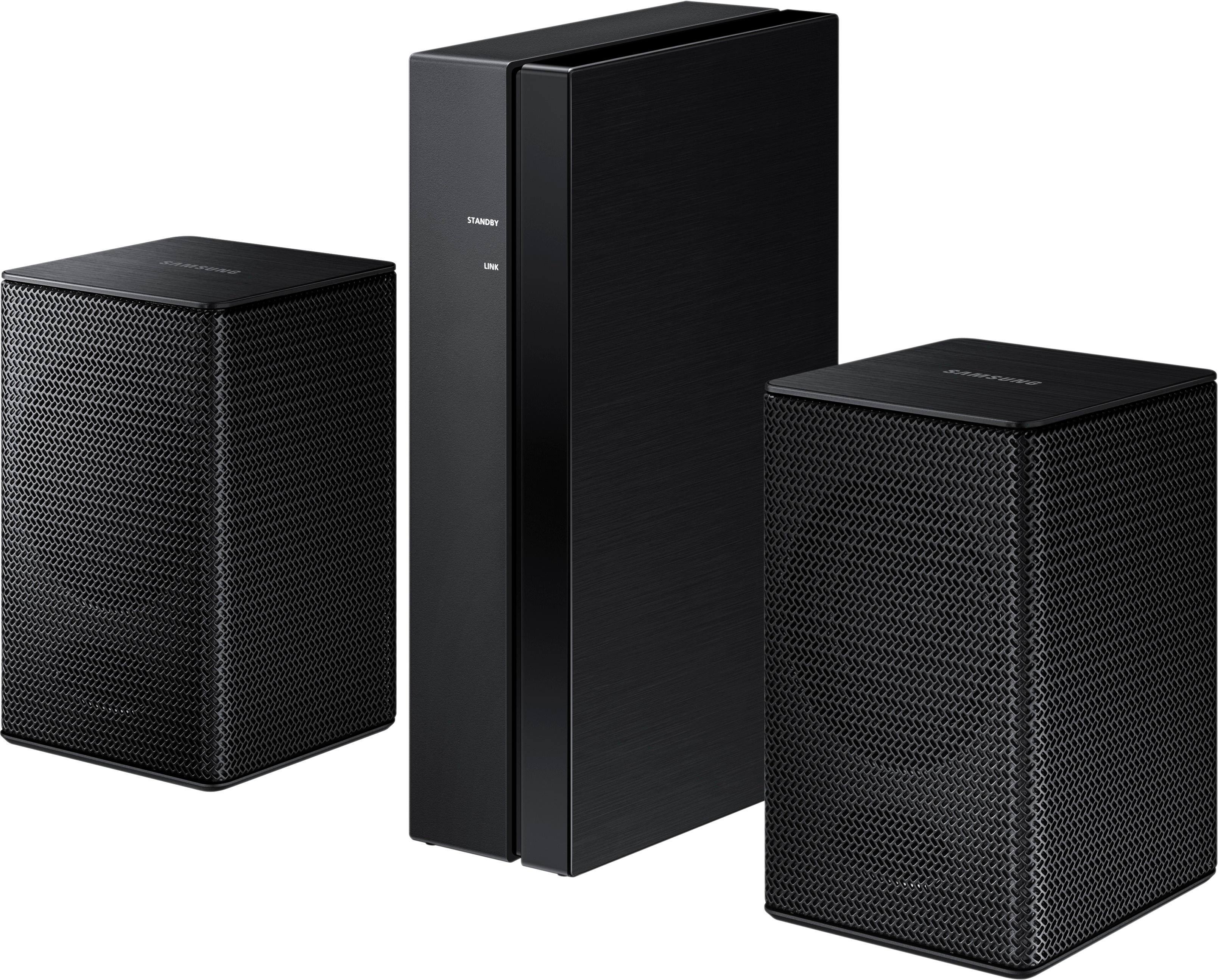
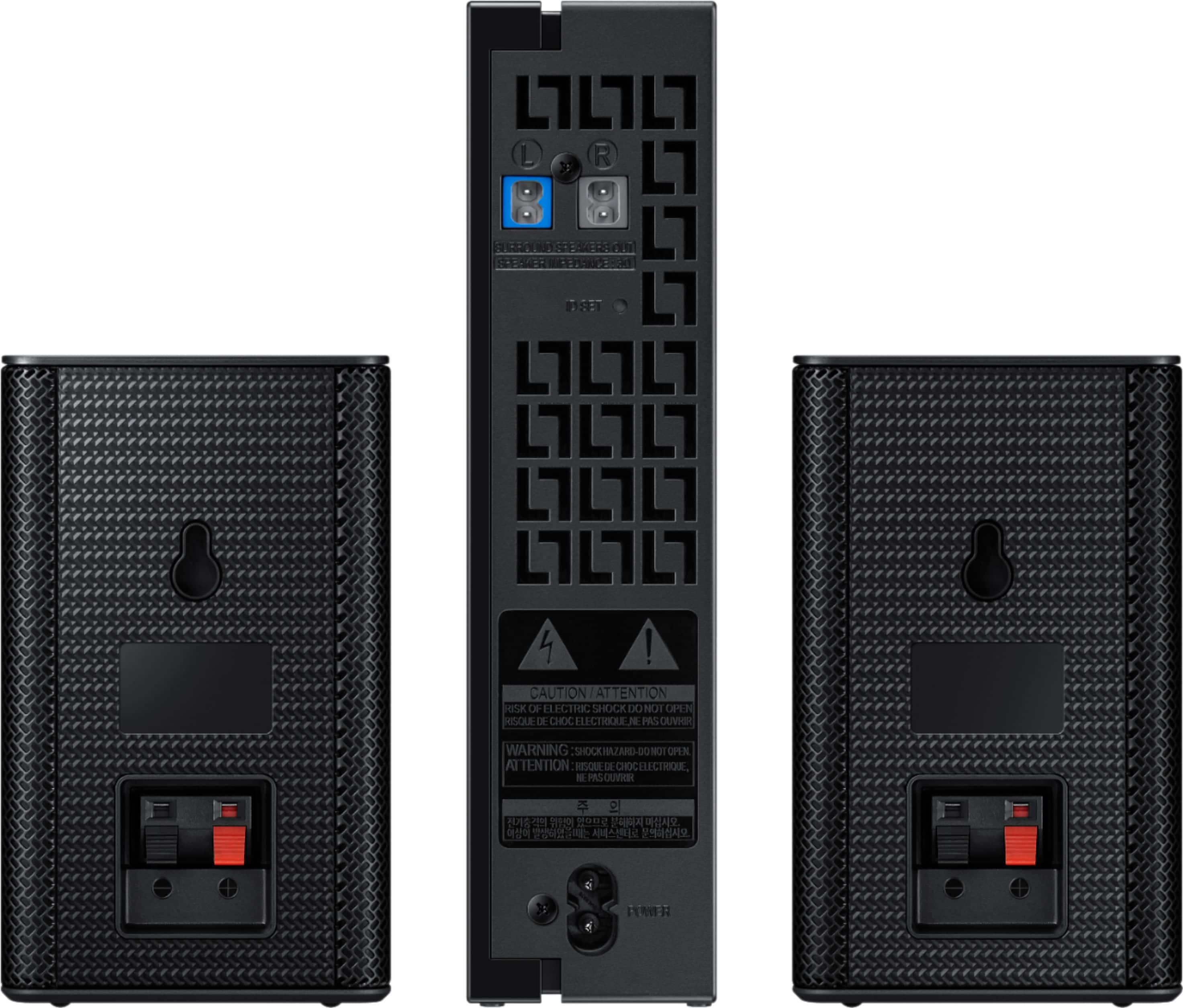
A:AnswerYes. I could not find instructions, but I paired these with my HW-Q60R sound bar. Once you have everything connected and the blue light is flashing on the wireless receiver module, hold down on the top of the circular sound bar remote control button until the ID Set displays on the sound bar. Within a few seconds the wireless receiver light should become solid blue, indicating the devices are paired.
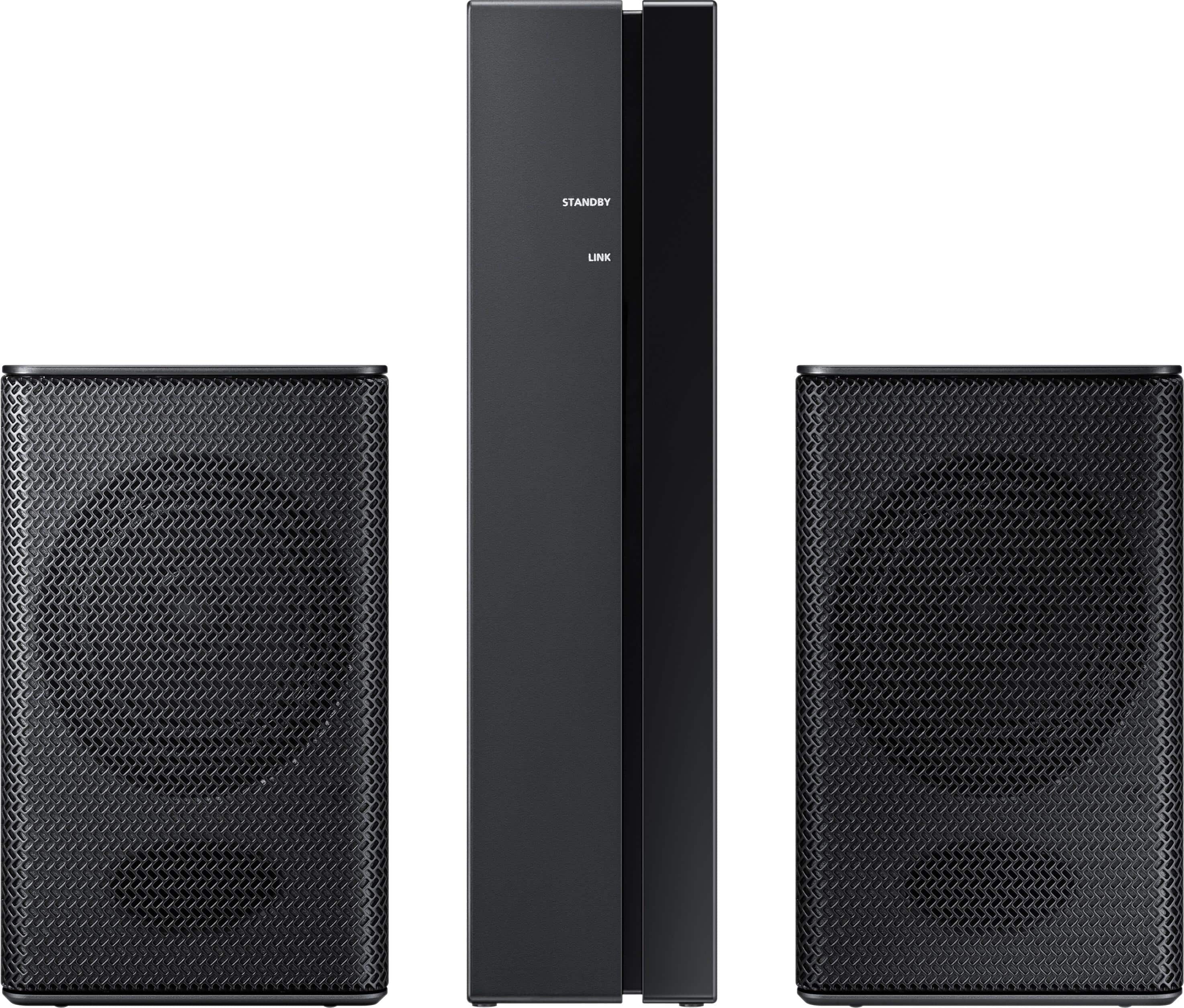
A:AnswerHello Andy, I have attached a link below to compatible products.
https://www.samsung.com/us/televisions-home-theater/television-home-theater-accessories/home-theater/swa-8500s-za-swa-8500s-za-compatible
^Britt
A:AnswerHello Maka, I have attached a link below to compatible products.
https://www.samsung.com/us/televisions-home-theater/television-home-theater-accessories/home-theater/swa-8500s-za-swa-8500s-za-compatible
^Britt
A:AnswerHello harv, I have attached a link below to compatible products.
https://www.samsung.com/us/televisions-home-theater/television-home-theater-accessories/home-theater/swa-8500s-za-swa-8500s-za-compatible
^Britt
A:AnswerHello imran, I have attached a link below to the compatible products.
https://www.samsung.com/us/televisions-home-theater/television-home-theater-accessories/home-theater/swa-8500s-za-swa-8500s-za-compatible
^Britt
A:AnswerEach speaker can be placed 10-11' from the accompanying power supply. The power cord is maybe 5' long.
The sound bar & remote let one adjust treble, bass, left/right rear speakers independently.
A:AnswerHello Matthew, i have attached a link below to the product compatible with model number SWA-8500S.
https://www.samsung.com/us/televisions-home-theater/television-home-theater-accessories/home-theater/swa-8500s-za-swa-8500s-za-compatible
^Britt
A:AnswerHi Yani, we understand your concerns with the Wireless speakers. Please fill out the form below and one of our social media specialists would be happy to assist you. http://smsn.us/SamsungSupportUSA and we will respond accordingly. ^Britt