A:AnswerYes. Although I could not get the wifi working on the sound bar. But the surround speakers come with a wifi part that easily fits into the curved soundbar. So it works fine. Since my wifi is not working on the sound bar I could not use the multiroom software to configure. But I am connected to the TV via HDMI-ARC which is ideal anyway.
A:AnswerHi Larry! When you change the volume of your soundbar, the volume of the SWA-9000S Rear Kit speakers will change to match the volume of the soundbar.^Gina
A:AnswerHi Frustated! Follow these steps to connect your HW-Q900T soundbar to your SWA-9000S rear speaker kit:
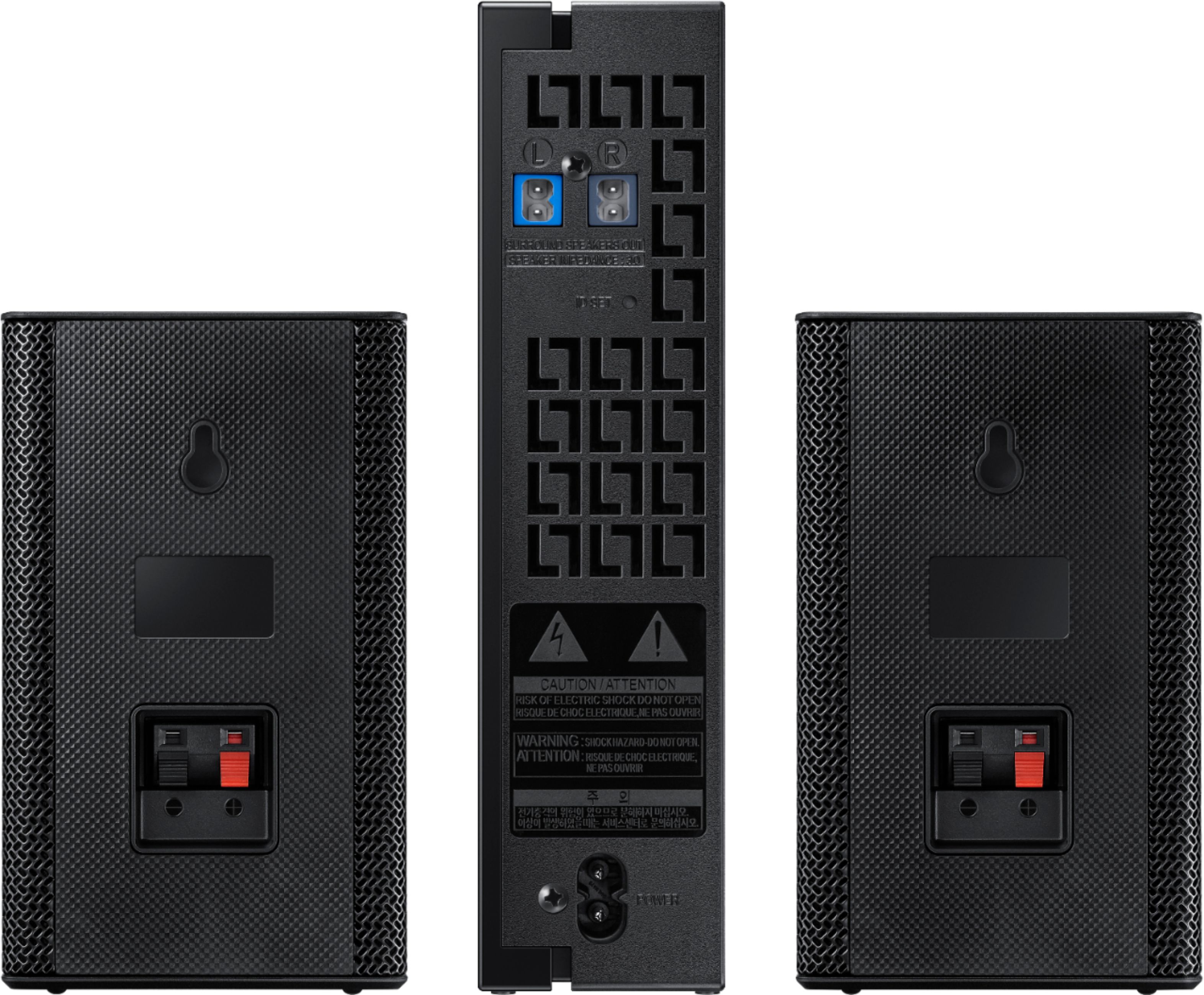
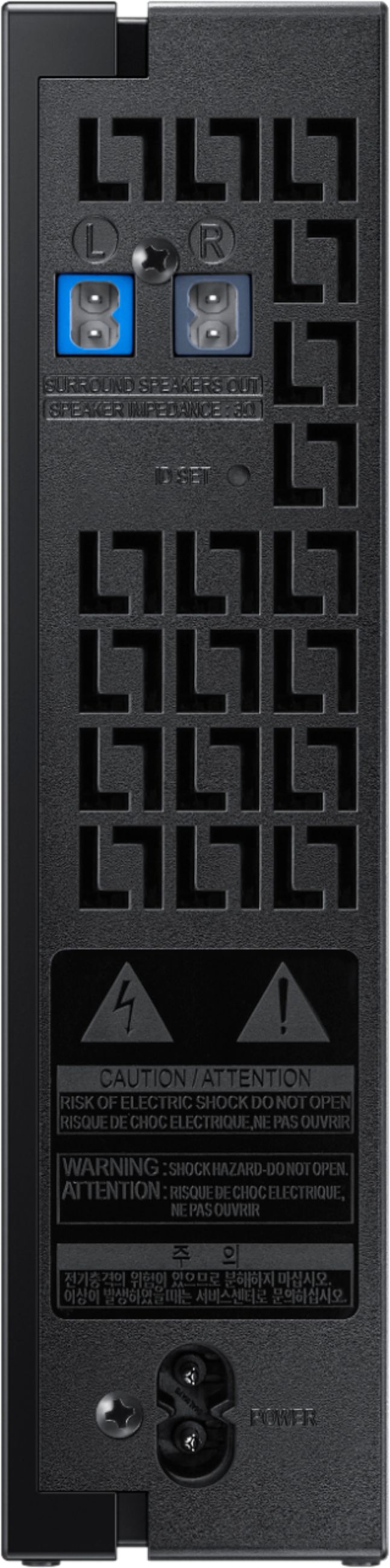
1) Connect the Wireless Receiver Module to 2 Surround Speakers. The speaker cables are color coded.
2. Check the standby status of the Wireless Receiver Module after plugging it into an electrical outlet.
• The LINK LED indicator (blue) on the Wireless Receiver Module should be blinking. If the
indicator does not blink, use a narrow pin to press and hold the ID SET button for 5 seconds or
longer. See the SWA-9000S user guide for more details.
3. Press the Up button on the remote control for 5 seconds.
• The ID SET message appears on the display of the Soundbar for a moment, and then it
disappears.
• The Soundbar will automatically power on when ID SET is complete.
• If your Soundbar was playing music when it connects to the SWA-9000S, you may hear some stuttering from the woofer as the connection finalizes.
4. Check if the LINK LED is solid blue (connection complete). The LINK LED indicator stops blinking and glows a solid blue when a connection is established between the Soundbar and the Wireless Receiver Module.
5. If the SWA-9000S is not connected, repeat the procedure from Step 2. ^Patty
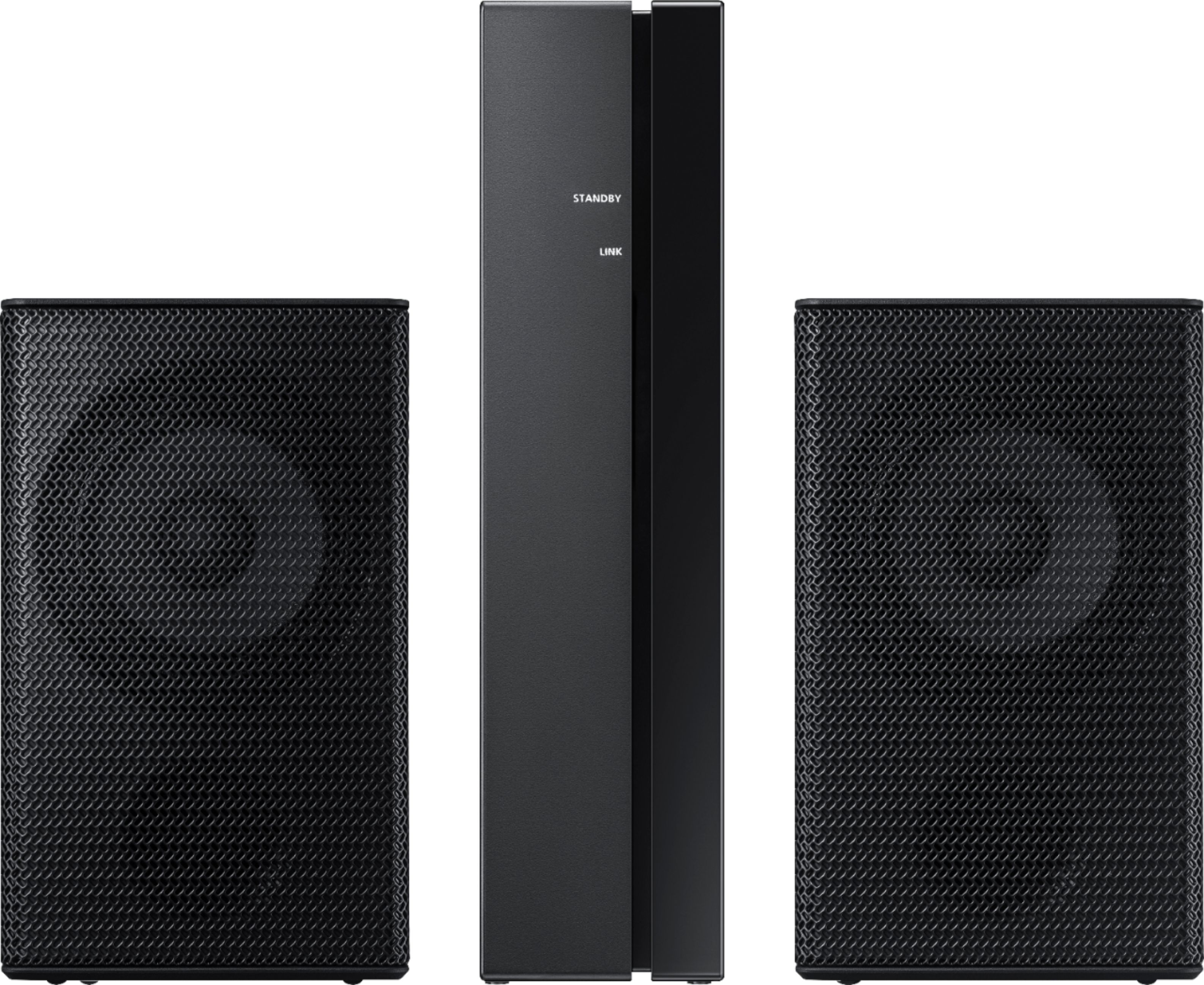
A:AnswerHello PR, No, the SWA-8500S rear speakers are compatible with your HW-T550 soundbar. Please check them out at Best Buy. https://www.bestbuy.com/site/samsung-wireless-rear-loudspeakers-black/5754510.p?skuId=5754510 ^Cristian
A:AnswerHi Artie! The HW-T510 Soundbar is compatible with the SWA-8500S Rear Kit. Check it out at Best Buy: https://www.bestbuy.com/site/samsung-wireless-rear-loudspeakers-black/5754510.p?skuId=5754510 ^Gina
A:AnswerHi Dar! The HW-T40M Soundbar is compatible with the SWA-8500S Rear Kit. Find it at Best Buy: https://www.bestbuy.com/site/samsung-wireless-rear-loudspeakers-black/5754510.p?skuId=5754510 ^Gina
A:AnswerHi there! The HW-S60T Soundbar is compatible with the SWA-W500 Subwoofer, as well as the SWA-8500S Rear Speaker Kit (https://www.bestbuy.com/site/samsung-wireless-rear-loudspeakers-black/5754510.p?skuId=5754510). ^Gina
A:AnswerHello AngieAng,
No, the SWA-9000 rear speakers are not compatible with the HW-Q60T. The correct rear speakers are the SWA-8500S. Please check out at Best Buy. https://www.bestbuy.com/site/samsung-wireless-rear-loudspeakers-black/5754510.p?skuId=5754510
^Cristian
A:AnswerHi! Yes, the SWA-9000s is the compatible rear speaker kit for the HW-Q800T. You can also purchase the HW-Q850T soundbar which will include the rear speaker kit with the soundbar. This can be found at the following link: https://www.bestbuy.com/site/samsung-5-1-2-channel-450w-soundbar-with-8-wireless-subwoofer-and-dolby-atmos-with-alexa-black/6400657.p?skuId=6400657
^Tim
A:AnswerBrihuh - The SWA-9000S will not work with the HW-T650. The compatible rear kit is the SWA-8500S available on BestBuy.com https://www.bestbuy.com/site/samsung-wireless-rear-loudspeakers-black/5754510.p?skuId=5754510 . ^Jason
A:AnswerNo, it will not. You need to purchase the SWA-8500S/ZA model. It looks exactly the same but costs a little less.
I also have the HWQ-70R system. The user manual is terrible.
The setup can be confusing. But, once it’s working right it sounds very nice. With that said, I don’t think I would recommend this system to people who want a “set it and forget it system”. The HQW-70R is fairly expensive.
There are others out there that sound as good or better for less money.
A:AnswerSeems that they only work with certain sound bars. When I went to buy mine I had to grab this pair because some work with different sound bars so they dont all work together. I'd say ud have to check to see if ur home theater is compatible like I did my sound bar. Also a sound bar has a wireless feature built in. U can always return later if they dont work but I'd guess not.
A:AnswerYes that is true. However, if you have the Q80 or Q90 sound bar you don’t need the dongle. The dongle comes with the speakers anyway. When you set the sound bar levels keep them around +3 then set the rear speakers at +6 this will be the best balance.