Black Friday is hereShop new DoorbustersShop now

Main Content

Questions & Answers

Your price for this item is $63.99
Clearance
The comparable value price is $84.99
Page Showing 1-8 of 8 questions
  • QuestionDoes this work on a standard desktop setup? SSD 2.5 slot is already integrated into the desktop I have.

    Asked by Henry.

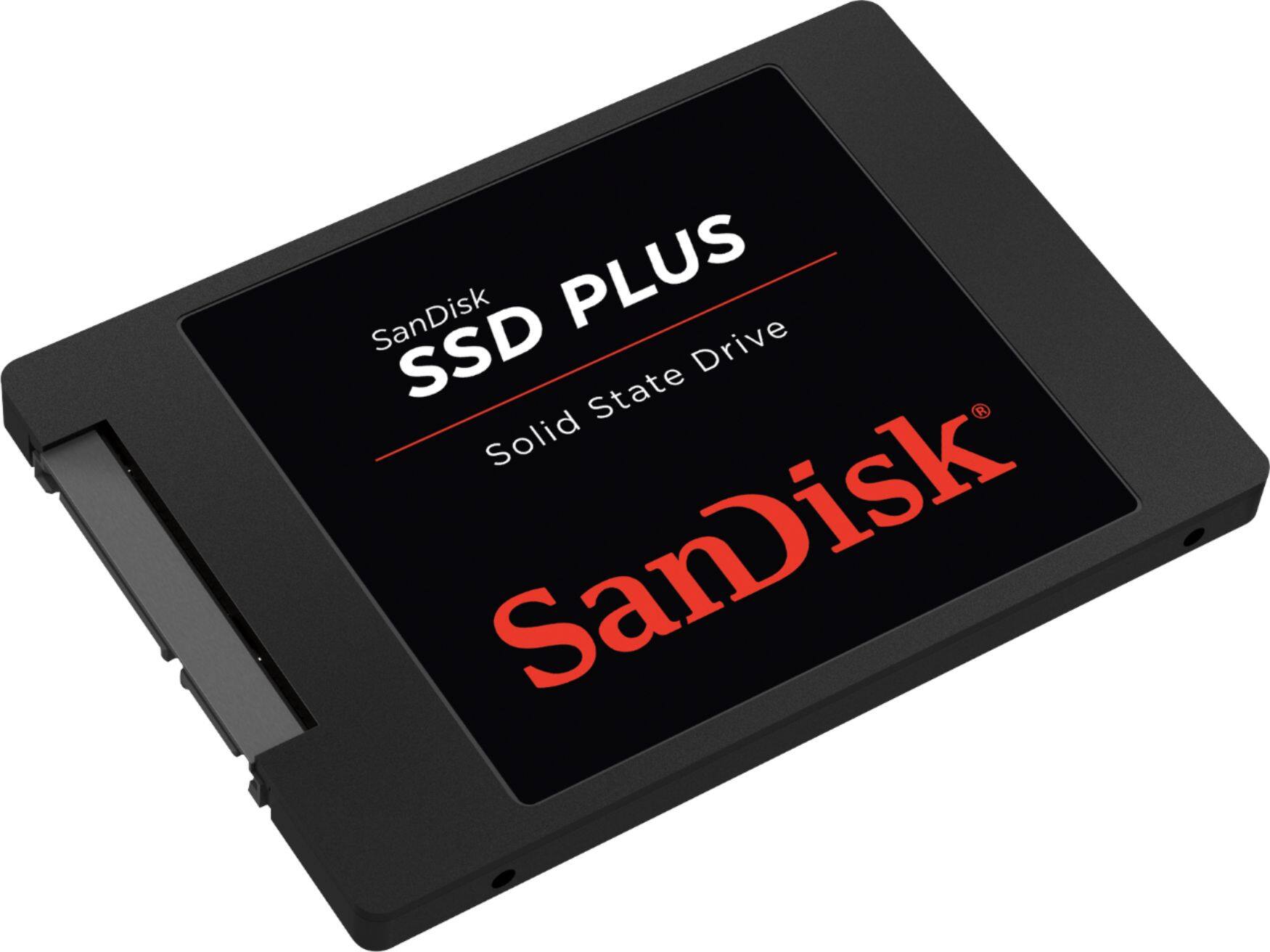
    • Answer A SSD drive is no different than a regular hard disk drive when it comes to installation and connection to the motherboard as long as the drive interface is the same (SATA connection on the motherboard of the computer and SATA connection on the hard drive). I've swapped out "regular" spinning platter based hard drives with SSD drive on many computers (desktops and laptops) and all have worked very well. In fact, I prefer to use SSD drives on laptops because the SSD drives are all solid state memory chips with no moving parts. It also uses less power. The benefits of using the SSD in a laptop is since it has no moving parts you can't induce read/write errors with hard bumps or knocks while the drive is in use reading or writing data. In a desktop installation, since you're not going to carry it around as you would a laptop while using it the benefits of "no moving parts" are not as valuable however, the increase in data access speed is. If your desktop computer already has a 2.5" hard drive slot available the 2.5" SSD drive will fit perfectly. The mounting screw holes will line up perfectly and you should have no problems mounting the drive. If you only have the larger hard drive slots (for the 3.5" drives) you can use an adapter that you mount the 2.5" drive on to then mount the adapter into the 3.5" drive slot.
      Answered by John

  • QuestionCan I install a Model: SDSSDA-480G-G26SKU: 5394700 for Laptops on a Desktop? Because I'm about to buy this drive from BestBuy

    Asked by Pedro.

    • Answer Yes you can.

      Answered by Zodiacrat0222

  • QuestionCan I install a Model: SDSSDA-480G-G26SKU: 5394700 for Laptops on a Desktop?

    Asked by Anonymous.

    • Answer Yes, however unless you have a 2.5" bracket already in your case you will need to purchase a 2.5" to 3.5" bracket to mount properly. The technology is the same otherwise as they both use SATA connectors.

      Answered by MikeyLikesIt

  • Questioncan this fit in my dell 7567 empty hdd bay?

    Asked by sgrg.

    • Answer Sure. Just use the handy-dandy adaptor sold here for $9.95. https://www.bestbuy.com/site/insignia-ssd-mount-black/5516000.p?skuId=5516000

      Answered by AgingGeek

  • QuestionHello, if I bought a SSD and brought it to BEST BUY would the geek squad be able to install and load it properly? How much might this cost? Thanks.

    Asked by Derrick.

    • Answer My simple answer is that is what they are paid and trained to do. I don't know cost as I do all of my own pc maintenance. If I don't know how to do it I used YouTube.

      Answered by wisgg46

  • QuestionDoes this work with macbook pro mid 2012 13inch non retina?

    Asked by Ronnie.

    • Answer Yes, I have a MacBook pro 2013 no retina, and it fits properly leaving a lot of space too.

      Answered by GSV2213

  • QuestionI want to upgrade from an SDSSDA-240G to an SDSSDHII-480G. Is this compatible with my HP Pavilion Notebook? Swapping the drive out is not a problem but how do I transfer the OS and other data?

    Asked by Aussie.

    • Answer From what I can read the two drives are the same physical size and both are SATA. Therefore, you should be able to replace the 240G with the 480G. To do the transfer of the OS and data will require either cloning software (and drive enclosure) or a clone unit. I had an enclosure from another Sandisk SSD and a version of Acronis Clone. So I was able to install the new drive in my laptop and put the old drive in the enclosure. Boot from the Acronis Clone disk and then wait for the process to be completed. In your case I don't see that Sandisk sells the SSD with enclosure (at least not on Best Buy) and the 480G doesn't come with the cloning software. Best Buy and other vendors sell enclosures for as low as $12 and Best Buy has a cloning unit that will clone the old to new without use of a computer. The advantage to the enclosure is that you will be able to use your old drive as a portable drive.

      Answered by wisgg46

  • QuestionCan I use it for my Macbook pro 2011 latest 2011) ?

    Asked by AXF.

    • Answer Yes, I have a MacBook pro no retina 2013 and it fits right in leaving some space around it. SSDs are way smaller and lighter than HDD.

      Answered by GSV2213