A:AnswerNo. You can't plug a USB stick into this device. You can download your songs onto this directly from your computer with the cord that comes with it (has a USB end to plug into the computer) and then listen to them through the earphones.
A:AnswerI've had no issue with any format that iTunes uses. You may run into some issues here and there with items purchased from iTunes that are tied to that account and have to be played through your iTunes or Apple device as signed in to your account. I've mostly encountered this with audiobook purchases, though, and only a handful of songs. Whenever an album has this issue, you can simply burn it to a disc and then rip the disc back to your computer to use these MP3 files for your Clip.
A:AnswerYes; if your car's audio system is equipped with Auxiliary Input capability, you can play the mp3 player through your car-audio (which is what I do myself in fact.) You'll need a cable to connect the player to the car's auxiliary-input jack, but such a cable is fairly inexpensive.
If your car's audio system does not have auxiliary input capability but does have an old-fashioned cassette-player, then you can still play the mp3 player through the car-audio but you'll need the help of a cassette-adapter (also fairly inexpensive.) I also used to do this on my old car in fact.
In both cases, you may have to turn the volume on the mp3 player fairly high in order for the signal to be picked up by the car-audio; much higher than you might otherwise set for ordinary listening. Some adjustment of volume of both mp3 player and car-audio will be necessary.
Hope this answers your question.
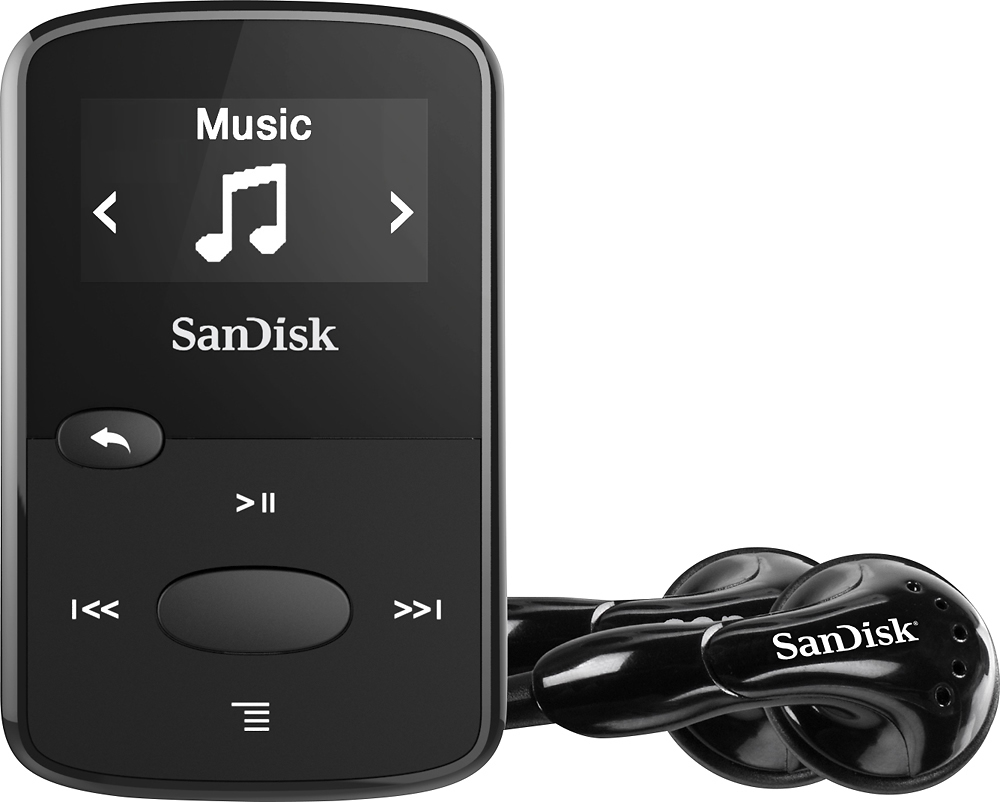
A:AnswerYes. just open the device file on your PC, like you would with a flash drive; in itunes, hold down shift to select the files, then drag and drop the files into the device folder. You can also look for instructions about how to do this on youtube and there are a few people out there who have created videos that show what I just discussed.