A:AnswerEach song is a separate file. To combine songs as mentioned, you will need to merge them through a music software program and then save the result as one file.
A:AnswerI don't think so, although as long as you have all the songs saved as MP3 files on your computer you could simply recreate the Pandora's playlist. Here is how you do that....
You can make all the playlists you want (I have 11 right now...although I have to admit there may be a limit -- I don't know). First, copy your music from your computer onto the MP3 player in the "Music" File (you can save them in 1 file or a 100 sub folders --it doesn't matter, however if you have the same song in multiple folders it will take up extra memory space). Next, drag the songs from your SanDisk into Windows Media Player on your computer. Drag them to the far right side of the screen to populate the new playlist (make sure you have the "play" tab selected --not the "burn" or "sync" tabs. Save the playlist as a "M3U" file onto your computer (doesn't matter where) and name it whatever you want. (There is a small button at the top right of the Windows Media Player screen --located just below the "Sync" Tab -- that you have to click. This gives you a drop down menu including the option to "save as"--make sure you choose to save it as a "M3U Playlist" file). Finally, copy your new playlist from your computer into your SanDisk's "Playlist" folder. You can have the same song on multiple lists (this doesn't take up extra memory). For Random play --just remember to turn the shuffle option on in the SanDisk menu (Menu --->Settings--->Music Options).
***Note---you have to drag the songs directly from the SanDisk to your Windows Media Player to create the playlist!!! If you drag them from your computer into Windows Media Player then the playlist will not work.
A:AnswerYes, this unit will work with Windows 10 Media Player on Windows 10. This program is needed to make playlists on this player as well if you follow directions from Sandisk's website. Note- as of right now iTunes ACC non DRM song files do (not) play back properly. Sandisk needs to update the firmware on the device so these songs will sound right. Only mp3 files for sure play correctly. No date has been given by Sandisk's tech support to resolve this issue.
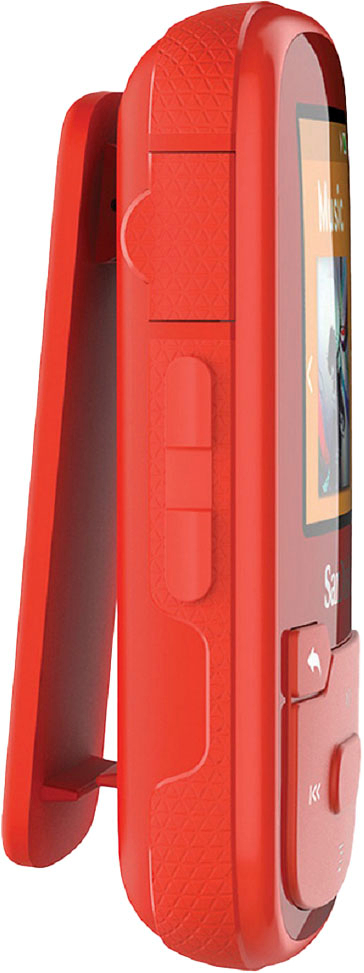
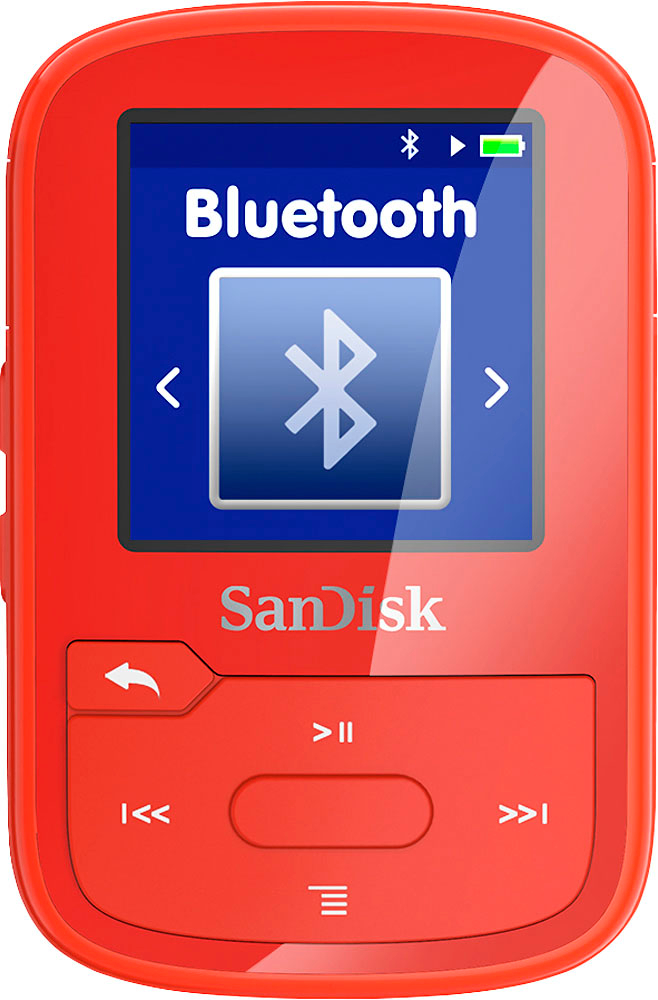
A:AnswerIf they are Bluetooth they should show up in the Bluetooth menu. They start off as a weird code like a1:b2:c3:d4 but then usually change their name to the factory set name. Unless their Bluetooth is not compatible. I have a cheap set of Bluetooth headphones that just wont connect. But my other two sets (Sony and anchor) and my car stereo Bluetooth adapter work fine. IF they are plug in headphones there is a jack on the side opposite the USB port.