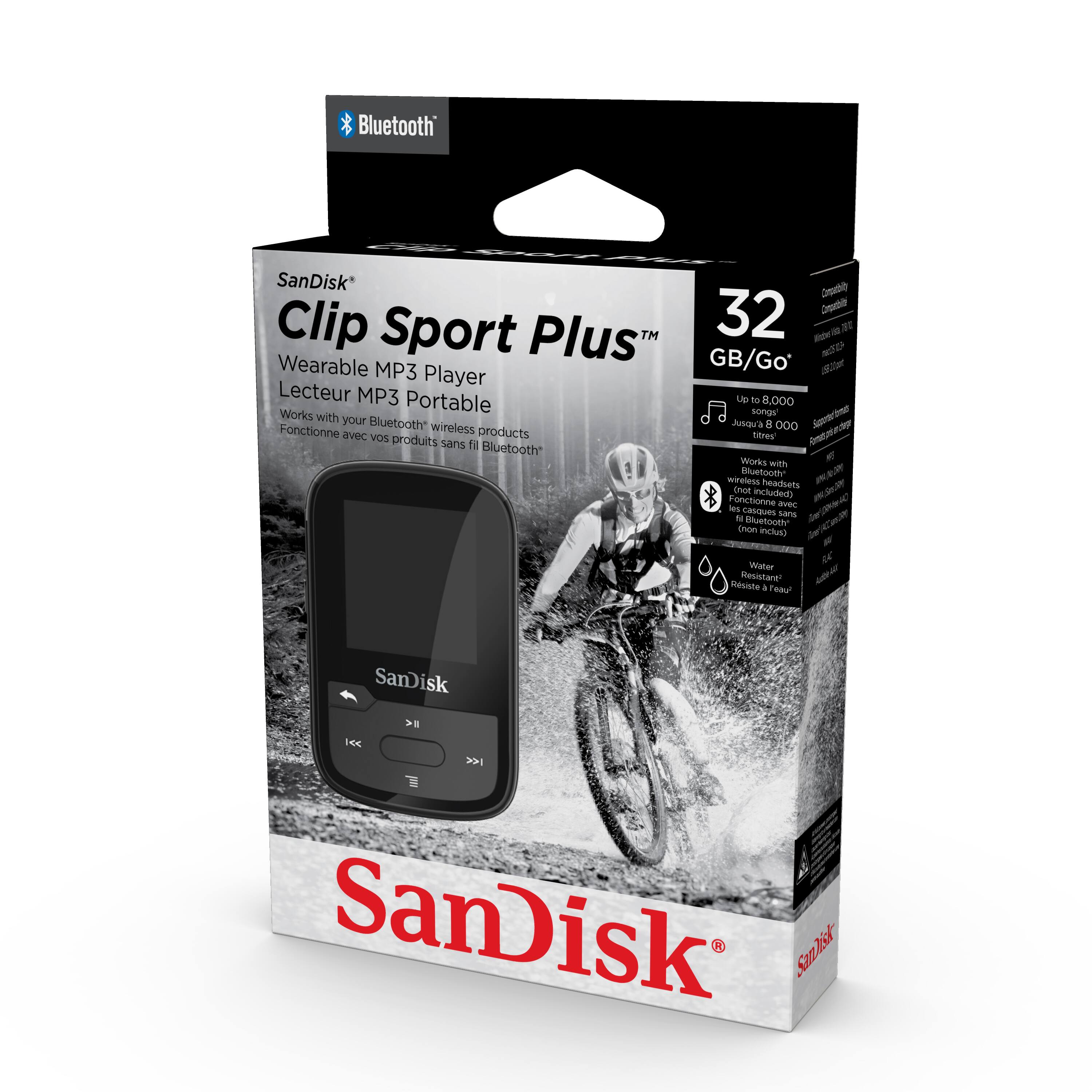
A:AnswerNo, you won't be able to download music directly from Amazon music to the Clip Sport Plus MP3 player as it does not support any third-party application or DRM-protected files. However, you can download music file to your computer first and then to this MP3 player. For further assistance, please reach out support team available at https://www.westerndigital.com/en-in/support/international-phone-numbers.
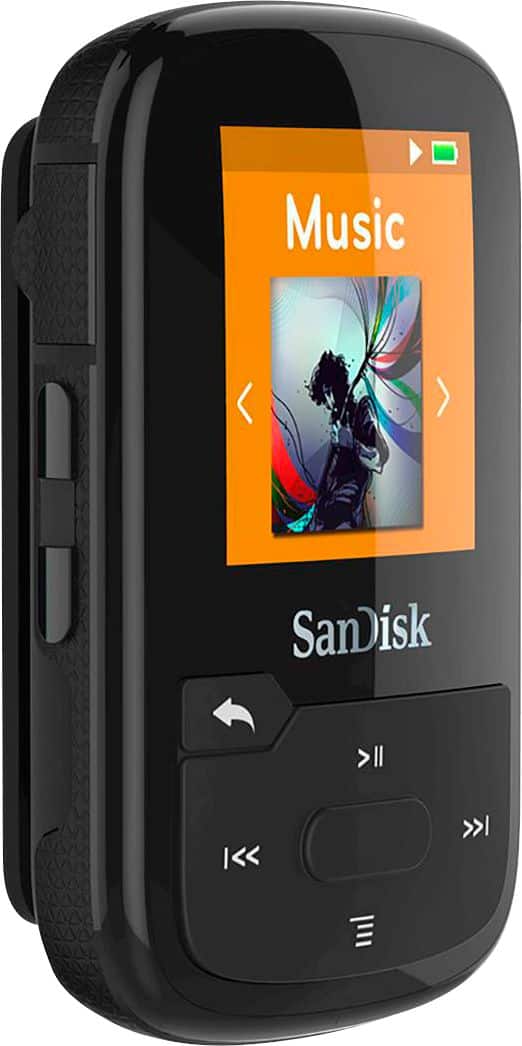
A:AnswerIt plays music from the standard FM stations you can play on a car radio. Namely, the FM broadcast in the United States starts at 88.0 MHz and ends at 108.0 MHz.
A:AnswerUnfortunately, when SanDisk made the transition 16GB to 32GB they did not update the software (or hardware?) to have more than 4000 tracks of music. One suggestion may be to circumvent this is to record your music as larger MP3's. Say one MP3 can be the entire Side A of a vinyl record. You lose the ability to shuffle to individual tracks within Side A but that is the compromise.
A:AnswerNo. So co.plicated, can't figure out how to download music. With only a 15 day return policy, Im pretty much stuck. I've been back and the so called Geeks and others don't have a clue. I'm out $65
A:AnswerYes, you can repeat one song. Go to Menu (or Music Options), Repeat, and then choose between Off, Song or All. This will determine which song(s) to repeat.
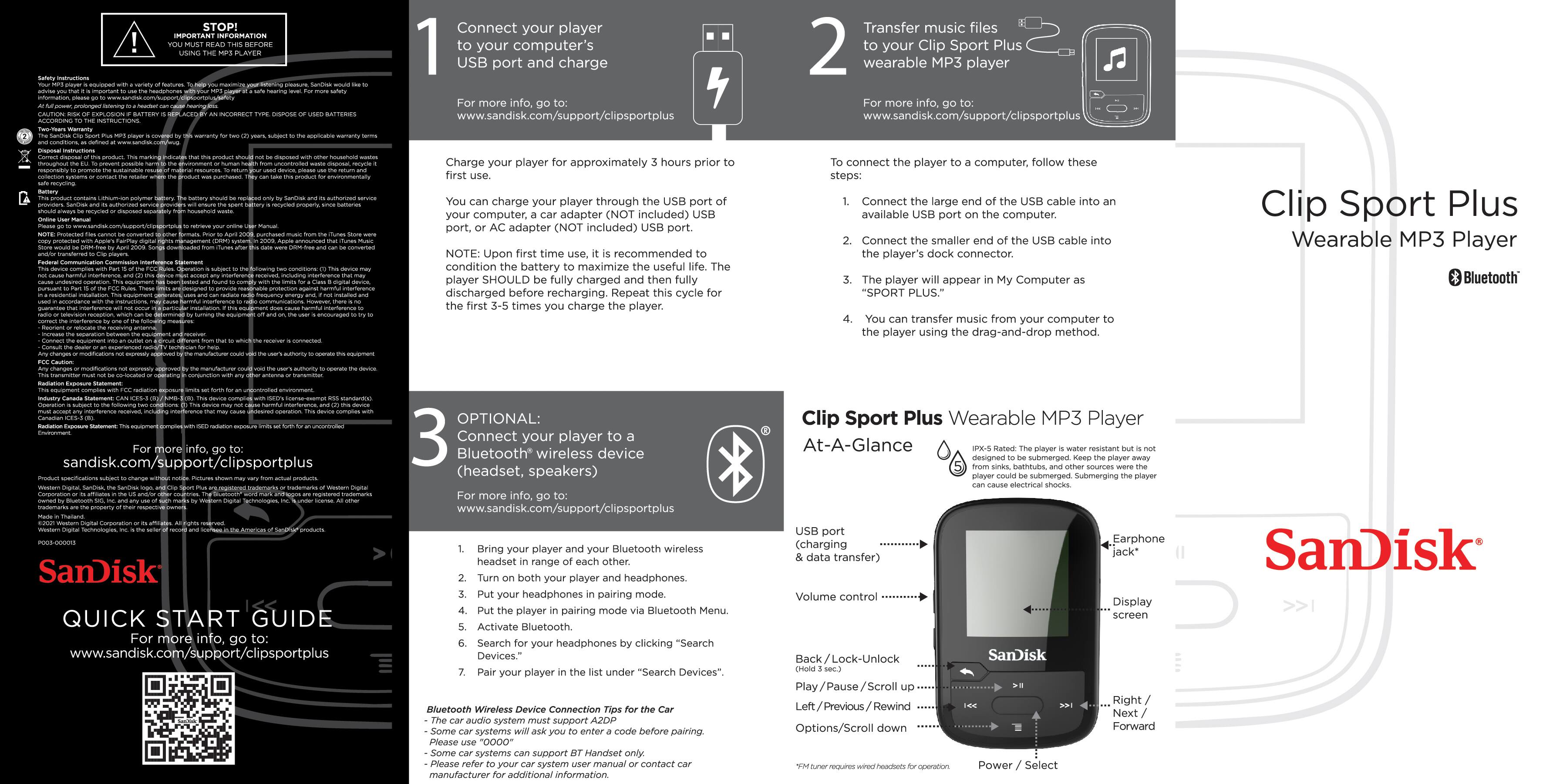
A:AnswerYou transfer music through your PC or Laptop. When connected the SanDisk player becomes an additional hard drive. Merely connect to the computer from which you wish to transfer music. The computer will recognize it as a new drive in the File Manager, titled Sport Plus(drive letter). Drag and drop your music from the folder containing the music to the Music folder of the Sport Plus drive and that’s it.
A:AnswerWell I think you'd have to worry more about the steam and humidity inside a sauna doing damage to your MP3 player. Having said that if you 1, kept it away from the heat source, and 2, keep it covered with a towel and the plug for your ear buds it should be ok.
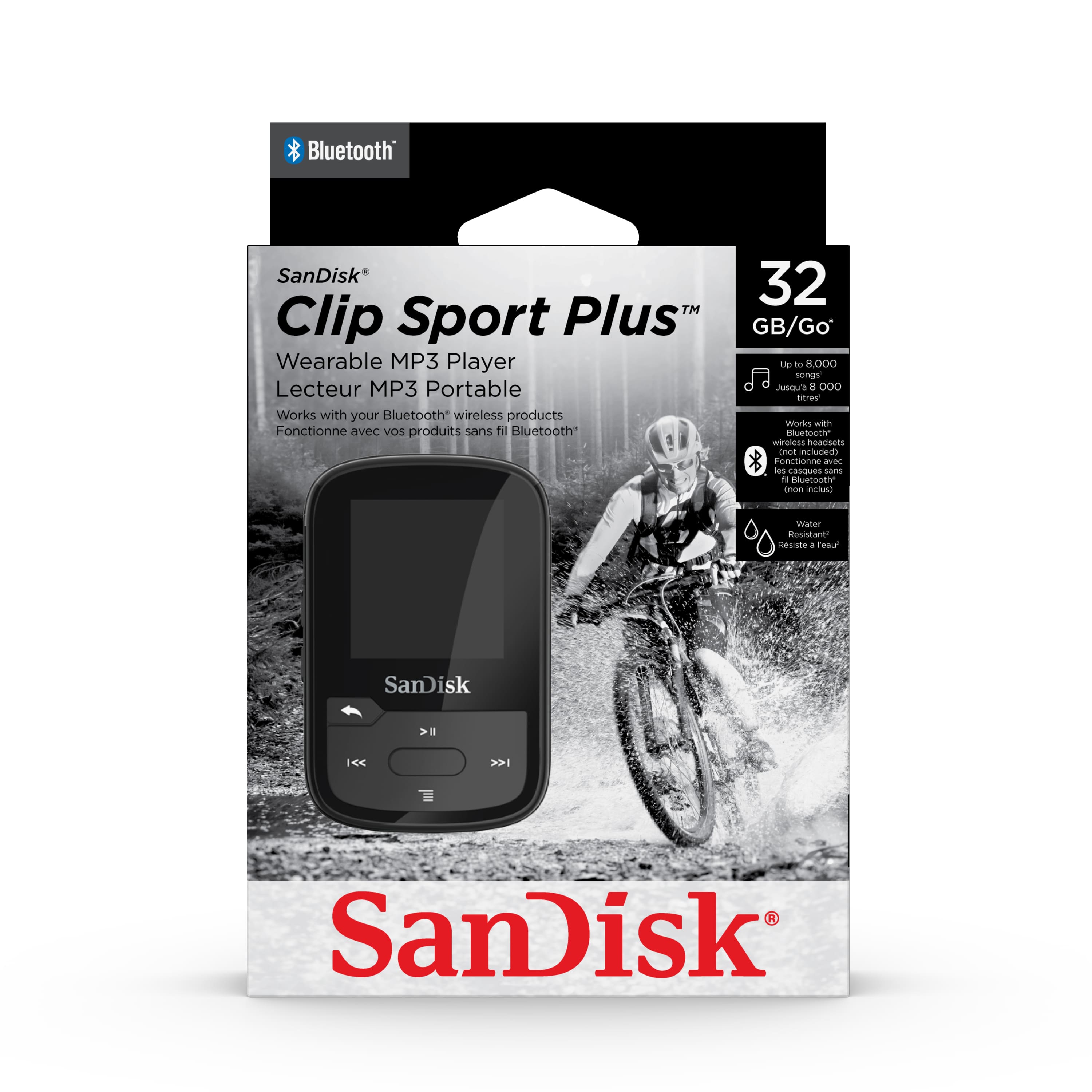
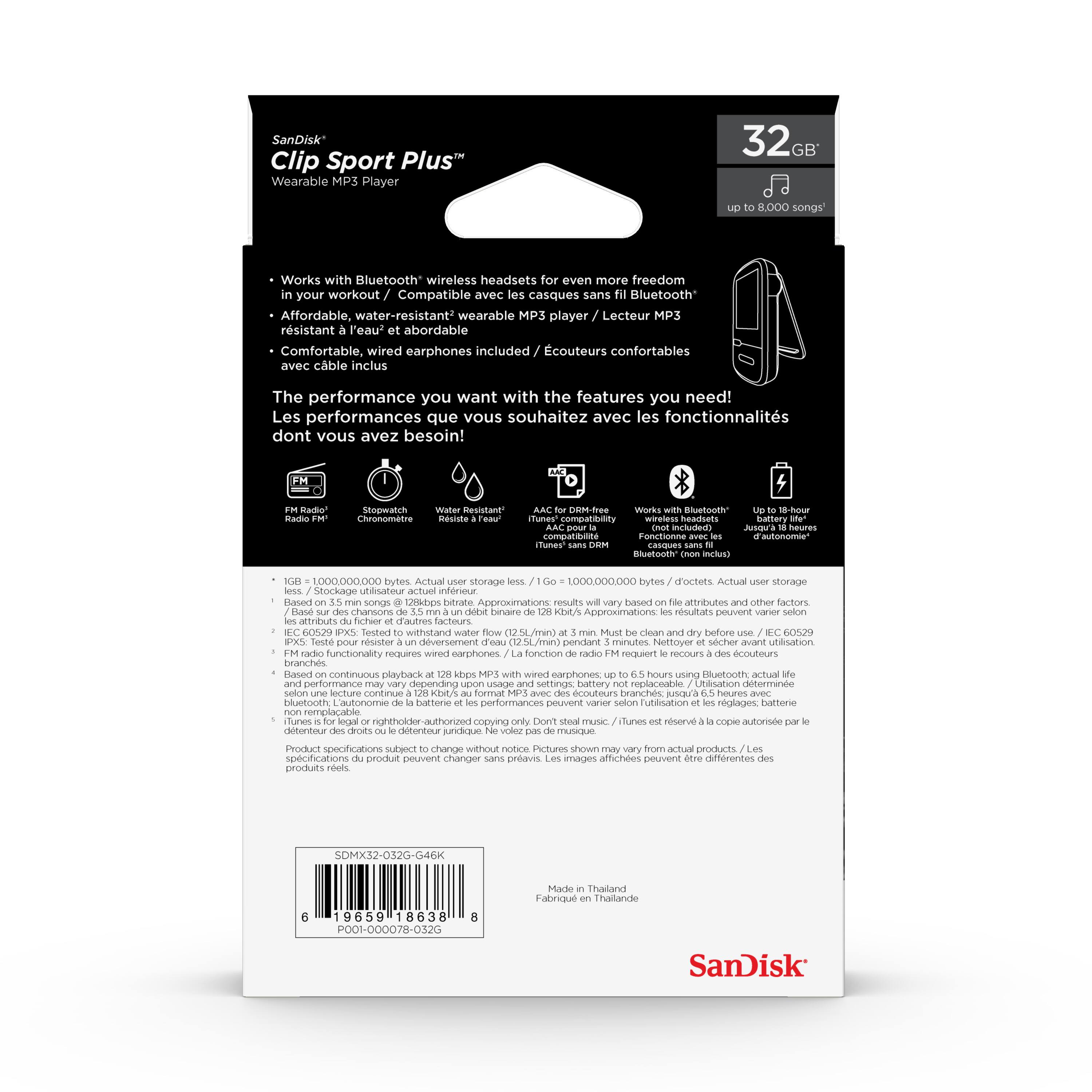
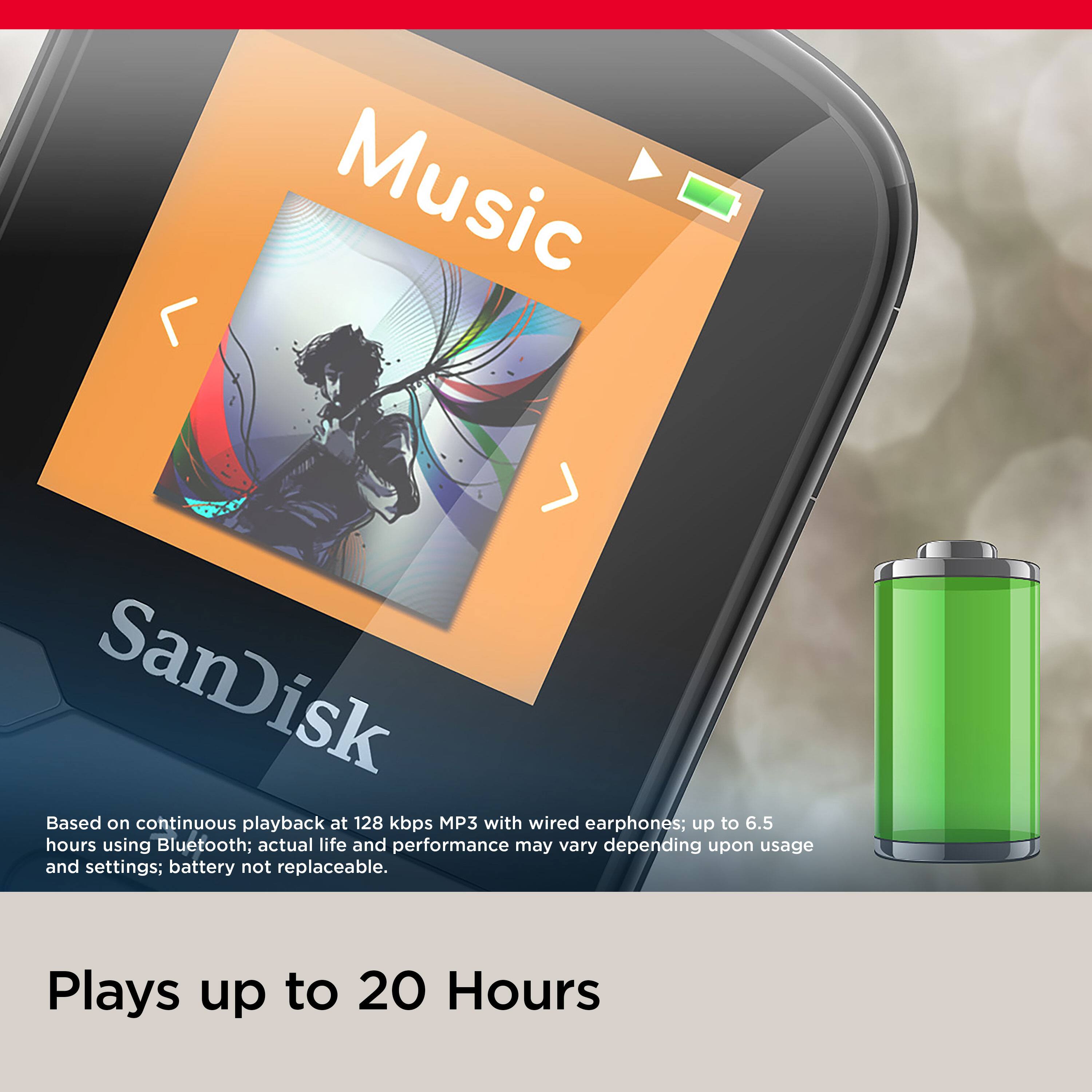
A:AnswerPlease allow us to inform you that the SanDisk® Clip Sport Plus came with enough battery power to last for up to 18 hours on a single charge (wired headset). However, it will work 6-8 hours depending on the file types while using wireless headphone or earphones.
A:AnswerYes, you can transfer music file to this MP3 player using a computer and you can also delete the file if you wish. To know more please refer to the user manual using the provided link:
https://downloads.sandisk.com/downloads/um/clipsportplus-um.pdf
A:AnswerPlease allow us to inform you that the SanDisk® MP3 players come with FM functionality however, you will require to connect 3.5mm earphones to get FM work.