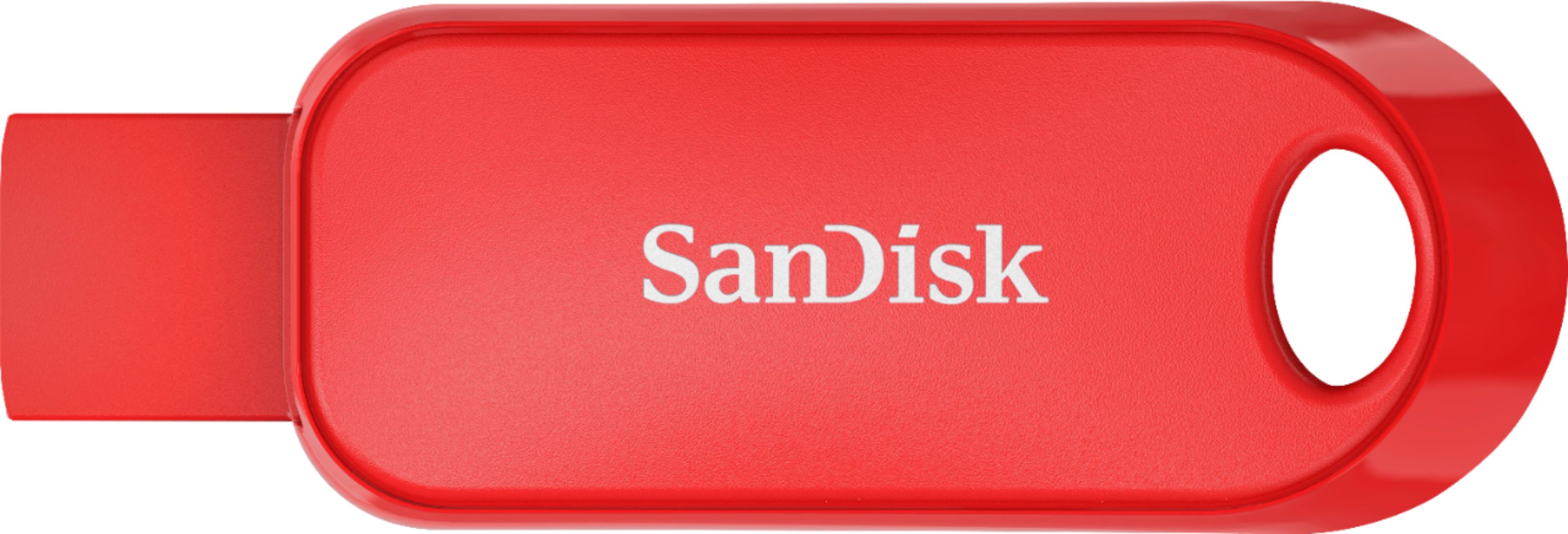
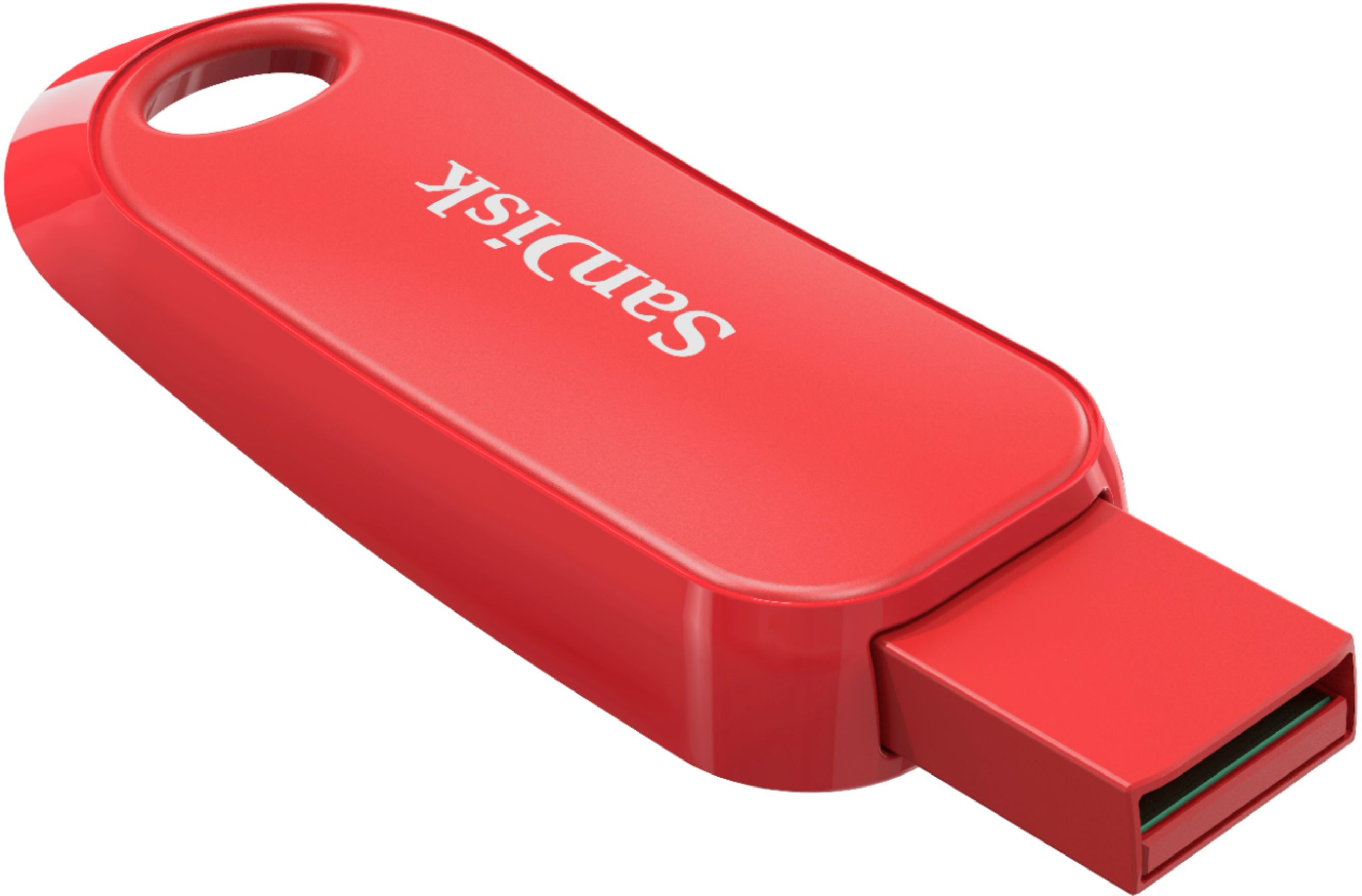
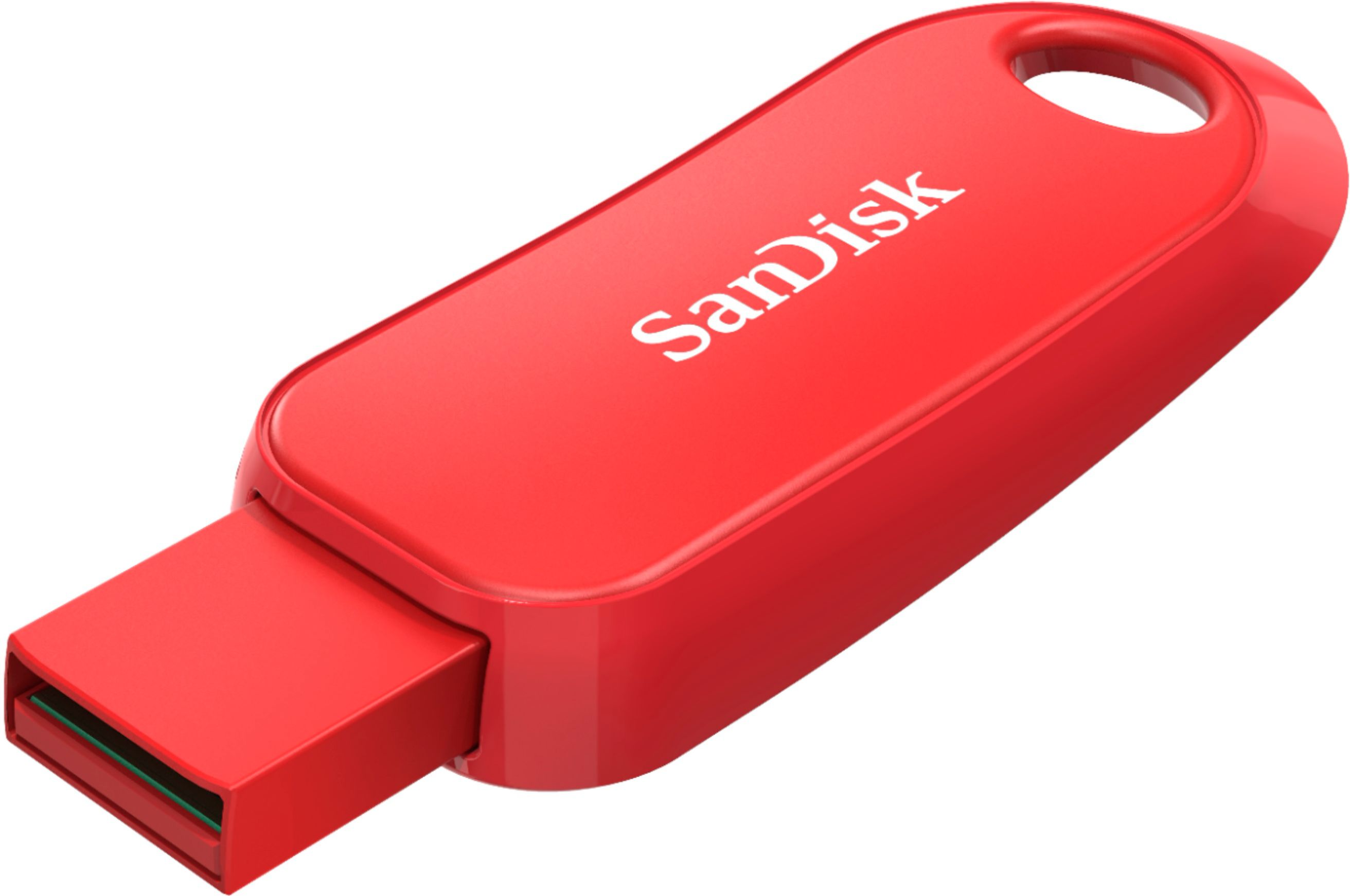
A:Answer I don't know what you have already tried. If you are using a PC, you should be able to find an icon that looks like a file folder. After you have put the flash drive in the usb slot on your PC, you should be able to click on the folder icon and then look for Drive E (usually), or maybe F. If you have Mac, someone else may have to help you, but I don't think the steps are much different. Another possibility is if you are looking for Microsoft Word document, for example, open Microsoft Word, click on File, then look for Drive E. If it does not show up immediately as an option, then you should see an option to look in other places.
If you have done any of that and cannot retrieve your file, the file might be corrupted or your E or F drive needs some clean-up. Then you need more expert help than I can provide. I hope this doesn't insult because it was hard to tell what steps you may have already tried.