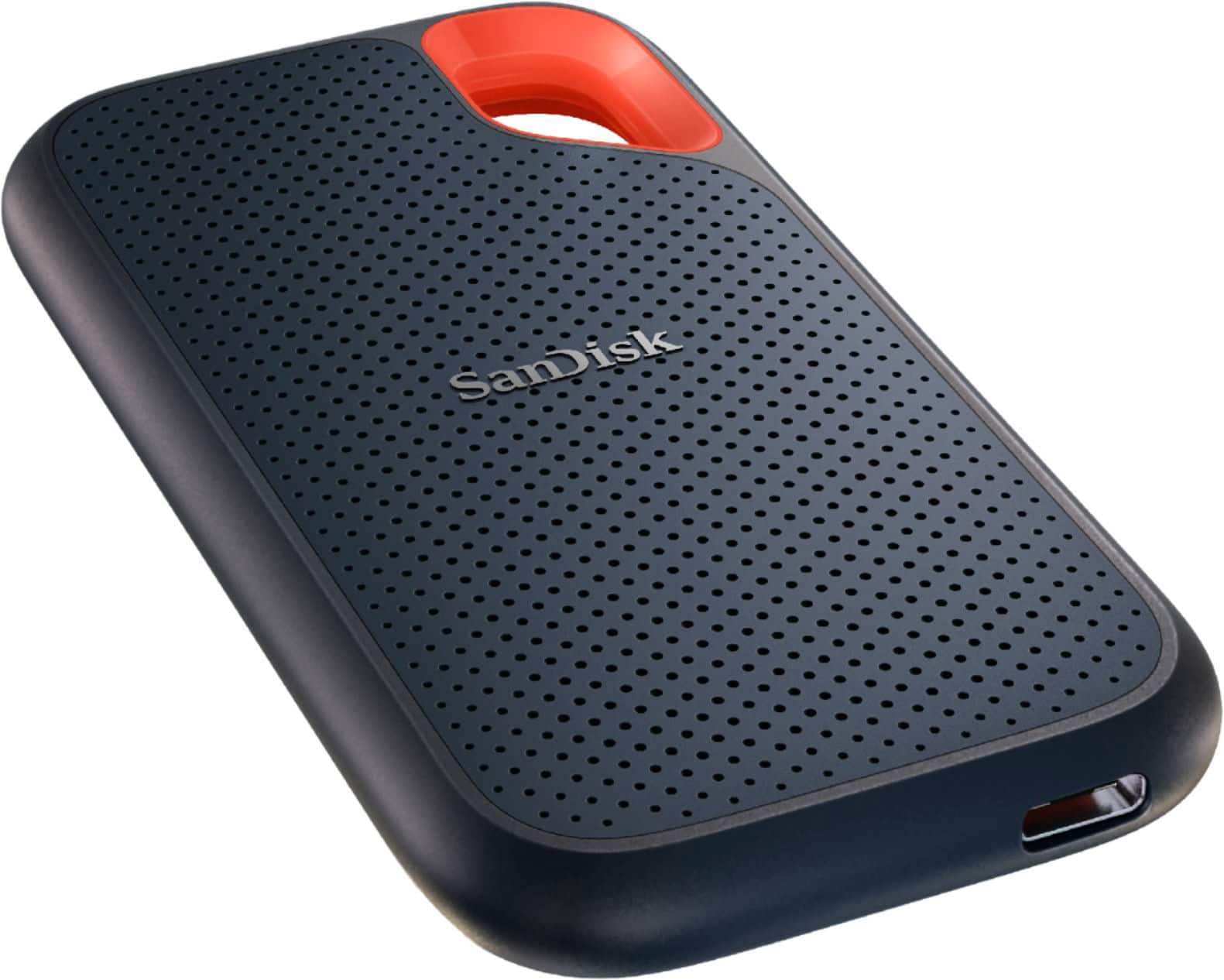
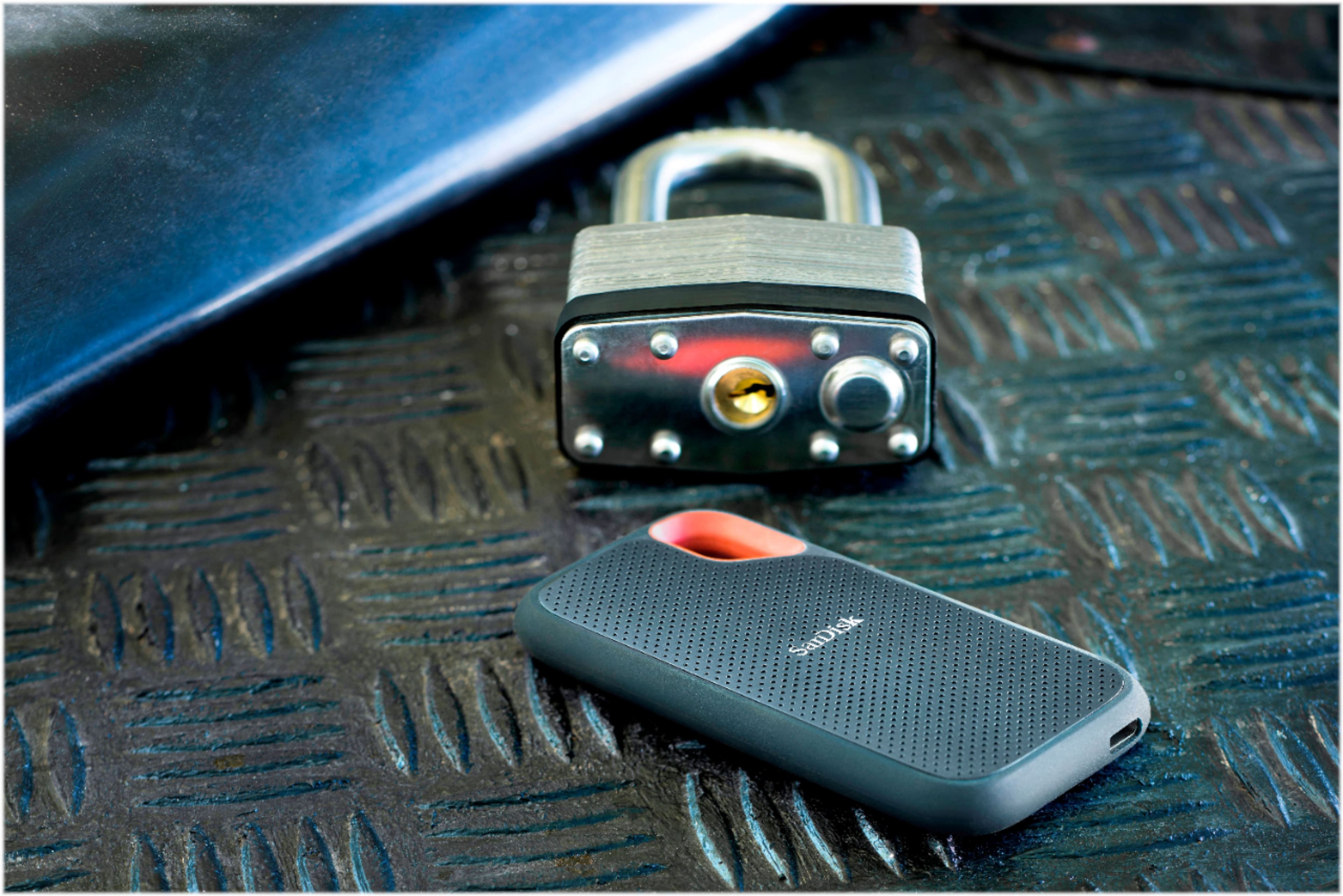
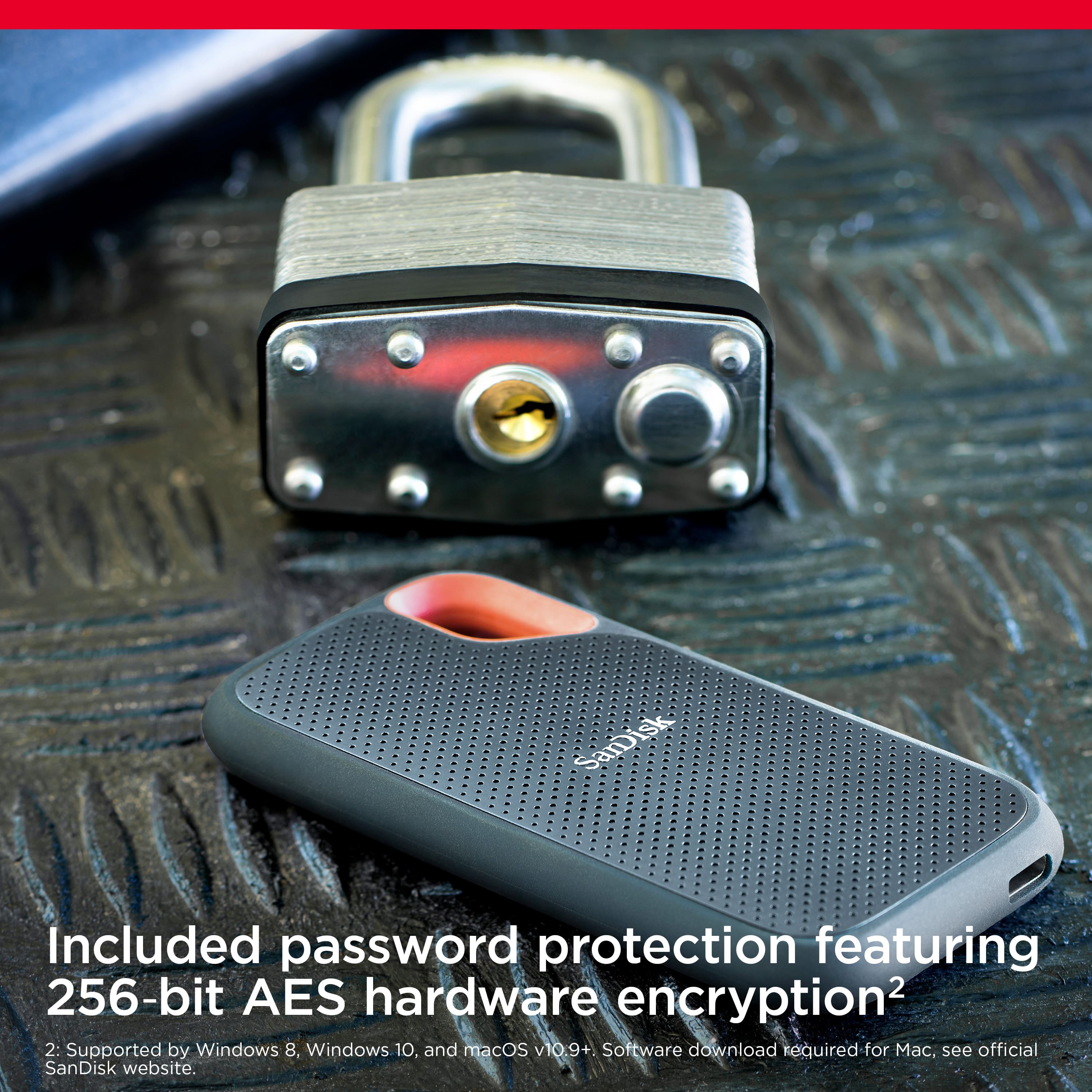
A:AnswerIt comes with Sandisk's drive protection preinstalled. You just set a password and youre good to go. Keep in mind that there is no way for Sandisk to retrieve your pw if you forget it. Youll have to format the drive and lose whatevers on it
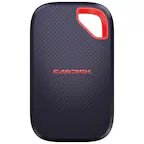
A:AnswerThis model [ Model:SDSSDE61-2T00-G25 /
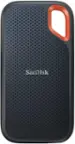
SKU:6427551 ] your question posted to is 256-bit. Another model with the same 2TB storage size is 128-bit [ Model:SDSSDE81-2T00-G25 / SKU:6427554 ]. The differences between the two models are the read/write specs and the price. The 256-bit models has a lower read/write speed, and the price is lower. The 128-bit has 2x the read/write speed and the price.
A:AnswerNot directly, as, how would you transfer from a card reader only ? But if the card reader is plugged into a PC/Laptop and the SSD is also plugged on the same computer, you can transfer the SD card content to the SSD, bypassing any storing on the computer itself.
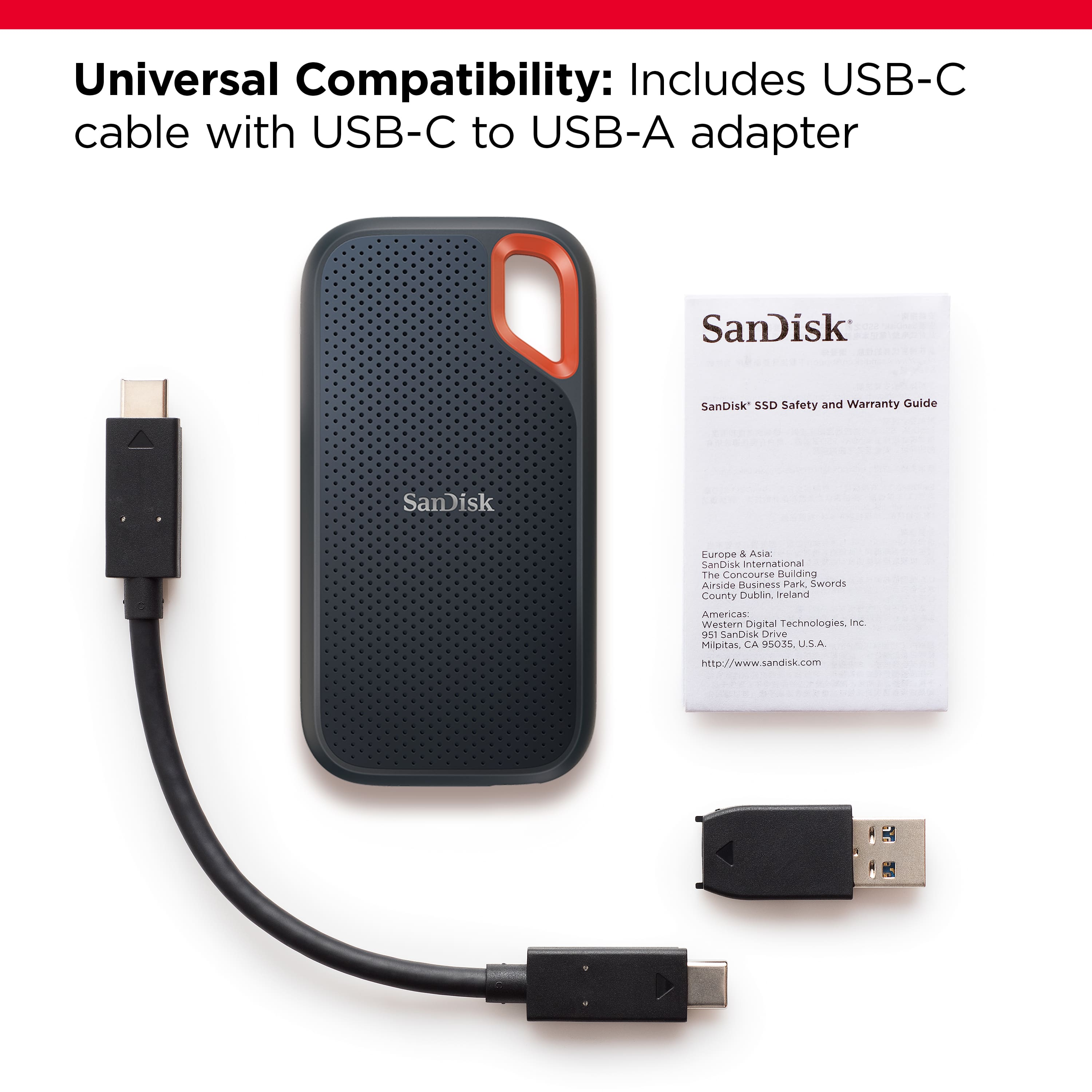
A:AnswerPlease allow us to inform you that this SSD comes with USB-C to USB-C Cable, USB-C to USB-A Adaptor, Safety and Warranty Guide inside the packaging.
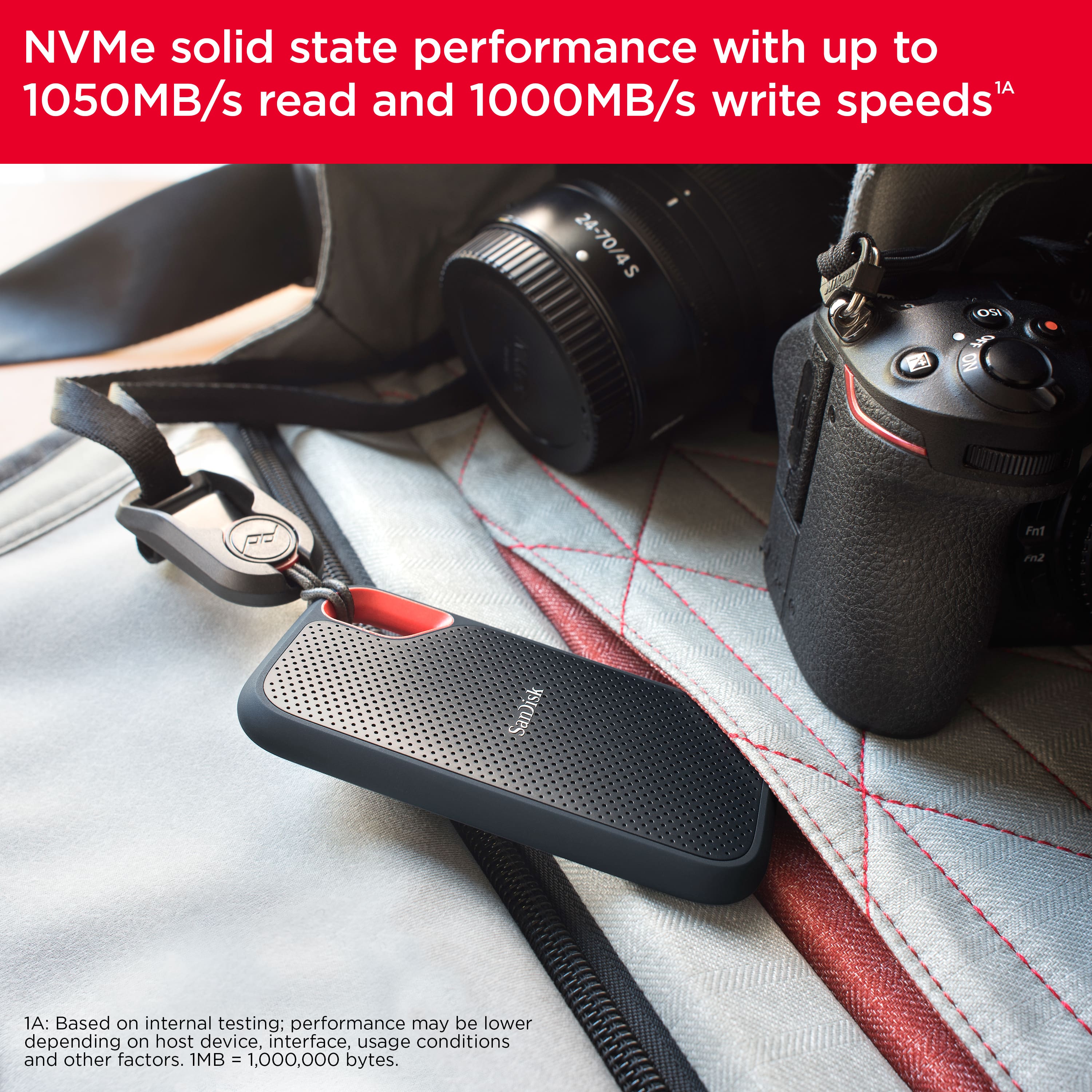
A:AnswerRunning the Black Magic Speed Test on an M1 MacBook Pro through a Caldigit Element Hub the drive seems to average about 625MB/s write and 750 MB/s read which works out to be about 5000Gb/s and 6000Gb/s respectively.
A:AnswerAlex, are you connecting the SSD directly to the iPhone or using a powered hub? SSD require power to operate, so you'll need a hub for this. More at the Apple wedbsite: https://support.apple.com/en-in/guide/iphone/iph95baac91f/ios
A:AnswerShould be compatible with the PS4 for expanding storage. However, there are a few things you can check to troubleshoot the issue: Ensure that the flash drive is formatted to FAT32 or exFAT, as the PS4 does not support NTFS formatting for external storage.
A:AnswerHi Andrew, thank you for contacting us. Please note that the SanDisk Extreme Portable SSD is compatible with the iPad. It supports compatible USB Type-C devices running iOS 13 or later, making it a suitable option for storing and transferring supported files.
A:AnswerWonderful. I have a hacker. He destroyed 13 years of designs for embroidery. San Disk recovered them! In a previous backup.
I have a n extreme 1 tB and 2 TB by San Disk. Won’t buy anything else!
A:AnswerHello! I am sorry I can give you any info about this drive and it’s running on a PS game unit! I bought my drive to run with Apple iPad and a iPad Pro! I love this drive to keep my data on it . I wood think it will work on one due to the USB C port! It my need to be format to the unit before using it? The Geek squad should be able to help.!