Questions & Answers
- Model:
- SDSSDE60-250G-G25
- |
- SKU:
- 6185372
Highly rated by customers for: Portability, Speed, Size
Page Showing 1-14 of 14 questions
Q: QuestionIs this compatible with the Samsung Galaxy Chromebook that came out in April 2020?
Asked by Anonymous.
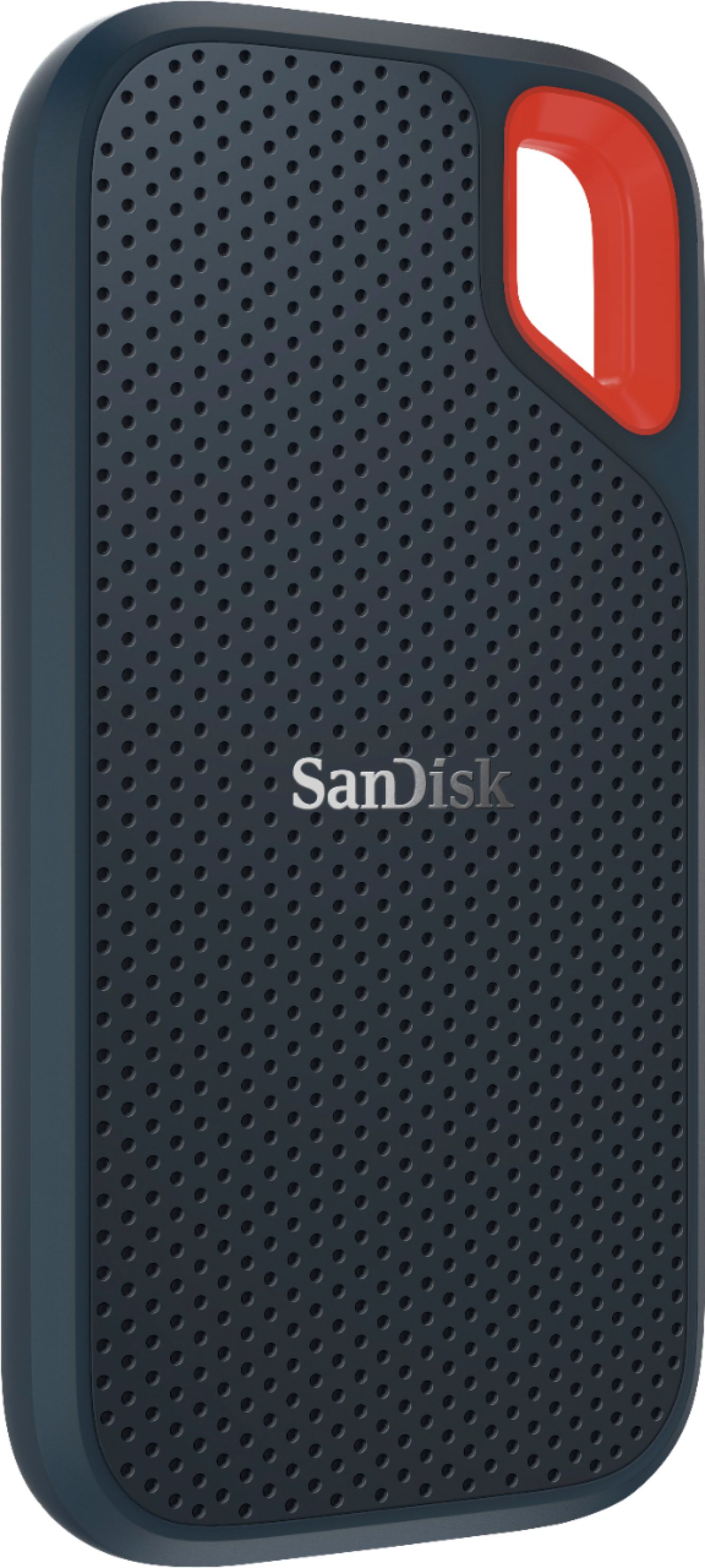
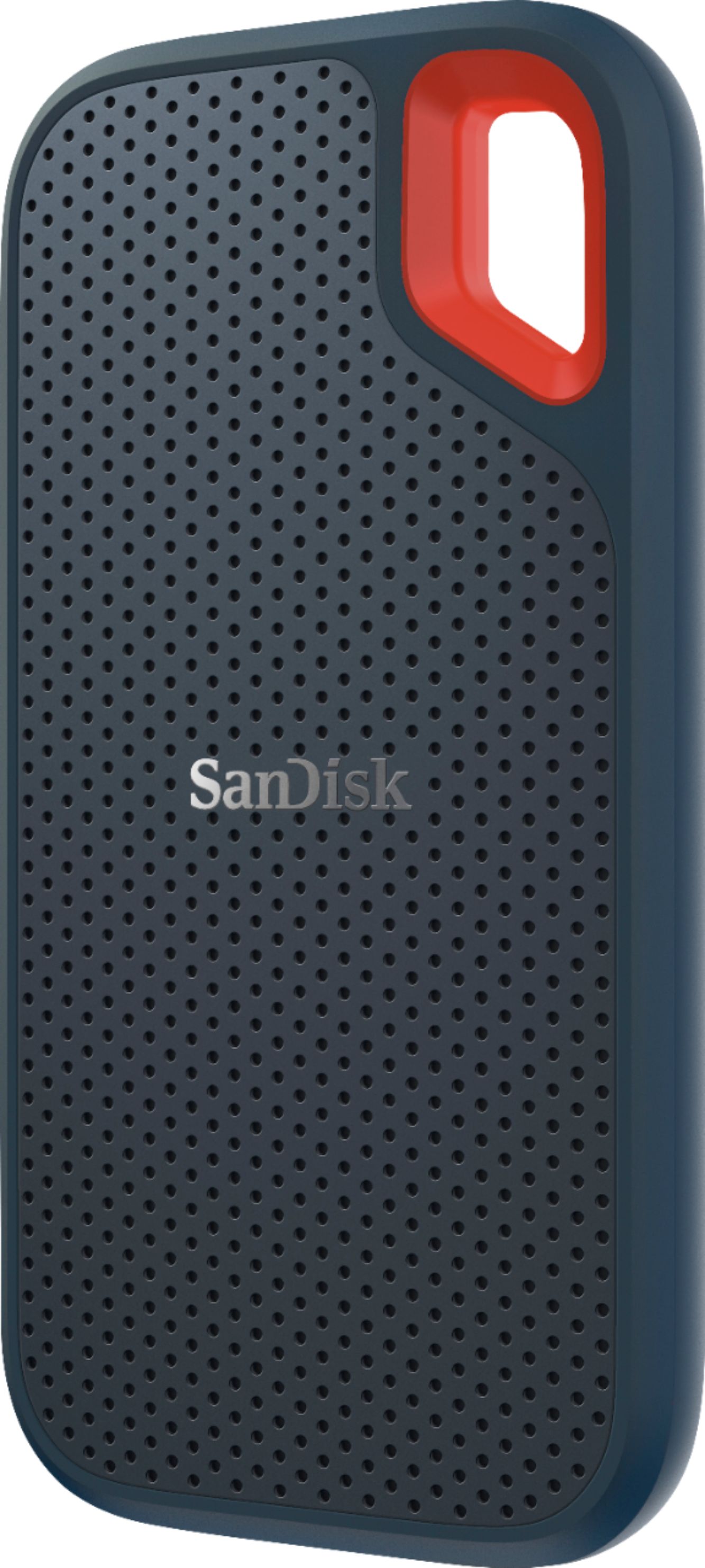
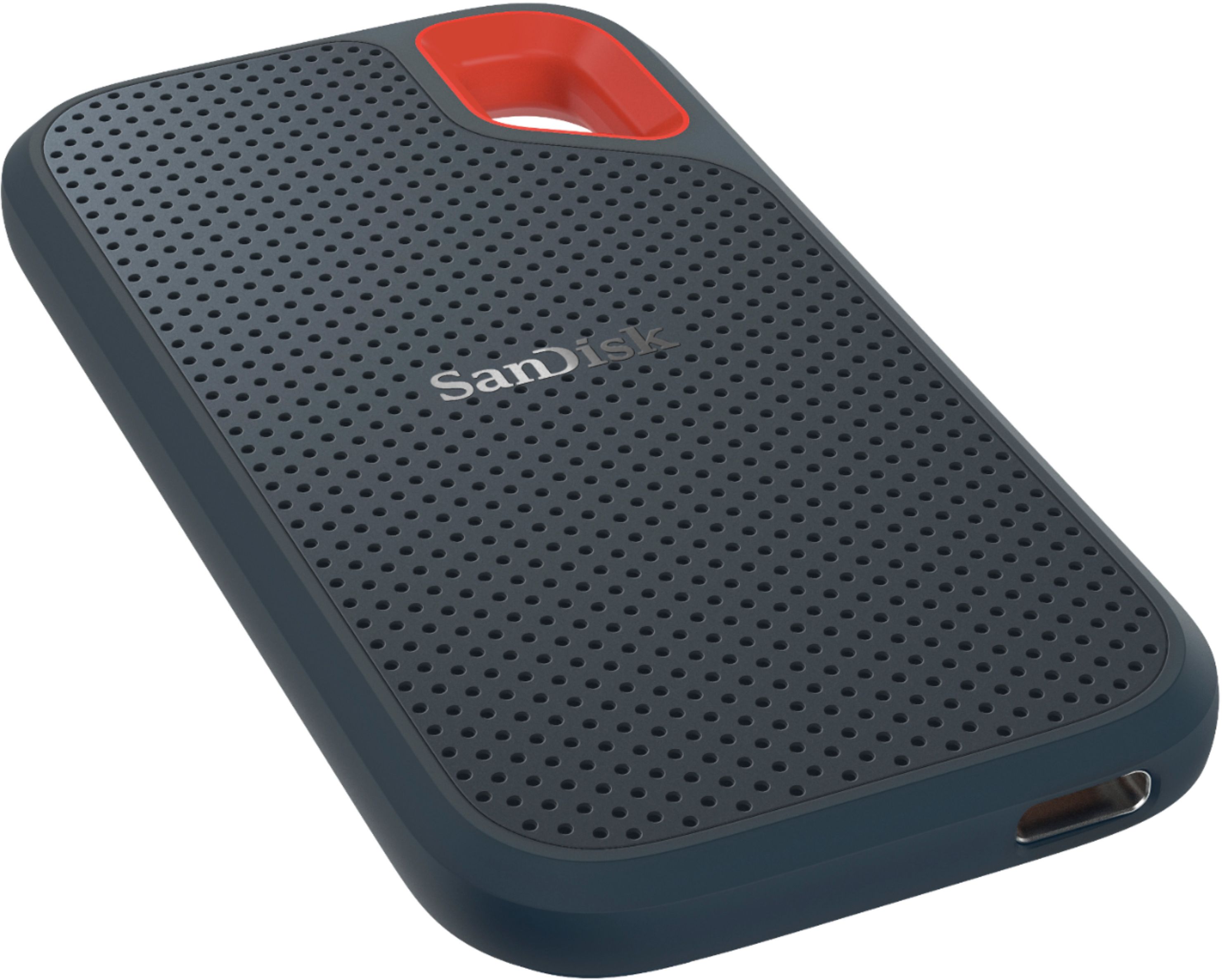
- A:Answer Hi, please be informed that the Samsung Galaxy Chromebook has a Type-C USB Port using which you can connect the SanDisk Extreme Portable 250GB SSD Drive to transfer data to/ from the SSD Drive.
Answered by SanDisk Team
Q: QuestionIf I open this in the computer can the next person see when it was last viewwd?
Asked by Stacy.
Q: QuestionDoes this product come with software to search for and backup photos and files? I currently use a WD My Passport on 1 computer, and that has the software.
Asked by TigerPuppy.
- A:Answer Hi, we would be happy to help, but it would be best to contact us directly so that we can investigate further and provide you with an appropriate resolution. You can use the Ask form at https://kb-eu.sandisk.com/app/ask/ and there is also a phone number you can call available at https://www.sandisk.com/about/contact/customer-care.
Answered by SanDisk Team
Q: QuestionWill this work with MacBook Air?
Asked by Joey.
- A:Answer Hi, please be informed that all our external storage devices including the SSD Drives are simple plug and play storage devices which you can connect to your Mac computers using the USB Type-C/A ports. However, please note that you might not get optimal data transfer speeds when connected to a USB interface older than USB 3.1 Gen 2.
Answered by SanDisk Team
Q: QuestionWill this work with a WINDOWS 10 PC, Google Chromebook, or IPAD?
Asked by Lady.
- A:Answer Hi, we would be happy to help, but it would be best to contact us directly so that we can investigate further and provide you with an appropriate resolution. You can use the Ask form at https://kb-eu.sandisk.com/app/ask/ and there is also a phone number you can call available at https://www.sandisk.com/about/contact/customer-care.
Answered by SanDisk Team
Q: QuestionCan you password protect the data?
Asked by AnnP.
- A:Answer Hi, please be informed that you will get a private password protected vault named SanDisk Secure Access software for protecting your data stored in your SanDisk Extreme Portable 250GB SSD Drive. In order to know how to setup/ use SanDisk Secure Access, please contact us directly at 1-866-SANDISK and we would be glad to assist you.
Answered by SanDisk Team
Q: QuestionWill this work with my MacBook Pro?
Asked by StephanieH.
- A:Answer Yes.
Answered by Photomedic4321
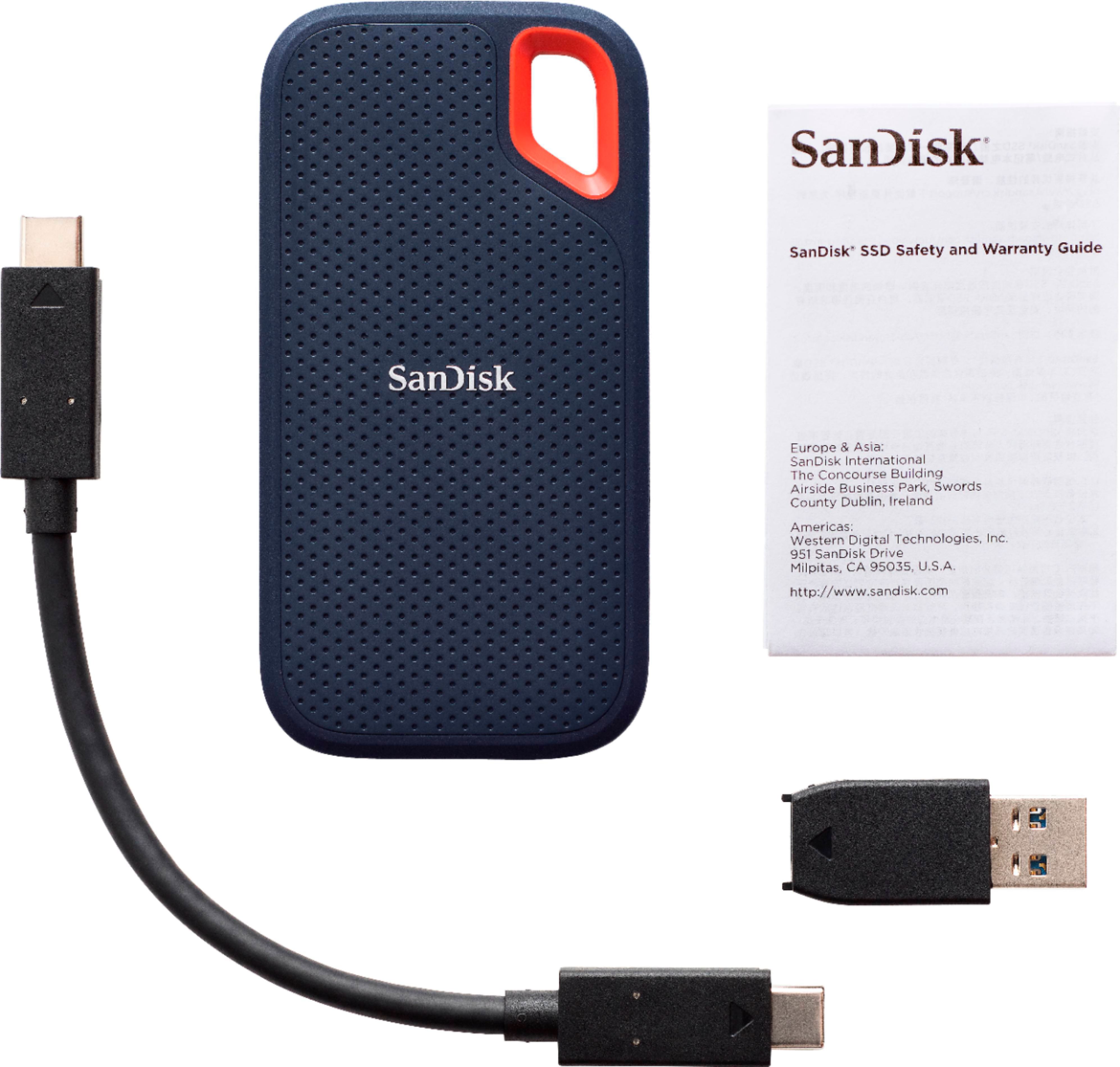
Q: QuestionDoes this come with a USB-C connection cable?
Asked by mdhaskins.
- A:Answer Hi, please be informed that the SanDisk Extreme Portable 250GB SSD Drive does include a USB-C to USB-C cable in the box.
Answered by SanDisk Team
Q: QuestionDoes this work for video games/PC?
Asked by John.
- A:Answer Hi John, please be informed that you can install games on this SSD Drive by connecting it to your PC. However, please be informed that you would get the transfer speeds based on the USB Interface being used to connect this SSD Drive.
Answered by SanDisk Team
Q: QuestionIs this compatible with Windows Vista??
Asked by Sandra.
- A:Answer Yes. It's a data/file storage device only.
Answered by Allan
Q: QuestionIs this compatible w/ usb type-c phones? Such as the Galaxy S9/S9+?
Asked by John.
- A:Answer Yes, this model is USB-C compatible.
Answered by CommunityAnswer
Q: QuestionDo I have to download any special software if I do NOT want to encrypt my data?
Asked by SteveB.
- A:Answer Hi, we would be happy to help, but it would be best to contact us directly so that we can investigate further and provide you with an appropriate resolution. You can use the Ask form at https://kb-eu.sandisk.com/app/ask/ and there is also a phone number you can call available at https://www.sandisk.com/about/contact/customer-care.
Answered by SanDisk Team
Q: QuestionWill this work with my Xbox One? I am trying to save the game data on this to hopefully get faster load times.
Asked by Dillchump.
- A:Answer Short answer - Yes. Long answer - You can use any external drive for Xbox One. When you connect then try to open external drive, it will ask to format external drive. Format drive then you are good to go. FAT32 is the file system for most game controller, not NTFS. But the external hard drive is typically formatted to NTFS, if you're planning to add an external hard drive for your Xbox One/360, you have to format Xbox One/360 external hard drive from NTFS to FAT32.
Answered by TechLover
Page 1, Showing 1-14 of 14 questions
Best-selling Best Buy
- $299.99$299.99The price was $349.99
- $59.99$59.99The price was $99.00
- $199.99$199.99The price was $349.99
- $14.99$14.99The price was $19.00
- $24.99$24.99The price was $29.99
- $14.99$14.99The price was $19.00