Skip to contentGo to Product SearchGo to Footer
Main Content

Questions & Answers

Page Showing 1-3 of 3 questions
  • QuestionOnce the phone is backed up on this device, can the photos be transferred from the device to a computer??

    Asked by Heidi.

    • Answer Yes, please note that the contents stored on the iXpand Wireless Charger Sync can be accessed or transferred from/ to a host computer using a USB connection. We would suggest you to download the user manual and check the steps for the same : -- https://www.westerndigital.com/tools/documentRequestHandler?docPath=/content/dam/doc-library/en_us/assets/public/sandisk/product/portable-drives/ixpand-wireless-charger-ssd/user-manual-ixpand-wireless-charger.pdf

      Answered by SanDisk Team

  • QuestionWhat product would you recommend to back up my android phone. I want to be sure it backs up contact info and of course photos

    Asked by cindy.

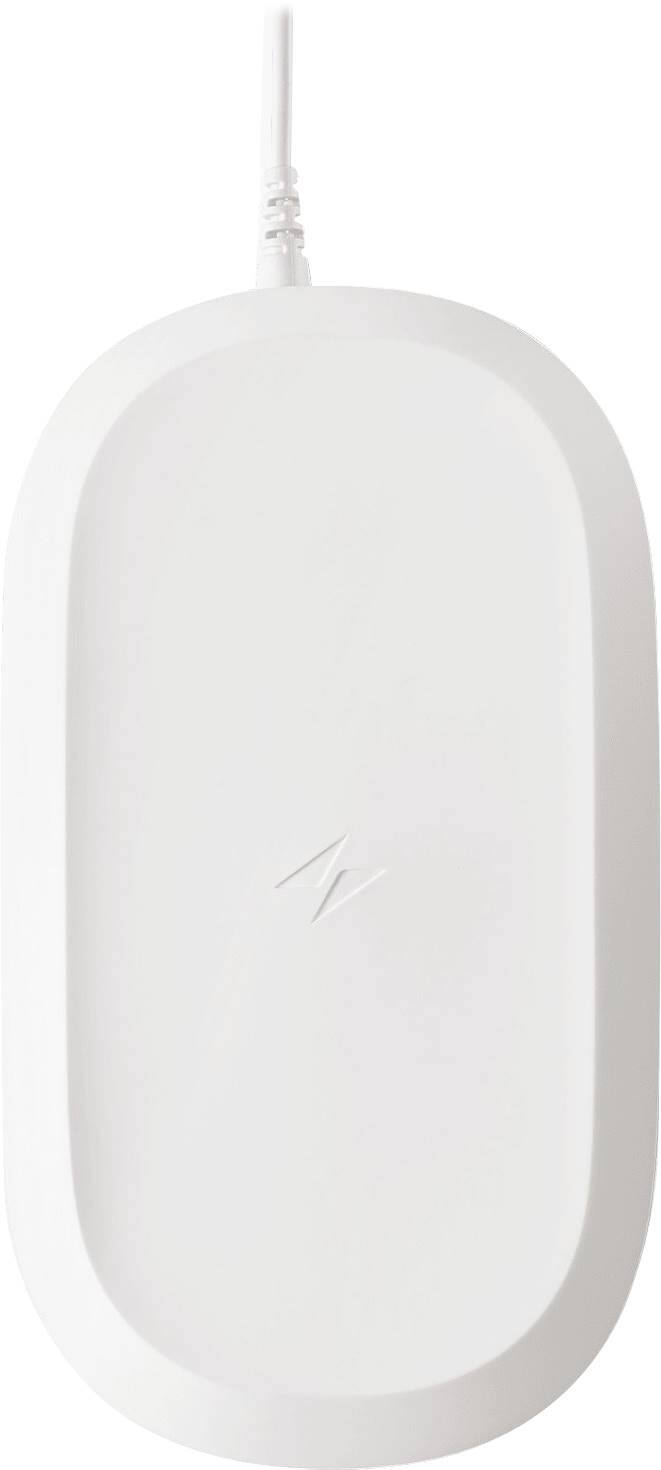
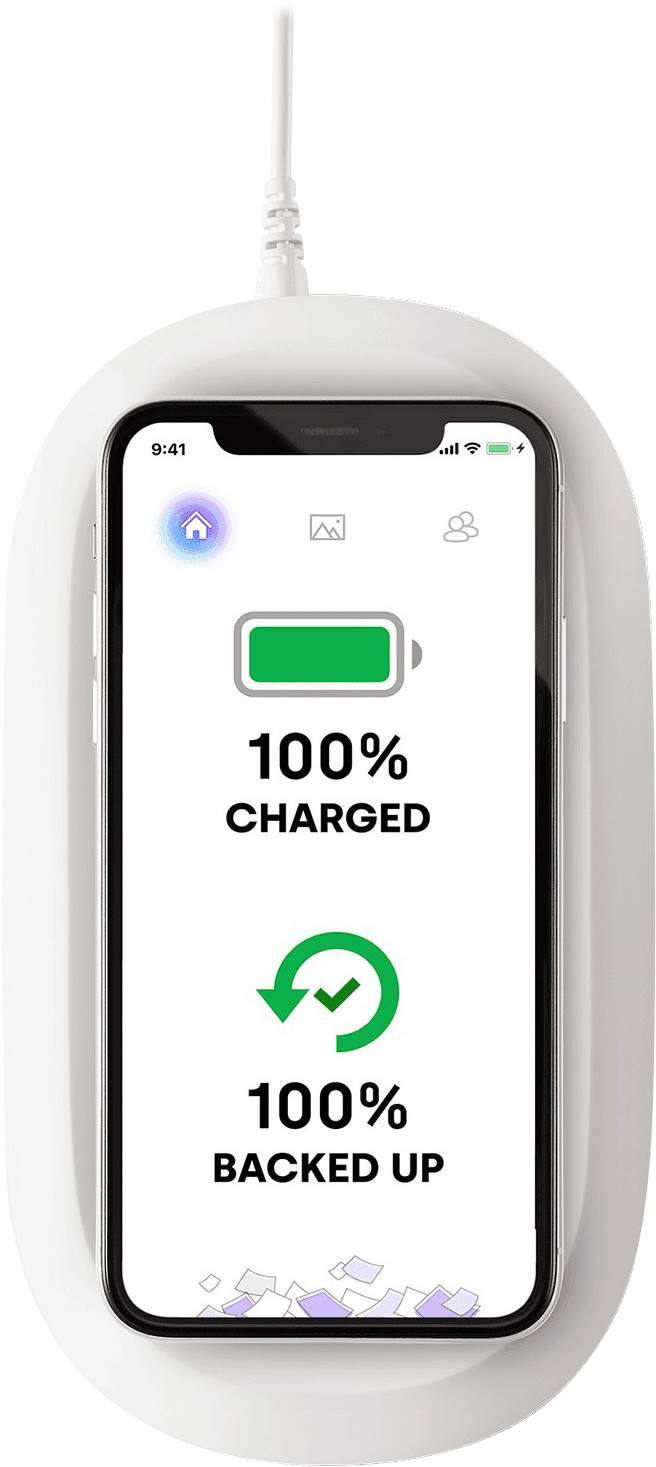
    • Answer I bought the iXpand wireless charger with backup for my wife to use with her Samsung Galaxy s9. I set it up for her and she had 5,005 photos on her phone, only a few of which had been backed up. It took less than 3 hours to back them all up along with her contacts. I have not connected it to my computer to backup the iXpand and will do that next week. When we moved it to her desk we placed the iXpand on top of her desktop computer. It would not charge her phone. We moved it to her desk and it began charging immediately. Evidentially, the iXpand cannot be placed on metal because then the charger does not work - the metal case interferes with the wireless charging. Makes sense.
      Answered by Bruce

  • QuestionDoes this device also back up pictures from texts automatically or do I need to save them to my phone first?

    Asked by Carsy.

    • Answer 1. iPhones: You would need to save your pictures from text to your phone. 2. Android: You would need to save your pictures from text to your phone. 3. Once you have save the Photos from text to your Photos Album. The device automatically add the Photo to the ixpand Drive. WHEN YOU PUT THE DEVICE TO CHARGE.

      Answered by 55555