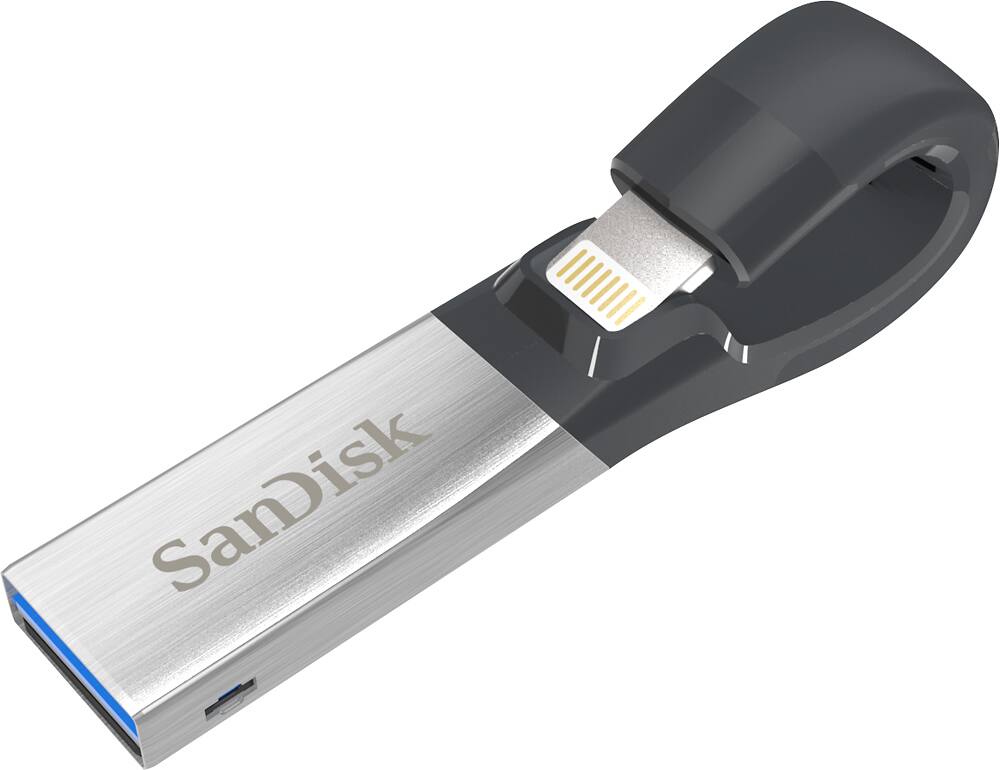
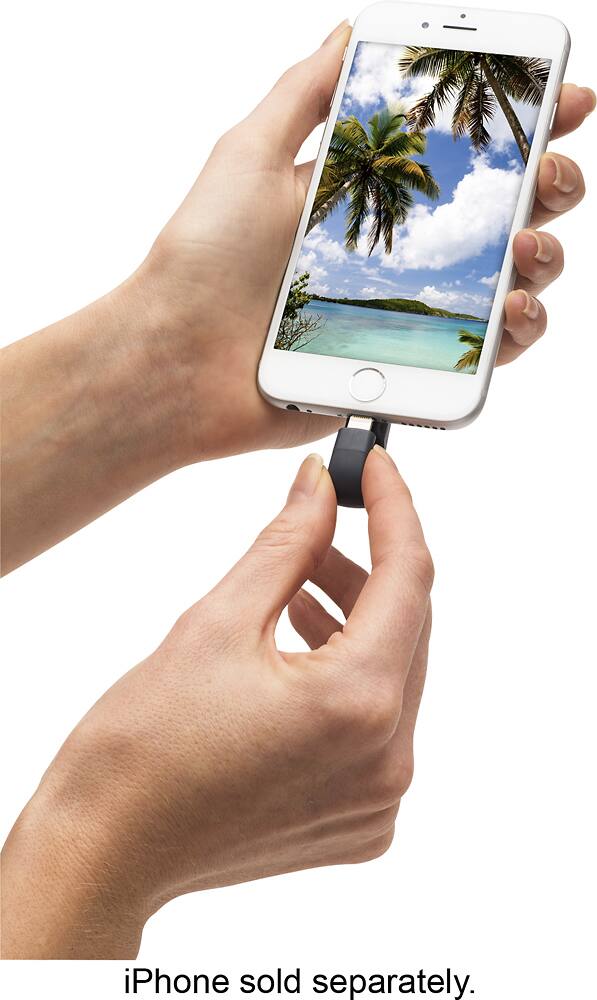
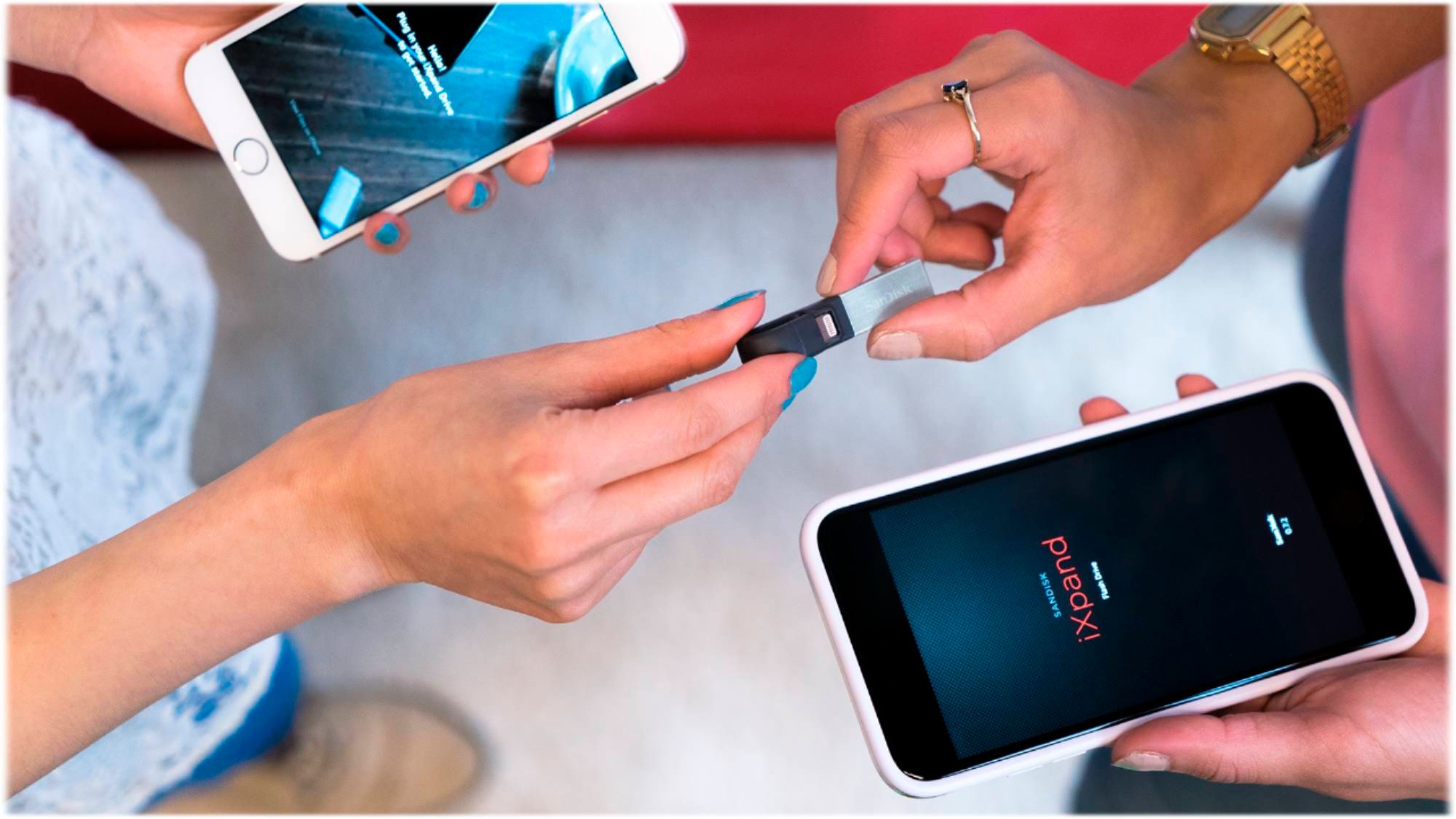
A:AnswerThis USB thumb drive is compatible with any apple product with a lightning plug that is also capable of downloading the SanDisk app *****(the device must be unlocked, activated (at least connected to WiFi), and have a valid apple account logged into it to use the app store and download the app, if the device is locked or bricked, the thumb drive will not be able to save from or to the device)*****
A:AnswerI copied photos from my PC to the iXpand and then copied them from the iXpand to my iPad Mini 3. I also created a folder for files on the iXpand and copied a PDF file to the iXpand folder I created. Then I copied the PDF file to my iPad and opened it. I did not actually move the files since I prefer to keep them on my PC.
A:AnswerYes, it is. Also, earlier models had trouble playing video clips, but this newer model handles photos, music, and videos very well. I don’t use it to back up my iPhone photos, but I believe it has software on board that does this with just one click.
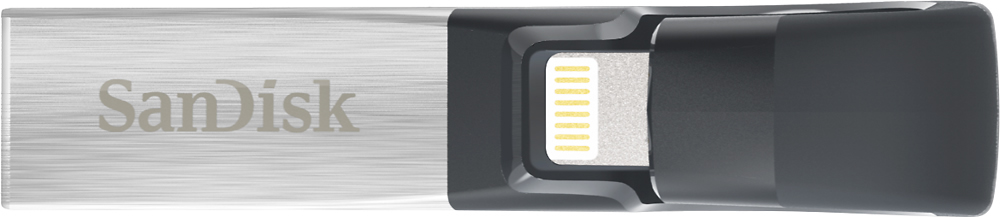
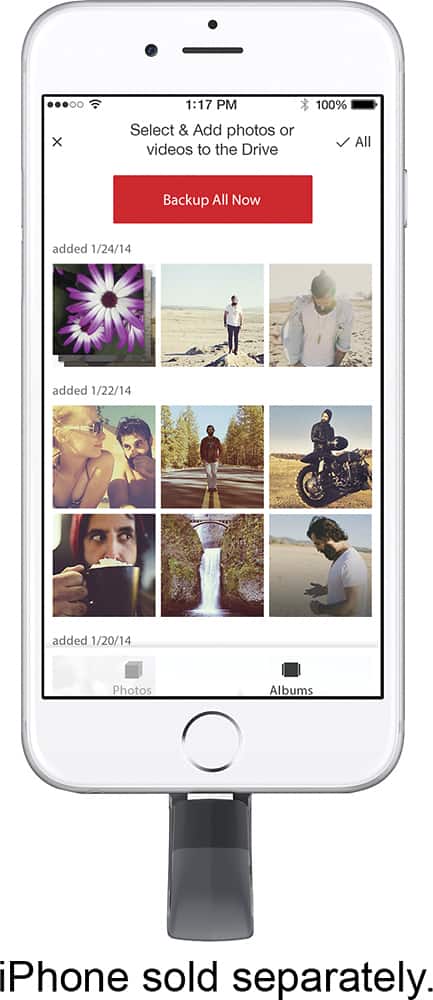
A:AnswerYes, IXpand will look for new photos or videos and it will back them up for you, is not going to back up your old ones. The first backup takes a little bit of time, but the next backup is super quick.
A:AnswerUnfortunately the iExpand Drive 128 GB which I bought from Sandisk/ BestBuy would only recognize my iPhone occasionally and I was unable to move photos from my phone to the disc. The disc may have needed a software update but I did not have time to pursue that and I eventually returned it.
A:AnswerPlease allow us to inform you that the SanDisk® iXpand USB 3.0 is compatible with the Apple iPhone 12. However, in order to check the video tutorial, please refer to the below mentioned link :
-- https://kb.sandisk.com/app/answers/detail/a_id/19546
A:AnswerIt depends on the quality/file size. Higher resolution pictures and videos will always take up more storage, but if your device is 128gb, then the flash drive should be able to hold all of your photos. Check your “pictures/video” within your Apple device to see how much bandwidth/internal storage your device uses for that media type.
A:AnswerNo. It uses a lightning/Apple connector. Samsung phones do not use that. You’ll need one that’s either micro USB, or USB C to use with an android.
A:AnswerHi, we would be happy to help, but it would be best to contact us directly so that we can investigate further and provide you with an appropriate resolution. You can use the Ask form at https://kb-eu.sandisk.com/app/ask/ and there is also a phone number you can call available at https://www.sandisk.com/about/contact/customer-care.