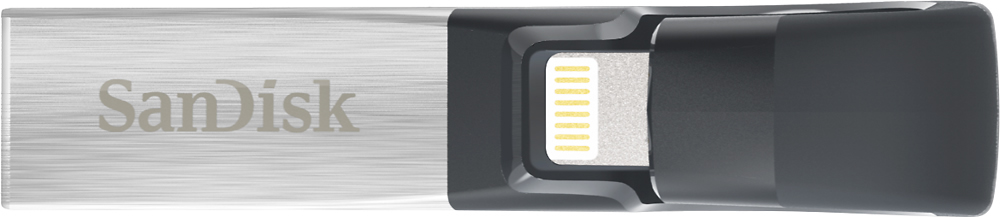
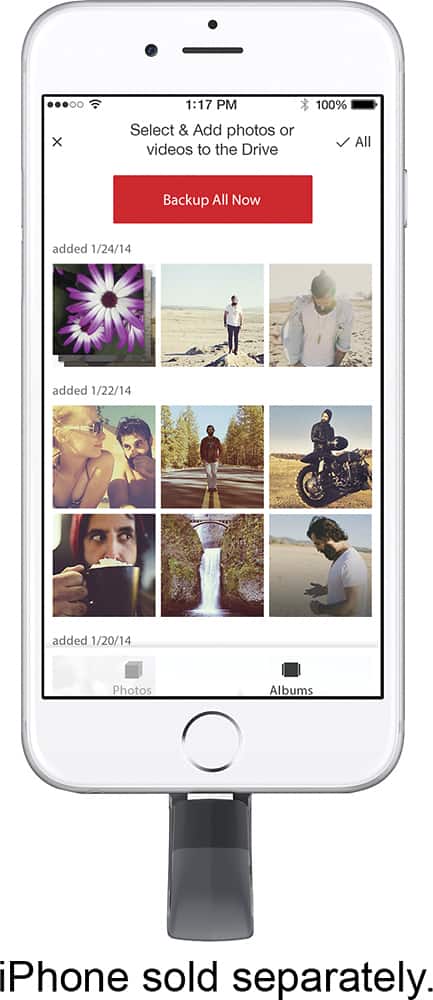
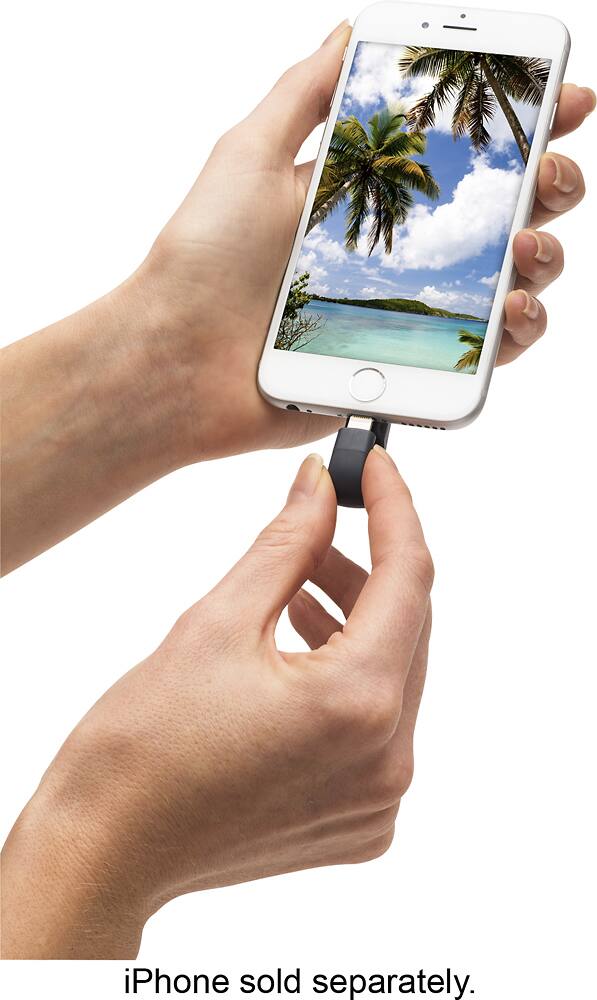
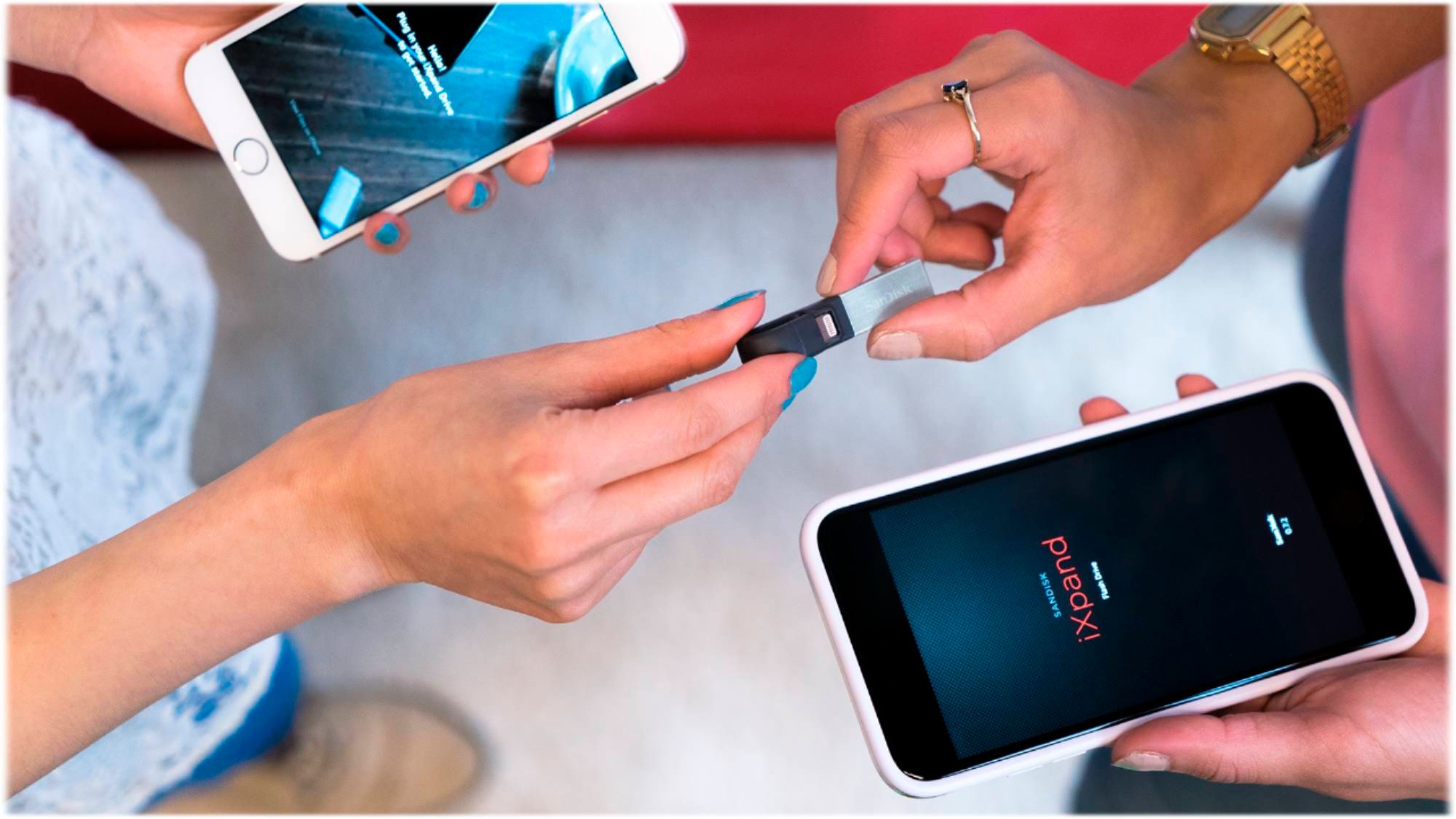
A:AnswerYes, the SanDisk® iXpand USB 3.0 128GB Flash Drive can backup the social media pictures and it is compatible with iOS devices which comes with lightning port.
A:AnswerHi, we would be happy to help, but it would be best to contact us directly so that we can investigate further and provide you with an appropriate resolution. You can use the Ask form at https://kb-eu.sandisk.com/app/ask/ and there is also a phone number you can call available at https://www.sandisk.com/about/contact/customer-care.
A:AnswerNo, the SanDisk® iXpand USB 3.0 Flash Drive is not compatible with Android devices as it has a lightning connector. However, we manufacture separate drives for Android devices.
A:AnswerYes, you can transfer pictures from iCloud to the SanDisk® iXpand USB 3.0 Flash Drives. However, you may check the total size of the files which needs to be transferred and purchase the capacity of the drive accordingly.
A:AnswerYes, the SanDisk® iXpand USB 3.0 128GB Flash Drive works with the Apple iPhone XR. We would suggest you to create a backup of the file on a computer as well.
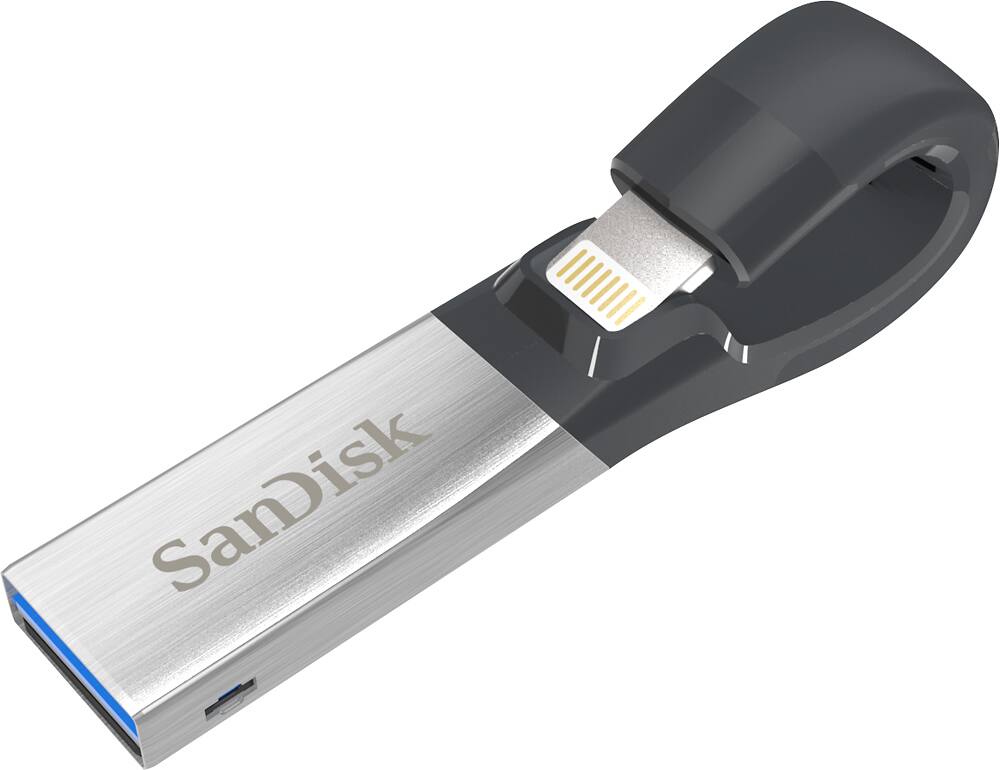
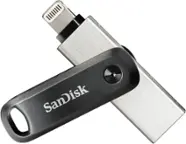
A:AnswerPlease be informed that the SanDisk® iXpand USB 3.0 Flash Drive comes with loop at the lightning connector's end. However, the iXpand USB 3.0 delivers a fast and simple way to free up space on your iPhone so that you’re always ready to capture more memories.
A:AnswerHi, in order to know how many minutes of video and number of pictures this Flash Drive can store, we suggest you to visit our official website and view the web article for the same by referring to the below mentioned links:
Videos - - https://kb.sandisk.com/app/answers/detail/a_id/8407
Pictures - - https://kb.sandisk.com/app/answers/detail/a_id/69
A:AnswerYes, you can transfer selected files on the SanDisk® iXpand USB 3.0 128GB Flash Drive using Manual backup. You may also refer to the below mentioned link:
-- https://kb.sandisk.com/app/answers/detail/a_id/18906
A:AnswerNo, the SanDisk® iXpand USB 3.0 128GB Flash Drive is not compatible with the Google Pixel 3A. However, we manufacture separate Drives for Android devices.
A:AnswerPlease allow me to inform you that the SanDisk® iXpand USB 3.0 128GB Flash Drive provides you an option of automatically backup. However, it does not erase files automatically from an iOS device.
A:AnswerYes, you can transfer files on the SanDisk® iXpand USB 3.0 128GB Flash Drive. Also be informed that this Flash Drive comes with USB 3.0 connector and will provide you USB 3.0 speed.
A:AnswerPlease be informed that the SanDisk® iXpand USB 3.0 is compatible with iOS devices which comes with lightning port. However, we manufacture separate Dual Drive with microUSB and Type-C connector for Android devices.