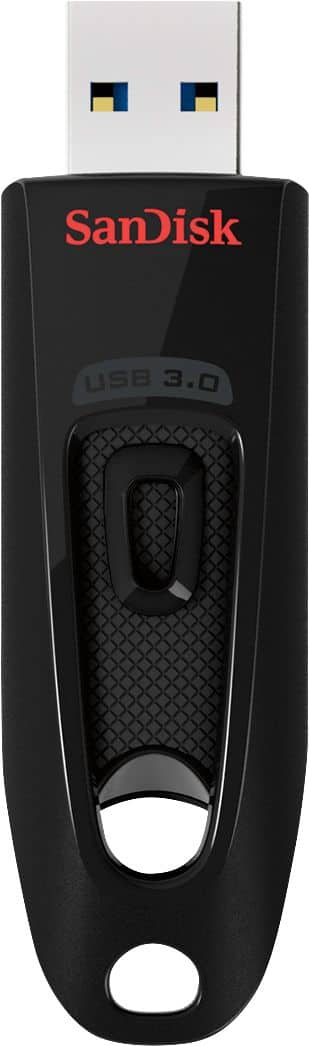
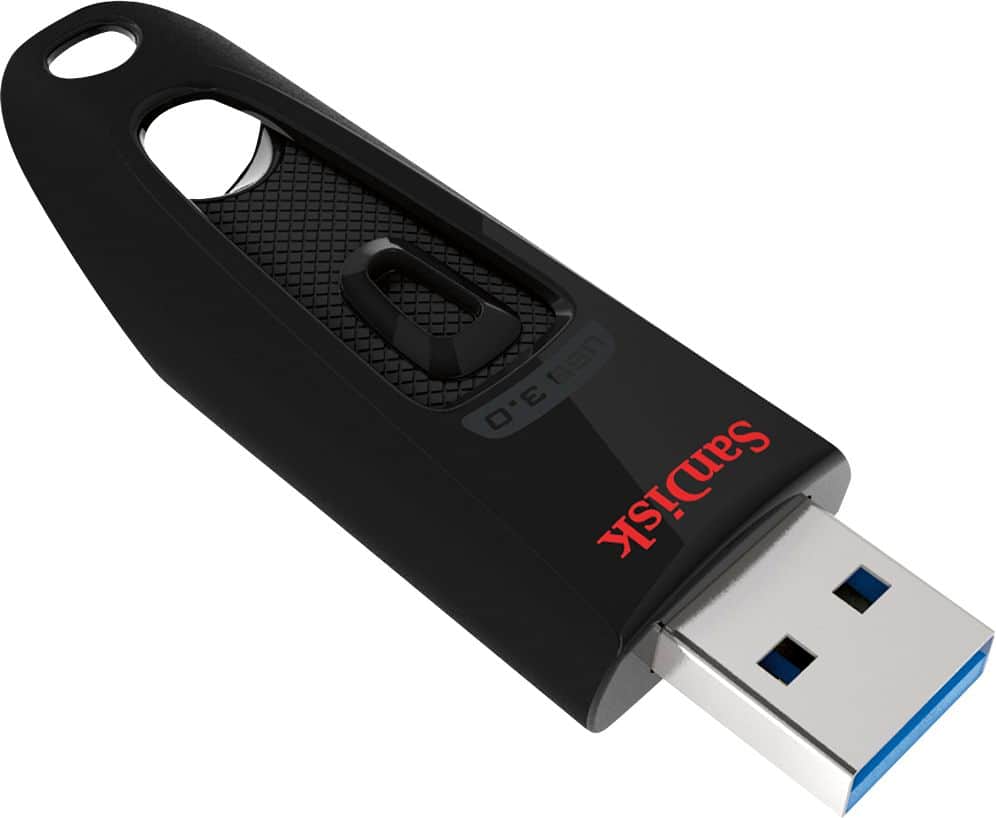
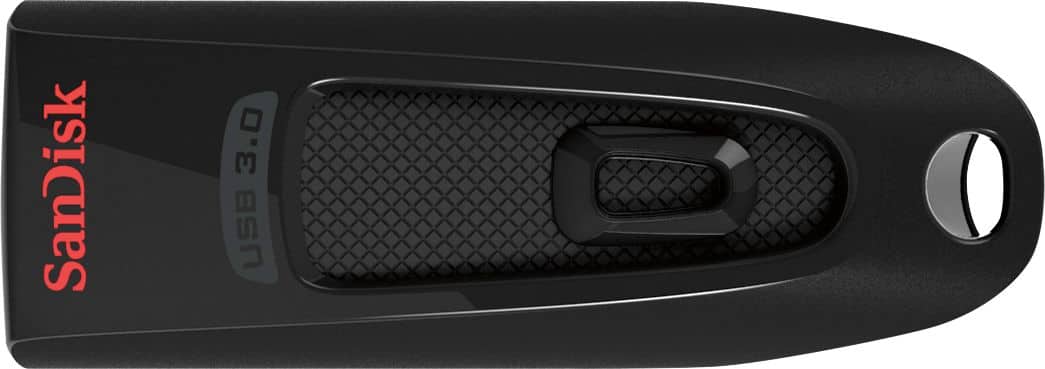
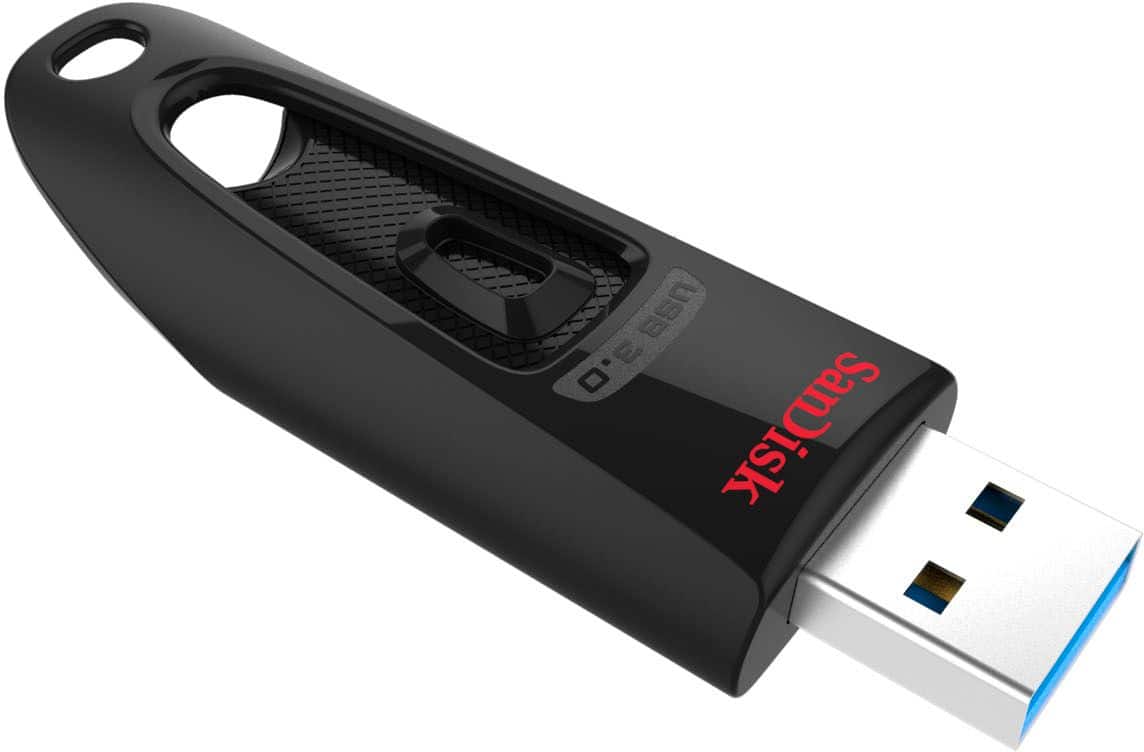
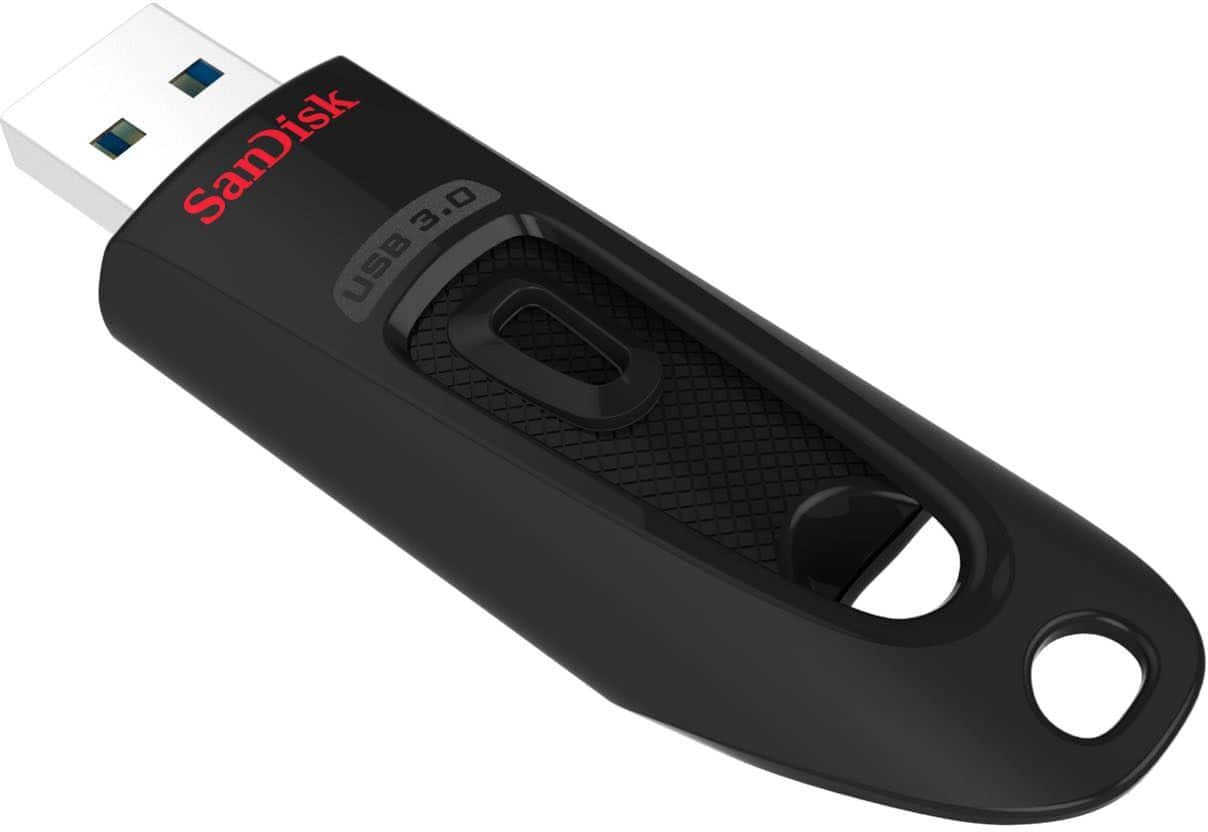
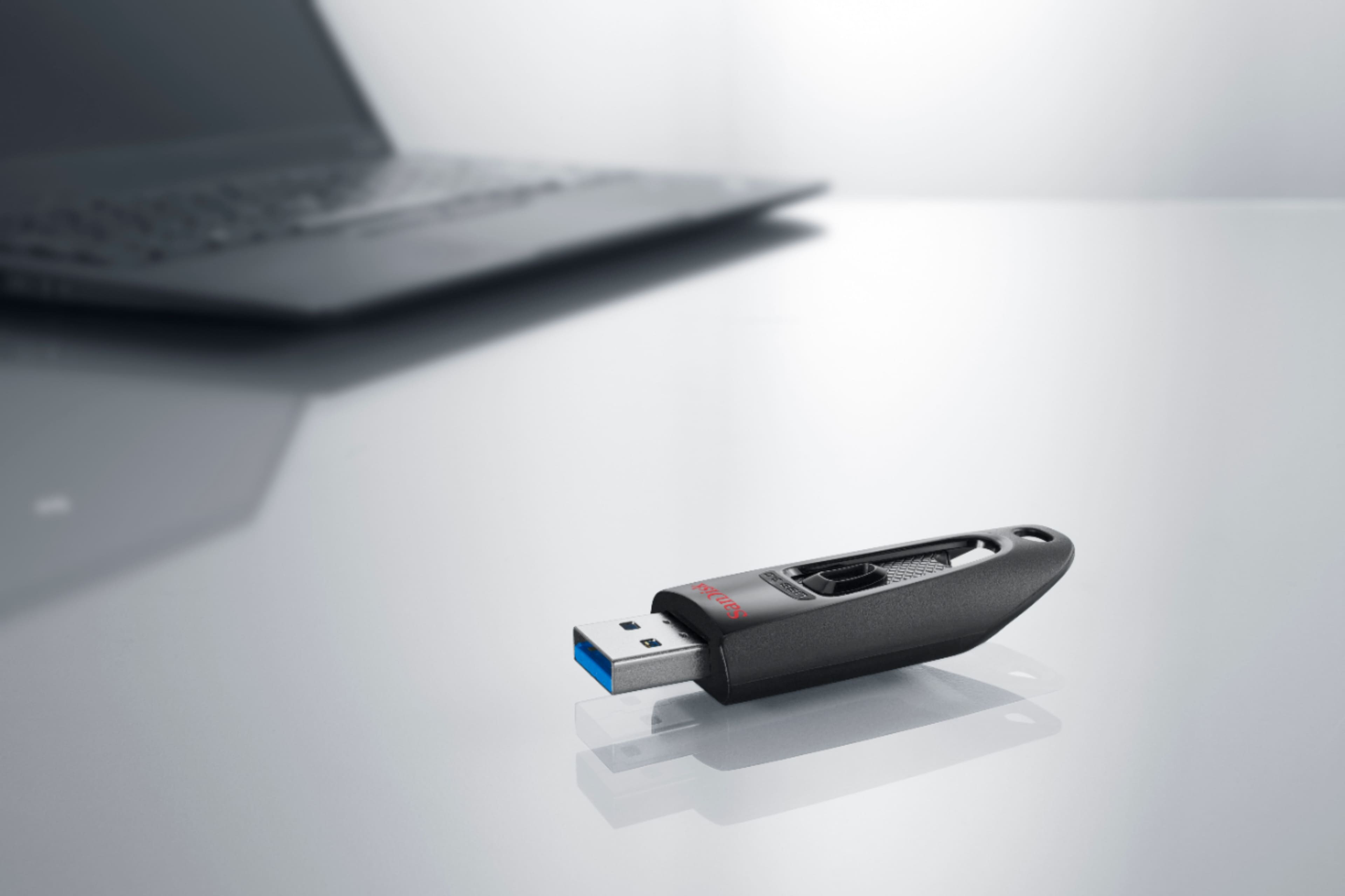
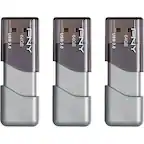
A:Answer Hi, thank you for reaching out to us. Please be informed that the Sandisk Ultra USB Flash Drive 3.0 is preformatted as FAT32. If you're specifically looking for a Sandisk USB flash drive that comes formatted as exFAT, the Sandisk Extreme series USB Flash Drive is one of the options. For more information about other drives, please see (https://support-in.sandisk.com/app/answers/detailweb/a_id/25242).