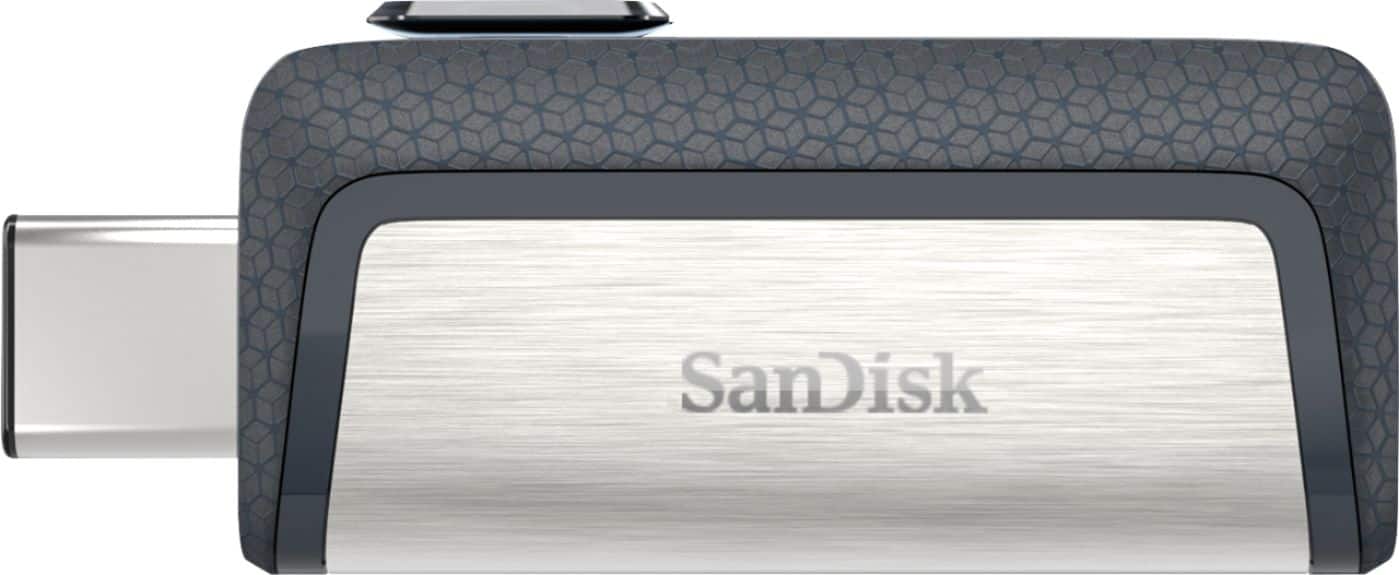
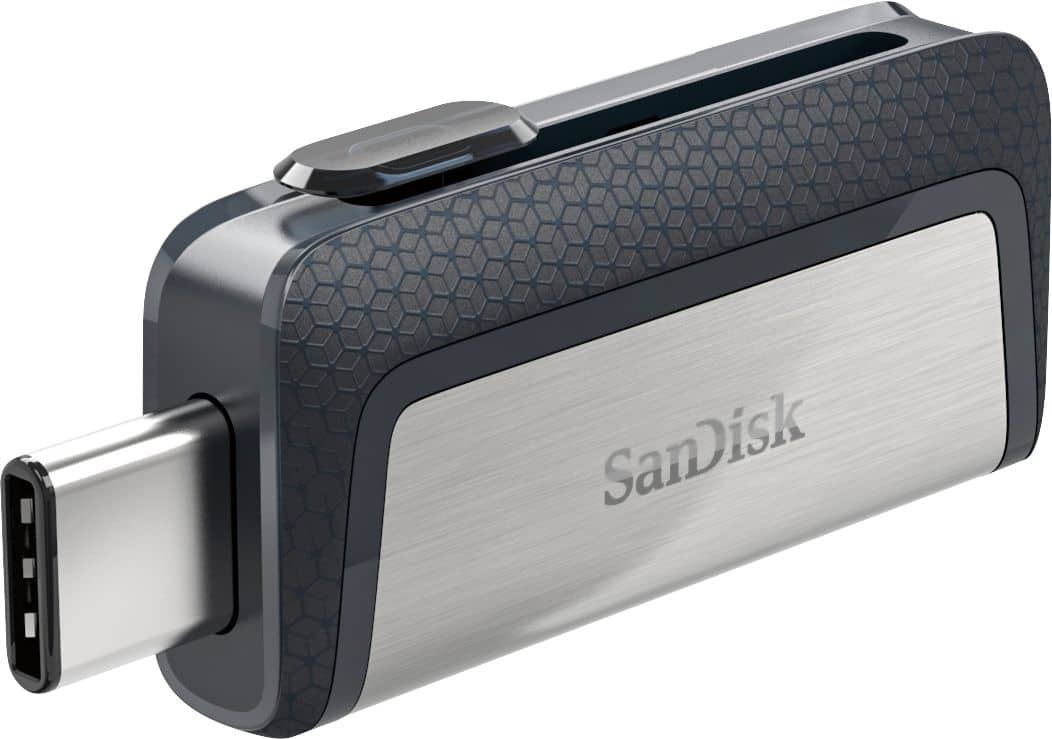
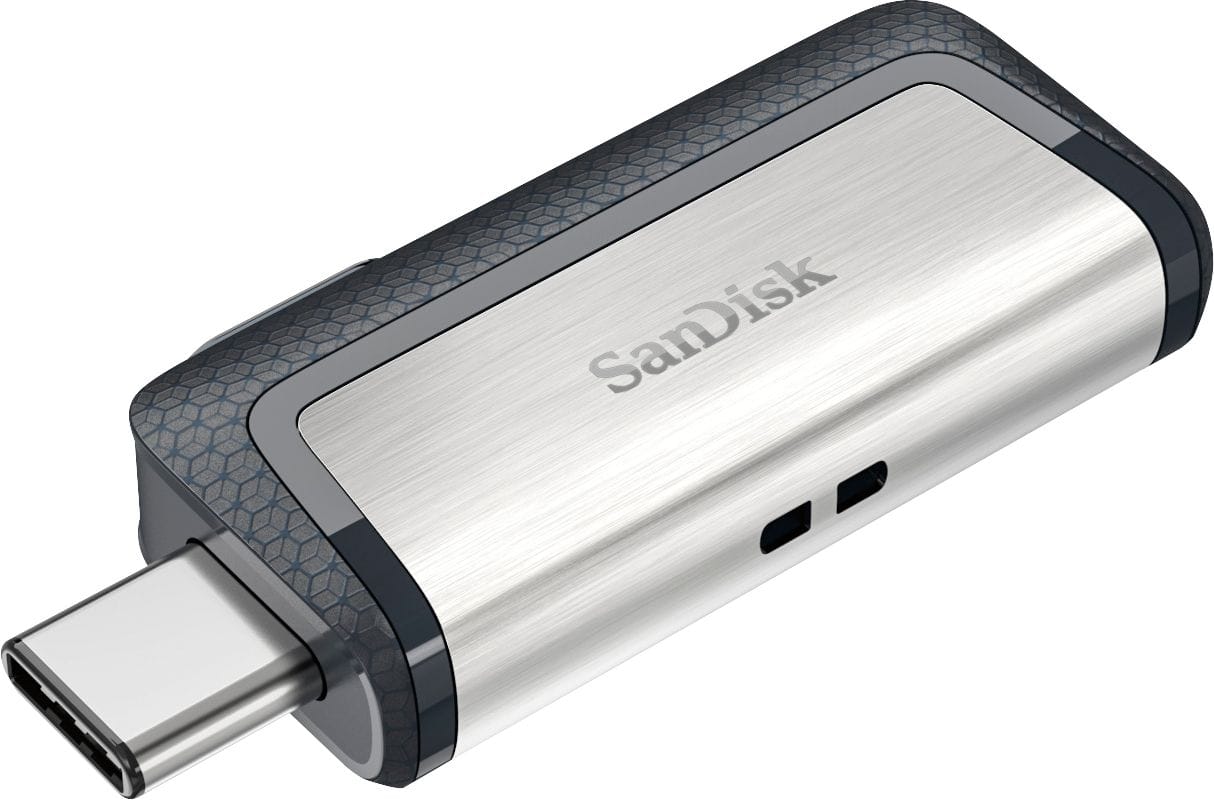
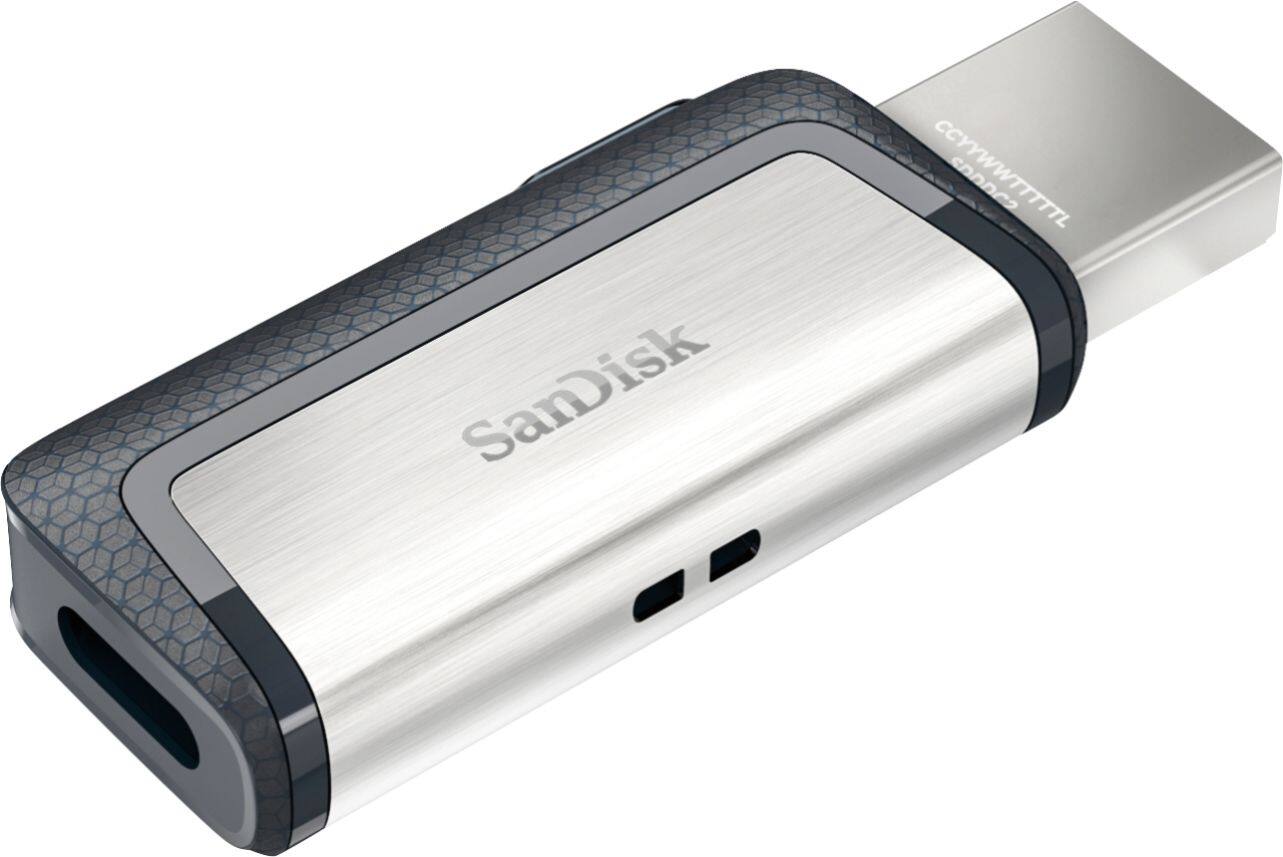
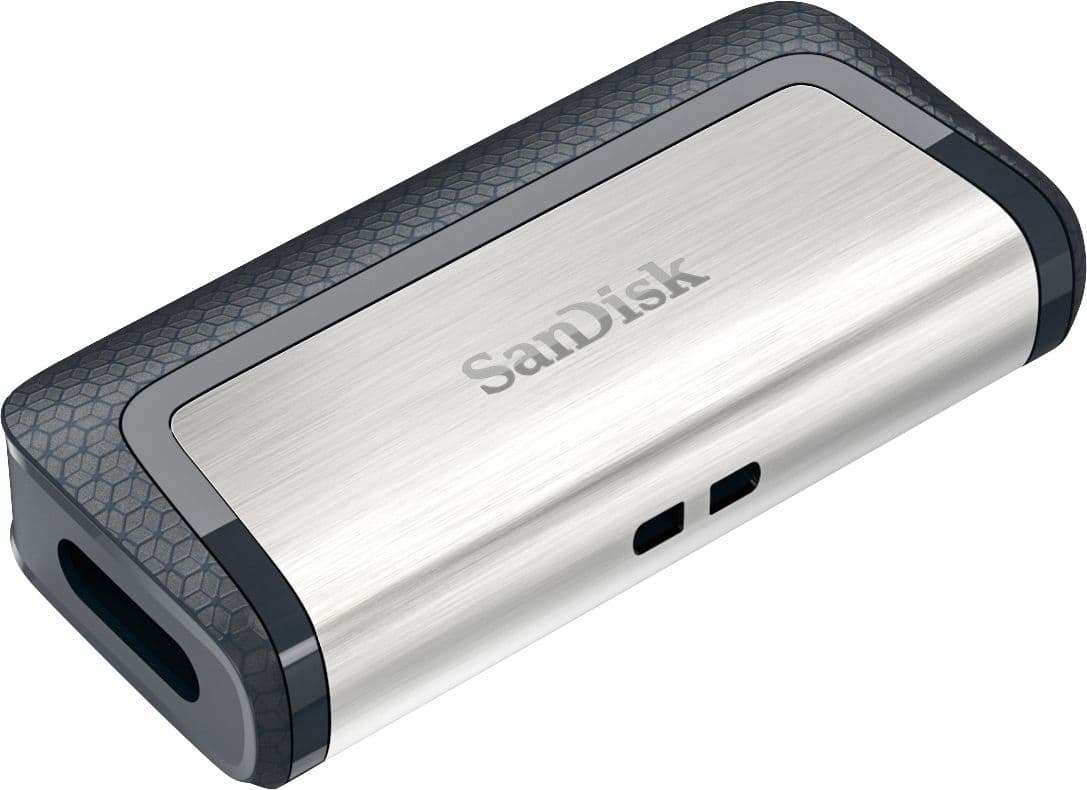
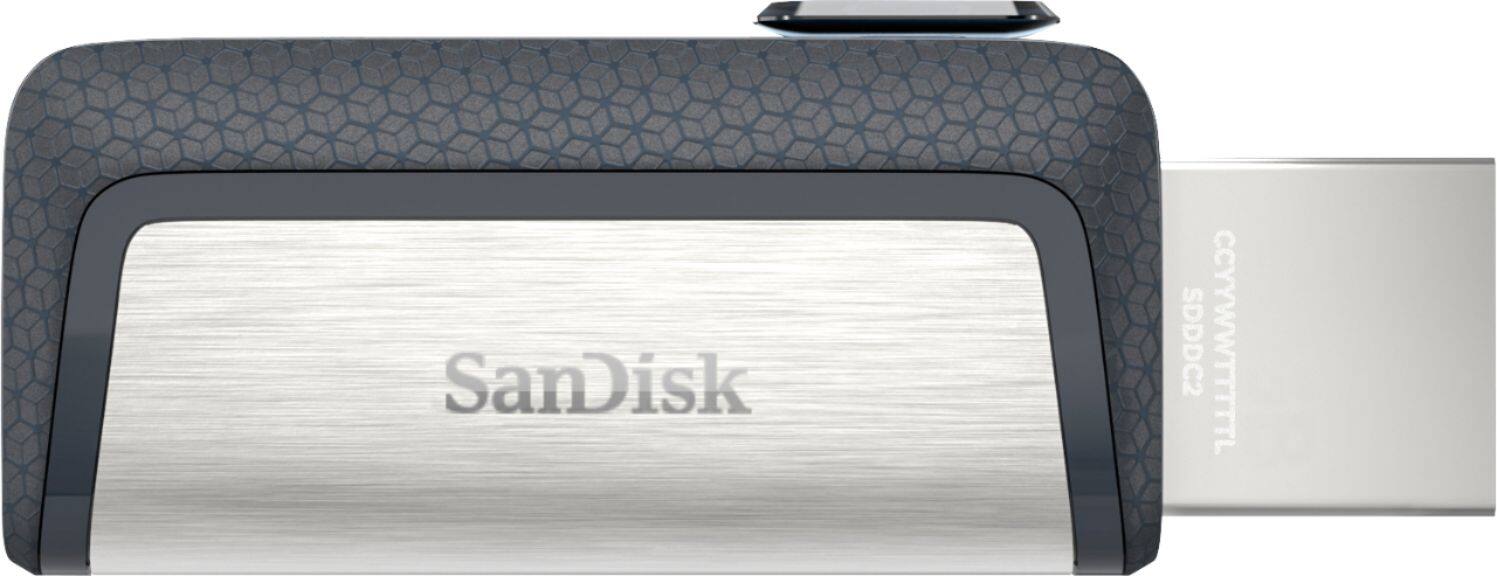
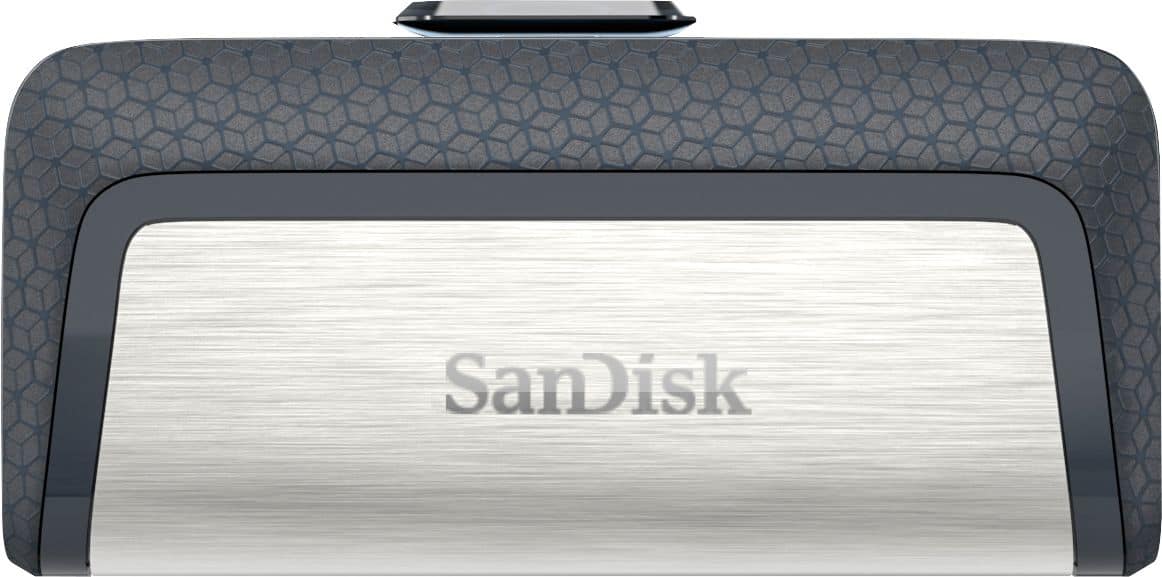
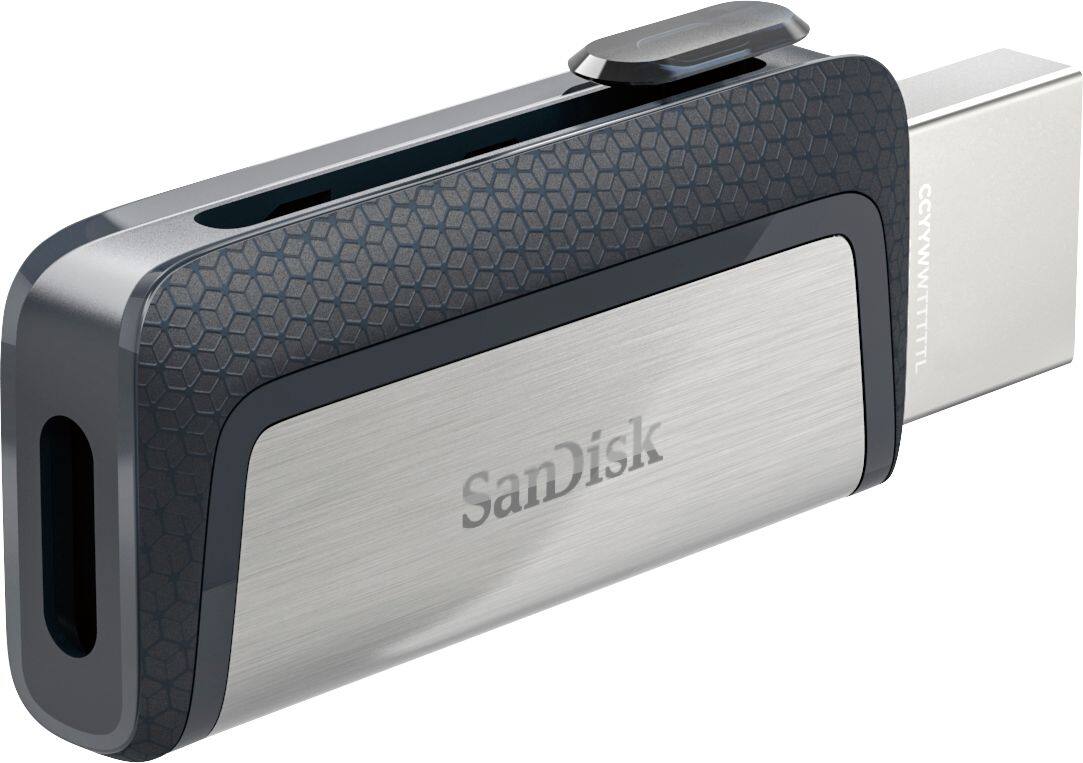
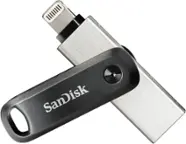
A:AnswerHi, please be informed that this USB Drive has a USB Type-A and a USB Type-C Port which cannot be plugged in to the the Apple iPhone's lightning port. If you want to get a USB Flash Drive for Apple iOS Devices, you may check out the SanDisk® iXpand Drives with the lightning connector specifically designed to be used with Apple iOS devices.
A:AnswerI have been using these for yrs on different phones. I havent used a LG but if its an android it should work fine. No, this does not require any app, this is the same as plugging into the computer. Just be sure to unmount the drive every time before removing. Yes all types of files can be moved from the device to the drive.
A:AnswerNo type c is the newest charger connection for devices. An older device will need the other type of connection. Dont get this for an older phone.
A:AnswerNo, only on the newer Androids with USB-C connectors. Not on the ones with micro-USB connectors. And not on any that use their USB port only for charging the phone.
A:AnswerYes it will work with no problems on the Galaxy s8. I have the Galaxy s8 and use this thumb drive to transfer photos and music from my computer to my phone and vice versa.
A:AnswerIn a sense it could, but I'm sure your computer probably is using more that 32GB. At the very least it would backup your documents, pictures, and maybe music.