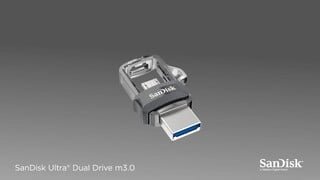
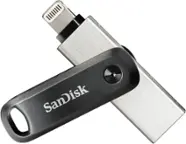
A:AnswerNo, the SanDisk® Ultra Dual Drive m3.0 is not compatible with the Samsung Galaxy Note 8 and Tab A. The Samsung Galaxy Note 8 does not support OTG (On-The-Go) and Galaxy Tab A come with USB Type-C port.
A:AnswerYes, the SanDisk® Ultra Dual Drive m3.0 64GB is compatible with the Samsung Galaxy S3 as it come with microUSB port and support OTG (On-The-Go).
A:AnswerNo, the SanDisk® Ultra Dual Drive m3.0 is not compatible with the Samsung Galaxy Z Flip3 as it come with Type C port. We manufacture separate Dual Drives with Type C connector which is compatible with such devices.
A:AnswerNo, the SanDisk® Ultra Dual Drive m3.0 is not compatible with the Samsung Galaxy Note 9 as it comes with Type C port. However, we manufacture separate Dual Drives with Type C connector for such device.
A:AnswerPlease allow us to inform you that this Dual Drive comes with an optional software PrivateAccess for data encryption and password protection and it can be used on a computer. In order to know more, please refer to the below mentioned link :
-- https://kb.sandisk.com/app/answers/detail/a_id/21996
A:AnswerPlease allow us to inform you that the SanDisk® Galaxy A21 is not compatible with this Dual Drive since, your device has Type C port. Please consider purchasing our Dual Drives with Type C connector as we manufacture Type C Dual Drive separately.
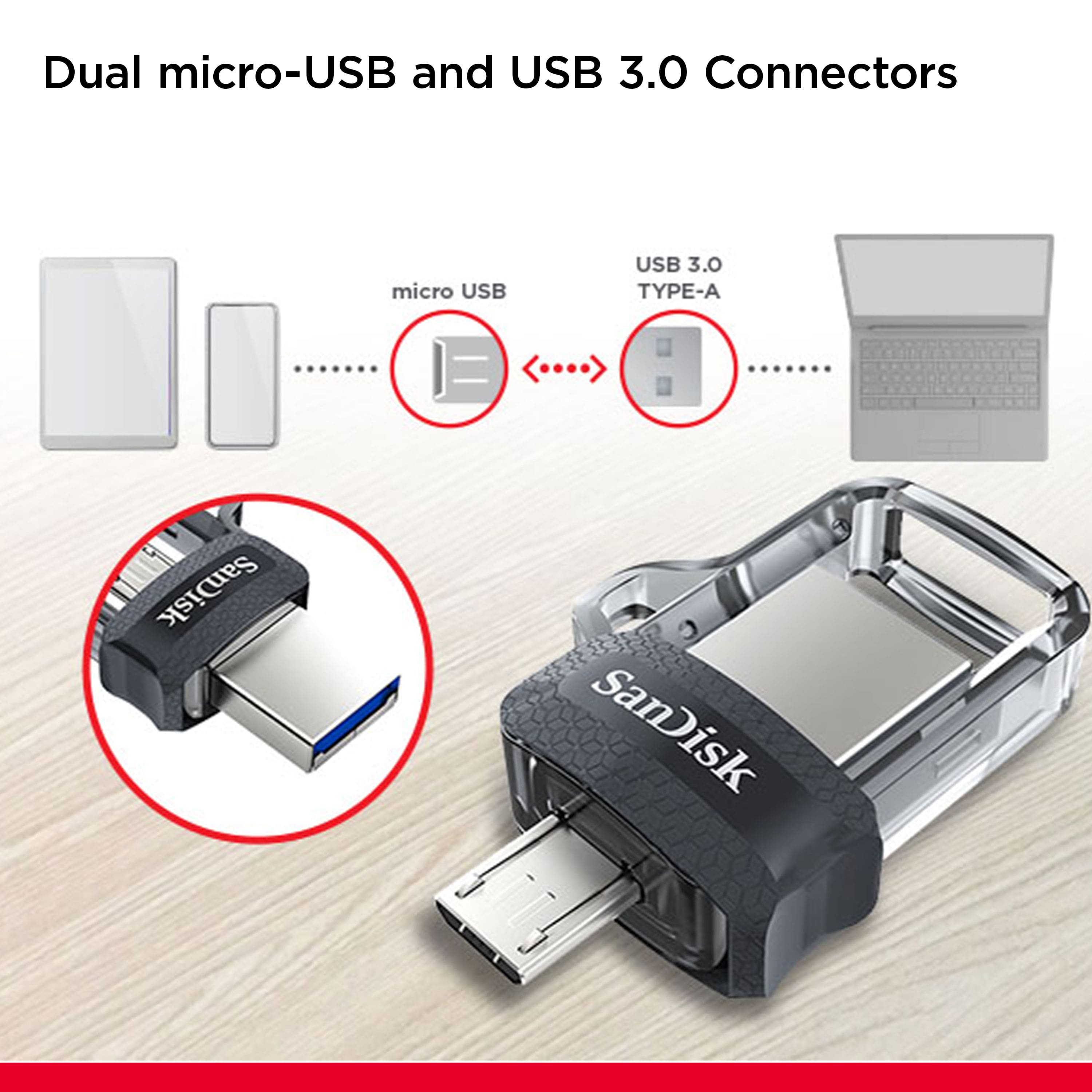
A:AnswerYes, you can use this SanDisk Ultra Dual Drive m3.0 USB Flash Drive with your Samsung Galaxy Tab E 8.0 (SM-T377A) tablet as it supports OTG (On-The-Go) Drives functionality. You can connect it directly to the microUSB port of your tablet and use your tablet's native File Manager application to access/ transfer data.
A:AnswerPlease allow us to inform you that all the SanDisk® Drives with 64GB and above capacity comes with pre-formatted exFAT file system. However, you can format this Dual Drive in FAT32 file system.
A:AnswerPlease allow me to inform you that you can use the SanDisk® Ultra Dual Drive m3.0 128GB will work in your mobile phone if it has microUSB port and supports OTG (On-the-Go).
A:AnswerAll Pixels does support usb transfer to transfer all files and videos to the usb, but as long as you get the right correct usb connector as it might be the type c or micro usb for you phone. It will work.
A:AnswerI'm using it on a Moto G6 with Android 9. Seems to work on my old repurposed G4 as well as on my Lenovo tablets running Android 6 and 7. You may have to change some settings on your phone and use a quality adapter. Check with the Moto help forums if you're having problems.