Questions & Answers
- Model:
- SDDDC3-256G-A46
- |
- SKU:
- 10117017
Highly rated by customers for: Storage Capacity, Ease of use, USB Type-C
$94.42$94.42
Page Showing 21-40 of 76 questions
Q: QuestionWill this scan disk work on an iPad Air fifth generation?
Asked by Jayj.
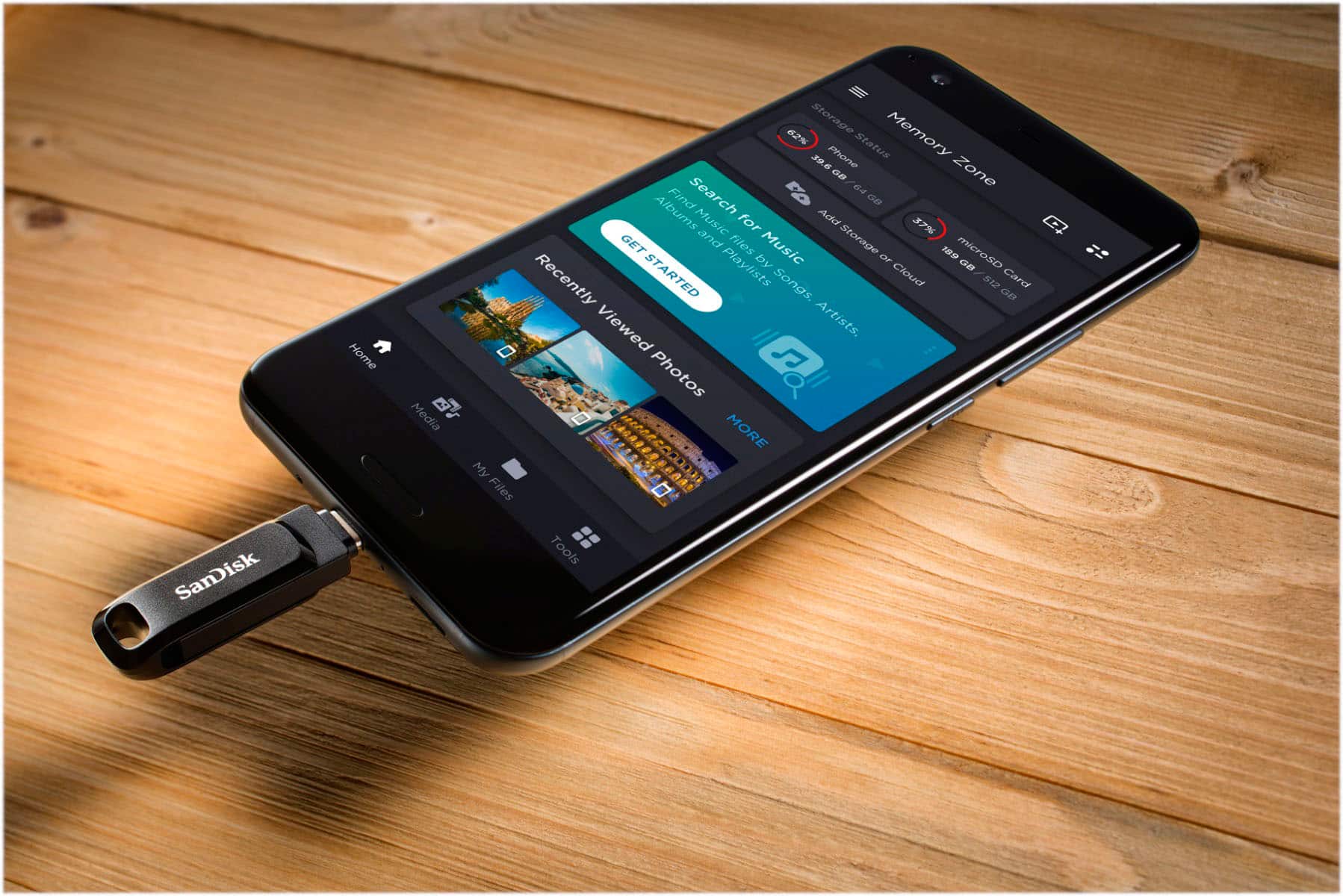
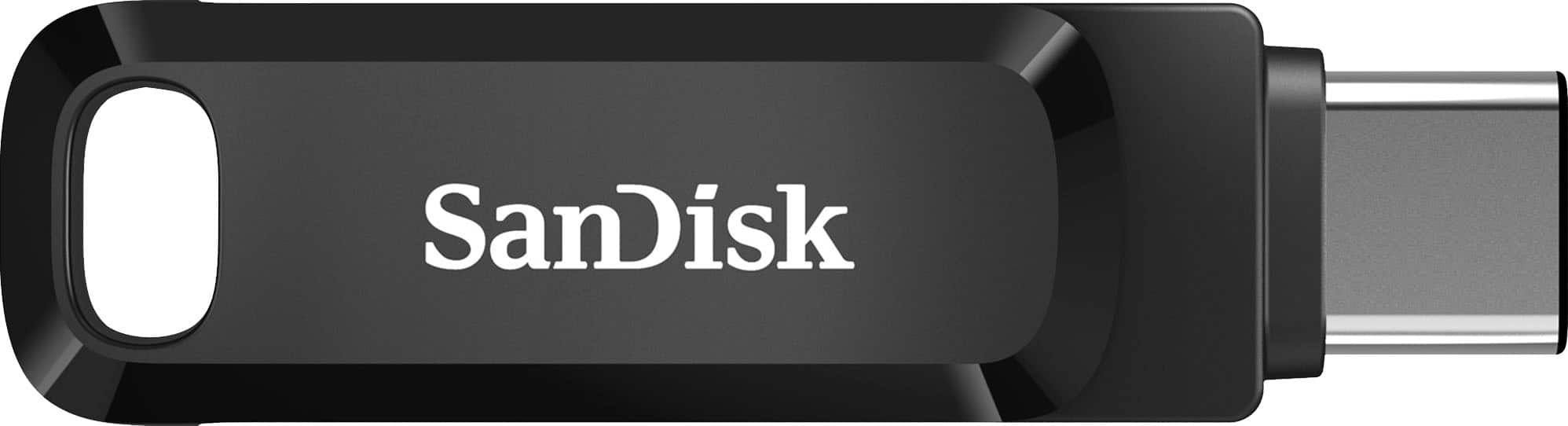
- A:Answer Hi Jay, thank you for reaching out to us. Please note that the SanDisk Ultra Dual Drive Go can work with your iPad Air through its USB-C connection, allowing you to transfer and access files. It is designed to transfer data between USB-C devices such as smartphones, tablets, and Macs.
Answered by SanDisk Team
Q: QuestionWill this work on I-phone 14 if so what is needed for connection. ? Thank You in advance!
Asked by JCsac.
- A:Answer Hi Joey, thank you for reaching out to us. Please know that the SanDisk Ultra Dual Drive Go USB-A / USB-C will not work directly with the iPhone 14, because the iPhone 14 uses a Lightning connector, while this drive is designed for devices with USB-C ports such as newer smartphones, tablets, and computers. If you want to transfer photos or videos from an iPhone 14, we recommend using a SanDisk iXpand flash drive designed specifically for Lightning-connector iPhones.
Answered by SanDisk Team
Q: QuestionWill this work on iPhone6?
Asked by Gill.
- A:Answer No, it will not. The iPhone 6 had a lightning port connector, while this device is a type C
Answered by AMINE
Q: QuestionI can’t figure out how to use this disk. I plug it in and then I don’t know what to do next
Asked by Sue.
- A:Answer Hi Sue, thank you for reaching out to us. Please know that after plugging in the SanDisk Ultra Dual Drive Go, it should show up automatically as a removable drive. On your computer, look in File Explorer (Windows) or Finder (Mac). From there, you can simply drag and drop files to or from the drive. If it doesn’t appear, please try a different port or device, and you can also open a support ticket at (https://support-en.sandisk.com/app/askweb) so we can help address your concern.
Answered by SanDisk Team
Q: QuestionWell it work with the I phone 17
Asked by Anonymous.
- A:Answer Hi there, Yes, this drive is compatible with iPhone 17 and can be accessed through the Files app(https://support-en.sandisk.com/app/answers/detailweb/a_id/50917). For more information or further assistance, kindly reach out to us at: https://support-en.sandisk.com/app/askweb
Answered by SanDisk Team
Q: QuestionCan this usb be used on an iPhone 14 ProMax?
Asked by MeCan.
- A:Answer Just make sure you get the right drive, it should work.
Answered by Consumer
Q: QuestionIs this compatible with I-phone 16 plus, MacBook Pro (M-4 chip), and the I-mac M-4 chip)?
Asked by BC.
- A:Answer yes, it should work with the I phone but not sure about the MacBook Pro.
Answered by Consumer
Q: QuestionIs this compatible with my Samsung s23 ultra
Asked by Evelyn.
- A:Answer Yes. It is a USB-C hard drive and the S 23 has a USB-C port so it is perfectly compatible and ideal for your specific phone. I had an S 22 and now an S 25 Ultra and they both worked.
Answered by MadiGoji
Q: QuestionSanDisk - Ultra Dual Drive Go USB Type-A/USB Type-C Flash Drive comes with 400 megabytes per second read speed or 150 megabytes per second read speed?
Asked by Faraz.
- A:Answer Yes
Answered by MartinC
Q: QuestionWill it work for iphone14 plus wan to transfer all photos
Asked by SunD.
- A:Answer Hi, thank you for contacting us. Please be informed that the SanDisk Ultra Dual Drive Go is designed with USB Type-A and USB Type-C connectors, so it is not directly compatible with the iPhone 14 Plus, which uses a Lightning port. To transfer photos from your iPhone, we recommend using the SanDisk iXpand flash drive made specifically for iPhones.

Answered by SanDisk Team
Q: Questionis it compatible with i[hone 16 pro max
Asked by khunda.
- A:Answer Yes, You can store all your Pictures
Answered by MarthaP
Q: QuestionCan I transfer photos from my iPad Air (USB C)?
Asked by teapot.
- A:Answer It doesn’t work
Answered by AliciaT
Q: QuestionWill this motorola smart phone
Asked by Jack.
- A:Answer Yes. They should work with any newer Android phone.

Answered by MyDutchRoots
Q: QuestionDoes SanDisk Ultra Dual Drive Go 256 GB USB Type-A/USB Type-C Flash Drive include Power Protection feature?
Asked by DS423.
- A:Answer I believe so
Answered by SandiDavis
Q: QuestionIs this compatible with the MacBook Air 13 and if so how do I access the files?
Asked by Anonymous.

- A:Answer Hi, The SanDisk Ultra Dual Drive Go USB Flash Drive should be compatible with the mentioned host device. Its USB Type-C connector allows direct connection to your device's USB-C port. If you face any issues, you can always connect with the support team by opening a ticket at (https://support-en.sandisk.com/app/askweb). Once connected, the drive should appear under "Locations" in the Finder window, enabling you to access and manage your files seamlessly.
Answered by SanDisk Team
Q: QuestionIs this compatible for ipad mini 7 ?
Asked by Jojo.
- A:Answer Not sure. Might possibly check with Apple Store
Answered by SandiDavis
Q: QuestionIs this will work with my galaxy android?
Asked by Nino.
- A:Answer Yes, as long as it has a C-Port. If not, you would need an adapter
Answered by PorchRockerGal
Q: Questiondoes this work with blink security cameras
Asked by geo49.
- A:Answer Hi, thank you for showing interest in our products. Please know that the SanDisk Ultra Dual Drive Go USB is a Type-A/Type-C flash drive designed & tested on computers & Type C devices. Therefore, it may work with the host device if it is compatible and supported. We strongly recommend that you please contact the host device manufacture support for more compatibility information.
Answered by SanDisk Team
Most-viewed items
- $31.99$31.99The price was $48.99
- $94.99$94.99The price was $129.99
- $82.99$82.99The price was $129.99
- $35.99$35.99The price was $54.99
- $17.99$17.99The price was $25.99
- $159.99$159.99The price was $246.99
- $26.99$26.99The price was $42.99
- $29.99$29.99The price was $44.99
- $51.99$51.99The price was $77.99