Questions & Answers
- Model:
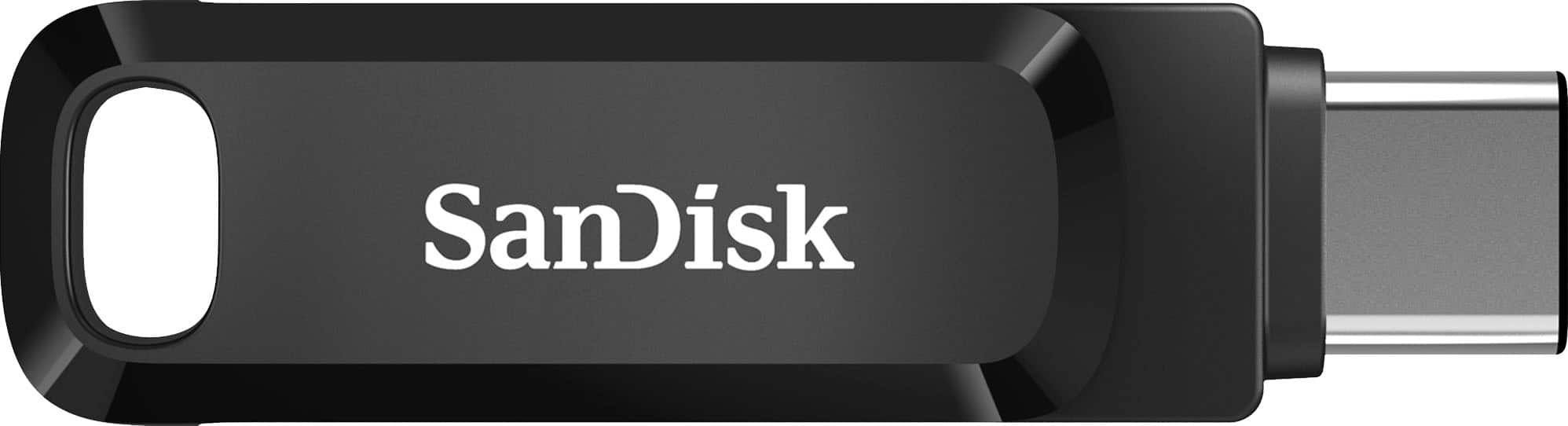
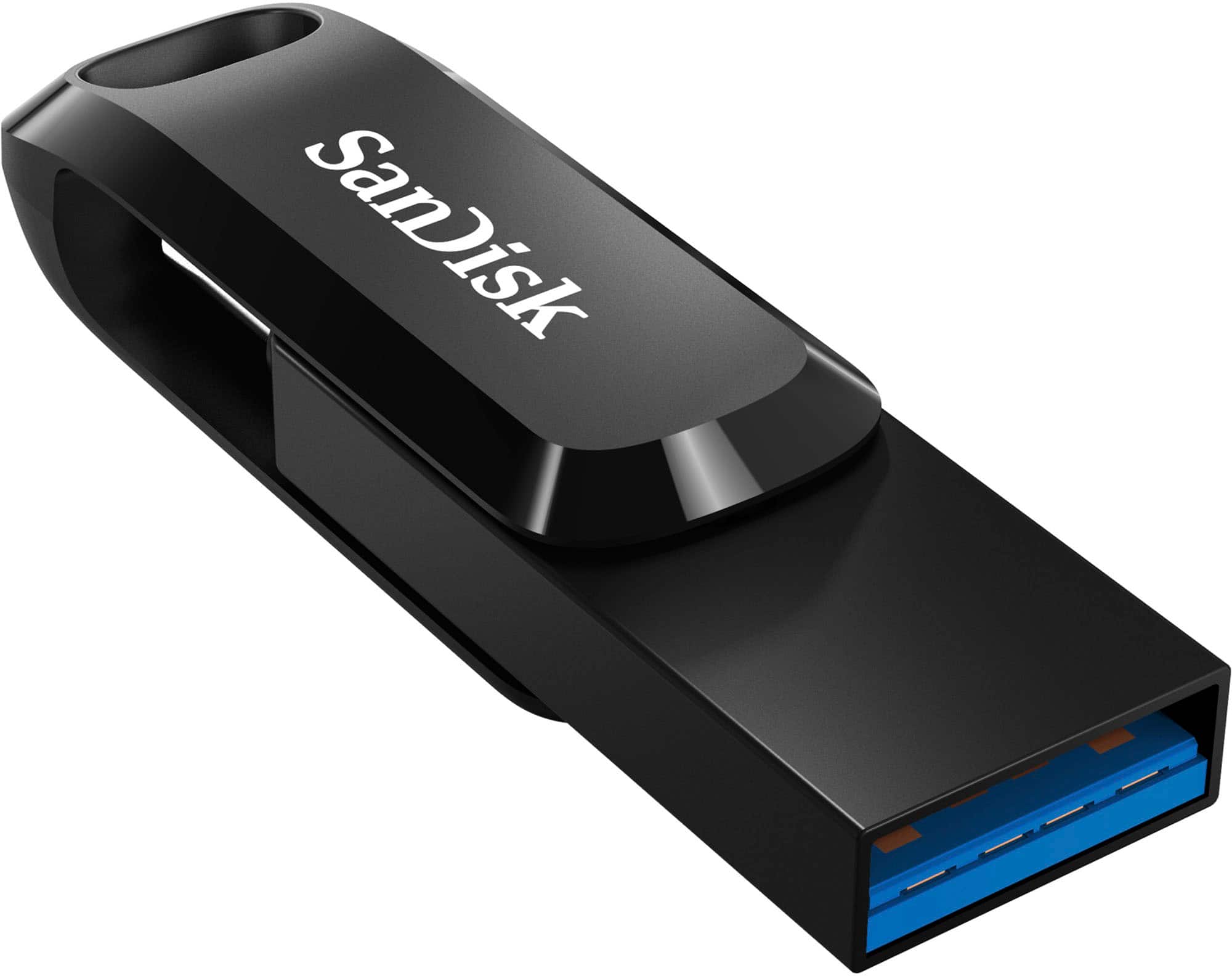
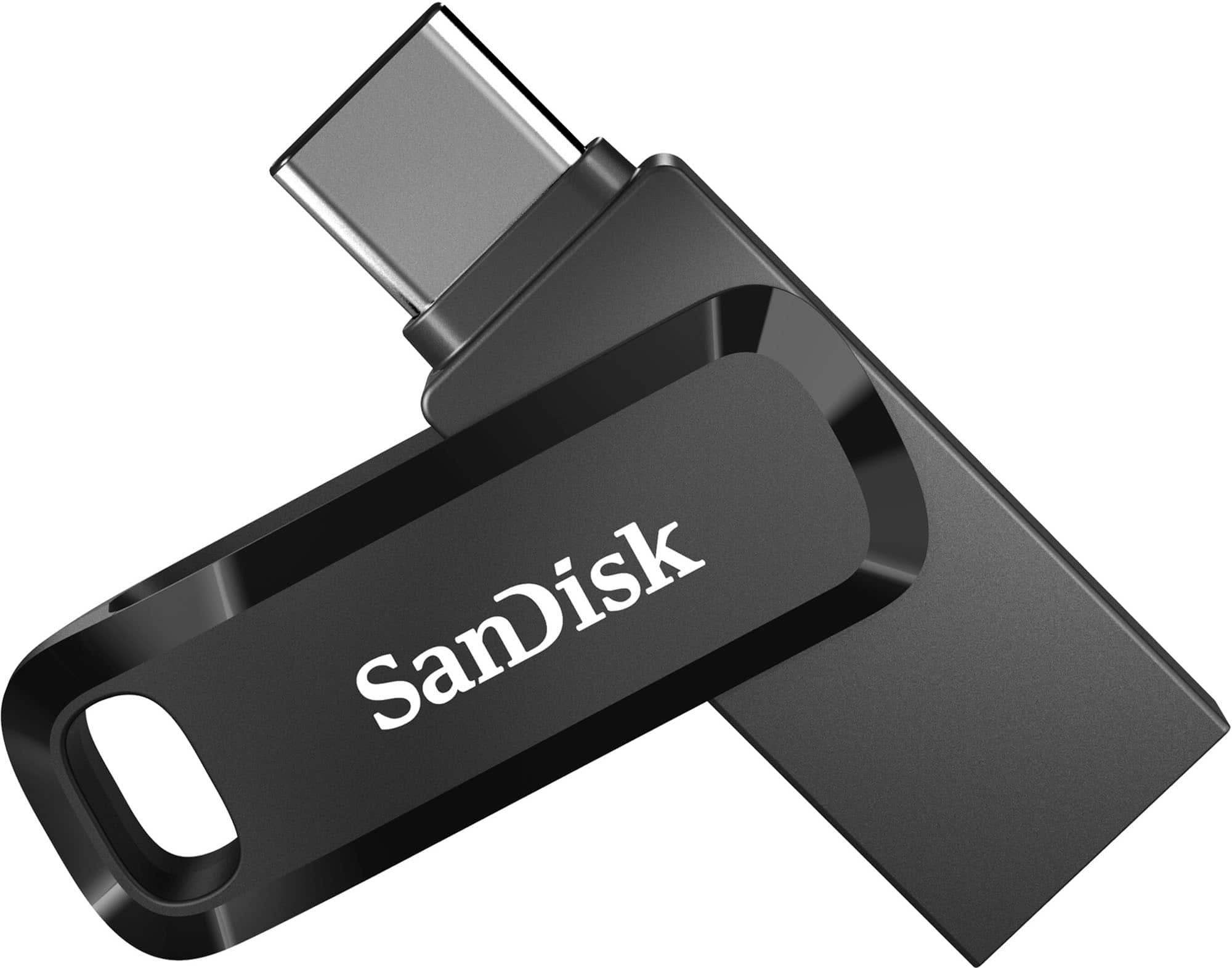
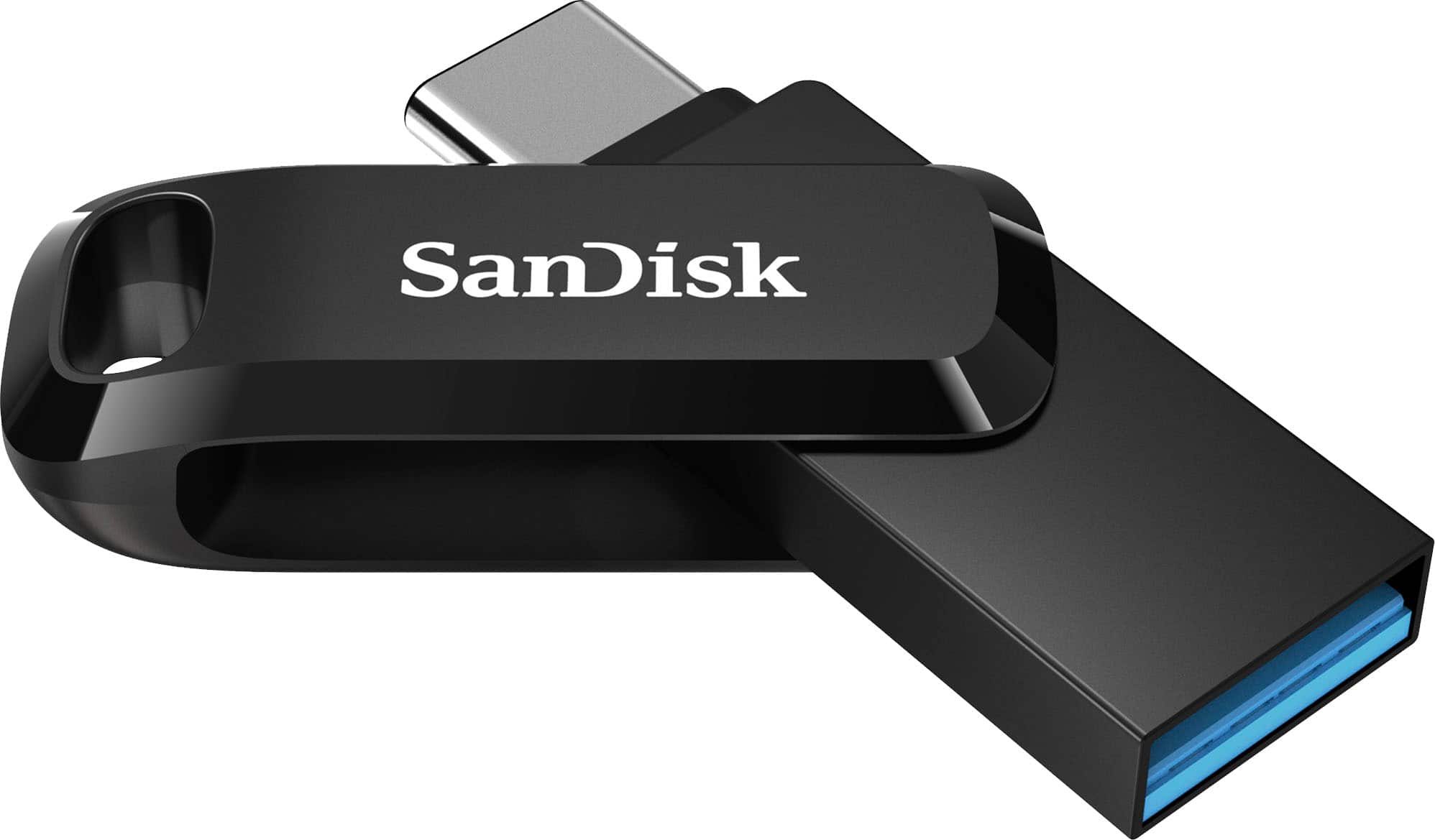
- SDDDC3-256G-A46
- |
- SKU:
- 6421486
Highly rated by customers for: Storage, Ease of use, USB Type-C
$30.49Your price for this item is $30.49
Comp. Value: $35.99
The comparable value price is $35.99
Page Showing 21-40 of 69 questions
Q: QuestionCan this be used with ps4 to store games
Asked by Sue.
- A:Answer believe so
Answered by RoulaZ
Q: QuestionIs this compatible with my Samsung s23 ultra
Asked by Evelyn.
- A:Answer Yes. It is a USB-C hard drive and the S 23 has a USB-C port so it is perfectly compatible and ideal for your specific phone. I had an S 22 and now an S 25 Ultra and they both worked.
Answered by MadiGoji
Q: QuestionSanDisk - Ultra Dual Drive Go USB Type-A/USB Type-C Flash Drive comes with 400 megabytes per second read speed or 150 megabytes per second read speed?
Asked by Faraz.
- A:Answer Yes
Answered by MartinC
Q: QuestionWill it work for iphone14 plus wan to transfer all photos
Asked by SunD.
- A:Answer Hi, thank you for contacting us. Please be informed that the SanDisk Ultra Dual Drive Go is designed with USB Type-A and USB Type-C connectors, so it is not directly compatible with the iPhone 14 Plus, which uses a Lightning port. To transfer photos from your iPhone, we recommend using the SanDisk iXpand flash drive made specifically for iPhones.

Answered by SanDisk Team
Q: Questionis it compatible with i[hone 16 pro max
Asked by khunda.
- A:Answer Hi, thank you for expressing your interest. Please know that the SanDisk Ultra Dual Drive Go with USB Type-C should be compatible with the iPhone 16 Pro Max, as it supports USB-C. You can use it directly via Apple's Files app, no additional app is needed.
Answered by SanDisk Team
Q: QuestionCan I transfer photos from my iPad Air (USB C)?
Asked by teapot.
- A:Answer Hi, thanks for contacting us. Photos from your iPad Air with USB-C can be transferred to the SanDisk Ultra Dual Drive Go. Just plug the USB-C end into your iPad, then use the Files app to transfer your photos and videos.
Answered by SanDisk Team
Q: QuestionWill this motorola smart phone
Asked by Jack.
- A:Answer Hi Jack, the SanDisk Ultra Dual Drive Go USB Type-A/USB Type-C Flash Drive works with most Motorola smartphones that have a USB Type-C port and support USB OTG. It lets you easily transfer files between your phone and other devices. Product link: https://shop.sandisk.com/products/usb-flash-drives/sandisk-ultra-dual-drive-go-usb-3-1-type-c?sku=SDDDC3-256G-G46.

Answered by SanDisk Team
Q: QuestionDoes SanDisk Ultra Dual Drive Go 256 GB USB Type-A/USB Type-C Flash Drive include Power Protection feature?
Asked by DS423.
- A:Answer I believe so
Answered by SandiDavis
Q: QuestionIs this compatible with the MacBook Air 13 and if so how do I access the files?
Asked by Anonymous.
- A:Answer Hi, The SanDisk Ultra Dual Drive Go USB Flash Drive should be compatible with the mentioned host device. Its USB Type-C connector allows direct connection to your device's USB-C port. If you face any issues, you can always connect with the support team by opening a ticket at (https://support-en.sandisk.com/app/askweb). Once connected, the drive should appear under "Locations" in the Finder window, enabling you to access and manage your files seamlessly.

Answered by SanDisk Team
Q: QuestionIs this compatible for ipad mini 7 ?
Asked by Jojo.
- A:Answer Not sure. Might possibly check with Apple Store
Answered by SandiDavis
Q: QuestionIs this will work with my galaxy android?
Asked by Nino.
- A:Answer Yes, as long as it has a C-Port. If not, you would need an adapter
Answered by PorchRockerGal
Q: Questiondoes this work with blink security cameras
Asked by geo49.
- A:Answer Hi, thank you for showing interest in our products. Please know that the SanDisk Ultra Dual Drive Go USB is a Type-A/Type-C flash drive designed & tested on computers & Type C devices. Therefore, it may work with the host device if it is compatible and supported. We strongly recommend that you please contact the host device manufacture support for more compatibility information.
Answered by SanDisk Team
Q: QuestionI want to install Logic Pro to my MacBook then relocate the sound library to the external drive. It’s 75 gigs. Is this possible?
Asked by Tee.
- A:Answer Hello, thank you for contacting us. Please know that the SanDisk Ultra Dual Drive Go USB Type-A/USB Type-C Flash Drive is a plug-n-play drive and can store any data. But, we recommend you contact the host device manufacture or application support for more compatibility information as compatibility varies depending on hardware and software use.
Answered by SanDisk Team
Q: QuestionSanDisk 512GB Ultra Dual Drive Go USB dual compatability will it work on USB 2.0
Asked by jimmycel.
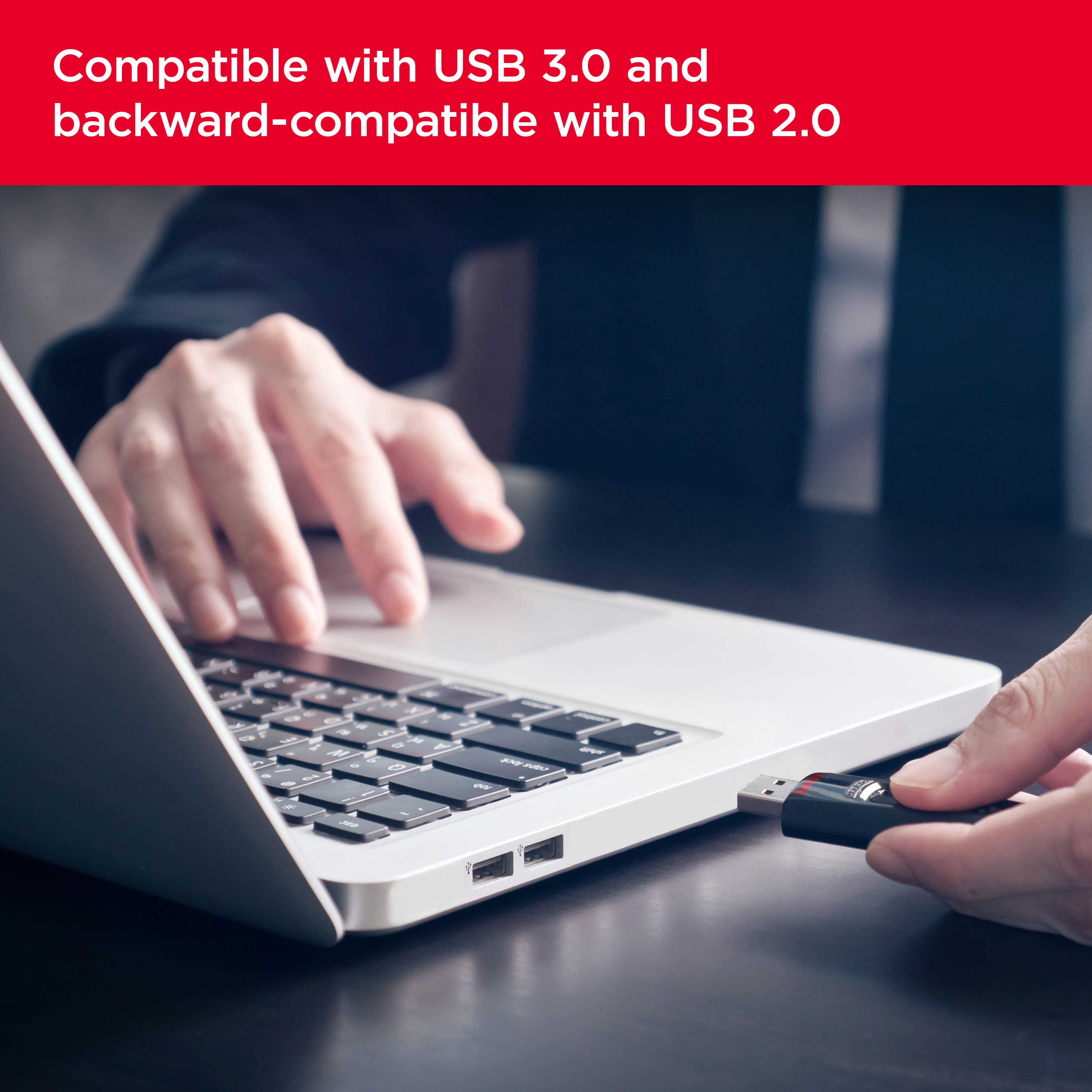
- A:Answer yes, it works with USB 2.0
Answered by Jeev
Q: Questiondoes it support samsung S23 8gb ram , 256gb storage ??
Asked by aditya.
- A:Answer Hello Aditya, the SanDisk Ultra Dual Drive Go 256GB is compatible with the Samsung Galaxy S23 Plus and S23 Ultra as both the device come with USB Type-C port
Answered by SanDisk Team
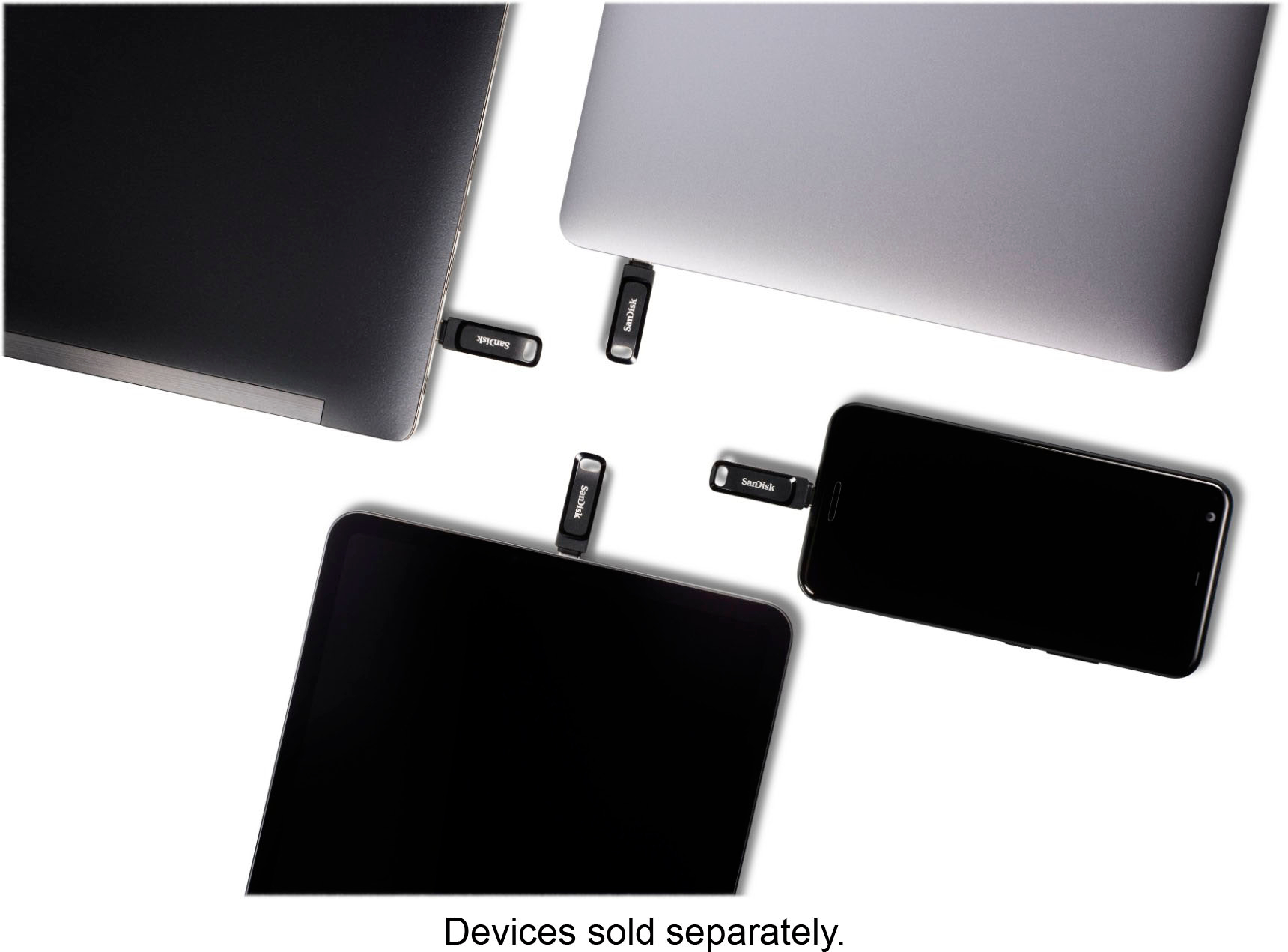
Q: Questioncan I use the same SanDisk Ultra Dual Drive for my macbook pro and my hp laptop?
Asked by Maca.
- A:Answer Hello, Please be informed that the SanDisk Ultra Dual Drive is compatible with both your MacBook Pro and HP laptop. It works seamlessly with Mac OS USB Type-C devices, including phones, tablets, and laptops. So, you can use the same drive for both of your devices without any issues.
Answered by SanDisk Team
Q: QuestionIs this compatible with the PS4?
Asked by Anonymous.
- A:Answer Thank you for reaching out to us. Please allow us to inform you that we have not tested the SanDisk Ultra Dual Drive go USB Type-C Flash Drive with the Sony PS4. We suggest you to contact the host device manufacturer for compatibility check. For any further assistance please submit a support ticket at https://support-en.wd.com/app/askweb.
Answered by SanDisk Team
Q: Questionyour product page says "the 256GB size offers ample space for larger video files". But how this was PRE-formatted? If it's FAT32 then it canNOT store a movie file which is large that 4Gb. I want to know that BEFORE I buy.
Asked by Paul.
- A:Answer I didn't check the formatting on it beforehand, but I used mine to create a recovery drive for my PC. That file was just under 20gb.
Answered by ThatGuy
Most-viewed items
- $54.99Your price for this item is $54.99$65.99The comparable value for this item is $65.99
- $19.99Your price for this item is $19.99
- $22.49Your price for this item is $22.49$26.99The comparable value for this item is $26.99
- $99.99Your price for this item is $99.99$119.99The comparable value for this item is $119.99
- $27.99Your price for this item is $27.99
- $33.49Your price for this item is $33.49$39.99The comparable value for this item is $39.99
- $21.99Your price for this item is $21.99
- $70.99Your price for this item is $70.99$78.99The comparable value for this item is $78.99
- $20.49Your price for this item is $20.49$23.99The comparable value for this item is $23.99
- $17.49Your price for this item is $17.49$20.99The comparable value for this item is $20.99
- $59.99Your price for this item is $59.99
- $12.99Your price for this item is $12.99
- $36.99Your price for this item is $36.99$44.99The comparable value for this item is $44.99
- $69.99Your price for this item is $69.99$83.99The comparable value for this item is $83.99
- $12.49Your price for this item is $12.49$14.99The comparable value for this item is $14.99
- $17.99Your price for this item is $17.99$21.99The comparable value for this item is $21.99
- $17.99Your price for this item is $17.99
- $18.49Your price for this item is $18.49$21.99The comparable value for this item is $21.99
- $13.73Your price for this item is $13.73$14.49The comparable value for this item is $14.49
- $49.99Your price for this item is $49.99$59.99The comparable value for this item is $59.99