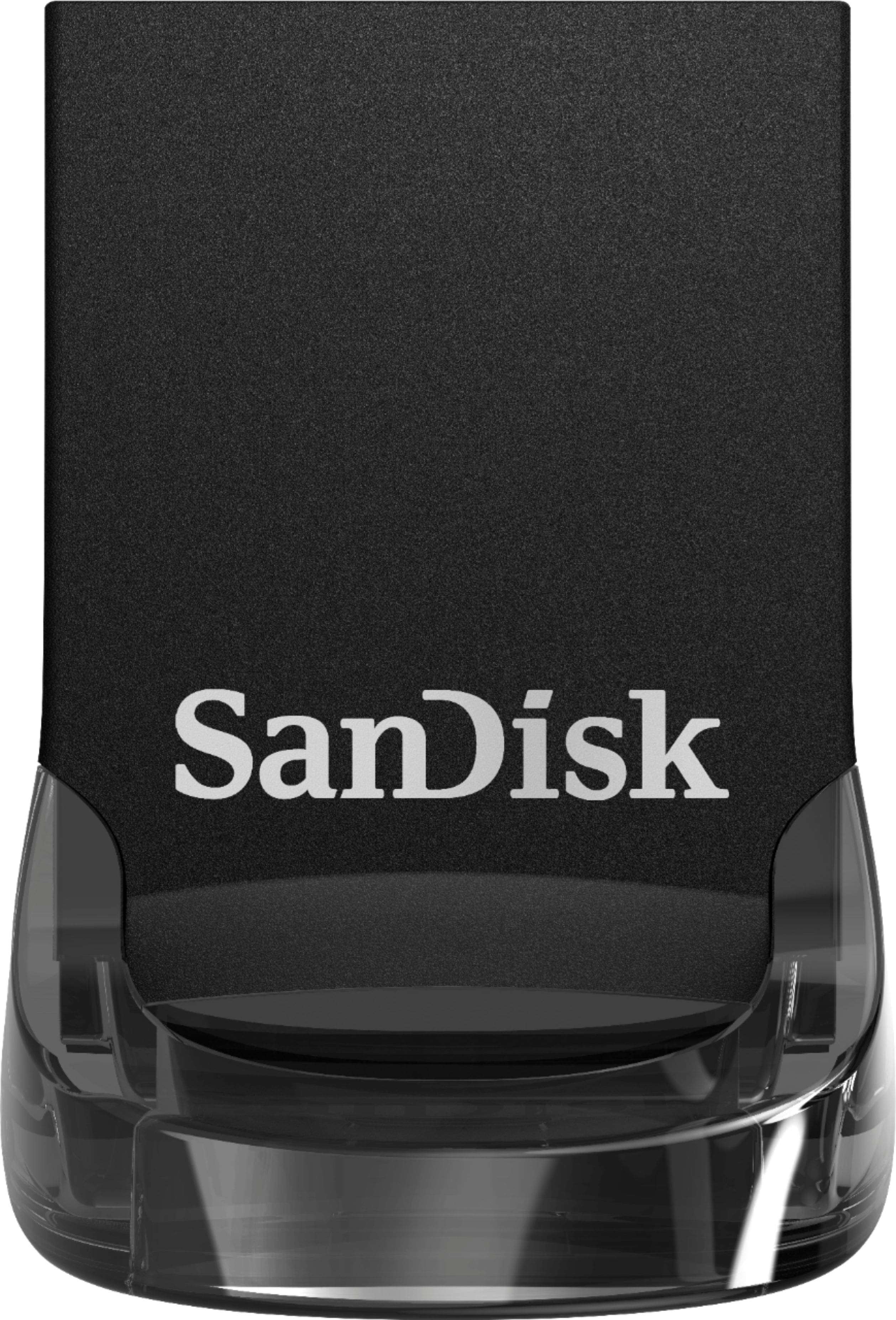
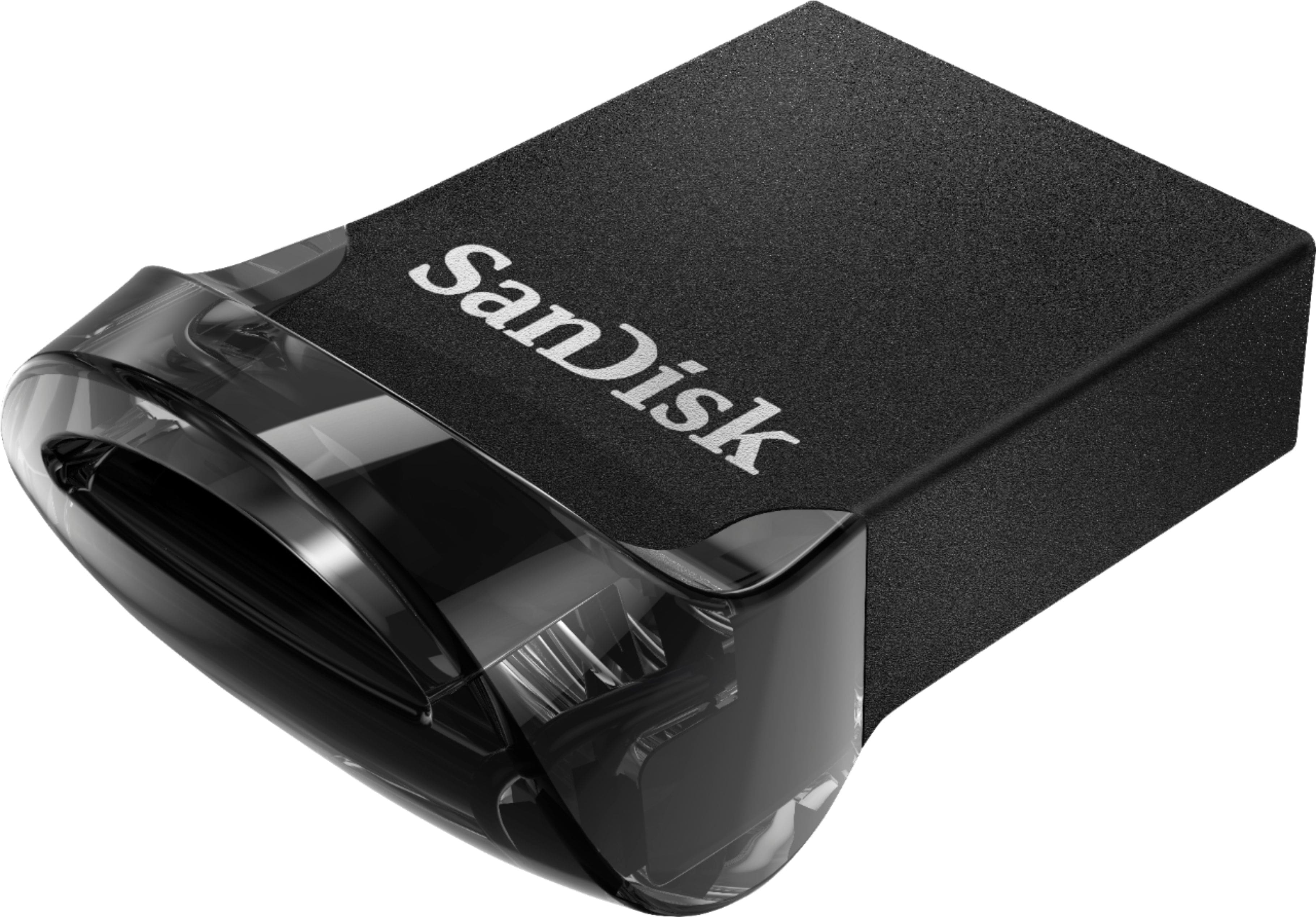
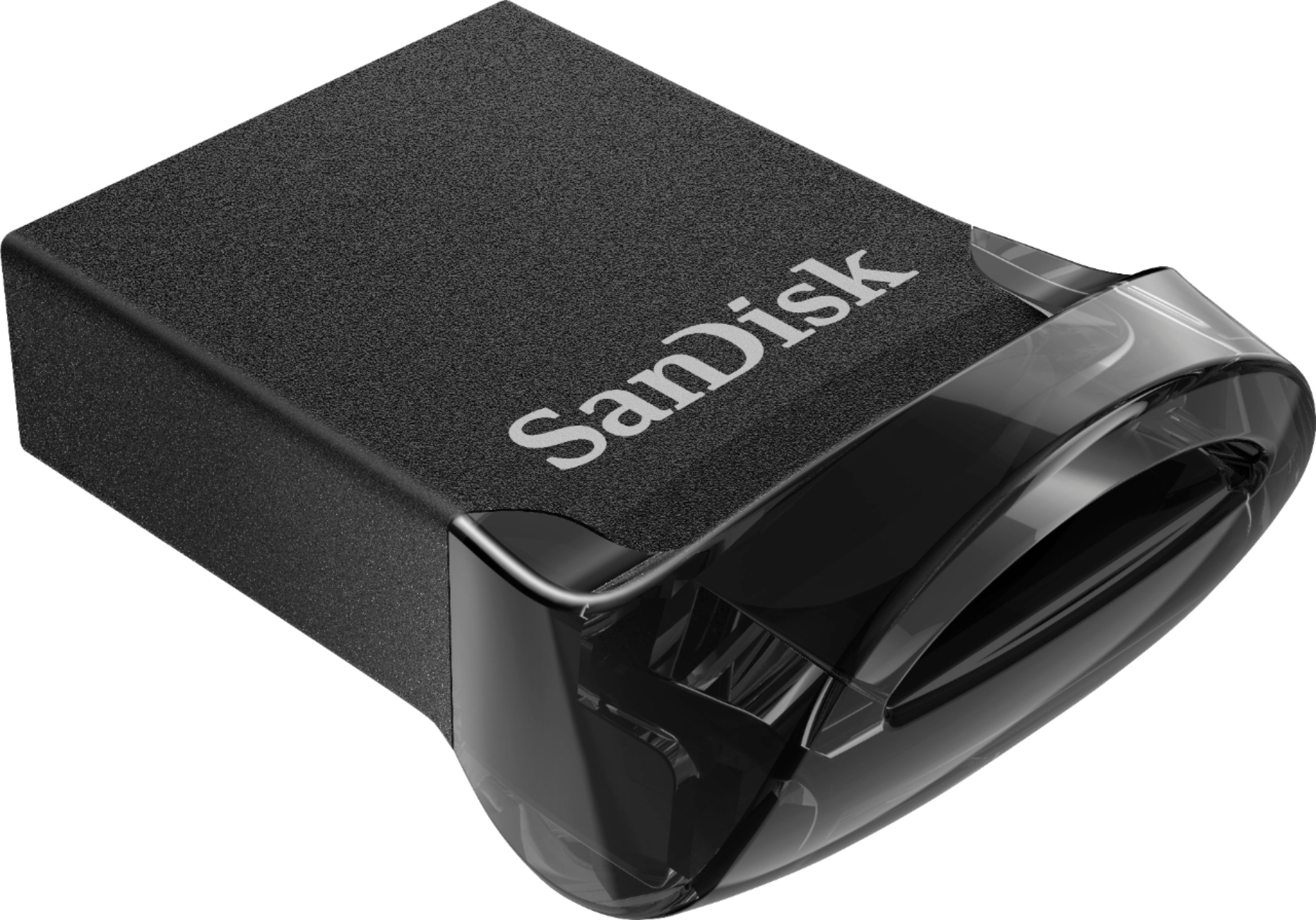
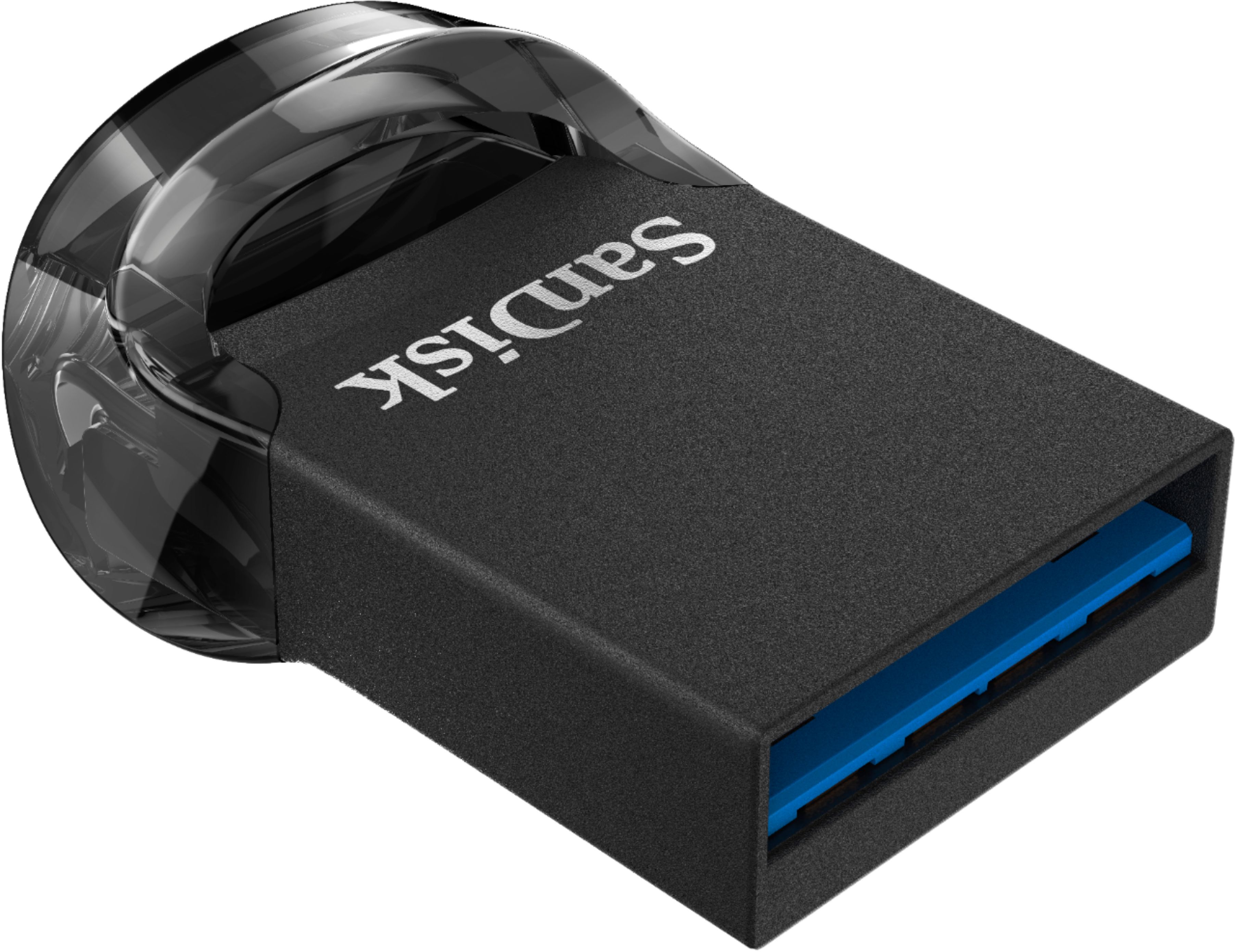
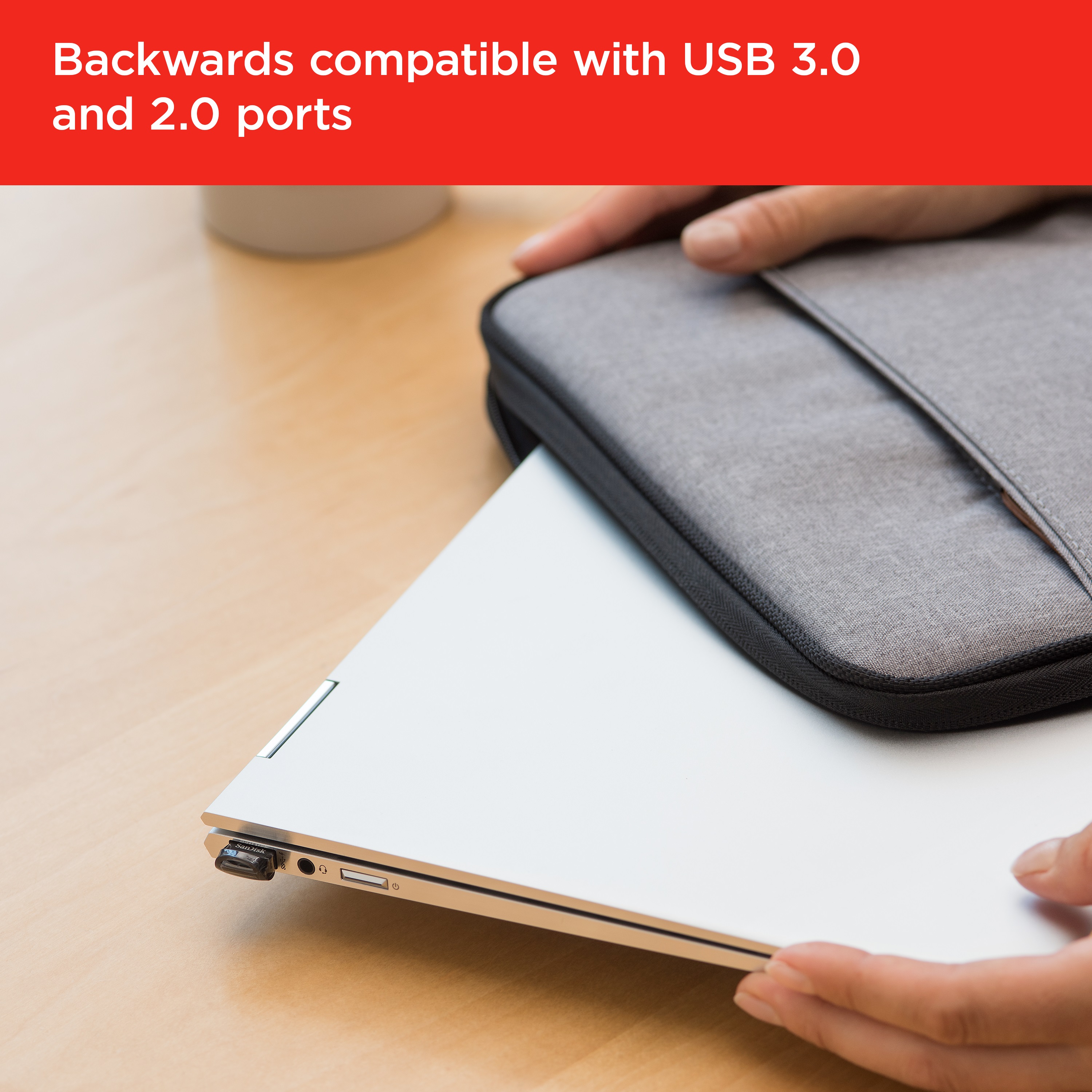
A:AnswerHi Ted, thank you for reaching out to us. Please know this model is a USB-A flash drive, and we do not recommend using adapters to connect it. For a smoother experience, we suggest choosing a SanDisk drive with USB Type-C, such as the SanDisk Ultra Dual Drive Go (USB-C/USB-A) or SanDisk Ultra Dual Drive Luxe, which can connect directly to your phone and then to Windows 10 or 11 computers for easy photo and data transfer.
A:AnswerHi Martha, please be informed that the Samsung Galaxy S8 has a Type-C port and this USB Drive has a USB Type-A connector for devices/ computers that have USB Type-A ports. We manufacture special USB Drives with the USB Type-C connectors for mobile phones with USB Type-C ports like your Samsung Galaxy S8 mobile phone. You can purchase SanDisk®️ USB Drives with a USB Type-C connector for your Samsung Galaxy S8 mobile phone or other devices with Type-C Ports.
A:AnswerYou need to make sure it is a USB to micro usb adapter not cable, because the usb A port has to be female for the sandisk to plug into then plug the micro usb into the samsung 7 and you will be good to go.
A:AnswerI don't believe anything, but BB wouldn't match the price because it was such a large difference. It was on sale at the time for almost the same price, so it wasn't a deal breaker.
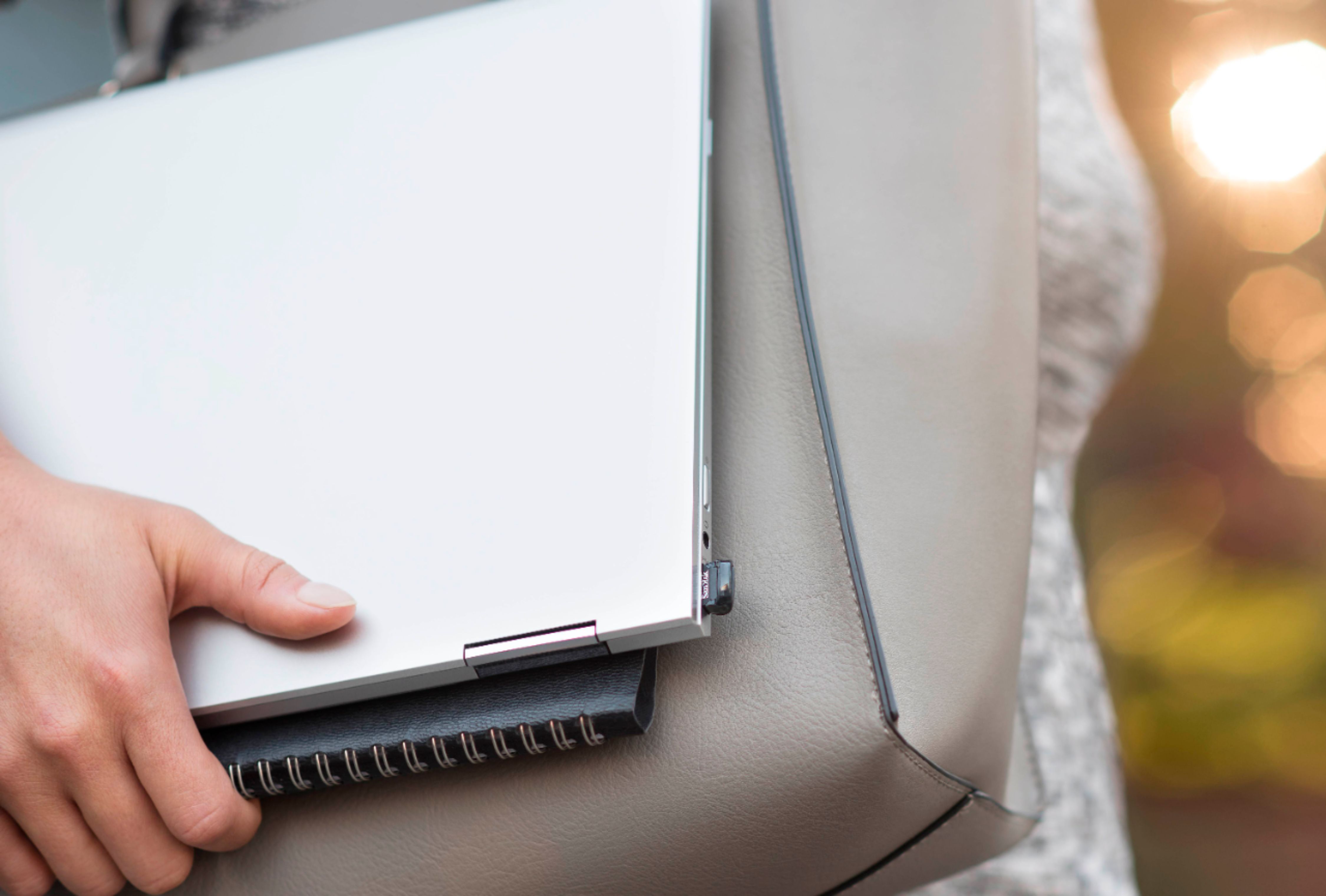
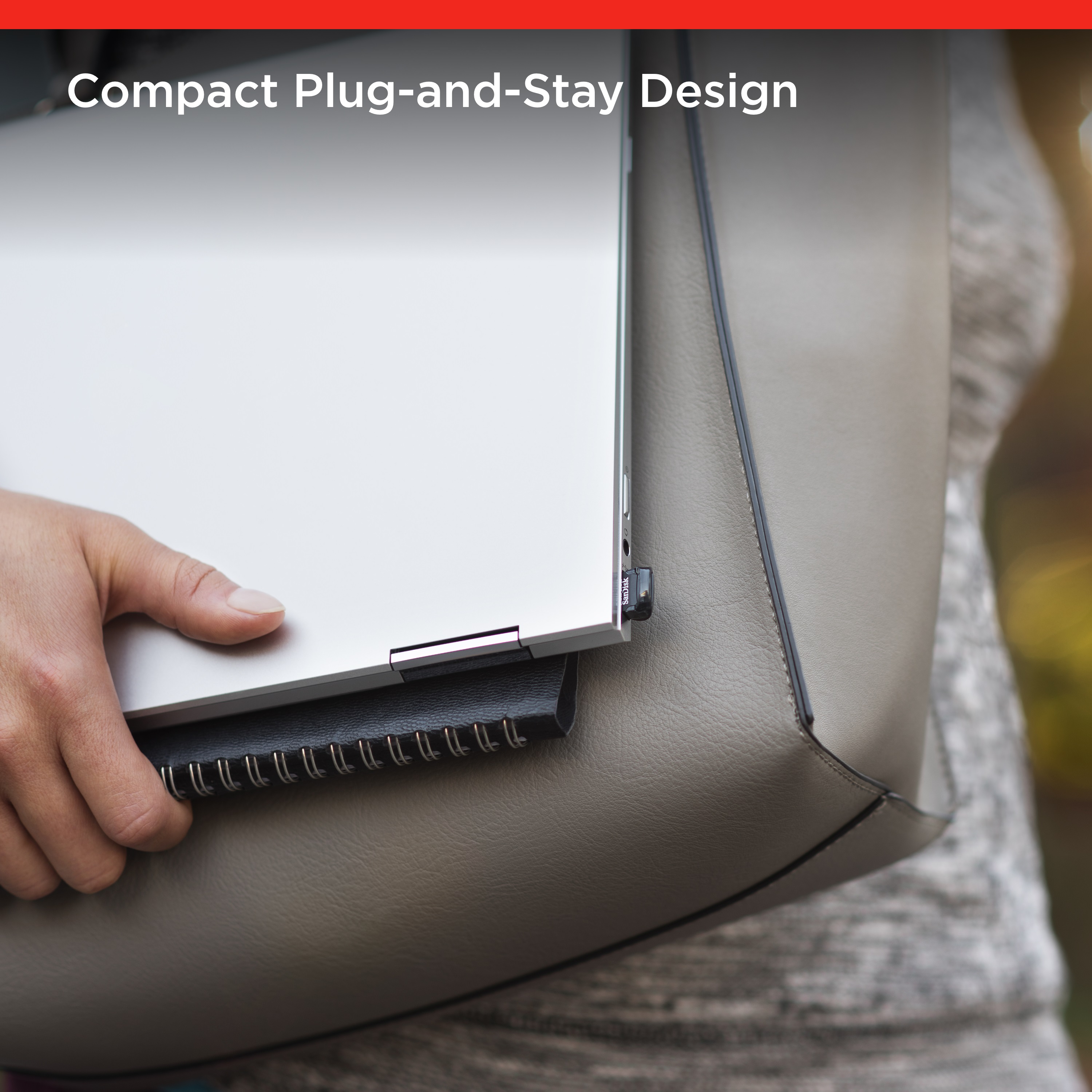
A:AnswerThere is no protective case with this whatsoever I would not carry it by it self dirt will get into the components and I would even want to try that. I think this is meant to be plugged into a USB port and left there. Personally I think it’s best to use is a teeny-weeny extension drive
A:AnswerAbsolutely, this works well for any addition storage needed to be saved.
Keep in mind, that if your grandmother had an old Apple product she must have an Apple ID the best advice would be to (if she doesn’t have) download iCloud, she would use the same AppleID and password.
Next step would be to backup her information on her iCloud, with the storage saved on her iCloud she’d be able to access any saved information such as; contact, pictures, etc on any Apple product just by resigning into her iCloud (just make sure she’s always backs up the information, again on her iCloud)
If that’s to complicated this would be the easiest route, just transfer any file onto this USB. There’s more then enough storage to save 84 years of memory.
Good luck
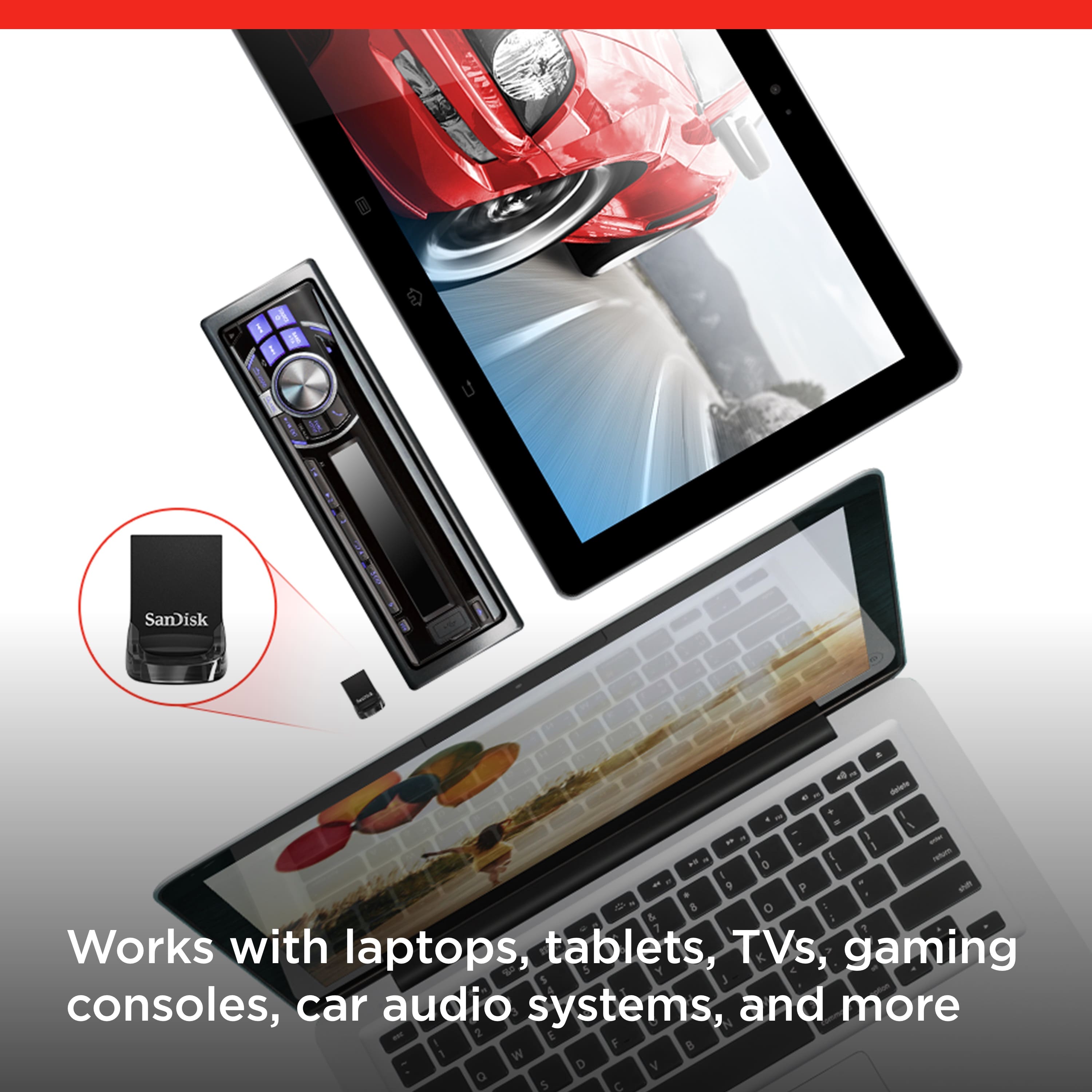
A:AnswerUnfortunately Apple does not permit their users to natively use external devices on their phones, only a feature mid-priced and high end Android phones have that feature/function. You will have to buy specially designed apple external flash drive devices.