A:AnswerYou have to be careful about using micro SD cards. They sometimes won't work where full size cards are needed. A full sized card is usually cheaper than the micro's.
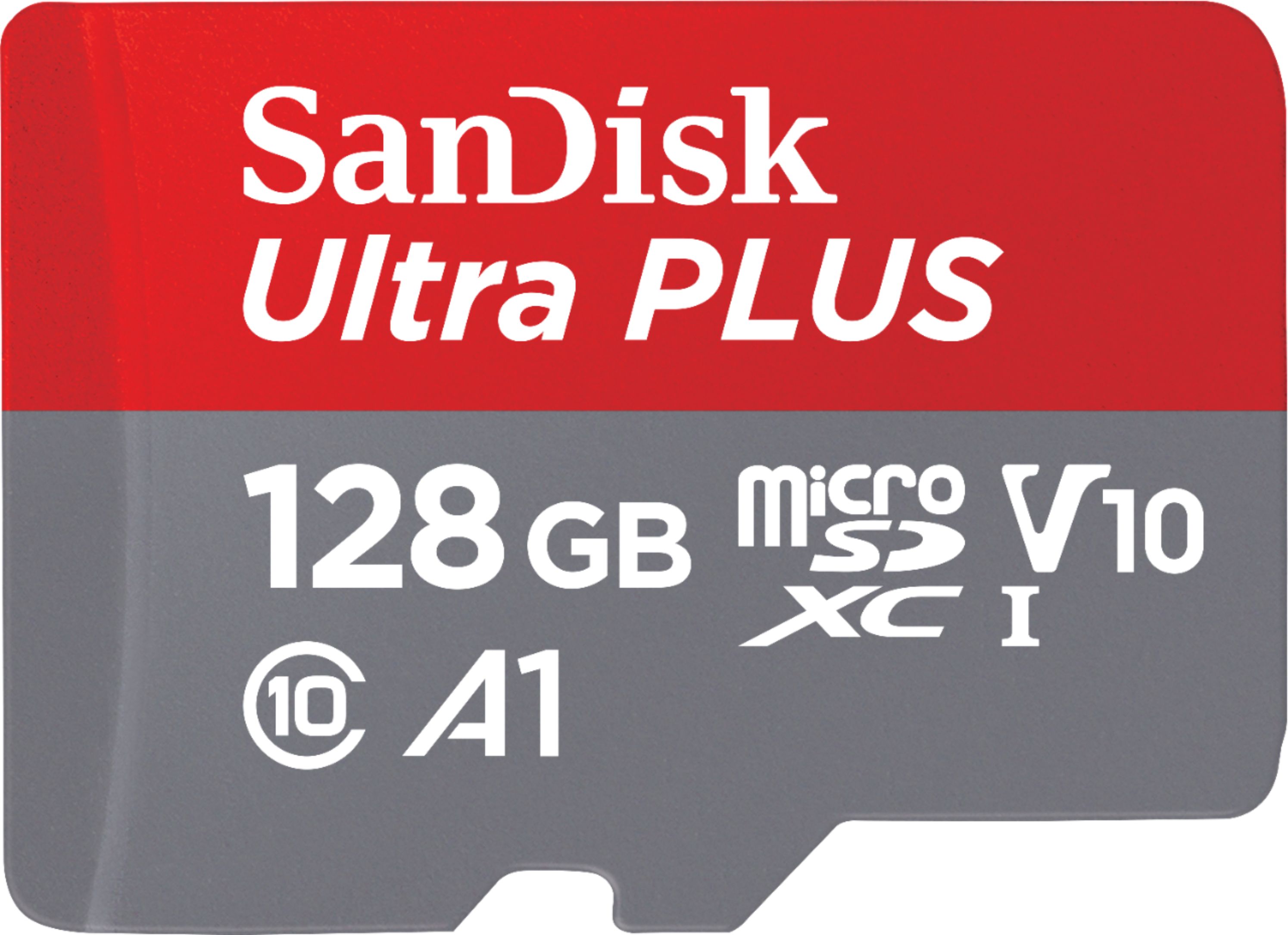
A:AnswerYes, this memory card should be capable. The usual guideline is for a memory card to support high-resolution video recording, is to ensure you go for something that is at least class 10 and UHS (ultra high speed).
A:AnswerSuch a vague question. I would say if it is video recorder from a phone then plug it in and the computer should recognize it and mount it so you can get move the videos off. If it is a go pro or something similar if you can't plug the device directly into the computer then get a card reader.
A:AnswerI just picked one up for my Nintendo switch which is basically a shield. It works great, the one I received has a write speed of 100mbs per second and I believe the shield tops out at 80? This should be perfect!
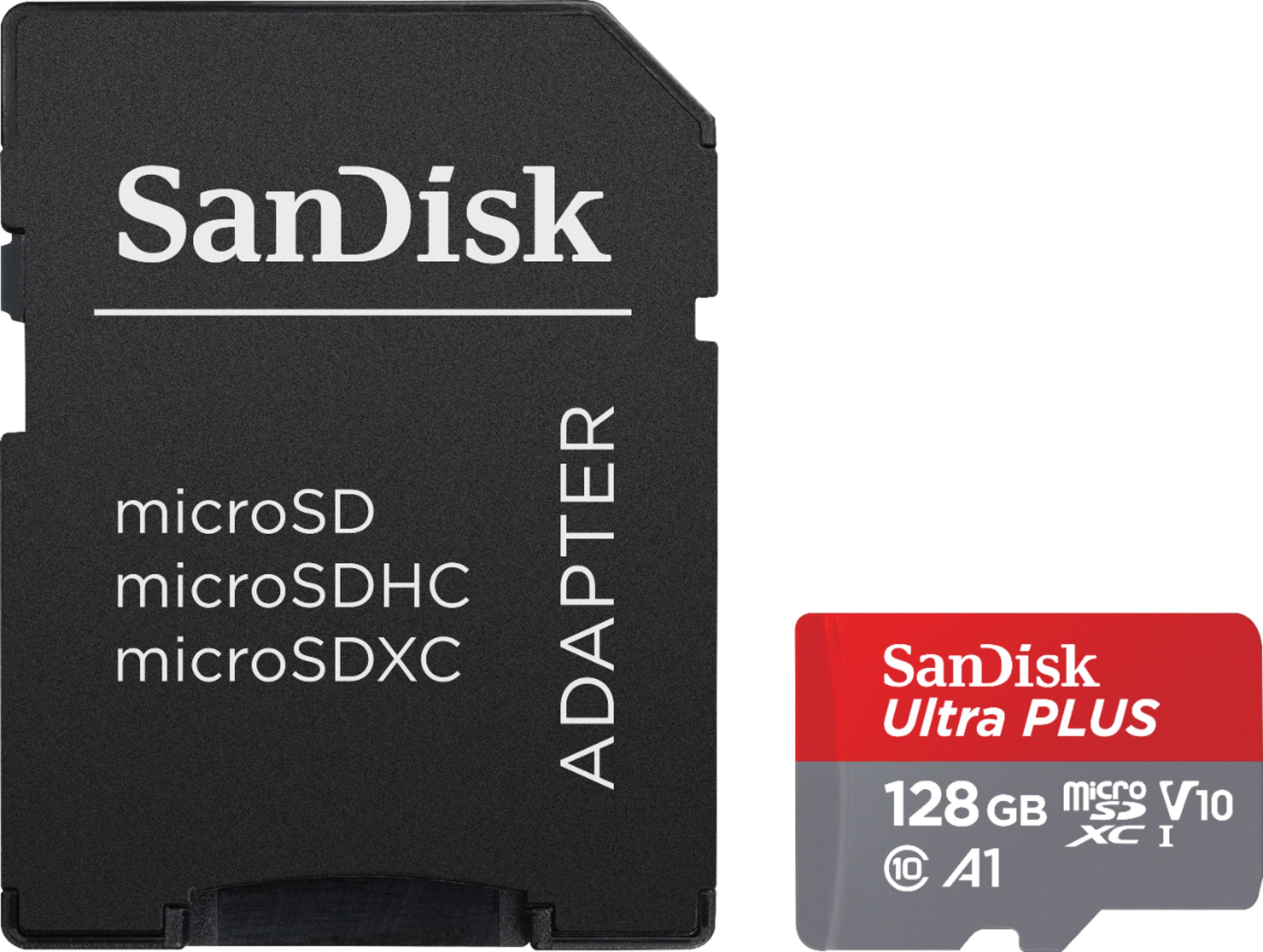
A:AnswerYes. This comes with an adapter to convert it from a micro to a standard SD card, which will fit in laptops, DSLR Cameras, Point and Shoots, and any other device accepting a standard SD card
A:AnswerRAM is used to temporarily store data when processing something. Storage is used for long term storage of your programs and files. An example is if you are writing a document, while you are making the changes it is stored in RAM, but when you press the save button it is copied over to storage. The SD card would be storage.